
Excel to PowerPoint with AI
Upload an Excel or CSV file and MOVO AI reads each sheet, picks the numbers that matter and builds new slides from them. You get summaries and tables you can edit, plus charts when you ask. It does not paste cells as they are. It turns survey, budget and KPI data into a talk.
One prompt. This design.
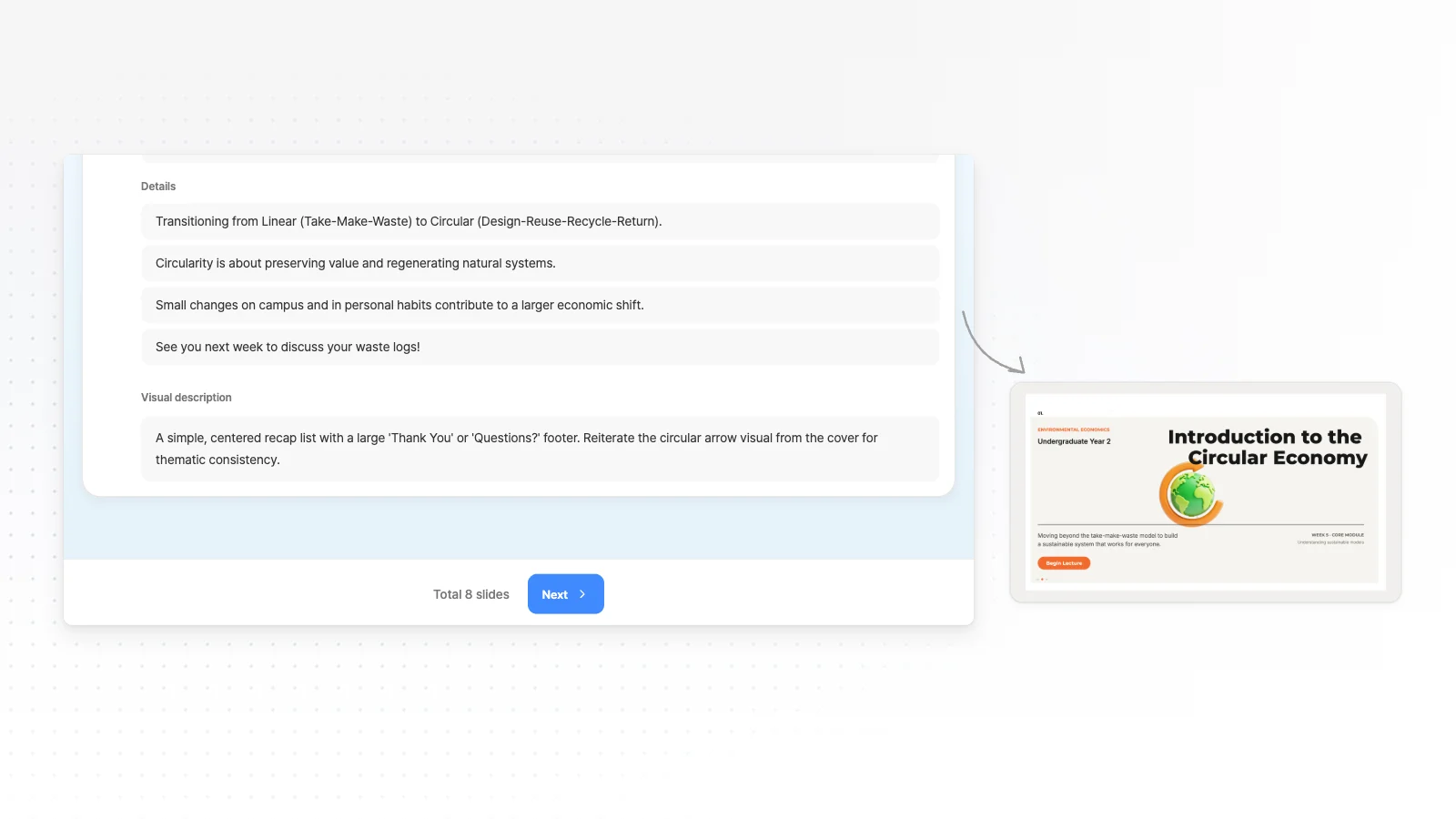
This is MOVO taking one line, drafting the outline and designing all 8 slides. Every word stays editable.
How to turn an Excel file into a PPT in 3 steps
Upload the file and name the numbers
Attach the XLSX or CSV with the + button and write which sheet and numbers to use and who will hear the talk. Pick the number of slides in the Slide count menu.
Review the outline
MOVO reads the sheets and shows a slide-by-slide outline with titles and key points first. Add missing metrics or reorder slides, pick a style, then generate.
Check the numbers and export
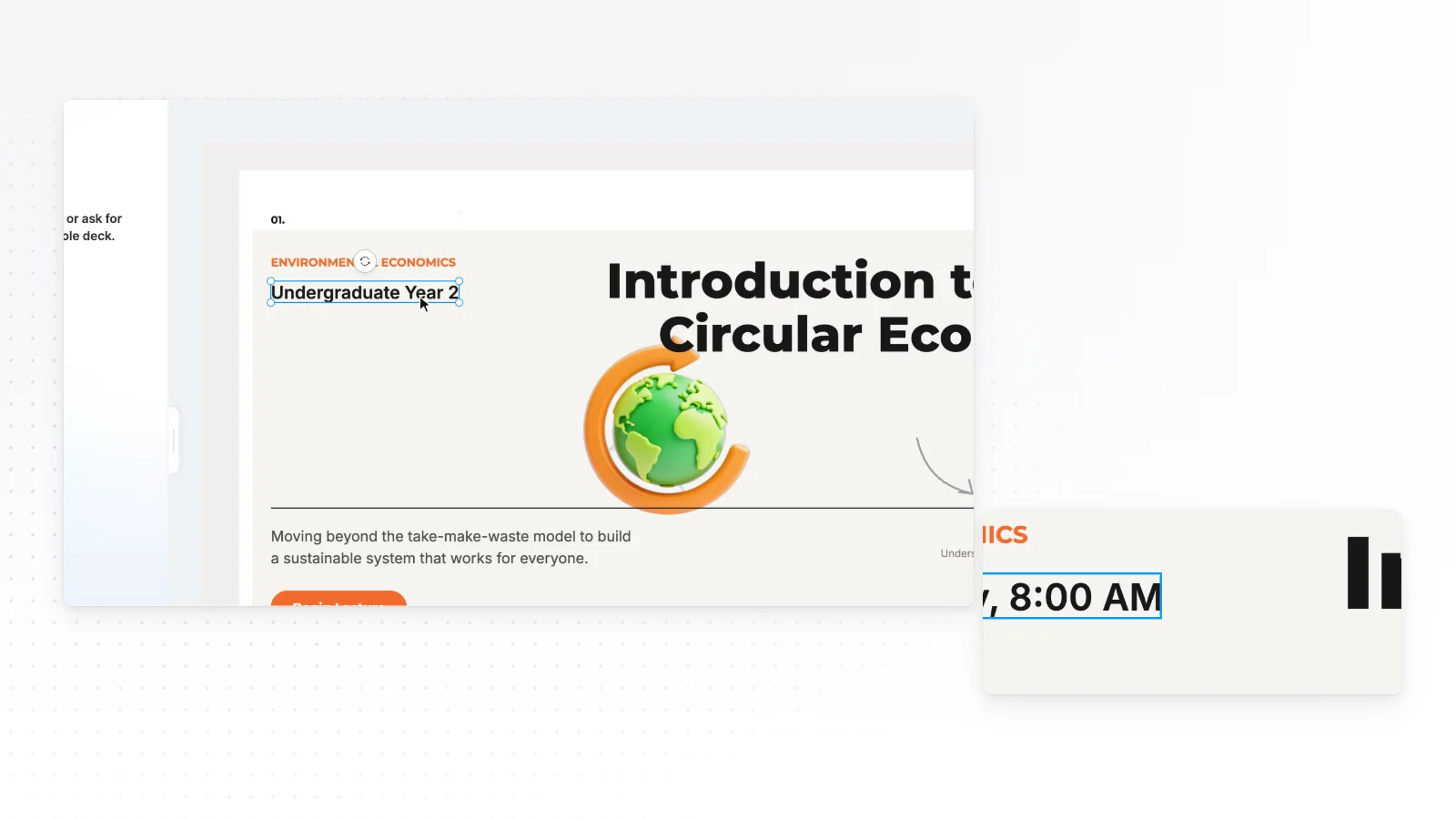
Check that chart labels and table numbers match the original sheet, and click any wrong text to fix it. When it is ready, export to PPTX, PDF, PNG, Figma.
What MOVO reads from a spreadsheet
MOVO reads the formatted value in each cell as table text, sheet by sheet. Check what goes in and what stays out before you upload.
Cell values from every sheet
MOVO reads cell values as they appear, along with sheet names, and formulas come in as their results. Hidden rows, columns and sheets are read too, so delete anything you will not present.
Excel charts and images stay out
Charts and images placed in the workbook are not read. Chart slides are drawn fresh by AI from the numbers.
Save CSV as UTF-8
You can also export a table from Google Sheets or another app as CSV. MOVO reads CSV saved as UTF-8, so pick CSV UTF-8 when saving from Excel.
Slide structures by data type
Numbers need a different order depending on the decision behind the talk. Write a structure in your request, or adjust it in the outline MOVO shows first.
Survey results
Survey overview with response count and dates, results by question, differences between groups, takeaways, then next steps.
Budget and costs
Total and change from last year, share by item, items that grew most and why, ways to cut, then the approval request.
KPI review
Achievement against targets in a table, items below target, causes, actions and owners, then the next review date.
Sales and inventory
Comparison by period, region or product, top and bottom items, items over or under stock, then the next order plan.
Requests that point to the right numbers
One chart slide
"One bar chart of monthly sales from the 2026 Sales sheet."
Highlight missed targets
"From the KPI sheet, give each item below 90% of target its own slide."
Survey summary
"Summarize the survey CSV by question, with satisfaction as a chart."
Charts you can edit, numbers you check
Charts and tables MOVO draws stay editable in the editor and in PowerPoint.
Edit one slide with AI
Pick a slide and ask, for example, to turn the chart into a line chart. AI edits that slide only.
Fix numbers by hand
Click chart labels and table cells on the slide to change the numbers directly.
Keep editing in PowerPoint
Export to PPTX and keep working on the deck in PowerPoint.
Report presentation templates
Real report templates from the MOVO library. Companies and numbers inside are examples, so replace them with the numbers from your sheet.


Frequently asked questions
Does MOVO move an Excel table into PowerPoint as is?
No. MOVO picks the metrics for the talk from your sheets and builds new slides around them. To move a cell range with the same look, copy it from Excel and paste it into PowerPoint.
Why is a formula result empty or out of date?
MOVO does not recalculate formulas. It reads the result each cell held when the file was last saved. If another app made the file or calculation is set to manual, open it in Excel, recalculate, save and upload again.
Can I change chart numbers in PowerPoint?
PPTX export saves charts as shapes and text, not PowerPoint chart objects, so you can edit each bar and label. Bars do not resize when you change a number, so ask MOVO again when many numbers change.
How many sheets or cells can a workbook have?
Files with more than 20 sheets or 100,000 cells cannot be attached. Empty rows and columns that still carry formatting count toward that limit, so delete them. Then save only the sheets you will present as a new file.
Is there a size limit for spreadsheet files?
Free takes 3 files of 5 MB each per request, and Pro or Max take 10 files of 20 MB each. If images and styling push a workbook over the limit, save each sheet you need as CSV UTF-8 and upload those.
Can I turn an Excel file into slides for free?
Yes. On Free you can attach an XLSX or CSV and make up to 5 slides at a time with 300 credits a month. Exports are PDF, PNG with a watermark, and a PPTX you can keep editing in PowerPoint starts on Pro at $19.99 a month.
Can numbers on the slides differ from my spreadsheet?
Numbers or units can change while AI reads and summarizes a table. Before you export, check chart labels and table numbers against the original sheet.
Can I upload Excel and Word files together?
Yes. Attach a sales XLSX and a meeting notes DOCX in one request, and MOVO combines the numbers and decisions into one outline. Say in your request which file to use for numbers and which for the story.
More AI presentation tools


Related pages
Word to PowerPoint
What to know when a plan, report or meeting notes become a talk.
Report presentation templates
Slide structures for results and KPI reports.
PDF to PPT
A report with charts already drawn can go in as a PDF, which MOVO reads with its page images.
Pricing
Upload limits and export formats for each plan.