
AI Training Presentation Maker
Draft onboarding decks, policy training and new tool rollouts for your team with MOVO AI. Upload a manual or policy document and list goals, practice and a quiz in your request, and MOVO builds those slides. Add an A4 handout if you need one.
What AI handles in training prep
AI splits the manual into slides, adds the practice and quiz slides you ask for and drafts the handout.
From manual to lesson flow
Upload a long manual or policy PDF and MOVO reads it and rebuilds it as a presentation instead of copying page order. You see the outline first, so you can fill gaps early.
Pitched at the right level
Set the audience to General and MOVO explains unfamiliar terms in plain language. Choose Student/Education and it explains concepts step by step.
A4 handouts too
Switch the format above the input box to Document and MOVO turns the same content into an A4 portrait handout to print.


Slide outlines for three workplace training sessions
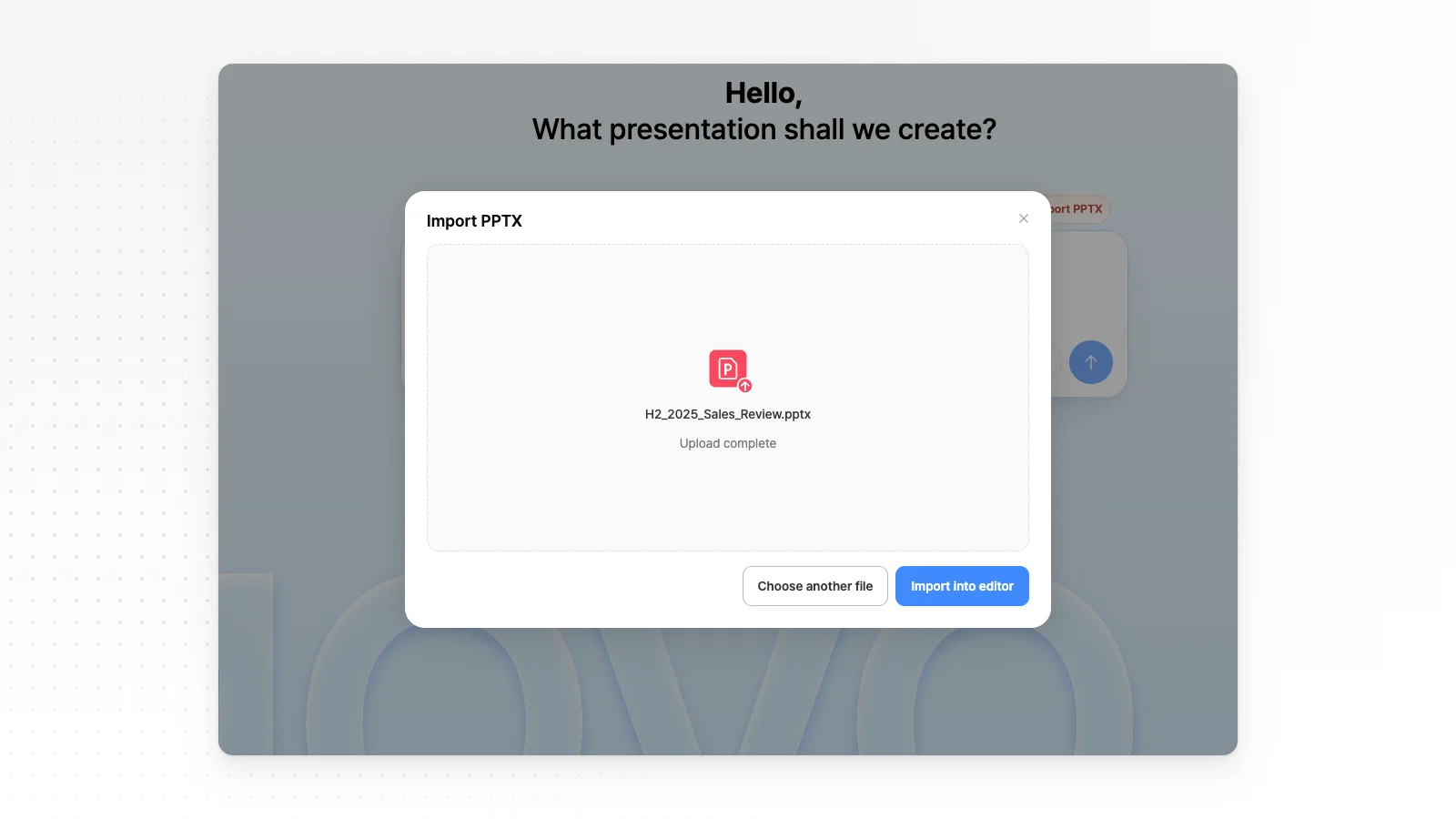
Slide order for three common staff training decks. Paste one into your request or change it at the outline step. If you ran the session last year, open that deck with Import PPTX, as shown, and rework it to this order.
New hire onboarding
Welcome and agenda, about the company, team and your role, first-week schedule, tools and account setup, how we work, common questions, then who to ask. Attach a company overview PDF, handbook DOCX and org chart PNG.
Policy and compliance training
Learning goals, what changed and why, one key rule per slide, a work example, what not to do, a short quiz, then summary and contacts. Attach the policy PDF or process notes DOCX and MOVO writes the rule slides from it.
New tool rollout
Why you are switching, timeline, login and setup, one slide per key feature with a screenshot, what changes, FAQs and where to get help. Attach the user guide PDF and screenshots as PNG.
Three staff training prompts to copy
Onboarding
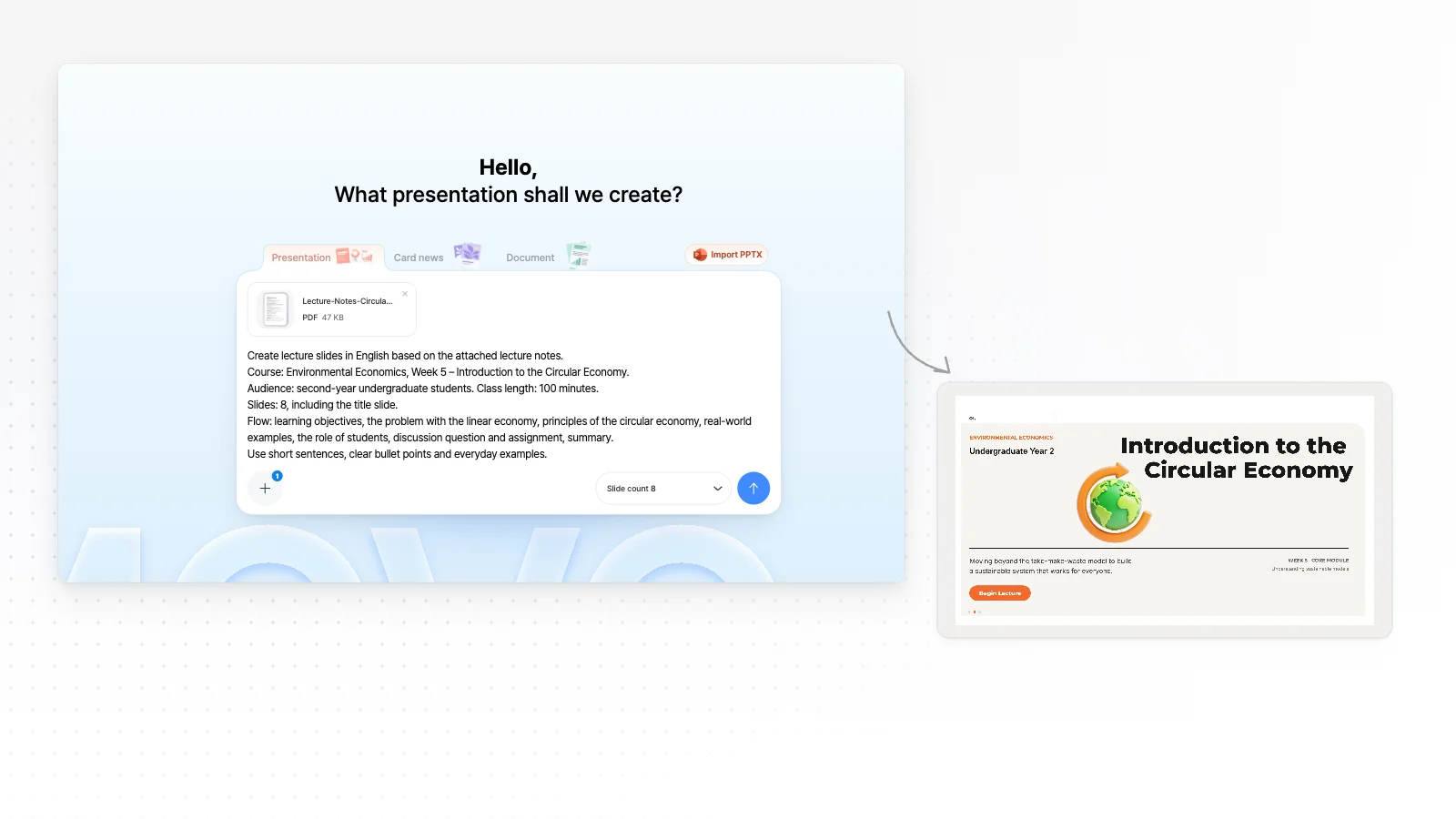
"A one-hour onboarding deck for new hires from the attached handbook."
Policy training
"A 30-minute privacy training for all staff from the attached PDF."
Tool rollout
"A CRM rollout session from the attached guide and screenshots."
Shape the session at the outline step
Fix the slide order and content in the AI outline before the slides are made.
Learning goals up front
Putting what staff will be able to do on the first slide tells them what to focus on. Add learning goals to your prompt and MOVO starts with that slide.
One rule per slide
Ask MOVO to keep each rule slide to three or four points with one real work example, so there is less to memorize.
Q&A and quizzes
List Q&A time, practice tasks or a quiz in your prompt and MOVO gives each its own slide. Work through the quiz yourself before the session.
Polish it and hand it out
Once the draft is ready, adjust it for your learners and your time slot.
Simplify one slide
Pick a slide and ask MOVO to make it simpler for new hires. AI edits that slide only.
Fix dates and rooms by hand
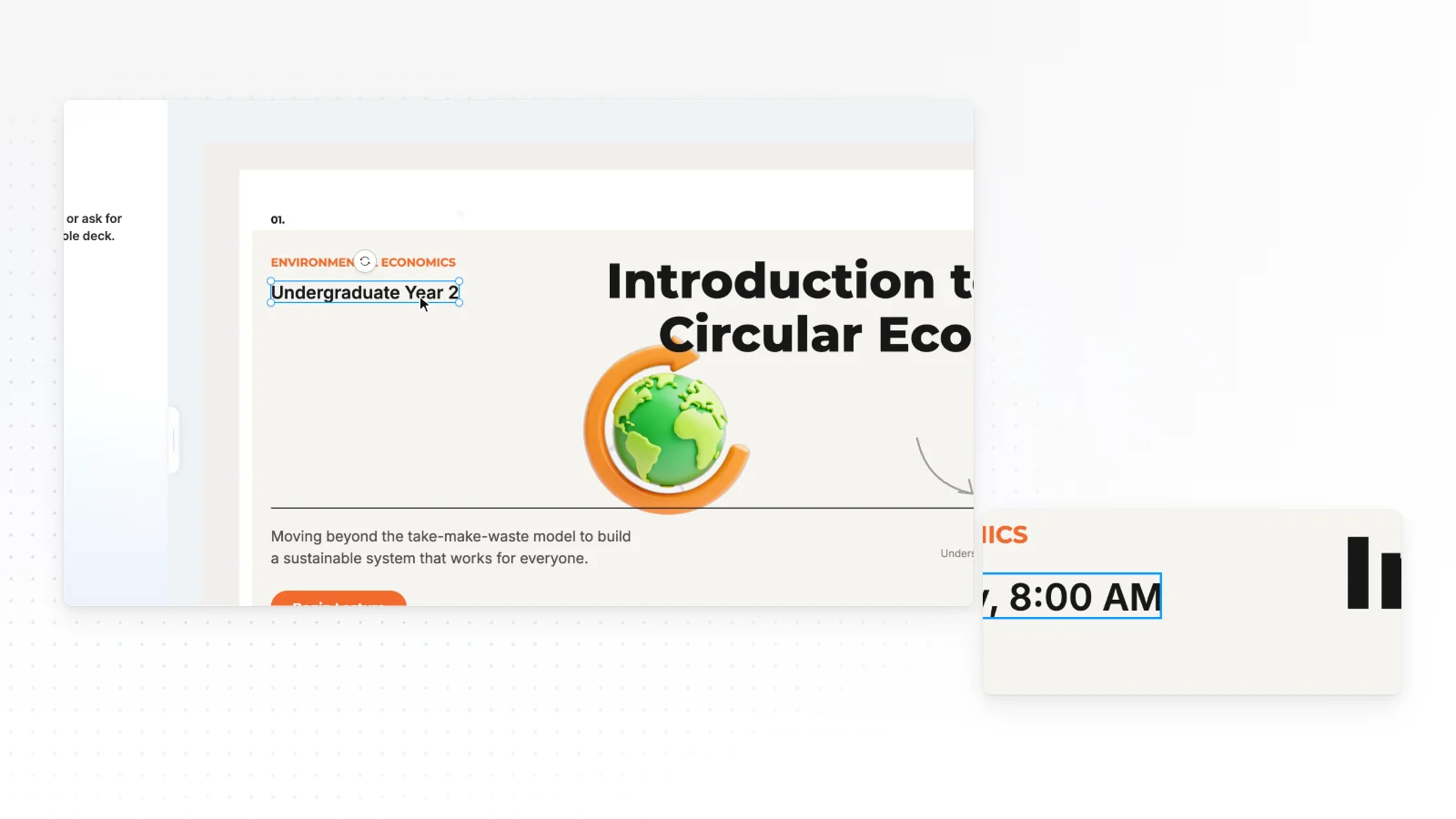
Short details like the date, meeting room or trainer name are faster to fix by clicking the slide.
Fix overlaps
“Check layout” finds overlapping or clipped elements on the slide, and “Fix with AI” cleans them up from that list.
Share a link
Turn on sharing and send the link. Staff watch it as a slideshow without signing in.
How to make a training presentation in 3 steps
Upload your material and describe the session
Attach a manual or policy as PDF or DOCX, then write the audience, session length and must-cover points. You can also adapt one of the example prompts above.
Review the outline
MOVO shows a slide-by-slide outline with titles and details first. Fill in missing steps or fix the order, pick a style, then generate the slides.
Polish it and hand it out
Edit slides by clicking them or asking in chat. When it is ready, share a link or export to PPTX, PDF, PNG, Figma.
Onboarding and training templates
Real templates from the MOVO training hub. Open an onboarding guide or team seminar template, check its slide structure and swap in your company and session.


Frequently asked questions
What training presentations can I make?
MOVO drafts workplace training such as new hire onboarding, policy and compliance training, and new tool rollouts. Rewrite one of the example prompts above and MOVO builds the outline in the order you list. Class slides for schools have their own page for teachers and educators.
Can I turn an existing manual into training slides?
Yes. Attach PDF, PNG, JPG, WebP, TXT, CSV, DOCX, XLSX files and MOVO reads them and rebuilds the content as a training flow. PDFs are read up to 100 pages, and the Free plan takes 3 files per request while Pro or Max take 10.
Can I add a quiz to check understanding?
Yes. Ask for something like a three-question quiz and MOVO gives it its own slide. Answers and explanations are AI drafts, so check them against the policy and work through them before the session.
Can I update a training deck I run every year?
Yes. Open last year's PPTX with Import PPTX on your dashboard, pick the slides with changed rules and paste the new wording into your request. Files must be 20 MB or less with up to 50 slides, and unsupported fonts may switch to Pretendard.
How do I share the deck with staff?
Turn on sharing and send the link, and staff watch it as a slideshow without signing in. For printed material, export a PDF or switch the format to Document to make a separate A4 handout.
What should I check before the session?
Check that policy wording, step order, dates and contact names match the original. If a slide has too much text, ask MOVO to cut it to three points, and run Check layout to find overlaps or clipped text.
Can I make training slides for free?
Yes. The Free plan gives 300 credits a month, up to 5 slides per deck, and PDF, PNG export with a watermark. Longer decks and editable PPTX files for PowerPoint start on Pro at $19.99 a month.
More AI presentation tools


Related pages
A4 Document Maker
Make a one-page A4 handout for your staff.
PDF to PPT
A closer look at turning one manual PDF into a presentation.
Edit an existing PowerPoint
Import last year's training deck as a PPTX and edit only the slides that changed.
For teachers and educators
Making class slides for a school or university course? That page covers lessons by subject and week.