
AI Investor Updates and Board Decks for Founders
Turn your KPI sheet and notes into a monthly investor update, a board deck or a follow-up after an investor call. MOVO AI drafts the outline first, then you fix each slide by hand or by chat.
What MOVO does for investor and board decks
AI handles the first draft and the layout. You keep control of the story and the numbers.
Story before design
AI shows a title and key points for every slide before it designs anything. Reorder the story, merge slides and add your own numbers at this step.
Written for investors
Pick Investor as the audience in the Settings step. AI adjusts the tone and depth and puts decisions and risks up front.
Your brand on every slide
Set Primary, Secondary and Accent brand colors and a font before you create. Your attached logo and product photos are used as they are.

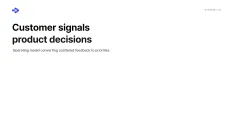
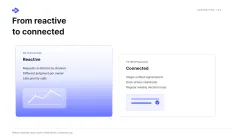
Monthly investor update in 5 slides
One Free plan generation makes up to 5 slides, enough for this update. Keep the same order every month so investors can compare.
A 5-slide structure
Headline numbers, wins, misses and what you learned, next month's priorities, then where you need help. Keep slide 1 to a few numbers such as revenue, burn and runway.
Prompt example
"Make a 5-slide investor update for October from the attached KPI sheet. Put revenue, burn and runway on slide 1. Keep the tone plain and factual."
Next month, swap in new numbers
Open the same deck, attach the new sheet in the AI chat and ask "Update the numbers on slide 1 from the attached sheet."
Send it as a link or a PDF
Turn on sharing and send the link, and investors watch it as a slideshow without signing in. Or export a PDF to attach to your email.
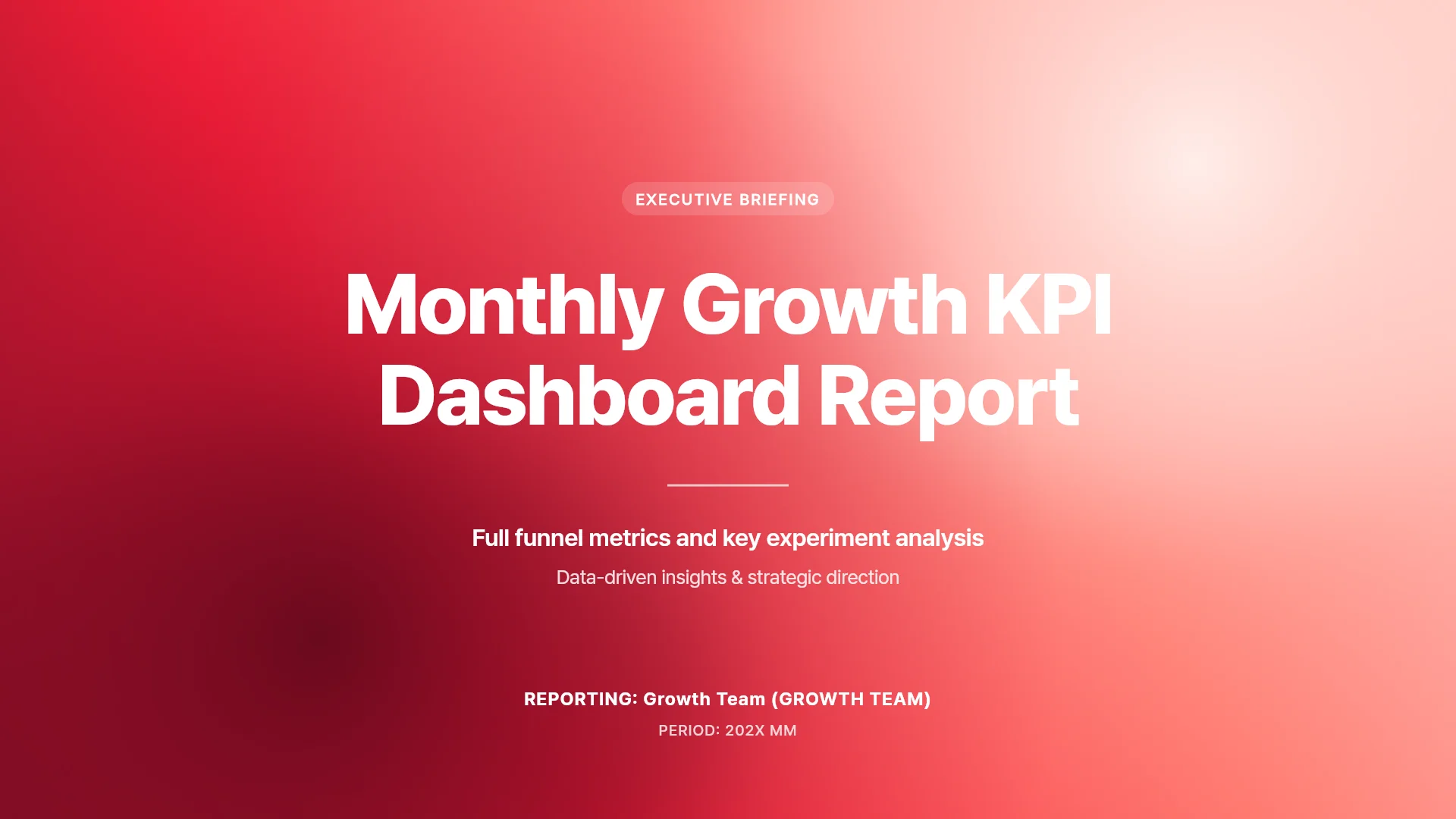
Board meeting deck: decisions first
Set the audience to Executive and open with what you need the board to decide.
A 7-slide structure
Summary and decisions needed, metrics against plan, product progress, hiring, cash and runway, risks, then asks for the board.
Prompt example
"Make a 7-slide Q3 board deck from the attached metrics sheet and notes. Put the two decisions we need on slide 1. Show cash and runway as a simple bar chart."
Charts you can correct
Bars and labels AI draws are ordinary shapes, so you can fix a value by hand. In PPTX they export as shapes and text, not PowerPoint chart objects.
Fix one slide before the meeting
Pick the slide in the list and write what to change, such as "Cut this to three points." AI edits only that slide.
Follow-ups between investor meetings
Short decks for the weeks between updates. Each one fits in a single Free plan generation.
A 3-slide follow-up
One slide for each question the investor asked, with your answer and the number behind it. Close with what you will send next.
Prompt example
"Make a 3-slide follow-up from the attached call notes. Answer the investor's questions on churn, pricing and hiring, one per slide. Keep it factual."
Send only the slides they asked for
In Export settings, choose Select pages to export a few slides from your latest update as a PDF.
Building a pitch deck instead?
For a seed or Series A pitch, use the pitch deck page linked below. It covers the full pitch order, prompts and pitch deck templates.
How to make an investor update with AI in 3 steps
Attach your KPI sheet and notes
Attach this month's metrics as XLSX or CSV and your notes as DOCX with the + button. Write the month, the audience and the slide order, then choose the slide count.
Check the story and set the audience
Read the outline as an investor would, and cut anything that does not change their view. In Settings, pick Investor as the audience and add your brand colors.
Fix the numbers and send it
Click any text to correct a figure, or pick a slide and ask the chat to rewrite it. Share a link, export a PDF, or export a PPTX from the Pro plan.
Investor and board deck templates
MOVO report templates with KPI and results slides. Open one and swap in this month's numbers.


Frequently asked questions
Can I make an investor update with MOVO for free?
Yes. The Free plan gives 300 credits a month and exports PDF, PNG with a watermark, which is enough for a 5-slide investor update. PPTX export and decks of up to 30 slides per generation start on Pro at $19.99 a month.
Do investors need a MOVO account to see the update?
No. A shared link opens as a slideshow without signing in, and a PDF export works on every plan. Free plan exports carry a MOVO watermark, which Pro removes.
Can my co-founder keep editing the deck in PowerPoint?
Yes. From the Pro plan, PPTX export saves text as text boxes and shapes as PowerPoint shapes. Charts come out as shapes too, so your co-founder edits bar sizes and labels by hand rather than chart data.
Can I update a board deck I already made in PowerPoint?
Yes. Use Import PPTX on the dashboard to open a file of up to 20 MB and 50 slides, including hidden ones. Fonts the editor does not support may be replaced with Pretendard, so check titles and body text after import.
Does MOVO write speaker notes for the board meeting?
No. The slideshow shows slides only, with no speaker notes or timer. Ask the AI chat to reply with one sentence per slide that you can read out, then keep that script in a separate document.
More AI presentation tools


Related pages
Pitch deck generator
The full seed pitch order, prompts and templates for a fundraising round.
Report presentation templates
Results report templates to adapt for monthly updates.
Pitch deck templates
Pitch deck templates that move from problem and solution through market and traction to the ask.
Pricing
Slides per generation, PPTX export and upload limits by plan.