
AI Carousel Maker
Type a topic or attach your material, and MOVO AI drafts a 4:5 portrait carousel for Instagram or LinkedIn. Edit each card by hand, or ask the AI to change it in chat.
What an AI carousel maker takes off your plate
AI splits the content, trims the copy and matches the design first.
AI splits the cards
MOVO decides how many cards to use and what goes on each one.
4:5 from the start
Cards are made in a 4:5 portrait ratio, so you do not resize them before posting.
Fix card by card
Edit any card by hand, or ask in chat to change it.
Build the cards from a topic or your files
AI first splits what you want to say into cards.
From one topic
Write the topic and audience, and MOVO splits the content into cards with a title and body each.
From your files
Attach PDF, PNG, JPG, WebP, TXT, CSV, DOCX, XLSX files and MOVO rebuilds their content as a carousel.
Starter prompts
Click Start with an idea or Start from my files to load starter prompts for carousels.
Tone for your audience
Pick the audience and writing tone, and the same content is written at the right depth and voice.
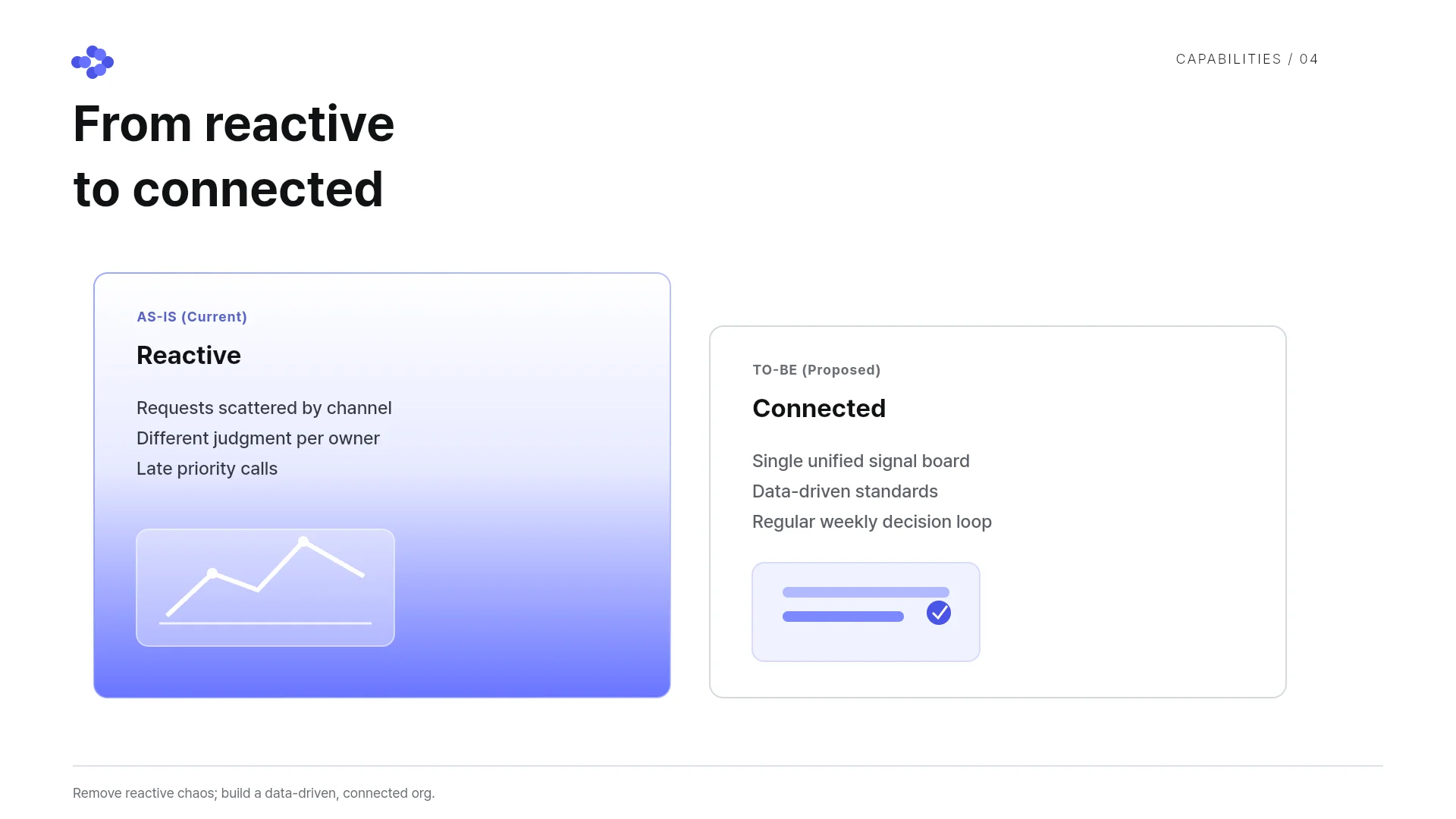
Match the design and fix each card
Polish the set one card at a time before you post.
One design on every card
The design you pick sets the colors and fonts on every card.
AI edits the card you view
Describe a change in chat and AI updates the card you are viewing.
Edit text and images
Click text, images or shapes on a card to change them.
Fix overlaps
“Check layout” finds overlapping or clipped elements on the card, and “Fix with AI” cleans them up from that list.
Export and post
Export the finished cards for where they go.
Export as images
Export cards as PNG images and post them straight to social media. The Free plan adds a watermark.
One PDF file
Export the whole set as one PDF to send by chat or email.
Share a link
Turn on sharing and send the link. Viewers watch it as a slideshow without signing in.
How to make a carousel with AI
Type a topic or attach material
Describe the topic and audience, or attach PDF, PNG, JPG, WebP, TXT, CSV, DOCX, XLSX files. You can also load a starter prompt such as Info · Knowledge or Guide · Tips and fill in the blanks.
Get a 4:5 card draft
MOVO splits your request into several 4:5 cards with titles and body text, and applies the design you picked to every card.
Polish the cards and export
Edit text, images and shapes directly, or ask in chat to change the card you are viewing. Export as images or PDF to post.
Carousel templates
Real carousel templates from the MOVO template library. Open one and swap in your own content.


Frequently asked questions
What size are the cards?
Each card is made in a 4:5 portrait ratio. The 4:5 format in the tabs above the input box applies this ratio to every card in the set.
Can I turn my own material into a carousel?
Yes. Attach PDF, PNG, JPG, WebP, TXT, CSV, DOCX, XLSX files and MOVO builds the cards from their content. Starter prompts under Start from my files, such as Summarize the key info, help you write the request.
Can I make a carousel for free?
Yes. The Free plan gives 300 credits a month and exports PDF, PNG with a watermark. Credits are deducted by how much MOVO actually generates for each request.
Can I edit the cards after they are made?
Yes. The editor lets you change text, images and shapes directly on each card. Describe a change in chat and the AI updates the card you are viewing.
What should I check before posting?
MOVO writes the copy and lays out the cards, but the draft expects a final pass. Check that no card is packed with text and nothing is clipped or overlapping. Also check that edited cards match the tone of their neighbors.
How many cards can I make?
Each AI generation makes up to 5 cards on Free, 30 on Pro and 50 on Max. Write the number of cards you want in the request and MOVO splits the content to fit.
Can I use my brand colors and fonts?
Yes. Set primary, secondary and accent colors and fonts before you create the set. Logos and product photos you attach are used as they are.
Can I post the carousel to Instagram or LinkedIn?
Yes. Export the cards as PNG images for Instagram, where 4:5 matches portrait feed posts, or as one PDF to post on LinkedIn as a document. Exports on the Pro plan have no watermark.

