
Paper Presentation AI for Graduate Students and Researchers
Upload your paper PDF and write the talk order and audience, such as 'background, methods, results, conclusion'. AI builds the outline in that order and makes the presentation slides. Edit charts, numbers and sentences yourself in the editor, or ask AI to redo only the slides you pick.
Prompts you can edit and use
Attach your paper PDF, change the occasion, time and slide count in a request below, then paste it into the input box. Pick the number in Slide count in the input box. The Free plan makes up to 5 slides at a time and the Pro plan up to 30.
Journal club and class paper review
"Make a 15-slide journal club talk from the attached paper. It's a 20-minute talk for first-year master's students in my lab. Put the authors' claims and my critique on separate slides, and add 3 discussion questions on the last slide."
Conference oral presentation (in English)
"Make 12 slides in English for a 15-minute conference talk from my attached paper. The audience is researchers in the same field hearing it for the first time. Follow background, methods, results and conclusion, and show the results as one large table comparing them with existing methods."
Thesis defense talk
"Make a master's thesis defense talk from chapters 3 and 4 of the attached thesis. On each slide, add one line on how it connects to the research question, and put limitations and future work on a separate slide."
Background, methods, results and conclusion slides from your paper PDF
Attach the paper and write the talk order. AI reads the paper and fills in each slide's title and key points in that order.
Attach the paper PDF
Upload your own paper or a paper you're reviewing as a PDF with the + button in the input box. Supported files: PDF, PNG, JPG, WebP, TXT, CSV, DOCX, XLSX.
Write the order in your request
Write something like 'in the order background, methods, results, conclusion' and the outline follows that order. Also say how many slides the results should take.
Add your experiment files
You can upload experiment results in Excel or CSV and notes in Word next to the paper. The Free plan takes 3 files at a time and the Pro and Max plans 10.
Depth for your audience
In the Settings step after the outline, pick Technical or Student/Education as the Audience, and AI adjusts the depth and tone to that audience.
Slide plans for lab meetings, journal clubs, conferences and thesis defenses
The same research needs different slides depending on who is listening and why. Paste a plan below into your request, then edit each slide's title and content on the outline screen and drag cards to reorder them. Set the slide count with Slide count in the input box.
Lab meeting progress report
What you did since the last meeting → new result charts → where you're stuck → next plans and questions to ask. Your listeners already know the research context, so one background slide is enough.
Journal club and paper review
Research question → methods → key results → limitations → what it means for your research → discussion questions. Keep the authors' claims and your assessment on separate slides.
Conference oral presentation
Problem and contribution → method summary → one or two headline results → conclusion. Many listeners are new to the work, so put background and terms first and keep only your strongest results.
Thesis defense
Research question and contribution → prior work → methods → results by chapter → limitations and future work. Keep tables and extra analyses for committee questions at the very end as backup slides.
Set the slide count for your time slot
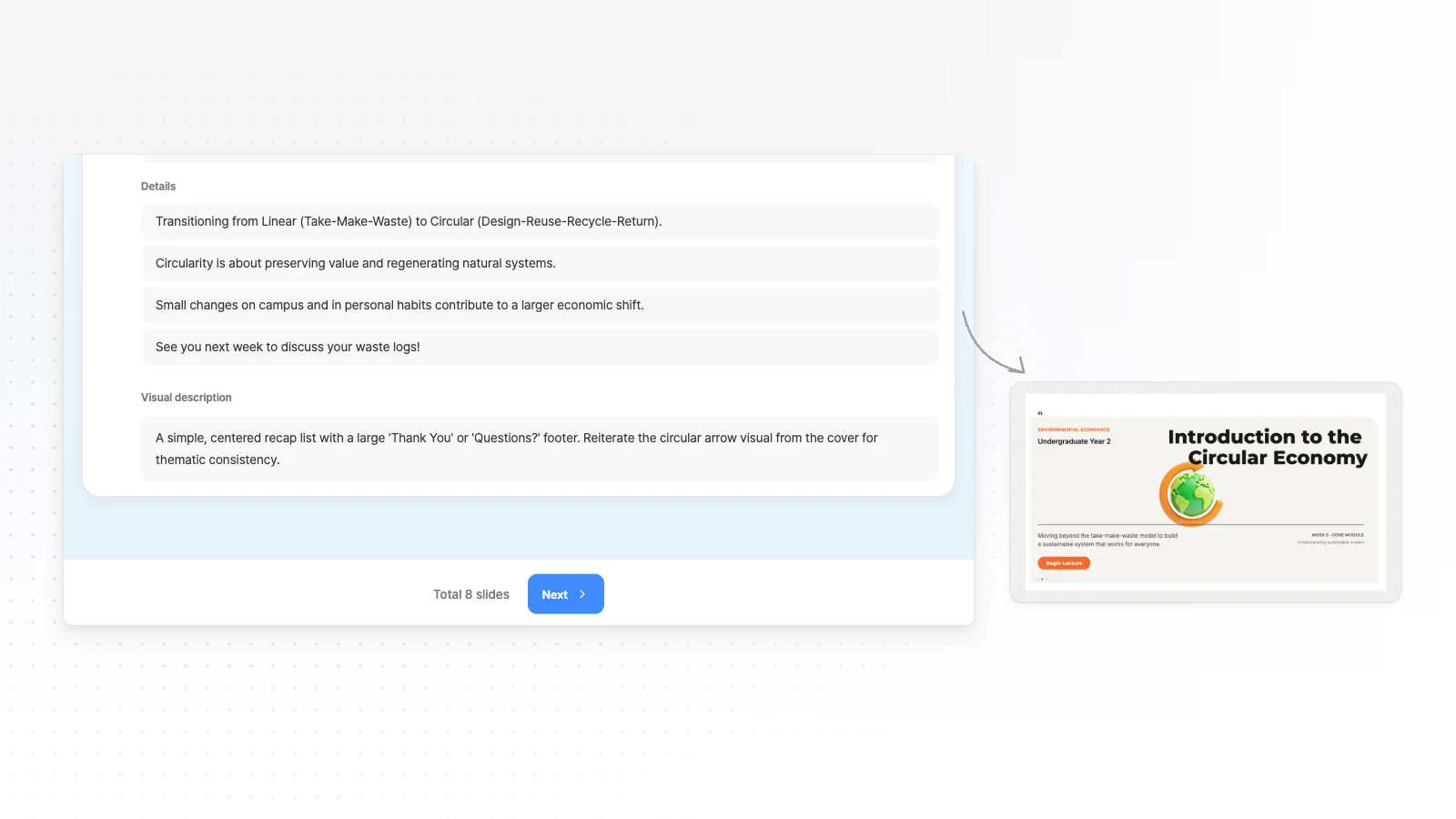
The input box does not set the slide count from the length of your talk. Pick it yourself in Slide count, then check the slide total under the outline screen. The guide below starts from about one slide per minute.
About 5 minutes · around 5 slides
A short talk or a poster summary. The research question, methods, key result and conclusion are enough. The Free plan makes up to 5 slides at a time.
About 15 minutes · 10 to 15 slides
A conference oral presentation. If you spend a long time on one results chart, use fewer slides.
About 30 minutes · 20 to 30 slides
A lab meeting or a seminar. The Pro plan makes up to 30 slides at a time.
40 minutes or more · 30 slides or more
A long talk such as a thesis defense. The Max plan makes up to 50 slides at a time. Add backup slides after it's made with the add button at the end of the slide list.
Edit the AI draft yourself in the editor
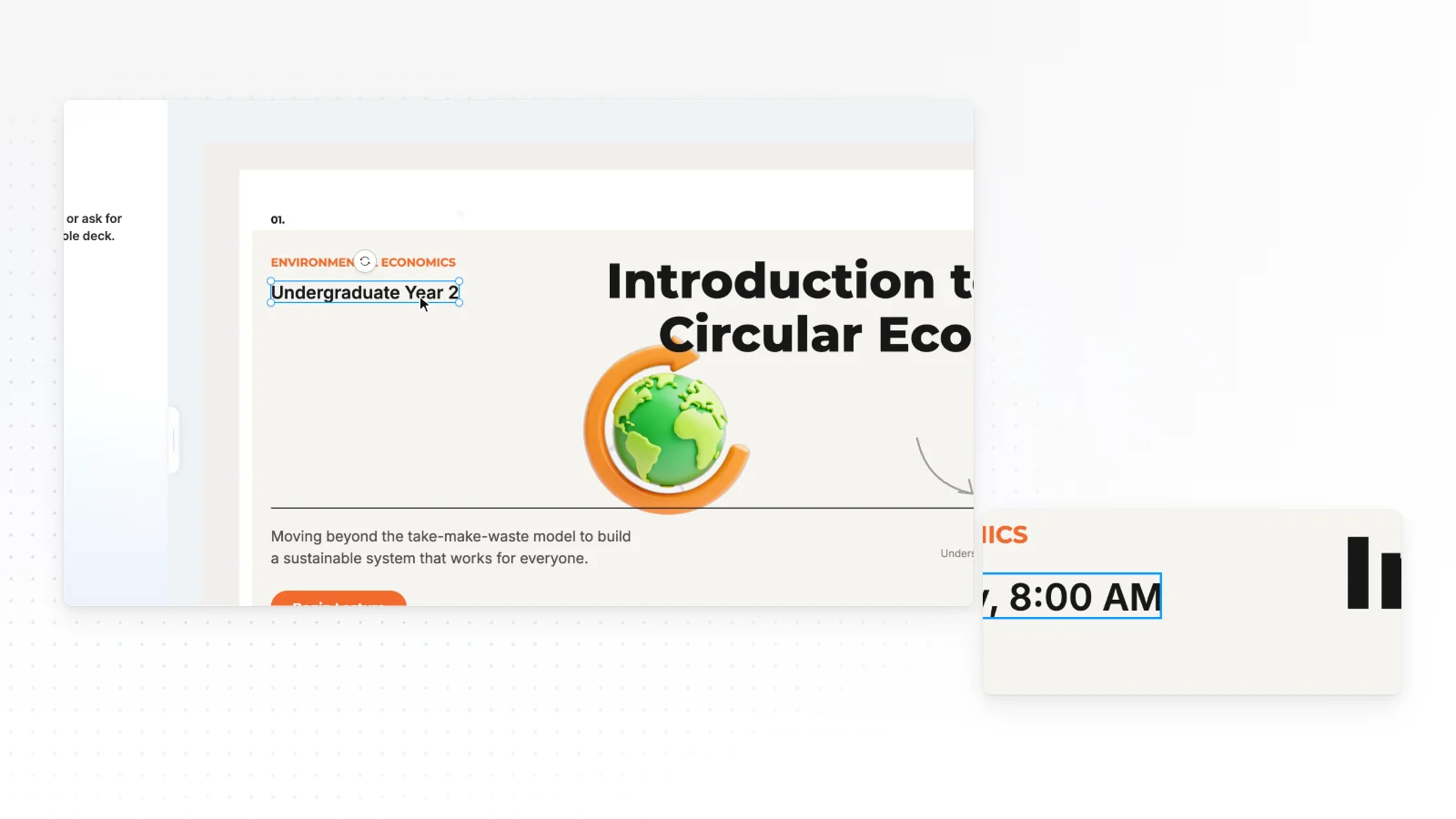
Fix the parts that must be exact, such as numbers, charts and terms, by hand. When you hand work back to AI, pick only the slides to change.
Click to edit
Click a text box on the slide to edit it, drag elements to move them, or resize them with the handles.
Add and change with the left tabs
Add shapes and text boxes from the Elements, Text, Images, Upload, Background and Layers tabs, and upload figures from your paper in the Upload tab to place them. Select an element to change its details in the property panel.
Redraw result charts
Add a chart (column, bar, line, donut or area) from Charts in the Elements tab. Charts and labels drawn by AI are shapes you can edit too.
Send only the slides you pick to AI
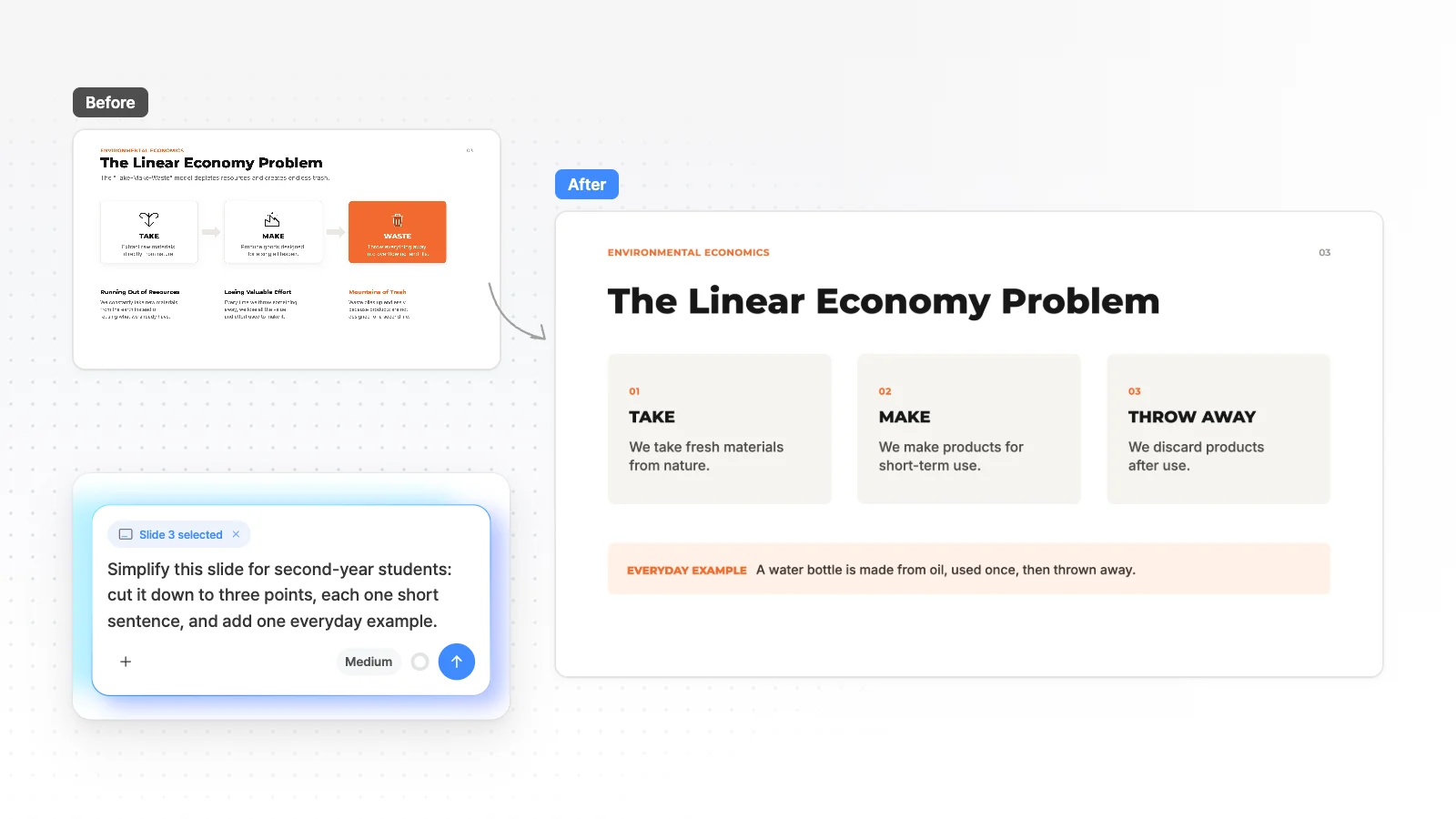
Click a slide in the slide list and it shows as Slide 3 selected, and your request applies to that slide. If you don't like the result, undo once to go back.
Make a presentation from your paper PDF in 3 steps
Upload the paper PDF and describe the occasion
Attach the PDF in the input box and write the occasion and audience, such as '15-minute conference talk for researchers in the same field'. Set the slide count with Slide count on the right of the input box.
Fix the outline, then pick a style
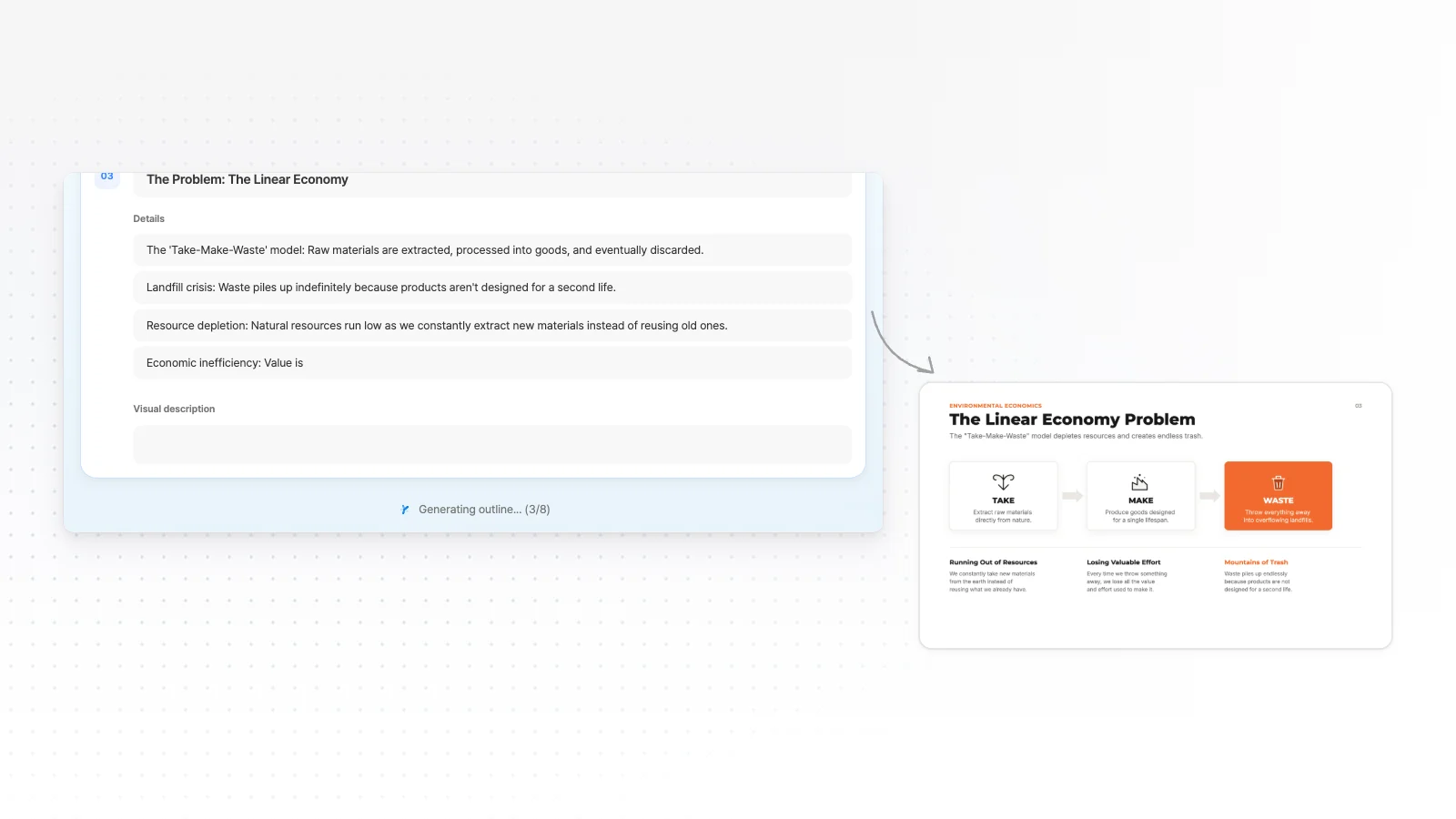
AI builds an outline with a title, details and a visual description for each slide. Fix missing experiments or the order, then click Next to choose settings and a design, and the same style applies to every slide.
Polish, rehearse and export
Fix numbers and charts yourself and rewrite sentences on selected slides through chat. Rehearse full screen with Slideshow in the editor, then export in the format you need from PPTX, PDF, PNG, Figma.
Research and project presentation templates
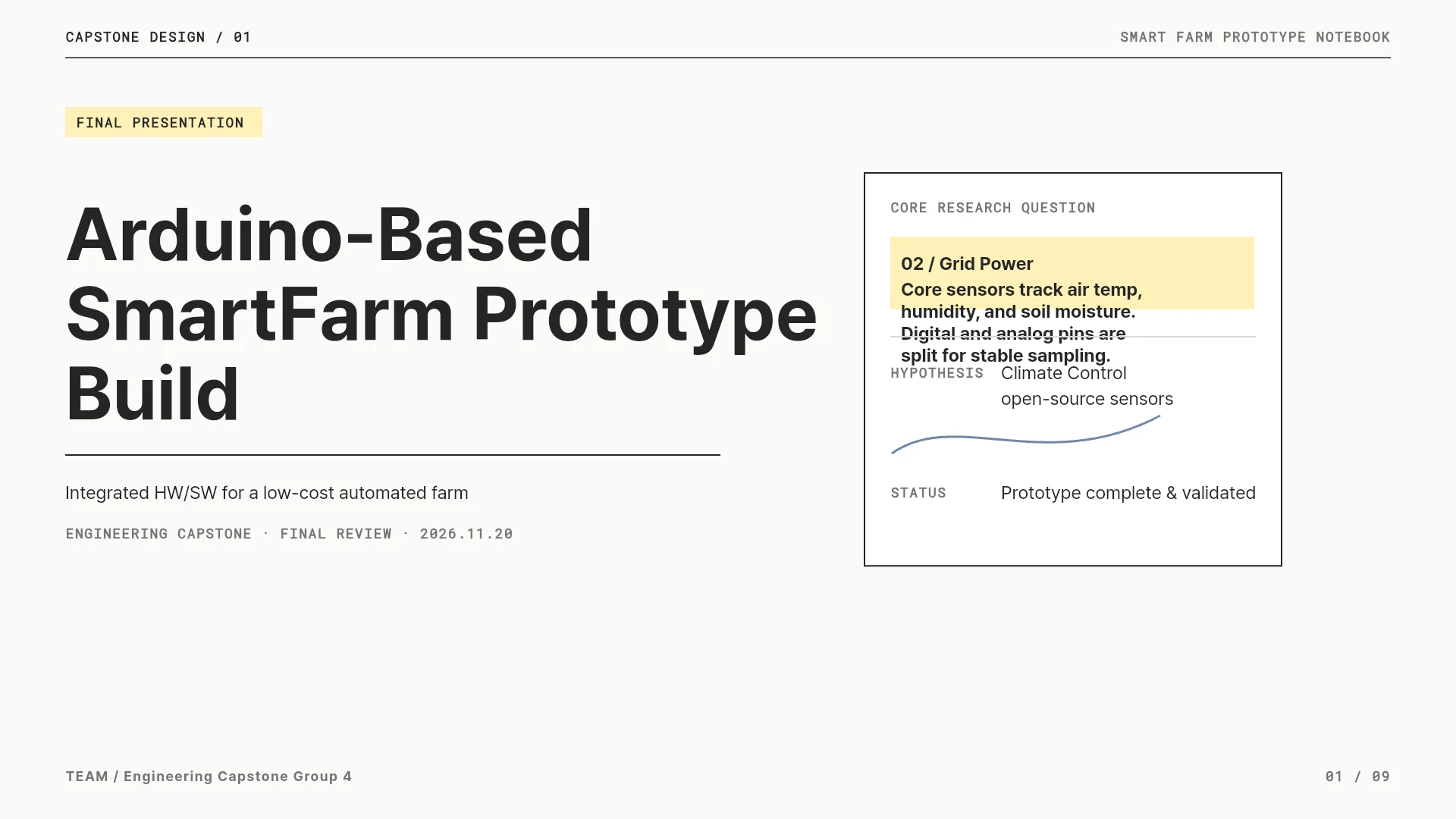
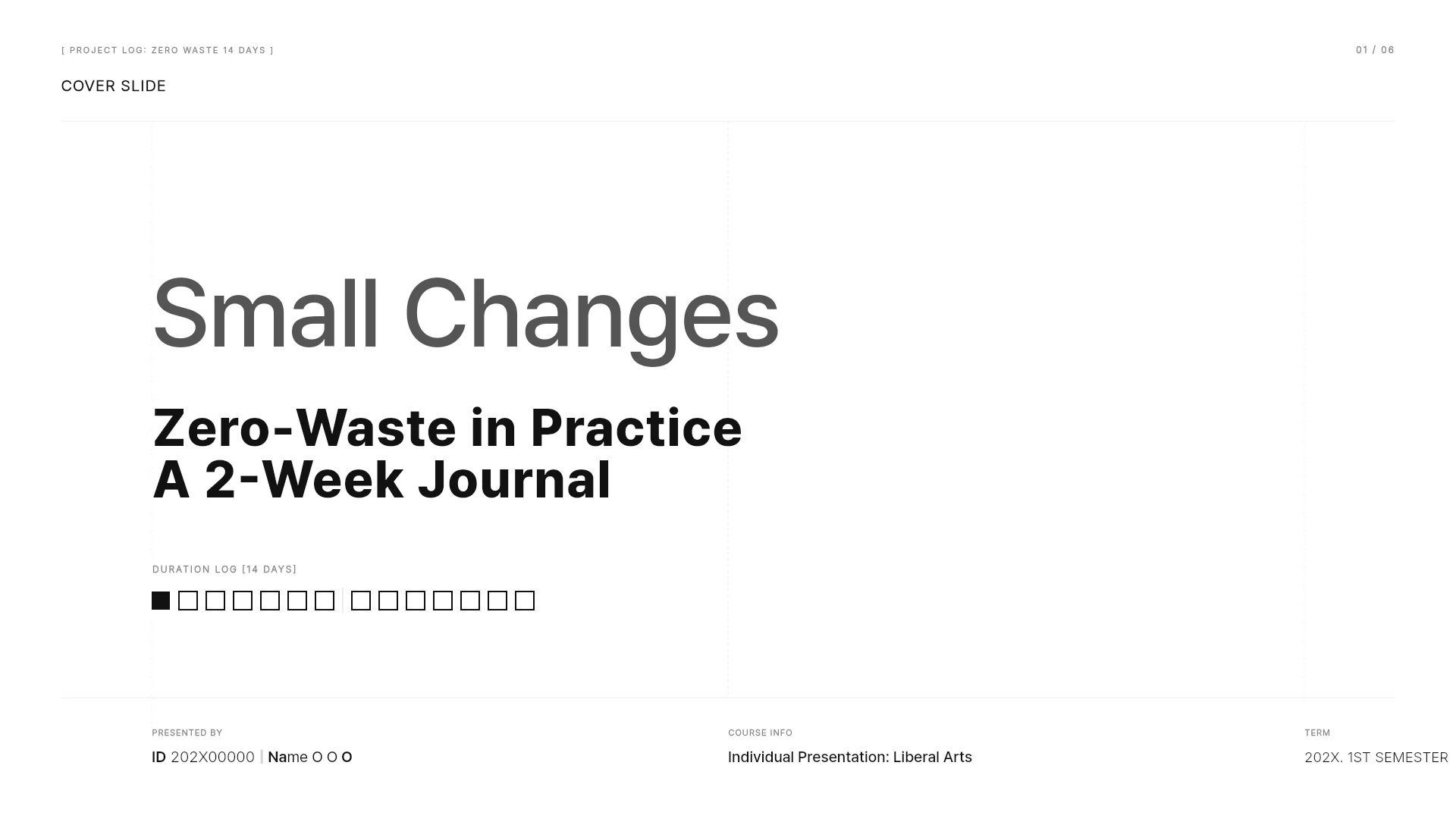
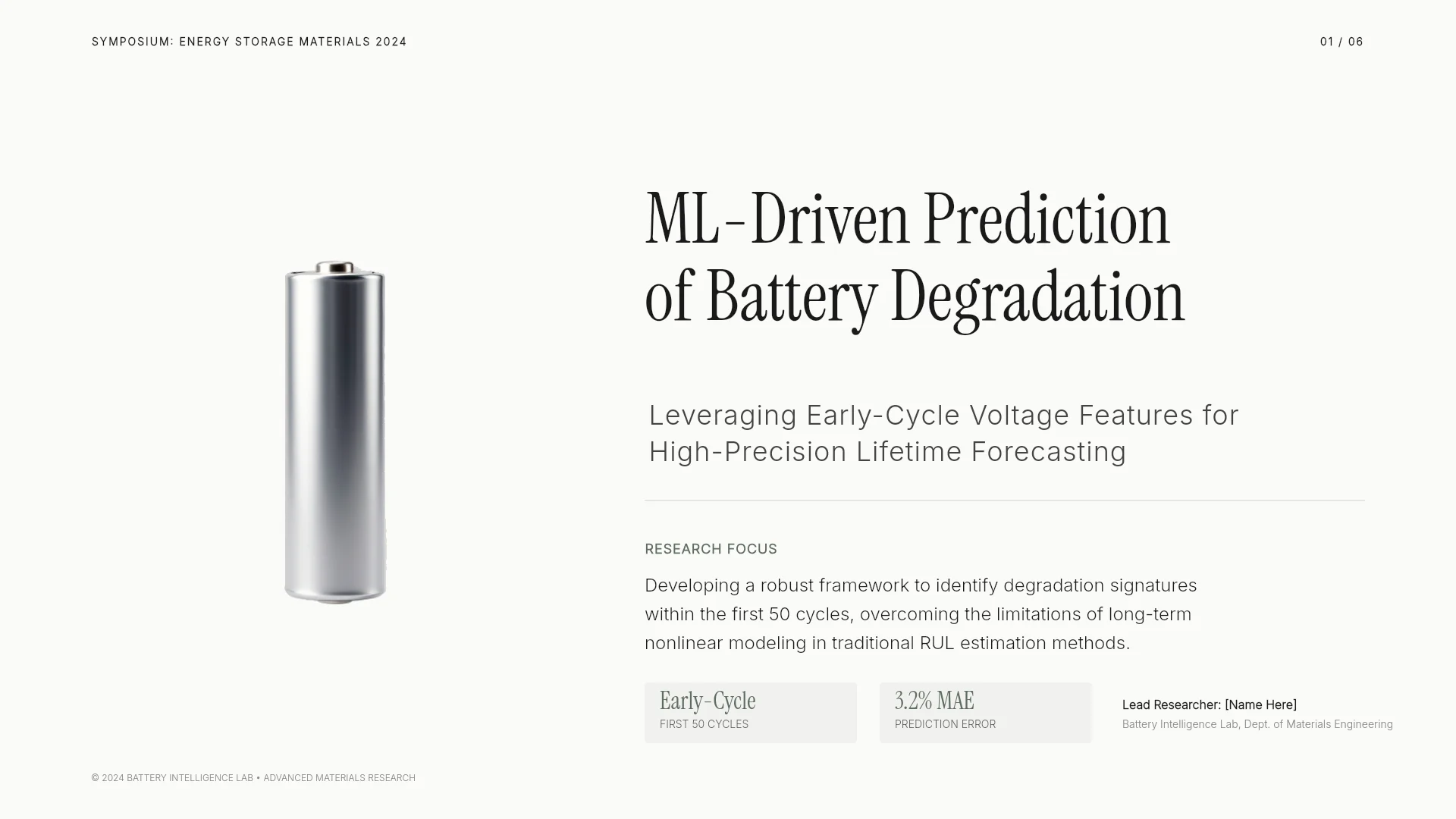
Some of the MOVO academic presentation templates. Open a card to see its slide outline and swap in your own paper.




Frequently asked questions
If I upload a paper PDF, do its pages become slides as they are?
No. MOVO reads the paper and makes new slides that fit the flow of a talk, and it doesn't carry over the PDF's page layout or fonts. If you need each page copied one by one in the same layout, a PDF converter is the better fit.
Can I upload a whole thesis PDF?
You can upload PDFs of up to 100 pages, and each file can be up to 5 MB on the Free plan and 20 MB on the Pro and Max plans. If yours is longer or larger, split out only the chapters for your talk as a PDF.
Do the charts and tables in my paper go into the slides?
Charts and photos inside the PDF are not moved onto slides as original images. Attach the charts you must show as separate PNG or JPG files, or upload them in the editor's Upload tab and place them on the slide you want.
Can I make slides in a different language from my paper?
Yes. Write the language you want in your request and MOVO turns the paper into slides in that language. You can make Korean slides from an English paper, or English slides for an international conference from a Korean paper. Check technical terms and abbreviations against the original.
Can I open my last lab meeting PPT and keep editing it?
Yes. Use Import PPTX on the dashboard to open a PPTX of up to 20 MB and 50 slides, hidden slides included. Fonts the editor doesn't support may change to Pretendard, so check after importing.
How do I get my advisor to review it first?
Turn on sharing and send the link, and the person you send it to views it as a slideshow without signing in. Set it to Can copy and they can take it into their own projects and edit it themselves.
Can I open it in PowerPoint on the venue's PC?
When you export to PPTX, text is saved as text boxes and shapes as PowerPoint shapes, so you can edit it right away in PowerPoint. Tables and charts go out as shapes and text, not PowerPoint table or chart objects. Fonts the export server doesn't have change to Arial, so open the file once on that PC before your talk.
What should I check in slides AI made?
Check that numbers, units, statistical notation, figure numbers, citations and references match the original. Also check that the authors' claims and your interpretation aren't mixed on one slide, and that edited slides use the same terms as the slides around them.
Can I use it for free?
Yes. The Free plan gives 300 credits a month, and you spend credits when you make a deck or edit with AI. To make a talk longer than 5 slides in one go, like the examples above, you need the Pro plan (up to 30 slides at a time).
More AI presentation tools


Related pages
PDF to PPT
Reports, lecture notes and other PDFs that are not papers turn into presentations the same way.
Academic presentation templates
Start from real templates for conference, graduation and group talks, and pick a slide structure.
Edit an existing PowerPoint with AI
How to fix only the slides you pick with AI, in a deck you made or a PPTX you imported.
Edit slides by hand in the editor
How to click the text, images and shapes on AI-made slides and edit them yourself.