
AI Company Profile Presentation Maker
Upload your company brochure PDF, website copy or a results spreadsheet and MOVO AI drafts a company profile deck. It covers who you are, the problem you solve, your products, results, team and contact details. Set your brand colors and font first. Logos you attach are used as the original files, not redrawn.
Slide structures for each reader
The slides you put first depend on who reads it. Put the order in your request, or move slides at the outline step.
For a new client (8 to 10 slides)
Cover, one-line company summary, the client's problem, products and services, how you work, case studies with numbers, team, contact. Keep your history to one slide after the case studies.
For investors
If the goal is fundraising, a pitch deck order fits better than a company profile. See the AI pitch deck generator in the related pages below for slide orders and prompts.
For hiring and partners (6 to 8 slides)
Mission, what the company does, history, team and ways of working, partners, contact. Attach office and team photos as PNG or JPG.
Prompt examples for company profiles
B2B service company
"Use the attached PDF for a 10-slide profile for a purchasing team."
Japanese version for distributors
"Make a Japanese version of the attached brochure for distributors."
Hiring event
"An 8-slide company profile for a hiring event, with office photos."
Brand colors, fonts and logo from the start
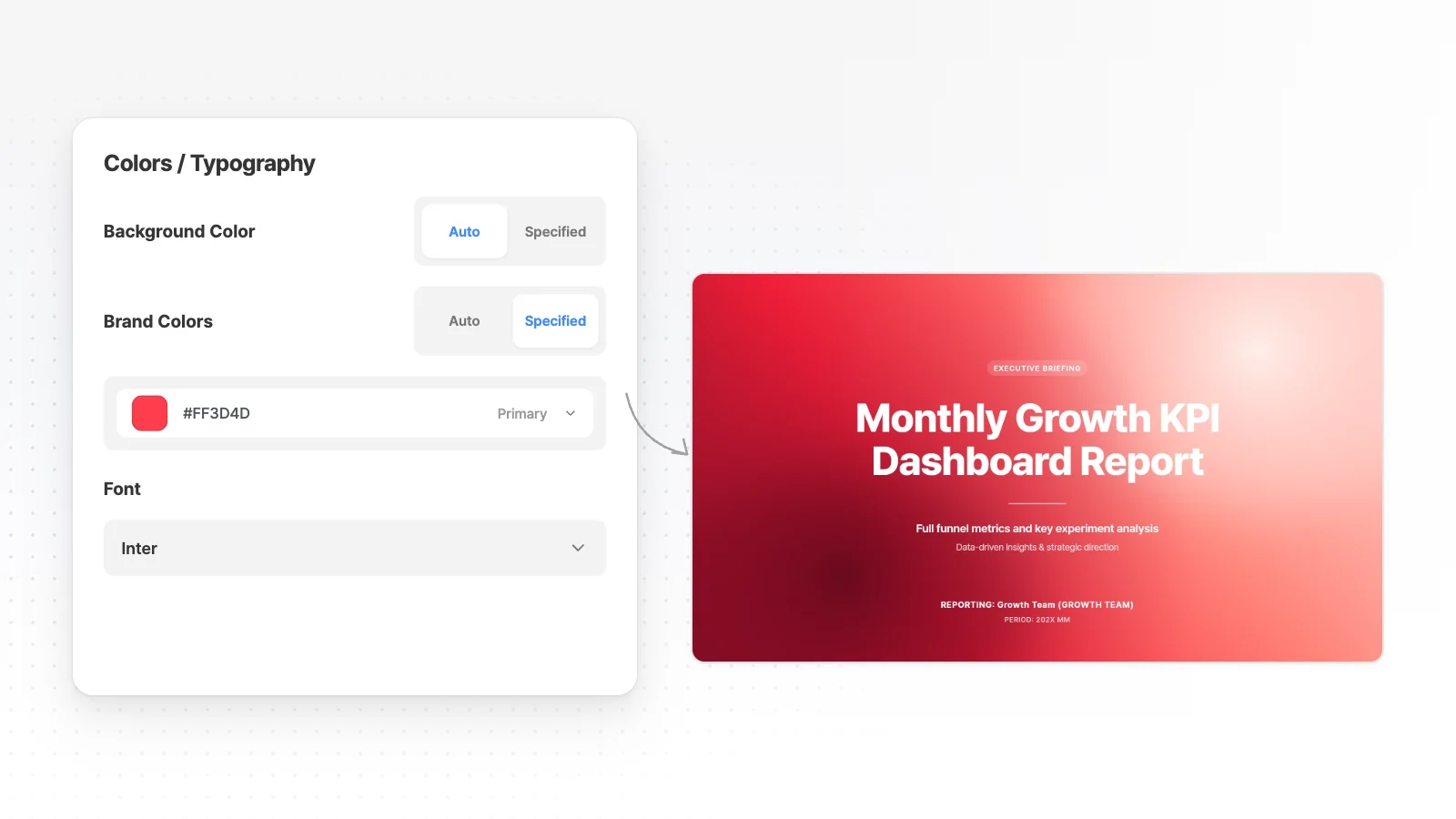
Set your company colors and font in the presentation settings before you generate.
Set Brand Colors
Switch Brand Colors to Specified and enter your primary, secondary and accent colors.
Choose a font
Search Korean, Japanese, Chinese or Latin fonts under Font. Leave it on Auto and AI pairs the fonts for you.
Logo and photos stay original
Logos and product or office photos you attach are used as the originals, not redrawn by AI. AI decides which slide each one goes on, so name must-have spots like a cover logo in your request.
Brand / Introduction styles
At the design step, filter by Brand / Introduction and the whole deck follows the style you pick.
Turn last year's profile into this year's
Keep the file you have and change only the slides that are out of date.
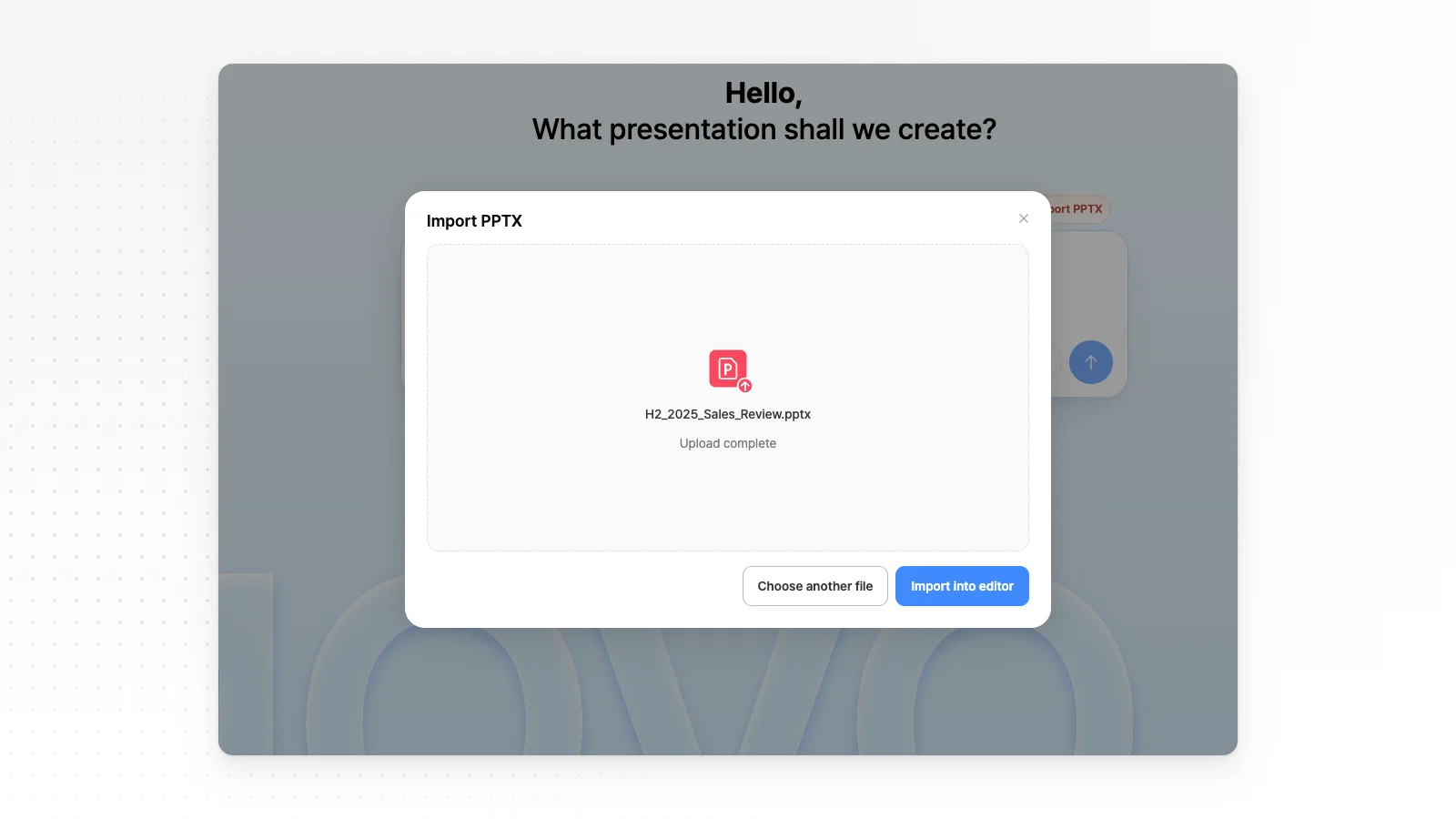
Import PPTX
Open your current company profile with Import PPTX on the dashboard. Files up to 20 MB and 50 slides, hidden slides included, can be imported.
New numbers on the results slide
Pick the results slide and type the new figures, such as this year's revenue and customer count. AI changes that slide only.
Market numbers with sources
Ask MOVO to find the size of the warehouse automation market and add it to slide 3. It searches the web, adds the figures and lists the sources under its reply.
Fix overlaps
When new text runs long, “Check layout” finds overlapping or clipped elements, and “Fix with AI” cleans them up from that list.
How to make a company profile deck in 3 steps
Upload company files and name the reader
Attach your brochure PDF, website copy as DOCX and a results spreadsheet, then write who will read it and how many slides. Set Brand Colors in the presentation settings at this point.
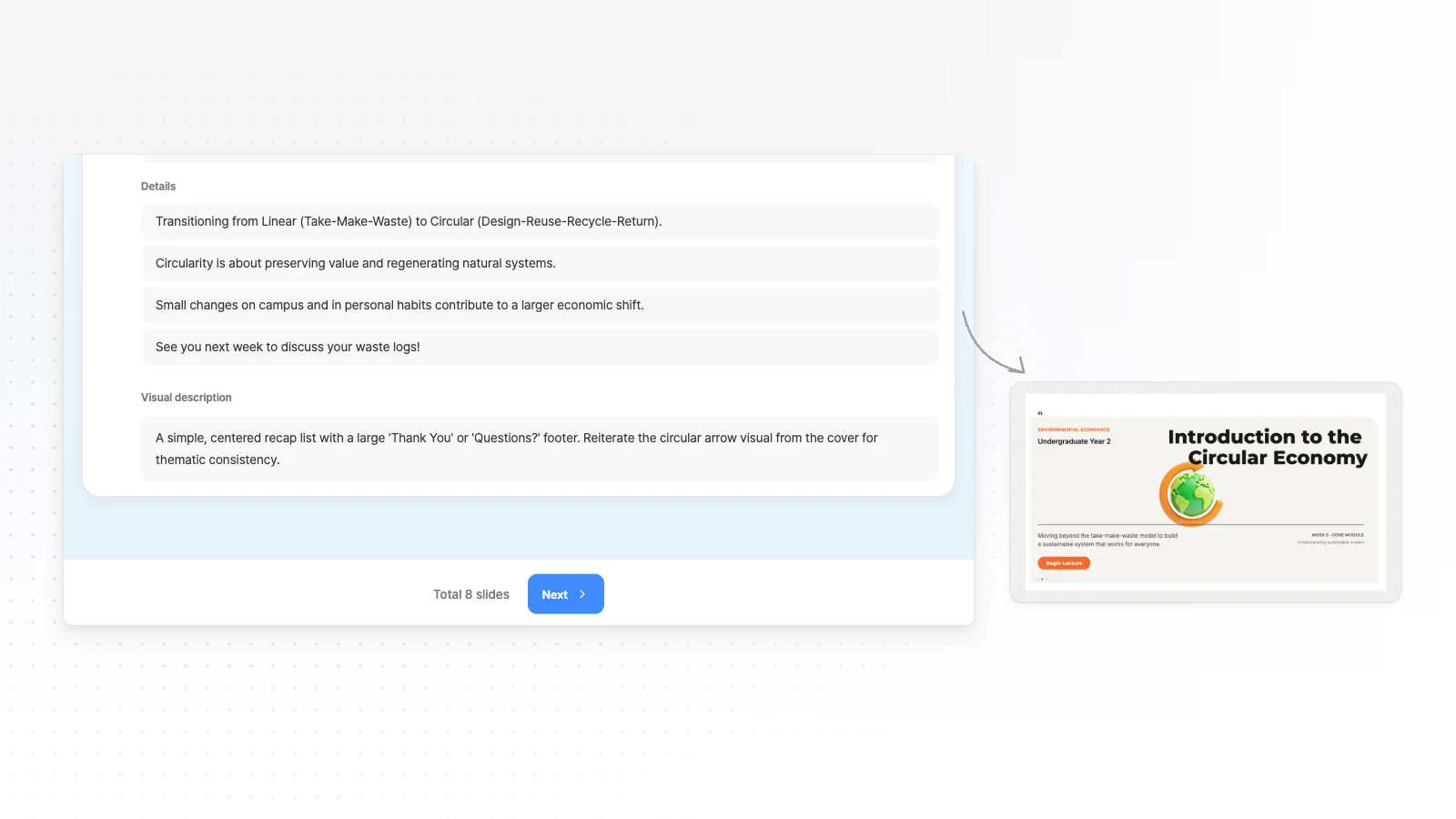
Set the slide order in the outline
Move the slides this reader should see first to the front, fill in figures only you know, then click Next.
Check the logo and numbers, then export
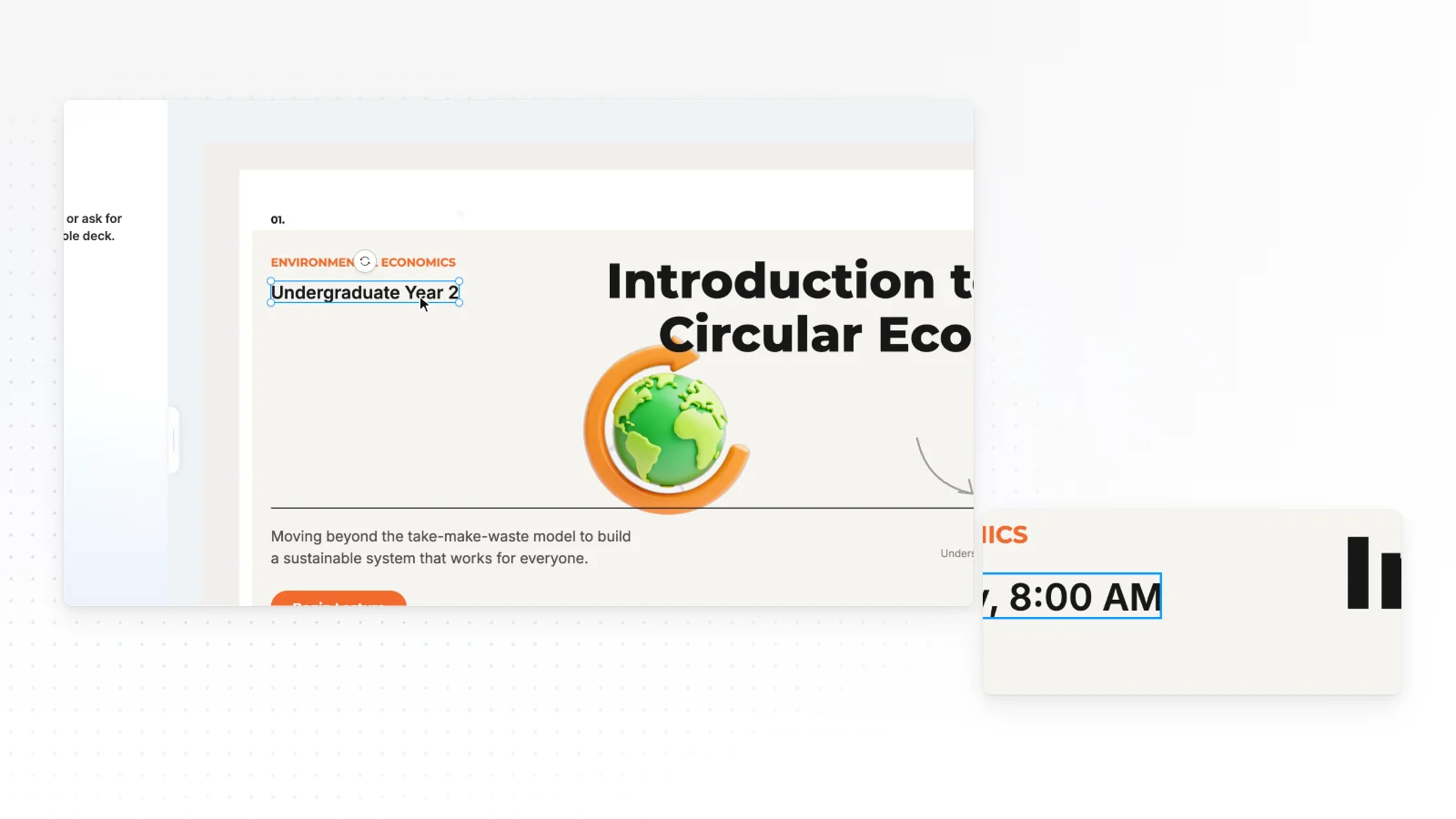
Click text, logos and photos to edit them directly. When it is ready, export to PPTX, PDF, PNG, Figma.
Frequently asked questions
Are there company profile templates?
The proposal templates include a 16:9 company pitch called Cobalt Purpose, and a few A4 portrait templates are written as company profiles. No separate company profile collection exists yet, so browse the A4 templates or start from your own files.
Should a company profile be slides or an A4 document?
Choose 16:9 slides when you present or the reader flips through on screen. Choose an A4 portrait document when it will be printed or sent as one PDF. Pick the format with the Presentation or Document tab above the input box before you start.
Can I update a company profile I made in PowerPoint?
Yes. Open a PPTX of up to 20 MB and 50 slides with Import PPTX on the dashboard, then change only the outdated slides. Fonts the MOVO editor does not support may switch to Pretendard, so check them after import.
Can I make the profile in another language?
Yes. Write the language in your request and MOVO builds the slides in that language from your files. For a deck you already made, duplicate it first, then ask for the whole deck in the new language without picking a slide.
Will AI add revenue or market size numbers?
For public figures like market size, MOVO searches the web on request, adds the numbers and lists the sources under its reply. Internal figures like revenue or customer count are unknown to AI, so put them in your request or attach a results file.
Can I make a company profile for free?
Yes. The Free plan gives 300 credits a month, up to 5 slides per generation, and PDF, PNG export with a watermark. Watermark-free files and PPTX start on Pro at $19.99 a month, with up to 30 slides per deck.


