
AI Presentations by Use Case
Pick the page that matches what you are making, such as a business report or a class presentation. Each page has slide outlines for that situation, prompts you can copy and matching templates.
Pages by use case
Choose by what you are making and the files you already have. Each card lists what to start from and which templates fit.
Business report presentations
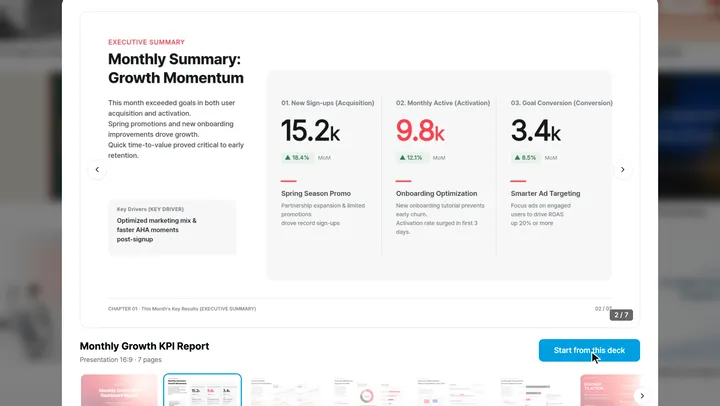
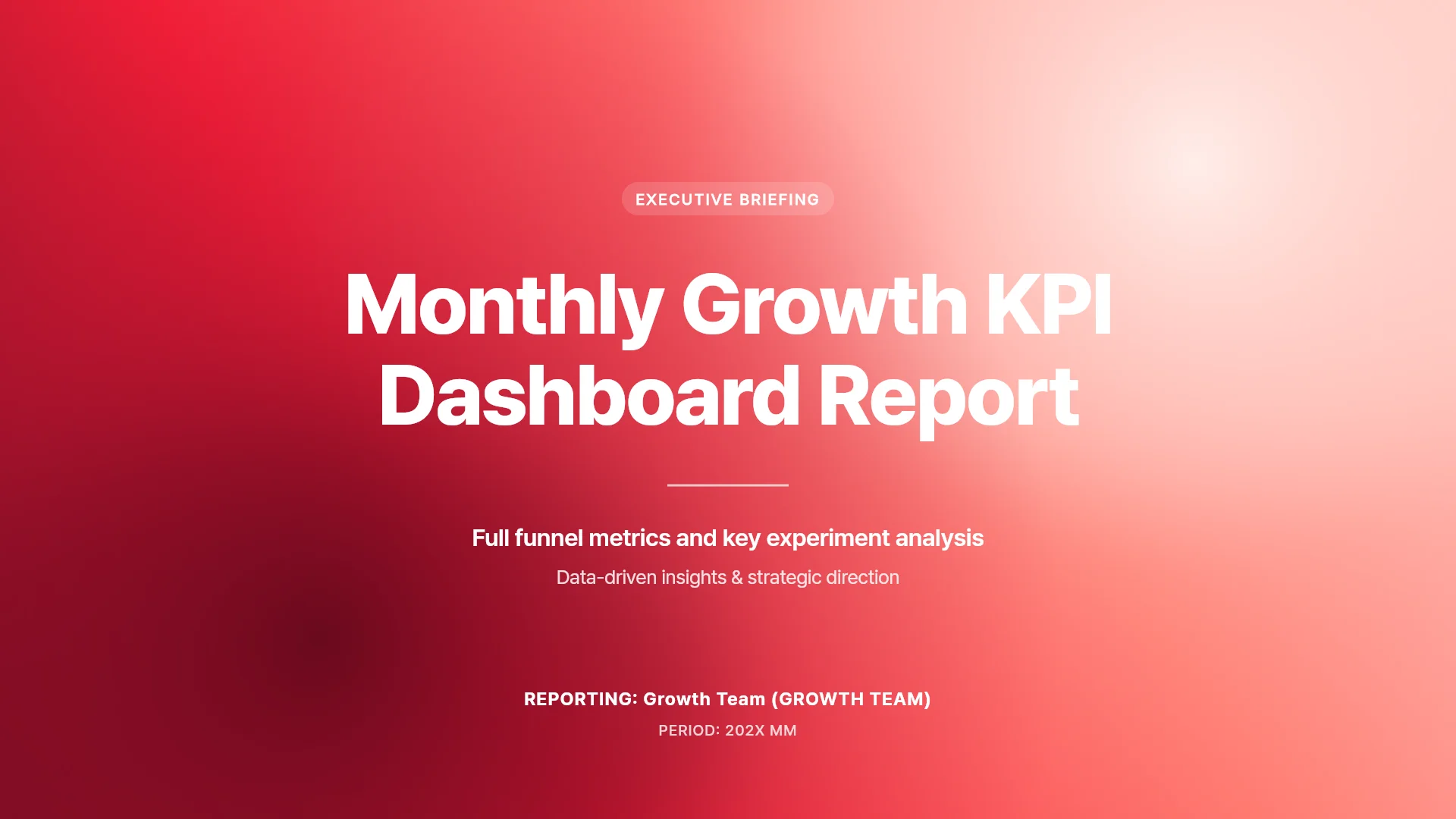
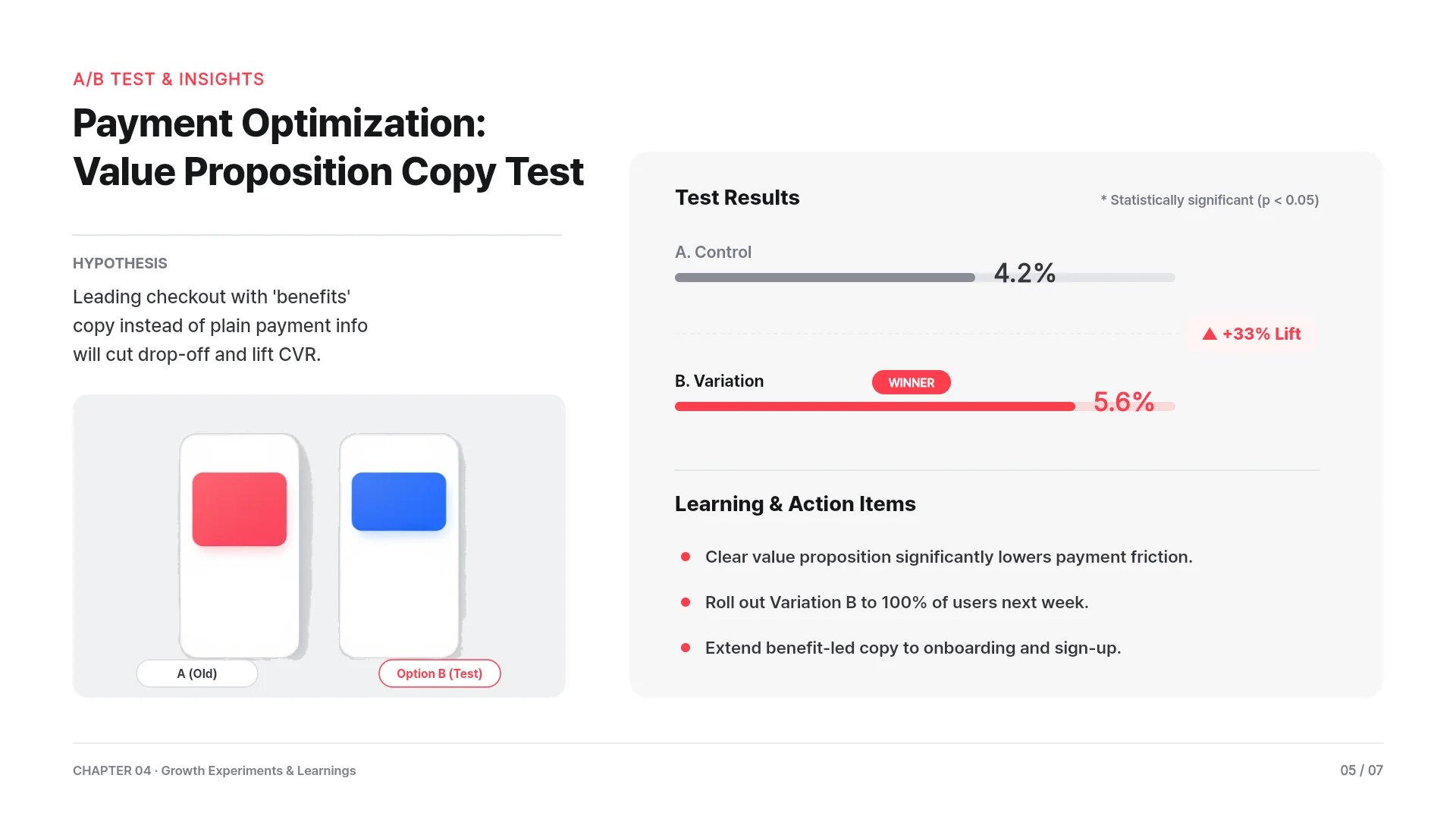
When you need a weekly update, monthly results, a quarterly review or a project report. Upload Excel or Word and MOVO uses the numbers for table and chart slides.
- Start from
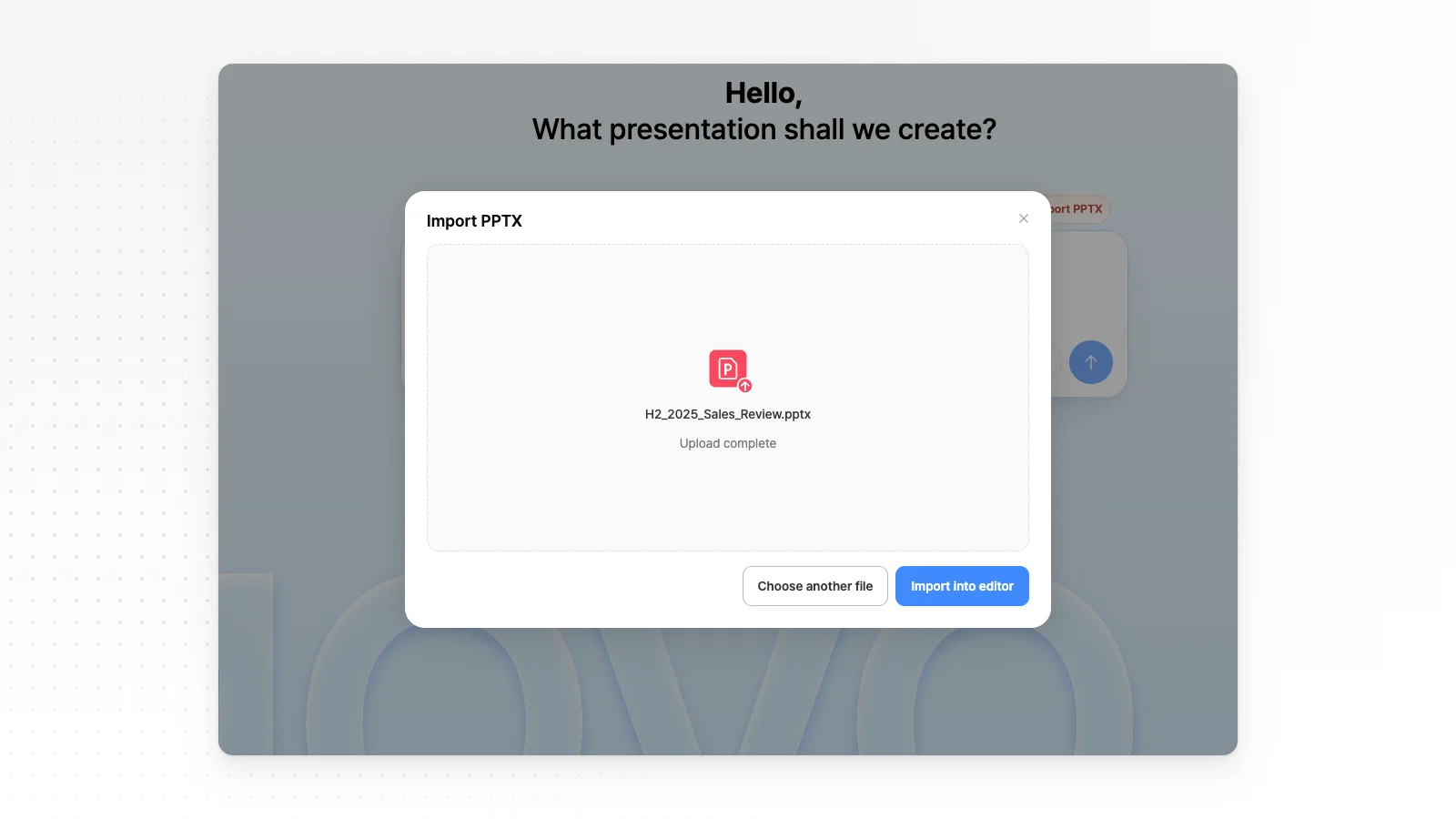
- Excel or CSV numbers, a Word draft, or last month's deck via Import PPTX
- Templates
- Reports
Proposal presentations
When a client sends a brief or an RFP. MOVO reads the PDF and your cost sheet, then outlines the problem, plan, schedule and budget.
- Start from
- An RFP or brief as PDF, or a quote and schedule in Excel or CSV
- Templates
- Sales proposals
Company profile presentations
When you need a company profile for clients, partners or new hires. Set brand colors first, or import last year's PPTX and update it.
- Start from
- Last year's deck via Import PPTX, a logo image, or a Word company brief
- Templates
- Sales proposalsBusiness strategy
AI pitch deck generator
When you prepare a seed pitch, a demo day or an accelerator interview. Attach your plan and metrics to draft slides from problem to ask.
- Start from
- A business plan as PDF or Word, metrics in Excel or CSV, or product screenshots
- Templates
- Fundraising
Marketing presentations
When you need a campaign plan, a campaign report or a content calendar. Add an ad manager export, check the outline, then apply your brand colors.
- Start from
- A product brief PDF, an ad results export in Excel or CSV, or a topic
- Templates
- Marketing
Training presentations
When you prepare onboarding, policy training or a new tool rollout. Upload a manual and list goals, practice and a quiz in your request.
- Start from
- Manuals and policies as PDF or Word, practice data in Excel or CSV, or last year's deck via Import PPTX
- Templates
- Training
Portfolio presentations
When you apply for a new role and need a portfolio deck. Upload your resume and work images, and MOVO drafts slides for each project.
- Start from
- A resume PDF, a Word career summary, work images, or an old deck via Import PPTX
- Templates
- Portfolio
Thesis and paper presentations
When you present a paper at a lab meeting, a conference or a thesis defense. Upload the paper PDF and write an order like 'background, methods, results, conclusion' to get an outline in that order.
- Start from
- A paper PDF, experiment results in Excel or CSV, or your last lab meeting deck via Import PPTX
- Templates
- Academic
Class slides for teachers
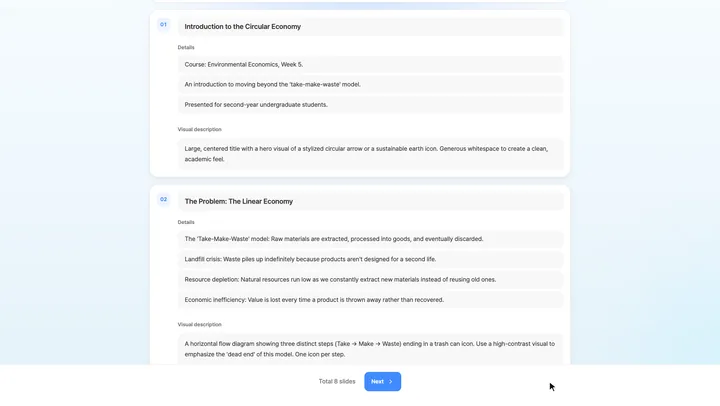
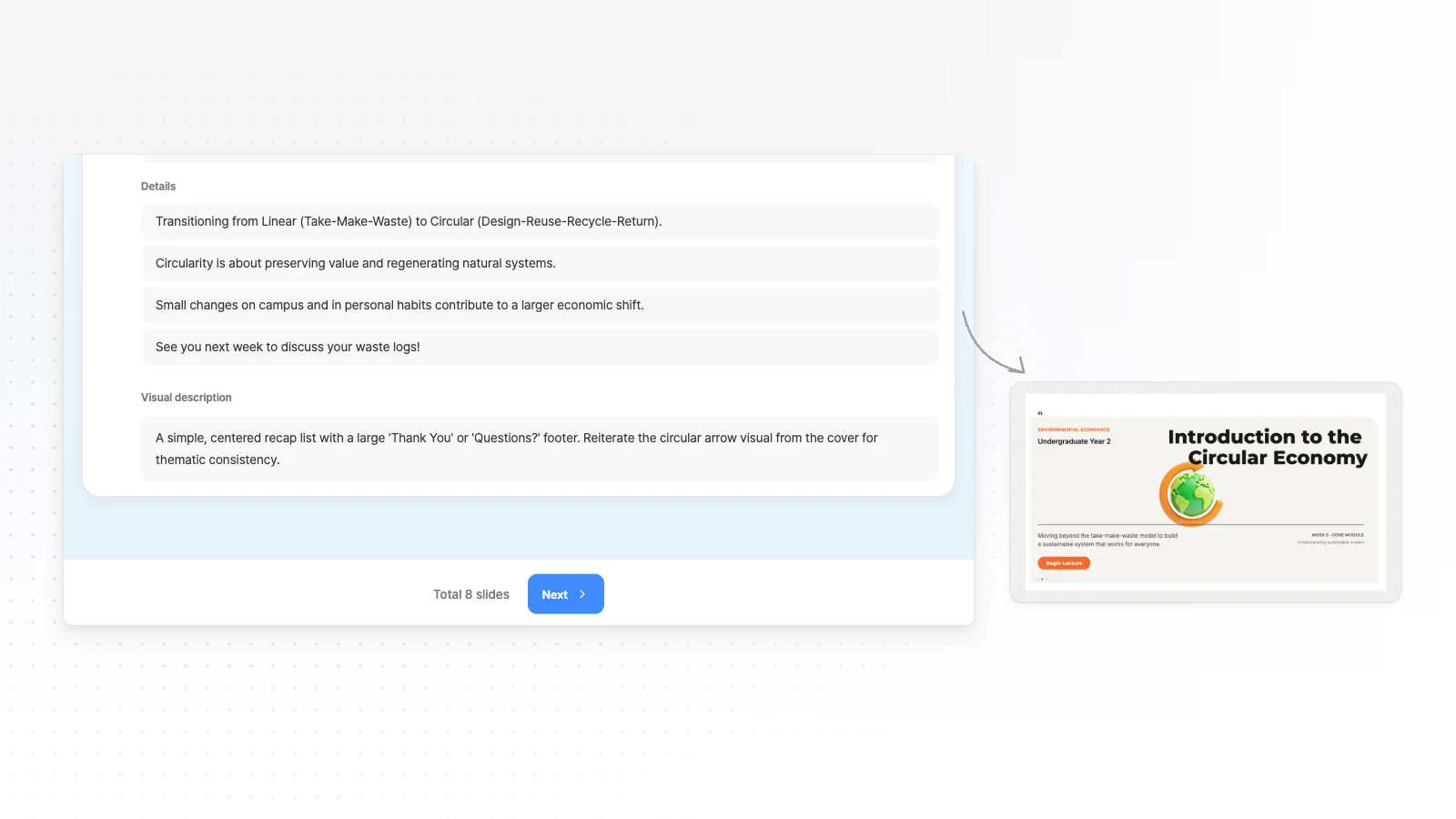
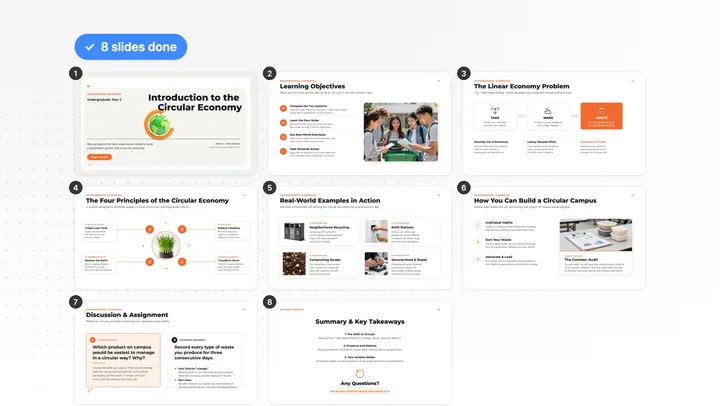
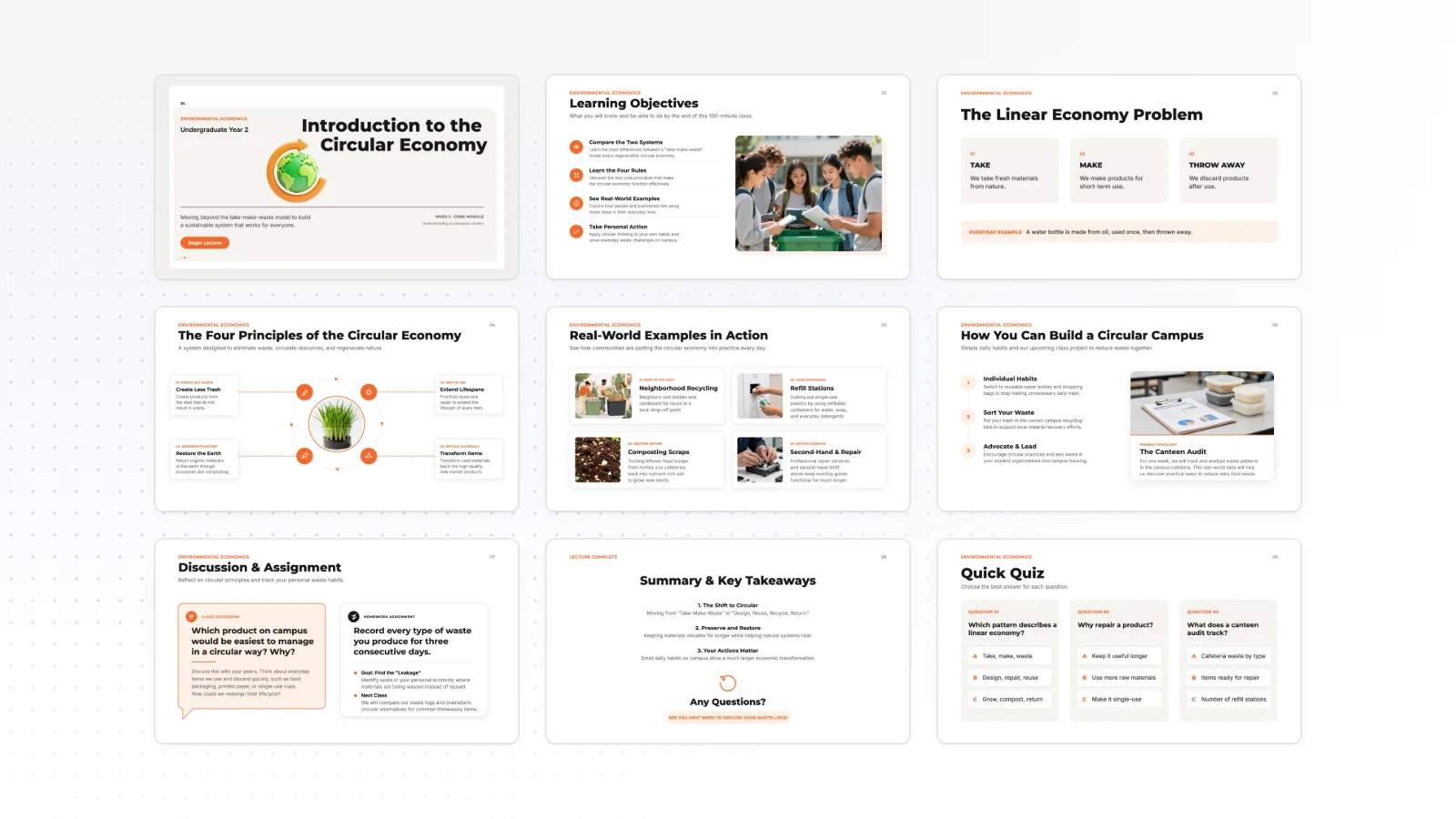
When you teach from lecture notes or a lesson plan. Write the course, week and audience, check the outline, then simplify any slide for students.
- Start from
- Lecture notes as PDF, a Word lesson plan, or last term's deck via Import PPTX
- Templates
- Training
Presentations for students
When you have a class assignment, a class presentation or a group project. Start from one line or your lecture notes and check the outline first.
- Start from
- A one-line topic, lecture notes as PDF, or Word readings
Presentations for office workers
When you make reports, proposals, company profiles and internal updates. Open the company PPT you already use and change only the slides that moved.
- Start from
- Meeting notes in Word, results in Excel, or your company deck via Import PPTX
- Templates
- ReportsSales proposals
Presentations for founders
When you send a monthly investor update, a board deck or a follow-up after an investor call. Start from your KPI sheet and notes.
- Start from
- A KPI sheet in Excel or CSV, or call and board notes in Word
- Templates
- ReportsFundraising
Sales presentations
When you need a first-meeting pitch, a recap for the client's team or a quarterly business review. Start from a product sheet or last quarter's PPTX.
- Start from
- A product brochure PDF, a price list in Excel, call notes in Word, or last quarter's deck via Import PPTX
- Templates
- ProductSales proposals
Presentations for consultants
When interview notes and survey data need to become a recommendation, a steering committee update or a workshop deck. The outline shows your storyline first.
- Start from
- Interview notes in Word or TXT, survey data in CSV or Excel, or a client report PDF
- Templates
- Business strategy
Research presentations
When a paper or your results need to become a conference talk, a lab meeting update or a seminar. Attach the paper PDF and results files.
- Start from
- A paper PDF, results in CSV or Excel, or key figures as PNG or JPG
- Templates
- Academic
Other ways to start
If your situation is not listed, start from the format you need or from a template.
Frequently asked questions
What if no page matches my situation?
Start in the AI Presentation Maker with a one-line topic. If you have source material, attach PDF, PNG, JPG, WebP, TXT, CSV, DOCX, XLSX files and say who the talk is for.
Should I start on the business report page or the office workers page?
For weekly, monthly or quarterly reports built from Excel or CSV results or a Word draft, start on Business report presentations. To turn Word meeting notes into an internal update, or to import a company PPTX and revise a proposal or company profile, Presentations for office workers fits better.
Should I start on the student page or the business report page?
For a class assignment or group project, start on Presentations for students with a one-line topic or lecture notes as PDF. For weekly, monthly or quarterly results at work, start on Business report presentations with your Excel or CSV numbers.
What if my outline needs more slides than one generation makes?
Each generation makes up to 5 slides on Free, 30 on Pro and 50 on Max. Pick a slide count within your plan limit before you generate, and say in your request which sample outline slides to combine.