
AI Research Presentation Maker
Turn a paper, a preprint or your results into a conference talk, a lab meeting update or a seminar for a wider audience. MOVO AI reads your files, drafts the outline first and builds slides you can edit.
What MOVO does for a research talk
AI turns dense writing into slides you can speak to. You keep the science and the final word.
From paper to talk
MOVO does not copy your PDF page by page. It reads the content and builds a talk in the order you ask for, such as background, methods, results and conclusions.
Depth for the room
Pick Technical as the audience for specialists, or General for a mixed room. AI adjusts the tone and depth of every slide.
Charts from your results
Attach results as CSV or XLSX and ask for a chart on a given slide. Bars and labels are ordinary shapes, so you can fix a value by hand.
Conference talk from your paper
Cut a full paper down to the one result your audience should remember.
An 8-slide structure
Title and authors, research question, prior work, method, key result, a second result or robustness check, limitations, then the takeaway. Ask for this order and check it at the outline step.
Prompt example
"Make an 8-slide, 12-minute talk from the attached paper for a computational biology conference. The audience is specialists. Keep one message per slide and use the attached figure on slide 5."
Long papers and theses
MOVO reads PDFs of up to 100 pages. For a thesis, attach only the chapters the talk covers.
Lab meeting: progress since last time
A short update your supervisor and lab mates can react to. This fits in one generation on the Free plan.
A 5-slide structure
Goal, what you did since last time, results so far, problems and open questions, then next steps.
Prompt example
"Make a 5-slide lab meeting update from the attached results table. Chart reaction yield by temperature on slide 3. List two open questions on slide 4."
Fix one slide after feedback
Pick a slide and ask, for example, "Cut this to three points and keep the units." AI edits only that slide.
Seminar for a wider audience
Explain the same work to people outside your field, such as a department seminar or a funding panel.
A 7-slide structure
A question anyone can follow, why it matters, background, what you did in plain words, what you found, what it changes, then Q&A.
Prompt example
"Turn the attached paper into a 7-slide seminar for first-year graduate students from other departments. Replace jargon with everyday words and add one analogy."
Rewrite the whole deck at once
Ask without picking a slide, such as "Make every slide readable for non-specialists." AI applies the change across the deck.
Translate for an international venue
Ask "Translate everything into Spanish. Keep gene names and numbers as they are." Then run Check layout to catch text that overflows its box.
How to turn a paper into a presentation in 3 steps
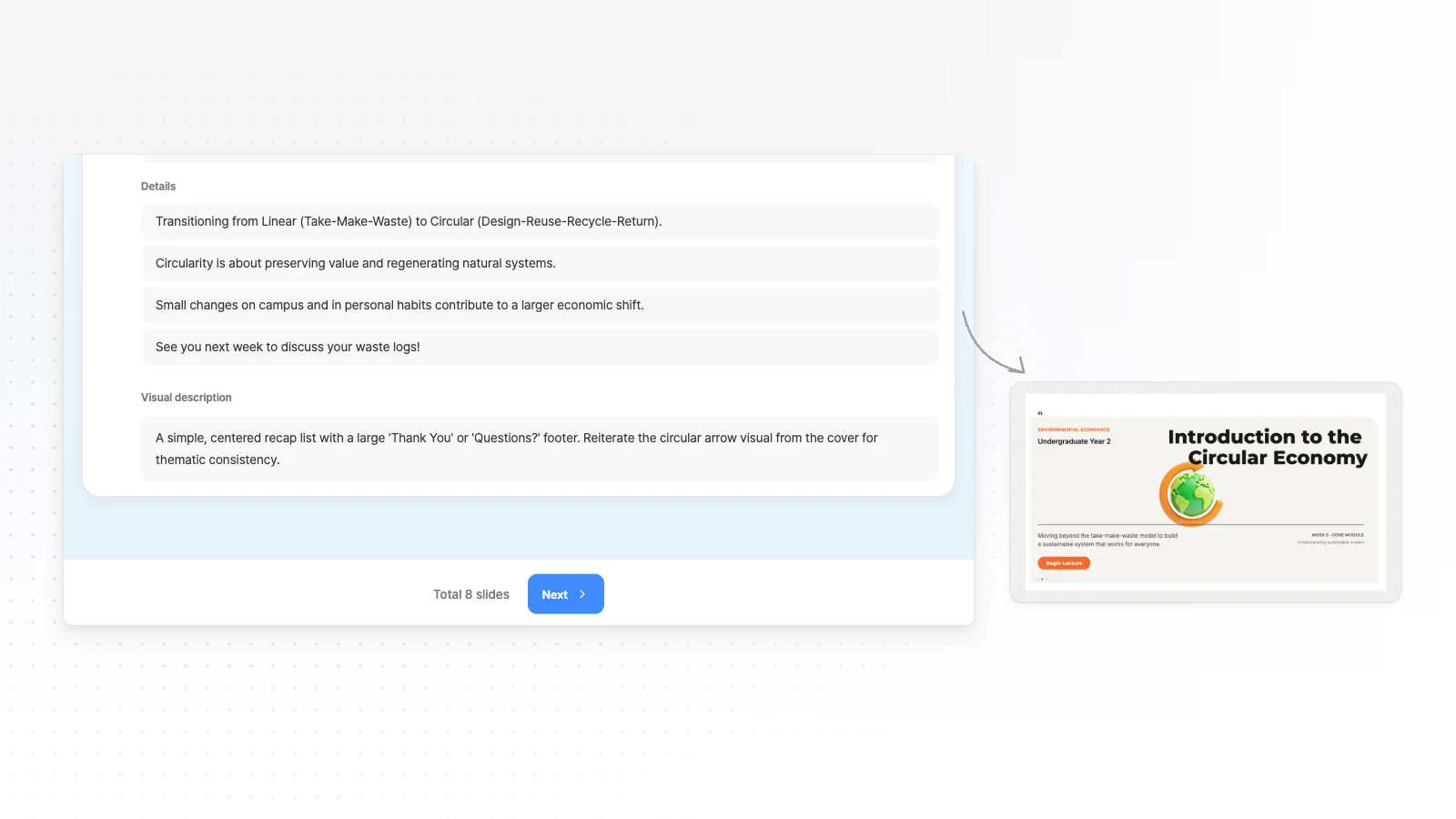
Attach the paper and describe the talk
Attach the paper PDF and any key figures as PNG or JPG. Write the venue, the audience, the time slot and the slide count you want.
Check the outline against the paper
Make sure each slide carries one message and the key result gets its own slide. Pick Technical or General as the audience in Settings.
Correct details and export
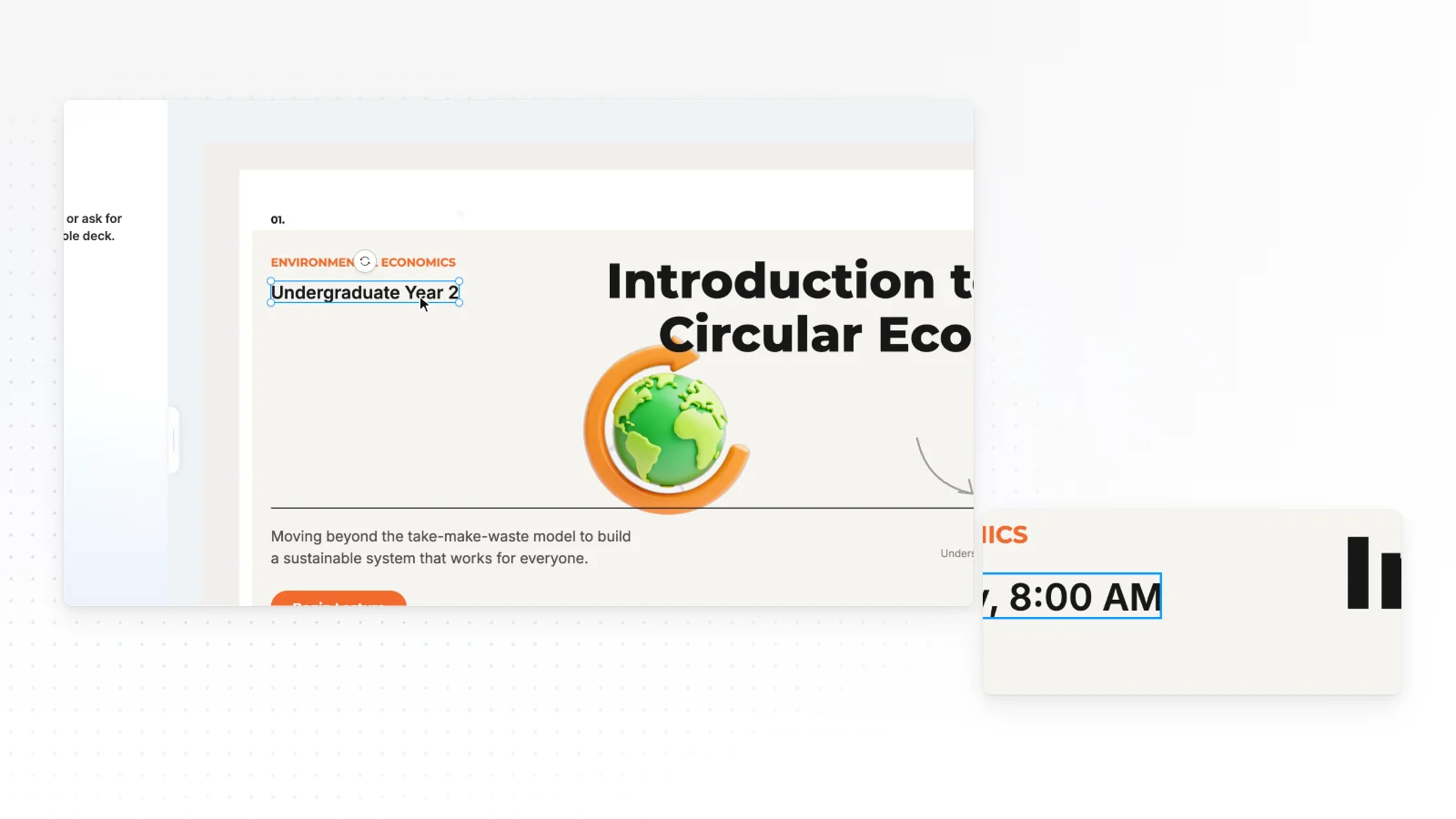
Click any text to fix a symbol, unit or citation. Present from the slideshow, or export PDF, PNG on any plan, with a watermark on Free, and PPTX from Pro.
Academic presentation templates
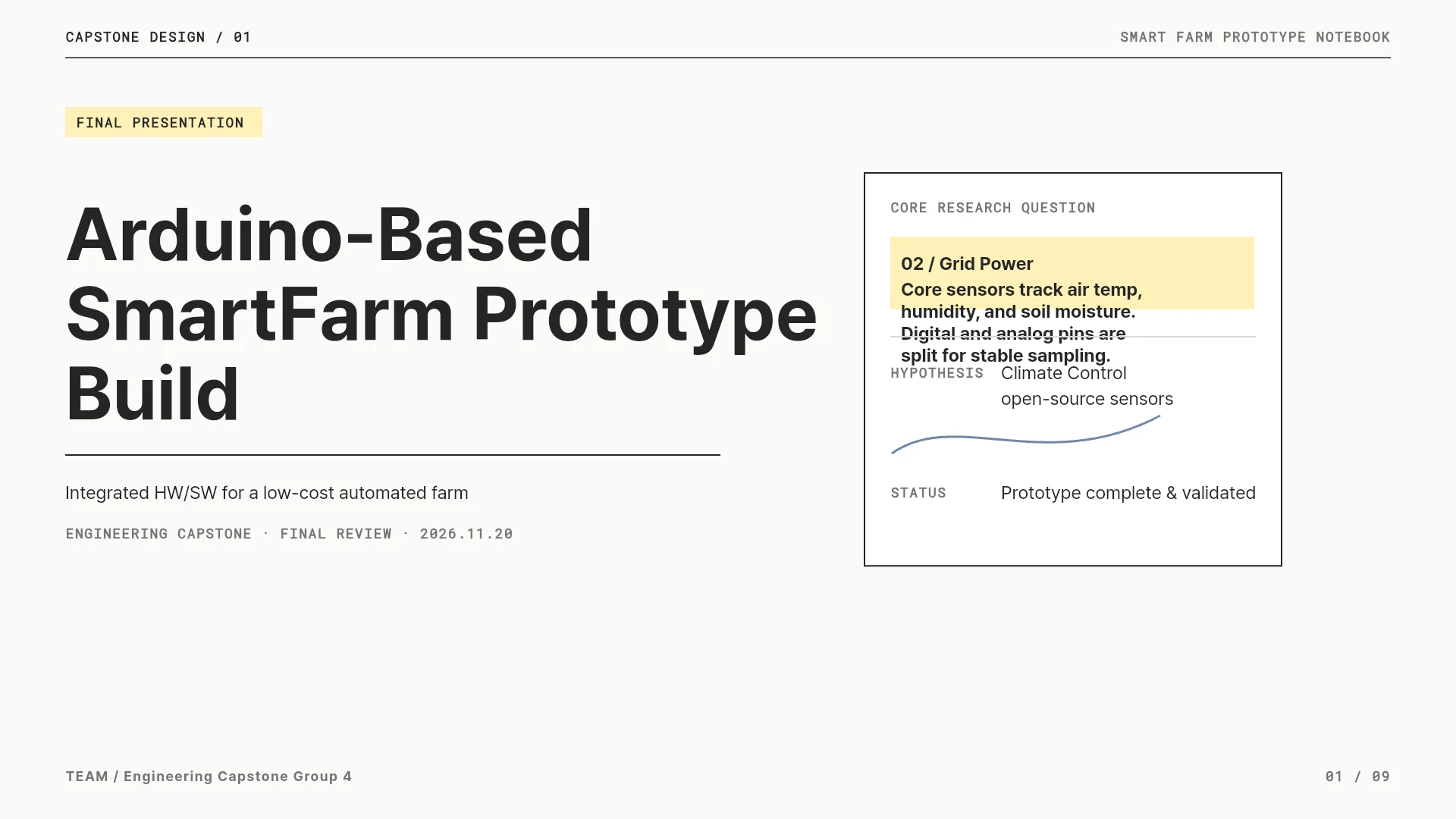
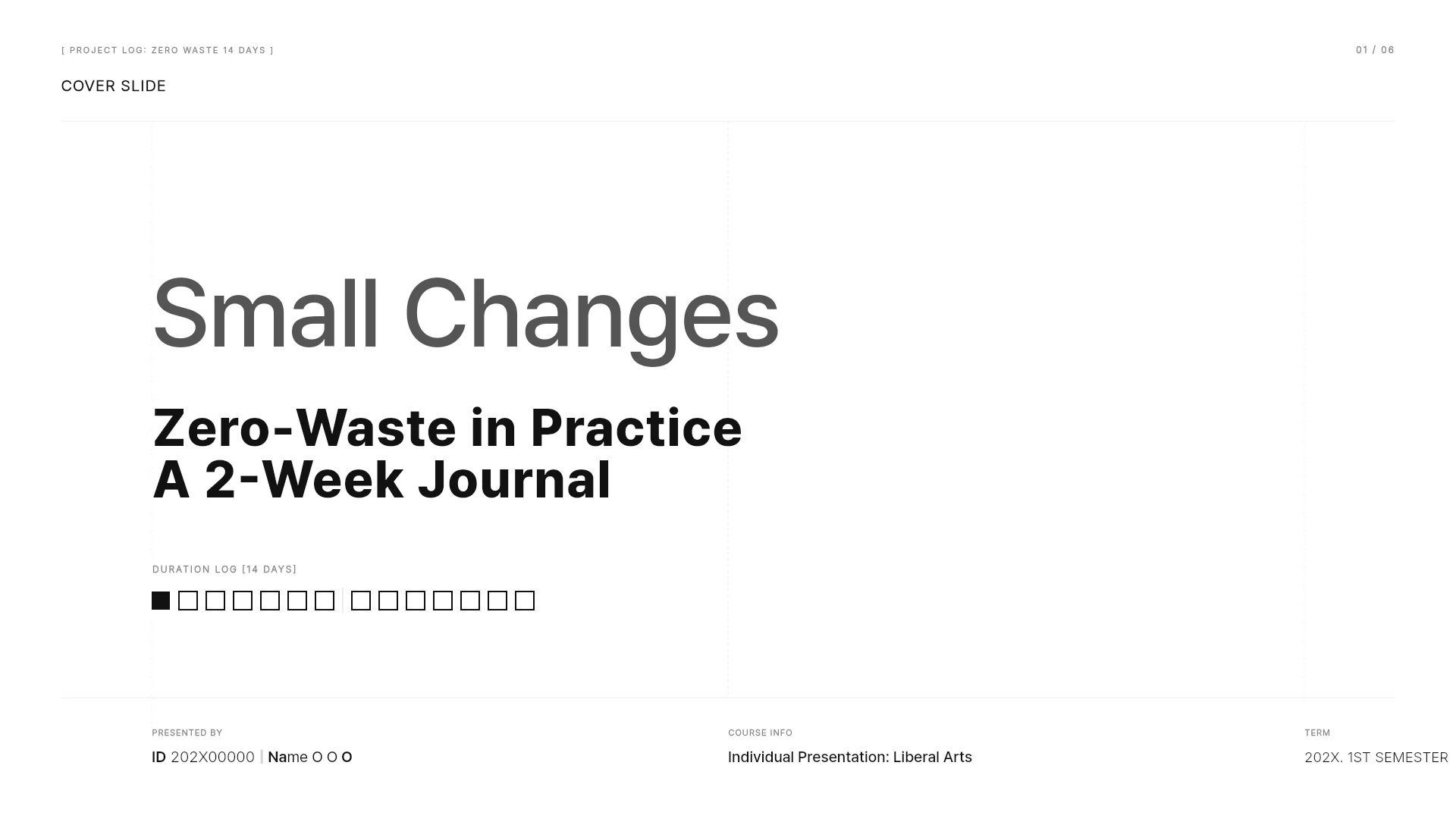
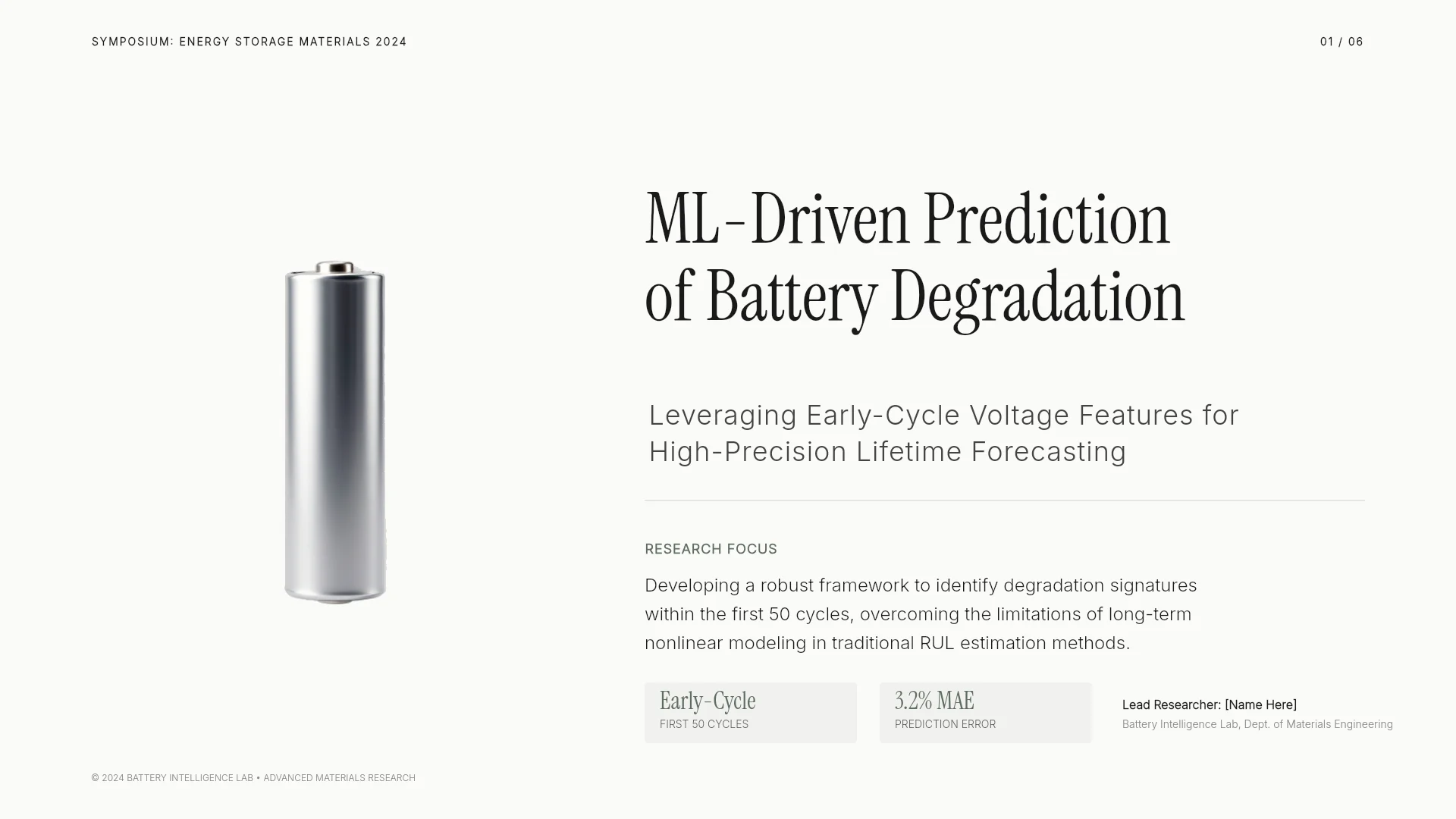
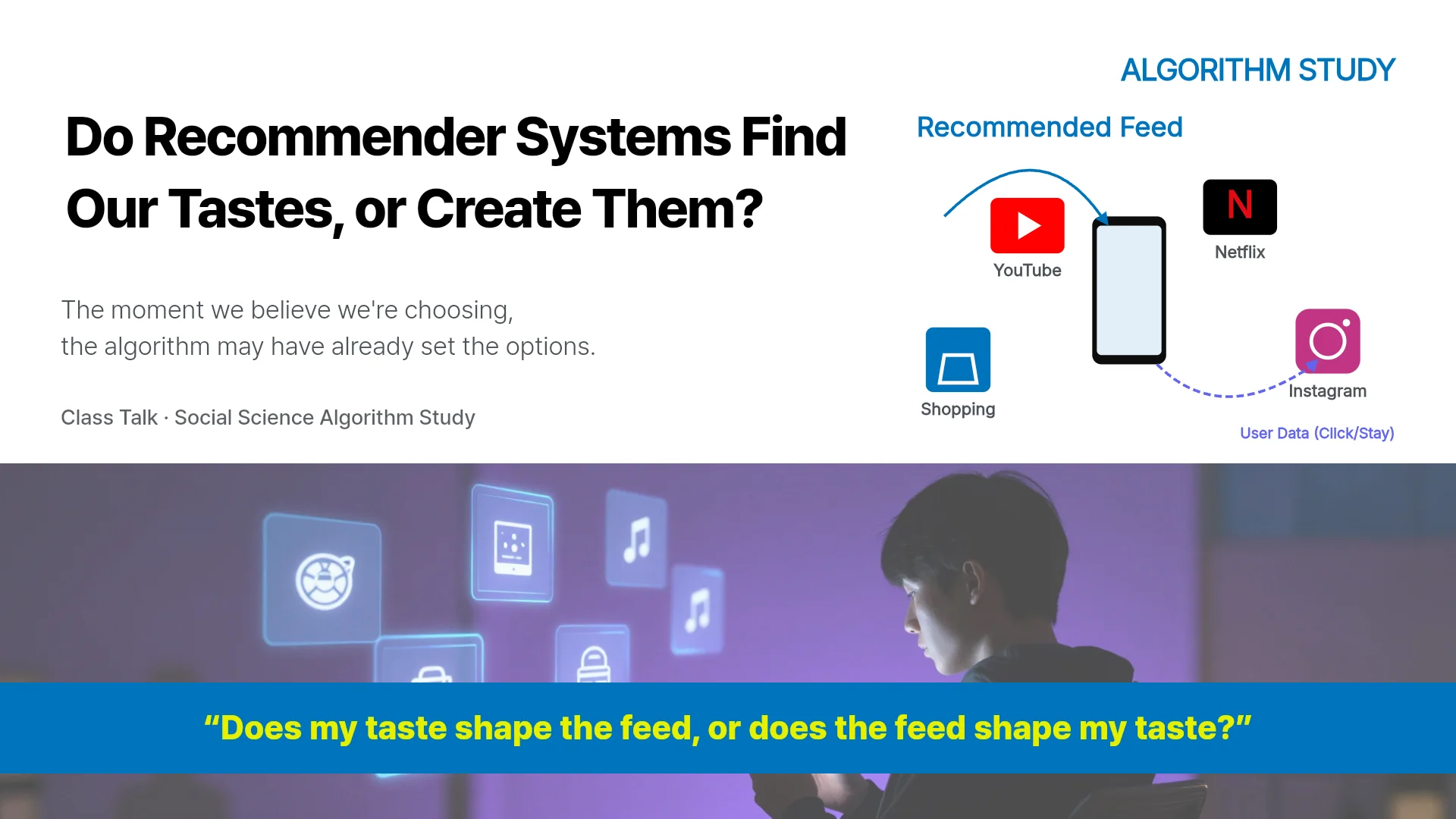
MOVO templates for research talks and study results. Open one and replace the content with your own work.



Frequently asked questions
Can I make a research presentation for free?
Yes. The Free plan gives 300 credits a month and makes up to 5 slides per generation, enough for a short lab meeting update. Free exports carry a watermark, and a longer talk in one generation and PPTX export start on Pro at $19.99 a month.
Will MOVO get the equations in my paper right?
Dense equations, symbols and handwritten notes can be misread, especially on scanned pages. Check the equations and symbols on each slide against your paper.
Will MOVO keep the figures from my paper?
MOVO does not reuse figures from inside the PDF as original images. Export key plots and diagrams as PNG or JPG and attach them with the paper, then name the slide each one belongs on.
Can MOVO add a references slide?
Ask the AI chat for a references slide built from the attached paper. Check every author, year and title against your bibliography, since AI can shorten or mix up entries.
How do I get feedback from my supervisor?
Turn on sharing and send the link, and your supervisor opens it as a slideshow without signing in. Set permissions to Can copy if they want their own editable copy to mark up.
More AI presentation tools


Related pages
Academic presentation templates
Research presentations, study results and capstone talks.
Report presentation templates
Work, results and research report templates that lead with the conclusion.
PDF to PPT
What MOVO does with a paper PDF, including scanned pages and upload limits.
Pricing
Slides per generation, upload limits and export formats by plan.