
Make One Presentation from All Your Files
Upload a Word plan, an Excel sheet, a PDF report and photos together, and AI reads them all and builds one deck. AI outlines the talk first, so you can fix the flow before the slides are made.
One prompt. This design.
This is MOVO taking one line, drafting the outline and designing all 8 slides. Every word stays editable.
Why build from your own files
Skip the blank page and build the talk from content you already have.
No copy and paste
No need to paste document text onto slides one by one. AI reads it and splits it into key points for each slide.
Several files, one deck
Upload a plan, a sheet of numbers and photos together, and AI combines them into one presentation flow.
Your photos stay original
Logos and product photos you attach are used as they are, not redrawn as AI images.
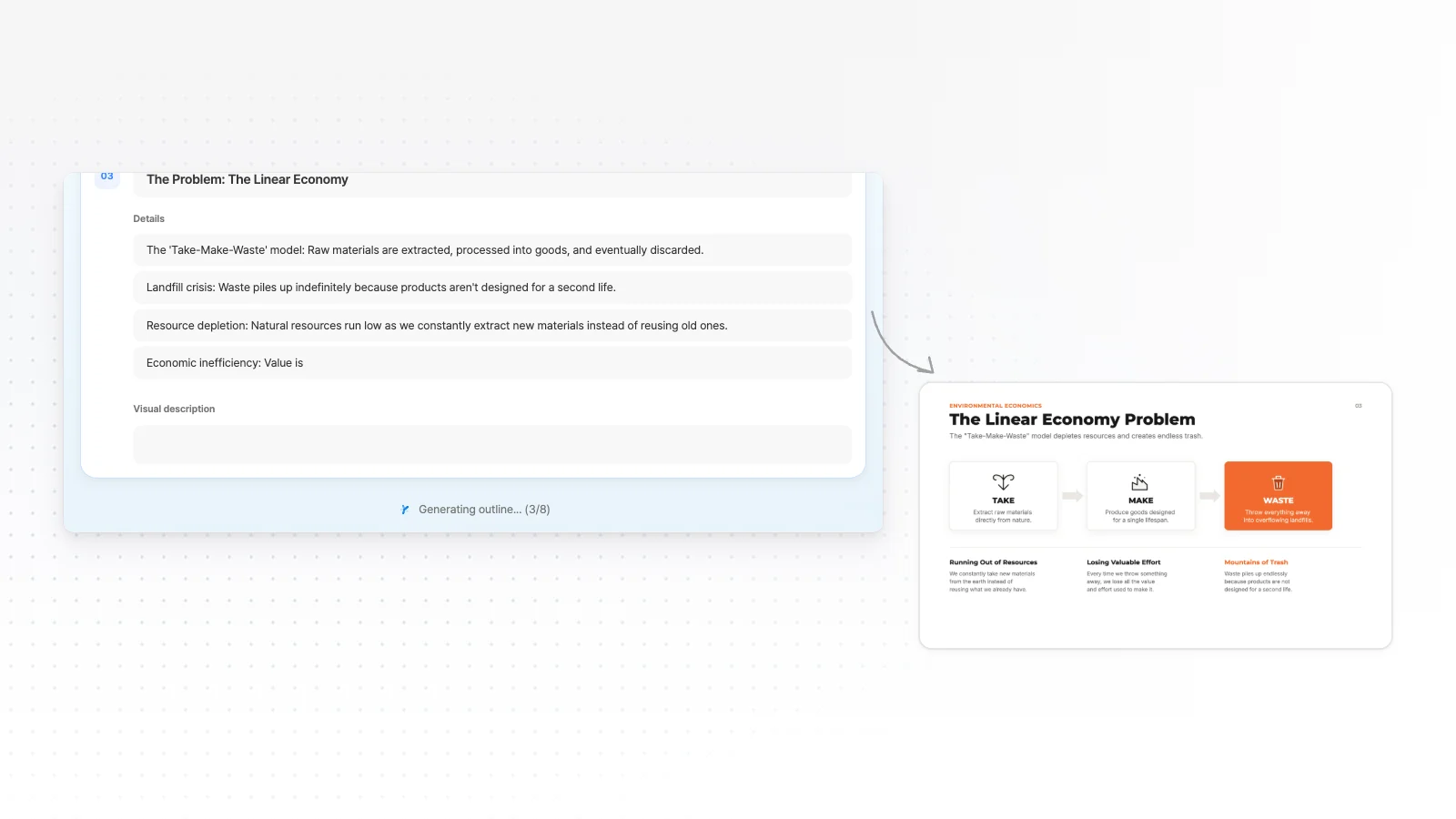
From your files to a presentation flow
AI first decides what goes on each slide and how many slides you need.
Word plans and reports
Upload a DOCX plan or report, and AI reads its headings and paragraphs and splits them into key points for each slide.
Excel and CSV numbers
Upload an XLSX or CSV table and AI puts the figures your talk needs on the slides. Ask for a chart and AI draws it with editable shapes.
PDFs and text notes
Add a PDF report or TXT notes too. Messy text like meeting notes or survey answers gets reordered into a talk.
Photos and screenshots
Upload a whiteboard photo or a screenshot, and AI uses what is in it to plan the slides.
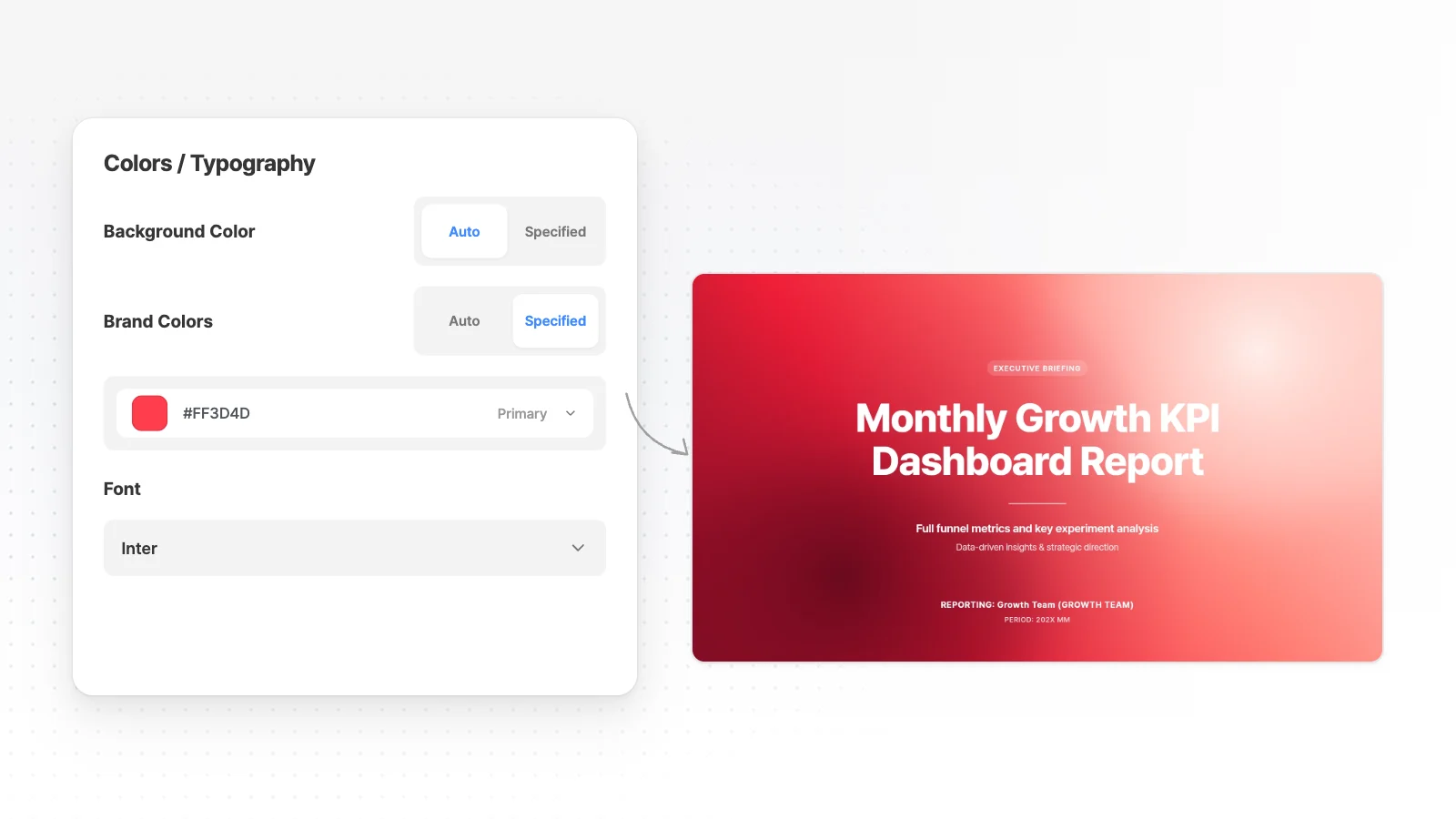
Your photos and your brand colors
Keep the photos and the company look from your materials.
Attach photos and logos
Attach PNG, JPG or WebP images to use them on slides. Name the photos that must appear in your request.
Company colors and fonts
Set Primary, Secondary and Accent colors and a font before you generate. Logos and product photos you attach are used as they are.
Depth for your audience
Pick executives, investors or clients as the audience, and AI adjusts depth and tone, such as putting decisions and risks first.
Edit and export after the draft
Polish the draft built from your files in the editor.
Edit one slide with AI
Pick a slide, type what to change, and AI edits that slide only.
Click to edit
Click any text, image or shape on a slide to change it directly.
Export the format you need
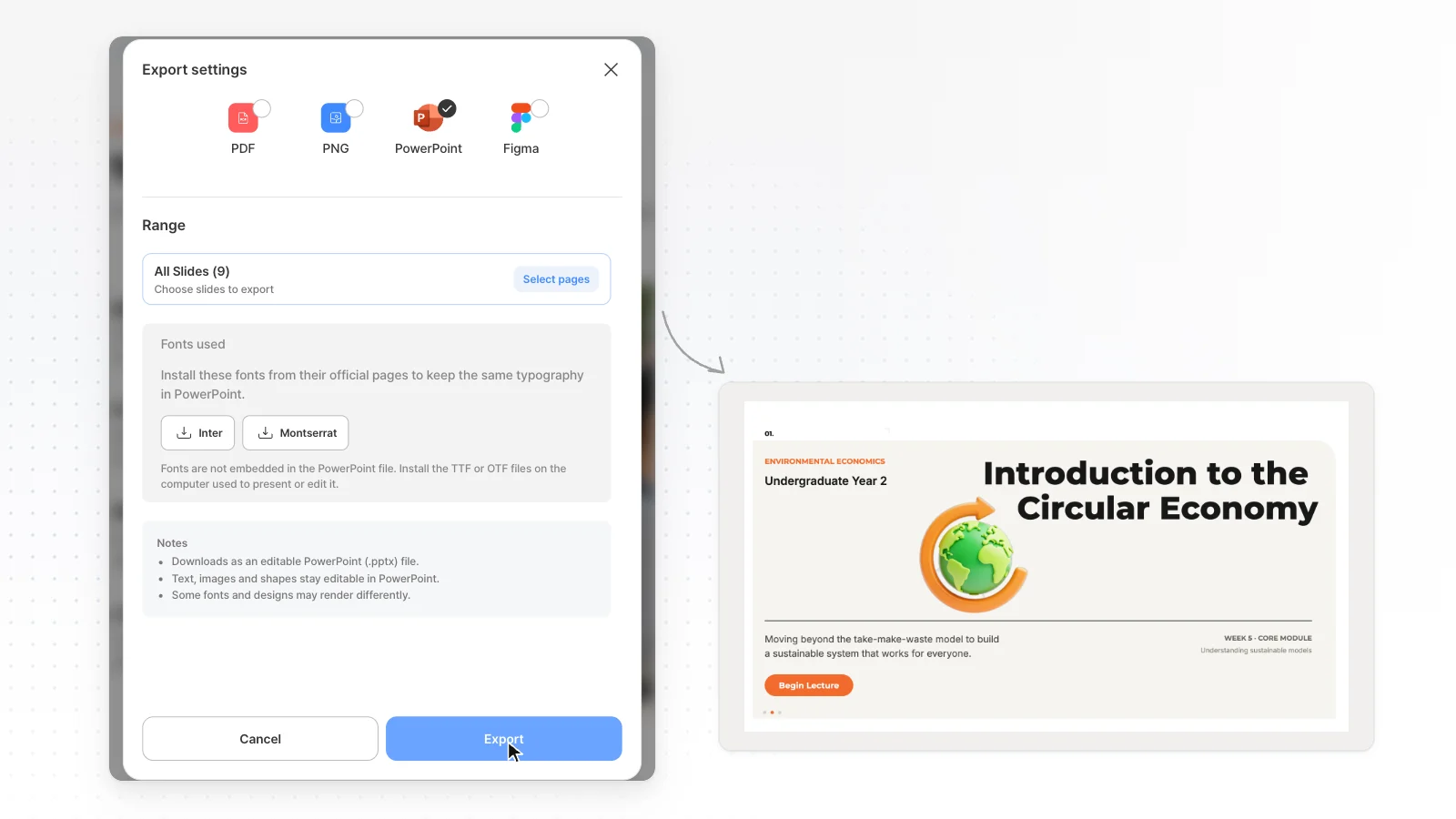
Export to PPTX, PDF, PNG, Figma. The Free plan exports PDF, PNG with a watermark.
Fix overlaps
“Check layout” finds overlapping or clipped elements on the current slide, and “Fix with AI” sends what it found to AI to clean up.
How to make a presentation from your files in 3 steps
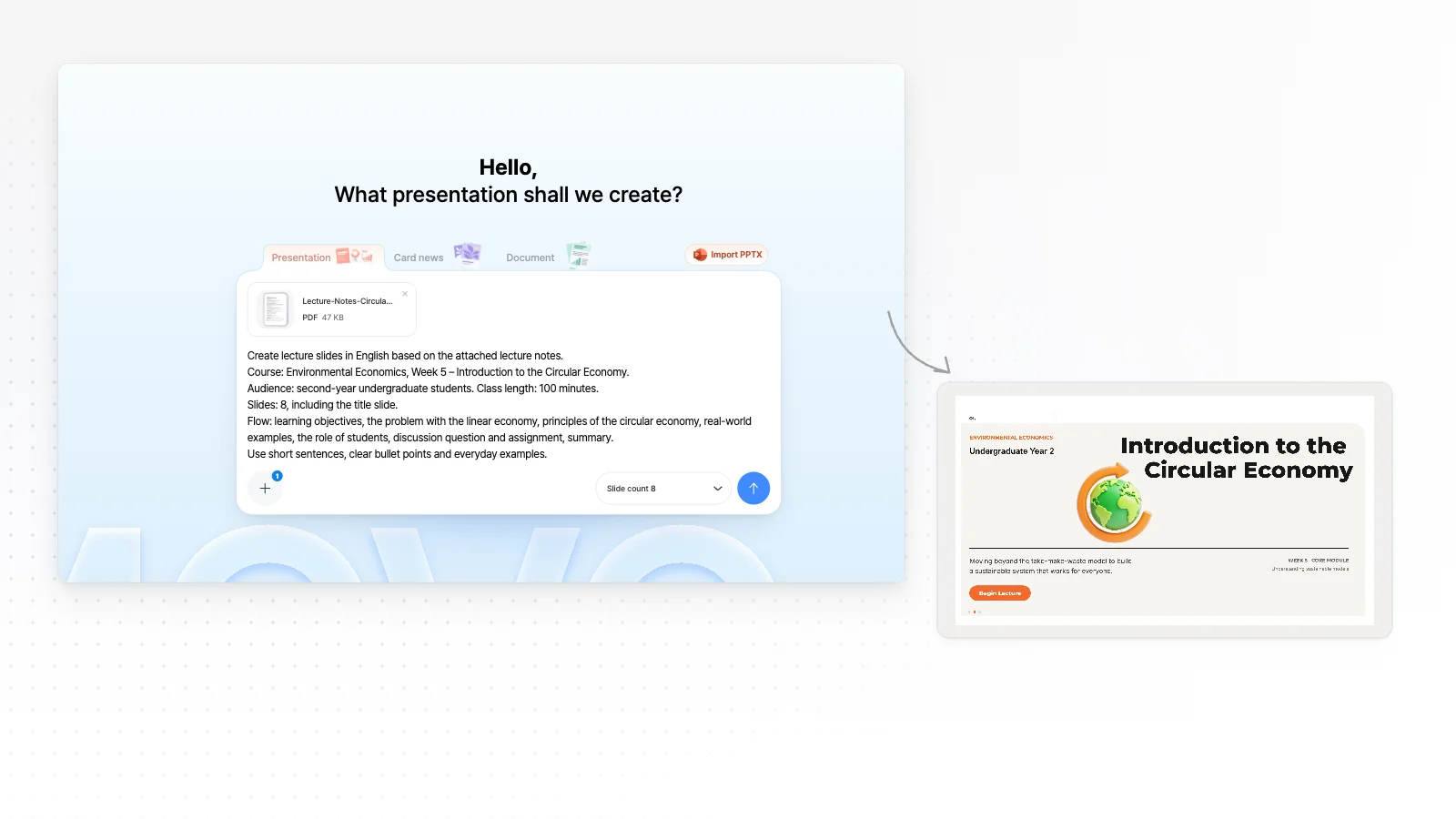
Upload files and write your request
Attach files with the + button and say in a line or two who the talk is for. Say how to use each file, like “a 10-slide quarterly results update from this Excel sheet”, to get closer results.
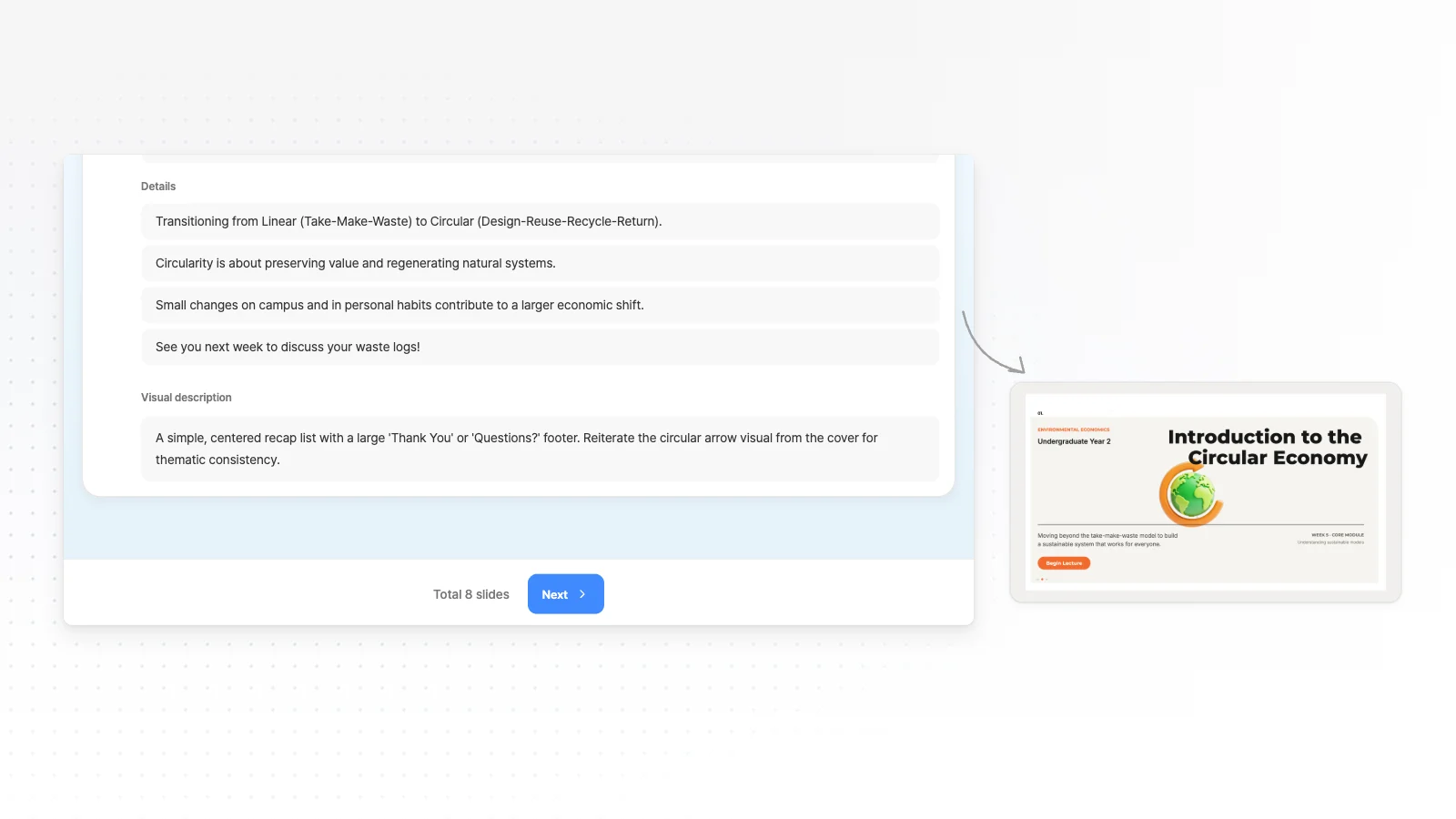
Review the outline AI drafted
AI reads your files and shows a slide-by-slide outline with titles and key points first. Fix the order or fill gaps, pick a style, then generate the slides.
Polish the slides and export
Edit text, images and shapes directly, or pick a slide and ask the chat to change it. When it is ready, export to the format you need: PPTX, PDF, PNG, Figma.
Frequently asked questions
Which files can I turn into a presentation?
MOVO accepts PDF, PNG, JPG, WebP, TXT, CSV, DOCX, XLSX files when you create a deck. Upload a Word plan, an Excel sheet with numbers and photos together in one request.
Is there a file size or count limit?
The Free plan takes up to 3 files per request, each up to 5 MB. Pro and Max take up to 10 files of 20 MB each, with 50 MB in total.
Can I attach a PowerPoint or Google Docs file?
PPTX and Google Docs files are not attachment formats, so download a Google Doc as DOCX or PDF first. To edit a PPTX you already have, open it with Import PPTX on the home screen, up to 20 MB and 50 slides.
Can MOVO make charts from Excel numbers?
Yes. Ask for a chart in your request and AI draws the bars and labels. These are regular shapes, not PowerPoint chart objects, so edit them yourself or ask again when the numbers change.
Are my attached photos used as they are?
Logos and product photos you attach are not redrawn as AI images. AI decides which slide each one goes on, so name the photos that must appear in your request.
Can I use it for free?
Yes. The Free plan gives 300 credits a month, up to 5 slides per generation, and PDF, PNG export with a watermark. Editable PPTX files for PowerPoint start on Pro at $19.99 a month.
What should I check in a deck made from my files?
AI reads your files and drafts the outline and key points for each slide. Before you export, check that numbers, dates and names match your originals and that nothing important is missing.
How does MOVO combine several files?
AI reads all the files together and builds one outline from them. Say in your request which file should lead, and the deck follows that flow.
Does the Word formatting carry over?
No. MOVO does not copy Word fonts, tables or layout, and designs the content again in the style you pick. Set your Primary color and a font if you need the company look.
More AI presentation tools


Related pages
PDF to PPT
What to know when you start from a single PDF.
Word to PowerPoint
What MOVO takes from a single Word file and what it leaves out.
Excel to PowerPoint
What MOVO reads from an Excel file and what stays out.
Report presentation templates
Slide structures to borrow when you turn numbers into a report talk.