
AI Marketing Presentation Maker
Draft campaign plans, campaign performance reports and content calendars with MOVO AI. Add a campaign brief or an ad manager export, check the outline first, then apply your brand colors and fonts.
What AI handles in a marketing deck
AI does the first pass on slide structure, numbers and brand styling.
Numbers become tables and charts
Attach channel results as XLSX or CSV and MOVO builds table and chart slides from those numbers. Check them against the source before you present.
Your brand colors and fonts
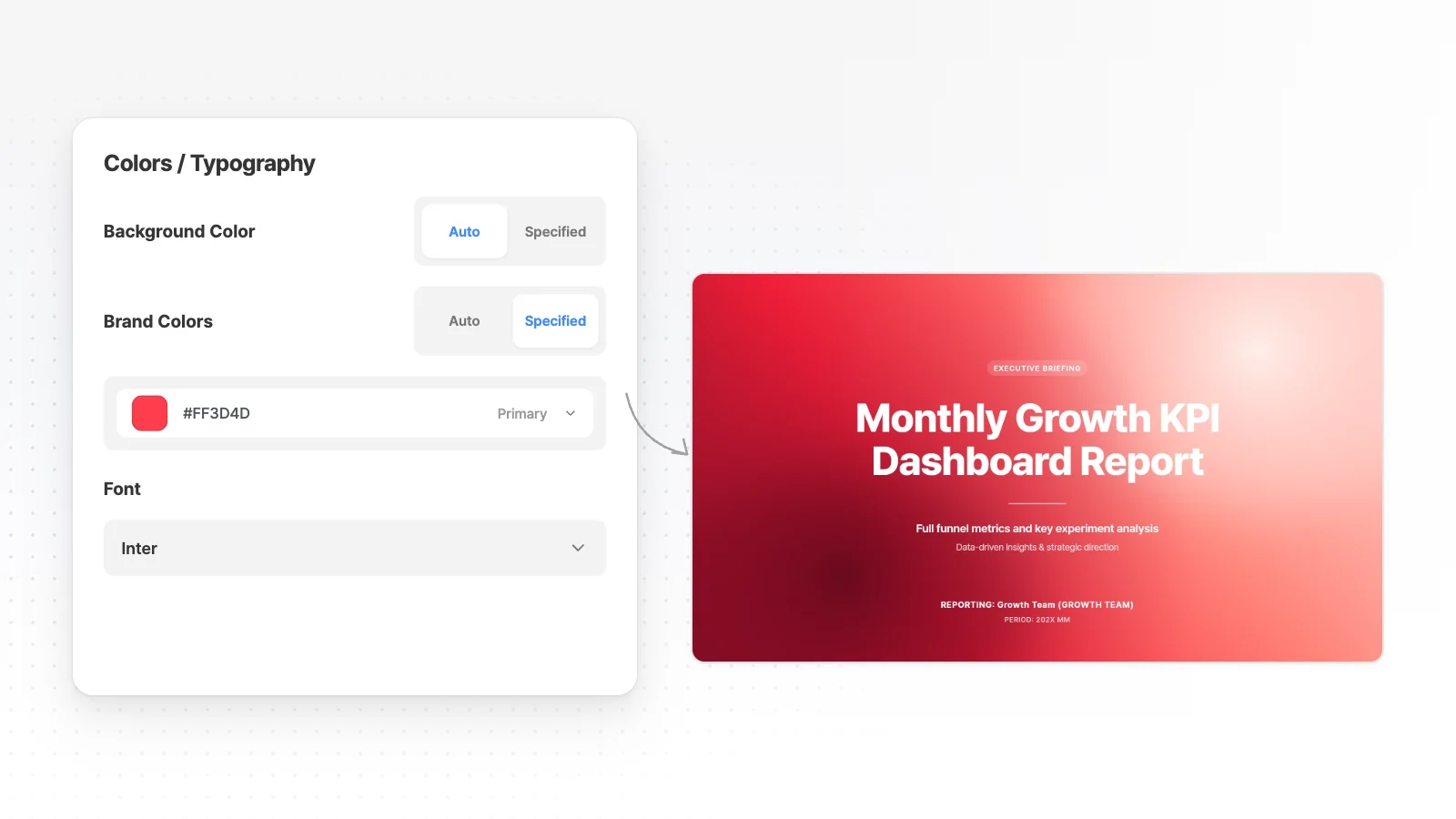
Set a primary color and font before you generate, and every slide follows them. Logos and product photos you attach are used as is.
One campaign, three formats
Make the same content as a presentation, a 4:5 carousel for social or an A4 flyer. Just switch the format above the input box.
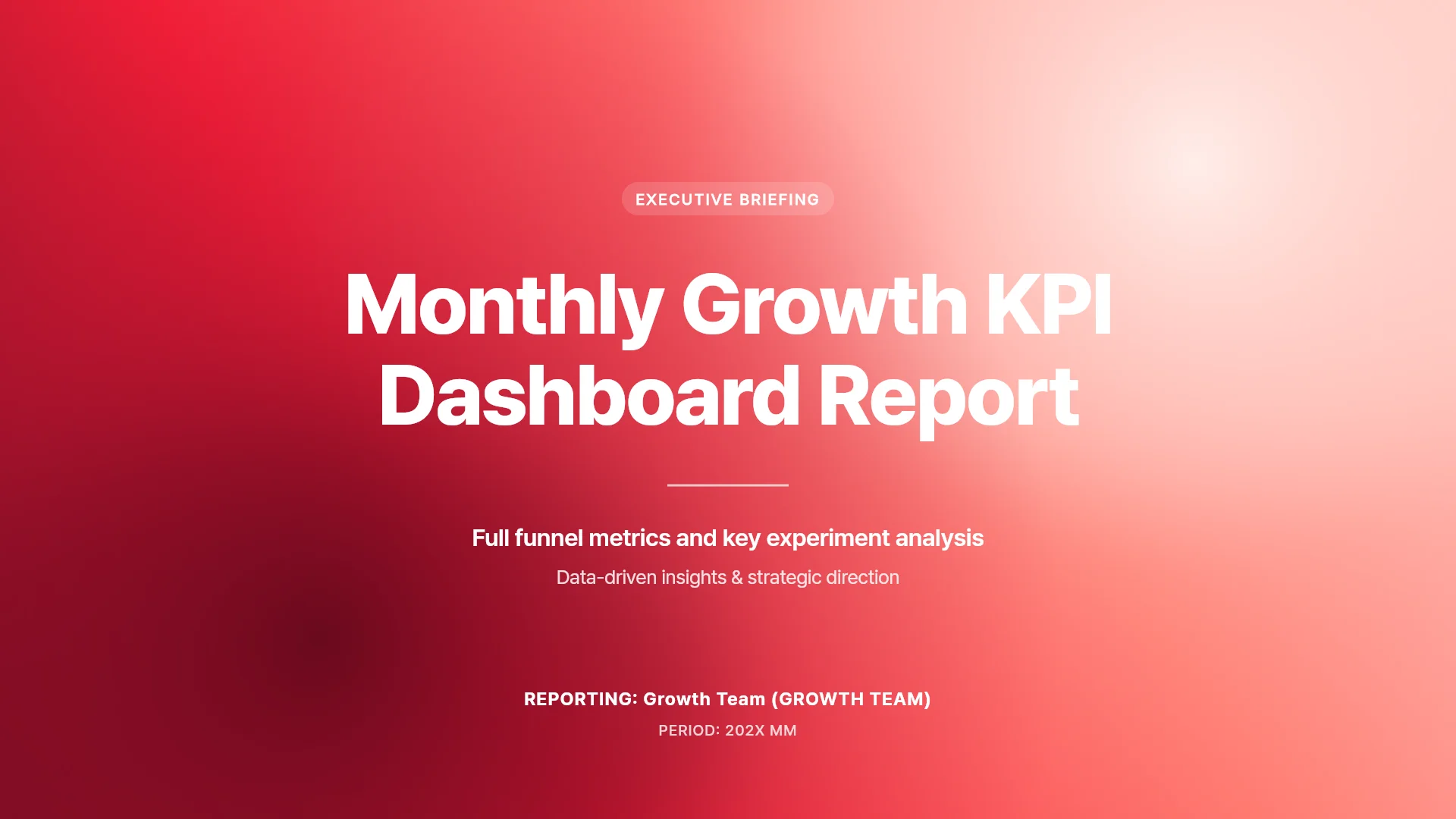
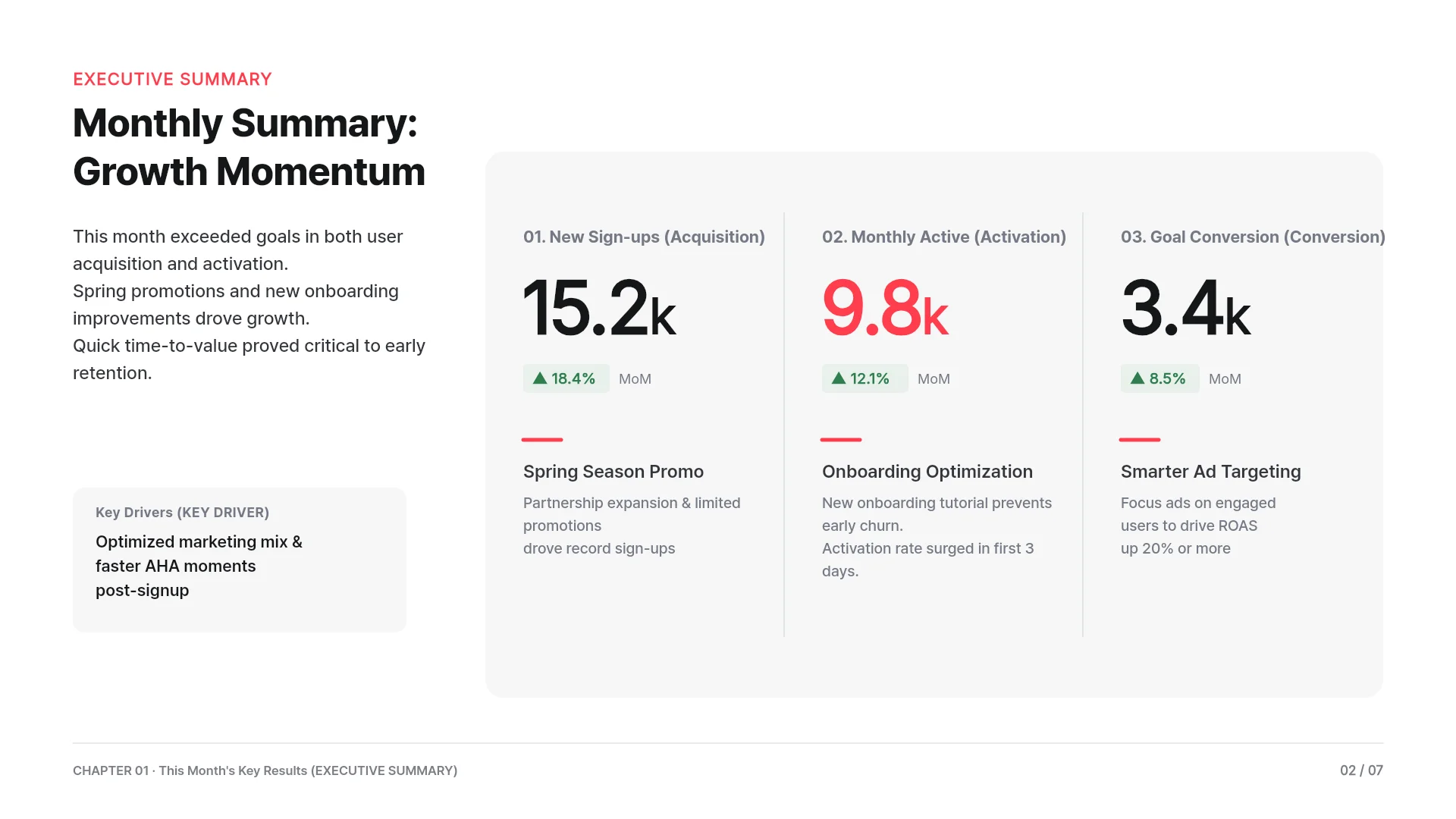
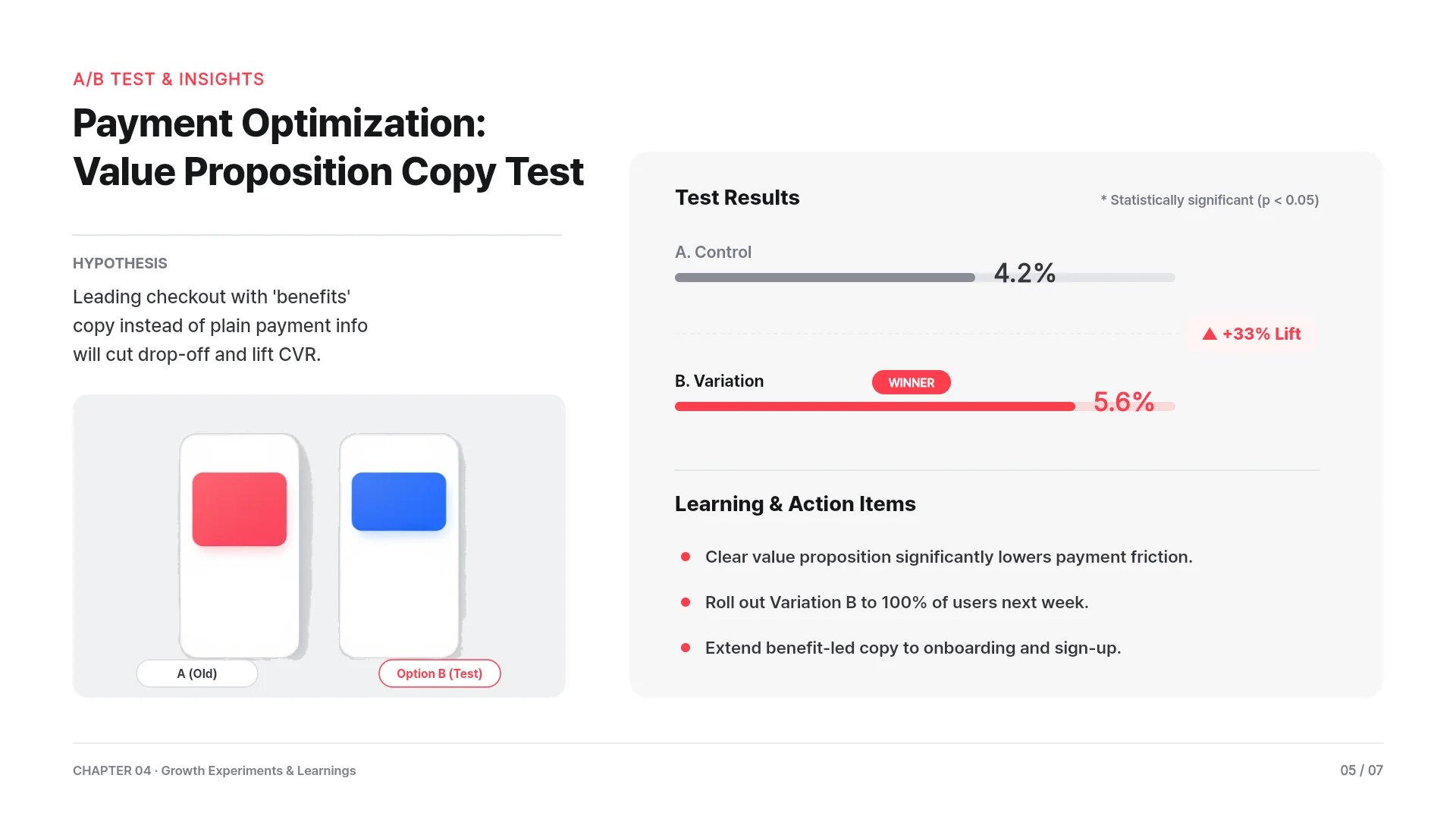
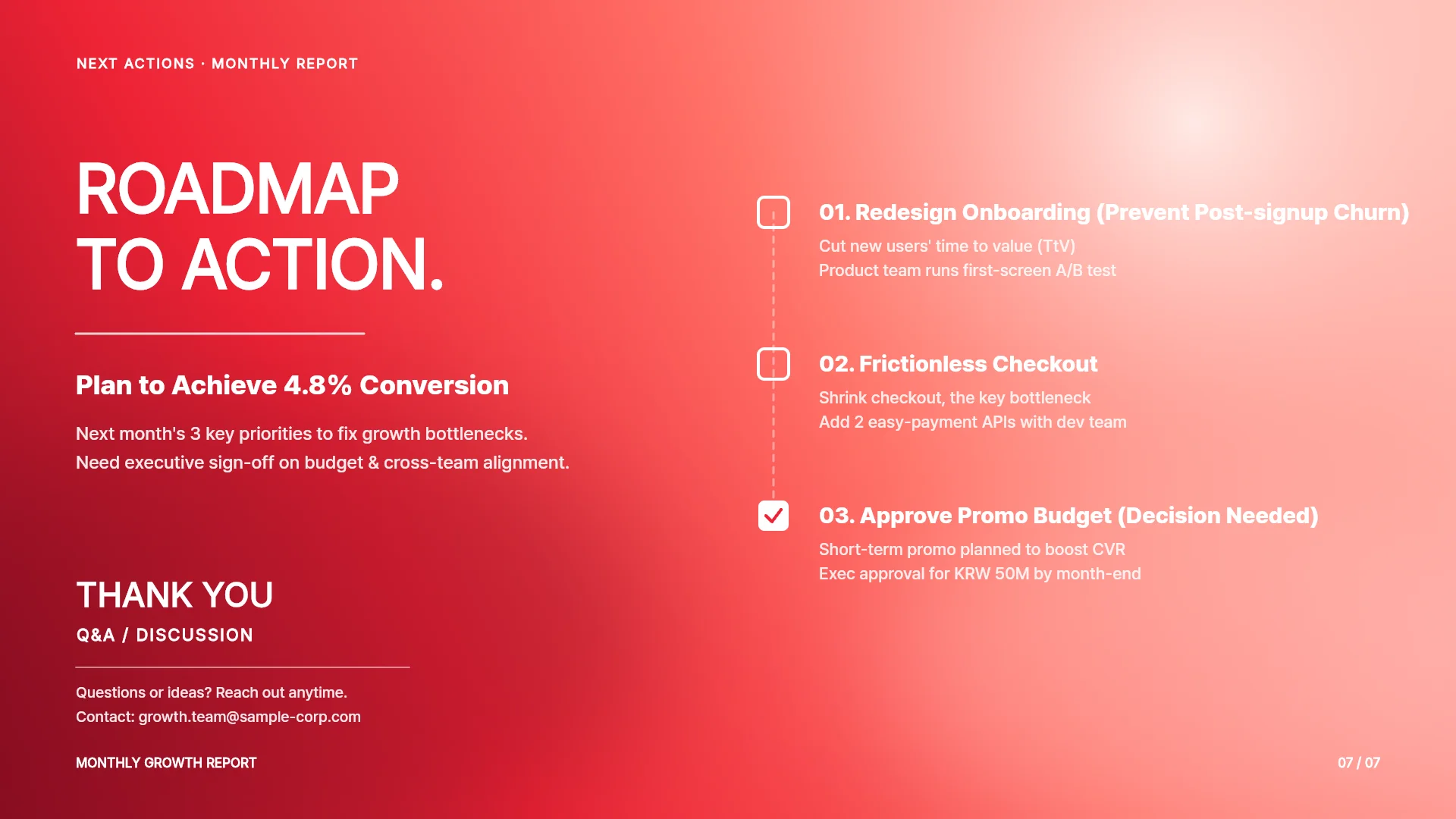
Slide outlines for three marketing decks
Slide order for three decks marketers make most. Paste one into your request or change it at the outline step. The picture shows real slides from a growth KPI report made with MOVO, including an A/B copy test result.
Campaign plan
Cover, background and last results, two or three targets, audience, key message, channel plan and budget, weekly timeline, metrics, then approval. Attach a product brief PDF or last campaign results XLSX to fill the background and targets.
Campaign performance report
Summary and results against targets. Then clicks and conversions by creative, results by audience, cost per conversion by ad set, what to pause and a two-week content plan. Attach ad set and creative exports as XLSX or CSV and MOVO builds the tables and charts from them.
Content calendar
Monthly goal, three or four core topics, one calendar slide per week with date, channel, format and owner, then metrics and review dates. Attach a topic list as TXT or DOCX, or last month's post results as CSV.
Three marketing prompts to copy
Campaign plan
"A 6-week launch campaign plan for our new tumbler, budget $15,000."
Campaign report
"Build a performance report from the attached ad manager export."
Content calendar
"A November Instagram and blog content calendar as a table."
Fill in market data and fit the audience
Once the draft is ready, add missing evidence and shape it for whoever reads it.
Market numbers with sources
Ask MOVO to find the average organic search traffic share and add it next to the chart on slide 4. It searches the web, adds the figures and lists the sources under its reply.
Write for executives
Set the audience to Executive before you generate, and MOVO puts conclusions and decisions first. For a deck going to a client, choose Client.
Edit one slide with AI
Pick a slide and ask, for example, to turn the channel table into a bar chart. AI edits that slide only.
Get feedback and export
Share it with your team or client, then export it for wherever it goes next.
Fix overlaps
“Check layout” finds overlapping or clipped elements on the slide, and “Fix with AI” cleans them up from that list.
Share a link for review
Turn on sharing and send the link. Viewers watch it as a slideshow without signing in, and with Can copy on, teammates take a copy to edit.
PPTX
Text stays in text boxes and shapes stay PowerPoint shapes, so you keep editing in PowerPoint. Available from the Pro plan. Fonts missing on the export server fall back to Arial, so check after download.
PDF and PNG
The Free plan exports PDF, PNG with a watermark.
How to make a marketing presentation in 3 steps
Add your brief or data file
Type goals, dates, budget and channels, or attach the XLSX or CSV export from your ad manager. You can also adapt one of the example prompts above.
Check the outline and set brand colors
MOVO shows a slide-by-slide outline with titles and key points first. Fix the order, pick a style, and set your primary color and font if needed.
Check the numbers and export
Compare every table and chart with your source file, and fix slides by clicking them or asking in chat. When it is ready, export to PPTX, PDF, PNG, Figma.
Marketing presentation templates
Real marketing templates from the MOVO template library. Open one to see its slide structure and swap in your campaign.


Frequently asked questions
What marketing presentations can I make?
MOVO drafts campaign plans, campaign performance reports, content calendars and brand or product overviews. Rewrite one of the example prompts above for your campaign and paste it into the input box to get an outline first.
Can I build a report from an ad performance spreadsheet?
Yes. Attach the XLSX or CSV export from your ad manager or analytics tool, and MOVO builds table and chart slides from those numbers. Numbers can shift during the rewrite, so check them against the source before you present.
Can I use our brand colors and fonts?
Yes. Set primary, secondary and accent colors and a font before you generate, and every slide follows them. Logos and product photos you attach are used as is.
Can MOVO add market data like industry benchmarks?
Ask MOVO to find the average industry click-through rate and add it to slide 3. MOVO searches the web, adds the figure and lists the sources under its reply. Open the sources to check the year and scope before you rely on the number.
Can I turn the same campaign into social posts?
Yes. Switch the format above the input box to 4:5 and MOVO builds a carousel instead of slides. You can also load the Promotion · Marketing starter prompt from Start with an idea and adapt it.
What should I check in an AI marketing deck?
Check that targets, budget and dates match your plan and that table totals add up. Also make sure channel and metric names, such as clicks, conversions and cost per conversion, stay the same on every slide.
Can I make a marketing presentation for free?
Yes. The Free plan gives 300 credits a month, up to 5 slides per deck, and PDF, PNG export with a watermark. Longer decks and editable PPTX files for PowerPoint start on Pro at $19.99 a month.
More AI presentation tools


Related pages
Carousel Maker
Turn campaign content into 4:5 carousels for Instagram and LinkedIn.
A4 Document Maker
Make store notices and event flyers in A4 portrait.
Business report presentations
For weekly or monthly reports that cover more than one campaign, see report structures by type.
Pricing
Slide limits, upload limits and export formats for each plan.