
AI Presentation Maker for Students
Start a class assignment, class presentation or group project from one line or your lecture notes. MOVO AI shows the outline first, then you edit every word, image and shape in the editor.
What MOVO does for your class presentation
AI drafts the content and the design. You finish it by editing directly.
See the outline first
Give a topic or your materials and AI shows a title and key points for each slide before designing. Check it against your assignment brief, then fix titles, points and order.
Lecture notes into a talk
Upload lecture notes as a PDF, readings as a Word file or survey data in Excel. AI reads them, cuts the content down to key points for each slide and rebuilds the flow for speaking.
Edit it yourself
Click any text, image or shape on a slide to change it. Use the Elements, Text, Images, Upload, Background and Layers tabs, or pick one slide and ask the chat to redo it.
Class assignment: turn readings into your argument
Put the key points from your readings and your own view with evidence on separate slides.
A 5-slide structure
Title with course and name, the assignment question, key points from the readings, your view and evidence, then conclusion and references. Put this order in your request and check it at the outline step.
Prompt example
"Make a 5-slide assignment talk on gig work and minimum wage from the two attached readings. The audience is my classmates. Leave slide 4 empty for my own opinion."
Statistics with sources
Ask "chart youth employment rates for the last five years on slide 3" and AI searches the web and adds the numbers. Sources appear under its reply, so open each one before adding it to your references.
Class presentation: fit the slides to your time slot
In the Settings step, set Audience to Student/Education and AI matches tone and depth to your classmates.
An 8-slide structure for 10 minutes
Title, agenda, background and problem, key concept, case study, comparison, summary, then Q&A. At the outline step, drag slides to change the order.
Prompt example
"Make an 8-slide, 10-minute talk for my behavioral economics class on nudge examples. The audience is second-year students. Keep each slide to three points or fewer."
Make hard slides easier
Pick a dense slide and write "Simplify this for second-year students with three short points and one everyday example." AI rewrites only that slide.
Group project: build in parts, present one deck
Split the work by role and bring everyone's slides into one presentation deck.
A 7-slide final presentation
Title with team members and roles, problem, research findings, solution, expected impact and limits, roles and process, then conclusion.
Prompt example
"Use the attached meeting notes and survey results (Excel) to make a 7-slide final talk on cutting disposable cups on campus. Leave a name field for the owner of each slide."
Share by link, merge in My projects
Turn on sharing and set permissions to Can copy. Teammates use Copy to my projects to edit their part, then send their deck back the same way. In your deck, open the My projects tab and insert their slides.
Make a talk from lecture notes in 3 steps
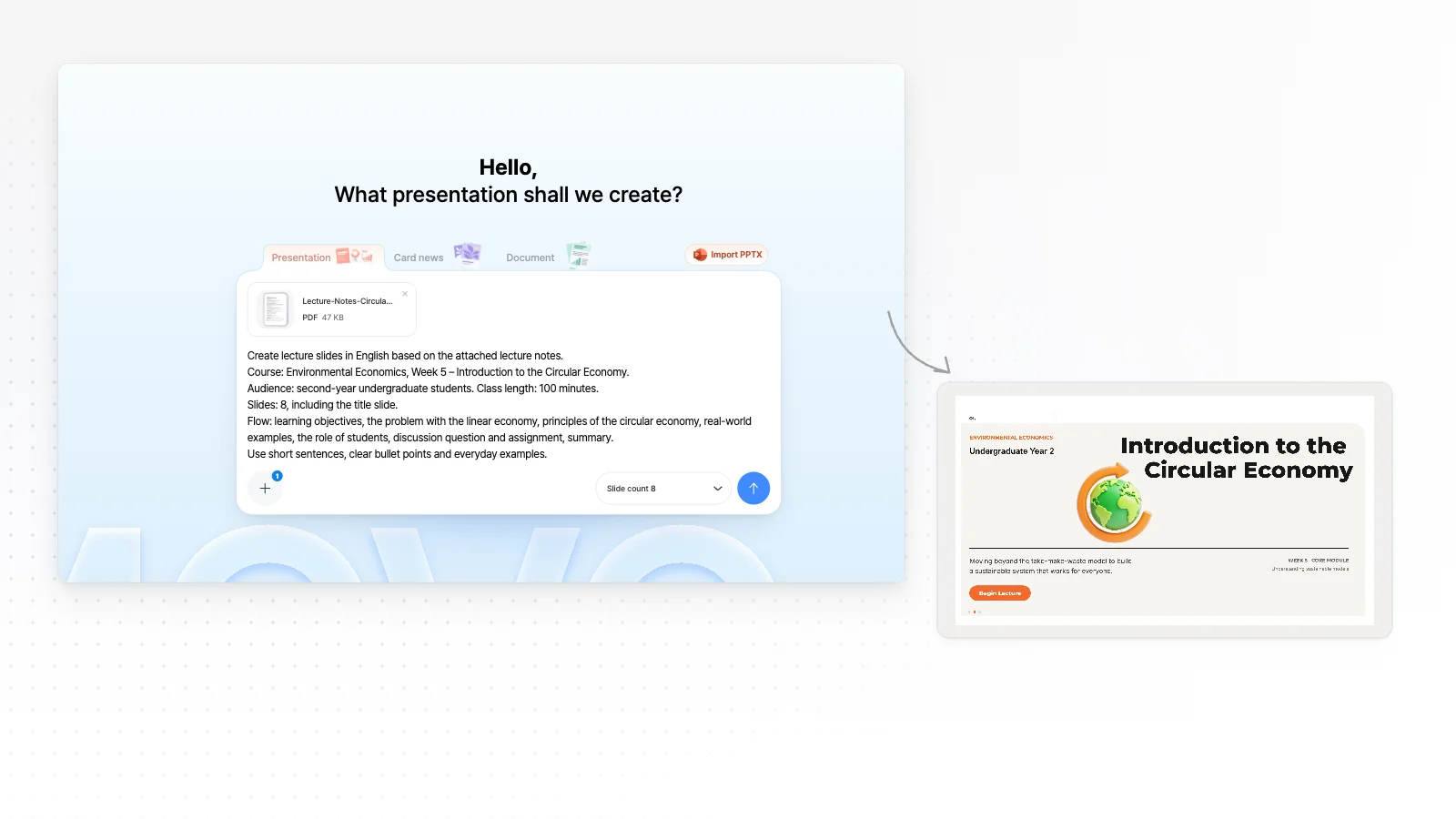
Attach your notes and write the request
Attach your lecture notes PDF with the + button and write the course, audience, time and flow you want. Choose how many slides in Slide count. The request on screen is an example that makes lecture slides from notes.
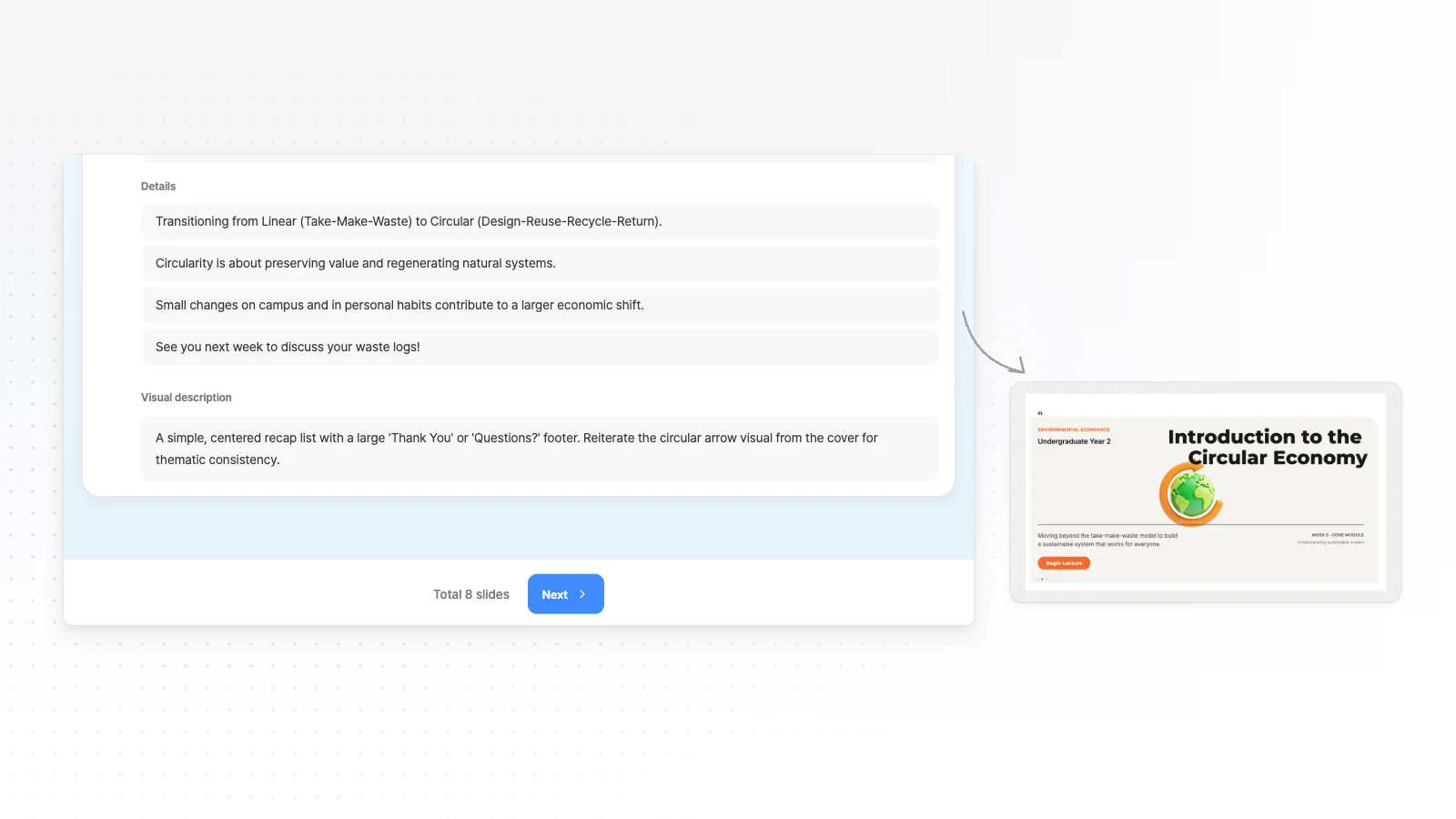
Fix the outline AI drafts
AI reads the notes and shows details and a visual description for each slide. Add your own opinions or examples that the notes do not cover at this step.
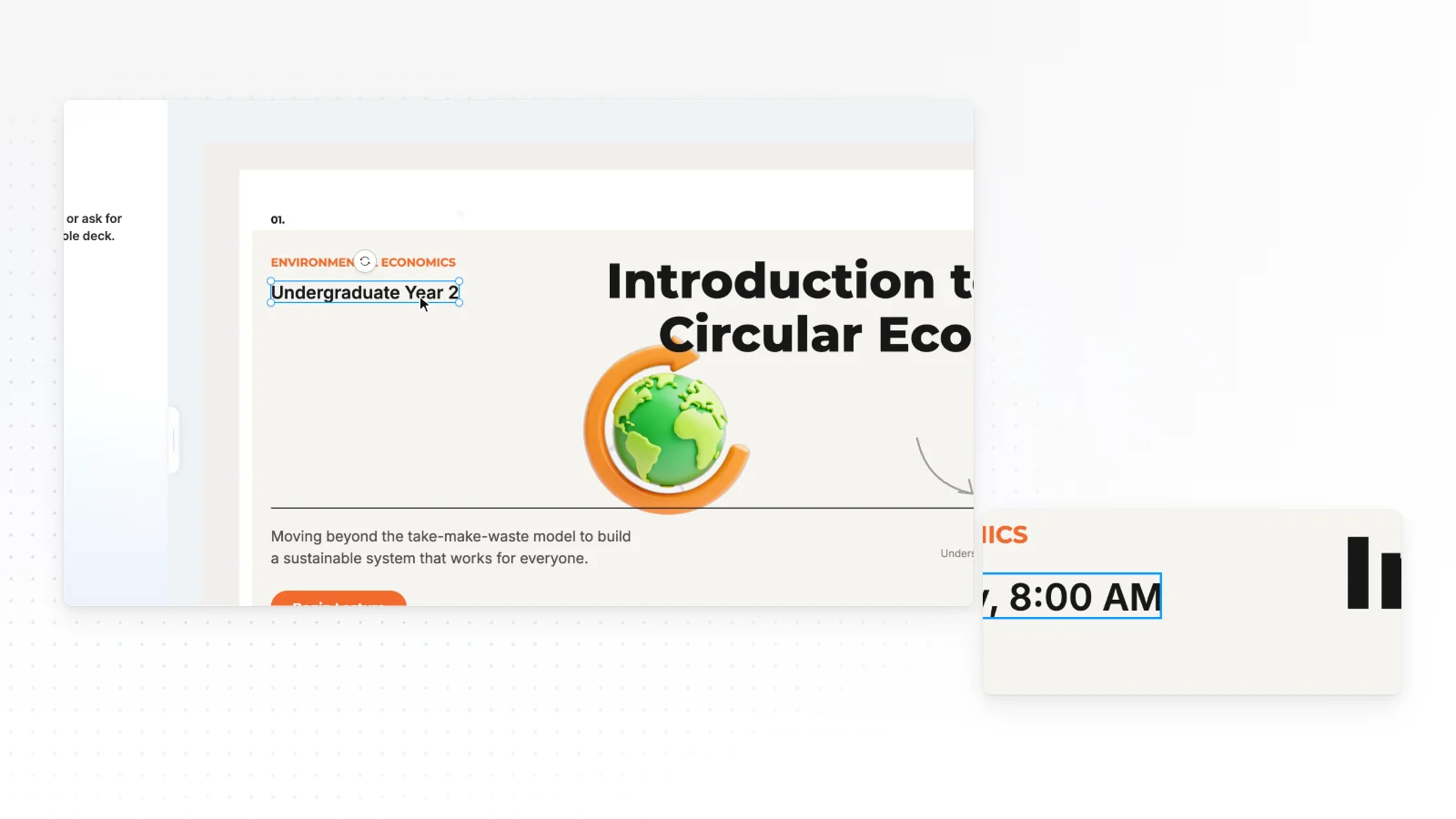
Edit slides yourself and export
Click a text box to change details like the class time, and ask the chat to redo only the slides that need it. When it is ready, export to PPTX, PDF, PNG, Figma.
Academic presentation templates
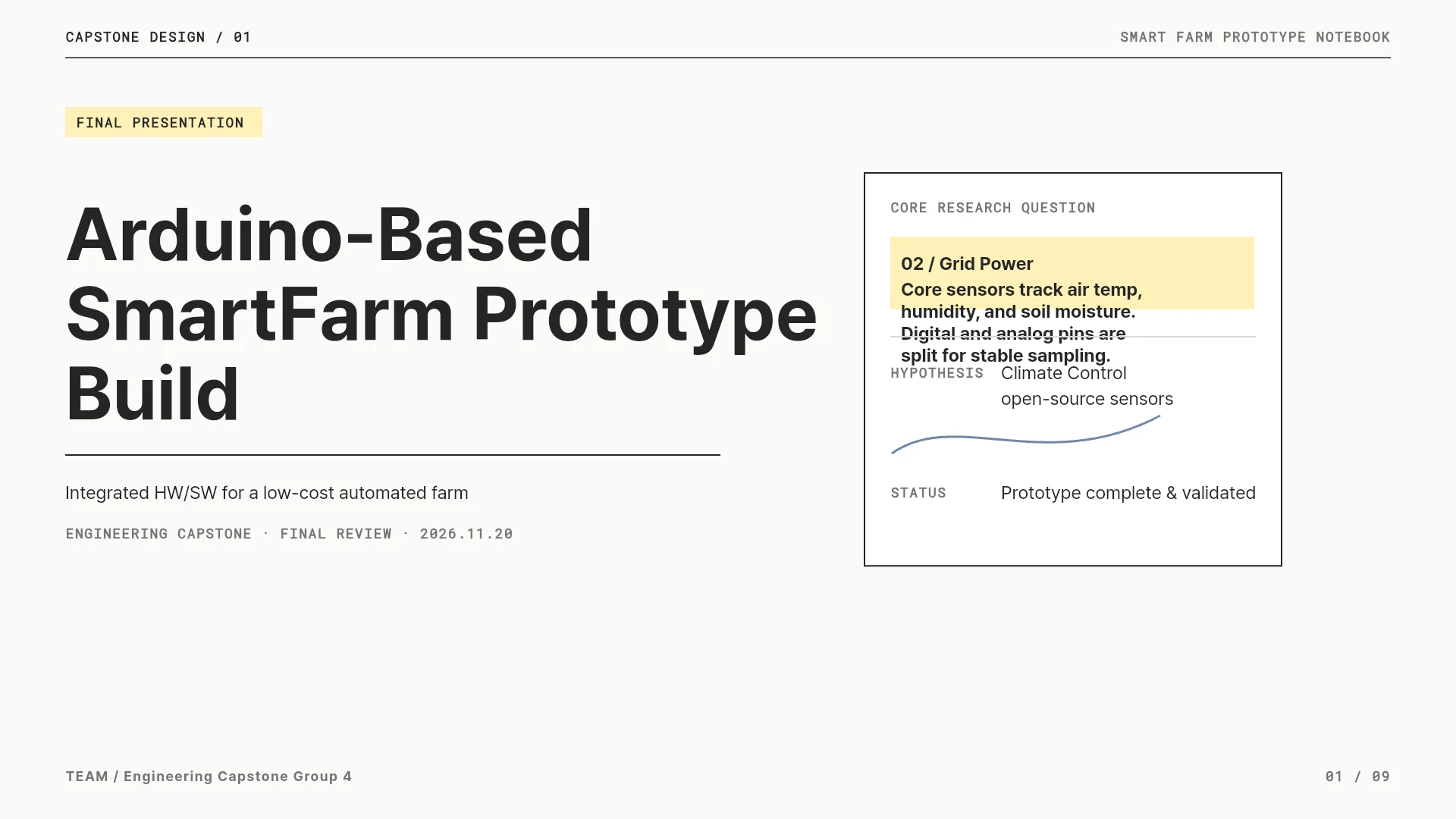
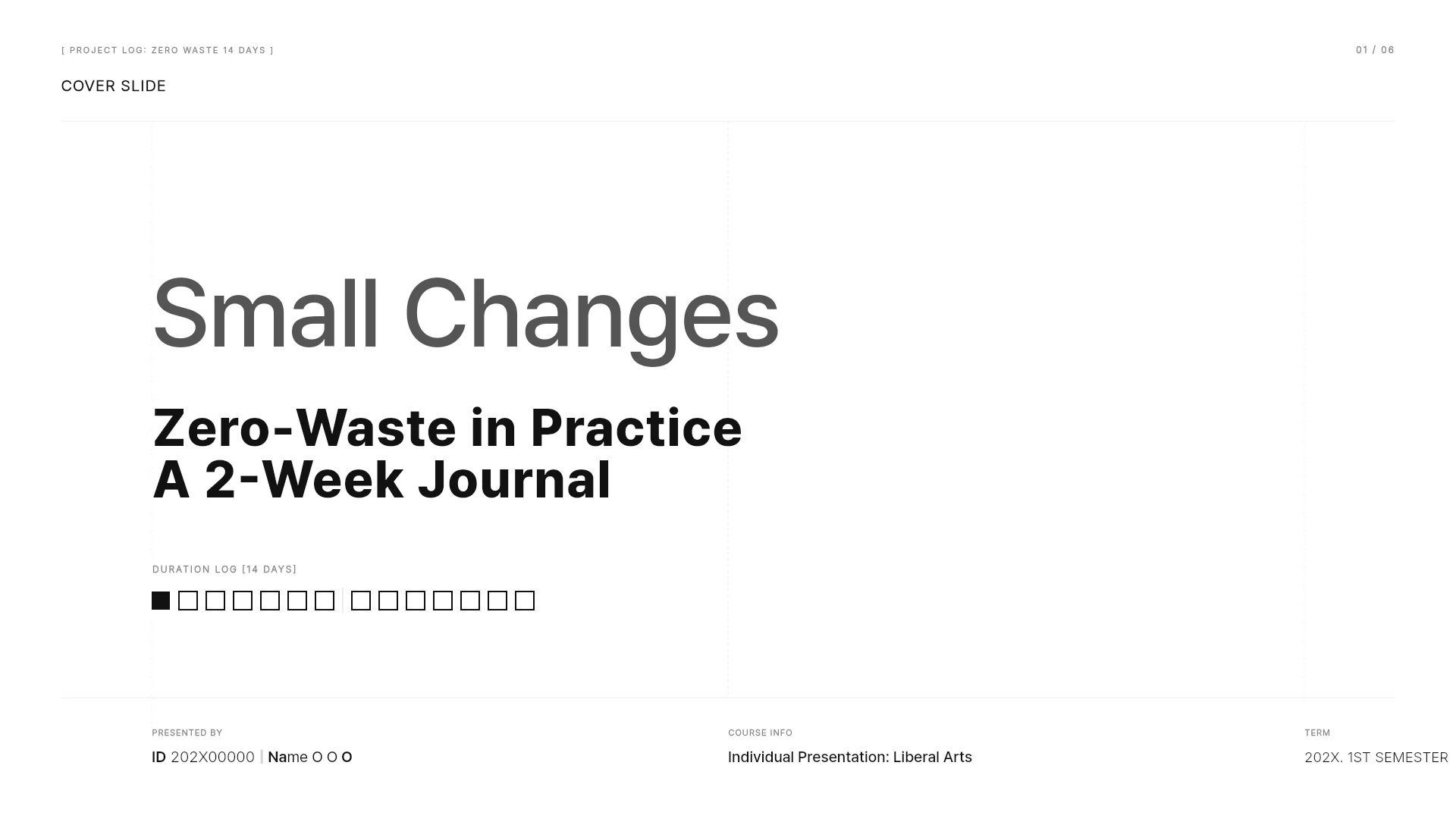
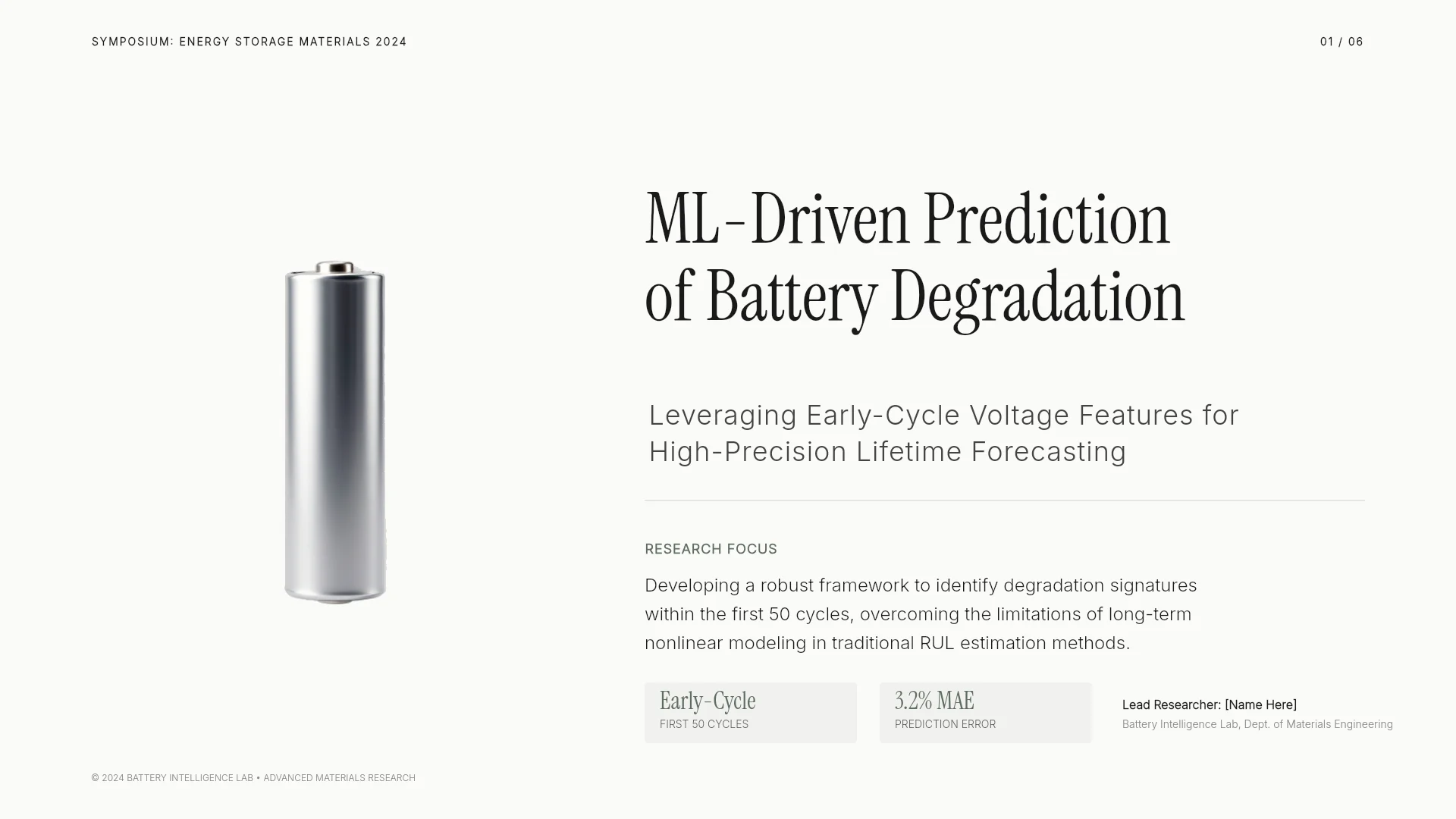
Real class and group presentation templates from the MOVO library. Open one to see its slide outline and swap in your own topic.




Frequently asked questions
Can students use MOVO for free?
Yes. The Free plan gives 300 credits a month, up to 5 slides per generation, and PDF, PNG export with a watermark. More slides per generation and editable PPTX files for PowerPoint start on Pro at $19.99 a month.
Can AI summarize my lecture notes?
MOVO reads the notes you upload and shows an outline with a title and key points for each slide. The result is a slide deck, not a written summary. Points can drop out or go wrong when shortened, so compare them with the original.
Which files can I upload, and how large?
MOVO accepts PDF, PNG, JPG, WebP, TXT, CSV, DOCX, XLSX files, and each PDF can have up to 100 pages. The Free plan takes up to 3 files of 5 MB each per request. Pro and Max take up to 10 files of 20 MB each.
Can I keep editing in PowerPoint?
Yes, on Pro and above. Exported PPTX files keep text as text boxes and shapes as PowerPoint shapes. Fonts missing on the export server change to Arial, so open the file before you submit it.
Can I edit a deck a teammate made in PowerPoint?
Yes. Open it with Import PPTX above the input box if the file is 20 MB or smaller with 50 slides or fewer, hidden slides included. Fonts the editor does not support may change to Pretendard.
How do I choose the number of slides?
Pick a number in Slide count or write it in your request. AI adjusts the count to fit the content, so the outline may differ from what you asked. Check it at the outline step before you build the slides.
Can I make slides in one language from notes in another?
Yes. Write the language you want in the request, such as "make the slides in English", and AI builds the slides in that language. Check subject terms against the original notes.
More AI presentation tools


Related pages
Academic presentation templates
Templates for class assignments, group presentations and thesis talks, with slide-by-slide outlines.
Edit an existing PowerPoint with AI
Pick one slide and tell AI what to fix, or click any text or image to edit it by hand.
PDF to PPT
How MOVO rebuilds a paper or report PDF into a talk, with upload limits.
Pricing
Compare slide limits, upload limits and export formats on Free and Pro.