
AI Sales Presentation Maker
Build a first-meeting pitch, a meeting recap or a quarterly business review from your product sheet and account notes. MOVO AI drafts the outline first, then you tailor each slide to the client by hand or by chat.
What MOVO does for a sales deck
Start from the files you already have and spend your time on the client.
Tailor it to each client
Ask without picking a slide, such as "Change every example to regional grocery chains." AI updates the whole deck at once.
Written for the buyer
Pick Client as the audience in the Settings step and set the copy tone to Formal, Friendly or Punchy. AI adjusts the tone and depth of every slide.
Reuse across the team
Turn on sharing and set permissions to Can copy. Teammates use Copy to my projects to get their own editable copy of your best deck.
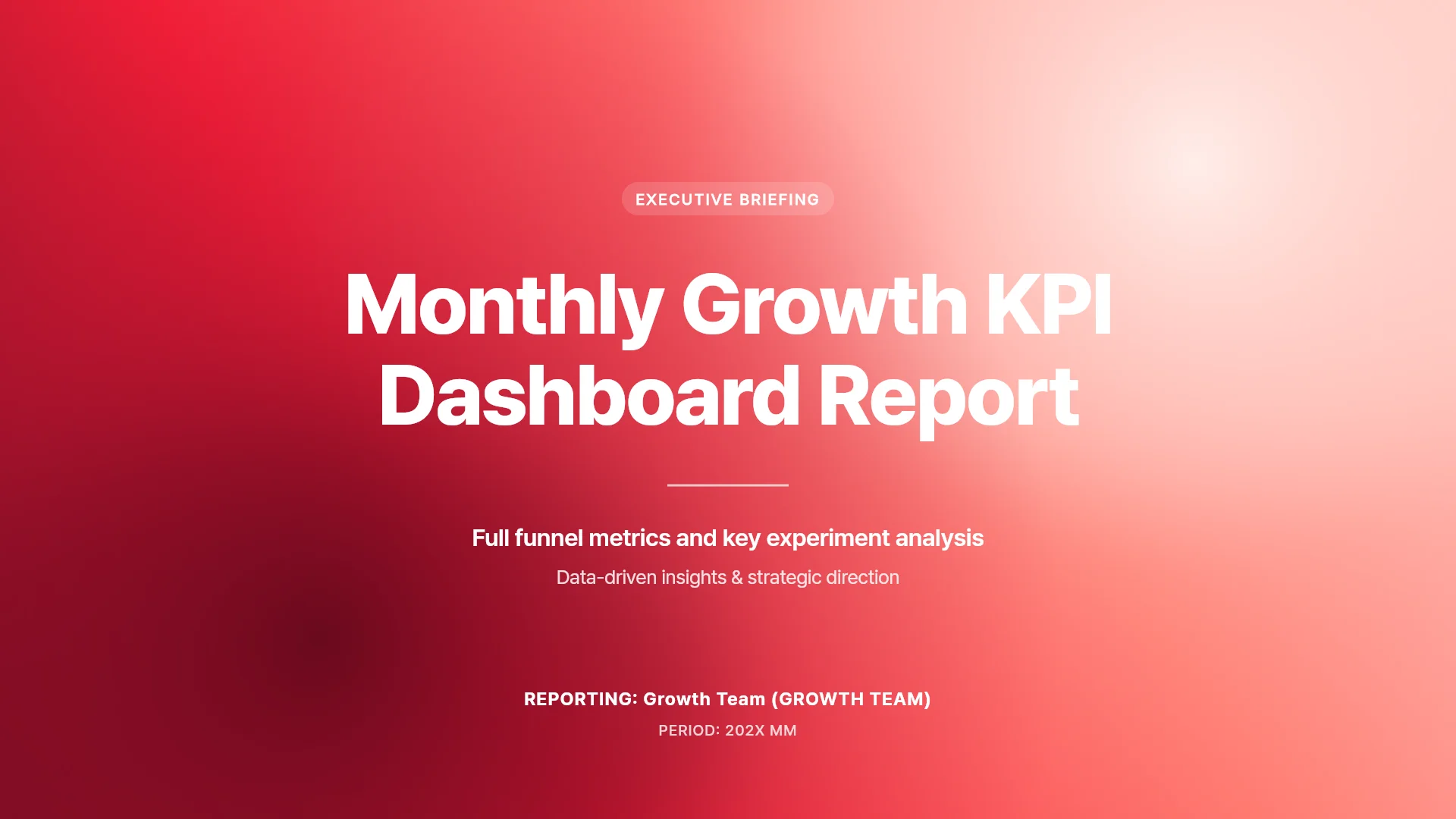
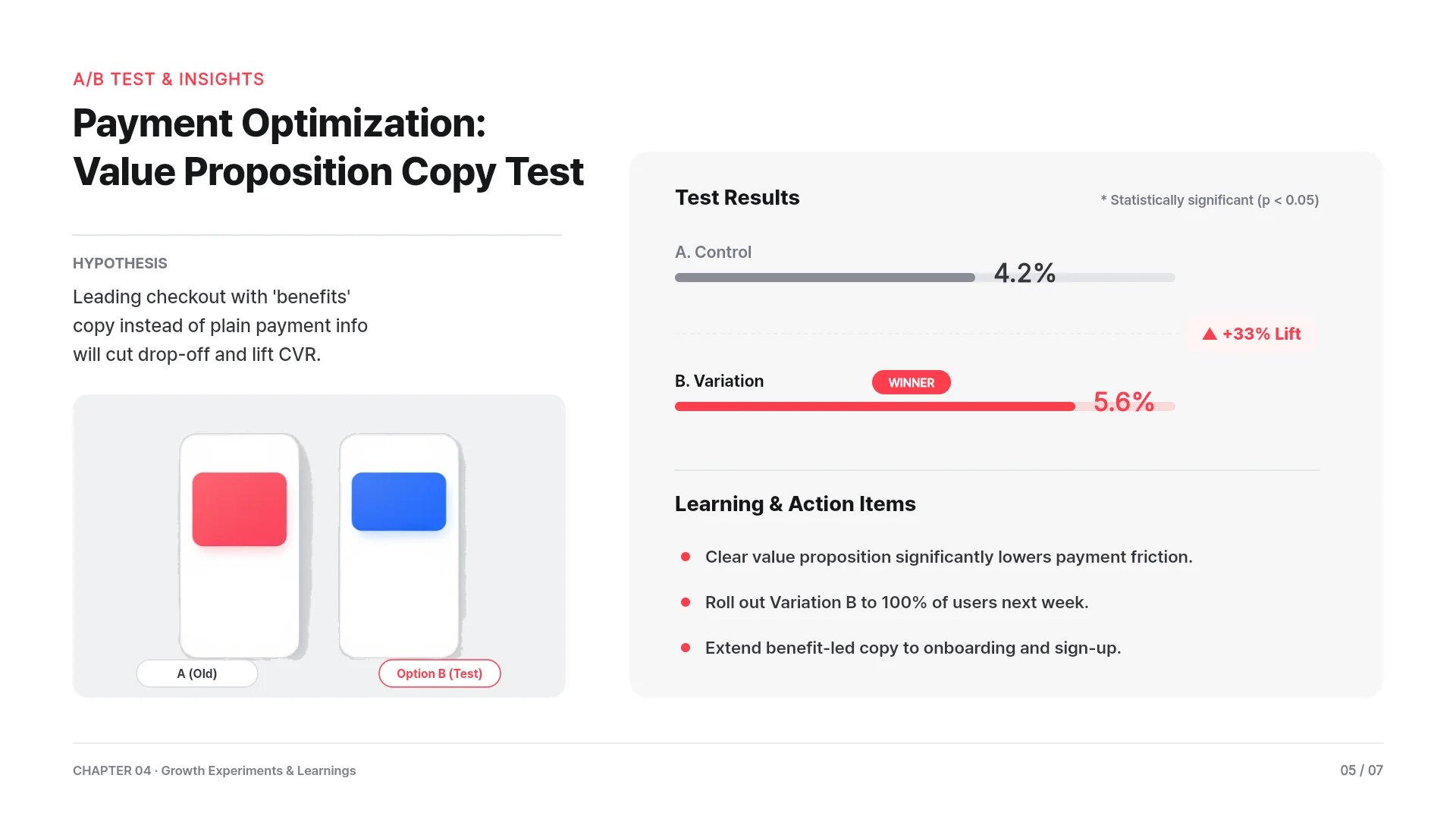
First-meeting pitch: their problem to your next step
For a discovery call or a first demo, keep the deck short and about the buyer.
A 7-slide structure
Client situation, problem and its cost, your solution, how it works, proof, pricing options, then the next step.
Prompt example
"Make a 7-slide first-meeting pitch for a 40-store grocery chain from the attached product sheet. Lead with their stock-out problem. End with a two-week pilot offer."
Files to attach
Attach your product sheet as PDF, a price list as XLSX and call notes as DOCX or TXT. AI uses them to fill the outline, so check prices against your current list.
Industry numbers with sources
MOVO searches the web, adds the figures and lists the sources under its reply. Try "Find average stock-out rates in grocery retail and add them to slide 2."
After the first meeting: recap and next step
Send the client's team a short recap they can share without you in the room.
A 3-slide recap
What we heard about their problem, how we would solve it, then the next step with owners and dates.
Prompt example
"Make a 3-slide recap of today's call from the attached notes for the grocery chain's operations team. End with the pilot dates we agreed."
Send a PDF they can forward
Export a PDF on any plan. In Export settings, choose Select pages to send only the recap slides.
Ready for a full proposal?
Scope, pricing and timeline decks have their own page, linked below, with an RFP-based slide order and proposal templates.
Quarterly business review for an existing account
Bring last quarter's usage and results into a deck you review with the account.
A 6-slide structure
Goals you agreed on, results against them, usage and adoption, open issues, plans for next quarter, then renewal or expansion options.
Prompt example
"Make a 6-slide QBR for a hospital network client from the attached usage sheet. Chart monthly active users on slide 3. Keep the tone formal."
Rework last quarter's PowerPoint
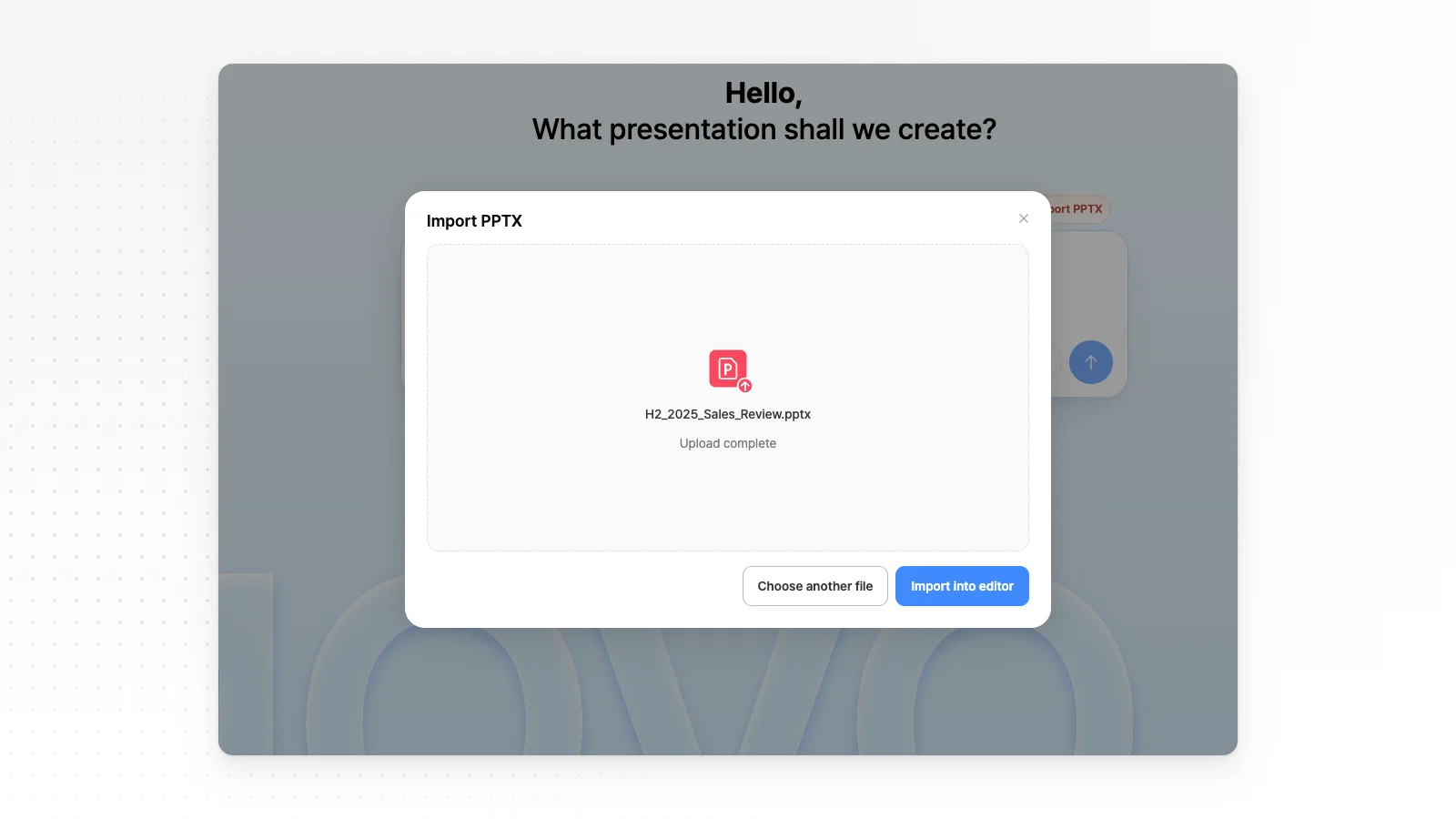
Open your old QBR with Import PPTX on the dashboard. Attach the new usage sheet in the AI chat and ask it to redraw the usage chart from the new sheet.
Tidy dense slides
“Check layout” finds overlapping or clipped elements on the slide. “Fix with AI” cleans them up from that list.
How to make a sales presentation with AI in 3 steps
Start from your files or your last deck
Attach a product sheet and call notes with the + button, or open an old deck with Import PPTX. Say who the client is and what you want them to decide.
Check the outline from the client's side
Make sure the first slides are about the client's problem, not your company history. In Settings, pick Client as the audience and choose a copy tone.
Tailor, check and send
Ask the chat to adapt examples to this client, then run Check layout on dense slides. Send a View only link or export the slides they need.
Product presentation templates
MOVO templates for product introductions and demos. Open one and tailor it to your client.


Frequently asked questions
Can I try MOVO for sales decks for free?
Yes. The Free plan includes 300 credits a month, up to 5 slides per generation and PDF, PNG export with a watermark. Editable PPTX for your client and longer decks start on Pro at $19.99 a month.
Does MOVO pull account data from my CRM?
MOVO has no CRM connection. Export the account data you need as CSV or XLSX and attach it to your request, and AI uses it for the deck.
Can the client edit the PPTX I send?
Yes. From the Pro plan, PPTX export keeps text in text boxes and shapes as PowerPoint shapes. Send a PDF instead when you do not want the client to change prices or terms.
Will AI overstate what my product does?
AI writes from your files and your request, but it can phrase a feature more strongly than your product supports. Read every claim against your product sheet and remove anything you cannot back up.
Can I present offline at a client site?
MOVO's slideshow runs in your browser. If the venue's internet is unreliable, export a PDF or PPTX in advance and present from that file instead. PPTX export starts on Pro.
More AI presentation tools


Related pages
Proposal presentations
Proposal decks built from an RFP or brief, with scope, price and timeline slides.
Sales proposal templates
Proposal templates that walk the client through their problem, your approach, then timeline and pricing.
PDF to PPT
Turn a product brochure or case study PDF into a new deck.
Pricing
PPTX export, slides per generation and upload limits by plan.