
AI Portfolio Presentation Maker
Upload your resume and work images, then list the projects and the slide order you want, such as problem, role, work and results. MOVO AI drafts a portfolio deck in that order, uses your images as is, and you can tailor it for each application.
What AI handles in a portfolio
AI turns scattered experience and work into one story per project.
From resume to project slides
Upload your resume, list the projects and the slide order you want, and MOVO splits it into project slides. You see the outline first, so you can add a missing project early.
Work images used as is
Images you attach are not redrawn. Load the Use images in the design starter prompt from Start from my files, and MOVO styles the slides around your images.
One version per company
Duplicate the project for each company you apply to, then ask for a whole-deck change like shifting the focus to fit the job description.
Slide outlines for three kinds of portfolio
Most portfolios run cover, about me, contents, projects and closing. Here that order is split by role. Paste one into your request or change it at the outline step.
Product manager portfolio
Cover, experience and tools on one slide, contents, two or three slides per project on problem, role, work and results, then contact details. Attach your resume PDF and project notes DOCX.
Design portfolio
Cover, strengths and tools, then for each project one large image slide and one slide on the brief, your role and process. End with contact links. Attach work images as separate PNG, JPG or WebP files, not inside a PDF.
Portfolio for your next marketing role
Cover, career summary, three key numbers, two slides per campaign on goal, your work, channels, budget and results, then contact details. Attach your career summary DOCX and campaign results XLSX.
Three portfolio prompts to copy
Product manager
"A product manager portfolio with three projects from my resume."
Designer
"A brand designer portfolio from the three attached work images."
Marketer
"A performance marketing portfolio with three campaigns from my results."
Pick a style for the role and polish each slide
Once the draft is ready, choose a style that fits your field and refine the project slides.
200+ styles
After you check the outline, pick one of 200+ presentation styles and every slide follows it.
Edit one slide with AI
Pick a slide and ask MOVO to show the result number larger or cut the text to three lines. AI edits that slide only.
Fix names and numbers by hand
Company names, dates and result numbers must be exact, so click the slide and edit them yourself.
Fix overlaps
“Check layout” finds overlapping or clipped elements on the slide, and “Fix with AI” cleans them up from that list.
Send it, then update it for the next application
Export in the format each employer asks for and keep a file to build on.
Send a PDF
The Free plan exports PDF, PNG. Free exports carry a watermark, so check before you submit.
Send a link
Turn on sharing and send the link. Viewers watch it as a slideshow without signing in.
Keep a PPTX copy
From the Pro plan, export a PPTX to keep editing in PowerPoint. Fonts missing on the export server fall back to Arial, so check after download.
Bring back an old portfolio
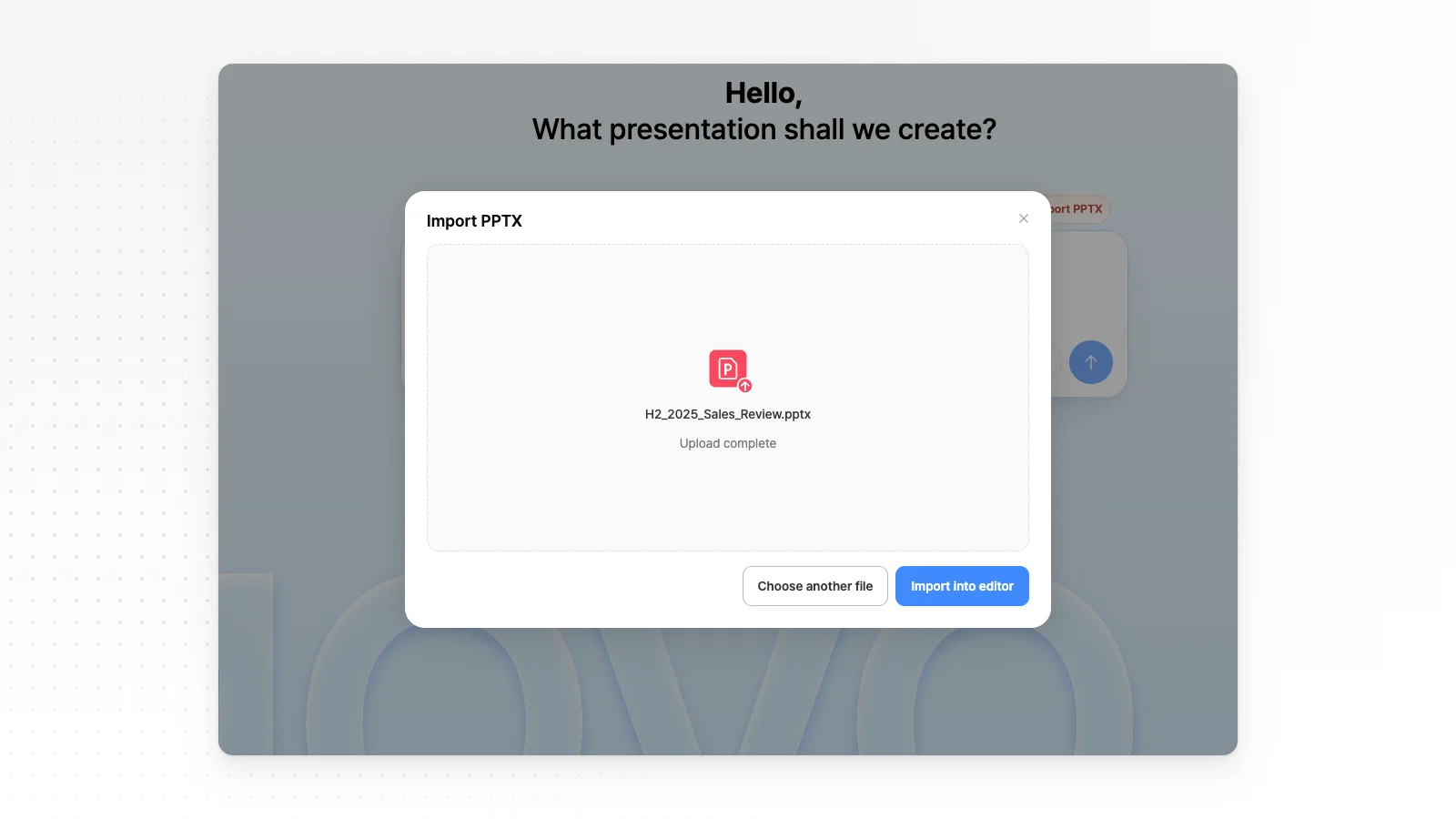
Open last year's portfolio PPTX with Import PPTX and add only the new project slides. Files up to 20 MB and 50 slides can be imported. Check each slide for images that did not come through.
How to make a portfolio presentation in 3 steps
Upload your resume and work images
Type the target role and the projects to include, then attach your resume PDF and work images. If you have an older PPTX, open it with Import PPTX instead.
Set the project order in the outline
MOVO shows a slide-by-slide outline with titles and content first. Move the projects each company cares about most to the front, then pick a style.
Check the numbers and export
Compare company names, dates and results with your resume, and fix slides by clicking them or asking in chat. When it is ready, send a link or export to PPTX, PDF, PNG, Figma.
Portfolio presentation templates
Real portfolio templates from the MOVO template library. Open one to see its slide structure and swap in your experience.


Frequently asked questions
How do I get AI to split my resume into project slides?
List the projects to include and how many slides each gets, and MOVO finds them in your resume and shows a slide outline first. Check that your role and results match your resume and that no made-up numbers slipped in before you generate the slides.
Which files can I upload for my resume?
Attach your resume as one of PDF, PNG, JPG, WebP, TXT, CSV, DOCX, XLSX. Images inside a PDF are not used as original images, so attach work images as separate PNG, JPG or WebP files.
Can I add images of my work?
Attach PNG, JPG or WebP images and MOVO uses them as is. AI decides which slide each image goes on, so name the must-have ones in your request. The Free plan takes 3 files per request, and Pro or Max take 10.
Can I update a portfolio deck I made before?
Yes. Open it with Import PPTX, up to 20 MB and 50 slides, then add new project slides or edit changed ones with AI. Unsupported fonts may switch to Pretendard and some images may not come through, so check every slide.
Can I tailor the portfolio for each company?
Yes. Duplicate the project for each company, then ask for a whole-deck change without selecting a slide, such as shifting the focus to fit the job. Paste the job description into your request and MOVO edits toward it.
What format should I send my portfolio in?
Export a PDF when an employer asks for a file, or turn on sharing and send a slideshow link when a link is fine. People who open the link can view it without signing in.
Can I make a portfolio for free?
Yes. The Free plan gives 300 credits a month, up to 5 slides per deck, and PDF, PNG export with a watermark. For more projects and slides, Pro at $19.99 a month makes up to 30 slides per deck.
More AI presentation tools


Related pages
Edit an existing PowerPoint
Import an old portfolio PPTX and edit only the slides you want to change.
PDF to PPT
Turn a resume or career summary PDF into slides.
A4 Document Maker
Make a one-page A4 career summary to send with your portfolio.
Pricing
Slide limits, upload limits and export formats for each plan.