
AI Presentations for Office Workers
AI lays out reports, proposals, company profiles and internal updates in the order that fits each document type. Open the company PPT you already use to change only the slides that moved, and click text and charts to edit them yourself.
Made for everyday work documents
Built around the documents people make most in planning, marketing, sales and internal reporting.
Request templates by document type
Fill in only the task name and details in the Report · Update or Business · Proposal templates in the input box. Narrow the design by document type too, such as Report / Analysis or Proposal / Persuasion.
Open the PPT you already use
Open a file you were working on in the editor with Import PPTX, then hand only the slides that changed to AI. You don't rebuild the deck from scratch.
Finish by editing yourself
Click text, shapes and charts to edit them right away. Slides AI changed and slides you imported are polished by hand on the same screen.
Reports and internal updates
Documents that share numbers and progress. For each one, we list a suggested slide order, files worth uploading and a sample request.
Sales and results reports
The suggested order is the conclusion and key numbers → results against target → why they came out that way → next steps. Write this order in your request or move the cards at the outline step to match. Attach a results XLSX or CSV and write something like 'Q3 sales results for my team lead, conclusion on the first slide.'
Weekly work reports
Ask in your request for last week's work and this week's plans on separate slides, with blocked tasks gathered on one slide. Upload meeting notes as DOCX or memos as TXT, and AI picks items from them and splits them across slides.
Meeting and briefing materials
We suggest agenda → current status → options compared → decisions needed. For an executive briefing, pick Executive as the audience in the settings before you create.
Start from a report template
Flip through the slides on a template's detail page and click Start from this deck to bring that deck into your projects. Write what to change in the chat of the open deck, and AI updates each slide with your content.
Proposals and company profiles
Documents you send outside the company. Put what the reader gets first, and match colors and fonts to your company.
Sales proposals
The suggested order is the client's problem → your proposed approach → schedule and cost → next steps. Attach a service brochure PDF and a quote XLSX, and name the recipient, such as 'adoption proposal for [client]'s logistics team.'
Company and service profiles
We suggest company overview → products and services → what clients get → how you work → contact details. Attach the logo and product photos you must include as PNG or JPG, and mention them in your request.
Company colors and fonts
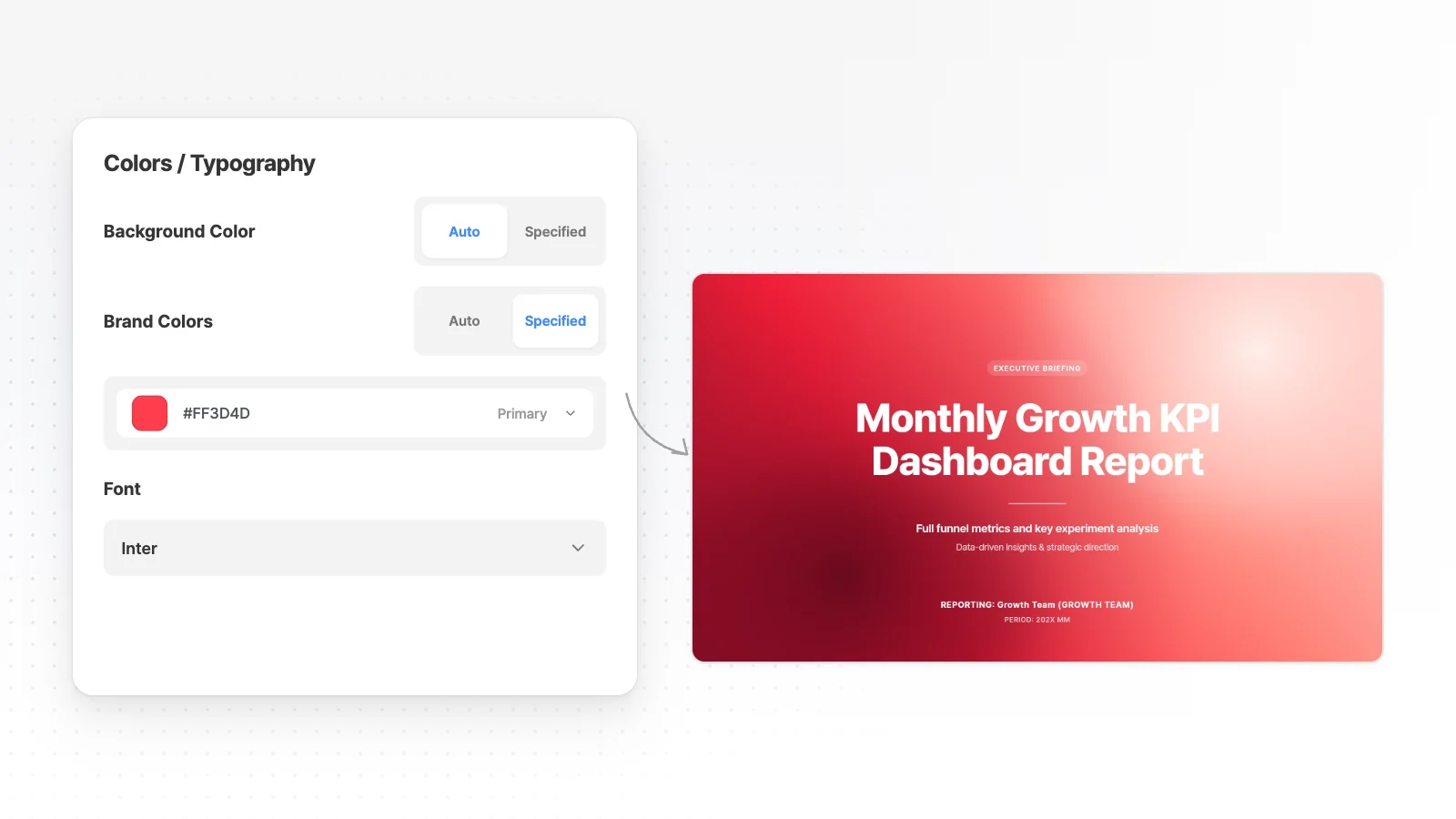
In the settings before you create, switch Brand Colors to Specified, enter your company's primary color and pick a font. For the style, choose from Proposal / Persuasion or Brand / Introduction.
A tone that fits the reader
Pick Client as the audience and Formal as the copy tone, and AI writes in a tone that suits documents you send outside.
Open and edit the company PPT you already use
When you reuse last time's PPT, you don't need to make a new one. Change only what's different.
Import PPTX
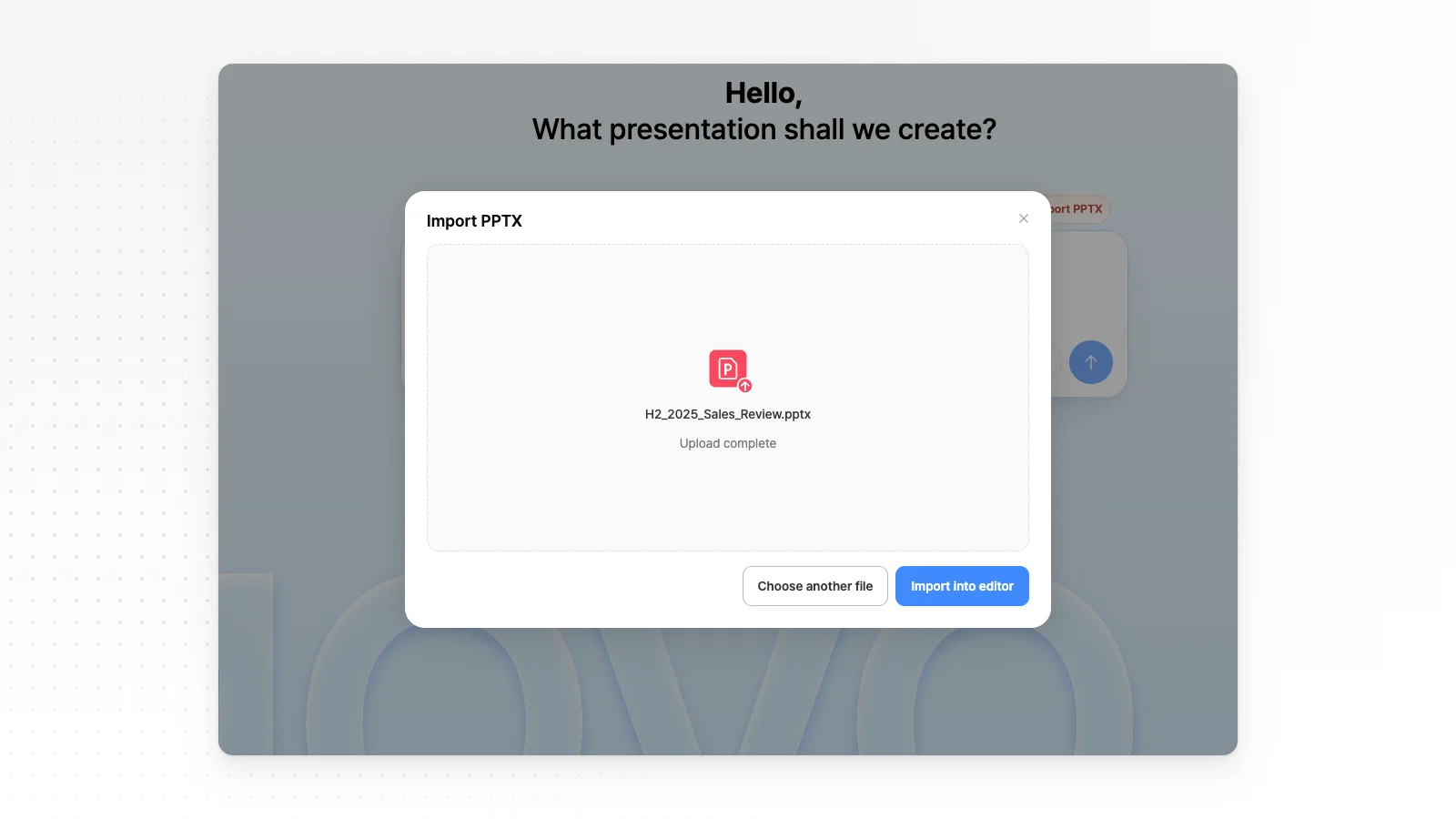
Click Import PPTX above the input box, upload the file and click Import into editor. It opens files of up to 20 MB and 50 slides, hidden slides included.
Change only the numbers that moved
Pick the slide to change, attach this quarter's results file in the editor chat and ask 'Replace the table on this slide with the attached numbers.' Only the selected slide changes, so the other slides stay as they are.
Bring in slides from an old deck
Find a deck you made earlier in the My projects tab on the left of the editor, and insert the slides you need into the current deck.
When you rebuild the structure
Save the file as a PDF from PowerPoint and attach it in the input box. A Rebuild as a new presentation button appears below, and clicking it fills in a request template. MOVO rebuilds the same content as a deck with a new order and design.
Edit it yourself after AI makes it
Move between AI requests and hand edits on the same screen. For a single word or position, editing it yourself is faster.
Click to edit right away
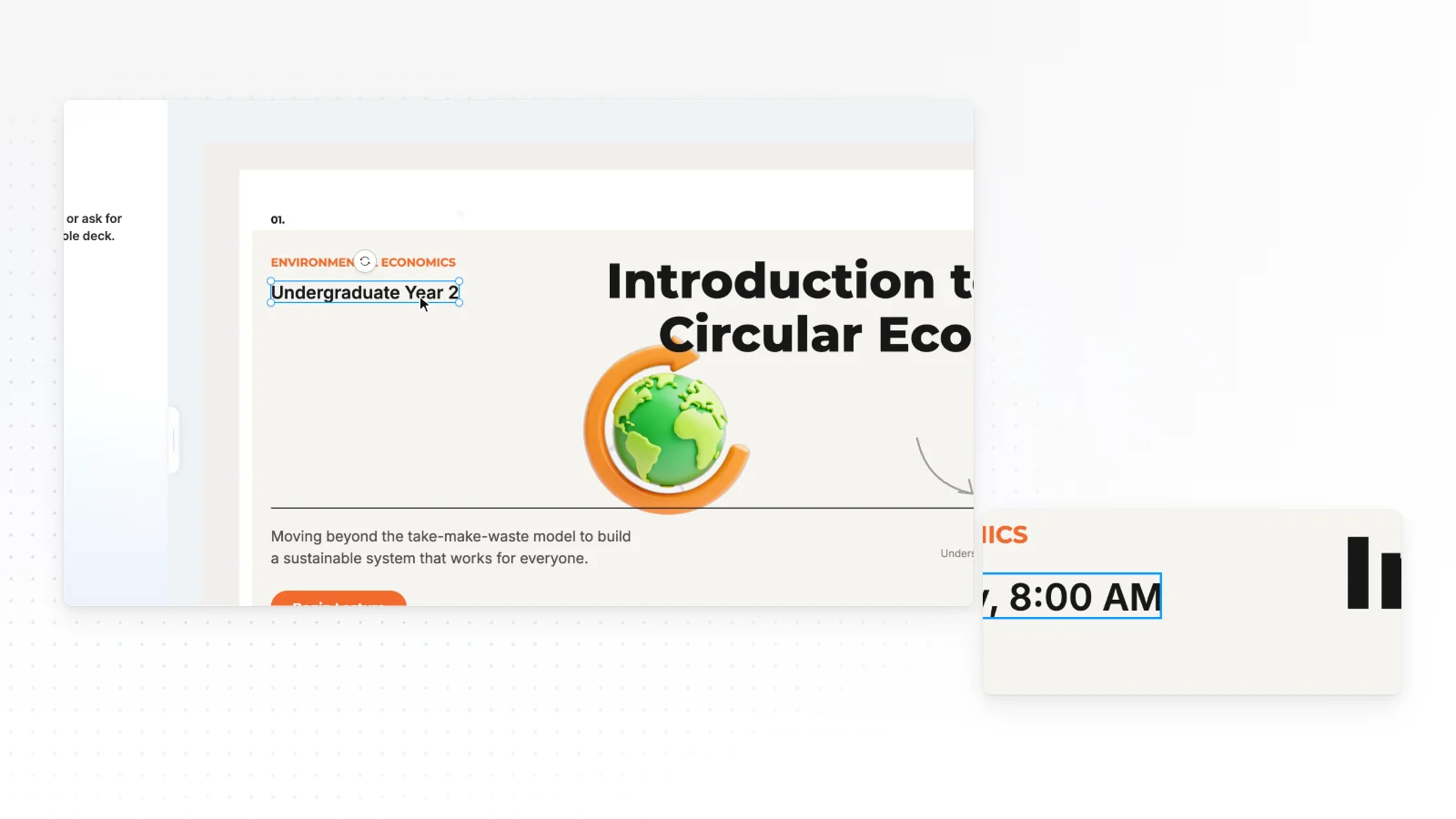
Double-click a text box to change the sentence, and drag elements to change their position and size. Changes are saved automatically.
Add from the left tabs
Add shapes, charts, text boxes and photos and change the background from the Elements, Text, Images, Upload, Background and Layers tabs.
Set font, color and position one by one
For a selected element, change the font, fill color, border, shadow and position one by one. Select several elements together to change their font and properties at once.
Charts are editable shapes too
Charts and labels drawn by AI are shapes, so click bar colors and label text one by one to change them.
Make work documents in 3 steps
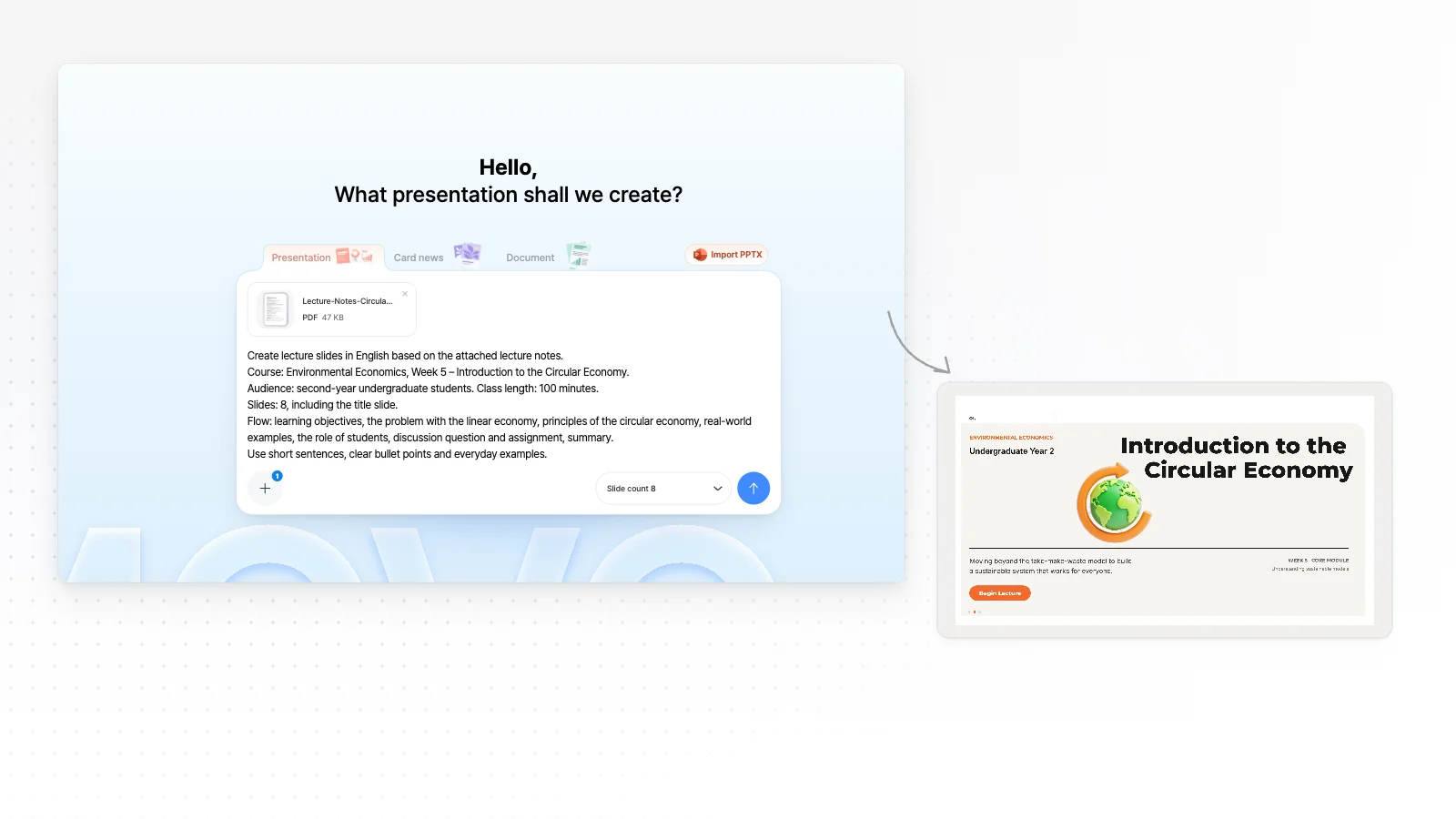
Pick the document type and add your files
Click Report · Update or Business · Proposal under Start with an idea, then fill in the task name and what to share in the brackets. Add the recipient to the sentence and set the number of slides in Slide count in the input box. Attach files such as results tables, meeting notes and brochures with the + button.
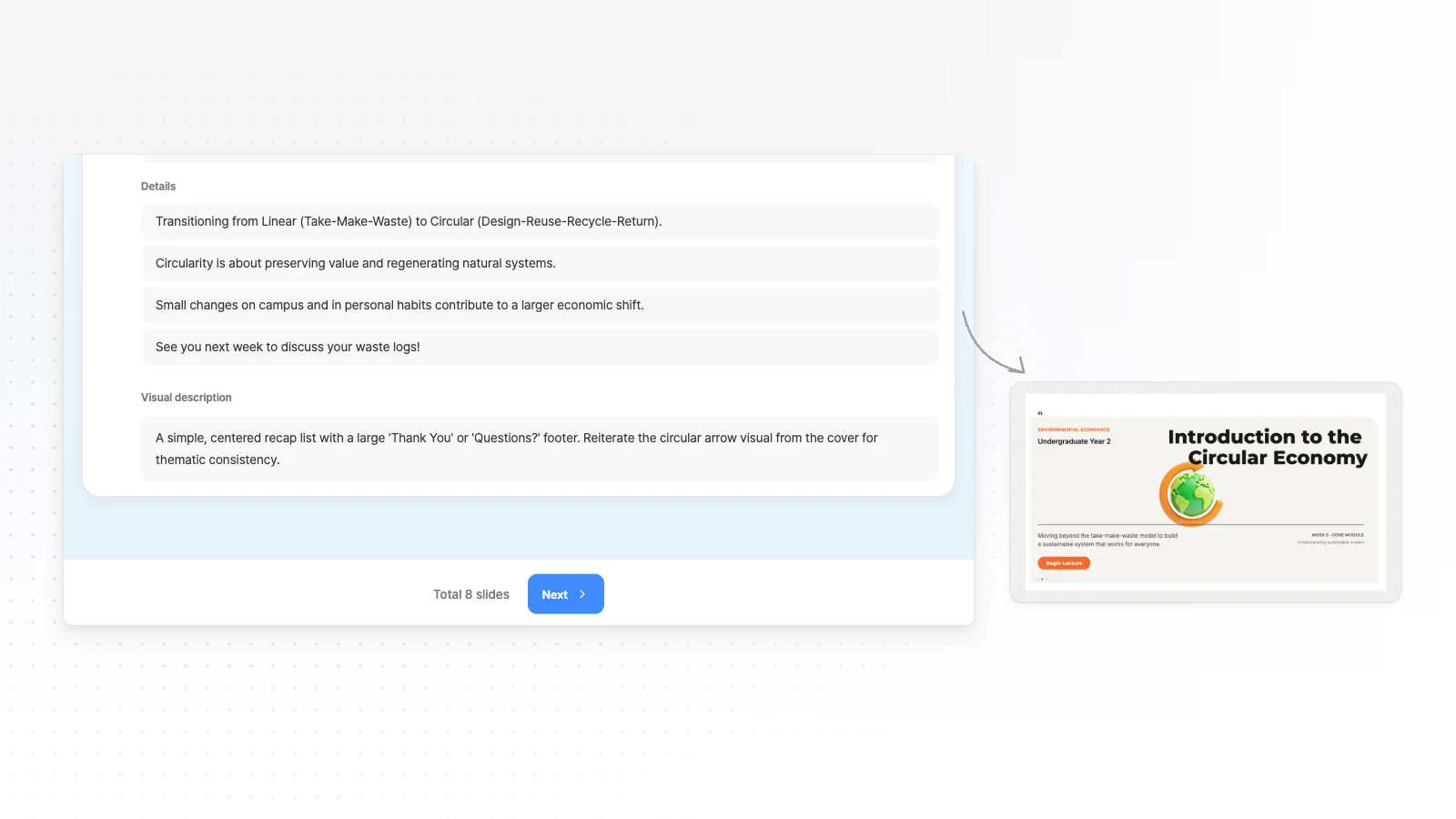
Check the outline and pick a style
AI first shows an outline with each slide's title and key content. Fix the order and any missing slides, then pick a style and company colors that fit the document type.
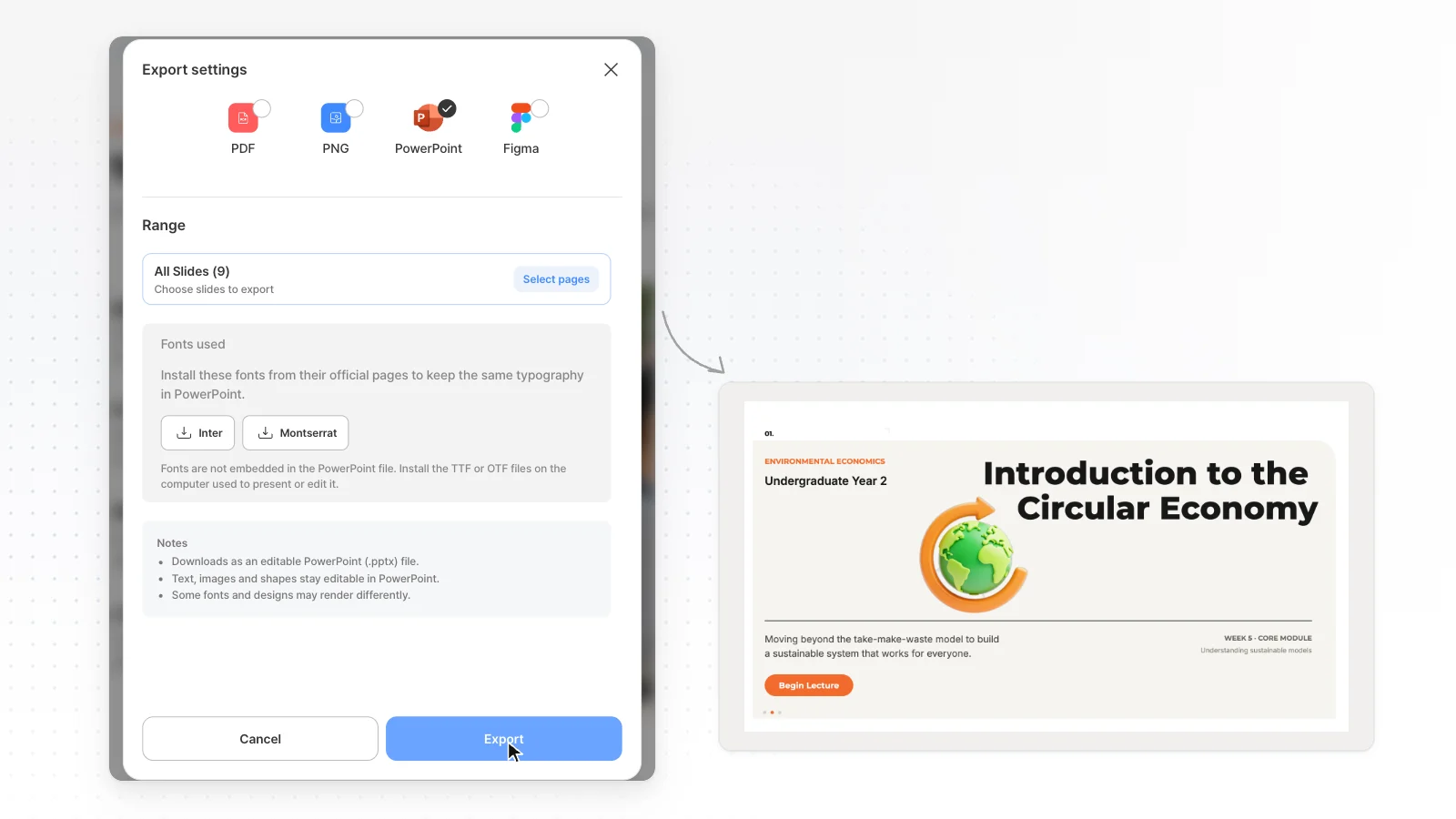
Edit and export
Change slides through chat and single words by hand. Send documents for email as PDF, documents to move into your company template as PPTX, and documents for review as a share link.
Start from a report template
Real report templates. Open a card to check its slide outline.


Frequently asked questions
Can I edit a PPT we already use at work?
Yes. Use Import PPTX above the input box to open a PPTX of up to 20 MB and 50 slides, hidden slides included, in the editor. Fonts the MOVO editor doesn't support may change to Pretendard, so check after it opens.
Can I reuse last month's report this month?
Duplicate last month's deck in the project list, pick only the slides whose numbers changed, attach this month's results file in the chat and ask AI to update them with those numbers. Last month's deck stays as it was. If you need a slide from another deck, find it in the My projects tab on the left and insert it into the current deck.
Can I make a one-page document like an internal notice?
Yes. Change the format above the input box to Document to make a portrait A4 document. Click Guide · Notice or Summary · Report under Start with an idea to fill in a request template for internal notices and one-page summaries.
Can I match our company colors and format?
In the settings before you create, switch Brand Colors to Specified to enter your company's primary color and pick a font. If you want to build on a company PPT file, open it with Import PPTX, pick slides and ask AI to change only the content.
Can I take over a deck a teammate made and keep editing?
Yes. When a teammate sets permissions to Can copy under Share in the editor and sends you the link, open it and click Copy to my projects to make a copy in your workspace. The original stays as it was, and you edit the copy yourself in the editor or with AI chat.
How do I send it to my manager for review?
Turn on sharing under Share in the editor and send the link, and anyone with the link can open it. Set permissions to View only to let them only view it, or Can copy to let them copy and edit it. If you need a file to attach to an email, export a PDF.
Can I use it for free?
Yes. The Free plan makes up to 5 slides at a time with 300 credits a month, and exports PDF, PNG with a watermark. To make more slides at once or get a PPTX to edit in PowerPoint, you need the Pro plan ($19.99 a month) or higher.
More AI presentation tools


Related pages
Business report presentations
If you only make reports, see the page that sorts methods by report type.
Proposal presentation templates
Templates for sales proposals and service brochures.
Edit an existing PowerPoint with AI
Upload the PPTX you already use, pick the slides to fix and tell AI what to change.
Edit by hand in the presentation editor
Each tab explained: click text, shapes and charts and edit them yourself.