
AI Presentation Tools
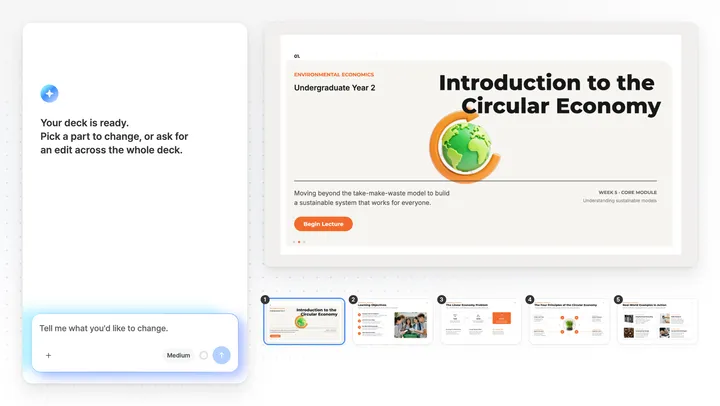
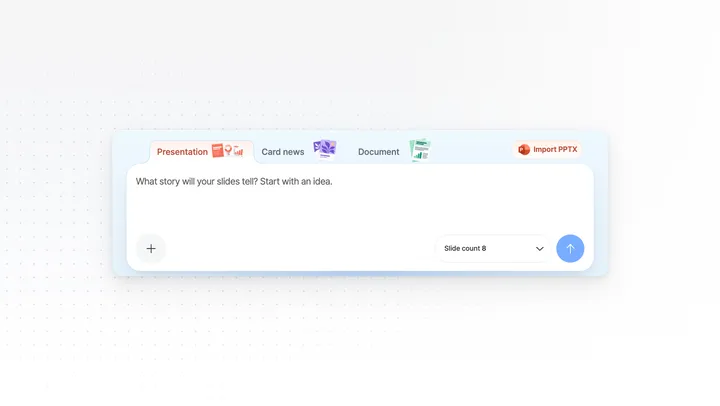
Every MOVO page, grouped by the job you want done. Make a deck, build a carousel or an A4 document, see every feature, find pages for business reports and students, compare tools, or start from a template. Whichever page you start on, you finish in the same editor and can change every slide by hand.
Create something new
Start here when you do not have a deck yet. Pick by what you bring and what shape you need back.
AI Presentation Maker
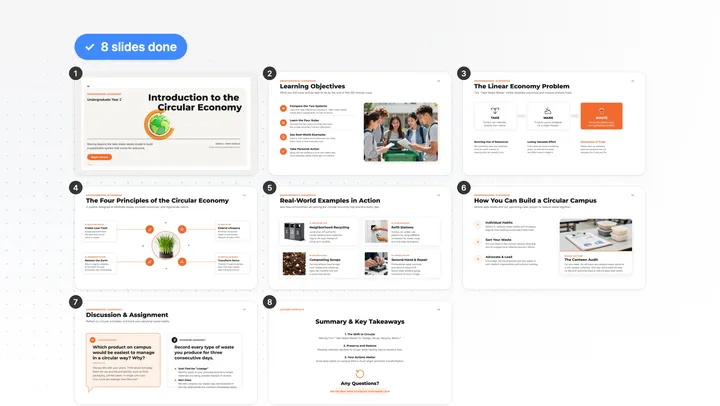
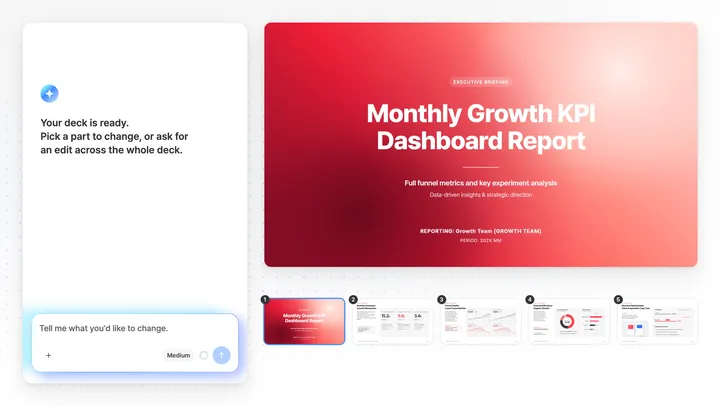
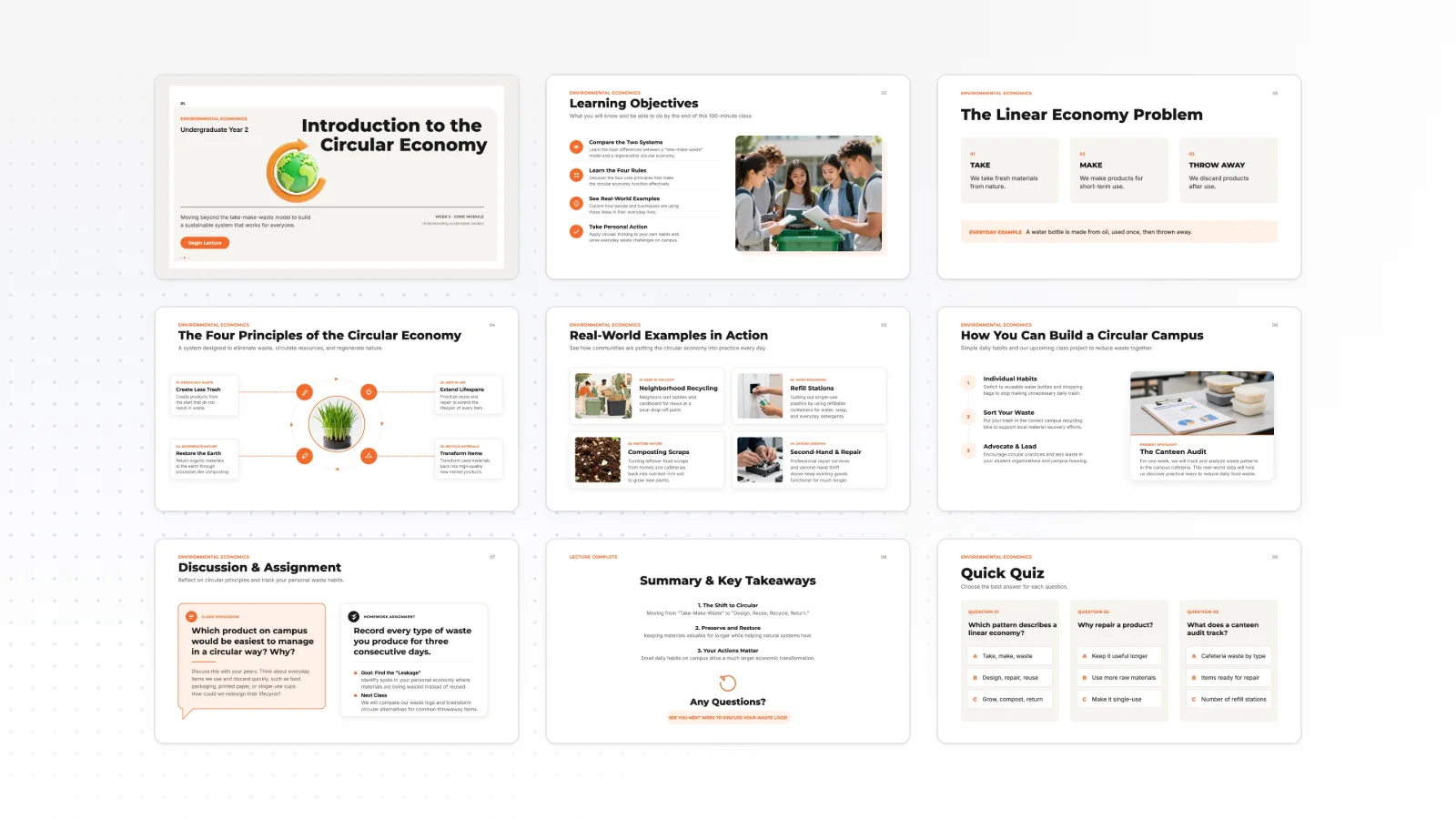
When you want a 16:9 deck from a topic or rough notes. The Free plan makes up to 5 slides per generation.
PDF to Presentation
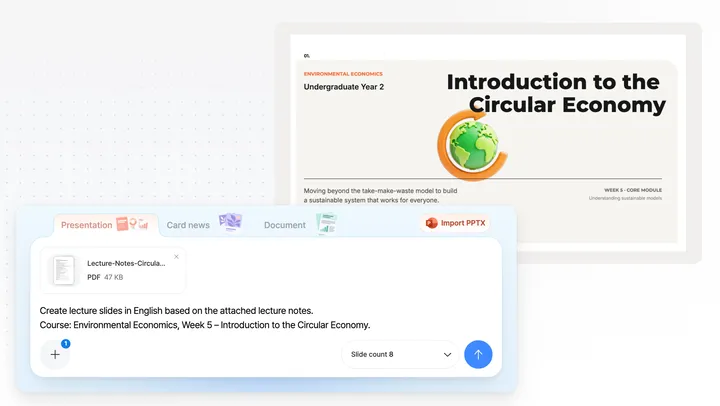
When a report, paper or lecture PDF needs to become a talk. MOVO reads it and rebuilds the content instead of copying each page.
Carousel Maker
When you need 4:5 slides for Instagram or LinkedIn. Edit each slide by hand or by chat.
A4 Document Maker
When you need an A4 portrait notice, flyer or summary report. Type a topic or attach a file to get a draft.
Word to PowerPoint
When a plan, report or meeting notes in Word need to become a talk. MOVO reads the text and splits it into key points per slide.
Excel to PowerPoint
When survey, budget or KPI numbers need to become slides. MOVO picks the metrics and lays them out as summaries and tables.
Slide count calculator
When you need to know how many slides fit your talk. Enter the length and type to get a range.
Browse by feature
Find what MOVO does at each step, whether you are starting a deck or changing one you already have. Pick the step you are stuck on.
All features
When you want the whole flow on one page, from generating slides to editing and exporting them.
Outline first
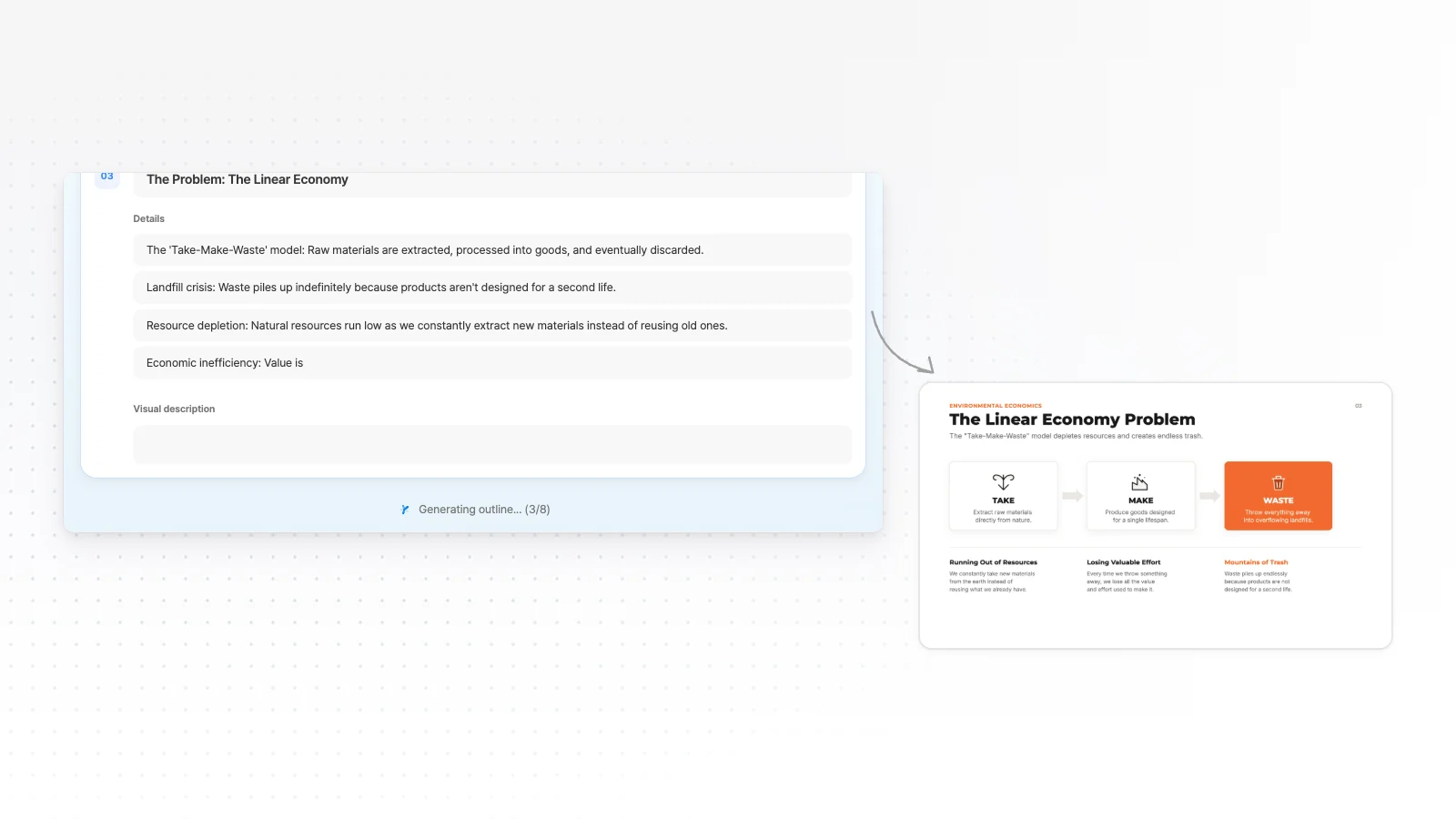
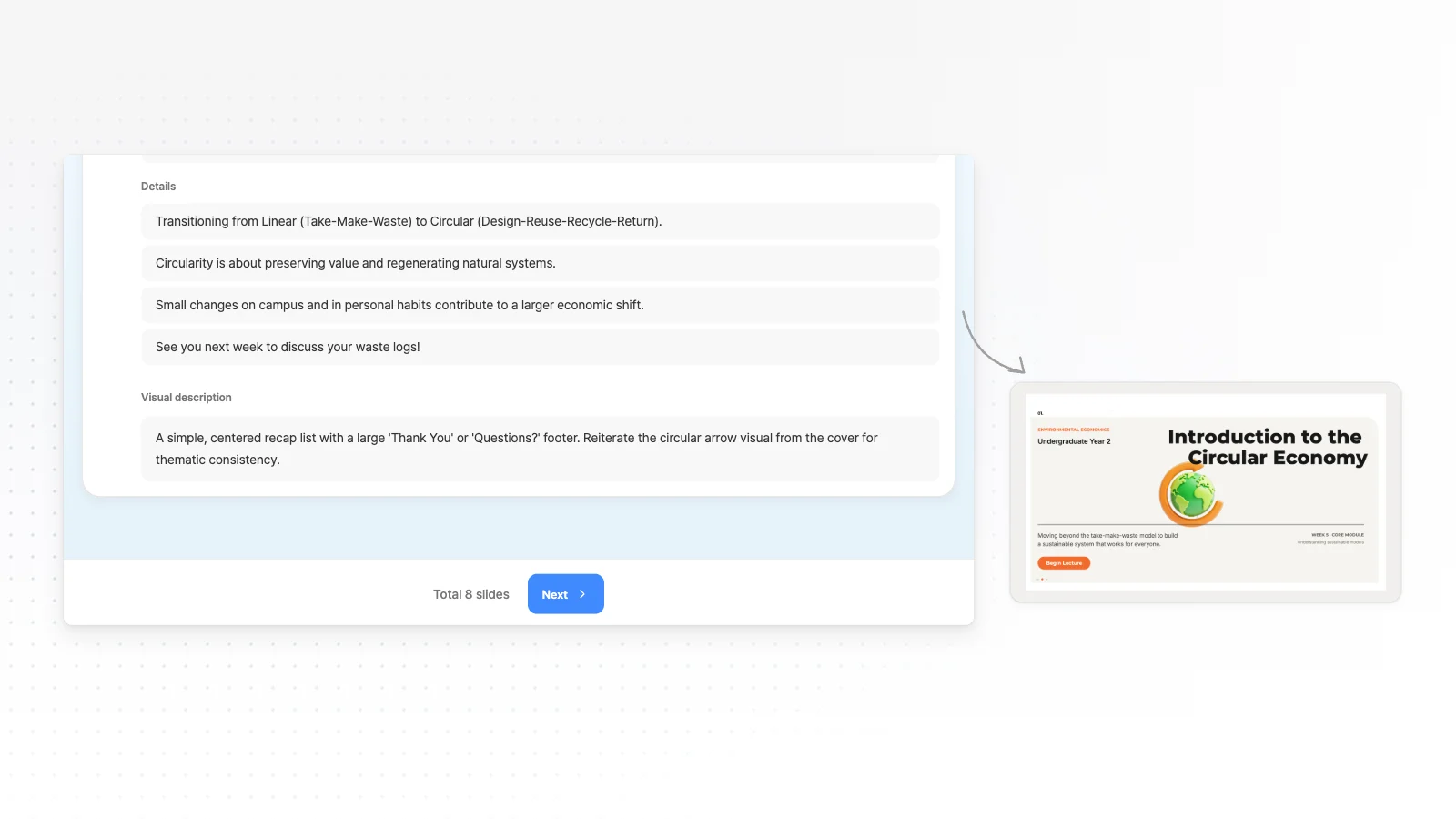
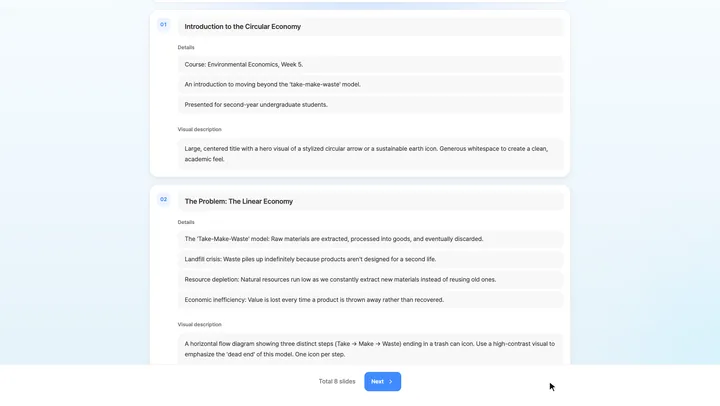
When you want to set the flow before any slide is made. AI shows a title and key points for every slide, and you edit them first.
Files to presentation
When a Word plan, an Excel sheet, a PDF report and photos need to become one deck. AI reads them all and outlines the talk first.
Presentation design styles
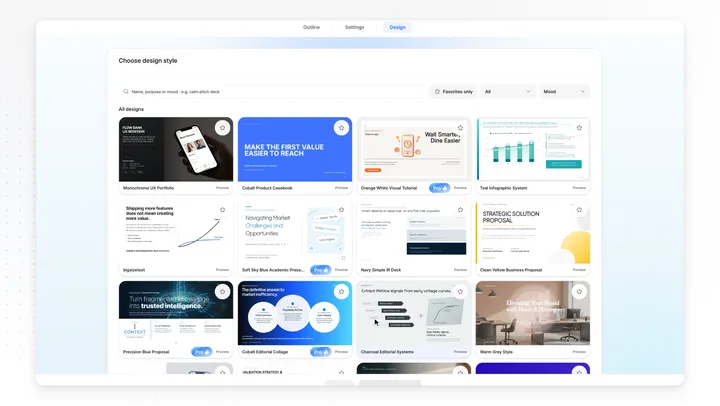
When you want a look that fits your use case. Pick a presentation style or start from a template, and your pick applies to every slide.
Edit an Existing PowerPoint
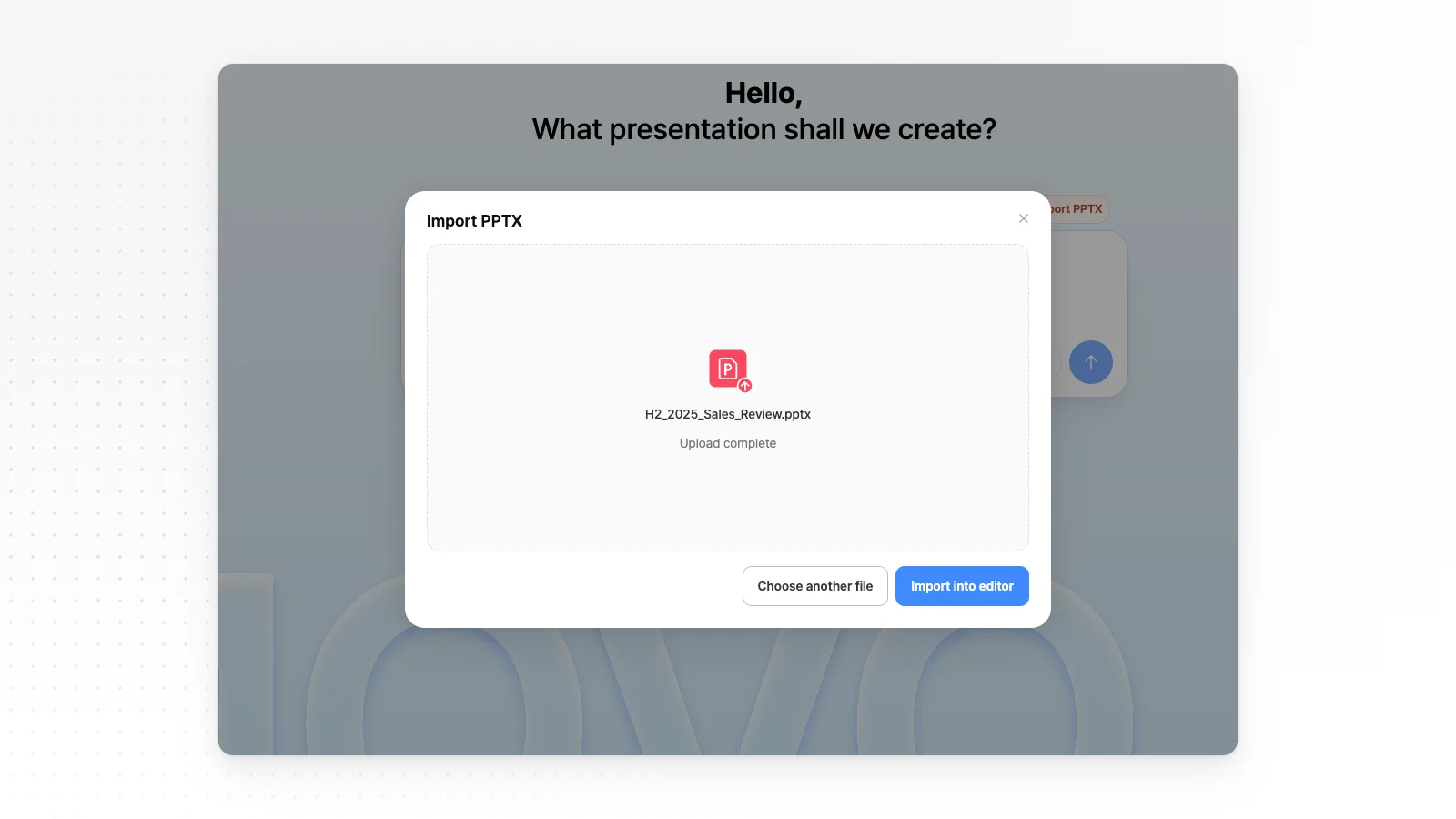
When you want to change a few slides in a PPTX you already have. The AI edits only the slide you pick, and the rest stay as they are.
Edit slides directly
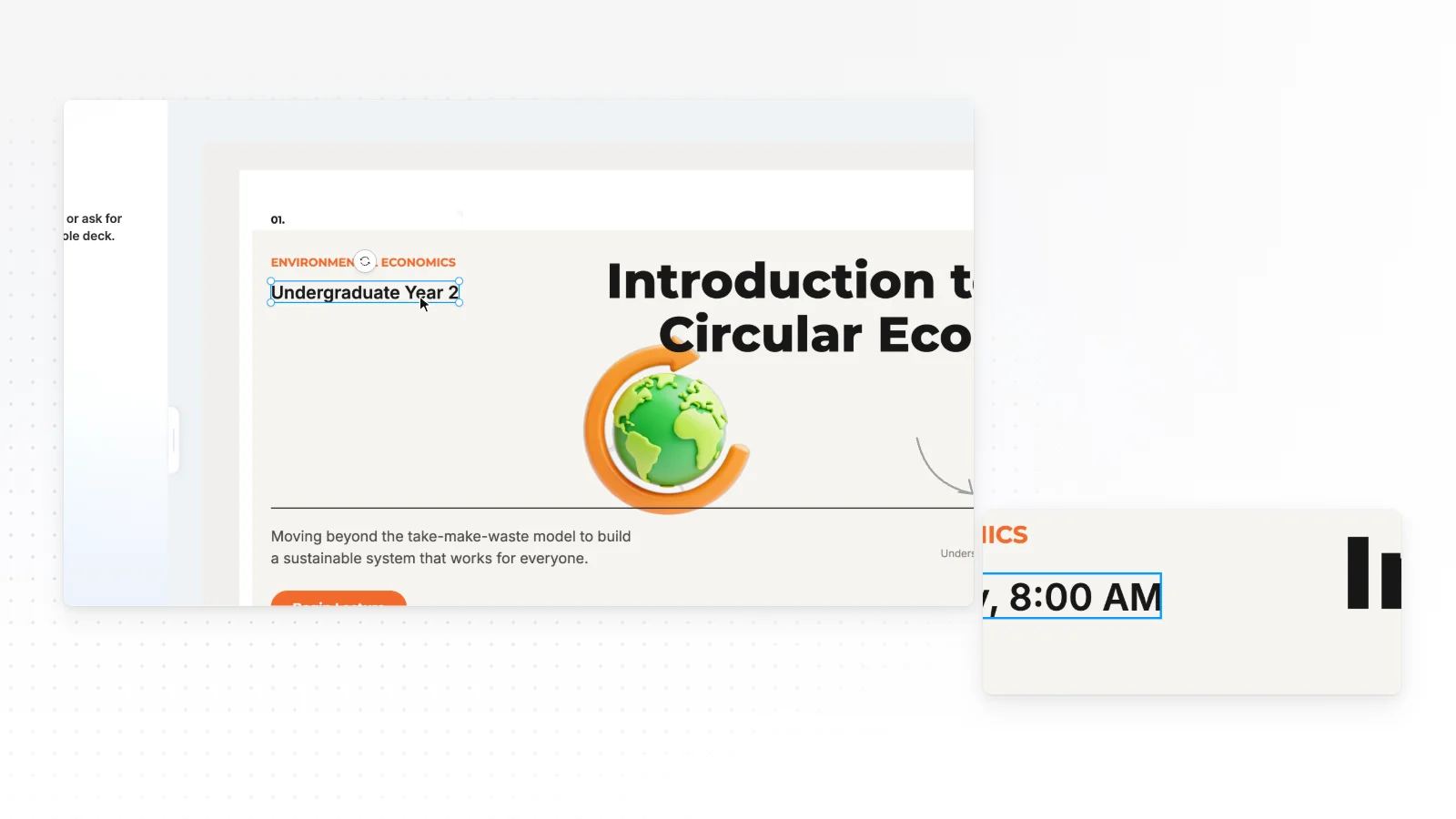
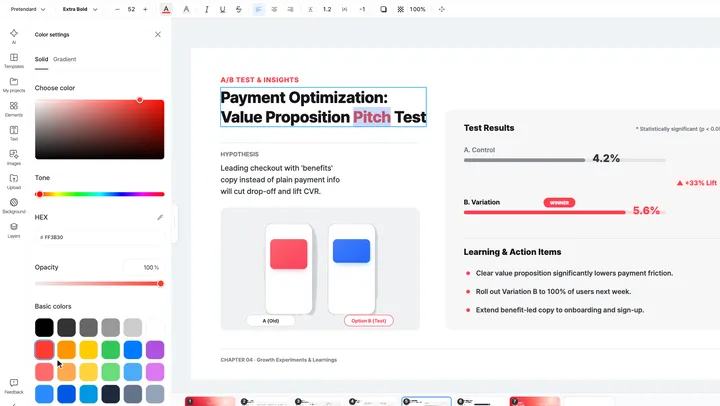
When you want to polish the AI result by hand. Click any text, image or shape to change it, and refine it with the side tabs and the toolbar.
Slide layout check
When you want to find overlapping or clipped text before you present. Click Fix with AI to clean up the spots it found.
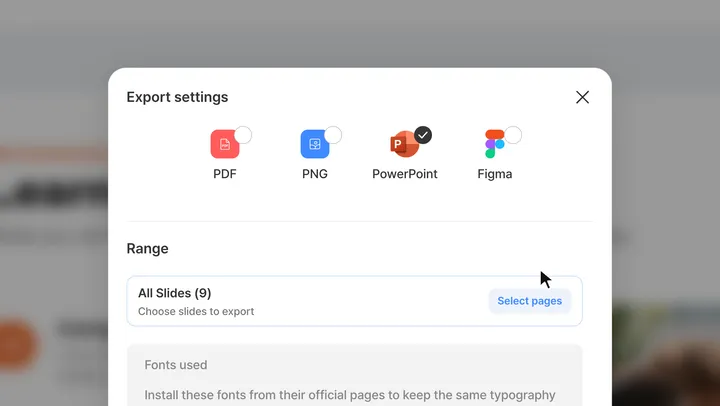
Editable PPTX export
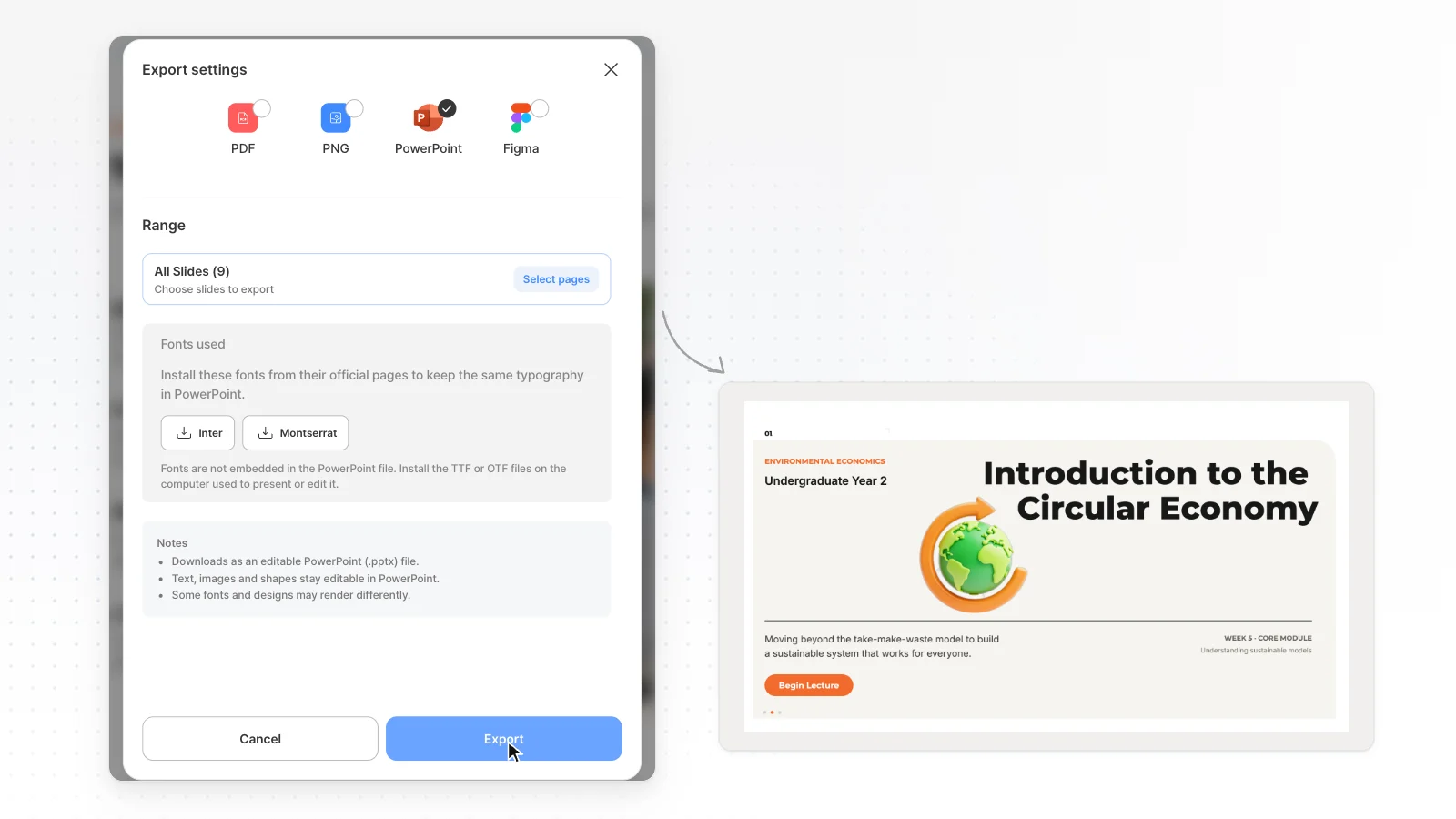
When the deck has to stay editable in PowerPoint. Text is saved as text boxes and shapes as PowerPoint shapes.
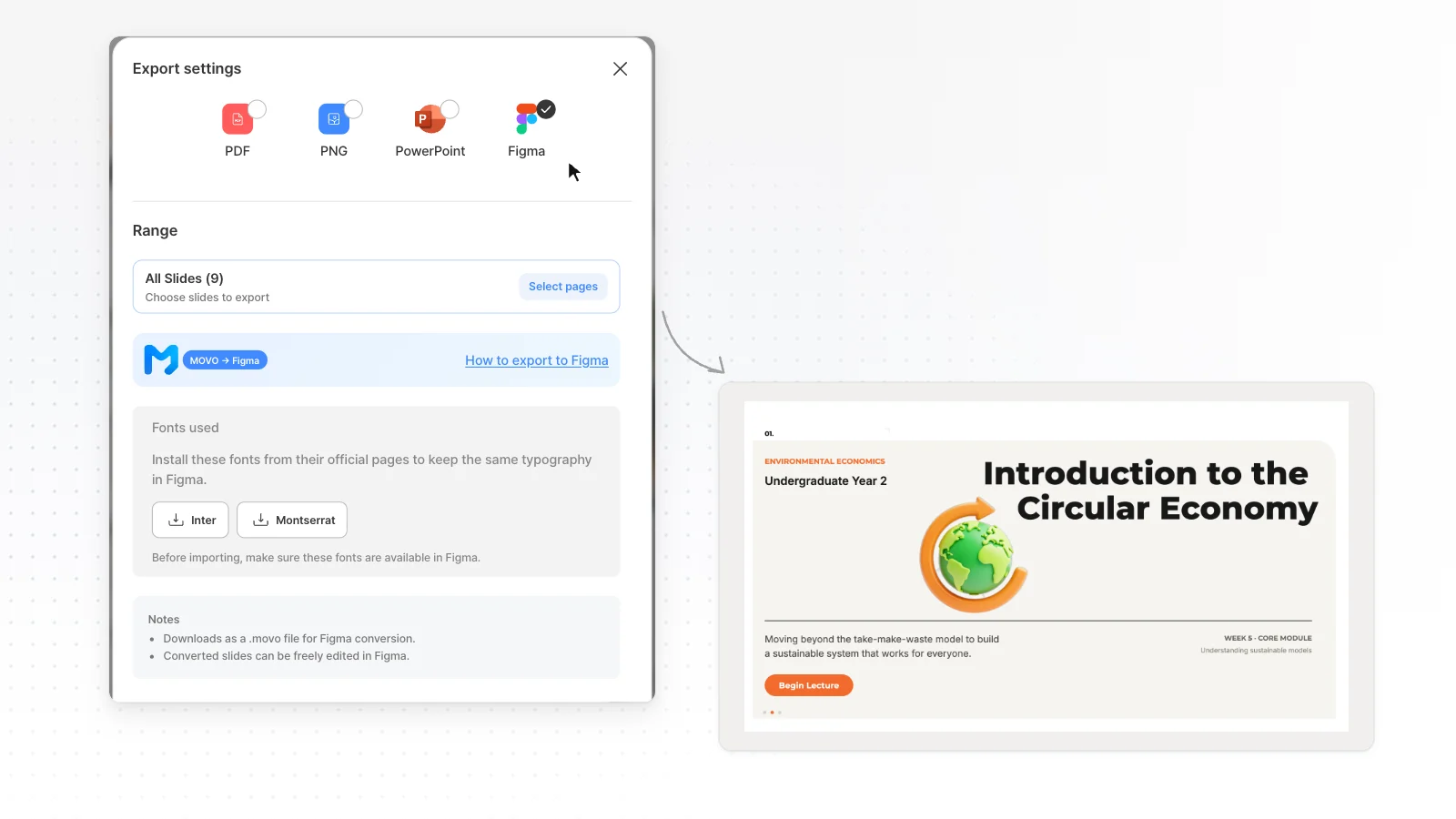
Export to Figma
When a designer will keep refining your slides. Open the exported file with the MOVO AI plugin in Figma, and each slide becomes a frame.
Browse by use case and role
Pick by the document you need and the work you do. Each page has slide structures and starter prompts for its situation.
Business report presentations
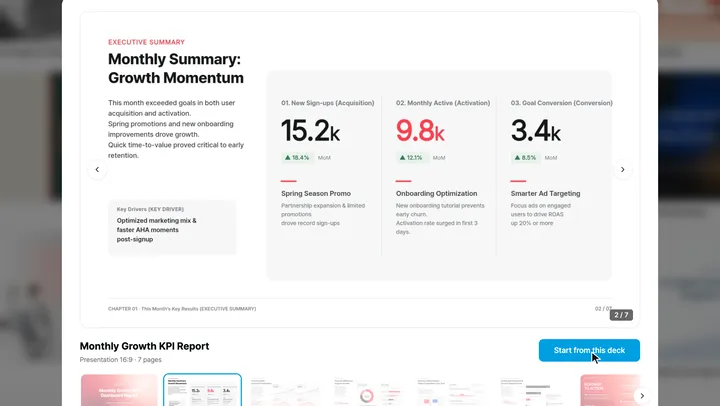
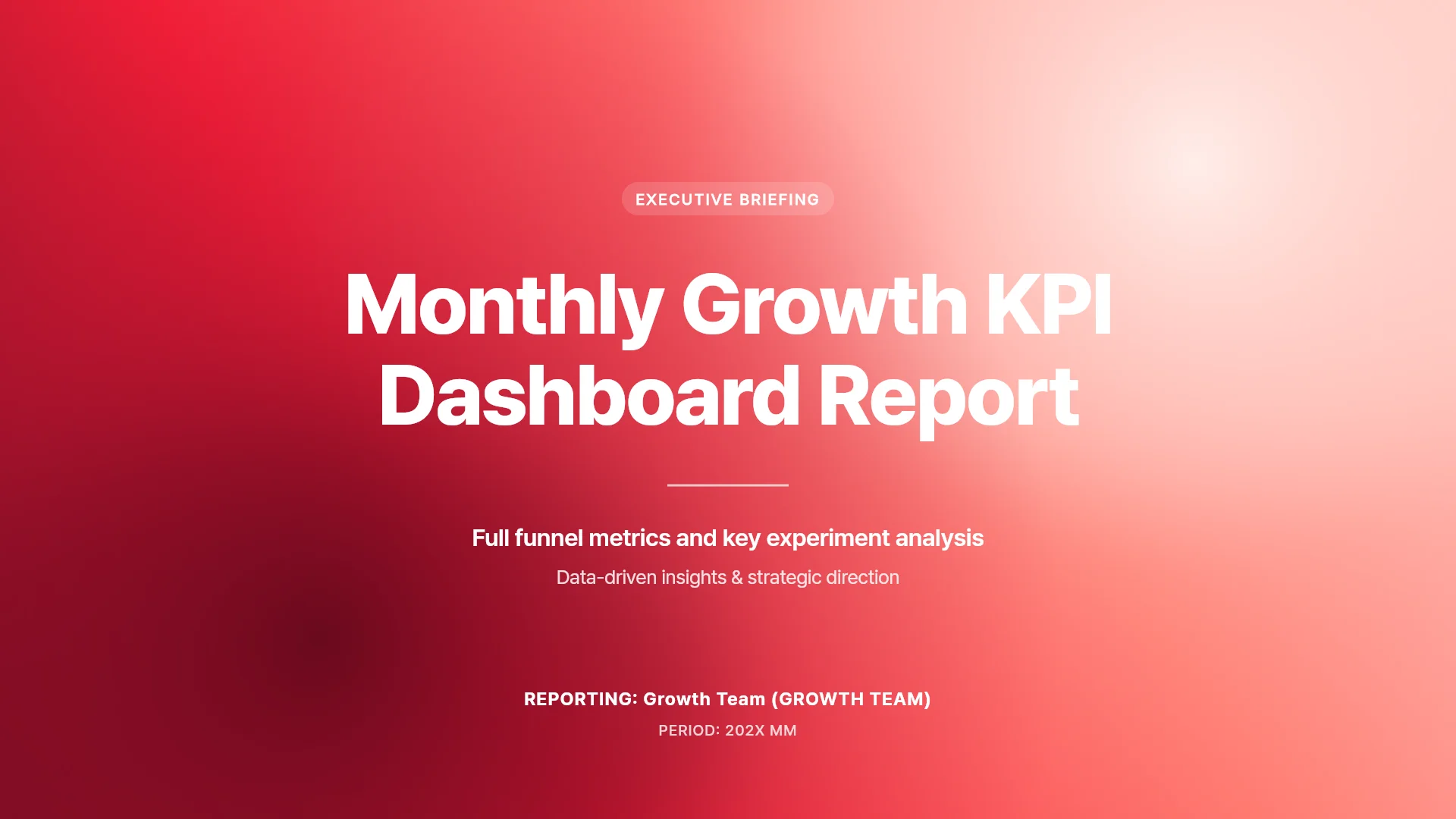
When you need a weekly update, monthly results, a quarterly review or a project report. Upload Excel or Word and MOVO uses the numbers for table and chart slides.
Proposal presentations
When a client sends a brief or an RFP. MOVO reads the PDF and your cost sheet, then outlines the problem, plan, schedule and budget.
Company profile presentations
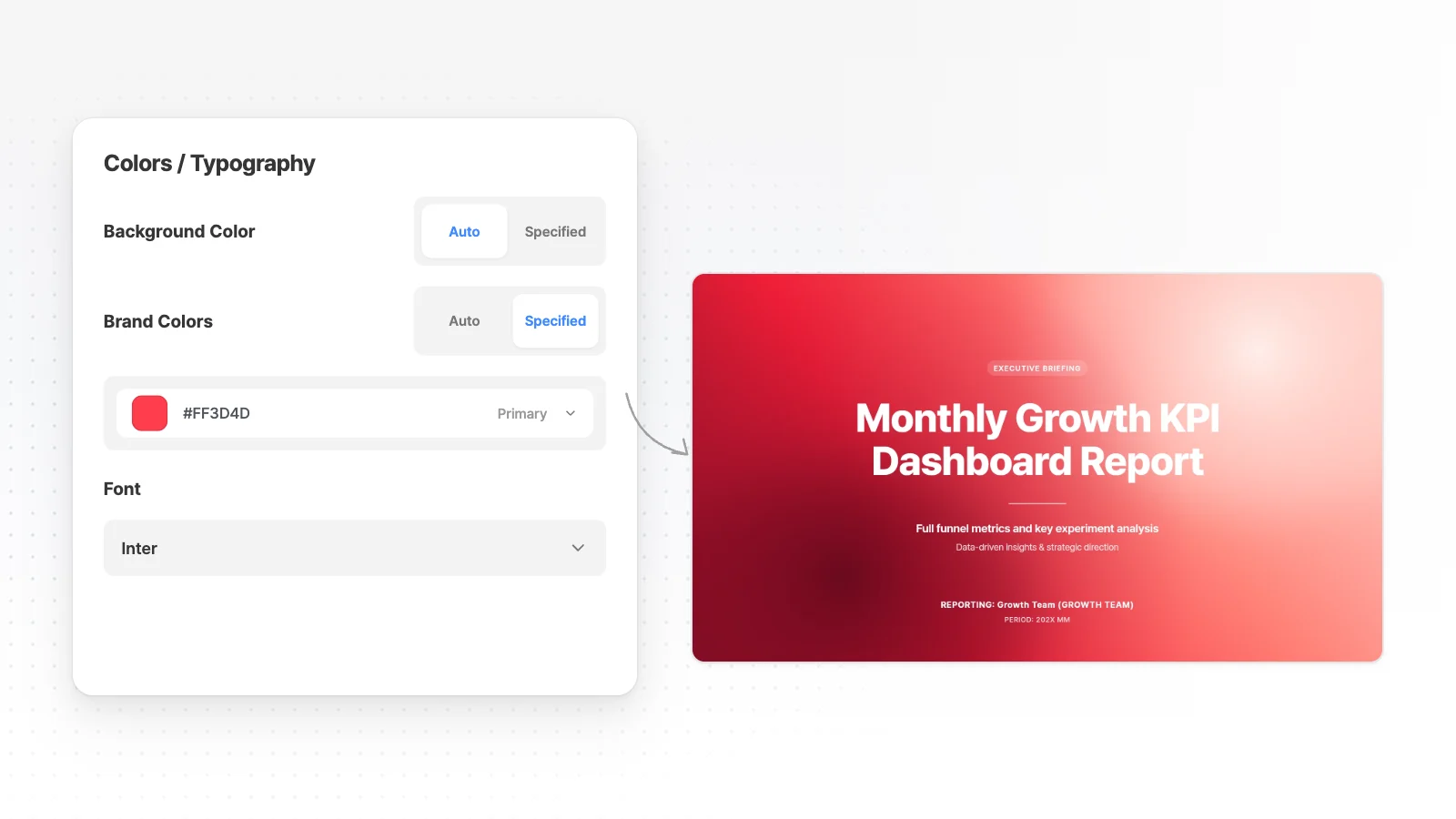
When you need a company profile for clients, partners or new hires. Set brand colors first, or import last year's PPTX and update it.
AI pitch deck generator
When you prepare a seed pitch, a demo day or an accelerator interview. Attach your plan and metrics to draft slides from problem to ask.
Marketing presentations
When you need a campaign plan, a campaign report or a content calendar. Add an ad manager export, check the outline, then apply your brand colors.
Training presentations
When you prepare onboarding, policy training or a new tool rollout. Upload a manual and list goals, practice and a quiz in your request.
Portfolio presentations
When you apply for a new role and need a portfolio deck. Upload your resume and work images, and MOVO drafts slides for each project.
Thesis and paper presentations
When you present a paper at a lab meeting, a conference or a thesis defense. Upload the paper PDF and write an order like 'background, methods, results, conclusion' to get an outline in that order.
Class slides for teachers
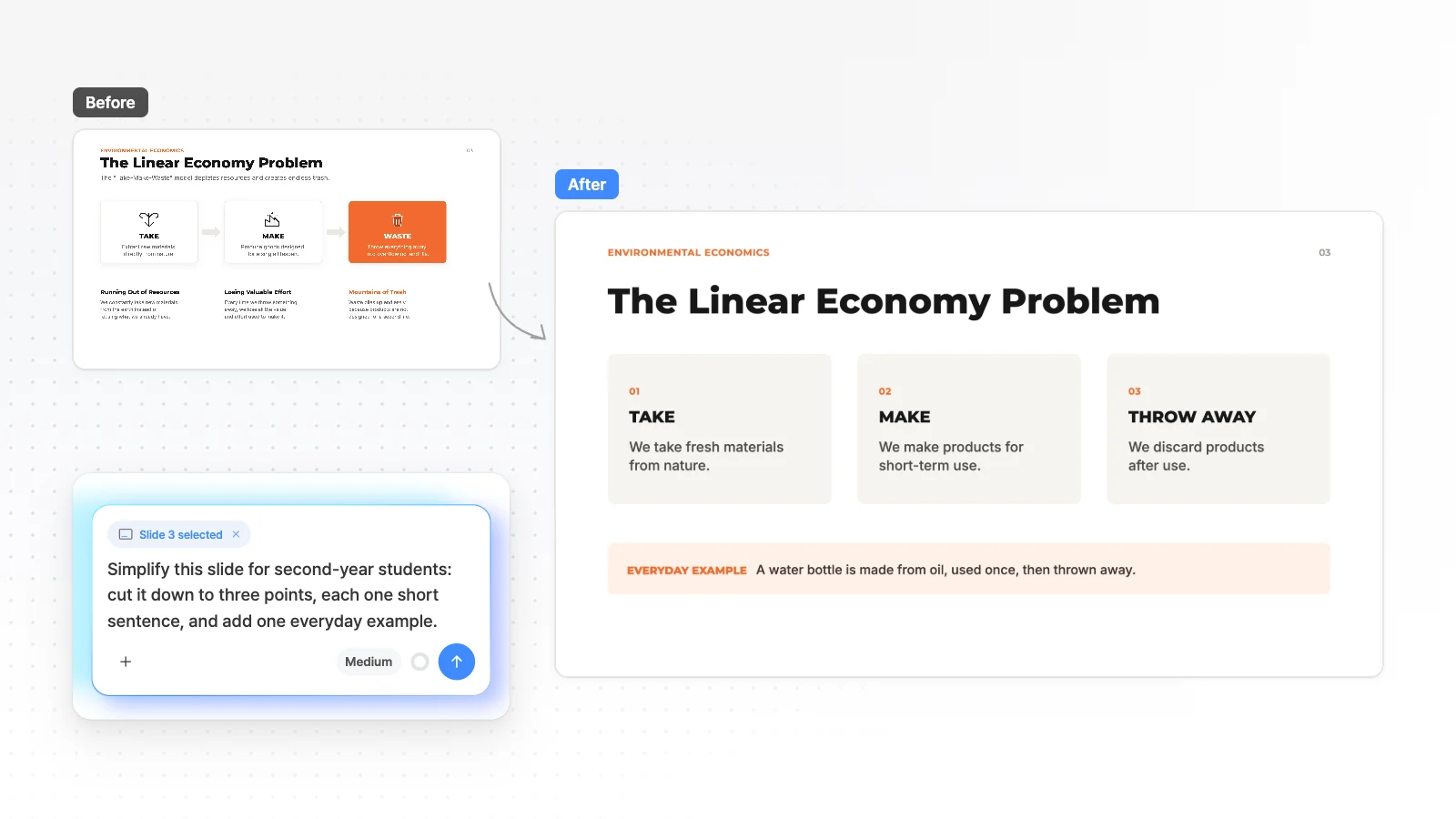
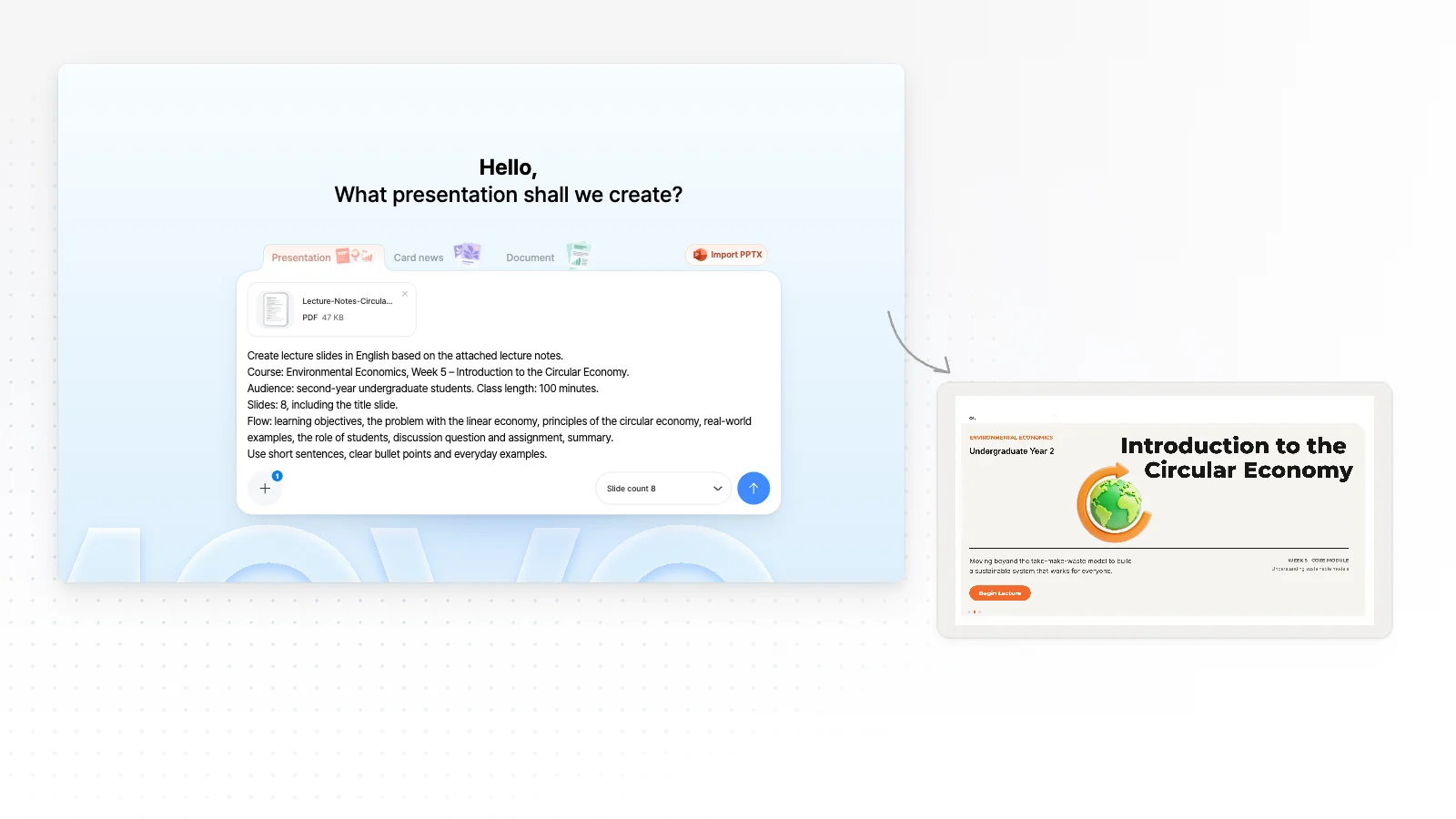
When you teach from lecture notes or a lesson plan. Write the course, week and audience, check the outline, then simplify any slide for students.
Presentations for students
When you have a class assignment, a class presentation or a group project. Start from one line or your lecture notes and check the outline first.
Presentations for office workers
When you make reports, proposals, company profiles and internal updates. Open the company PPT you already use and change only the slides that moved.
Presentations for founders
When you send a monthly investor update, a board deck or a follow-up after an investor call. Start from your KPI sheet and notes.
Sales presentations
When you need a first-meeting pitch, a recap for the client's team or a quarterly business review. Start from a product sheet or last quarter's PPTX.
Presentations for consultants
When interview notes and survey data need to become a recommendation, a steering committee update or a workshop deck. The outline shows your storyline first.
Research presentations
When a paper or your results need to become a conference talk, a lab meeting update or a seminar. Attach the paper PDF and results files.
Compare with other tools
Read these when you are thinking about switching. The MOVO team wrote them and linked every claim about the other tool to an official source.
MOVO vs Gamma
When you want Gamma's free limits, PPTX export and AI editing laid out next to MOVO with a source for each claim.
MOVO vs Genspark
When you want Genspark AI Slides' free credits, PPTX export, outlines and fact checks laid out next to MOVO.
MOVO vs Canva
When you want Canva AI's free limits and what changes in a PPTX download laid out next to MOVO.
MOVO vs Copilot
When you want the Microsoft 365 plan Copilot in PowerPoint needs and its limits laid out next to MOVO.
MOVO vs Gemini
When you want Gemini in Google Slides' plans, its English and desktop limits and PPTX export laid out next to MOVO.
MOVO vs MiriCanvas
When you want MiriCanvas AI PPT's free generations, file attachments and PPT downloads laid out next to MOVO.
MOVO vs Claude
When you want PPTX files made with Claude, its free limits, how it builds decks, its PowerPoint integration and price laid out next to MOVO.
MOVO vs Beautiful.ai
When you want Beautiful.ai's free trial, editable PowerPoint export and price laid out next to MOVO.
MOVO vs Bizforms
When you want Bizforms AI PPT's steps, PPTX download and font caveats laid out next to MOVO.
MOVO vs Pitch
When you want Pitch's free plan limits, PPTX export and AI credits laid out next to MOVO.
MOVO vs Tome
When your Tome decks need a new home. See how to bring them into MOVO from a PPTX copy or a PDF.
Start from a template
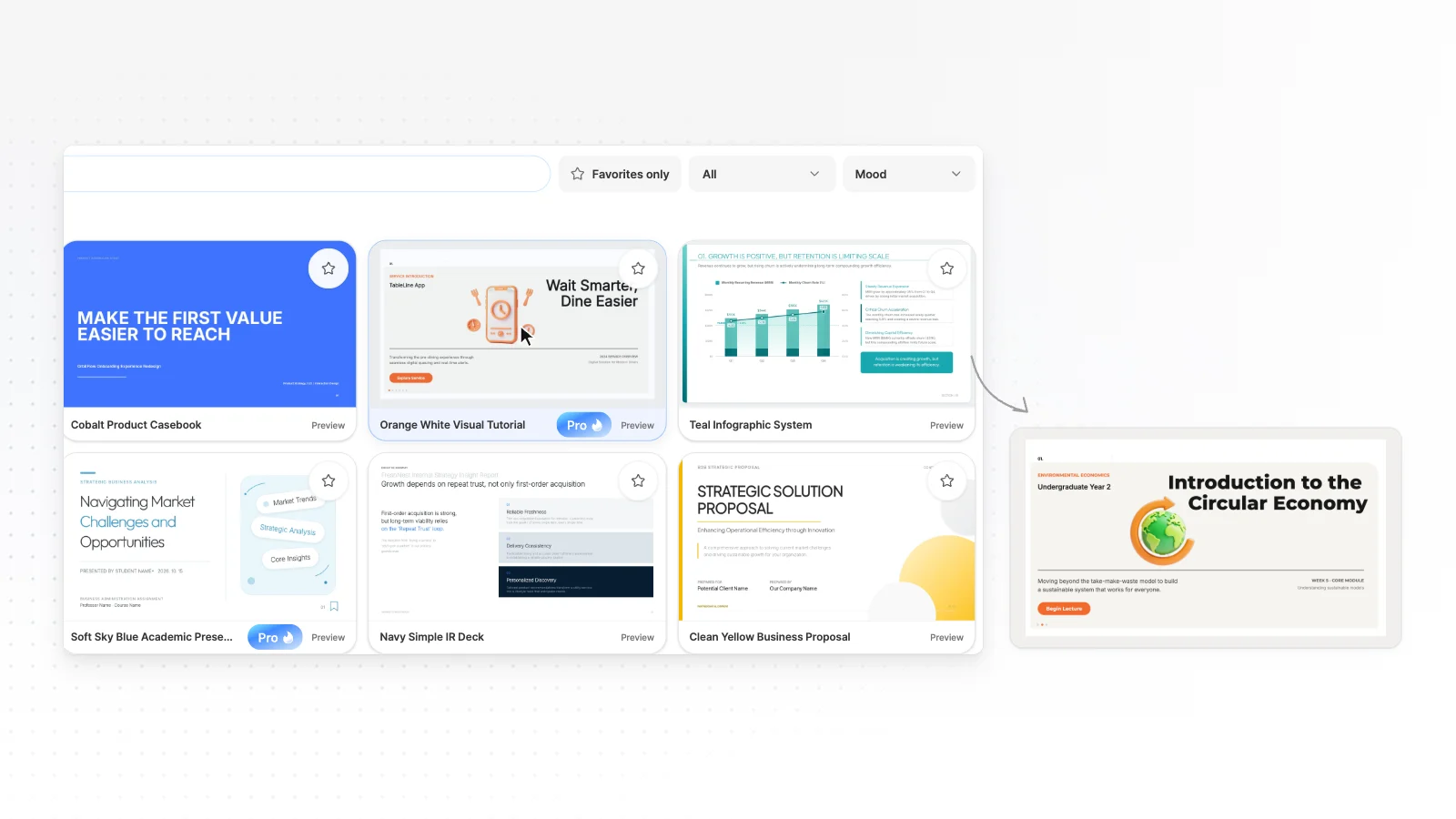
Pick this when editing a finished structure is faster than starting from scratch. Copy a template and swap in your own content.
Reports
Work, results and research reports that lead with the conclusion.
Proposals
Walk the client through their problem, your approach, then timeline and pricing.
Business plans
Lay out goals, initiatives and owners one slide at a time.
Pitch decks
Move from problem and solution through market and traction to the ask.
Lectures
Teach one idea per slide and close with practice and quiz slides.
Portfolios
Show your role, results and the work itself for every project.



Start on any page, then edit it yourself
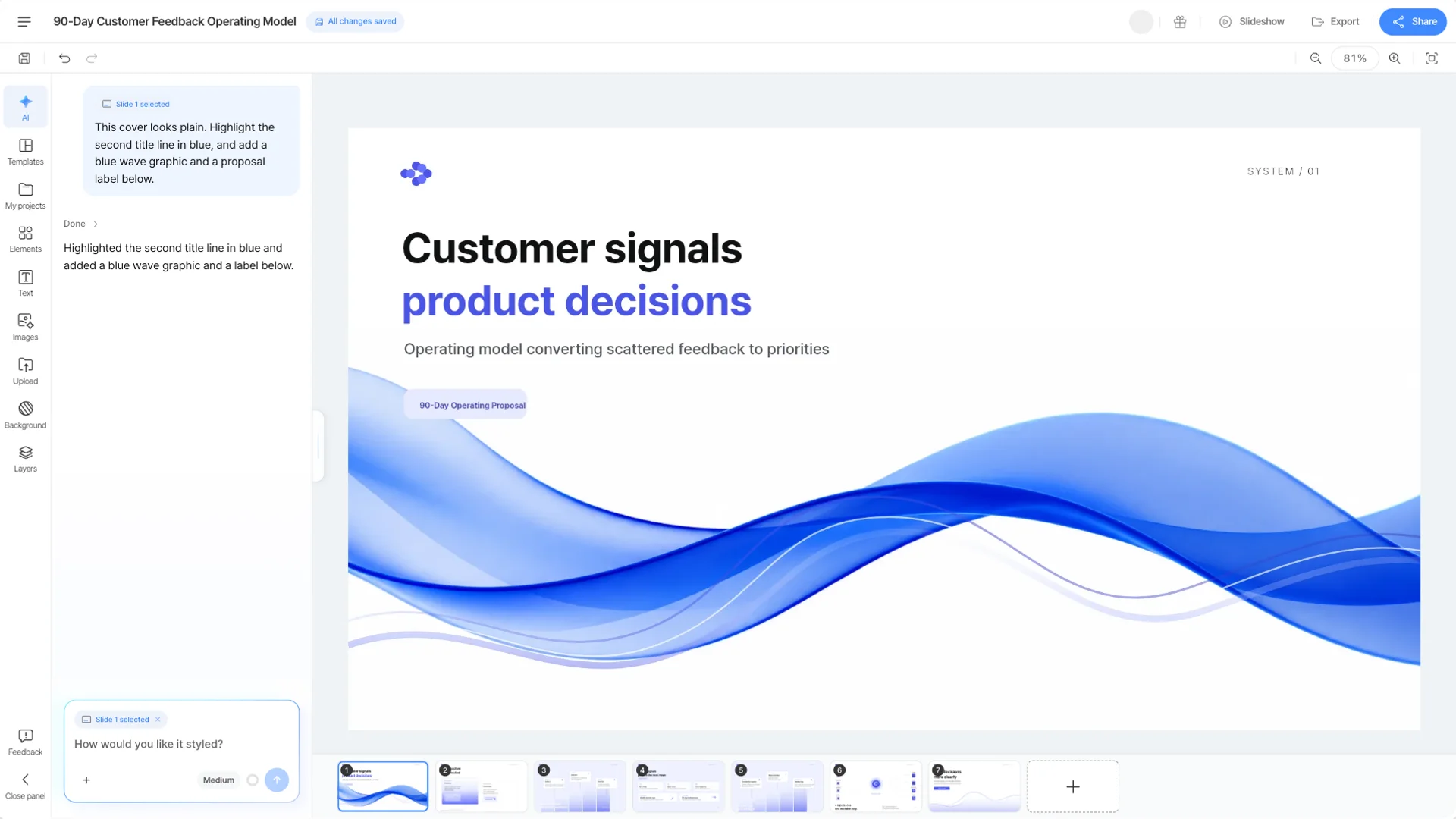
You do not have to keep what the AI made. Every tool opens the same MOVO editor, where you can edit by hand or by chat. See direct editing in detail
Click to edit
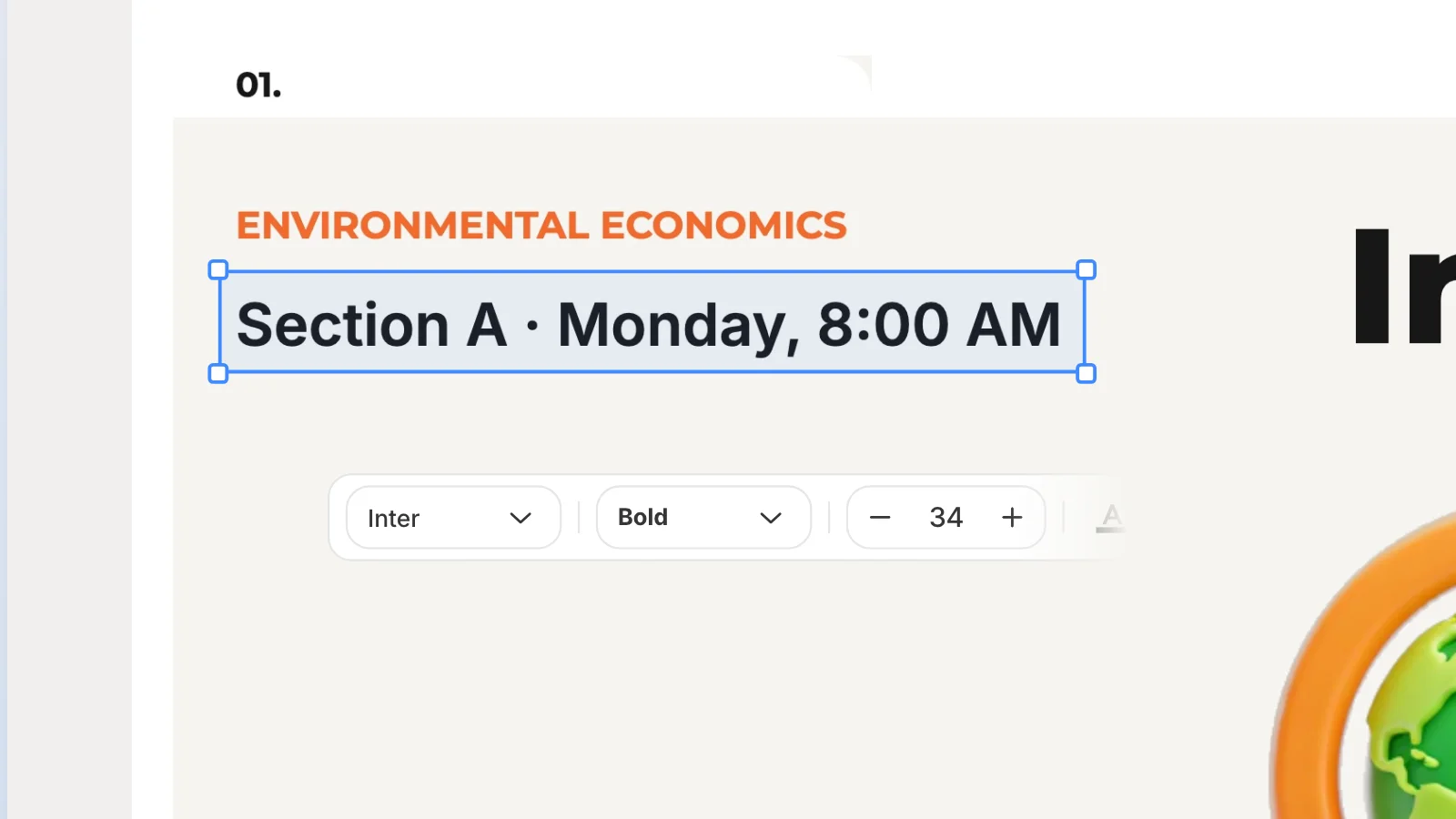
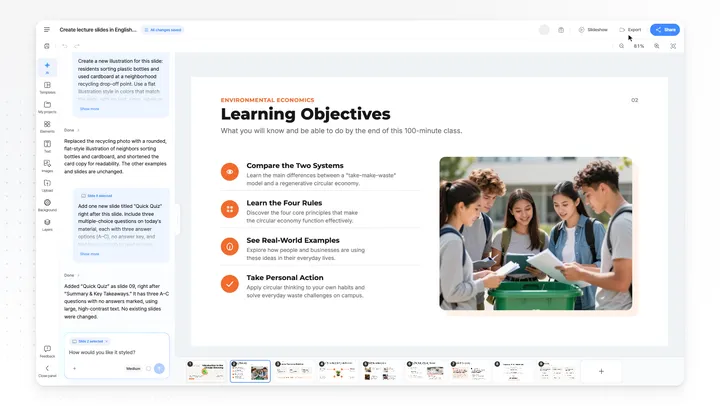
Click any text, shape or image on a slide to change it. Font, fill, stroke and shadow settings open in the left panel.
Add and swap from the side tabs
Add new elements from the Elements, Text and Images tabs, and upload your own pictures in Upload. Change the background image in Background.
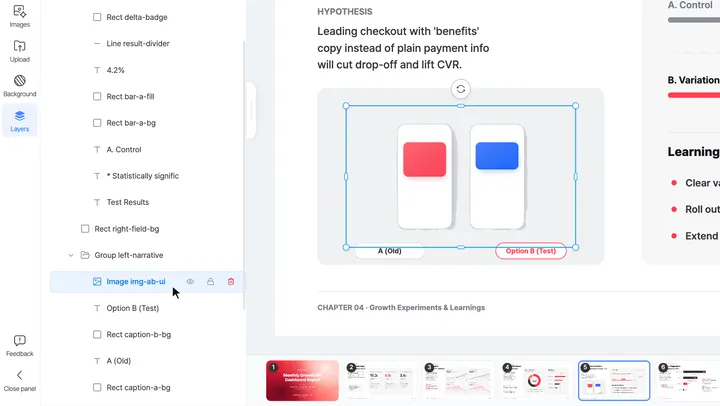
Sort overlaps in Layers
The Layers tab lists every element on the slide. Click one to select it, even under another element, or drag it to change the order.
Use chat for the tedious parts
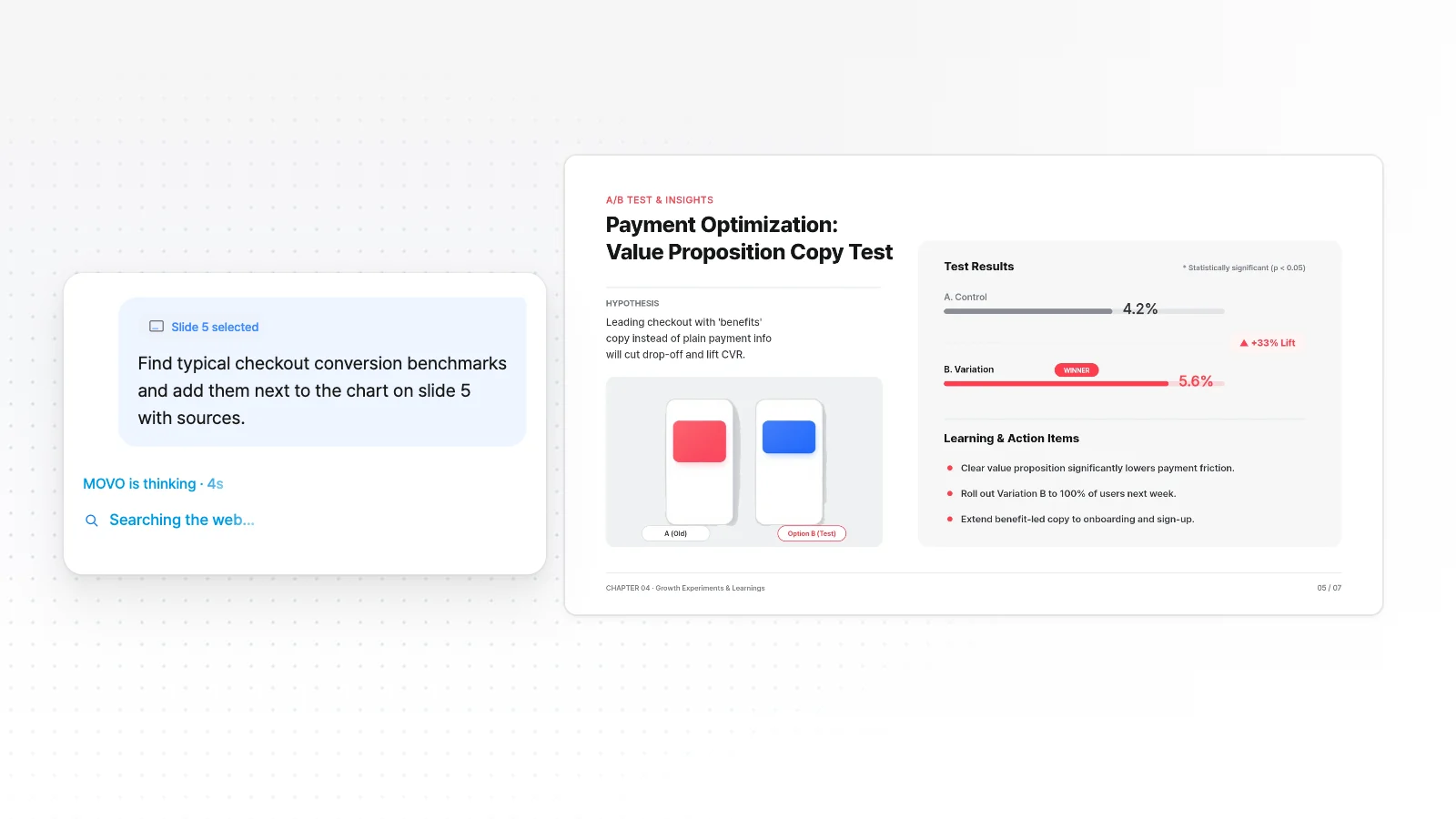
Type a request like "cut this to three points" and the AI rewrites only the slide you picked. The other slides stay as they are.
Frequently asked questions
Do I need a separate account or plan for each tool?
No. Every page uses the same MOVO account and the same credits. The Free plan gives 300 credits a month, and files you export on Free carry a watermark.
Which page should I start on?
With only a topic or rough notes, start from the AI Presentation Maker, and with a PDF, start from PDF to Presentation. To change a PowerPoint you already have, go to Edit an Existing PowerPoint. MOVO imports PPTX files of up to 20MB and 50 slides.