
AI Presentation Maker for Consultants
Turn interview notes, survey data and client reports into a deck that leads with the answer. MOVO AI shows the storyline as an outline first, then builds slides you fix by hand or by chat.
What MOVO does for a consulting deck
AI drafts the storyline and the slides. You keep the analysis and the judgment.
Storyline before slides
AI shows a title and key points for each slide before any design. Fix the order of the argument here, before slides exist.
Written for executives
Pick Executive as the audience in the Settings step. AI puts decisions and risks up front and sets the depth for senior readers.
Rework the client's own deck
Open the client's PowerPoint with Import PPTX, up to 20 MB and 50 slides. Then restructure it with the AI chat or edit it by hand.


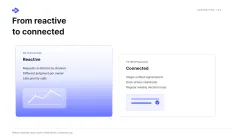
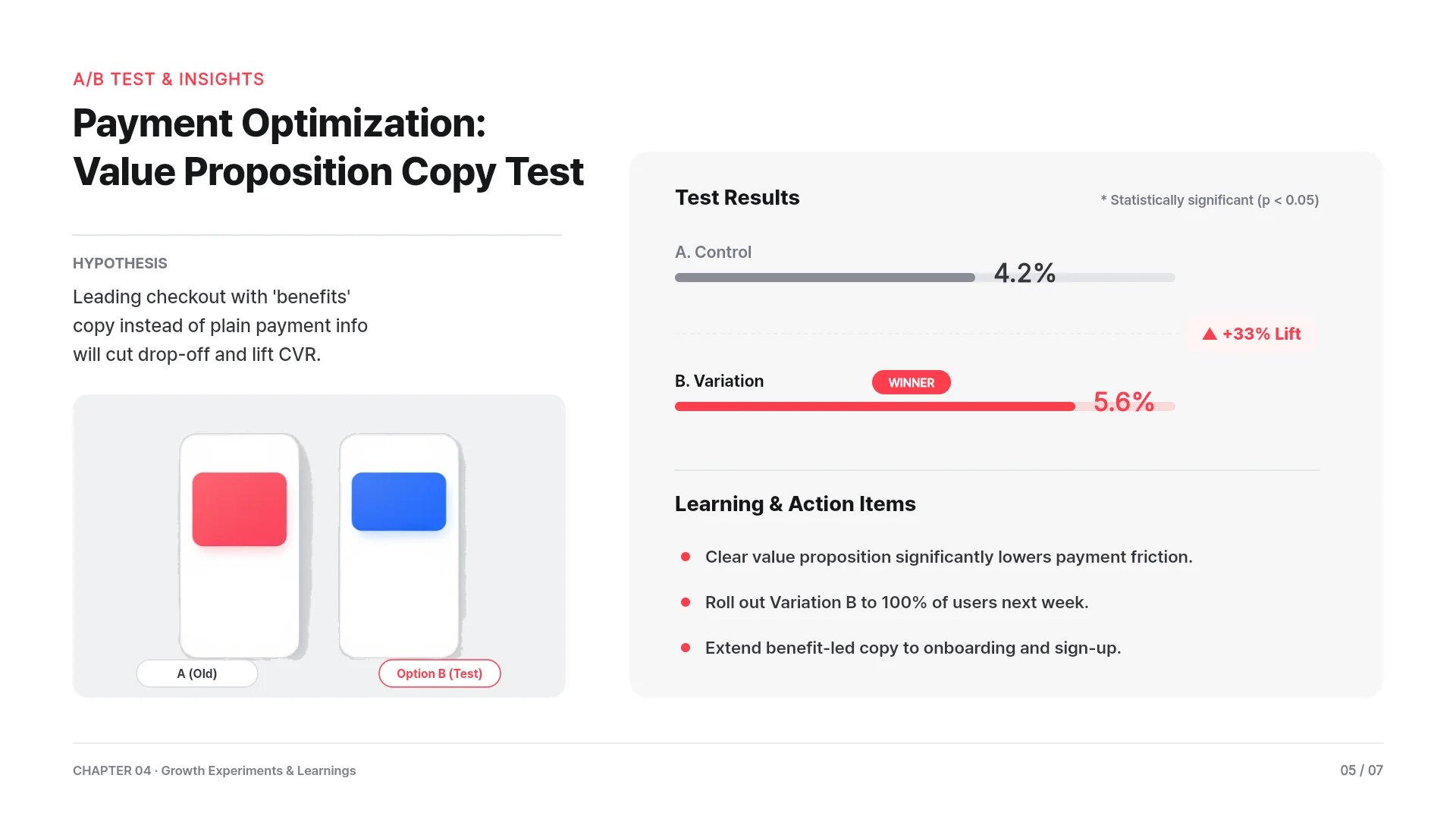
Recommendation deck: answer first
State the recommendation early, then show the evidence behind it.
A 9-slide structure
Executive summary, the client's question, recommendation, three findings with evidence, options compared, roadmap and risks, then decisions needed. Write each slide title as a finding, not a topic.
Prompt example
"Make a 9-slide recommendation deck from the attached interview notes and survey results. The answer is to consolidate into two warehouses. Write every slide title as a full-sentence finding."
Notes and survey exports
Attach interview notes as DOCX or TXT and survey exports as CSV or XLSX. AI works their points into the outline, so check quotes and counts against the source.
Benchmarks with sources
MOVO searches the web, adds the figures and lists the sources under its reply. Try "Find average warehouse lease costs in the US Midwest and add them to slide 7."
Weekly steering committee update
A dense status deck the client team can read before the meeting.
A 6-slide structure
Status at a glance, progress against the plan, findings this week, risks and issues, decisions needed, then next week's plan.
Prompt example
"Make a 6-slide steering committee update from the attached workplan and notes. Show each workstream's status as green, amber or red. Keep the tone formal."
Dense but tidy
Set Design Density to Dense for text-heavy slides. Then run Check layout and press Fix with AI to clean up overlapping or clipped text.
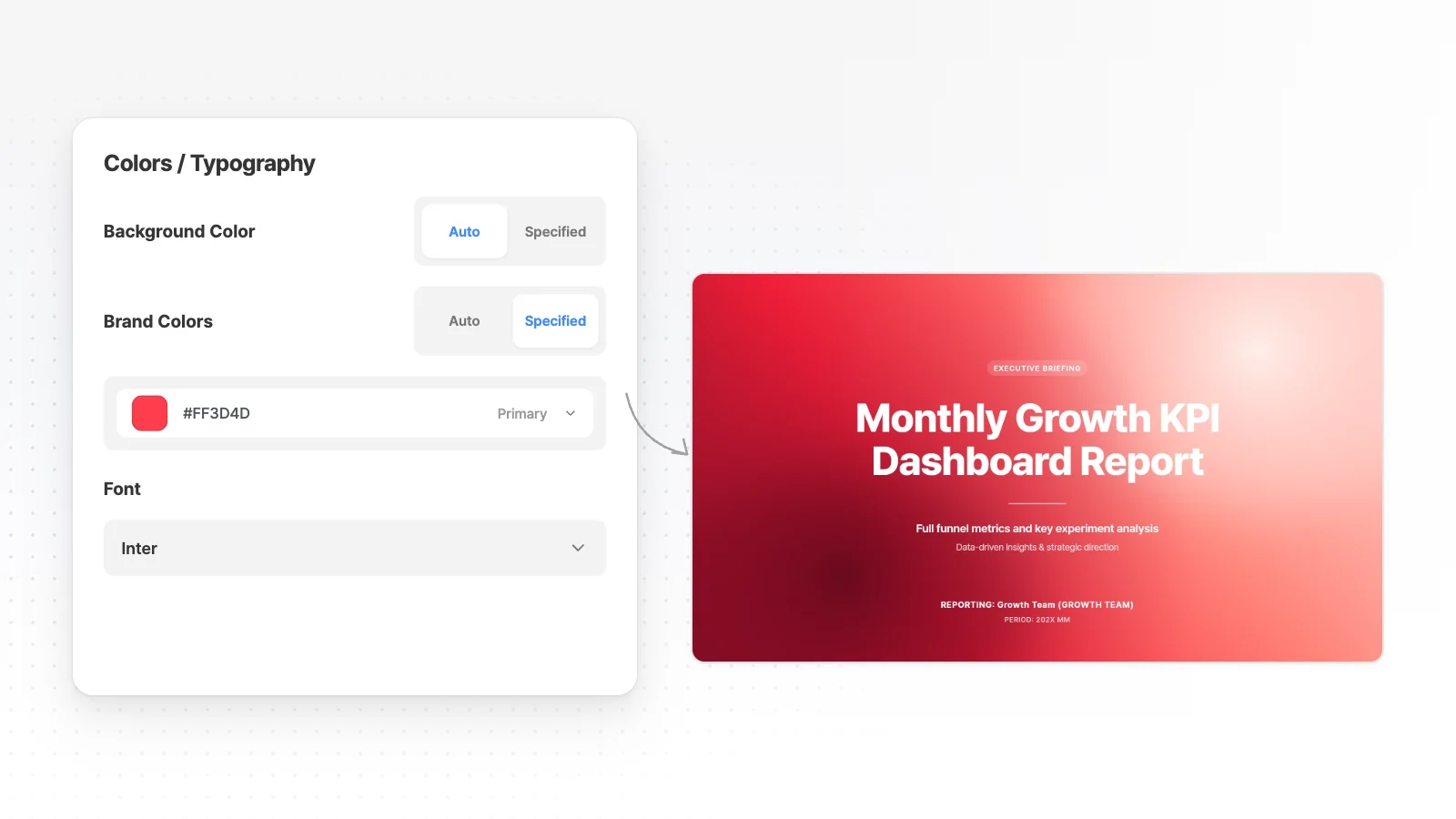
In the client's colors
Set the client's brand colors as Primary, Secondary and Accent, and pick their house font, or the closest match, with Search fonts. Attached logos are used as they are.
Kick-off workshop and hand-off
Frame the problem for the client team, then hand the deck to whoever finishes it.
A 6-slide structure
Session objectives, what we know so far, questions for today, exercise instructions, decisions to capture, then next steps and owners.
Prompt example
"Make a 6-slide kick-off workshop deck for a hospital's patient intake redesign. Leave slide 4 as an exercise page with three empty columns. Use a Friendly copy tone."
One deck in two languages
Ask without picking a slide, such as "Translate everything into German. Keep company names and numbers as they are." Then ask AI to fix any text that overflows its box.
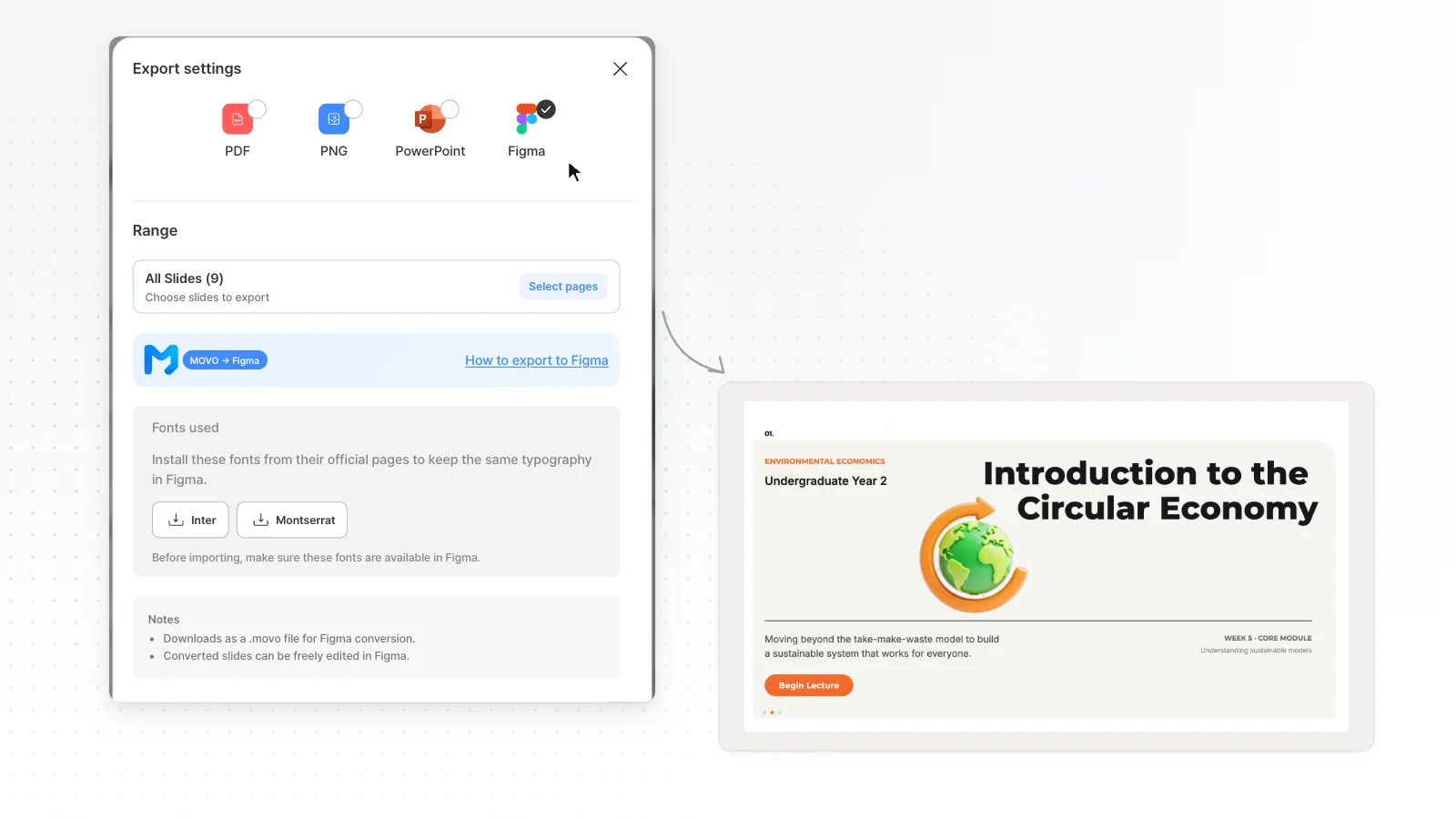
Hand off to designers
From the Pro plan, export to Figma so a design team can finish the deck, or to PPTX for the client's PowerPoint.
How to build a consulting deck with AI in 3 steps
Attach your evidence and state the answer
Attach interview notes, survey exports and any client report with the + button. Write the recommendation and the audience in your request, so the outline builds toward it.
Pressure-test the storyline
Read only the slide titles at the outline step, and fix them if they do not tell the argument in order. In Settings, pick Executive as the audience and Dense as the design density.
Polish the dense slides
Run Check layout on text-heavy slides and click any number to correct it. Export PDF on any plan, or PPTX and Figma from the Pro plan.
Business strategy templates
MOVO templates for strategy, roadmap and business review decks. Open one and restructure it for your client.




Frequently asked questions
What does the Free plan cover for client work?
The Free plan gives 300 credits a month, 5 slides per generation and PDF, PNG export with a watermark. If your client expects PPTX, export starts on Pro at $19.99 a month with up to 30 slides per generation.
How many interview transcripts can I attach at once?
Pro and Max take up to 10 files of 20 MB each per request, 50 MB in total. The Free plan takes 3 files of 5 MB each, so merge short transcripts into one DOCX or TXT file.
Will the deck look the same in the client's PowerPoint?
Not always. PPTX files do not embed fonts, so the client's computer shows another font when it lacks yours. Pick a font the client already uses, or send a PDF when the layout must not move.
Can AI check my analysis?
AI does not audit your analysis or your client's data. Web search adds figures with sources listed under the reply, but recheck calculations, sample sizes and quotes yourself before the deck goes out.
Can I turn an existing client report PDF into a deck?
Yes. Attach the PDF and MOVO reads its content and builds new slides for a presentation flow, without the original page layout or fonts. Say which sections matter so the outline leaves out the rest.
More AI presentation tools


Related pages
Business strategy templates
Business plan templates that lay out goals, initiatives and owners one slide at a time.
Report presentation templates
Work, results and research report templates that lead with the conclusion.
PDF to PPT
How MOVO rebuilds a client report PDF into a presentation.
Pricing
Upload limits, slides per generation and export formats by plan.