
Export to an Editable PowerPoint (PPTX) File
Export decks made in MOVO as PPTX files you can edit in PowerPoint. Text is saved as text boxes and shapes as PowerPoint shapes, so slides are not flattened into images.
One prompt. This design.
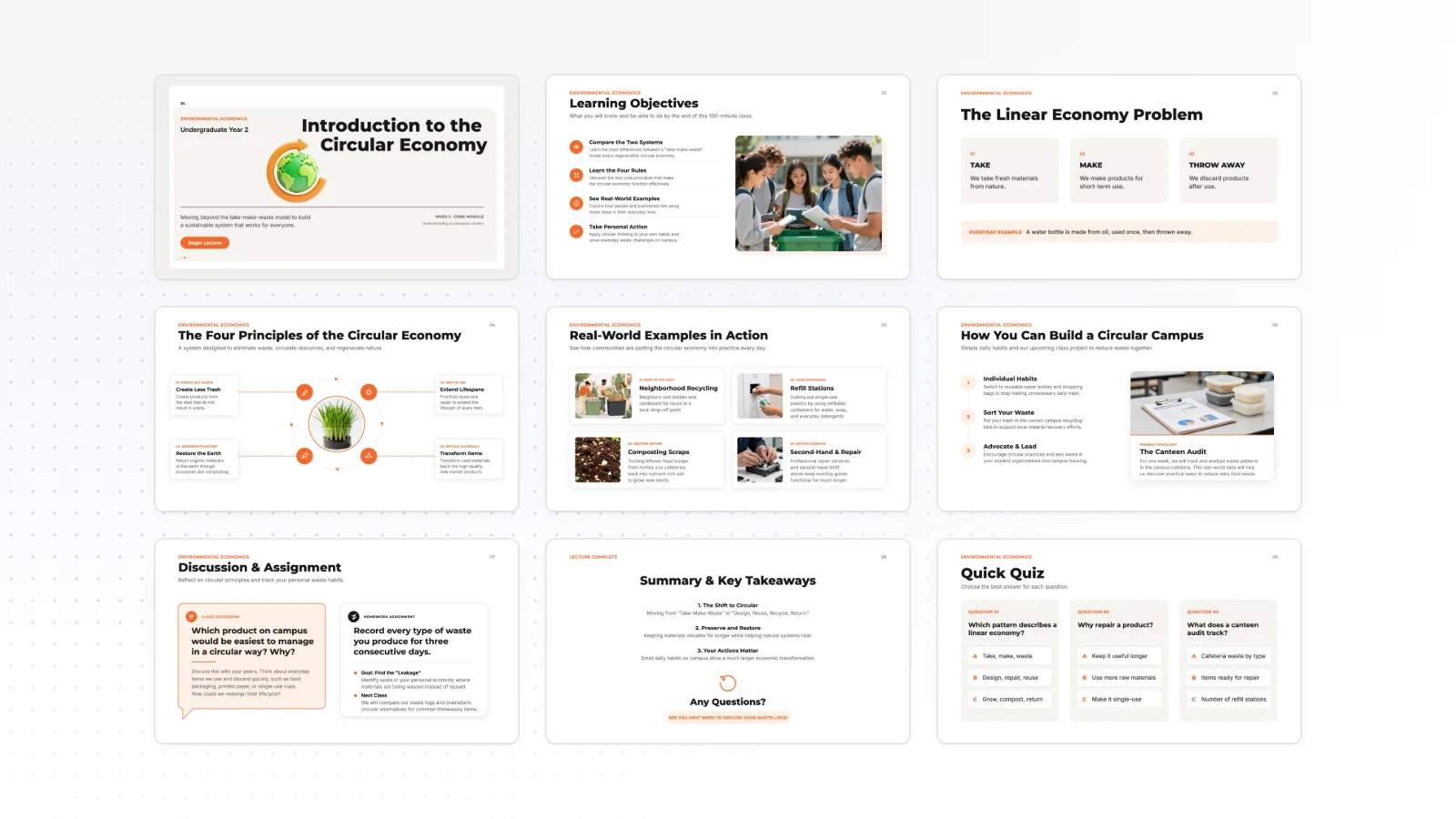
This is MOVO taking one line, drafting the outline and designing all 8 slides. Every word stays editable.
Why export to PPTX
Carry the deck you made in MOVO straight into your PowerPoint work.
Edit the text as text
Text lands in text boxes you can edit right away in PowerPoint. No slide is flattened into a single picture.
Shapes stay shapes
Shapes and chart bars drawn by AI are saved as PowerPoint shapes, so you can change their color, size and position.
Finish in your company template
Paste the slides into your company template, or let a teammate keep editing in PowerPoint.
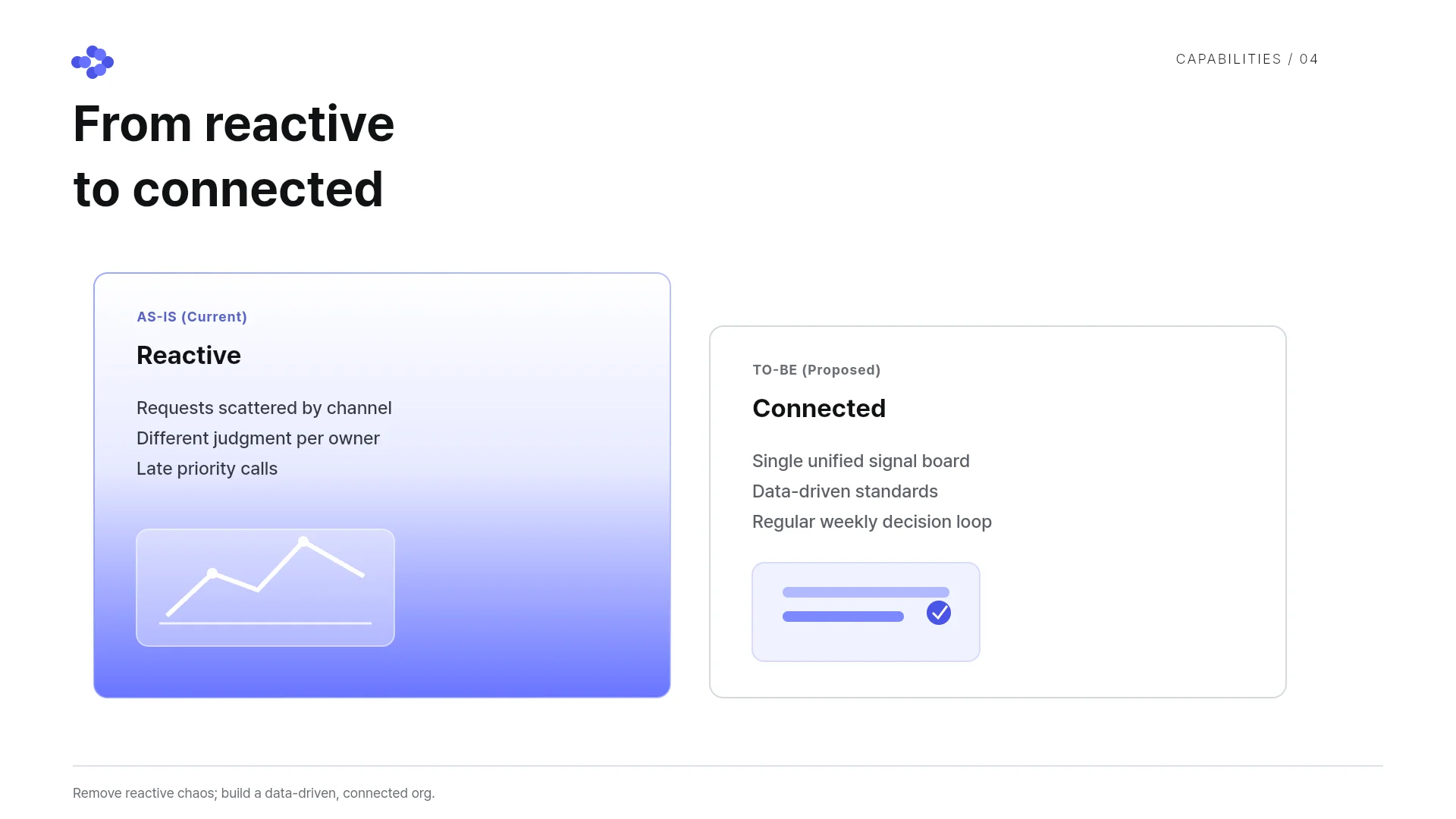
Polish in MOVO before you export
Make the big changes in MOVO before the deck goes to PowerPoint.
Edit one slide with AI
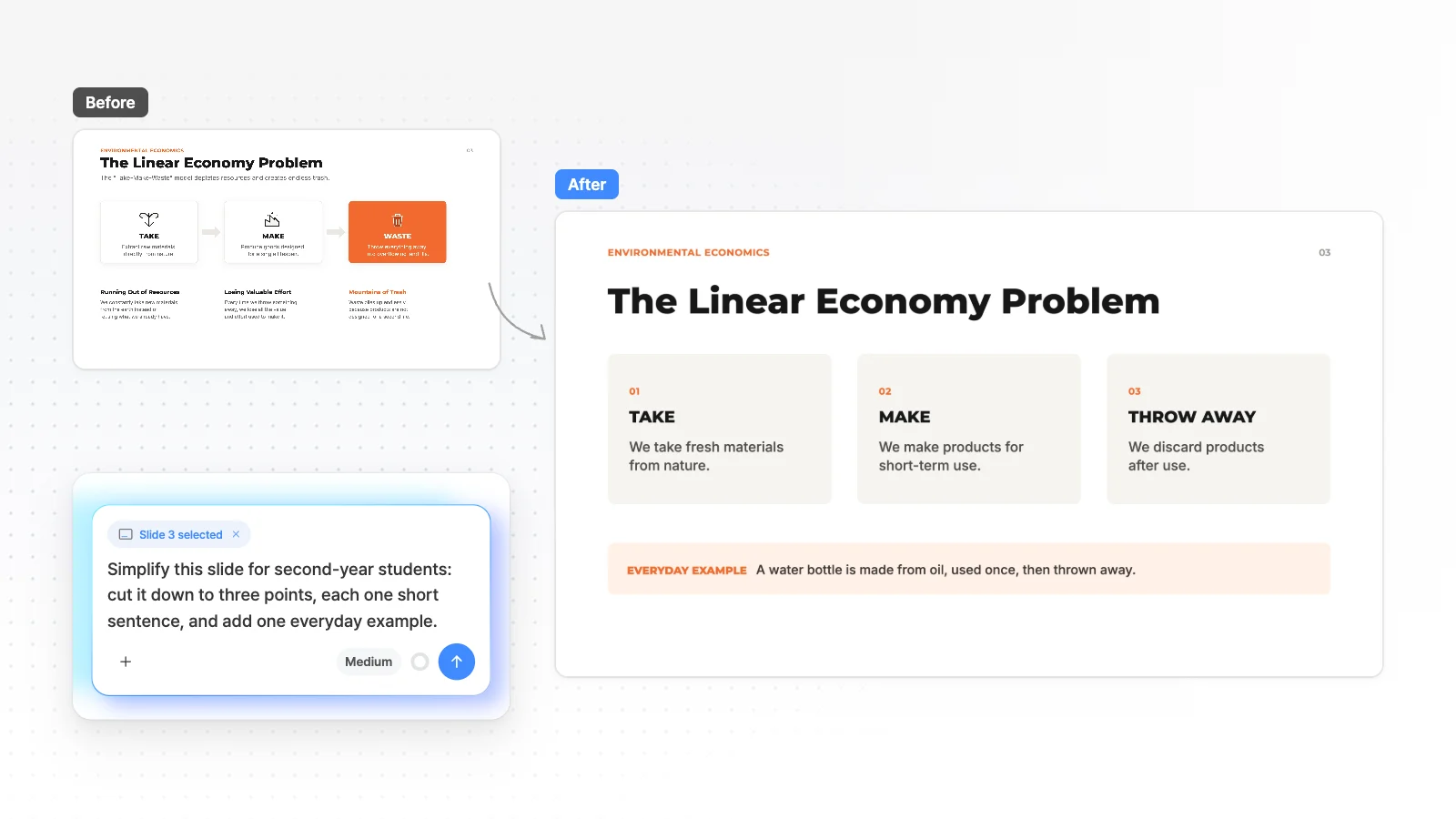
Pick a slide, type what to change, and AI edits that slide only.
Fix overlaps
“Check layout” finds overlapping or clipped elements on the current slide, and “Fix with AI” sends what it found to AI to clean up.
Check the fonts used
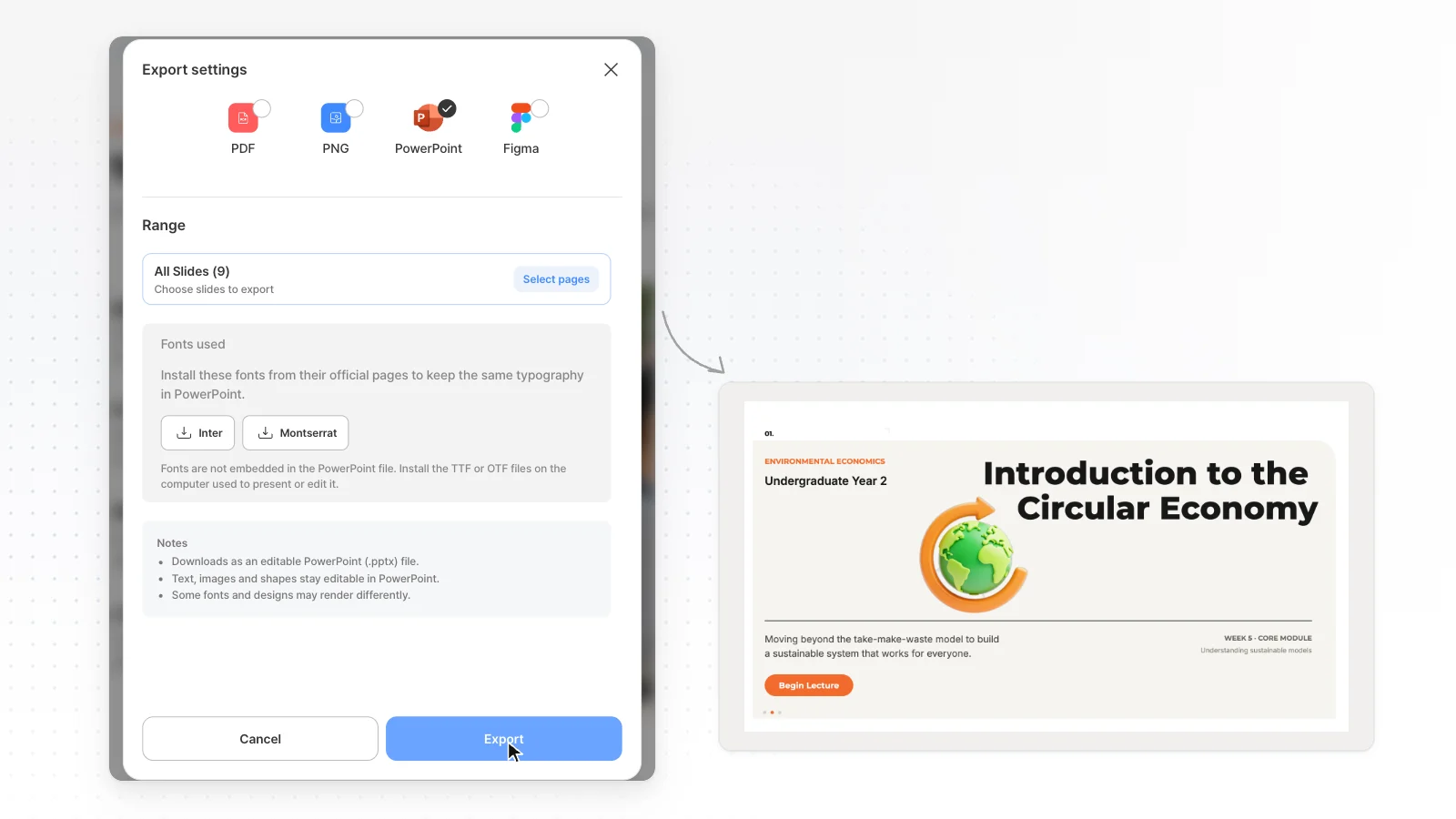
The Fonts used section of the export dialog lists the fonts in your deck with links to their official download pages.

Choose the range and the format
Export only the slides you need.
All, current or selected slides
In the export dialog, export all slides, the current slide only, or just the slides you pick.
More than PPTX
Choose from PPTX, PDF, PNG, Figma in the same dialog, depending on where the deck goes next.
No watermark
From the Pro plan, PPTX, PDF, PNG, Figma exports come without a watermark.
PDF quality and image format
Set PDF quality to High, Medium or Low, and save images as PNG or WebP.
Keep editing in PowerPoint
The file opens as regular PowerPoint objects.
Text boxes
Titles and body text are text boxes, so you edit the words right in PowerPoint.
Tables and charts
Tables and charts come in as shapes and text, not PowerPoint table or chart objects. Click each label or bar to edit it.
Back to MOVO
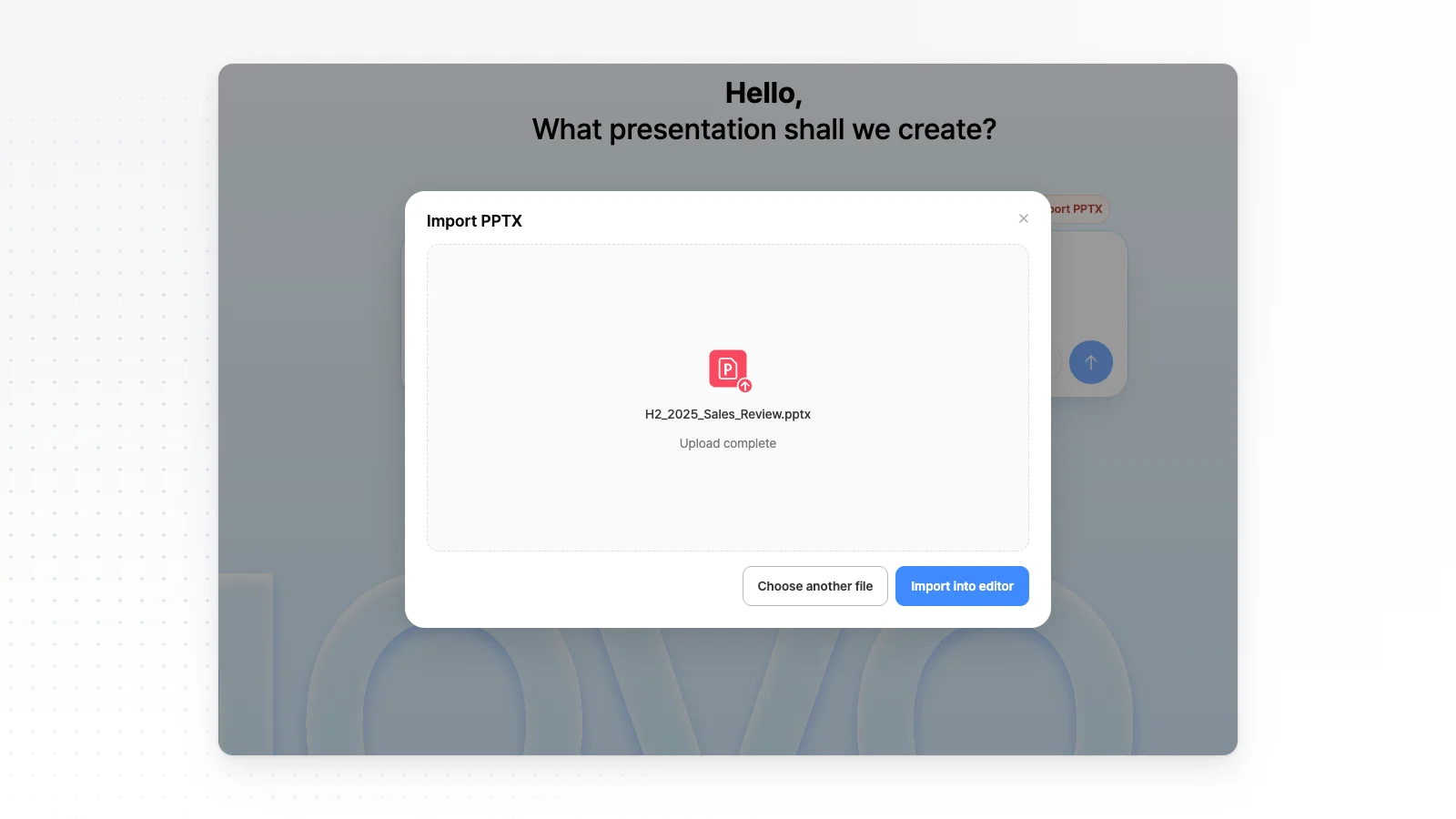
Open the file you edited in PowerPoint with Import PPTX and keep editing with AI. Import takes files up to 20 MB and 50 slides.
Install fonts on the presenting computer
Download the TTF or OTF files from the official pages listed under Fonts used. With them installed, the deck looks closer to what you saw in MOVO.
How to export to PPTX in 3 steps
Make or open a deck
Type a topic or attach files to make a new deck, or open a project from your dashboard.
Polish it in the editor
Edit text, images and shapes directly, or pick a slide and ask the chat to change it. Clean up overlaps with “Check layout” before you export, and there is less to fix in PowerPoint.
Choose PowerPoint in the export dialog
Click the export button at the top of the editor, choose PowerPoint, set the range and download. The file opens right away in PowerPoint.
Frequently asked questions
Can I edit MOVO slides in PowerPoint?
Yes. PPTX export saves text as text boxes and shapes as PowerPoint shapes. Slides are not flattened into images, so you can edit every single word.
Is PPTX export free?
No. PPTX export is available from the Pro plan at $19.99 a month. The Free plan exports PDF, PNG with a watermark, which works for sharing or printing but not for editing in PowerPoint.
Why do fonts look different in PowerPoint?
Fonts are not embedded in PPTX files, so PowerPoint swaps in another font when a computer lacks one. Install the fonts from the official pages under Fonts used in the export dialog. Fonts missing on the export server fall back to Arial, so check after download.
Do tables and charts export as PowerPoint objects?
No. Tables and charts come in as shapes and text, not PowerPoint table or chart objects. Each label and bar can still be clicked and edited on its own.
Can I export only some slides?
Yes. In the export dialog, choose all slides, the current slide only, or the slides you pick. Exporting a few slides is handy when you paste them into an existing PowerPoint file.
Can I edit a PPTX made elsewhere and export it again?
Yes. Open a PPTX of up to 20 MB and 50 slides with Import PPTX, edit it, then export it as PPTX again. Fonts MOVO does not support may switch to Pretendard on import.
Does the file open in Google Slides or Keynote?
PPTX files open in Google Slides and Keynote too, but fonts and some shapes may look different. Open an important deck once in the app you will present from.
Does exporting to PPTX affect refunds?
Yes. Refunds are difficult once you have run a PPTX or Figma export after payment. See the frequently asked questions on the pricing page for the full conditions.


