
What is MOVO AI?
MOVO AI turns a topic or your files into an outline first, then builds a presentation, card news set or A4 document in the design you pick.
- Available on
- All plans
Type a topic or attach files such as PDF, Word or Excel, and MOVO AI shows you an outline before anything else. Once you're happy with the outline and pick a design style, it builds the deck. Afterwards you refine it with AI chat or the editor, then export a file or share a link.
What you can make
Pick one of three formats in the tabs above the dashboard input box.
| Format | Size | Good for |
|---|---|---|
| Presentation | 16:9 landscape | Talks, reports, proposals, lectures |
| Card news | 4:5 portrait | Social posts and carousels |
| Document | A4 portrait | Notices, flyers, one-page summaries |
See Card news and A4 documents for how the formats differ.
How it works
- Add a topic or files: describe the topic, audience and length, or attach files with the + button.
- Review the outline: the AI drafts a title and key points for every slide. Fix anything before moving on.
- Settings: choose the audience, design density, tone, colors and fonts. Leave them on Auto if you're unsure.
- Pick a design: choose a design style from the list.
- Generate: click Create Presentation. The editor opens and the slides are built.
- Refine and export: edit with AI chat or by hand, then export a file.
What you can do next
- Edit with AI chat: pick one slide or the whole deck and describe the change. Web search, file attachments and image generation also live in the chat. See AI edit.
- Edit by hand: click text, shapes, images and layers to change them directly. See Editor.
- Layout check: finds overlapping or clipped elements.
- Export and share: download PPTX, PDF, PNG or Figma, or create a share link. See Export & share.
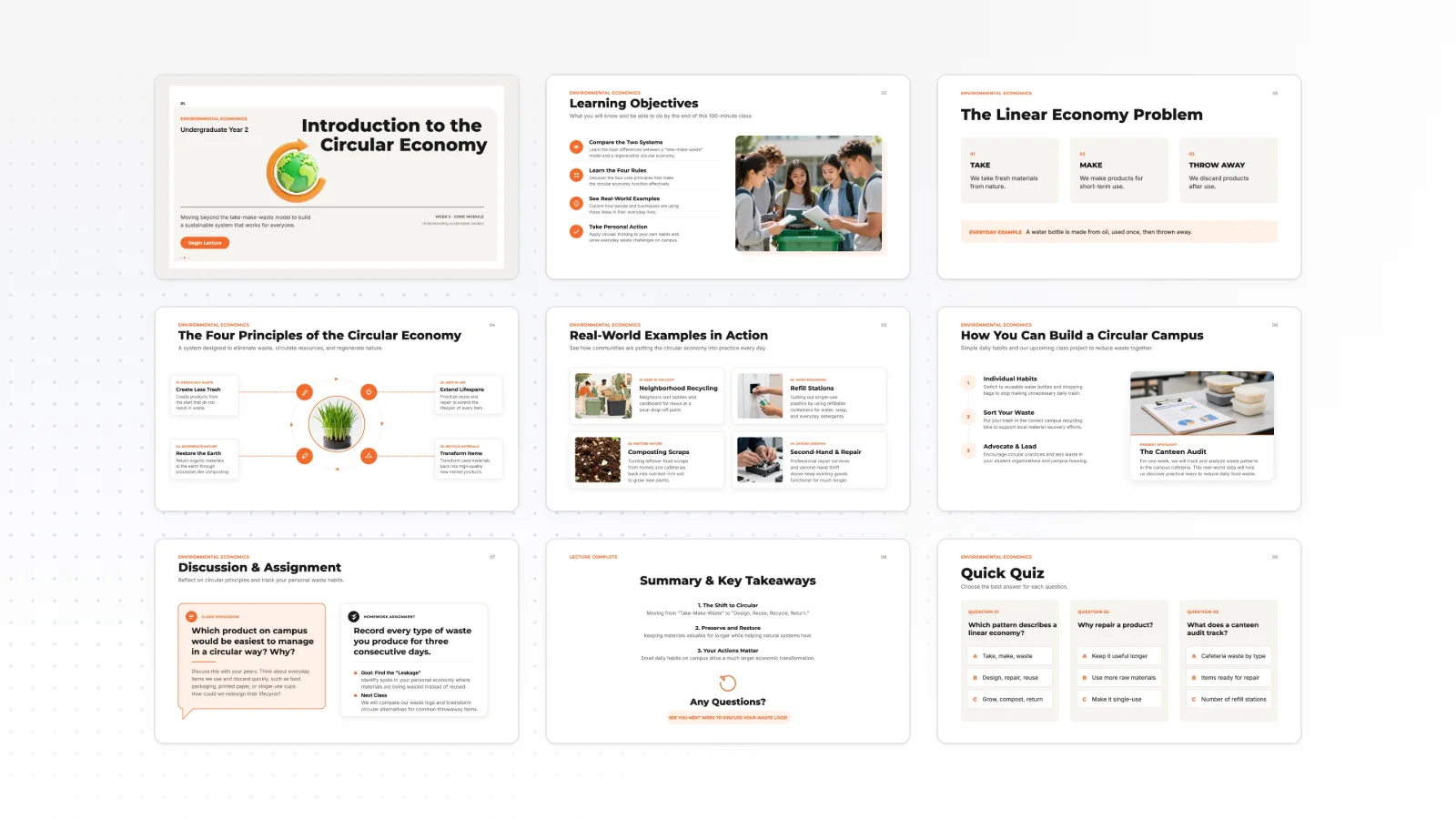
Other ways to start
- Start from a template: copy a ready-made template and swap in your content.
- Import a PPTX file: open a PowerPoint file you already have and keep working on it.
- Blank project: build it yourself from one empty slide.
Plans at a glance
| Item | Free | Pro | Max |
|---|---|---|---|
| Monthly price | Free | $19.99 | $99.99 |
| Credits per month | 300 | 5,000 | 40,000 |
| Max slides per generation | 5 | 30 | 50 |
| Export formats | PDF, PNG | PPTX, PDF, PNG, Figma | PPTX, PDF, PNG, Figma |
| Watermark | Yes | No | No |
Updated 2026-11-01