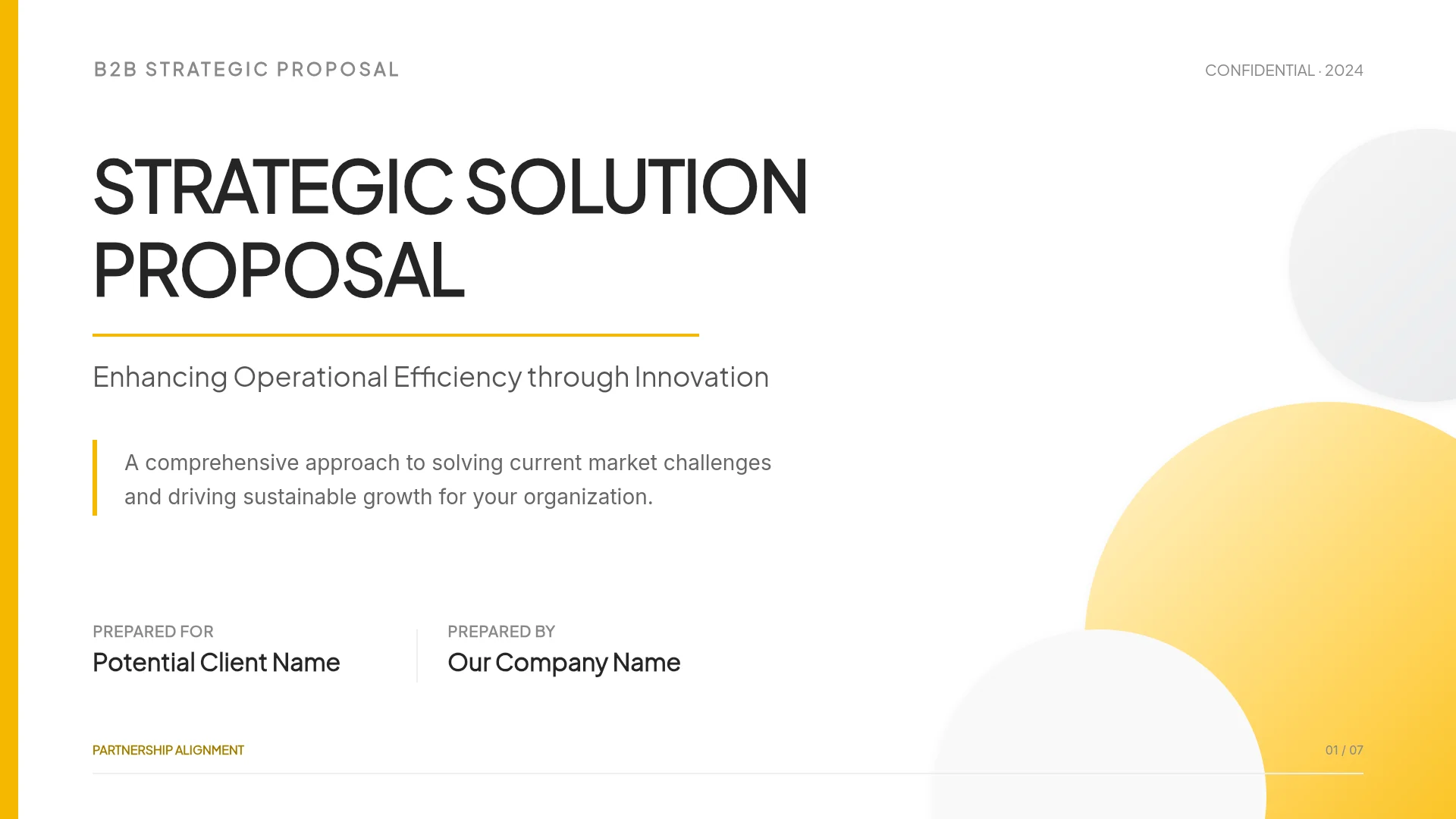
Portfolio Presentation for a Job Interview
Build a portfolio deck for a job application or portfolio review in MOVO: what you must supply, whether to start from a template or your notes, how to fill a case study slide, per-company copies, and checks before you send.
A recruiter asks for your portfolio before the first call, or the hiring team books a portfolio review where you walk them through two projects. Your case study notes, screenshots, and metrics sit in different tools, and building slides from a blank file leaves little time to tighten the story.
MOVO gives you two starting points. Copy a portfolio template from the gallery and replace its content, or attach your notes and metrics and start from a slide-by-slide outline. Either way, the facts, the numbers, the screens, and what you are allowed to share have to come from you. This guide covers what to prepare, which starting point to use, how to fill a case study slide, how to tailor copies for each company, what to check before you send, and the full workflow for building a job portfolio deck in MOVO.
What do you need before you start?
Gather what MOVO can't produce for you: project notes with the problem, your role, your actions, and the result; the source of every number; your screens; and permission to show the work. With those in hand, MOVO handles the structure and design.
| What to prepare | Example | How it goes into MOVO |
|---|---|---|
| Case study notes | Problem, timeline, team, your role, decisions | Attach as Word (DOCX) or TXT, or type into the request |
| Source for numbers | Dashboard exports, survey results | Attach as Excel (up to 20 sheets) or CSV |
| Resume | Dates, employers, titles | Attach as PDF (up to 100 pages) |
| Screens and artifacts | App screens, flows, prototype stills | Upload images in the editor after the slides are built |
| Job description | Responsibilities and requirements | Save as PDF and attach, or paste into the request |
- Plan for the room. Meta's product design screen, for example, is a 45-minute interview with 30 minutes for your past-work presentation; Meta asks for at least two case studies and suggests a narrative-style deck rather than scrolling through your portfolio (Meta Careers).
- Choose fewer, deeper projects. Nielsen Norman Group recommends three to five projects as detailed case studies (NN/g, 2019).
- Check confidentiality. For work under an NDA, NN/g suggests showing process images, redacting or blurring details, or recreating the design in a generic style.
Should you start from a template or from your own material?
Start from a template when you like its structure and design; start from your material when you have plenty of notes and want to see an outline before any design work. Both give you an editable MOVO project.
| From a template | From your material | |
|---|---|---|
| Start | Open a template in the gallery and click "Start from this deck" (sign-in required) | Describe the deck in the dashboard input and attach files |
| You see first | Finished slides | A slide-by-slide outline, then settings and design |
| Your facts go in | Edit text and images, or select a slide and ask the AI | Edit the outline, then generate |
| Best when | The structure and design already fit | You want an outline of your material first |
A copied template keeps its sample people and numbers. Replace them slide by slide, and delete any sample figure you don't replace.
How do you fill a case study overview slide?
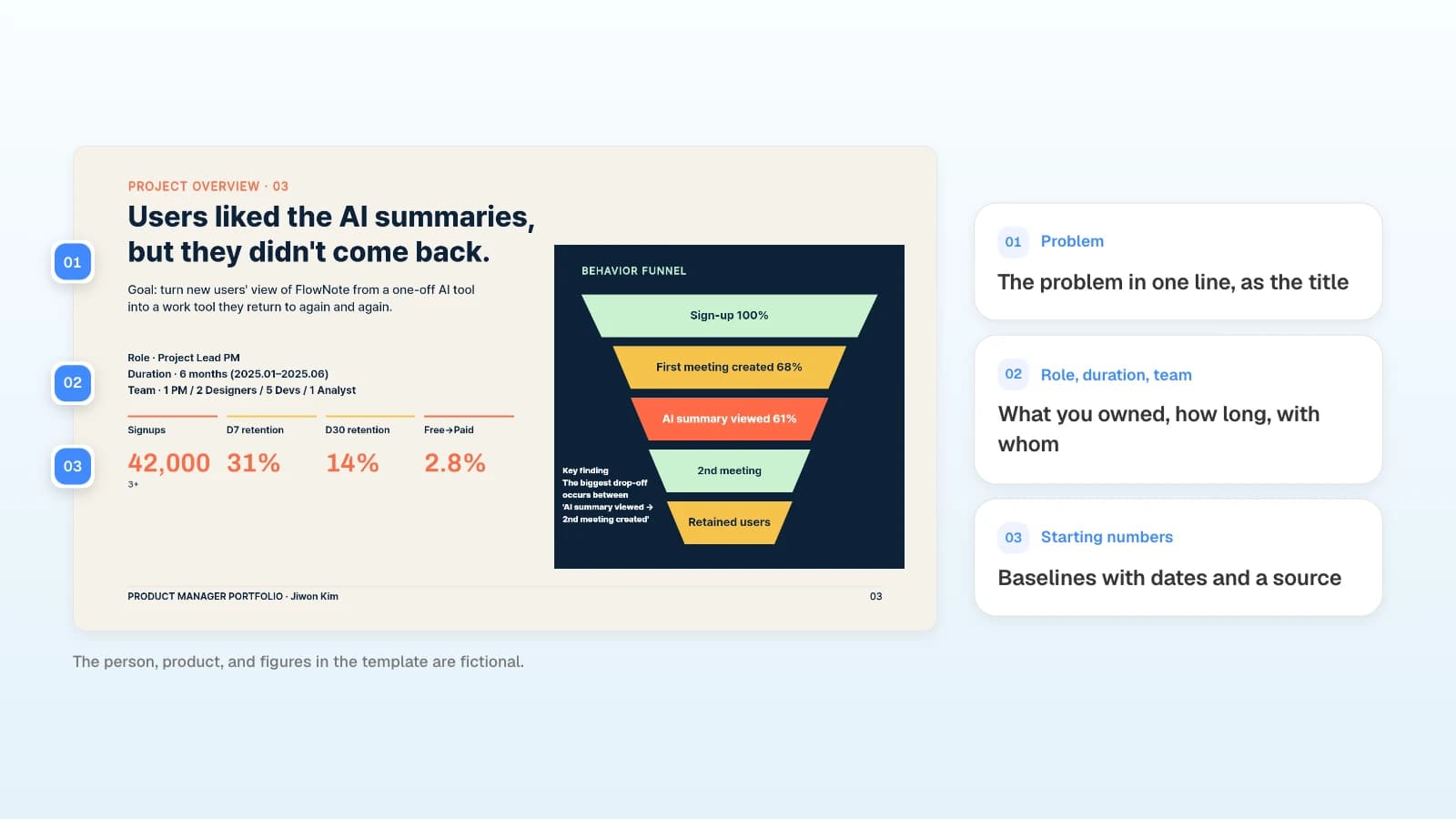
Open with the problem, what you owned, and where the numbers started. Meta's guide asks for three things in a case study overview: your role, how long the project took, and who your main working peers were.
| Part | What to write | Evidence |
|---|---|---|
| Problem | The problem in one line, as the slide title | Research notes, support tickets, data |
| Role, duration, team | What you owned, how long, and who you worked with | Project plan, specs, org chart |
| Starting numbers | Baselines with dates and a source | Dashboard exports, analytics reports |
This template already lists role, duration, and team, the three things Meta's guide asks for. Replace them with yours, keep what you did apart from what the team did, and put a date and a source next to every starting number.
How do you tailor a portfolio for each company?
Leave the original untouched and change the order and emphasis in copies. Use "Make a copy" in the editor menu or "Duplicate" on a project card in My projects, then edit one copy per company.
- Move the project closest to the job's responsibilities to the front.
- Select a slide and ask: "Move the part that matches this requirement to the first sentence: (paste the requirement). Don't add work I didn't do."
- Dates, roles, and numbers must match across every version. Compare each copy with the original before you send it.
- To send only part of the deck, use "Select pages" in the export dialog.
What should you check before you send it?
Follow the format the employer asks for, then open the exported file yourself. Editing text is how text boxes end up overlapping, so run Check layout before you export.
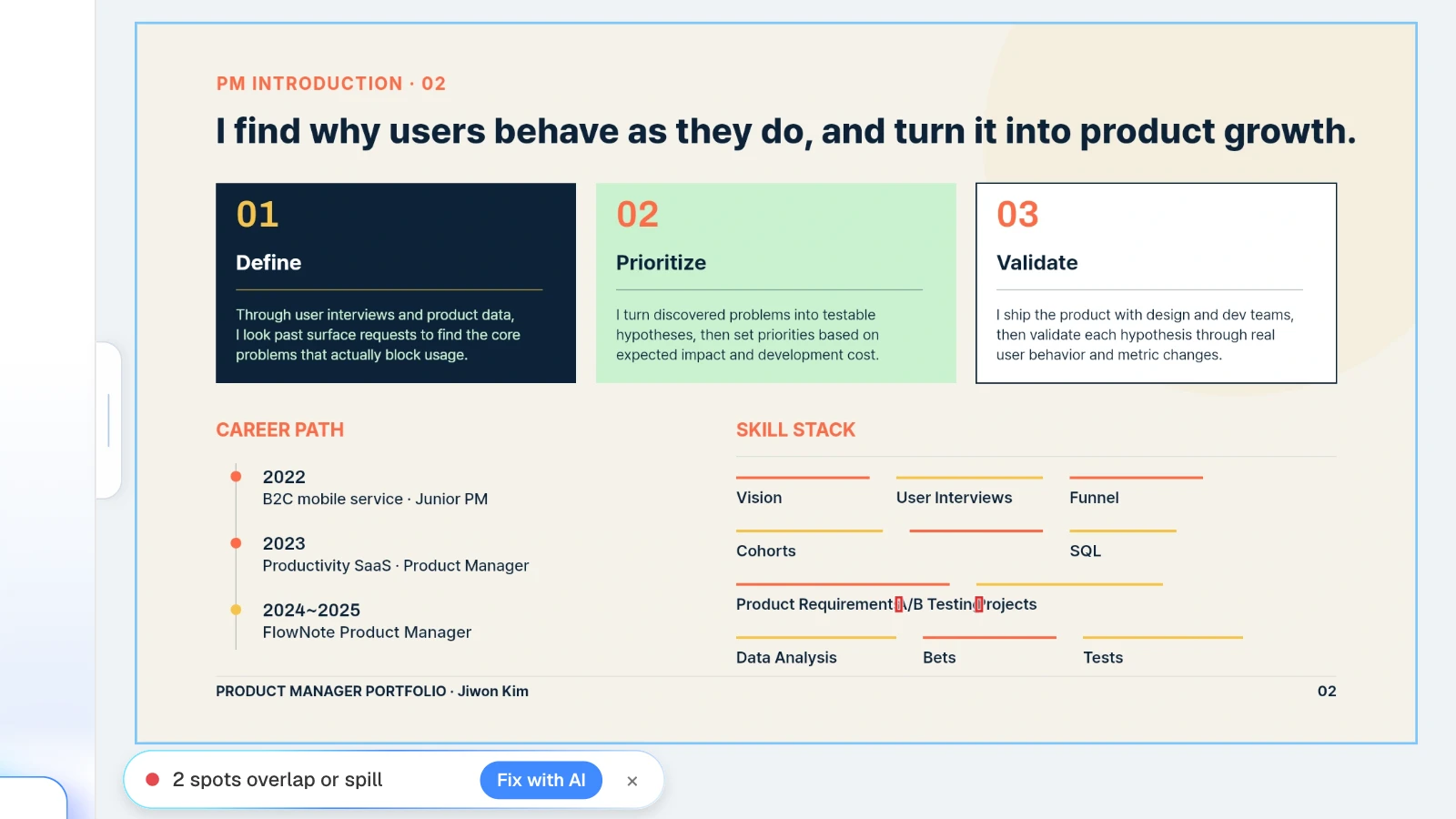
In the MOVO editor, click "Check layout" below the canvas. It marks overlapping or spilling spots on the current slide, and "Fix with AI" asks the AI to tidy them.
- Format and size: use the format the employer or application system asks for. If an upload has a size limit, lower the PDF quality in the export dialog.
- Watermark: PDF and PNG files exported on the Free plan carry a MOVO watermark.
- Links and text: open the PDF, click every link, and look for clipped text.
- Timing: if you will present, rehearse against the slot. In Meta's format, you have 30 minutes to present, and the interviewer holds questions until the end.
What does MOVO change for a portfolio deck?
- Two starting points: copy a gallery template with "Start from this deck" (sign-in required), or attach files and start from the outline.
- Start from what you have: attach PDF (up to 100 pages), Word, Excel (up to 20 sheets), CSV, TXT, and PNG, JPEG, or WebP images. Save PowerPoint or Keynote files as PDF first. The Free plan takes up to three files of 5 MB each per request.
- Outline first: MOVO shows every slide's title and details before building, so you can delete work you didn't do and numbers you can't support.
- Copies per company: split versions with "Make a copy" or "Duplicate"; select a slide and ask for a change, and only that slide changes.
- Export files: PDF and PNG on every plan, with a MOVO watermark on the Free plan; PPTX and Figma on paid plans. The Free plan builds up to 5 slides per deck.
How to build a portfolio deck in MOVO
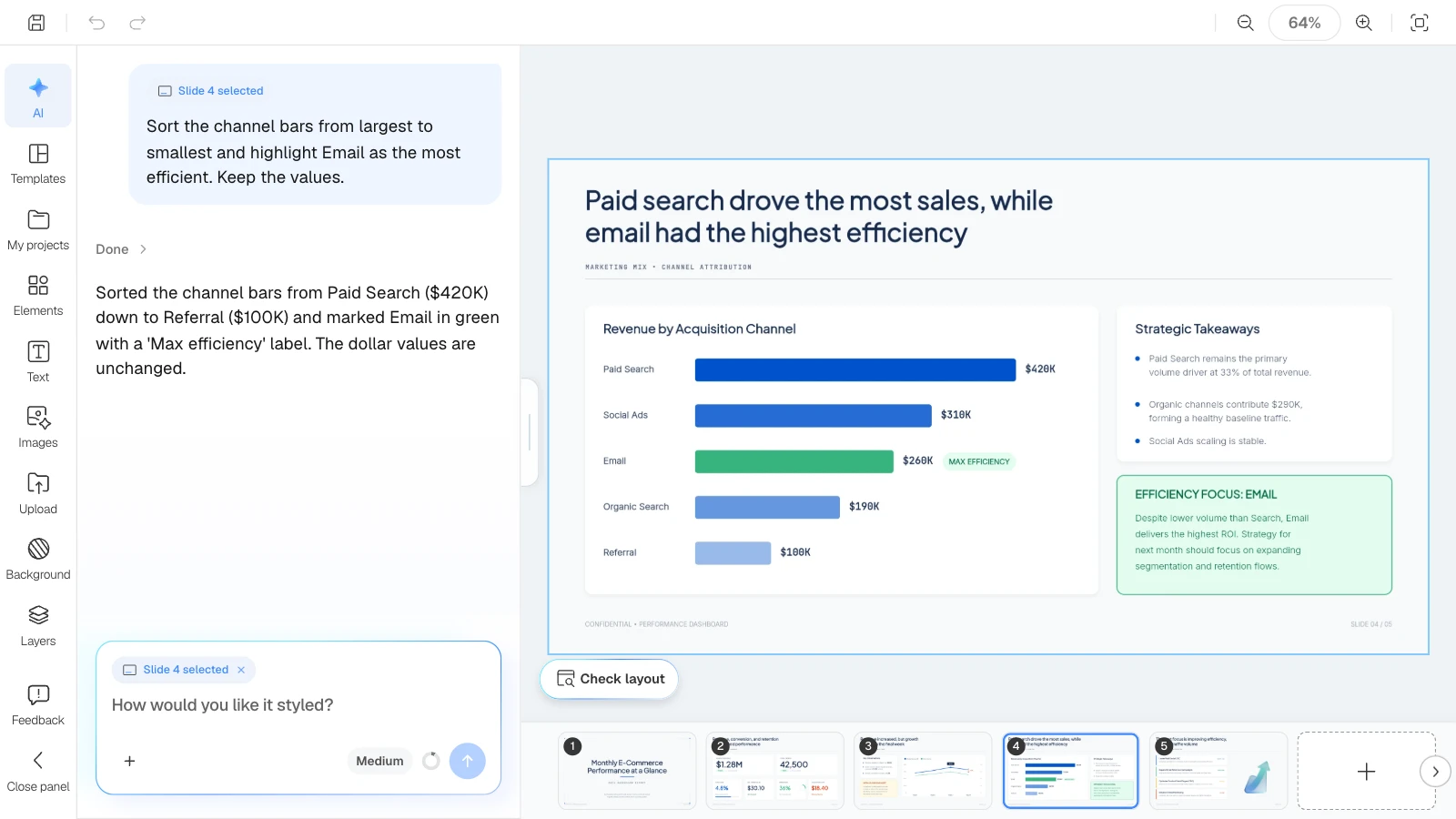
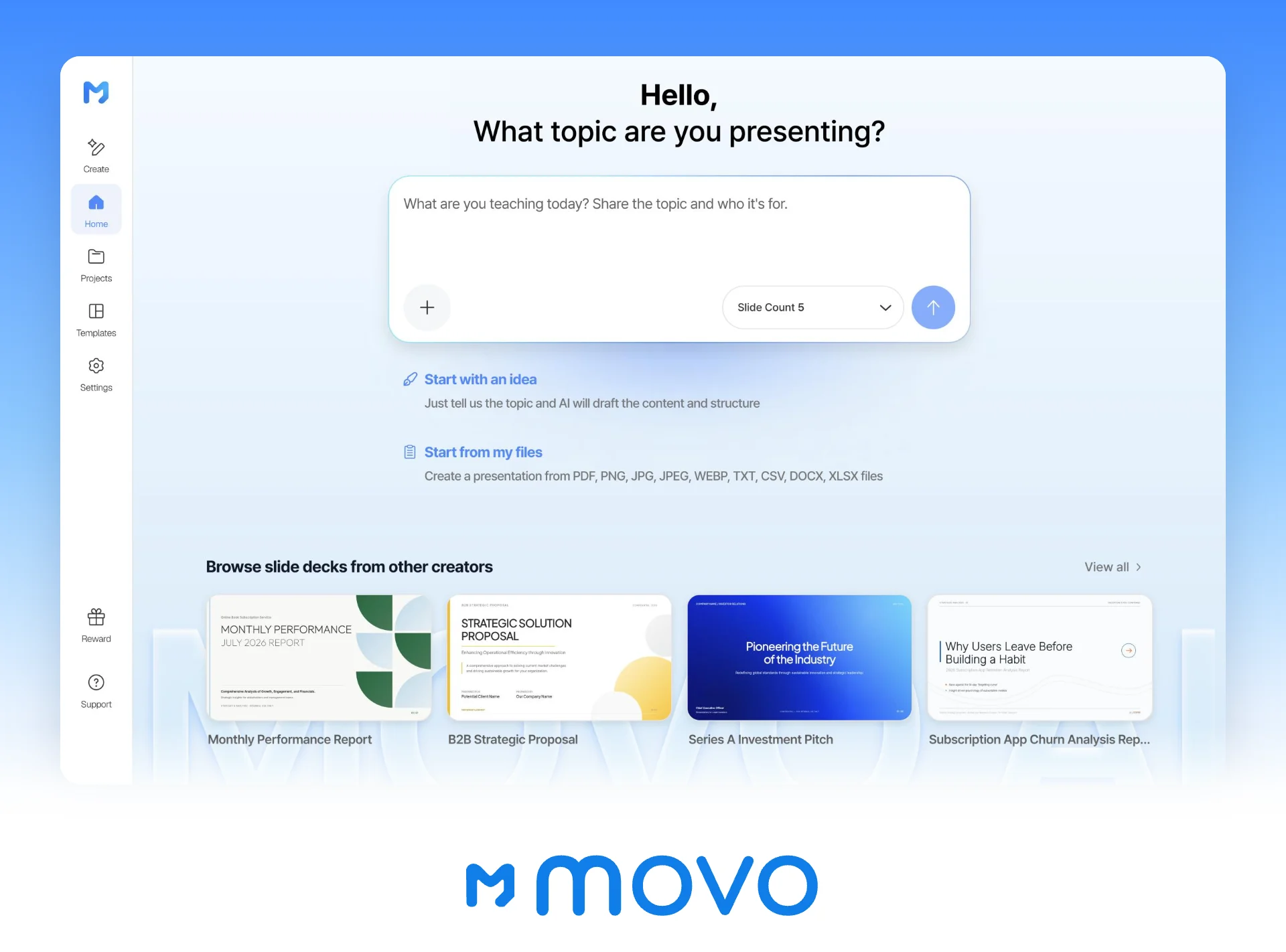
The pictures below show MOVO's screens filled with this article's example: a product manager preparing a case study presentation for a hiring panel. They illustrate the steps; they are not a recording of a real session.
1. Attach your notes and describe the deck
In the dashboard input, describe the deck and attach your case study notes and metrics. Set the slide count here too.
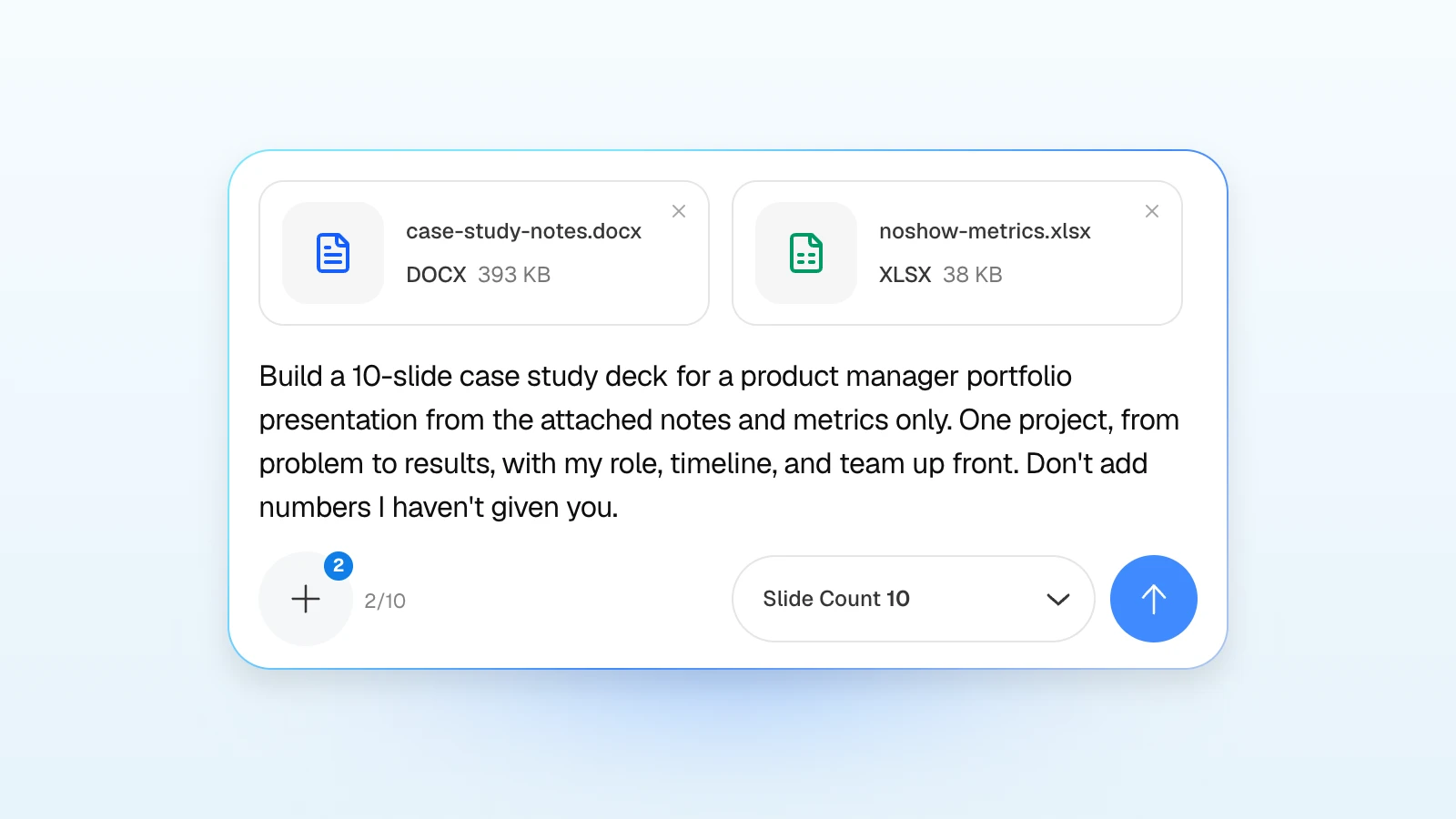
Build a 10-slide case study deck for a product manager portfolio presentation from the attached notes and metrics only. One project, from problem to results: cover, how I work, project overview with my role, timeline, and team, problem, hypothesis, prioritization, execution, results, lessons, closing. Don't add numbers I haven't given you, and mark anything unsupported as [needs source].
2. Fix the outline
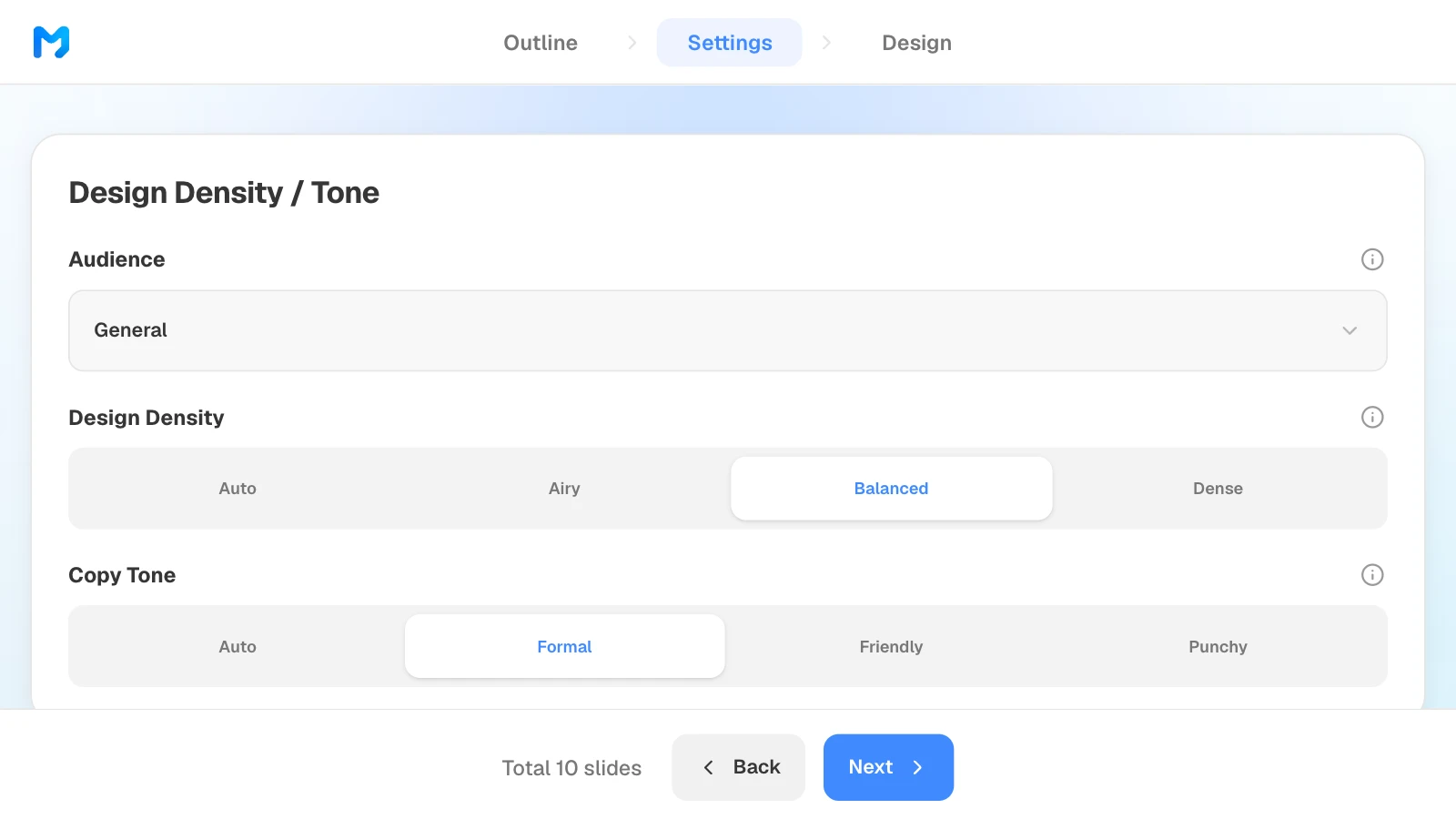
Review each slide's title and details. Delete work you didn't do, numbers that aren't in your files, and any sentence that turns team work into yours alone. Drag slides to change their order; the number of slides comes from Slide Count in step 1. What you change here is what gets built.
3. Set the audience and tone
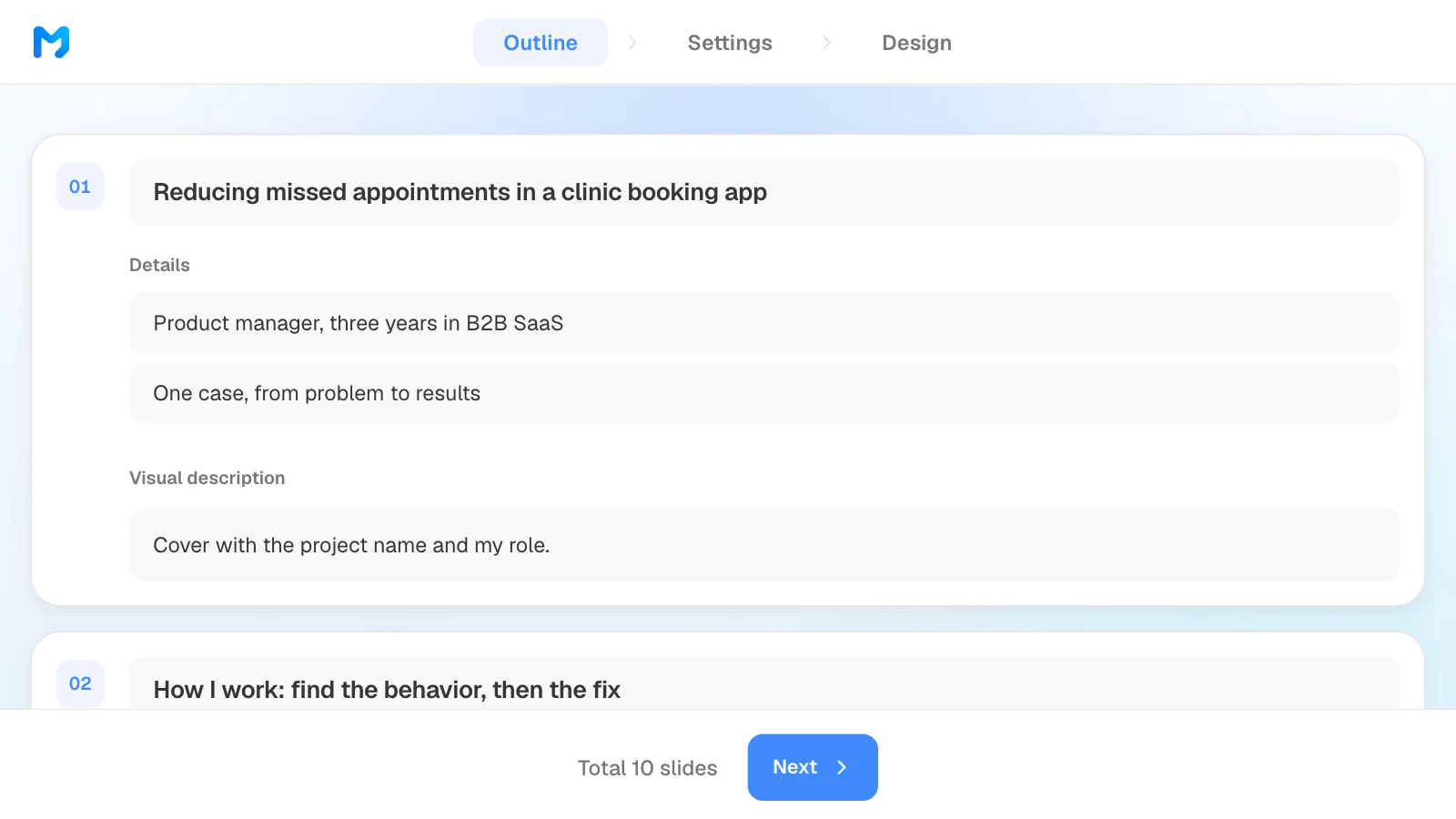
In settings, choose the audience, design density, and copy tone. For most portfolio reviews, start with "General" or "Technical" and a "Formal" tone.
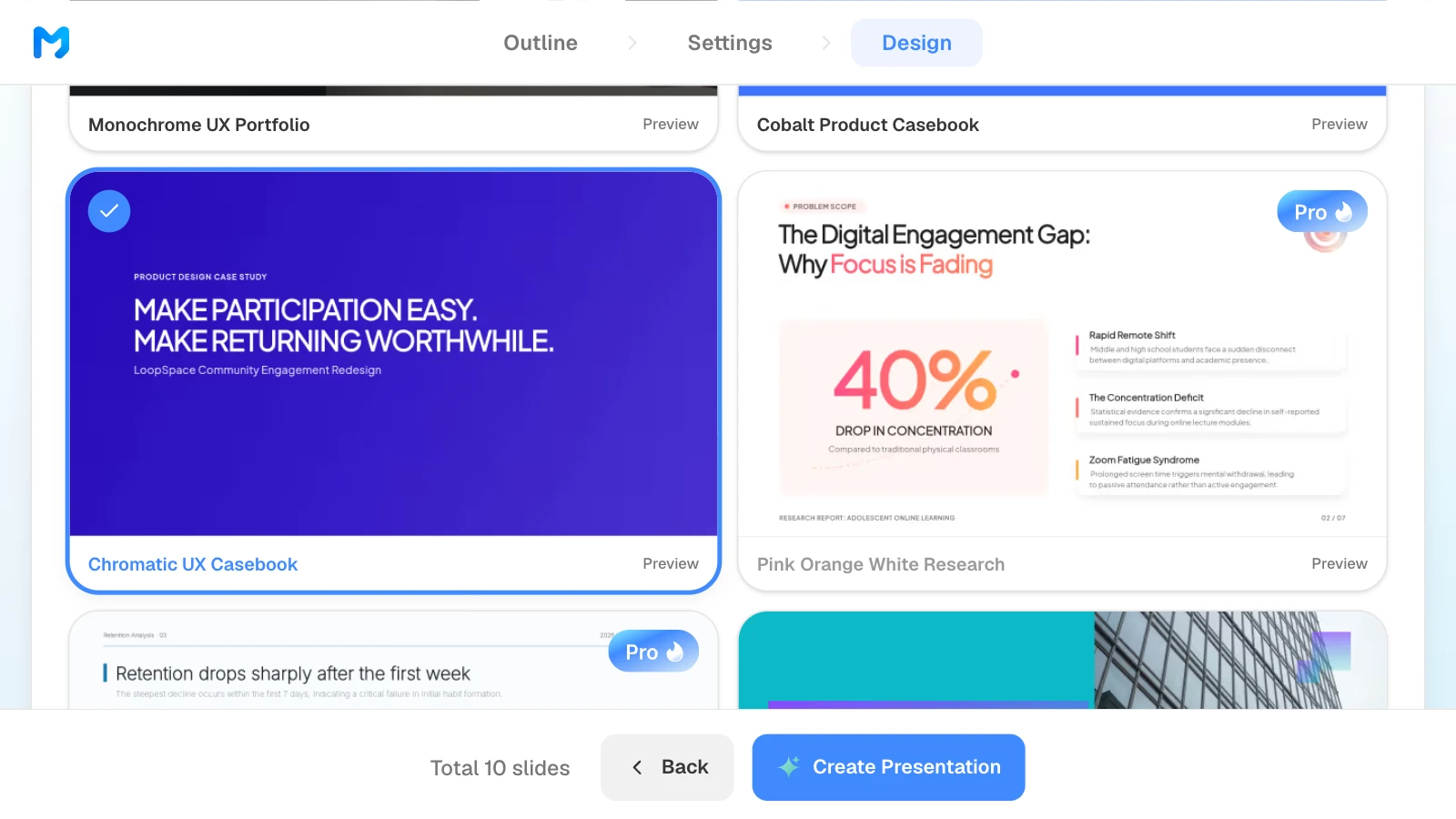
4. Pick a design
Narrow the document type to "Process / Validation" to see case study styles such as "Chromatic UX Casebook" and "Cobalt Product Casebook." Open "Preview" for sample slides, then pick one.
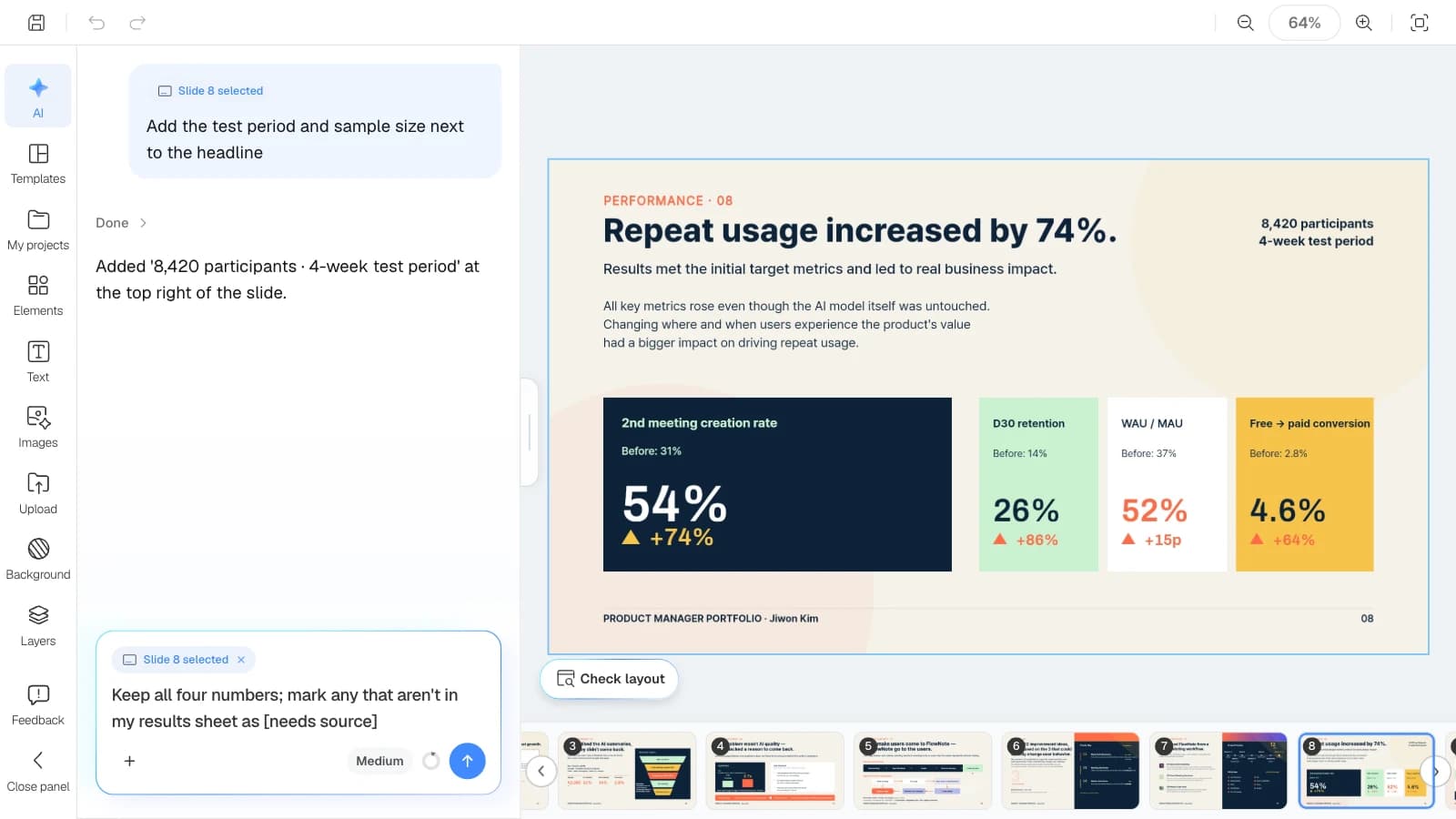
5. Edit one slide at a time
Select a slide and ask in the AI panel on the left; only that slide changes. Add real screenshots or charts from "Upload" on the left rail and place them on the slide.
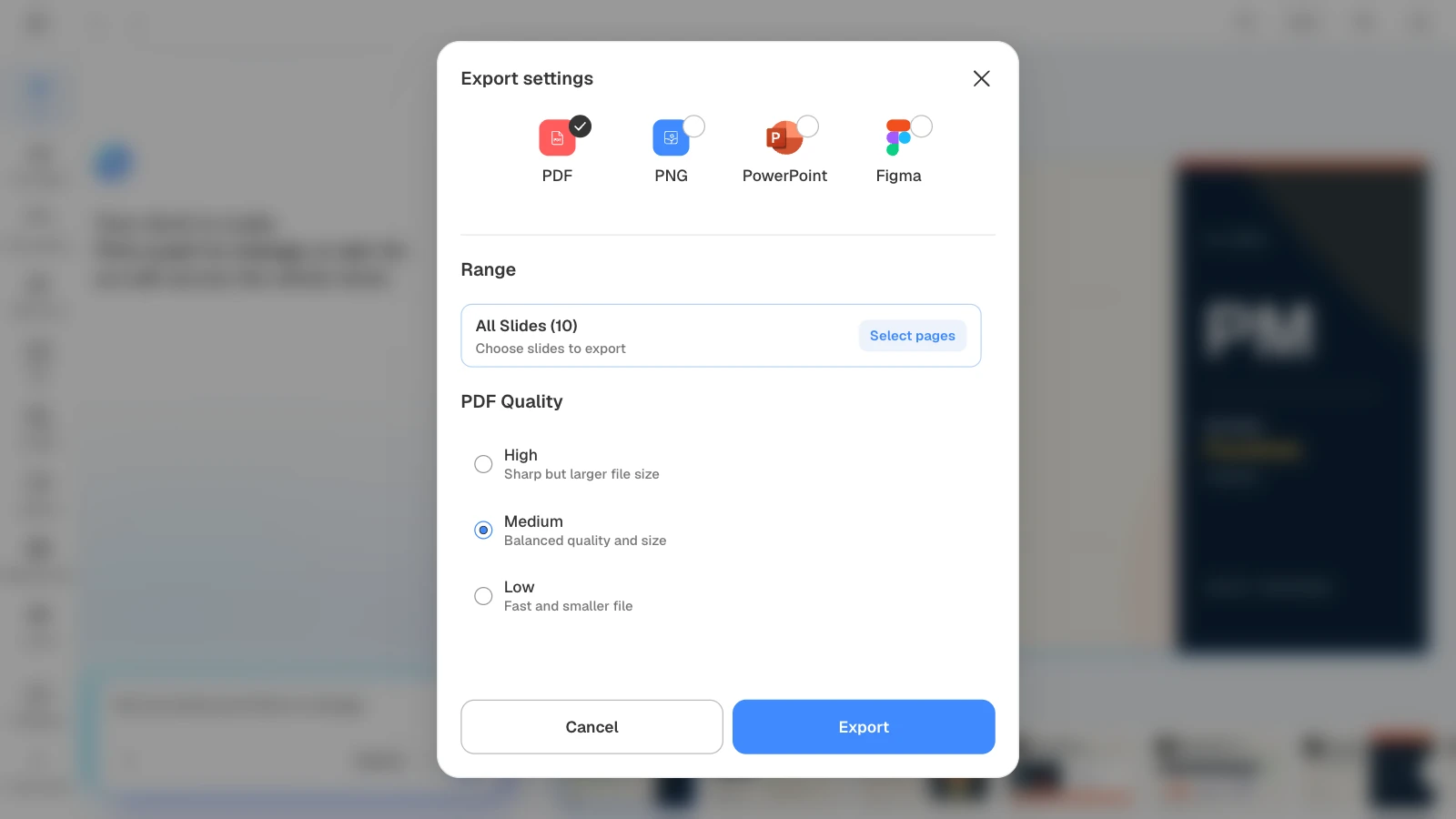
6. Export a PDF
Choose PDF and a quality level. If an upload has a size limit, pick "Medium" or "Low"; to send part of the deck, use "Select pages."
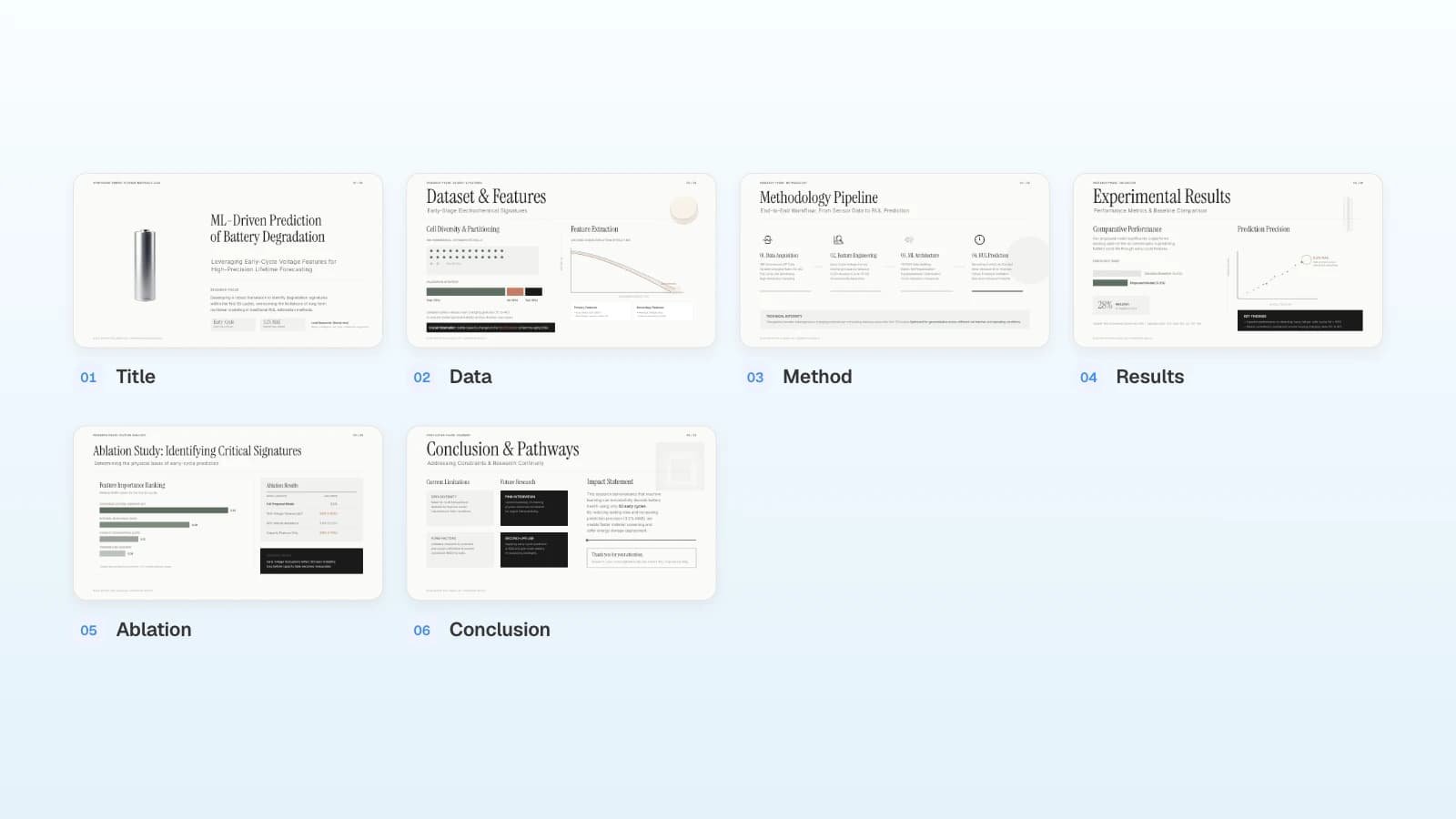
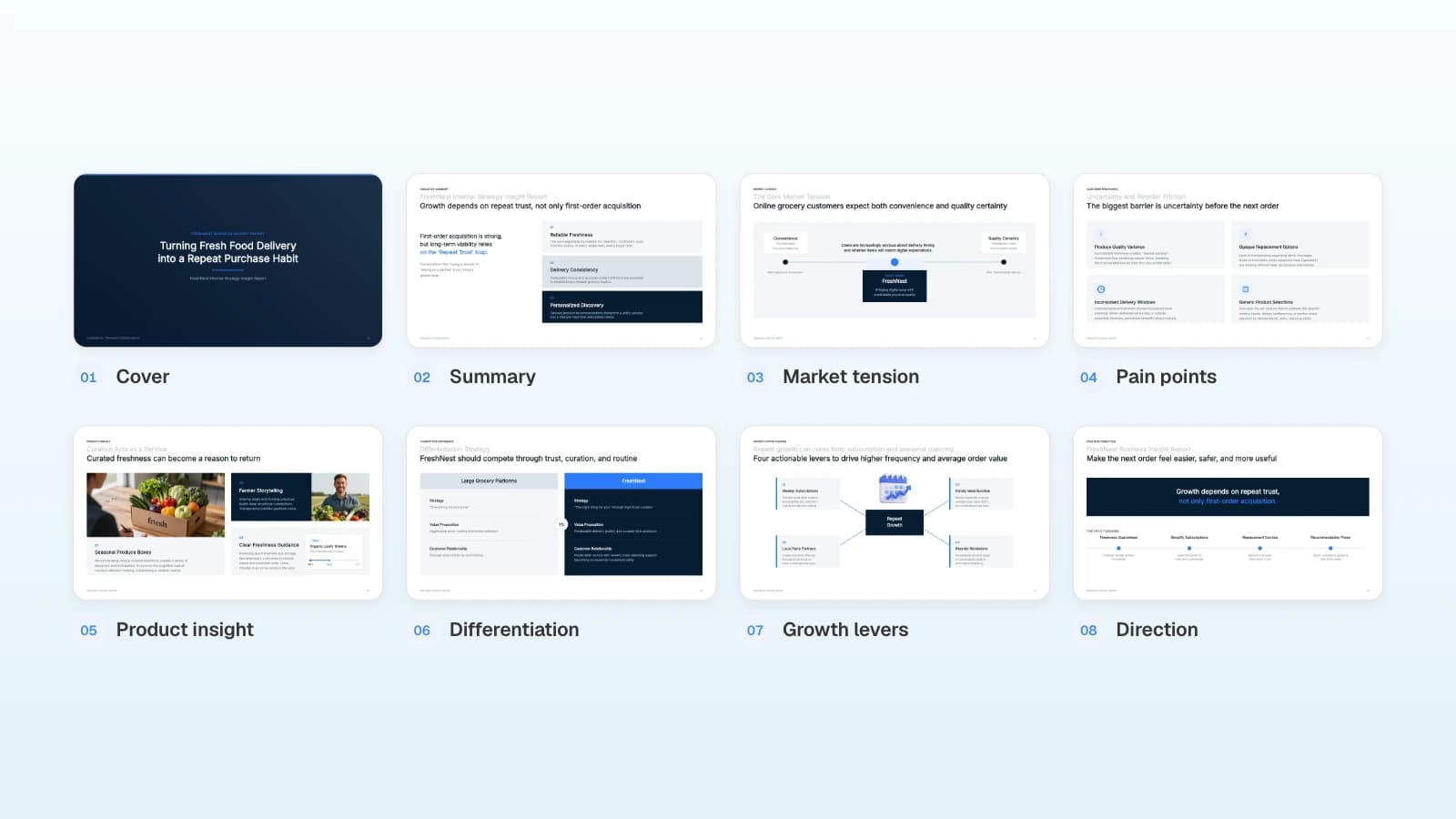
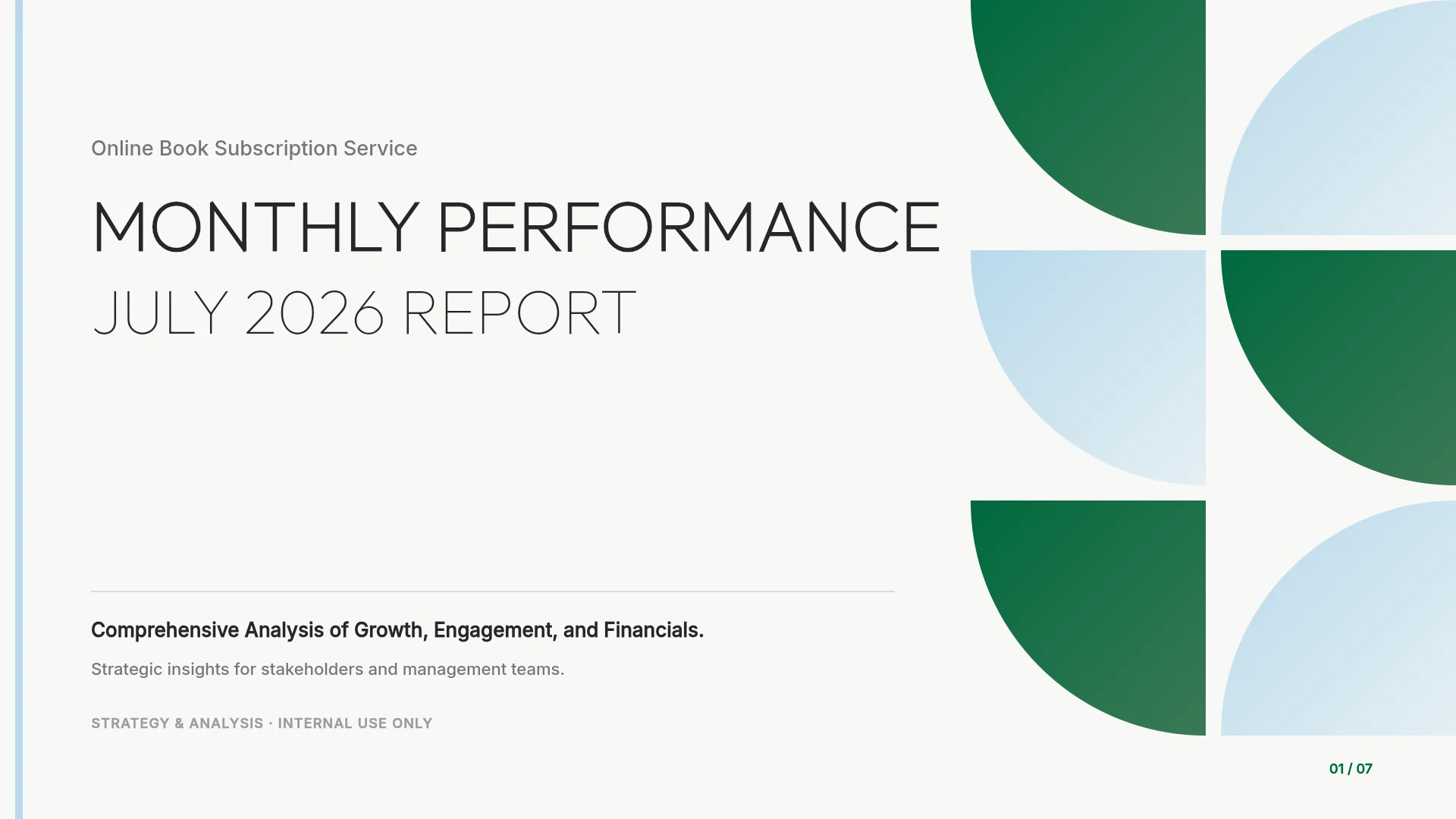
3 portfolio templates to start from
These MOVO templates are written in English for global hiring. The people, companies, and figures in them are fictional and show structure only. Copy one into your projects and replace the content.
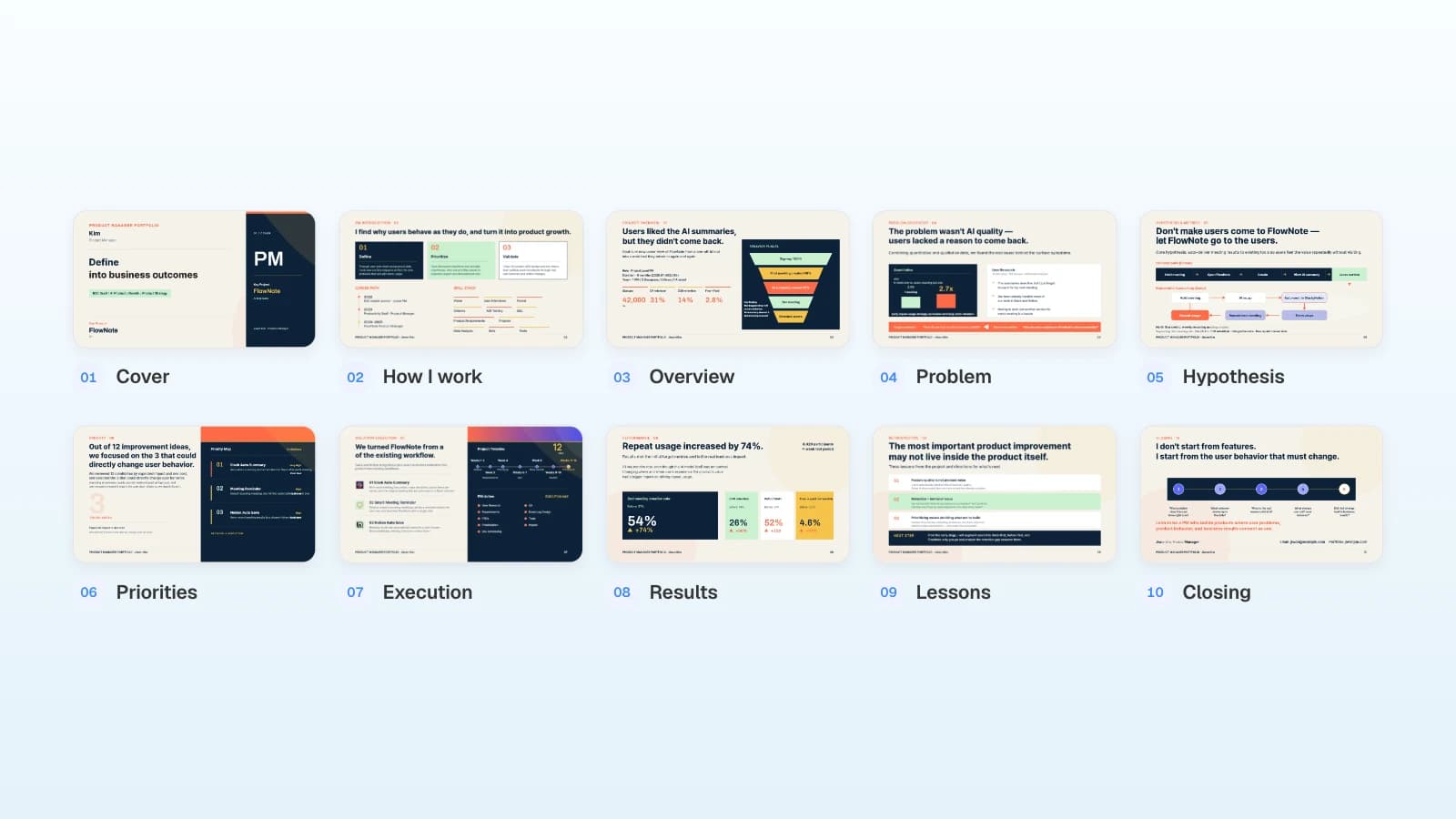
1. PM Portfolio · Warm Tone (10 slides)
A product manager's portfolio built on one case: project overview with role, duration, and team, problem discovery, hypotheses and metrics, prioritization, execution, results, and a retrospective. Fits PMs who need to show how they make product decisions.
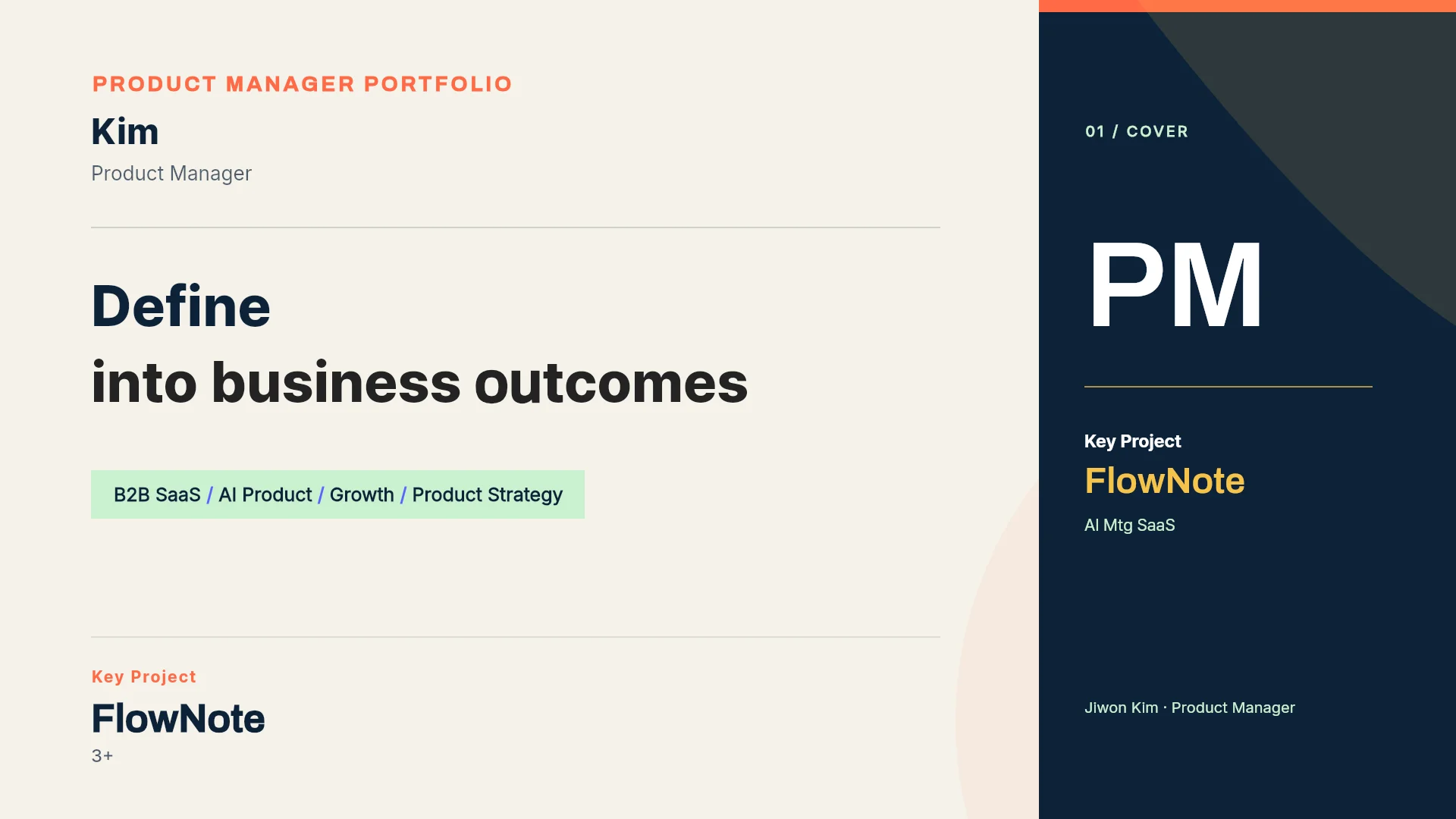
View the PM Portfolio · Warm Tone template
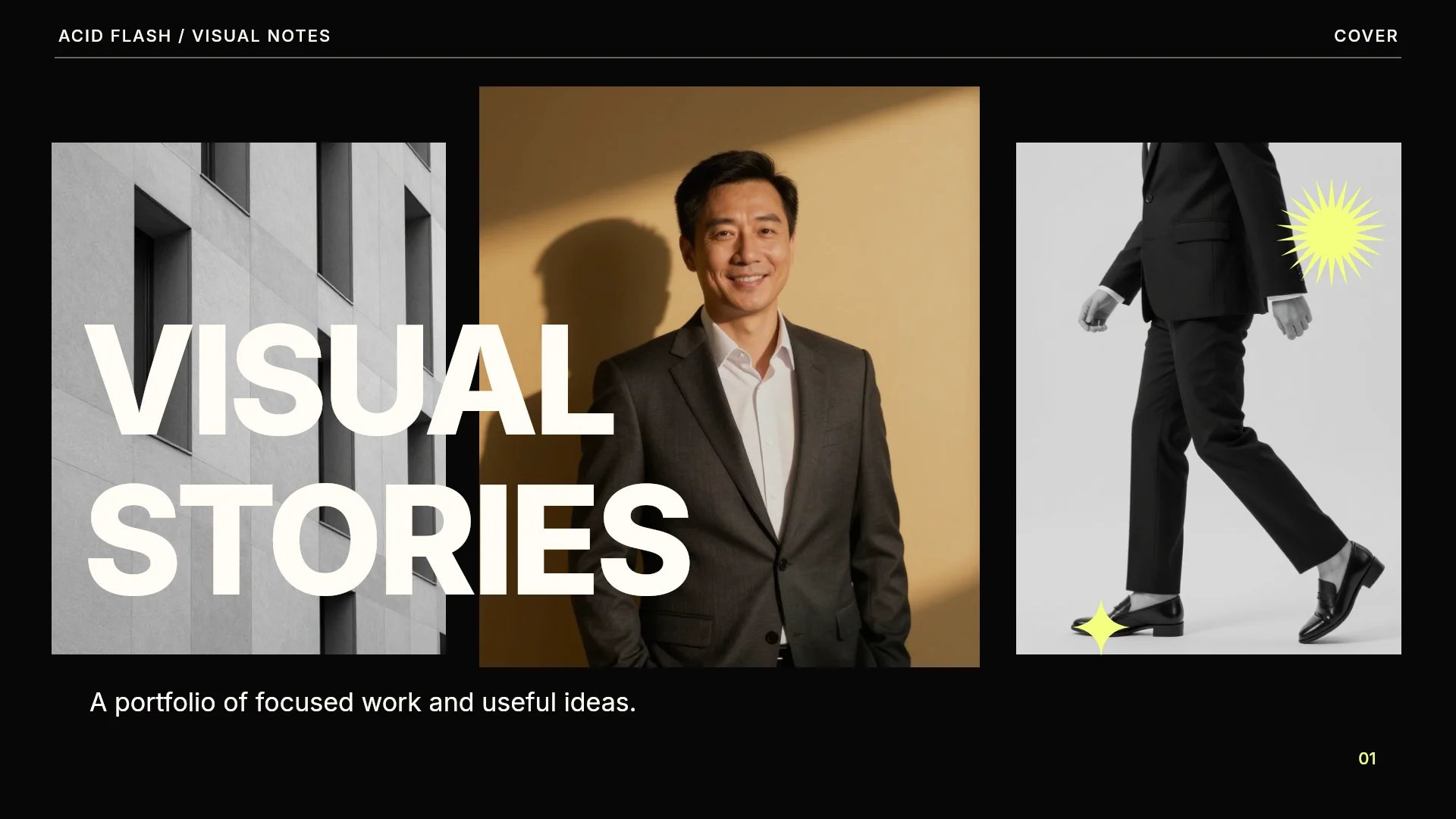
2. Acid Flash Portfolio (6 slides)
A high-contrast visual portfolio: a profile, a four-step process, one case study that pairs the question with the response, collaboration, and a closing slide. Fits designers who want a short deck to send before a longer portfolio review.
View the Acid Flash Portfolio template
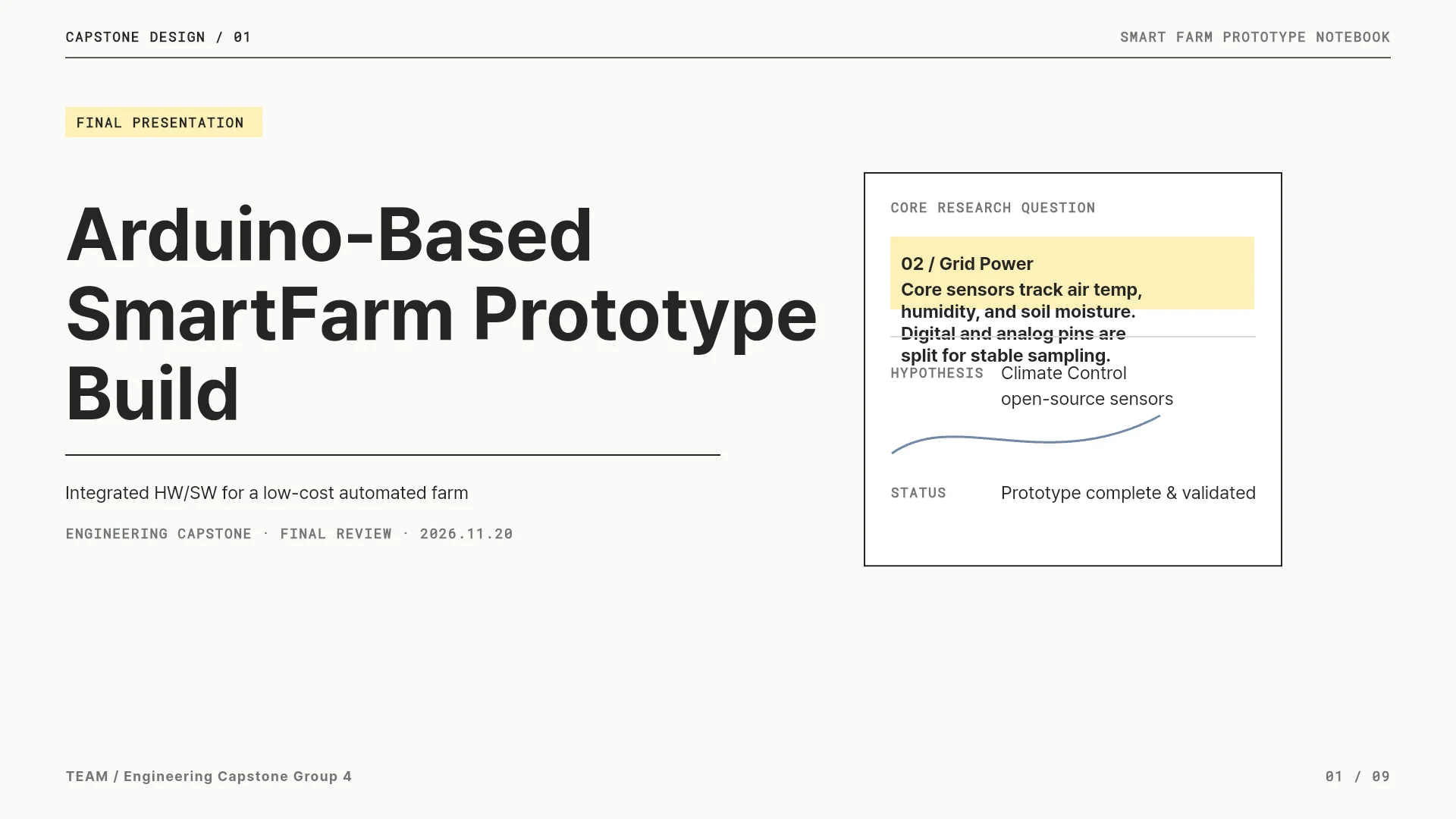
3. Engineering Capstone Final Presentation (9 slides)
A capstone project told as an engineering case: problem, requirements, system architecture, hardware design, experiments, results, limitations, and team roles. Fits new grads who want to present a senior or capstone project.
View the Engineering Capstone Final Presentation template
Frequently asked questions
How many projects should a portfolio deck include?
Follow the employer's instructions first. Without them, choose depth over volume: NN/g recommends three to five detailed case studies for a portfolio, and Meta's product design screen asks you to be ready to present at least two. Cut anything that doesn't relate to the role.
Can I build a portfolio deck on the Free plan?
Yes, with limits. The Free plan builds up to 5 slides per deck and exports PDF and PNG with a MOVO watermark. For watermark-free files or PPTX, you need a paid plan.
My old portfolio is a PowerPoint or Keynote file. Can I attach it?
Not directly. Export it as PDF and attach that. Word, Excel, CSV, TXT, and image files can be attached as they are.
Can I keep the numbers that come with a template?
No. The people, companies, and figures in templates are fictional. Replace them with your own records or delete them.
Can I use AI to prepare for a portfolio interview?
Rules vary by employer, so ask your recruiter. Meta's product design guide, for example, asks candidates not to use AI tools such as ChatGPT during the interview itself. Whatever tools you use to prepare, every slide should be true, and you should be able to explain each one without help.
Summary
MOVO builds the structure and design of a portfolio deck, but the facts, numbers, screens, and permission to share them come from you. Start from a template if its structure fits, or attach your notes and start from the outline. Fill each case study with what the project was for, what you owned, and how you measured it, tailor copies per company without changing the facts, and check the layout and the exported file before you send.