How to Make Conference Presentation Slides
Build conference presentation slides that fit a 10- to 18-minute slot: the slide order research talks follow, time limits from APS, EACL, ICRA, and SfN guidelines, posters, figures, and a research portfolio deck for interviews.
Your paper was accepted, and the program gives you a short slot. The four author guidelines in this article, from physics, computational linguistics, robotics, and neuroscience meetings, give contributed talks 10- to 18-minute slots. A year of work has to fit into that time, and one or two figures have to carry the result.
MOVO starts from the paper you already have. Attach the PDF and your results spreadsheet, and MOVO shows a slide-by-slide outline before it builds anything. Fit the outline to your time slot, pick a design, and fix only the slide whose numbers don't match the paper. This guide covers how long conference talks are, the slide order a research talk follows, posters, figures on slides, a research portfolio deck for interviews, the MOVO workflow, and templates you can copy.
How long is a conference talk?
Check your conference's author guidelines first. Slots are short, and questions often come out of the same slot.
| Conference | Talk | Other formats |
|---|---|---|
| APS Global Physics Summit 2027 | Contributed talk: 10 minutes plus 2 minutes of questions. Invited talk: 30 plus 6 (APS) | SPARK: a 2-minute talk, then discussion at a digital poster |
| EACL 2026 | 18-minute slot: a 14-minute talk plus 4 minutes of Q&A | Industry Track: 13 plus 2 |
| IEEE ICRA 2026 | 10-minute slot; the organizers advise talking for no more than 7 minutes and leaving at least 3 for questions | Interactive posters in landscape A0 |
| SfN Neuroscience 2026 | Nanosymposium: a 10- to 15-minute slide talk | Posters: a four-hour session, with one hour at your poster |
- Rehearse to the talk time, not the slot. At APS, EACL, and ICRA, the questions come out of the same slot, so a 12-minute APS slot means a 10-minute talk. ICRA also warns that session chairs will cut off speakers who go over 10 minutes.
- Plan to finish early. EACL asks speakers to finish slightly early to leave room for the chair's announcements and the speaker changeover.
- Match the room. ICRA asks for slides in 16:9, has speakers connect their own laptop to the room's HDMI cable, and asks for a backup copy on a USB drive. Test the connection in the room before your session.
What slides does a research talk need, and in what order?
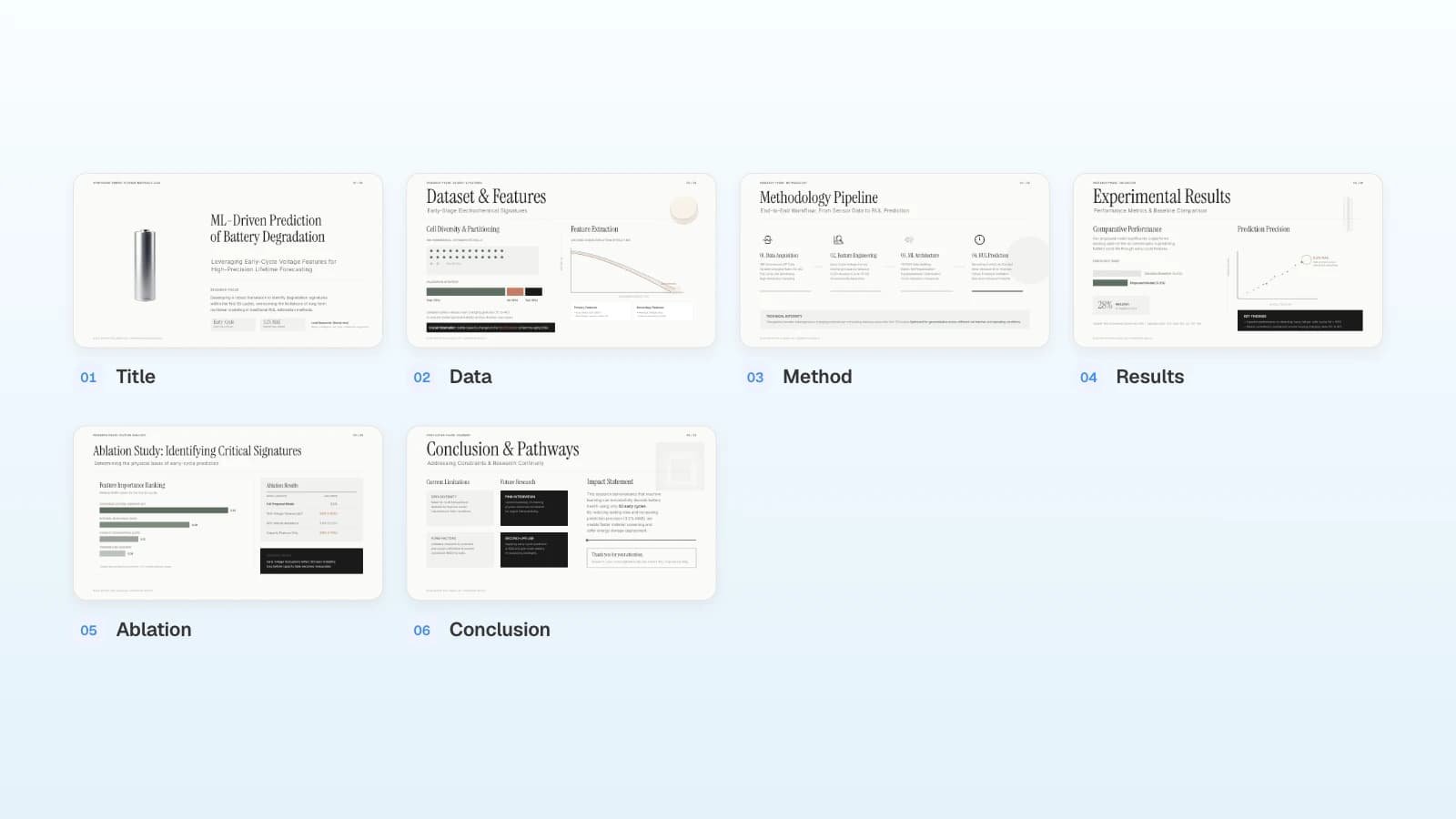
A research talk follows question → data and method → results → interpretation and limits → conclusion. Don't mirror your paper's sections; keep only what the audience needs to believe the result. The six slides below are a starting point for a 10-minute talk.
| Slide | What to include | Time (10-minute talk) |
|---|---|---|
| 1. Title | Title, your name and lab, and the question in one line | 1 min |
| 2. Data | Where the data came from, sample size, train/test split | 1.5 min |
| 3. Method | The model or procedure as one diagram | 2 min |
| 4. Results | One or two main results against a baseline | 3 min |
| 5. Ablation | The analysis that supports the main result | 1 min |
| 6. Conclusion | Contribution, limitations, and future work | 1.5 min |
The times are an example. Give the results the most time, cut related work to what the audience needs, and move full tables and extra experiments to backup slides after the conclusion.
How is a poster presentation different?
A talk runs on a clock; a poster runs on a board. You stand beside one large sheet for a whole session and explain it to whoever stops.
- Board size and orientation vary. ICRA 2026 interactive posters are landscape A0 (1189 × 841 mm, about 46 × 33 in), while its late-breaking results and workshop posters are portrait A0. A landscape layout will not fit a portrait board, so check before you design.
- Sessions are long. At SfN Neuroscience 2026, poster presenters get a four-hour session and must be at their poster for one hour of it.
- Some meetings mix the two. APS SPARK presenters give a 2-minute talk, then take questions at a digital poster.
Build the poster as one page that reads in order: question, method, main result, takeaway. Then prepare a spoken summary of a minute or two for visitors who ask what it's about.
How do you put figures and tables on slides?
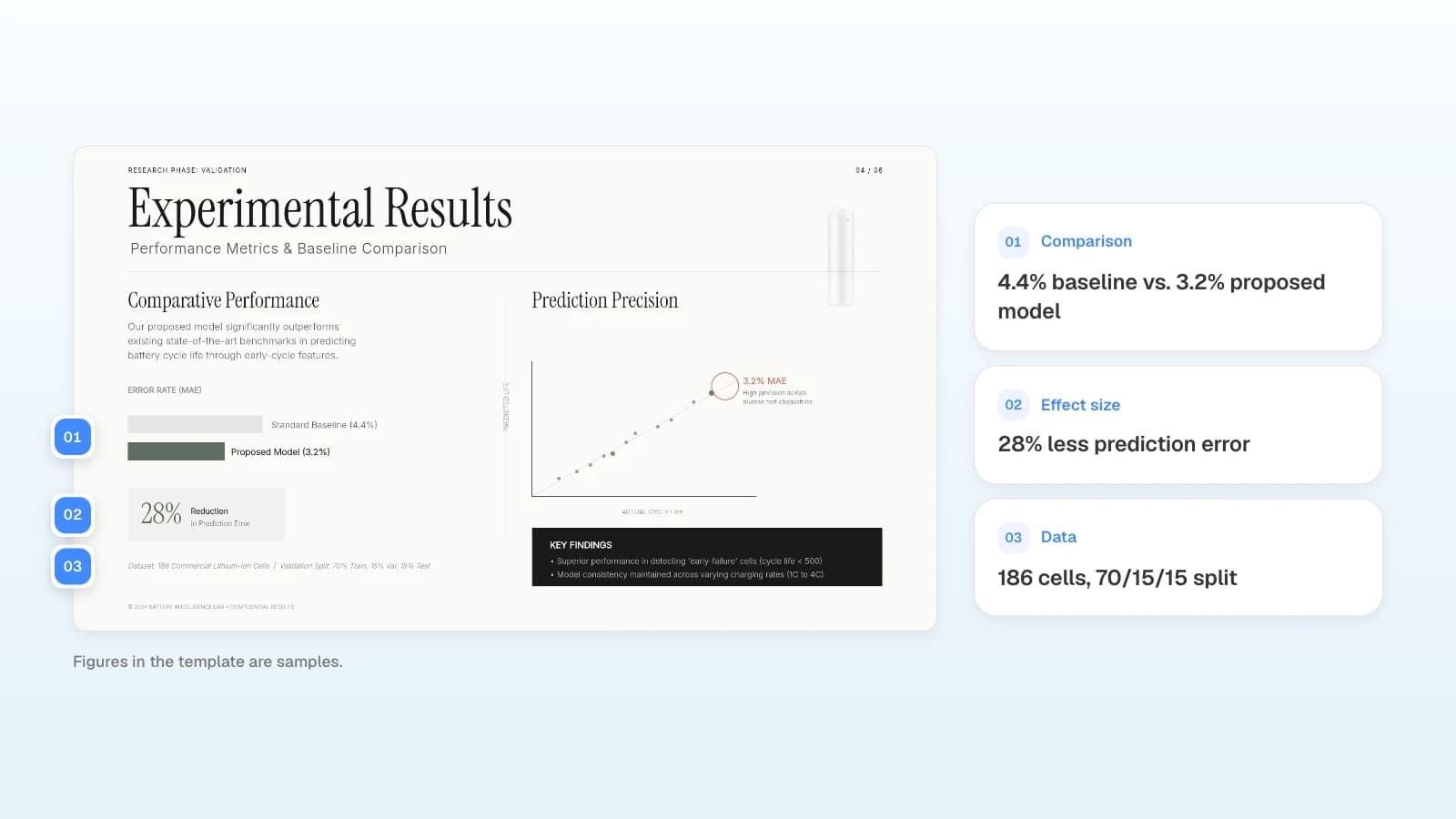
Put one claim and one figure on each results slide. The figure should show axis names, units, the baseline, and the sample, and the conclusion should be a sentence in the title or in one line under the figure.
| Check | What to confirm |
|---|---|
| Axes and units | Are both axes named, with units? |
| Baseline | Is the comparison value shown in the same unit, side by side? |
| Sample and setup | Are sample size, conditions, and the data split stated nearby? |
| Uncertainty | If there are error bars or intervals, does the slide say what they are? |
| Source | Is a figure taken from another paper credited? |
| Tables | Did you keep only the key rows and move the full table to backup? |
If your results live in a spreadsheet, attach it to MOVO and write something like "plot the numbers exactly as in the spreadsheet." MOVO reads up to 20 sheets per Excel file. After the slides are built, check every plotted value and unit against the source.
How do you build a research portfolio deck for interviews?
A conference talk explains one paper; a research portfolio deck explains you as a researcher. Show two or three projects in three or four slides each (problem, method, result, your role), with your research interests up front and your publications and next research at the end.
Research interviews use both a short and a long version. The CS Grad Job Guide, written by computer scientists who went through academic and industrial research job searches, describes screening calls of 20 to 40 minutes that open with an introduction to you and your research, sometimes with slides, followed by 10 to 15 minutes of questions. On-site, the job talk runs 45 minutes to an hour and usually connects two or three papers into one narrative plus future work. The authors saw anywhere from 50 to 75 minutes, so they advise building the talk in modules you can add or drop (CS Grad Job Guide). A shorter version of the same deck also helps when you contact a lab about a PhD position.
| Slides | What to include |
|---|---|
| 1 | Title: your name, field, and research interests in one line |
| 2 | Research interests: the problems you work on and your main methods |
| 3–5 | Project 1: problem, method and experiments, result and your role |
| 6–8 | Project 2: the same structure |
| 9 | Publications: papers, talks, and patents, with authors in order |
| 10 | Next research: what you would pursue in this group or lab |
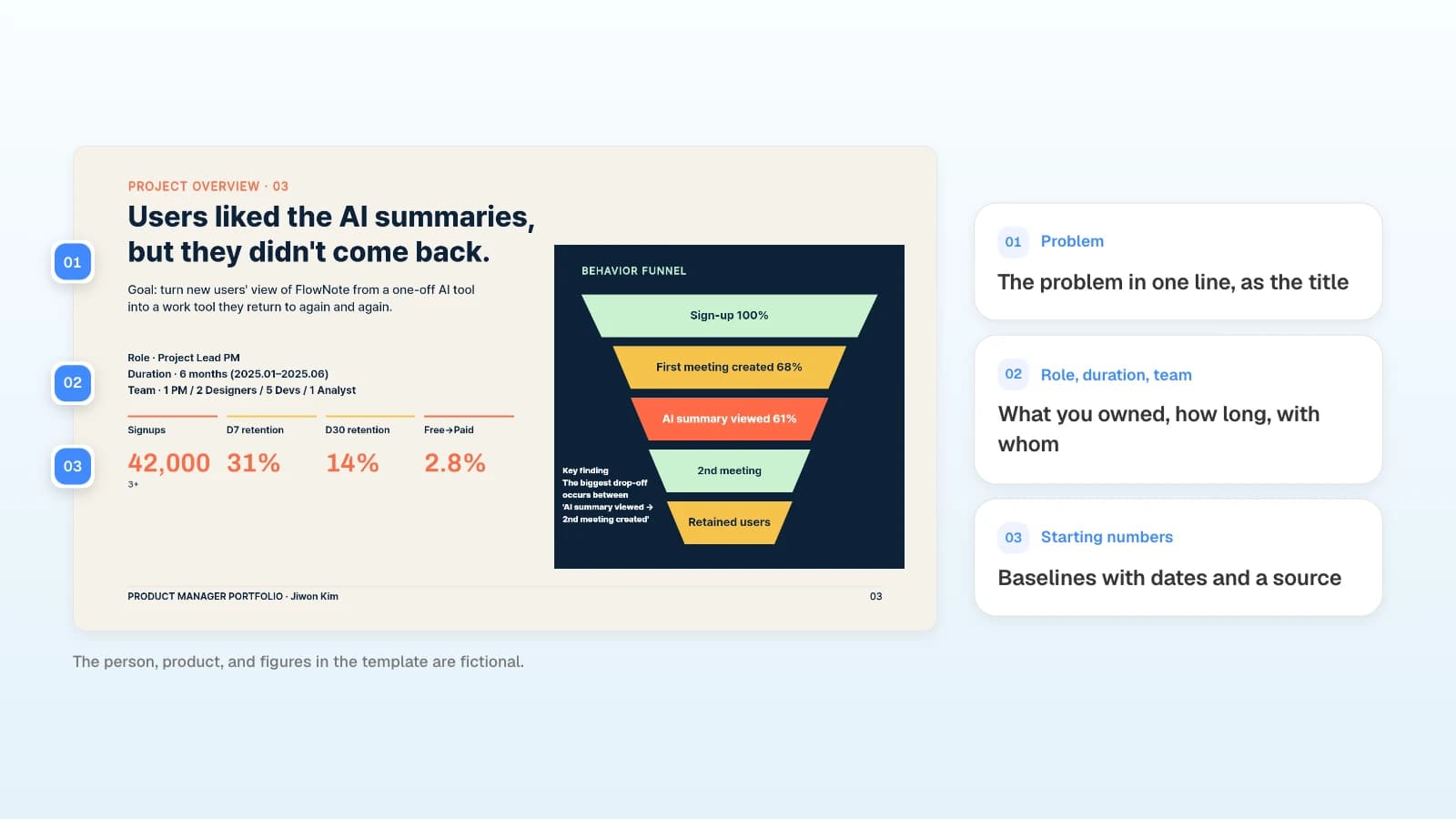
- Separate your role from the team's. List roles like the last slide of the template above, and mark the design, experiments, or analysis you did yourself.
- List publications as they are. Keep the author order, venue, and year, and label papers under review as submitted.
- Build in modules. Keep each project self-contained so you can present one project in a screening call and all three in a job talk.
How do you check your slides before the talk?
Rehearse out loud against the clock and decide which file you will present from. Then check each slide for text boxes that overlap or spill.
- Time: rehearse to the talk time and finish a little early.
- File: if you present from a shared laptop, bring a PDF. MOVO's PDF export places each slide as an image, so the presenting computer doesn't need your fonts; you can't edit text in the PDF, so make changes in MOVO and export again. A PPTX stays editable, but fonts are not embedded, so install them on the computer you present from.
- Layout: enlarging a number or lengthening a label is how text boxes end up on top of each other.
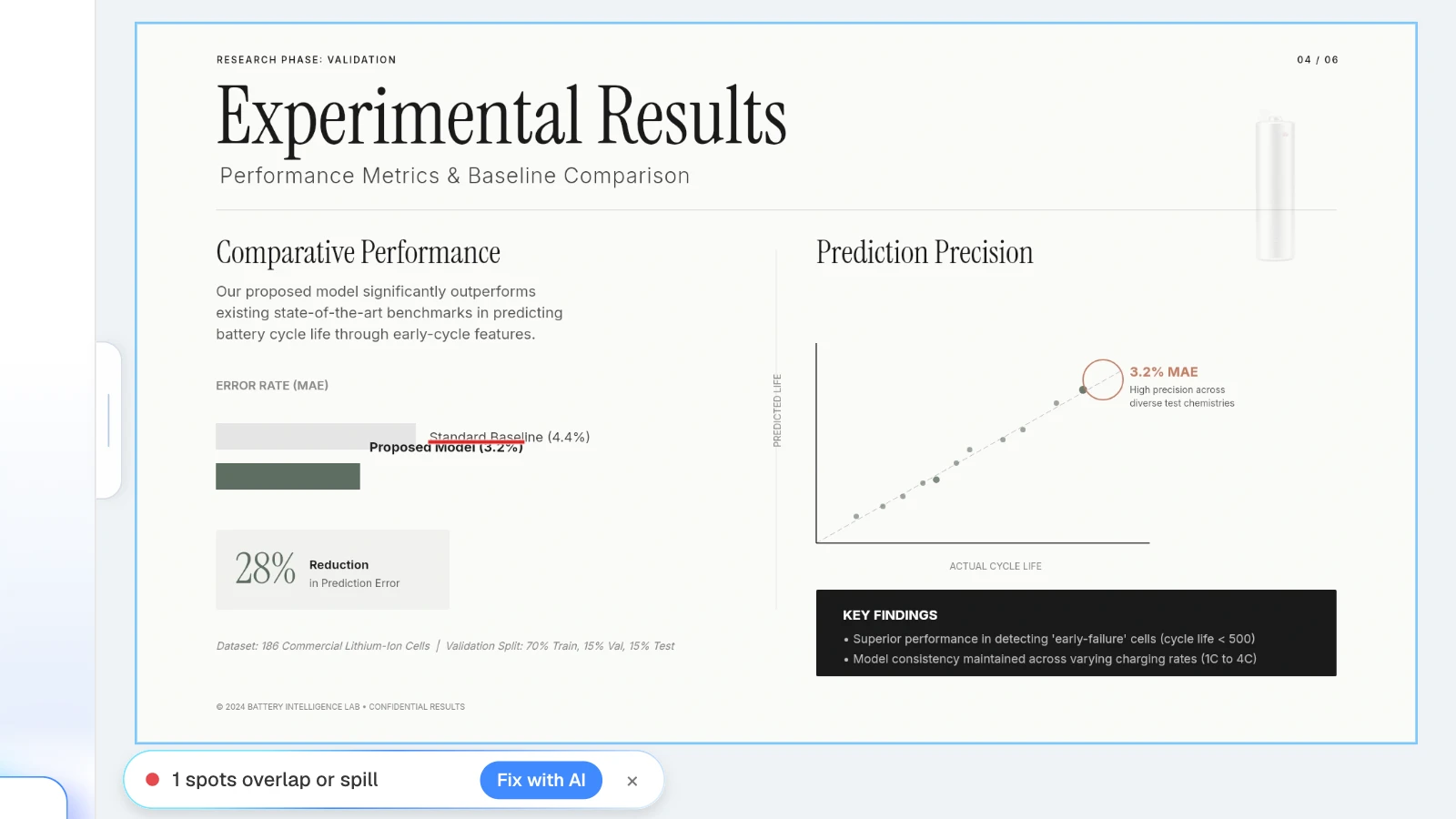
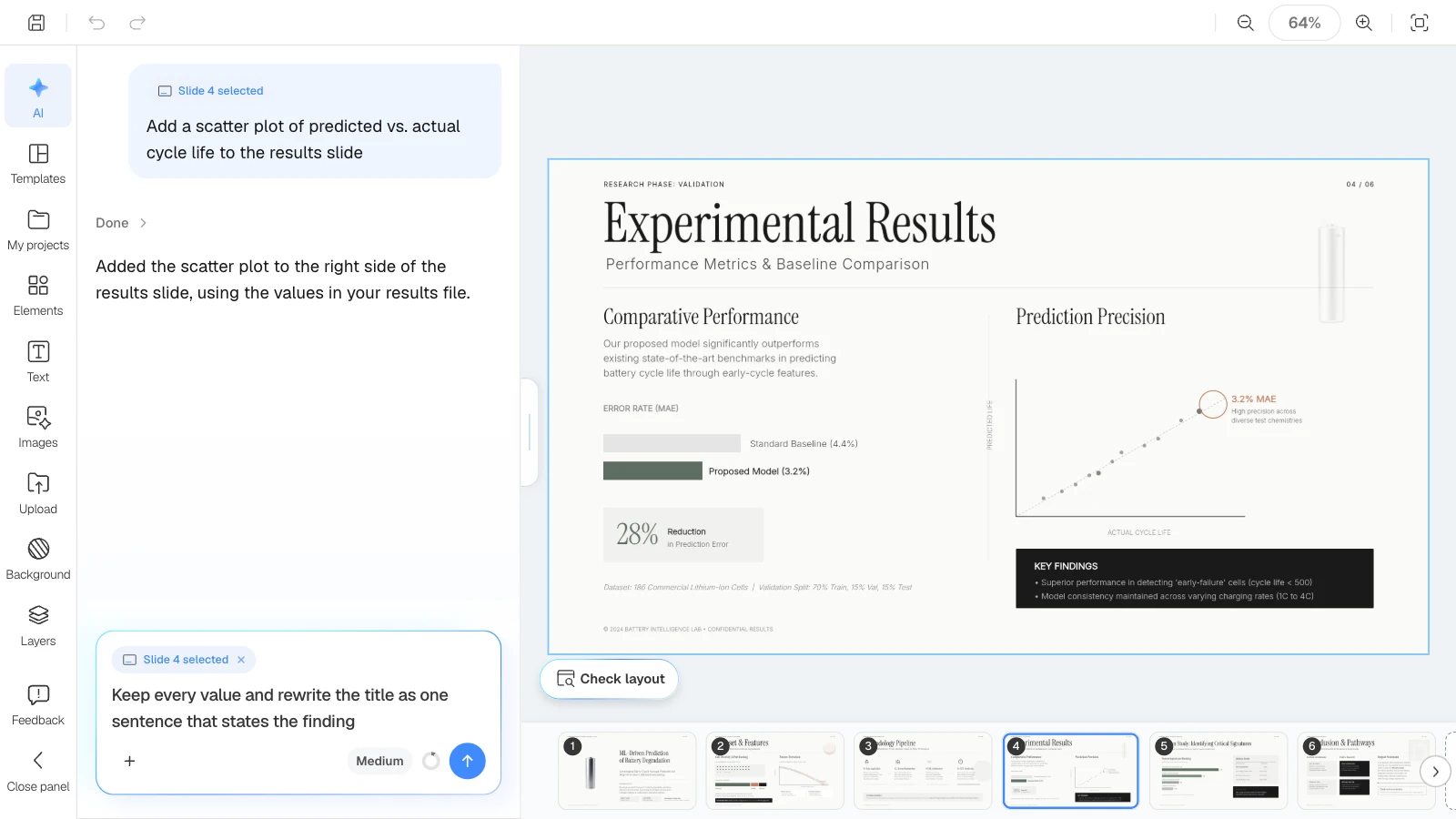
In the MOVO editor, click "Check layout" below the canvas: MOVO marks overlapping or spilling spots on the current slide in red, and "Fix with AI" asks the AI to tidy that part. Open the exported file once more before you leave for the venue.
What does MOVO change for conference slides?
- Start from your paper: attach the paper PDF (up to 100 pages), a Word draft, a results spreadsheet (up to 20 sheets), and figure images (PNG, JPEG, WebP). Save PPTX files as PDF first.
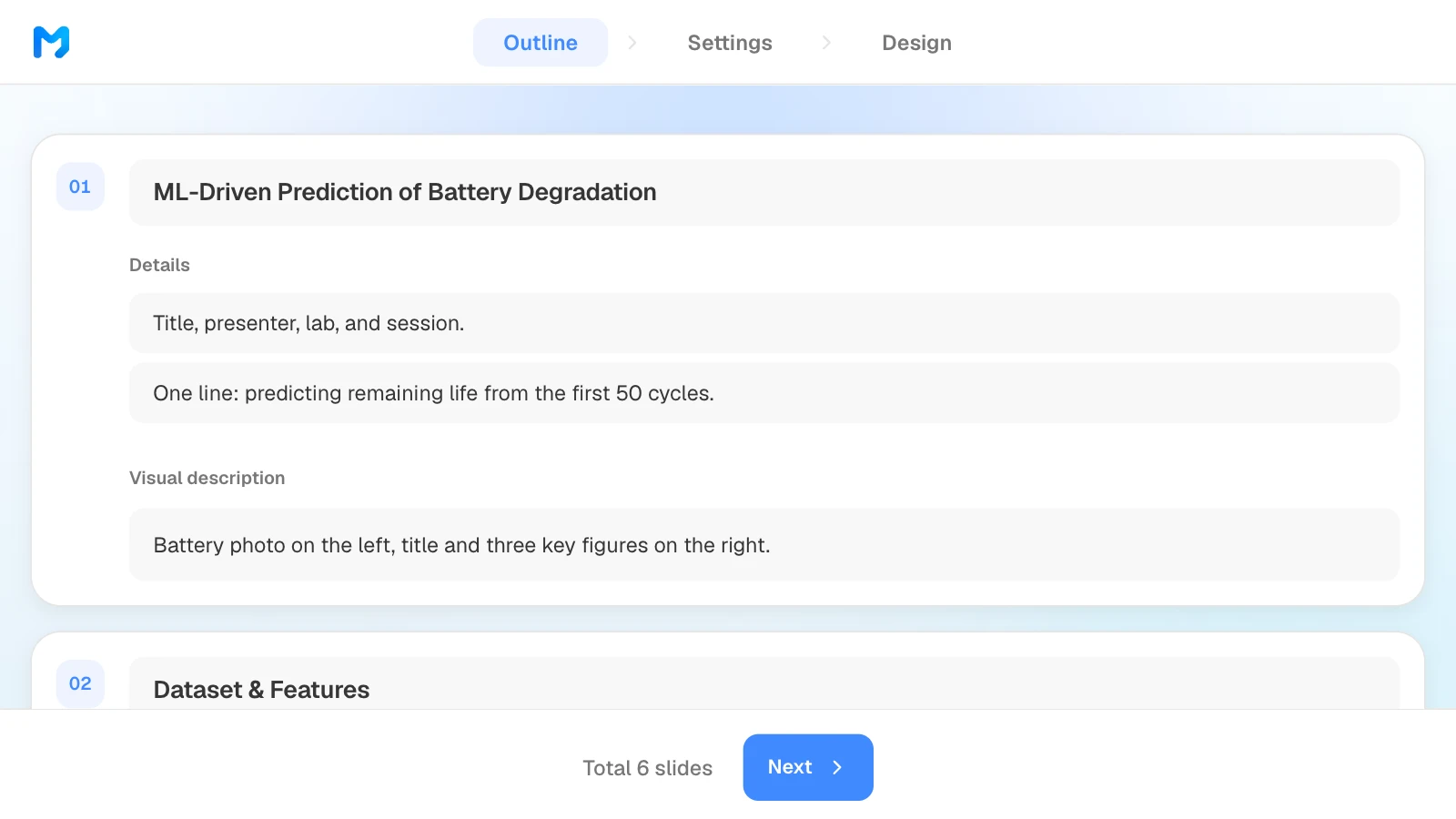
- Outline first, fitted to your slot: MOVO shows every slide's title, details, and visual description before building, so you can fit the content to a 10-minute talk before any design work.
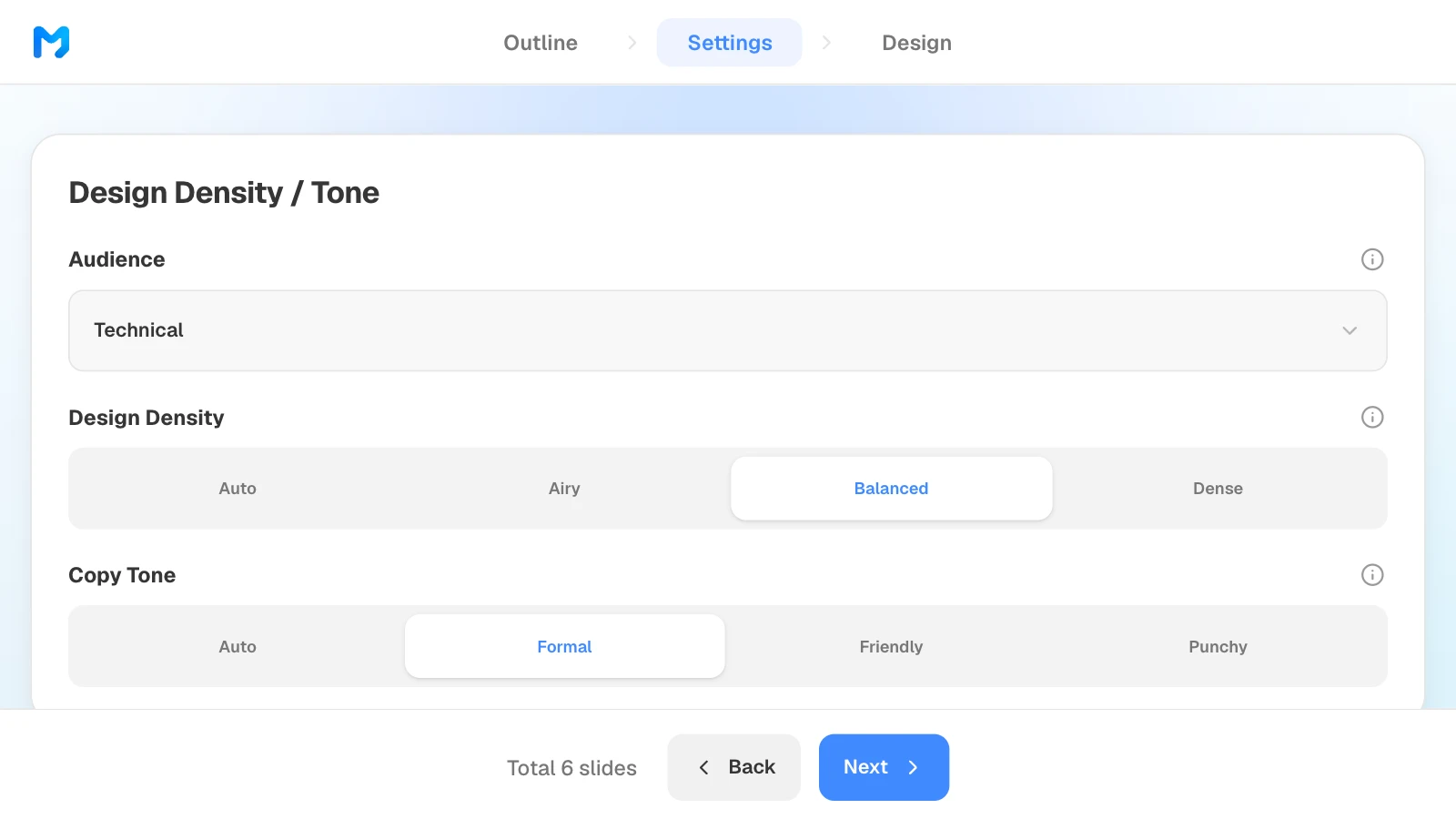
- Settings for researchers: choose "Technical" as the audience, then narrow designs by document type.
- Fix one slide at a time: select the results slide and ask, for example, "keep every value and add the y-axis label"; the request targets that slide. Check layout finds overlapping text boxes.
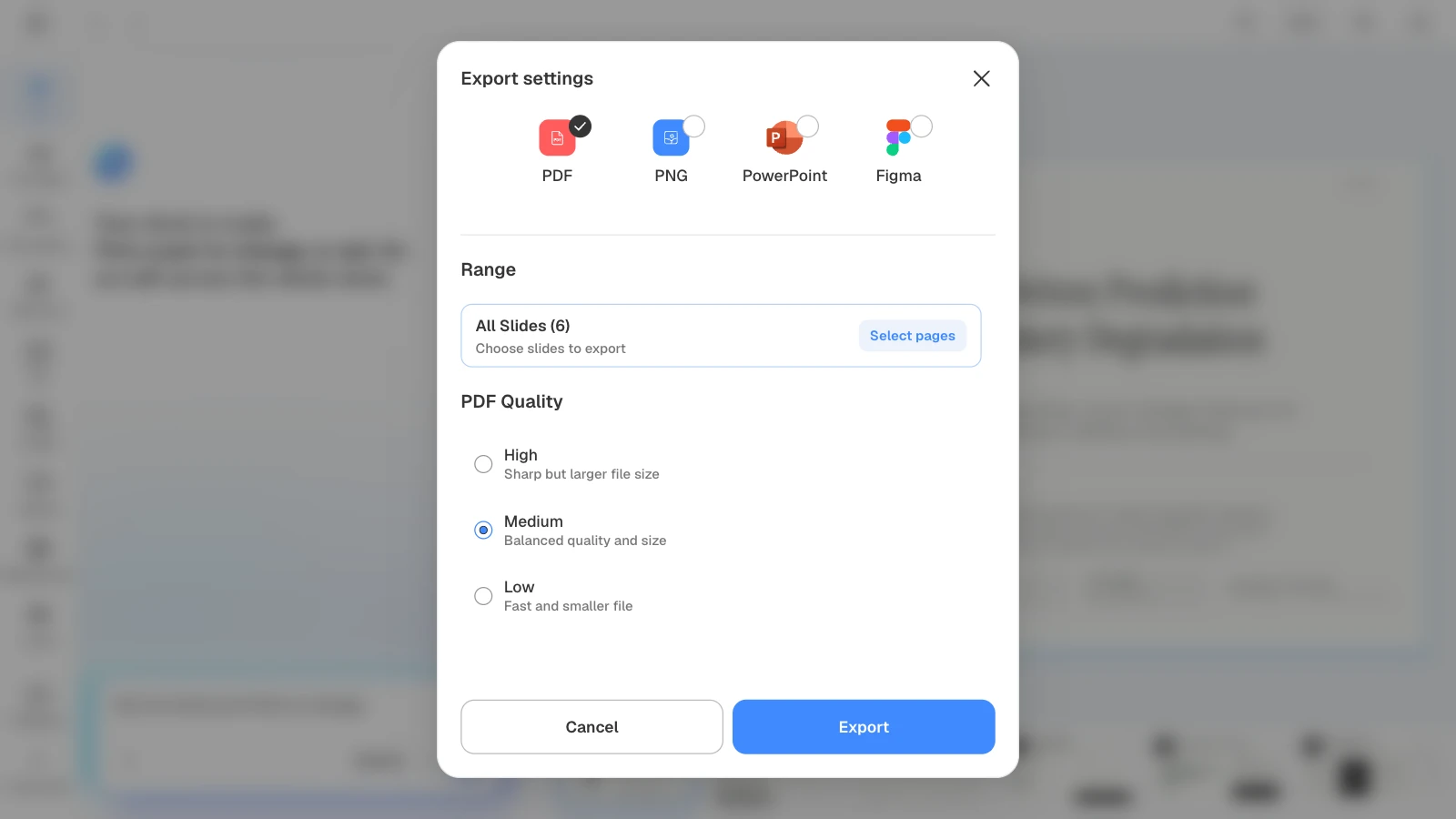
- Export for the room: PDF and PNG on every plan; PPTX and Figma on paid plans.
How to build conference slides in MOVO
The pictures below show MOVO's screens filled with this article's example, a 12-minute talk on predicting battery degradation. They illustrate the steps; they are not a recording of a real session.
1. Attach your paper and describe the talk
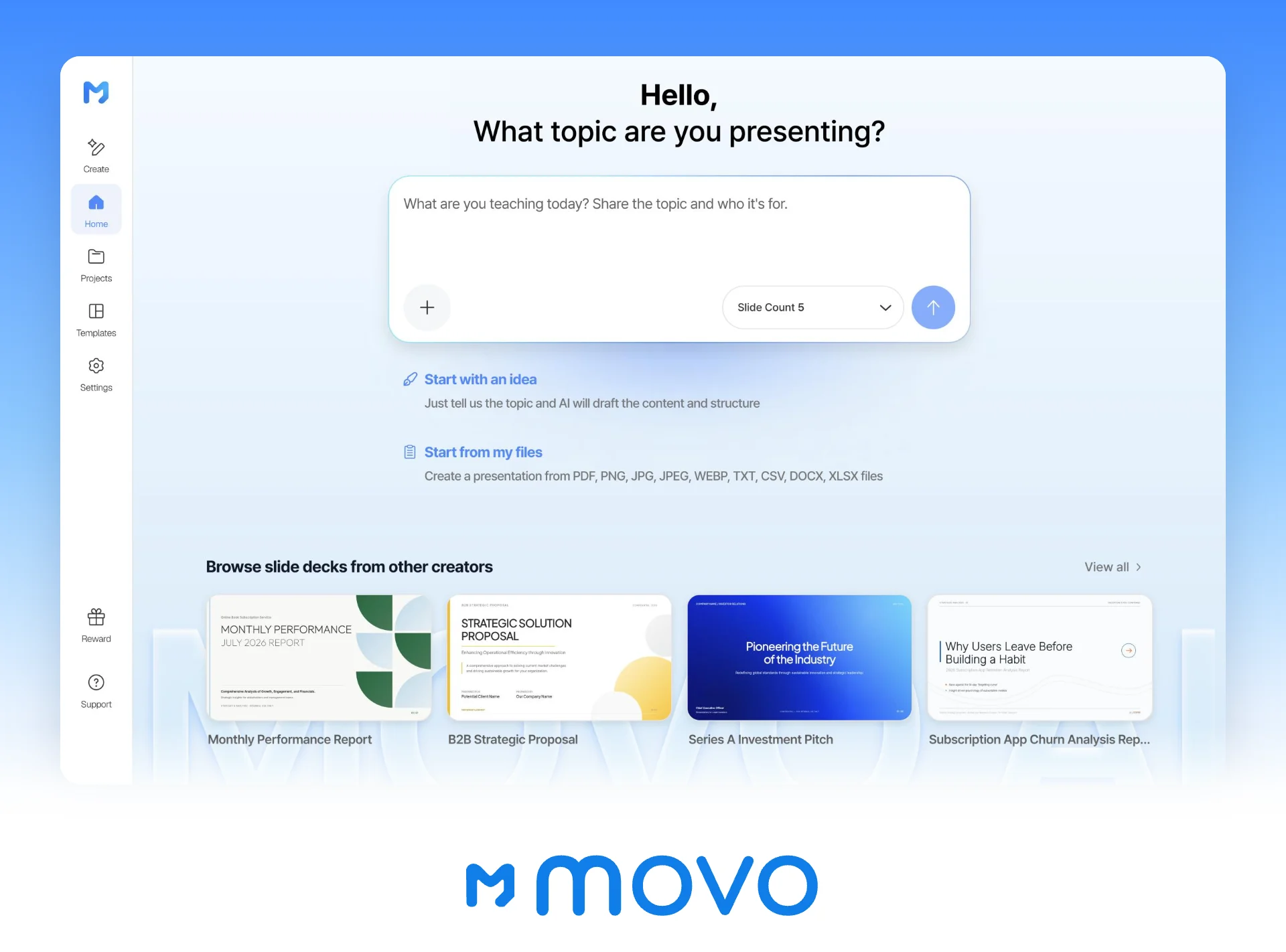
In the dashboard input, give the time slot and the rules the AI must follow, and attach the paper PDF and your results spreadsheet. Set the slide count here too.
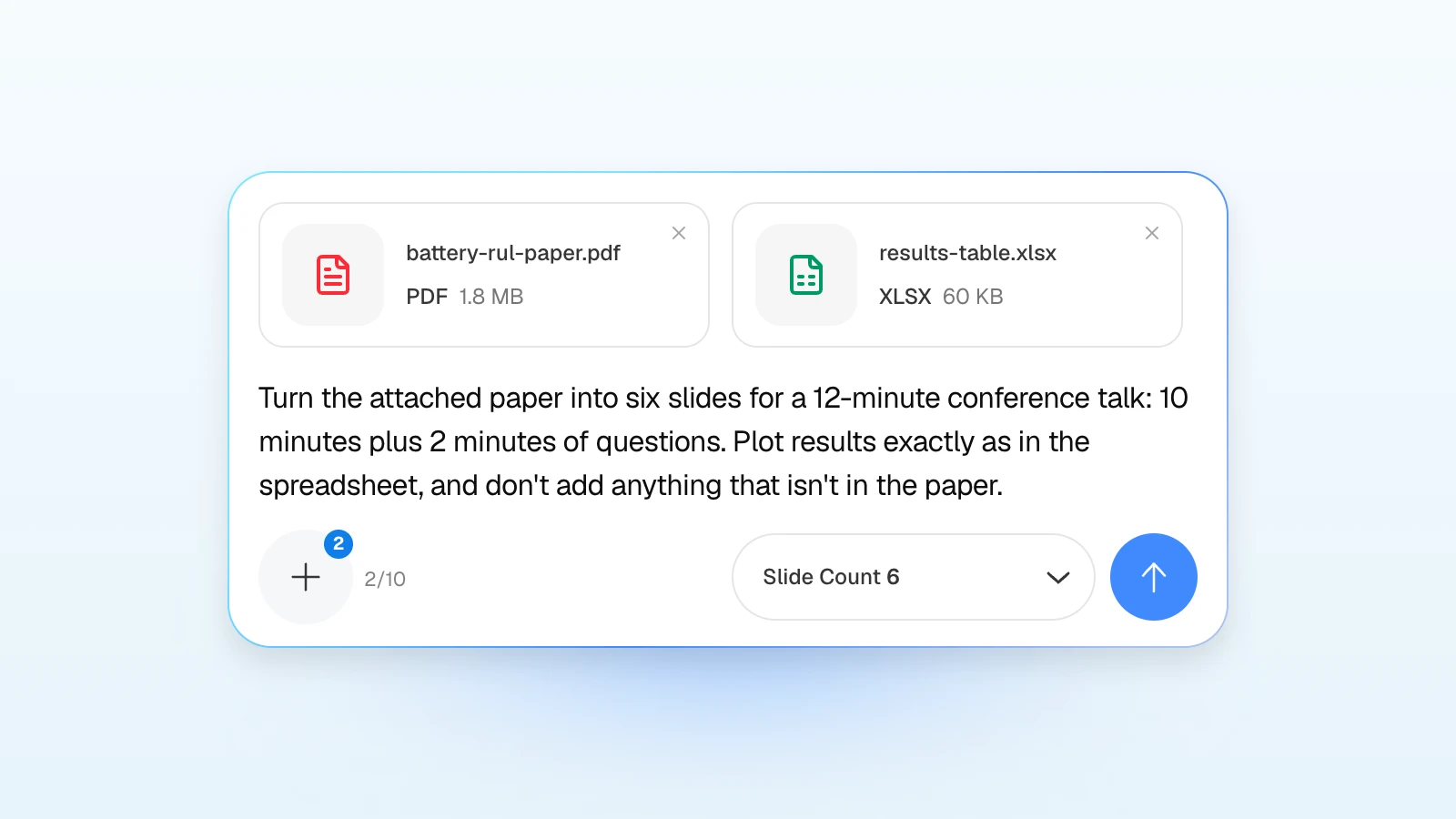
For a talk:
Turn the attached paper into six slides for a 12-minute conference talk: 10 minutes of talk and 2 of questions. Order: title and question, data, method, results, ablation, conclusion with limitations. Plot results exactly as in the attached spreadsheet, and don't add results or citations that aren't in the paper. Keep related work to two lines.
For a poster, when you need a short version to walk visitors through:
Using the same paper, make a four-slide summary I can walk visitors through in two minutes at my poster: problem, method, main result, takeaway. Keep every number as in the paper.
2. Fit the outline to your slot
Review the titles and details MOVO suggests for each slide, move content so the results get the most time, and drag slides to reorder them. What you change here is what gets built.
3. Set the audience and tone
In settings, choose "Technical" as the audience, then set design density, copy tone, colors, and fonts. For a room of researchers in your field, "Formal" is a safe tone.
4. Pick a design
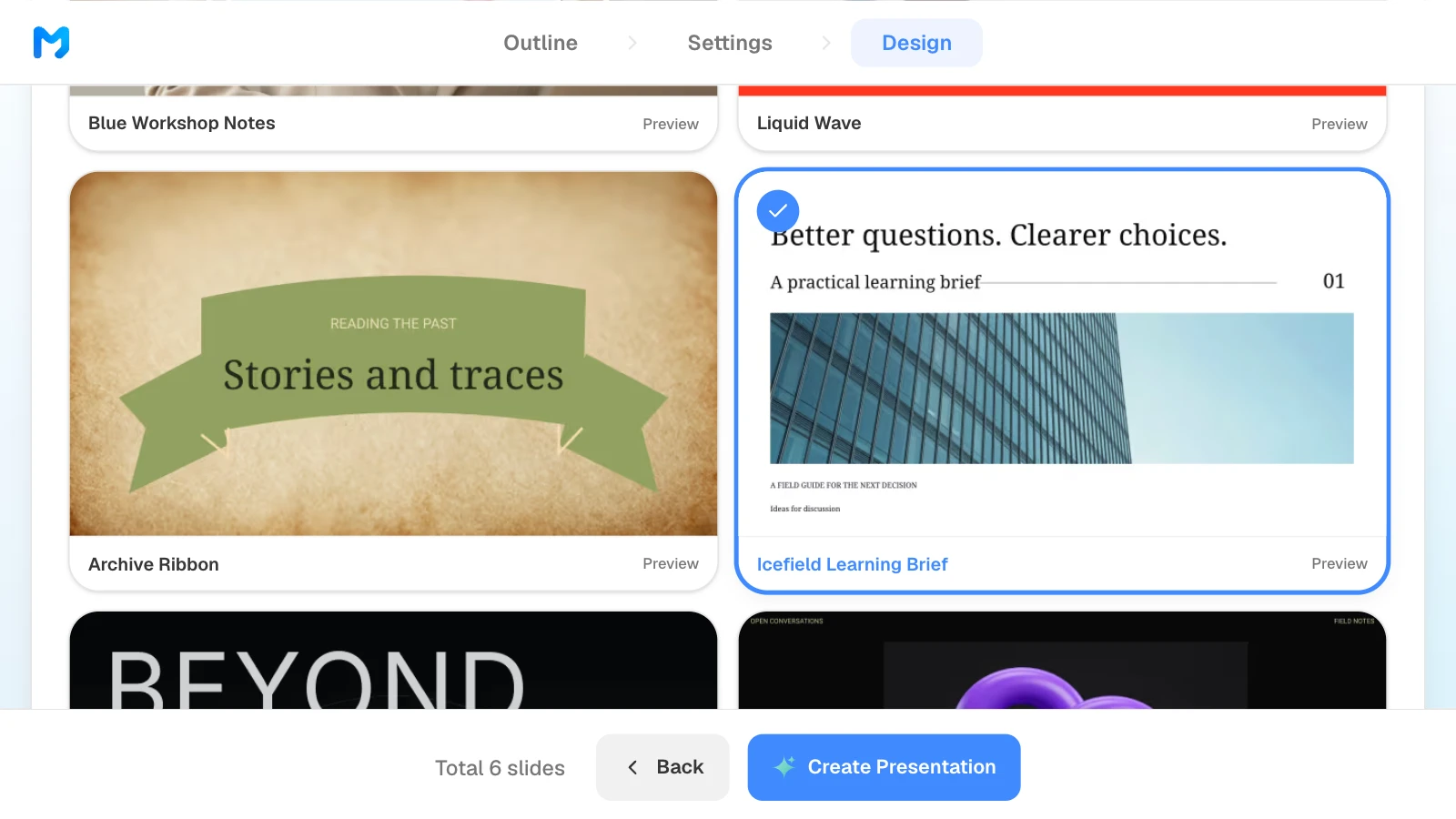
Choose "Education / Explanation" as the document type to see only those styles. Open "Preview" to see sample slides, then pick one. Styles marked "Pro" are available on paid plans.
5. Check the results against the source and fix only what is wrong
Compare the values, axes, and units on the results slides with the paper and the spreadsheet. To fix one, select the slide and ask in the AI panel on the left, or edit it on the canvas.
6. Export for the room
Bring a PDF if you present from the conference laptop. Choose PPTX if you will keep editing until the last minute or the conference asks for a PowerPoint file. With PDF, you can set the quality.
4 research presentation templates to start from
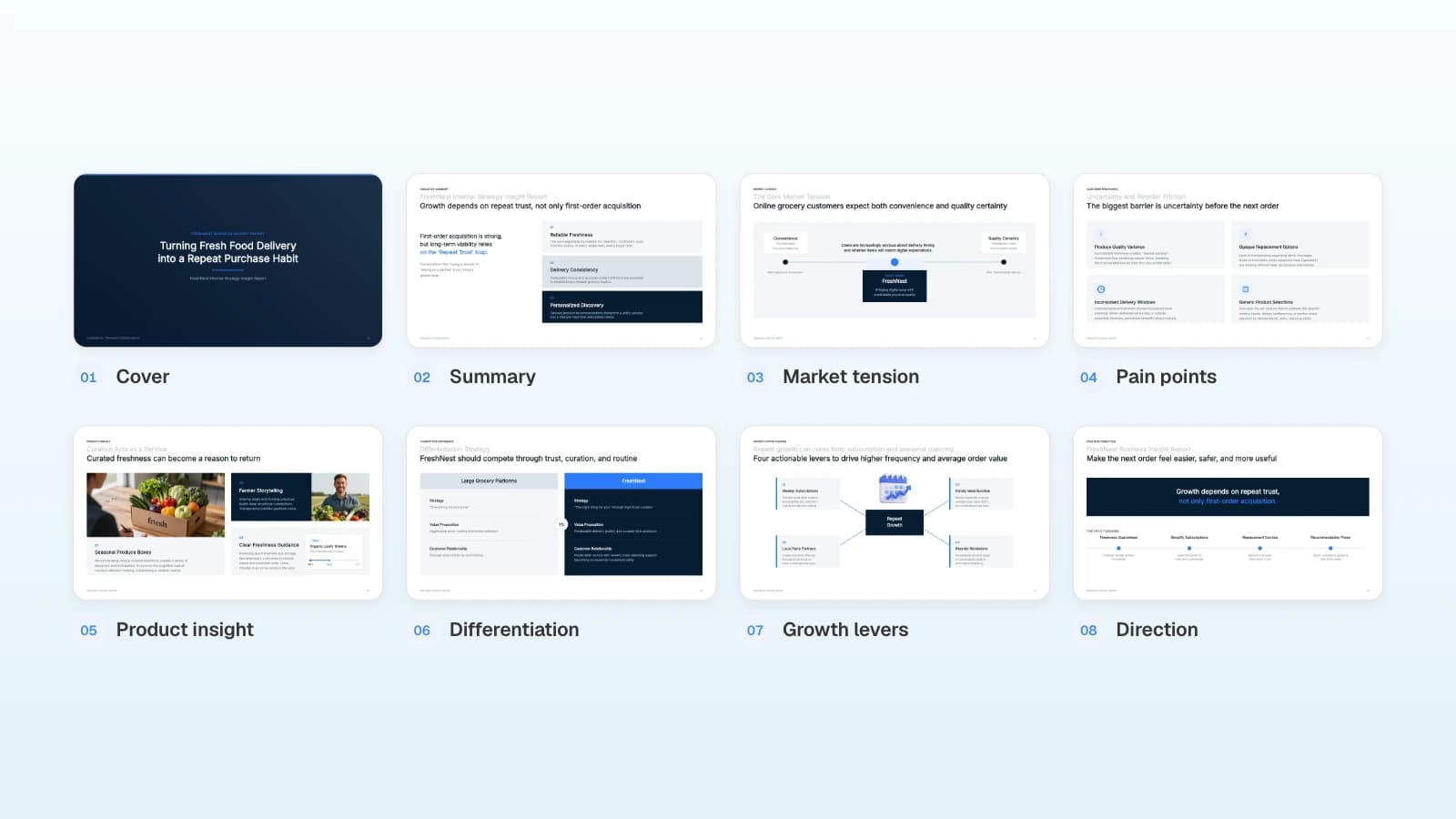
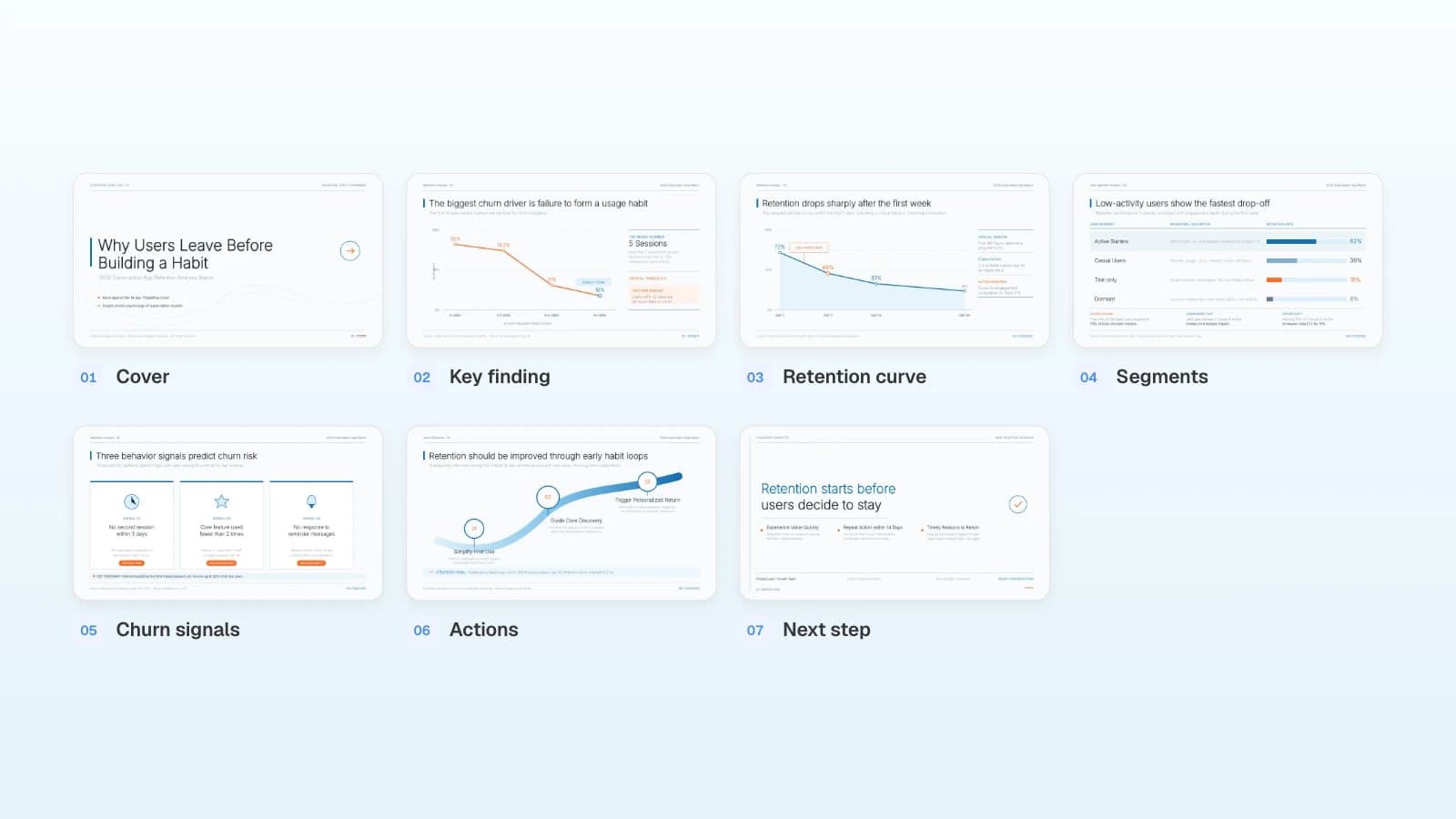
These MOVO templates are written in English for an international audience. The studies and figures in them are fictional and show structure only. Copy one into your projects and replace the content.
1. Academic Symposium Presentation (6 slides)
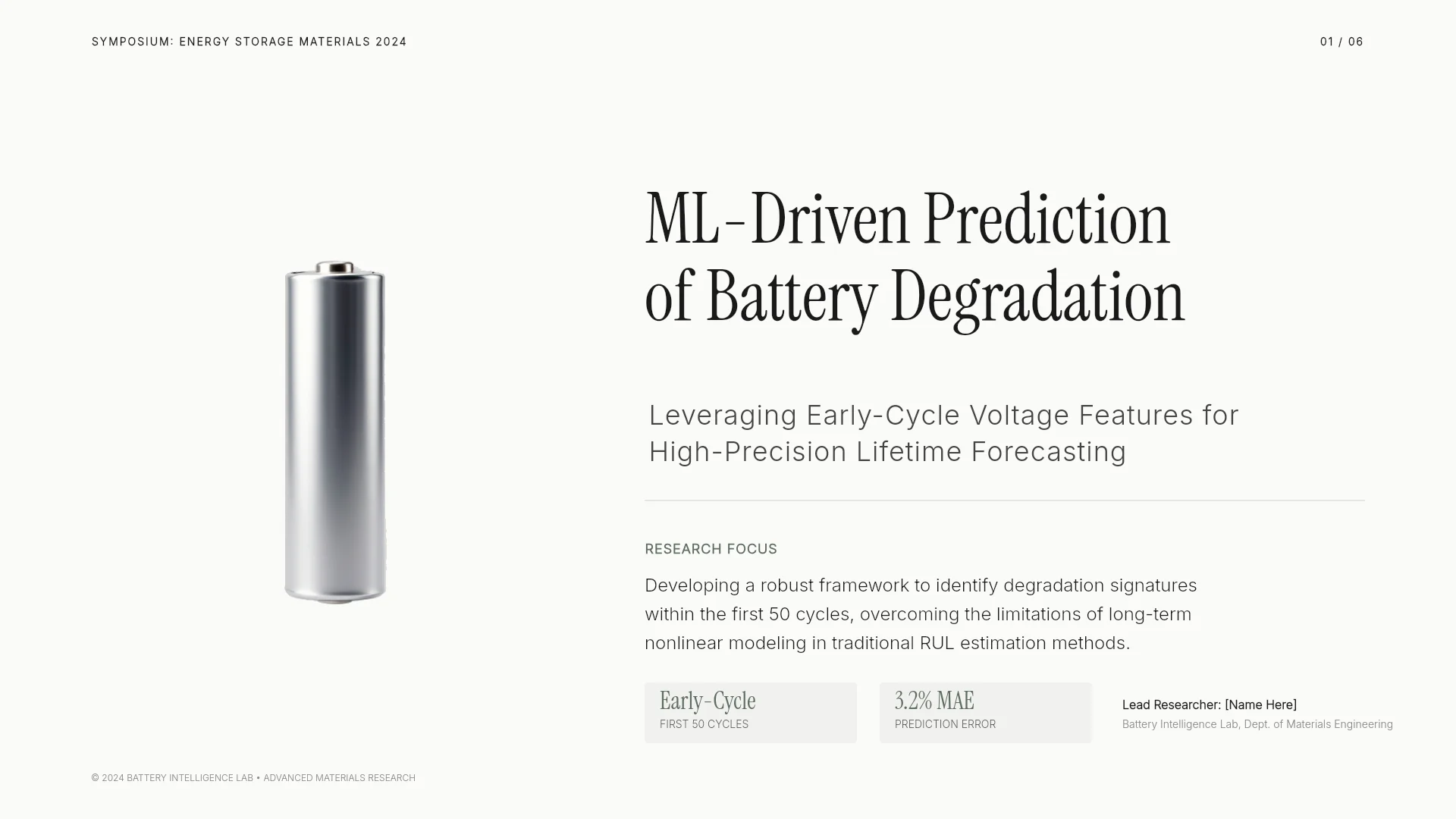
A machine learning study of battery degradation presented at a symposium: dataset and features, the method pipeline, results against a baseline, an ablation, and conclusions with limitations. Fits a 10- to 15-minute talk in engineering or computer science.
View the Academic Symposium Presentation template
2. Engineering Capstone Final Presentation (9 slides)
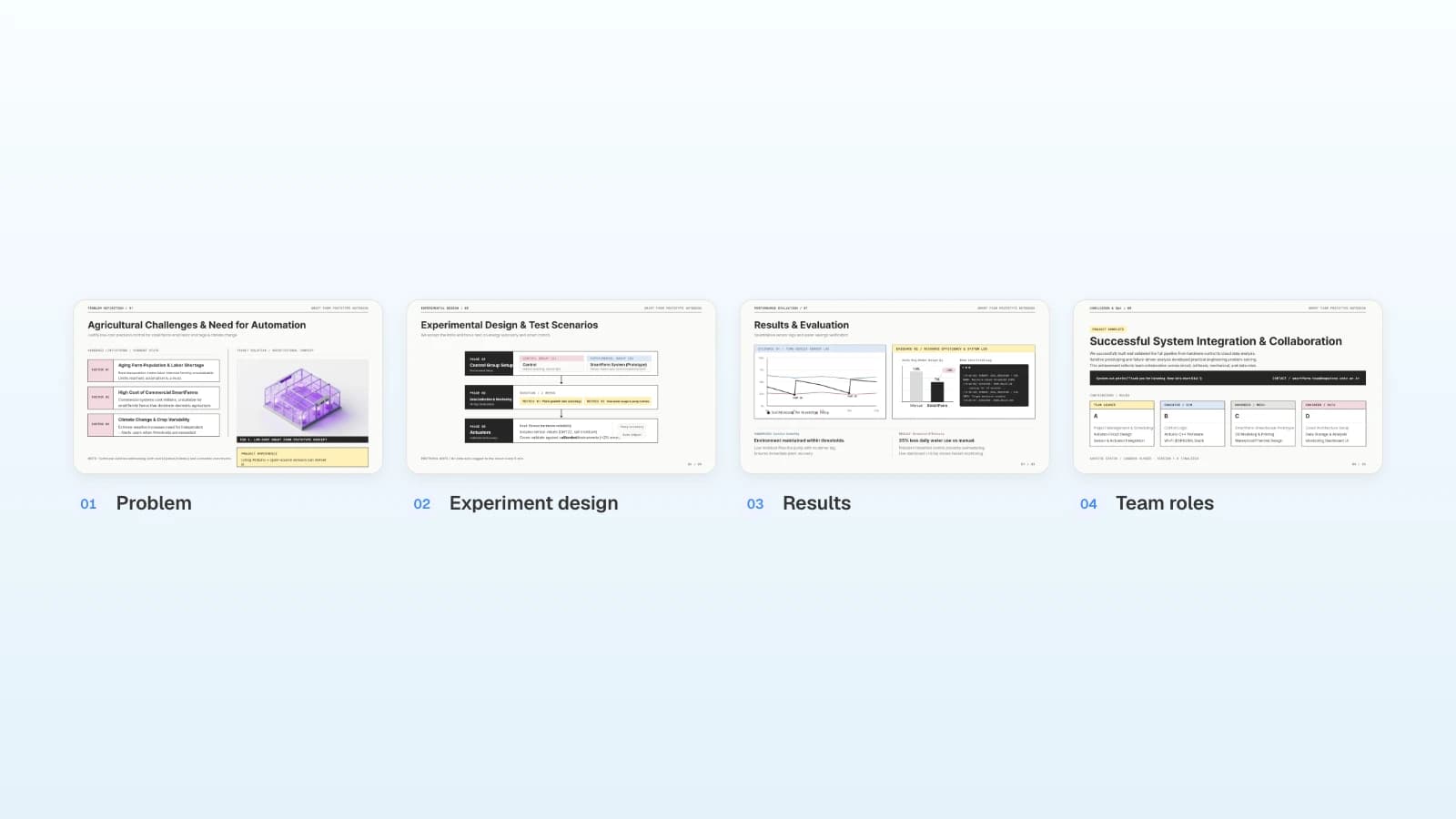
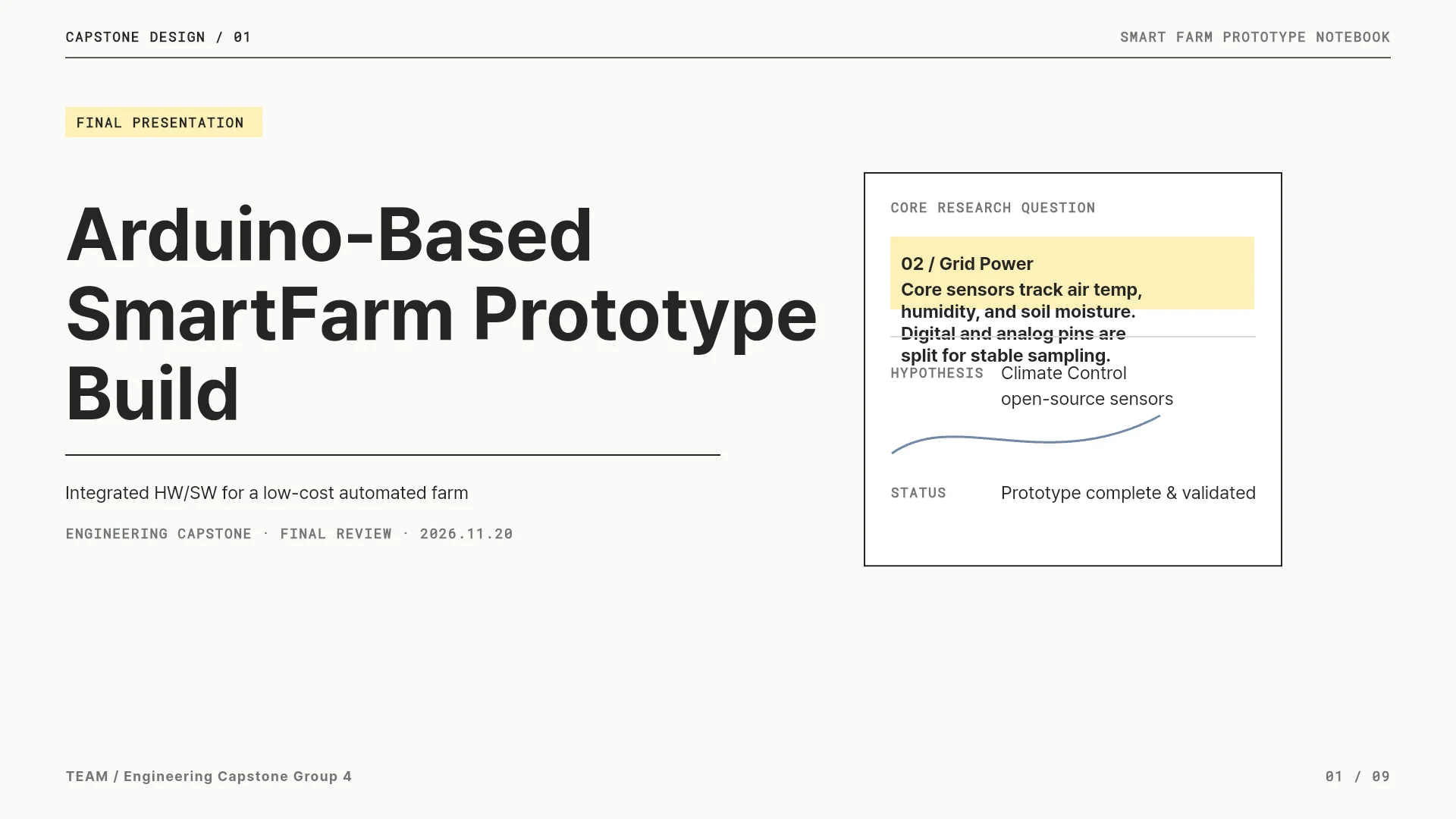
An Arduino smart-farm prototype from problem to requirements, architecture, experiment design, results, and limitations, closing with each team member's role. Fits a senior design or master's project presentation, and its roles slide carries over to a research portfolio.
View the Engineering Capstone Final Presentation template
3. Web Performance Optimization Experiment Report (8 slides)
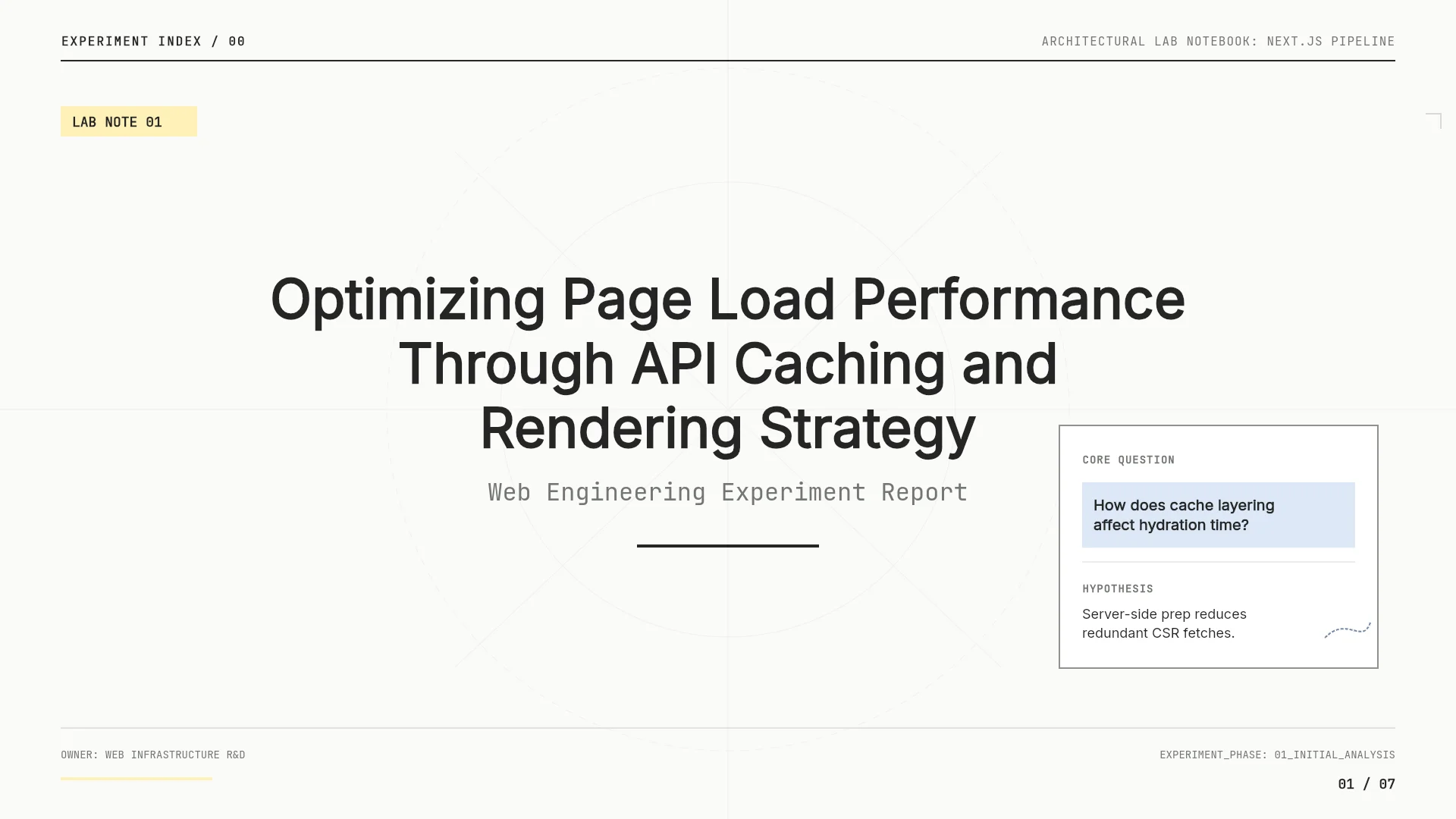
A lab-notebook-style experiment report: background, baseline, hypothesis and method, implementation, before-and-after results, and a roadmap. Most slide titles state a finding, which suits results-heavy talks and lab meetings.
View the Web Performance Optimization Experiment Report template
4. Algorithms & Taste: Recommender Study (7 slides)
A class talk on how recommender systems shape taste: how they work, filter bubbles, how taste forms, and four practical responses. Fits a seminar or course presentation for a general academic audience.

View the Algorithms & Taste: Recommender Study template
Frequently asked questions
How many slides do I need for a 12-minute conference talk?
There is no fixed number. Count back from the talk time, not the slot: a 12-minute slot with 2 minutes of questions leaves 10 minutes to talk, and the six-slide structure in this article is a starting point for that, with backup slides after the conclusion. Rehearse out loud and cut until you finish early.
Should my talk follow the paper's section order?
Use it as a starting point, then rebalance. Give the results the most time, and keep related work and derivations to what the audience needs to follow the result. Check that nothing you cut makes the conclusion sound broader than the paper supports.
Can I reuse my talk slides for a poster?
Not as they are. A poster is one page read at close range for a whole session, and board sizes and orientations differ; ICRA 2026, for example, uses landscape A0 for interactive posters and portrait A0 for late-breaking results. Rebuild the content as one page and keep a short spoken summary for visitors.
What goes into a research portfolio deck?
Two or three projects, each as problem, method, result, and your role, plus your research interests, your publications, and what you want to research next. Make your own contribution explicit on team projects, and build each project as a module you can present on its own.
Can I use AI-generated charts and references as they are?
No. Check every plotted value, axis, and unit against your data, and cite only sources you have found and read. Confirm the titles, authors, and years an AI suggests against the original publications.
Summary
Conference talks are short, and the questions often come out of the same slot, so plan to the talk time and finish early. Build the slides as question, data and method, results, interpretation and limits, and conclusion; put one claim and one fully labeled figure on each results slide; and treat posters as a separate one-page format. For interviews, turn two or three projects into a modular research portfolio deck. If you have your paper and results, put them into MOVO and start from the outline.