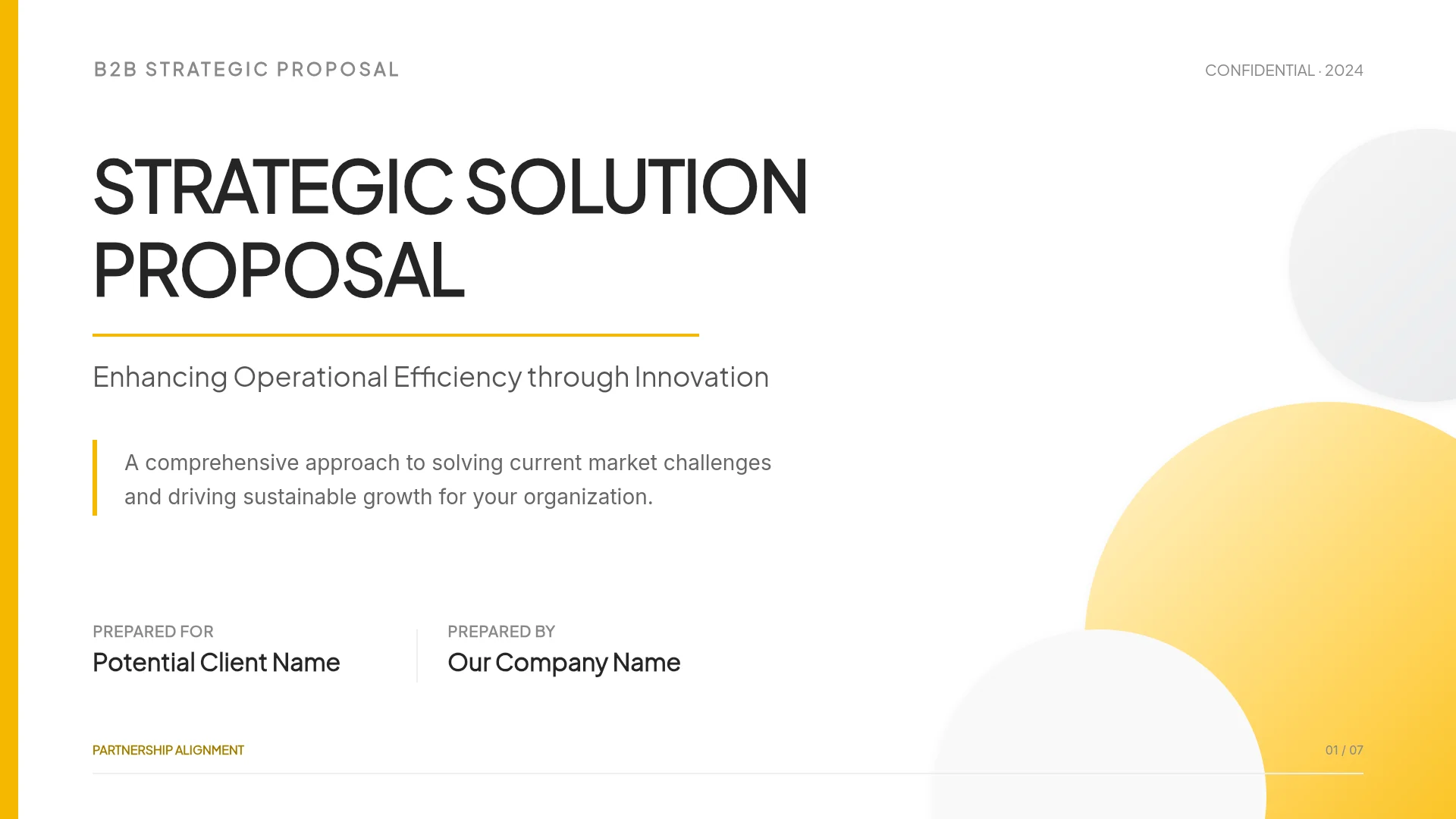
Sales Proposal Presentation in 9 Slides
A 9-slide sales proposal presentation built from discovery notes, with a worked example: client quotes, cost, scope, three pricing options, proof, next steps.
A sales proposal presentation is the deck you present after discovery to show the buyer what you heard, what the problem costs them, what you will do, what it costs, and how you get to a signature. Nine slides cover it: cover, what we heard, what it costs today, proposed scope, timeline, pricing options, proof, assumptions and risks, and next steps. Most of the work sits between your call notes and slide 3. You have pages of notes from discovery, and the buyer has to recognize their own situation in a few lines before they look at your price.
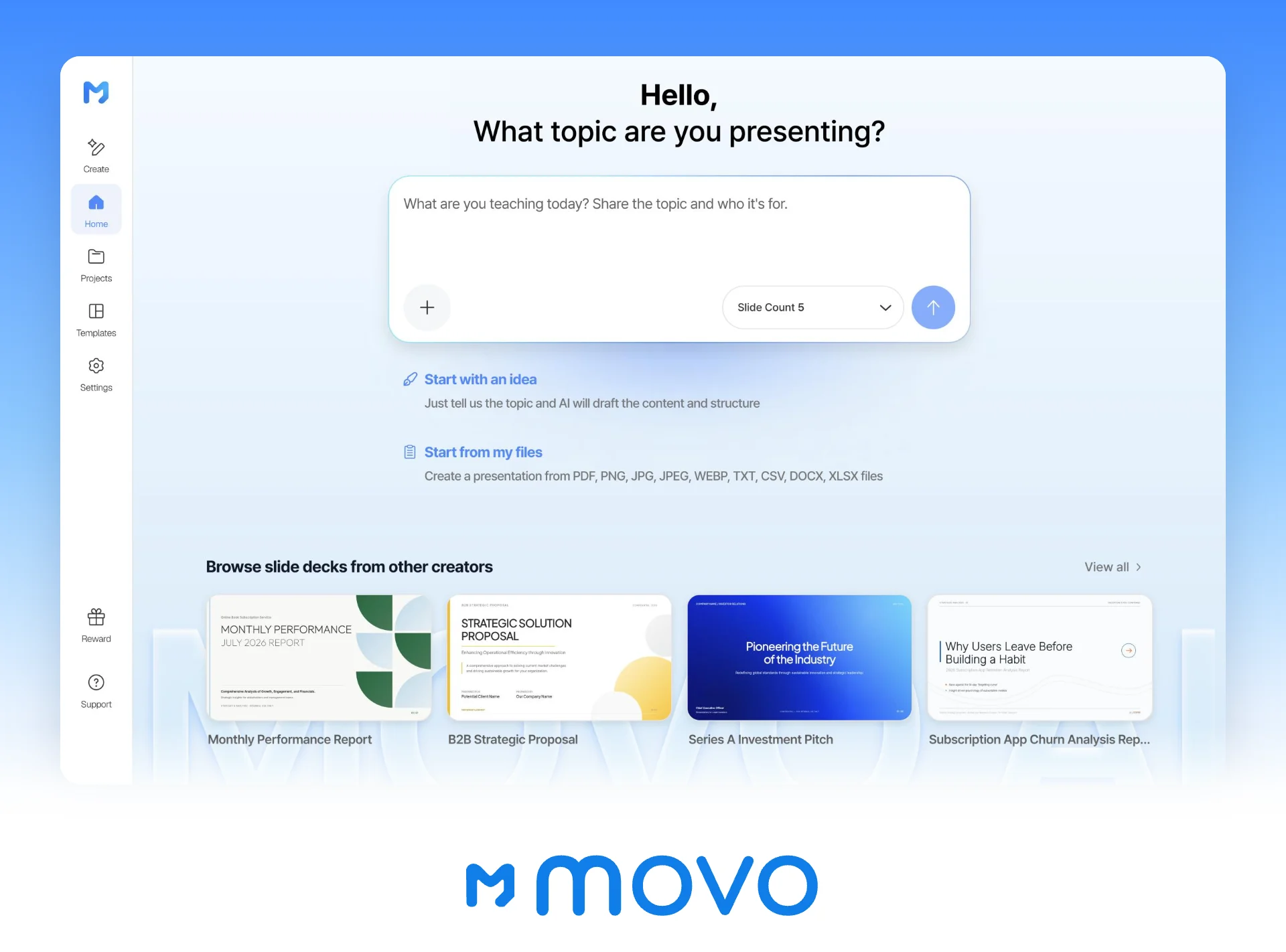
MOVO starts from those notes. Attach your discovery notes, the client's assessment or RFP, and your pricing sheet, and MOVO shows a slide-by-slide outline before it builds anything, so you can check that pricing, assumptions, and next steps are in the deck and in the right order. Pick a design, and once the slides are built, select one and ask the AI to change it. This guide follows one fictional deal, a Chicago managed IT provider proposing to a 50-person law firm, from the slide list to the live meeting and the PDF you send the next day, then builds it in MOVO.
What goes in a sales proposal presentation?
Nine slides, in the order the buyer decides: did you understand us, is the problem worth fixing, what will you do and when, what does it cost, why should we believe you, and what happens next.
The example follows Northbeam IT, a managed IT services provider in Chicago, after two discovery calls and an office walkthrough with Whitcomb & Hale LLP, a law firm in the Loop with 31 attorneys and 19 staff. Both firms and every number below are made up.
| Slide | What the buyer learns | From the Whitcomb & Hale discovery |
|---|---|---|
| 1. Cover | Who proposes what, for whom, and when | "IT support proposal for Whitcomb & Hale LLP," October 22 |
| 2. What we heard | You listened | Three quotes from the managing partner and the office manager |
| 3. What it costs today | The problem has a size | 3 outages, 11 hours; 8 hours a week of IT requests; renewal Jan 15 |
| 4. Proposed scope | What you will do, in phases | Secure, Stabilize, Run |
| 5. Timeline | When each phase is done | Kickoff Nov 30, Phase 1 done Dec 23, before the renewal |
| 6. Pricing options | What it costs and what changes between options | $95, $135, or $175 per user per month |
| 7. Proof | Someone like them got results | A 42-person accounting firm, plus two references |
| 8. Assumptions and risks | What the price and dates depend on | 50 users, laptops quoted separately, a six-year-old server |
| 9. Next steps | How to get to a signature | Dated steps to a signature on November 13 |
Slides 4 and 5 carry the scope and the dates. Give each phase a "done when" line the buyer can check:
| Phase | Dates | Work | Done when |
|---|---|---|---|
| 1. Secure | Nov 30 – Dec 23 | Multi-factor authentication (MFA) on all 50 Microsoft 365 accounts, endpoint protection on every laptop, a test restore of the server backup | The firm has a one-page summary to attach to the January 15 renewal |
| 2. Stabilize | Jan 4 – Jan 29 | Monitoring and patching for the document server, 14 laptops replaced, help desk opened to all staff with password resets moved to it | The office manager no longer handles IT requests |
| 3. Run | From Feb 1 | Help desk continues, a monthly report, and a quarterly business review with the managing partner | Ongoing, reviewed every quarter |
These phases and dates describe Standard. Essentials has no Secure phase, so it would not have MFA or a tested backup in place for the January 15 renewal; say so on slide 6 next to Essentials.
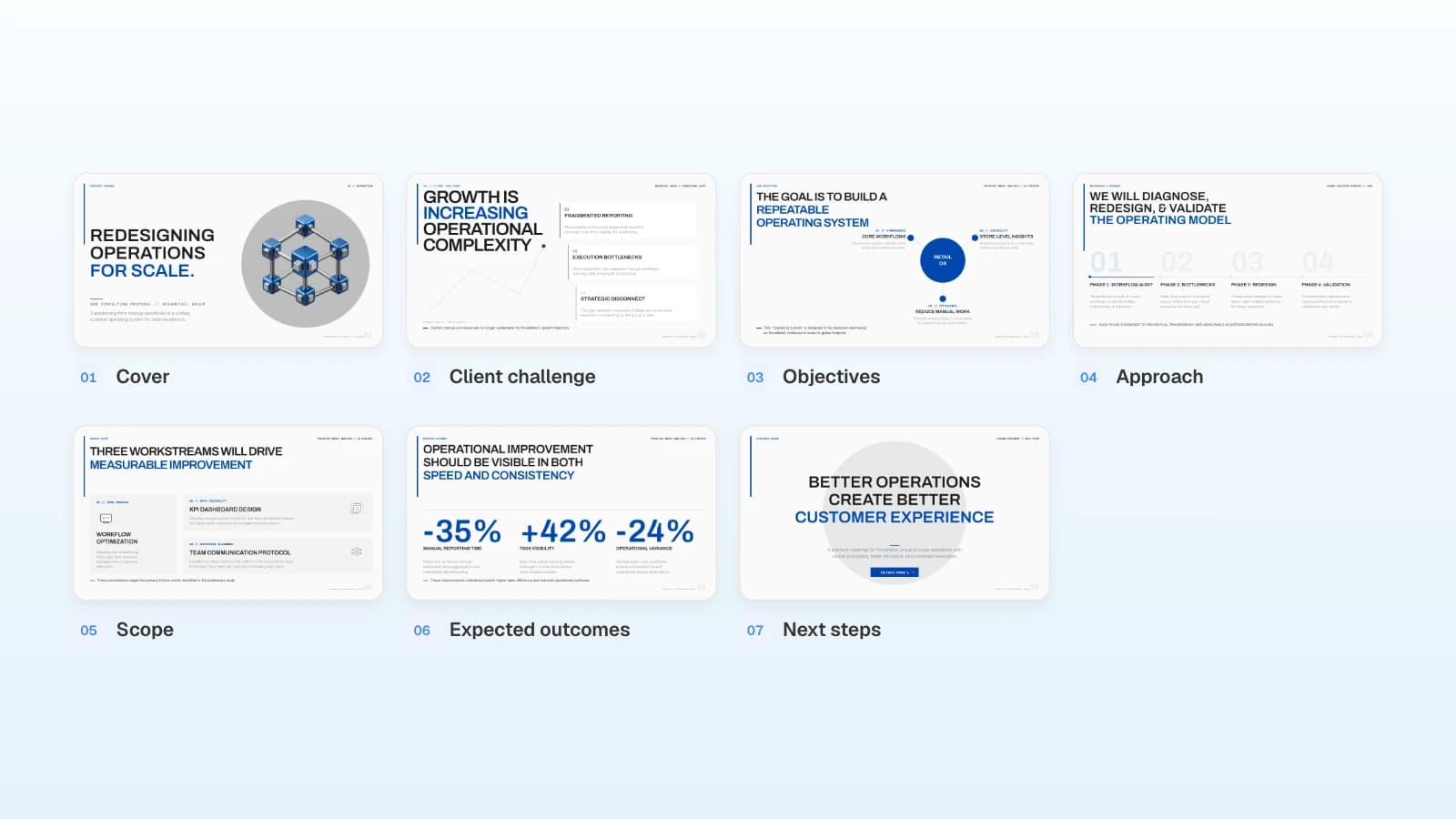
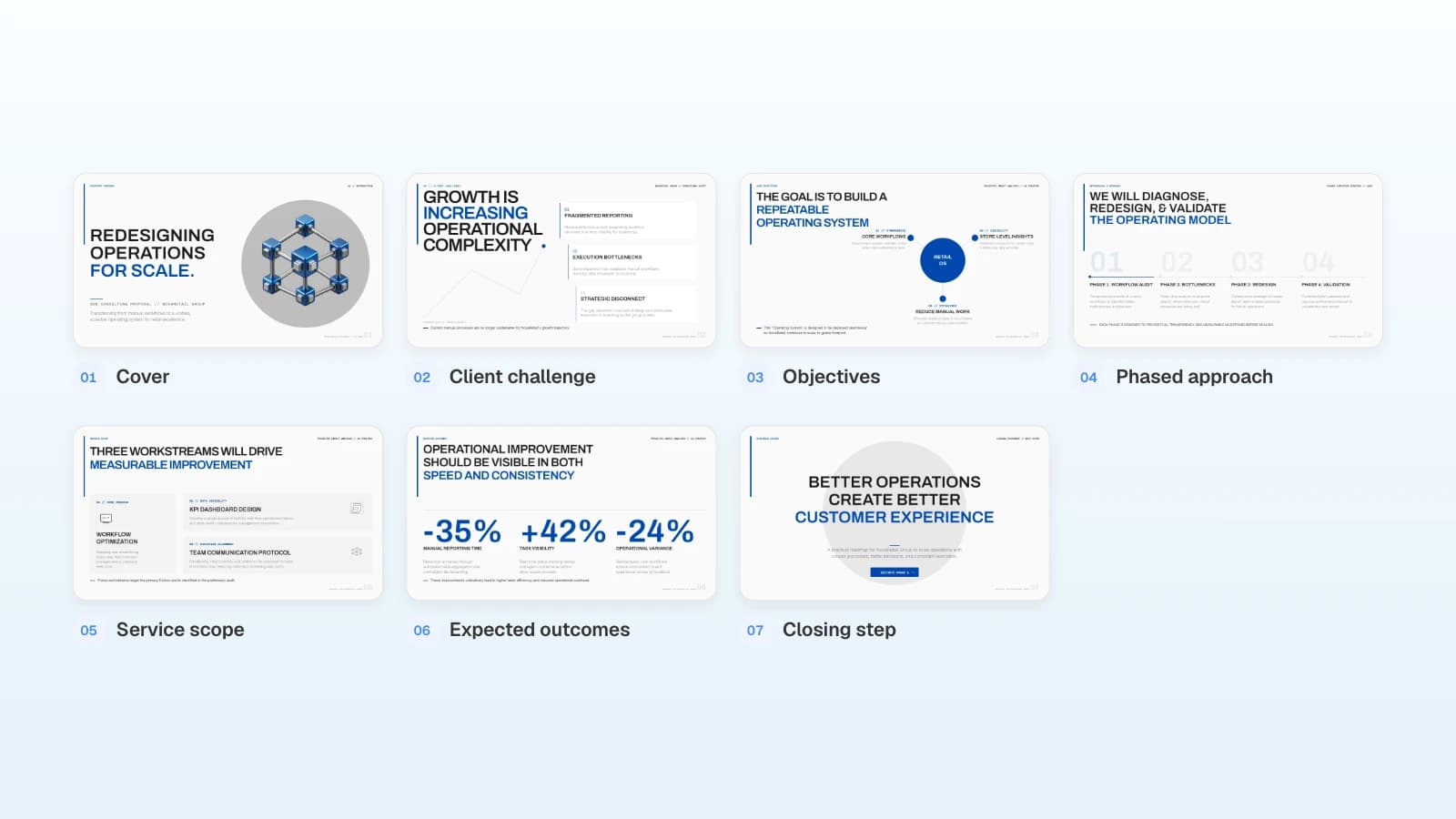
Keep the service-level table, the laptop quote, and the full statement of work (SOW) for the documents you send afterward. The template in the picture already runs from the client's challenge to a phased approach, the service scope, and expected outcomes, then closes with one button to start Phase 1. For a services deal, add a "what we heard" slide after the cover, put a number on each challenge, give each phase dates, add a pricing options slide, replace the expected outcomes with a past client's results, add an assumptions and risks slide, and turn the closing slide into dated next steps.
How do you turn discovery notes into the first slides?
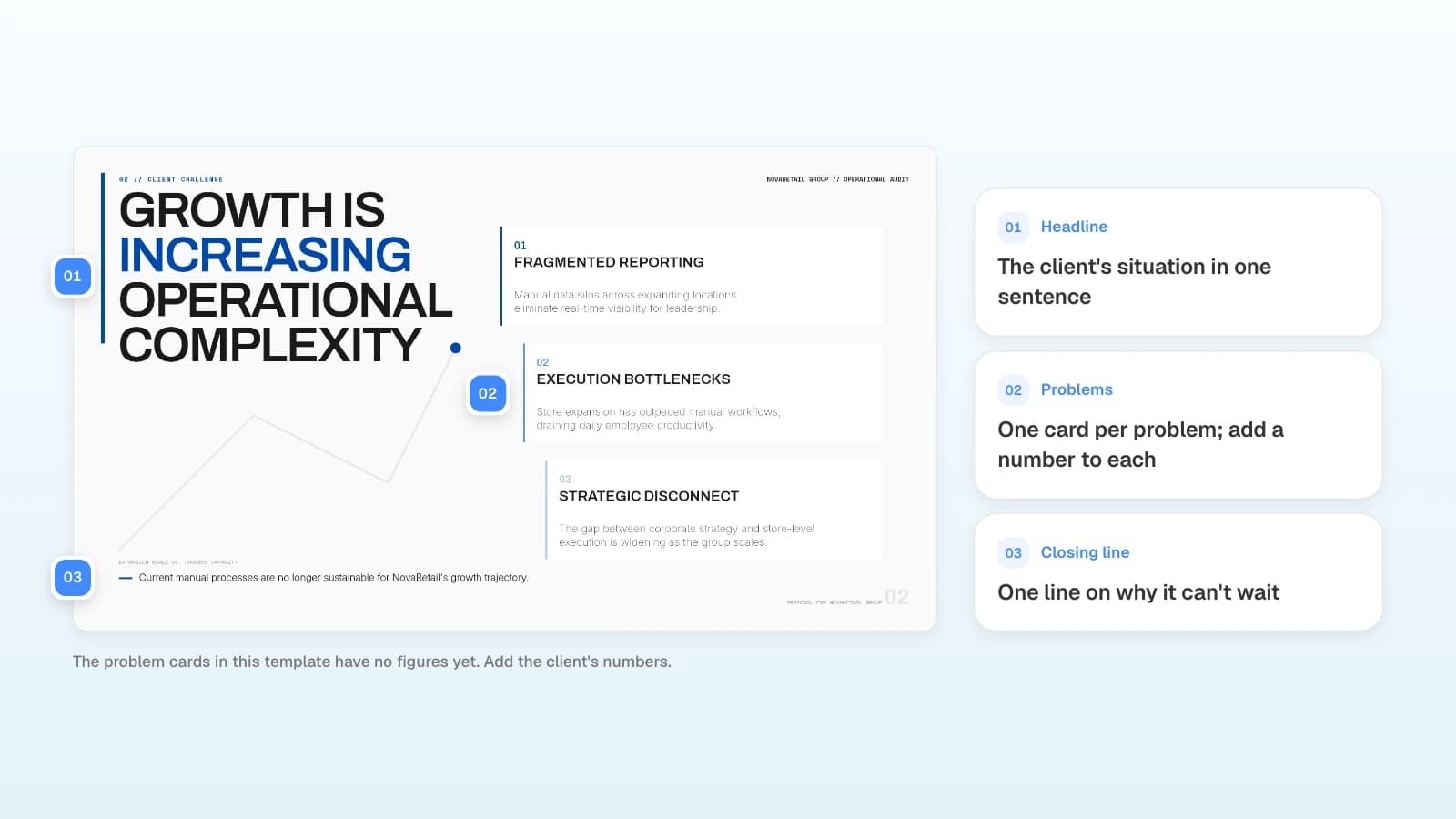
Build slides 2 and 3 from the client's own words and numbers. Slide 2 quotes them. Slide 3 turns each complaint into one line with a number.
| Discovery note (who said it) | Line on the slide |
|---|---|
| "Monday mornings I reset passwords instead of running the office." (office manager) | Slide 2 quote. Slide 3: about 8 hours a week of the office manager's time goes to IT requests |
| "When the document system went down in August, nobody could file anything for half a day." (managing partner) | Slide 3: 3 outages of the document server in six months, 11 hours in total |
| "The insurance renewal asks if we enforce MFA and test our backups. I couldn't answer either." (managing partner) | Slide 3: MFA not enforced on email, backups not test-restored in two years, renewal due January 15 |
| Laptop inventory from the walkthrough | Slide 3: 14 of 50 laptops are more than five years old |
- Quote exactly on slide 2. Attribute each quote by role, such as "Office manager," because the deck will be forwarded inside the firm.
- Give each problem on slide 3 one line: what happens, how often or how many, and what it costs in hours, dollars, or a deadline at risk.
- Use numbers the client gave you or that you counted yourself, like the laptop inventory. If one is missing, ask for it by email before the meeting instead of estimating it.
- Keep your solution off slides 2 and 3. Scope starts on slide 4.
How do you show pricing options in a proposal presentation?
Put three options on one slide, priced the way the buyer budgets, with one marked as recommended and a one-line reason that points back to slide 3.
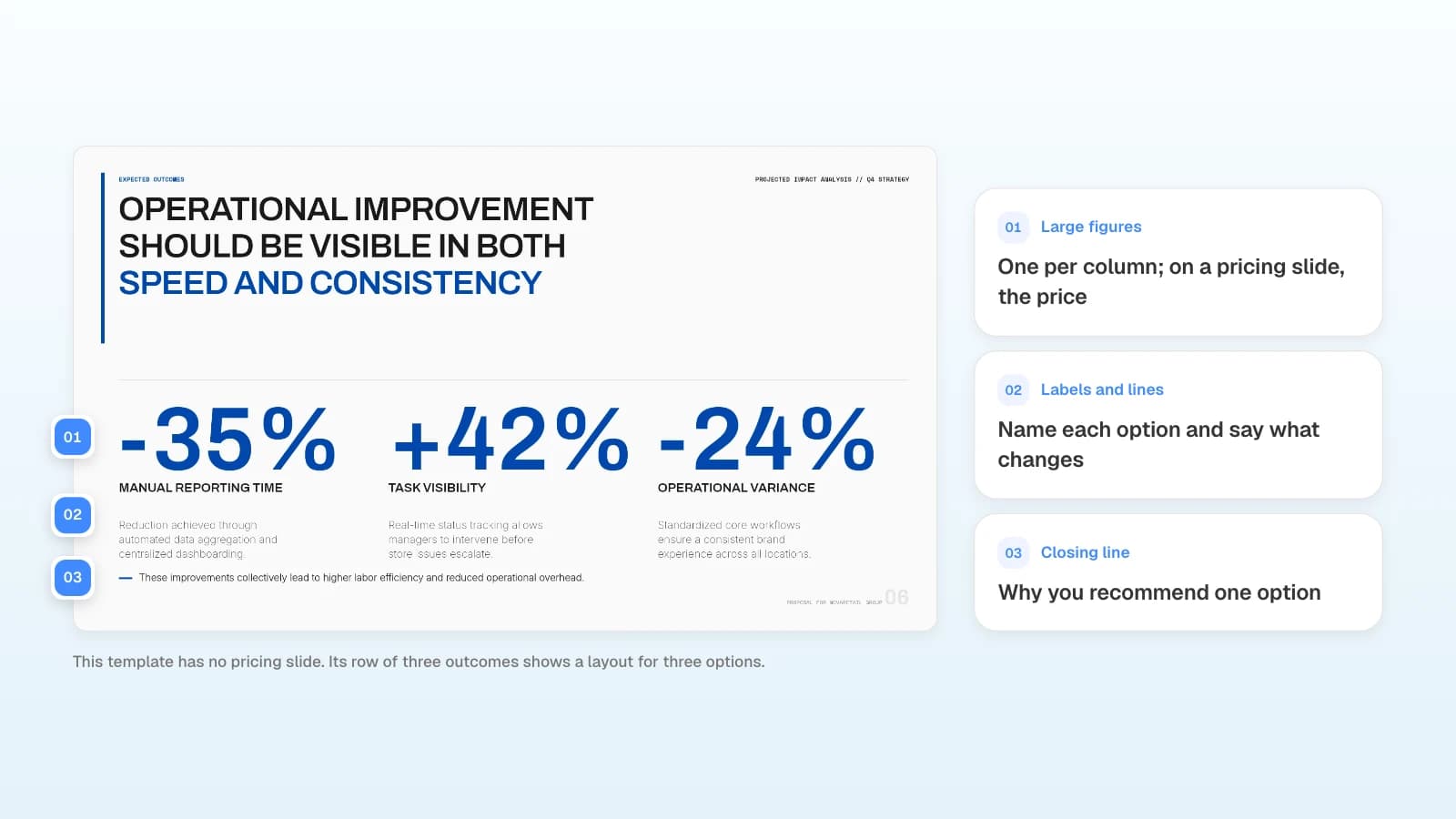
Whitcomb & Hale pricing, 50 users on a 24-month term:
| Essentials | Standard (recommended) | Complete | |
|---|---|---|---|
| Per user per month | $95 | $135 | $175 |
| Monthly for 50 users | $4,750 | $6,750 | $8,750 |
| First year, with $6,500 onboarding | $63,500 | $87,500 | $111,500 |
| Help desk | Weekdays, 8 a.m.–6 p.m. CT | Weekdays, 8 a.m.–6 p.m. CT | 24/7 |
| MFA, endpoint protection, email filtering | Not included | Included | Included |
| Backup with a quarterly test restore | Not included | Included | Included |
| On-site visits | Billed hourly | Two days a month | One day a week |
- Recommend one, with a reason from slide 3. Standard is the lowest option that covers MFA and backup testing, the two items the insurer asks about before January 15.
- Show totals the way they budget. Give the per-user price, the monthly total for 50 users, and the first-year total with the onboarding fee.
- Name what is not included. The 14 replacement laptops are quoted separately. Say so on this slide, not only in the SOW.
- State the term and how long prices hold. 24-month term, prices valid until November 30.
- Show what changes between options. Four to six rows are enough; the full service list goes in the appendix.
When you present this slide, stop and ask which option fits. If the buyer asks for a lower price, offer Essentials or a smaller scope instead of cutting Standard's price for the same work.
What closes the deck: proof, assumptions, and next steps?
The last three slides answer what a buyer asks before signing: has this worked for a firm like ours, what does the price depend on, and what do we do next.
Proof: one similar client and two references
Pick one client close in size and industry, and show before-and-after numbers with the period and who measured them. For Whitcomb & Hale, that is a 42-person accounting firm in Oak Brook, 12 months after onboarding, from Northbeam's ticketing and monitoring logs: average first response cut from about 6 hours to 22 minutes, no unplanned file server outages after four the year before, and a cyber insurance renewal completed with MFA and backup-test records. Then list two references by role who agreed to take a call: the managing partner of a 28-attorney firm in Evanston and the operations director of a 60-person architecture firm in River North. Ask your clients before you name them.
Assumptions and risks: what the price depends on
List what has to stay true for the price and dates to hold. These lines move into the SOW, so write them the way you want them signed.
- Prices assume 50 users. Each added user is billed at the option's per-user rate.
- The document management software license and its vendor support stay with the firm.
- The 14 laptops are quoted separately and ordered after signature.
- MFA setup takes about 15 minutes per person, partners included, during Phase 1.
- Risk: the document server is six years old. If it fails before Phase 2, Northbeam restores from backup first and quotes a replacement separately.
Next steps: dates and owners to signature
End with a dated plan both sides agree to before the meeting ends.
| Date | Step | Owner |
|---|---|---|
| Thu, Oct 22 | Present the proposal, 30 minutes | Northbeam and the IT committee |
| Fri, Oct 23 | Send the deck as a PDF with the draft master services agreement (MSA) and SOW | Northbeam |
| Thu, Oct 29 | Reference calls with two current clients | Managing partner |
| Thu, Nov 5 | Choose an option and send MSA redlines | Whitcomb & Hale |
| Fri, Nov 13 | Sign the MSA and SOW | Managing partner, Northbeam |
| Mon, Nov 30 | Kickoff | Both teams |
How do you present the proposal live, then send it?
Present it in a 30-minute meeting with the people who will sign, then send a version that reads on its own the next day.
| Minutes | Slides | What to do |
|---|---|---|
| 0–5 | 1–3 | Read the quotes back and ask, "Did we get this right?" Write down any number they correct. |
| 5–13 | 4–5 | Walk through the phases and tie Phase 1's December 23 finish to the January 15 renewal. |
| 13–20 | 6 | Show the three options, give the reason for Standard, then stop and ask which option fits. |
| 20–26 | 7–8 | Show the proof, then ask whether any assumption is wrong for the firm. |
| 26–30 | 9 | Agree on the reference-call date and on who signs. |
The next day, send the deck as a PDF with the draft MSA and SOW. Before you send it:
- Rewrite titles that only made sense while you were talking. "Pricing" becomes "Standard covers what the insurer asks for, at $6,750 a month."
- Add what you said out loud as one line on the slide, especially the reason for the recommended option.
- Move the service-level table, the laptop quote, and the full scope into an appendix.
What does MOVO change for a sales proposal presentation?
- Start from your discovery material: attach call notes as Word (.docx), the client's assessment or RFP as a PDF (up to 100 pages), and your pricing sheet as Excel (.xlsx, up to 20 sheets and 100,000 cells) or CSV. The Free plan takes up to 3 files of 5 MB each; Pro and Max take up to 10 files of 20 MB each, with 50 MB in total per upload. Save older .doc and .xls files as .docx and .xlsx first.
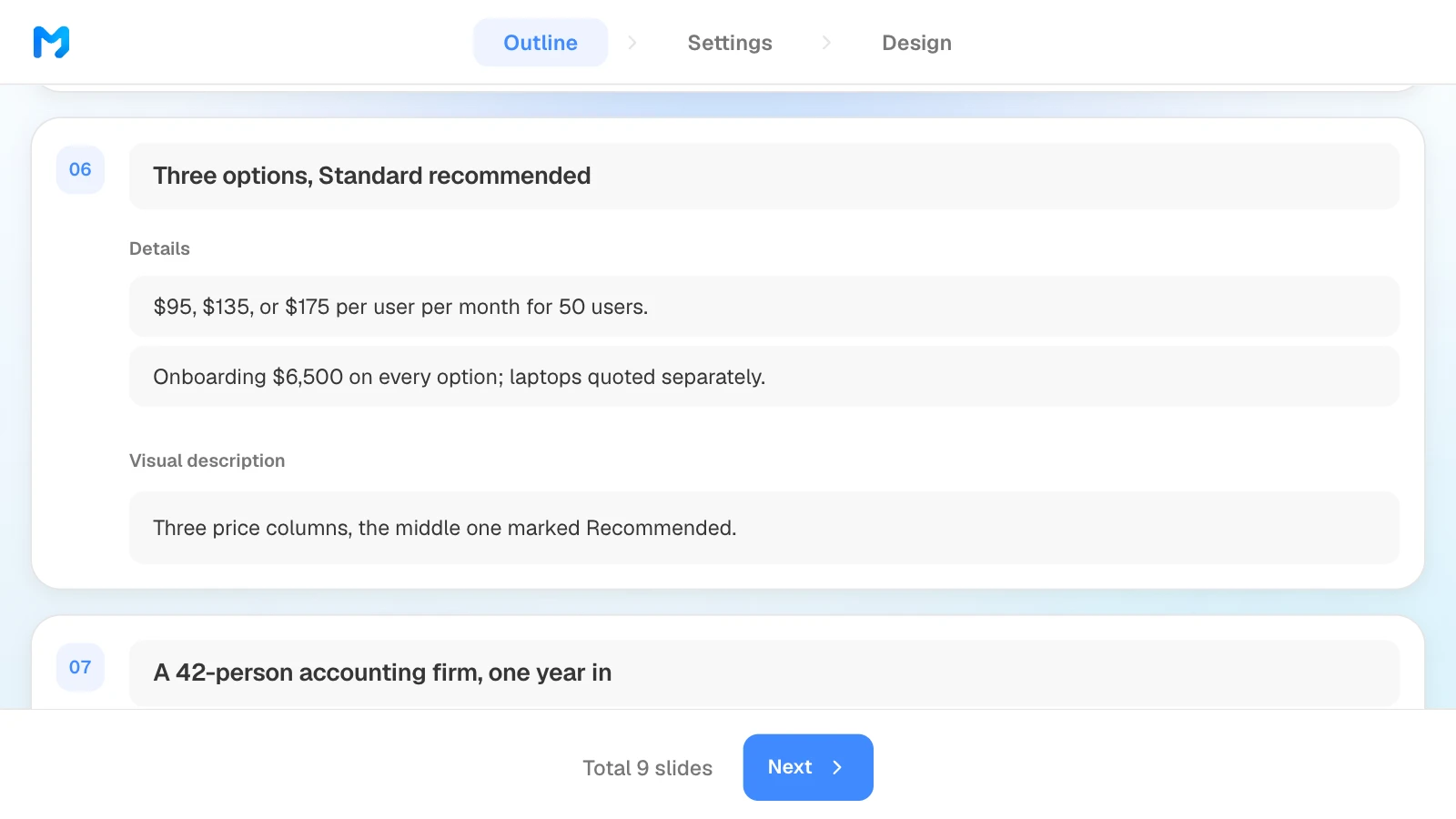
- Outline before slides: MOVO shows each slide's title, details, and visual description before it builds anything. Check that pricing, assumptions, and next steps are there, drag slides to reorder them, and write a layout hint such as "three price columns, the middle one marked Recommended" in the visual description; MOVO refers to it when it lays out that slide.
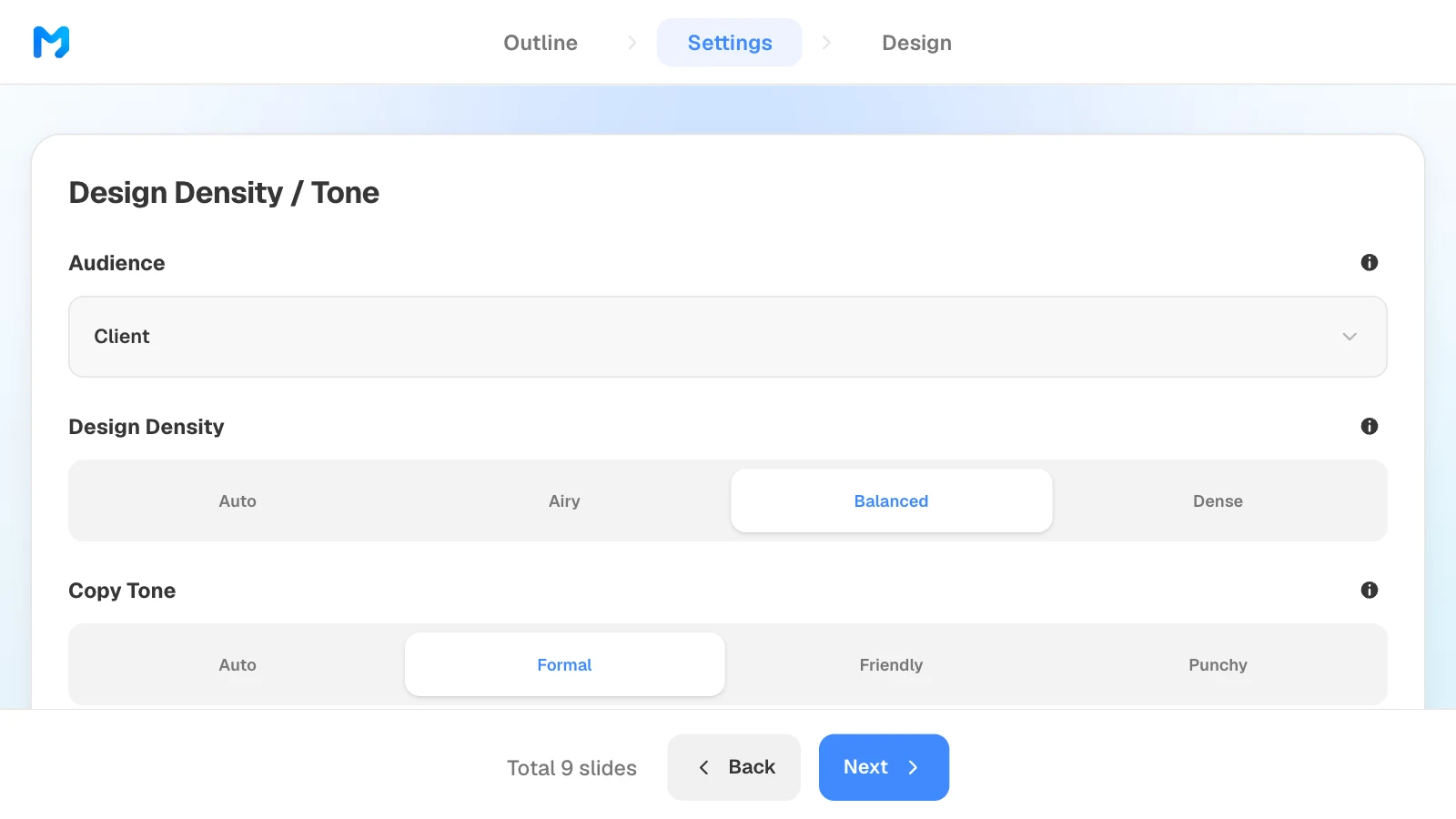
- Settings for a buyer: choose "Client" as the audience, then narrow designs with the "Proposal / Persuasion" document type.
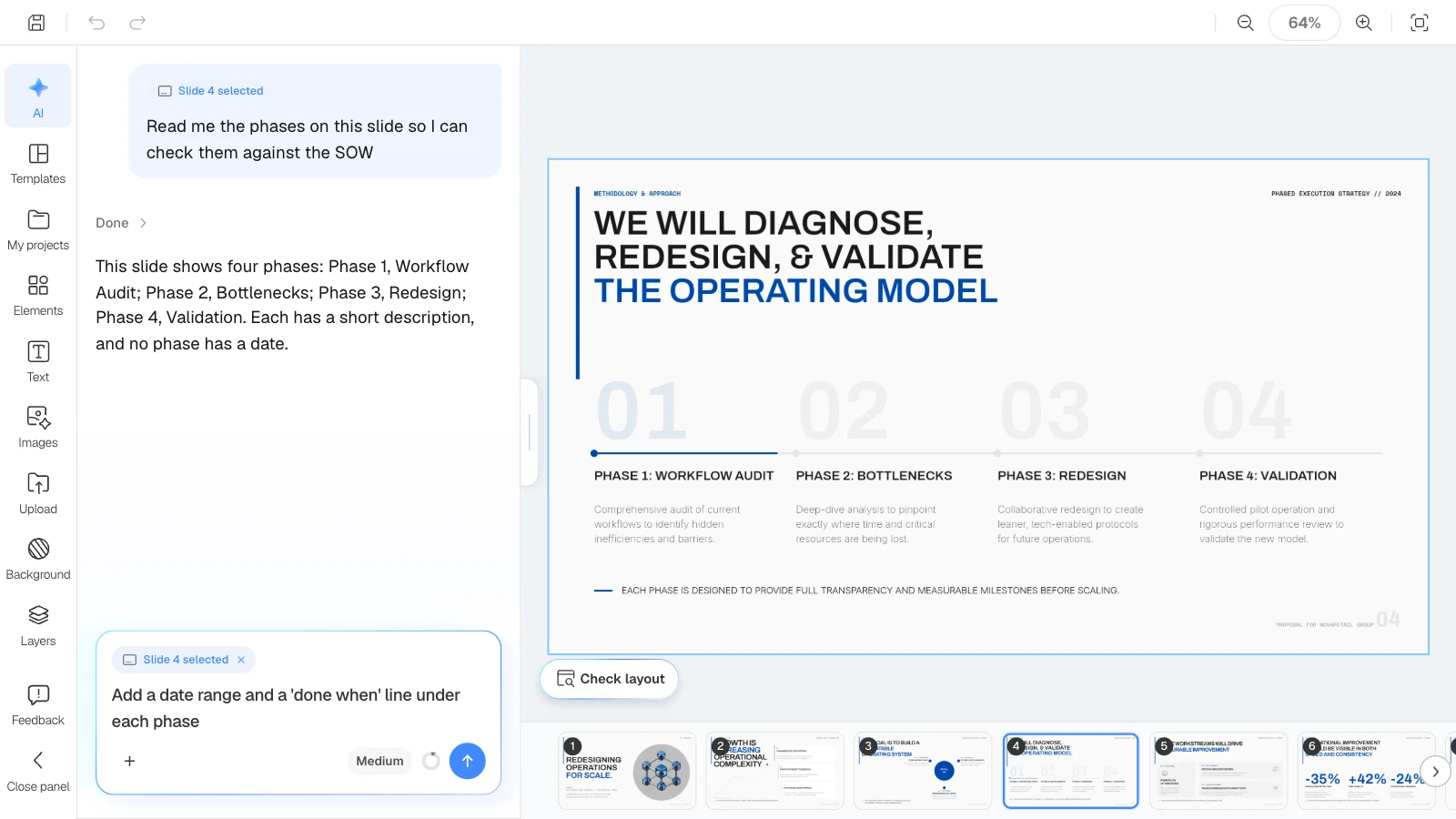
- Change one slide at a time: select a slide and ask the AI to change it; the selected slide goes with your request. "Check layout" under the canvas checks the slide you are viewing for overlapping or clipped text.
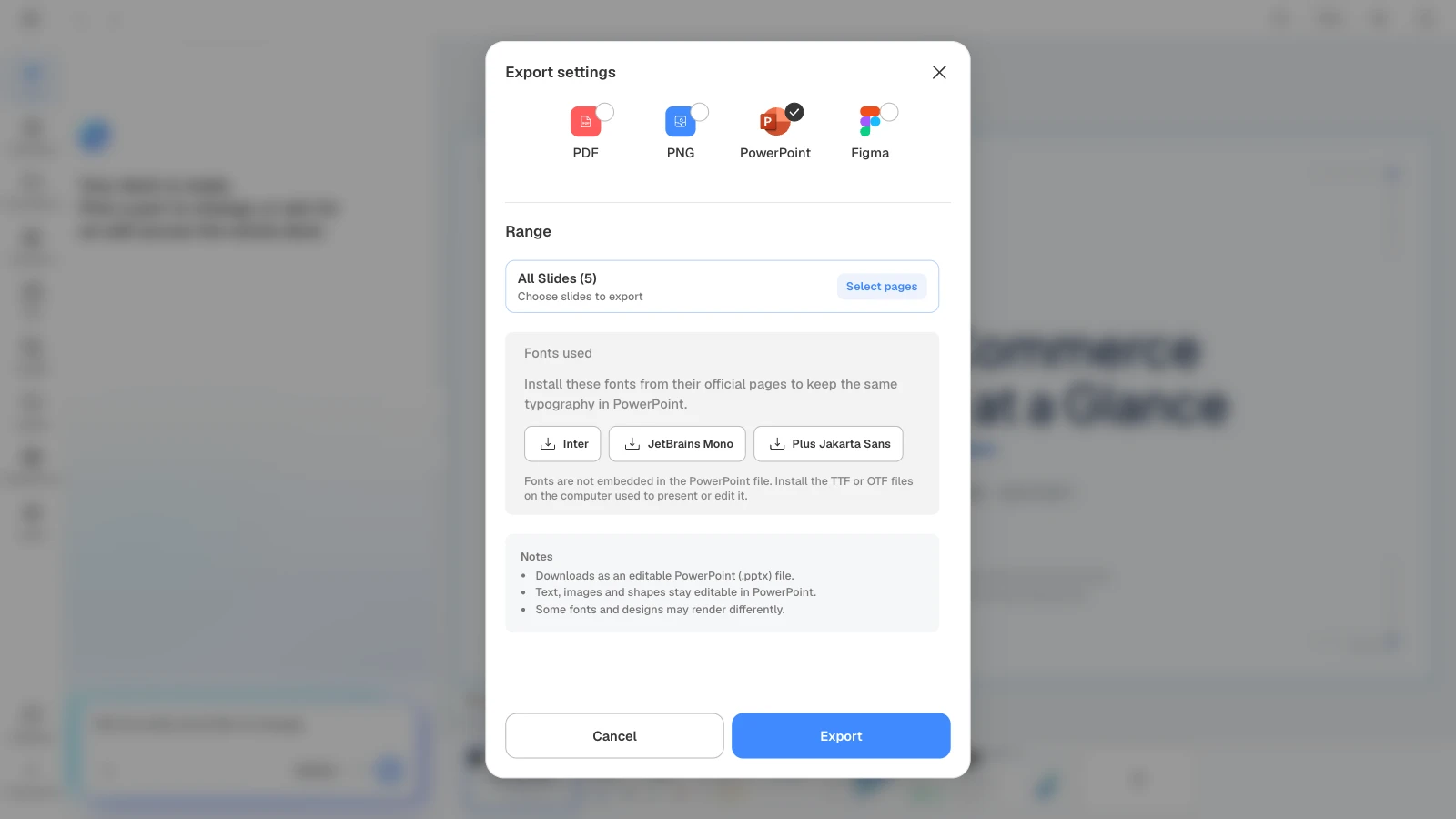
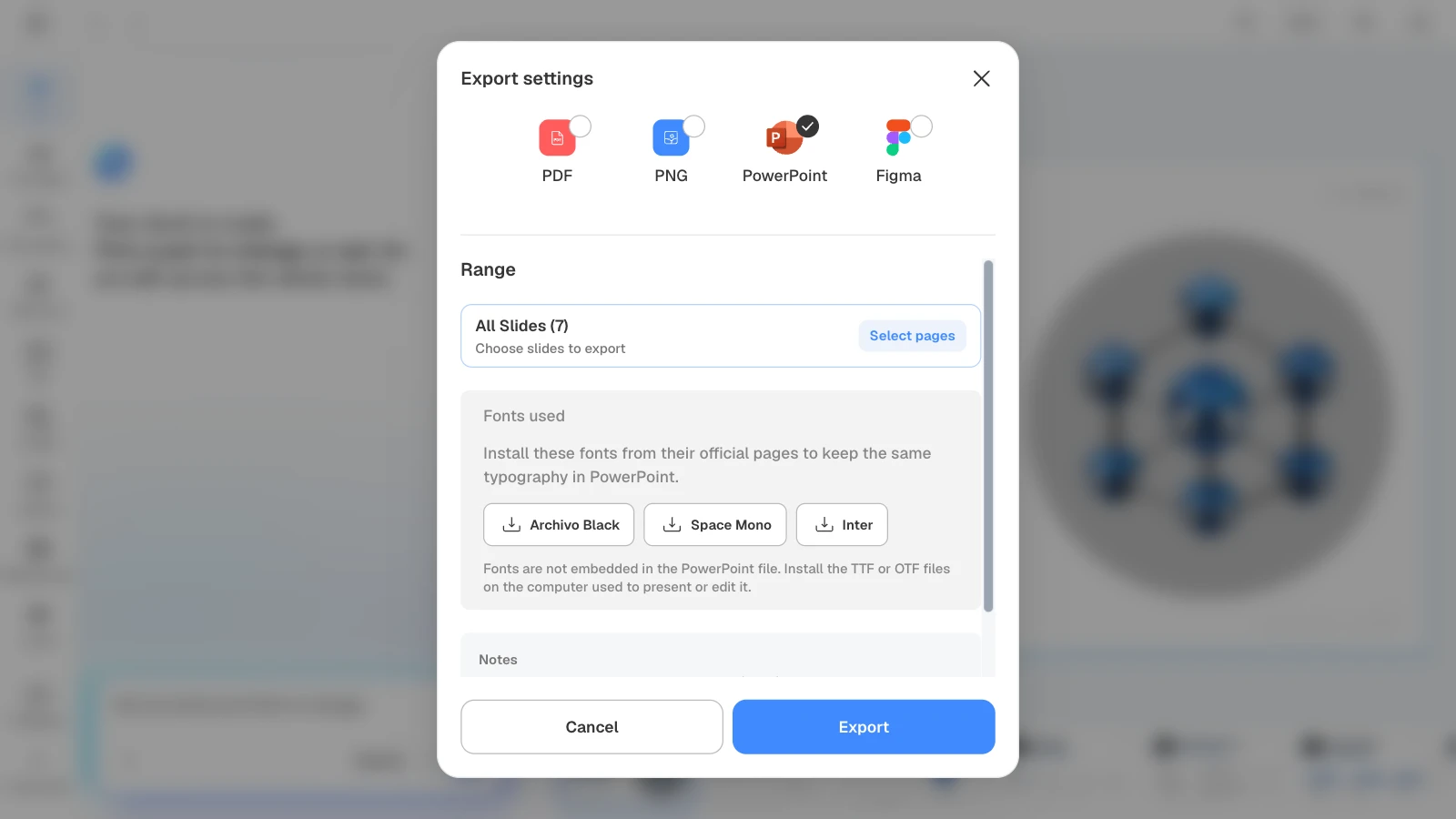
- Files to present and send: PDF and PNG on every plan (the Free plan adds a MOVO watermark), PowerPoint (PPTX) and Figma on paid plans. PPTX files do not embed fonts, so the export dialog lists the fonts the deck uses.
How to build a sales proposal presentation in MOVO
1. Attach your discovery material and describe the deck
In the dashboard input, attach your call notes, the client's assessment, and your pricing sheet. Name the client, the slide order, and what the AI must not change, and set "Slide Count" to 9. Building 9 slides with AI needs Pro or Max; the Free plan builds up to 5 slides per deck.

Build a 9-slide sales proposal for Whitcomb & Hale LLP, a 50-person law firm in Chicago, from the attached discovery notes, IT assessment, and pricing sheet. Order: cover, what we heard, what it costs today, proposed scope in three phases, timeline to the January 15 insurance renewal, three pricing options, proof, assumptions and risks, next steps to signature. Quote the client's words on slide 2 and attribute them by role. Use the prices in the sheet exactly, per user per month, and mark Standard as recommended. Don't add numbers, clients, or certifications that aren't in the files.
Replace the firm, the deadline, and the slide order with your own deal.
2. Check the outline against your notes
Put MOVO's slide titles and details next to your discovery notes. Check that slide 3 uses the client's numbers, that slide 6 has three options with one recommended, and that slide 9 has dates and owners. Drag slides to change the order.
3. Set the audience and tone
In settings, choose "Client" as the audience, then set "Design Density" and "Copy Tone". For a managing partner and an IT committee, "Balanced" and "Formal" fit.
4. Pick a design
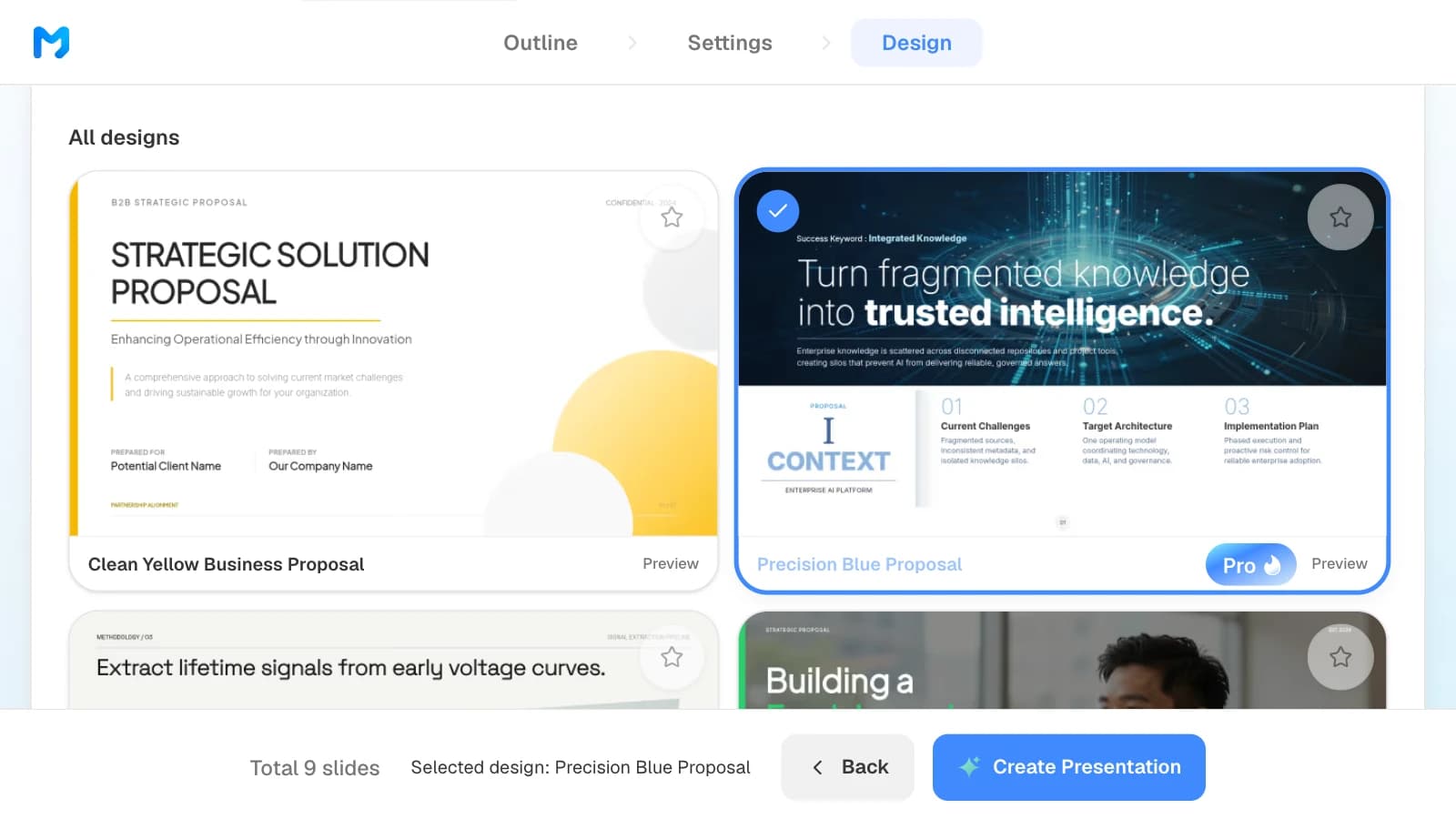
Choose "Proposal / Persuasion" under "Document type" to see only proposal styles. Open "Preview" to see sample slides, pick one, and click "Create Presentation". Styles marked "Pro" are available on paid plans.
5. Check the numbers and change one slide at a time
Compare every price, date, and case figure in the built slides with your pricing sheet and SOW. To change a slide, select it and ask in the AI panel on the left, or edit it on the canvas. After an edit, click "Check layout" under the canvas to check for overlapping or clipped text.
6. Export a PDF to send and a PPTX to edit
Send a PDF after the meeting; on the Free plan it carries a MOVO watermark. Export PowerPoint, available on paid plans, when your team or the client will edit the file. When you choose PowerPoint, MOVO lists the fonts the deck uses so you can install them on the computer you present from.
Two sales proposal templates to start from
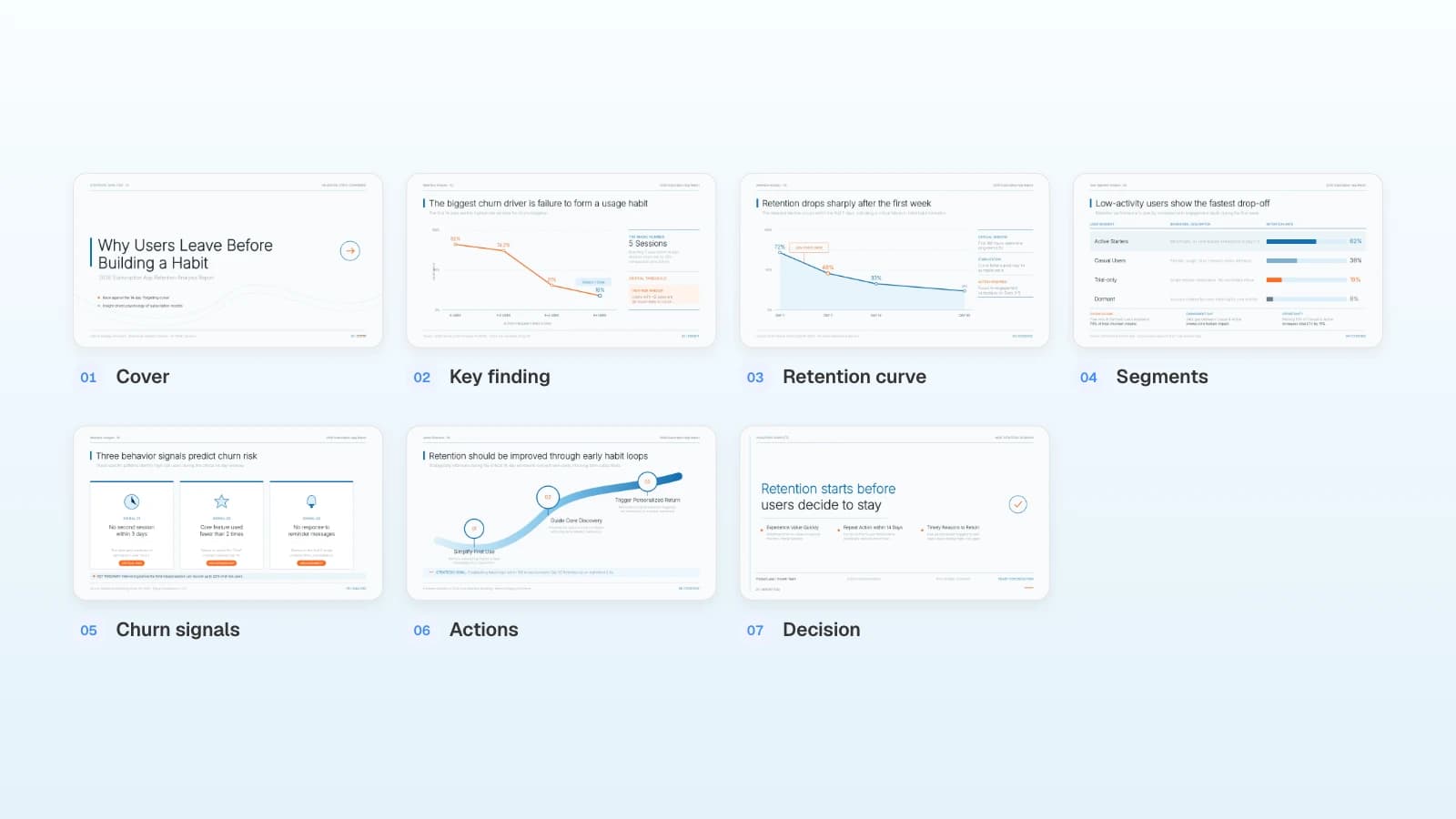
These MOVO templates are written in English. The companies, people, and numbers in them are fictional and only show the structure. Copy one into your projects on any plan and replace the content with your deal.
1. Retail Operations Consulting Proposal (7 slides)
A B2B consulting proposal: the client's challenge in three problem cards, the objectives, a four-phase approach, the service scope in three workstreams, expected outcomes, and a closing slide with one button to start Phase 1. Fits service proposals where the phases matter more than product features. Add a pricing options slide and an assumptions and risks slide after the scope, and turn the closing slide into dated next steps.
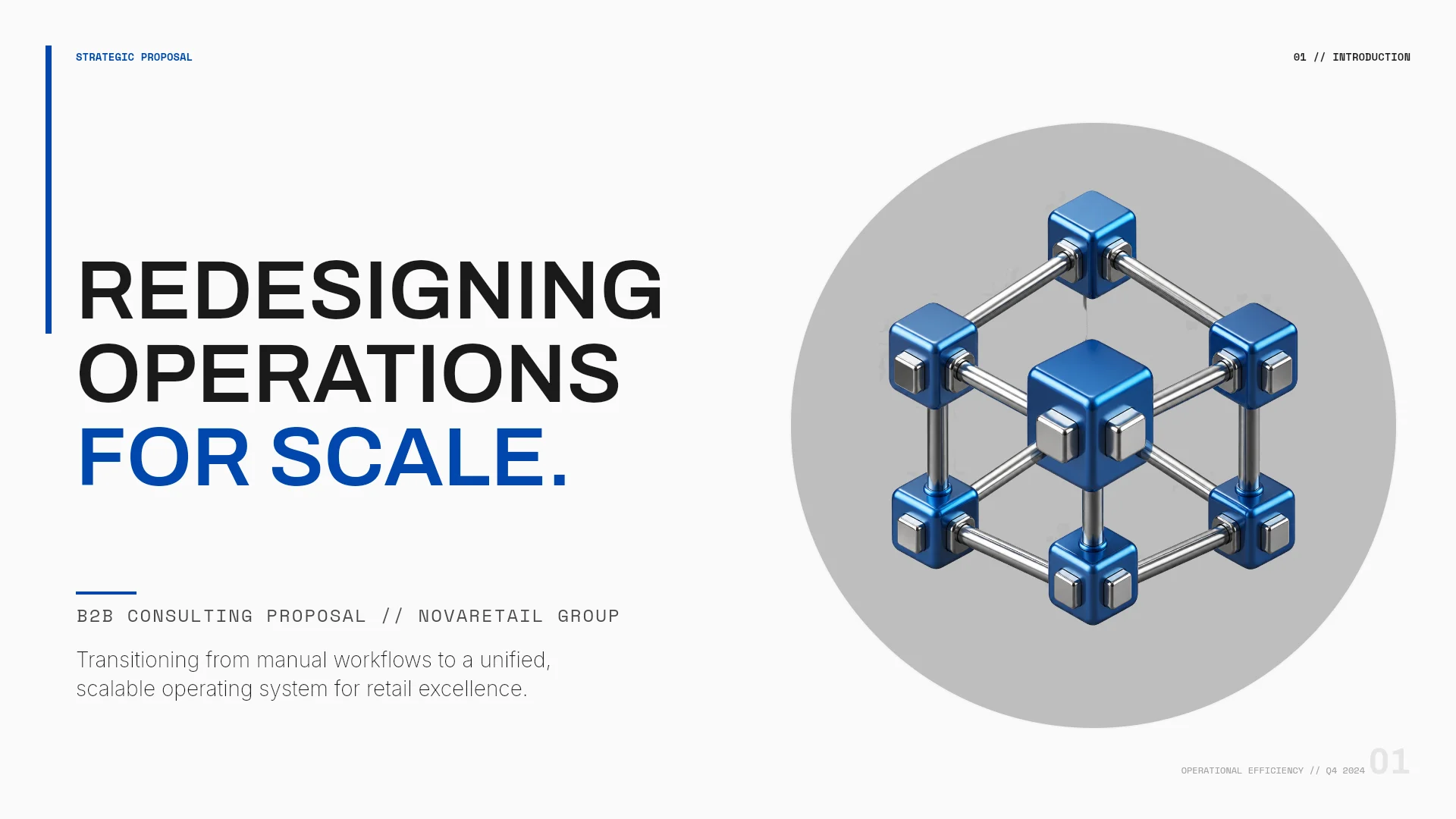
View the Retail Operations Consulting Proposal template
2. Orange Open Service (4 pages)
A written service proposal on A4 pages instead of slides: a cover, the scope and its inputs, a three-step working agreement (clarify the scope, develop the work, review together), and the next step to agree on. The sample is an archive digitization pilot. Fits the short proposal you send after the meeting for a small first project or pilot.
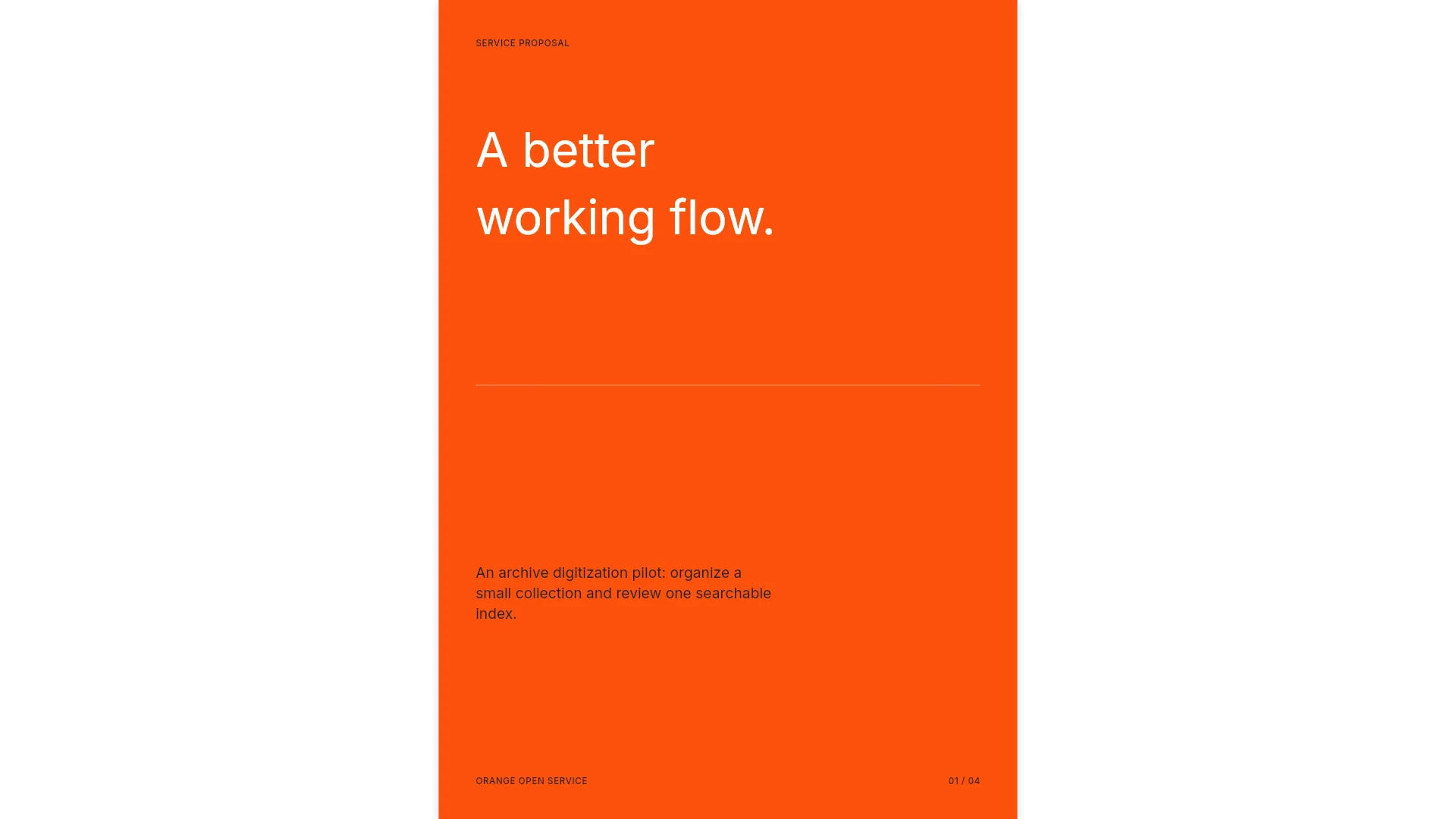
View the Orange Open Service template
Frequently asked questions
How long should a sales proposal presentation be?
Fit it to the meeting. The nine slides above take about 30 minutes with the plan in the presenting table. For a 15-minute slot, present slides 3, 5, 6, and 9 (the cost, the date that beats the renewal, the options, and the next steps) and keep the rest for the version you send.
Should the price be in the deck or only in the written proposal?
Put it in the deck. Without a price on screen, the decision waits for an email that arrives without you there to explain the options. The SOW then repeats the chosen option with the exact numbers.
What is the difference between the proposal deck, the SOW, and the MSA?
The deck helps the buyer choose. The statement of work (SOW) sets this engagement's scope, schedule, deliverables, and price. The master services agreement (MSA) holds the legal terms that apply to every SOW, such as liability, confidentiality, and payment terms. Keep the numbers in the deck identical to the SOW, because the buyer's counsel may compare them.
Can I start from a proposal I already sent another client?
Yes, as a PDF. MOVO does not read .pptx attachments, so save the old deck as a PDF first. In the request, say which parts to keep, such as the phase names, and which to replace: the client, the quotes, the prices, and the dates. Remove the previous client's confidential details before you attach it.
Can I build a 9-slide proposal on MOVO's free plan?
The free plan builds up to 5 slides per deck with AI, so building a 9-slide proposal with AI needs Pro or Max; Pro builds up to 30 slides per deck. On the free plan, keep the AI request to the slides that carry the decision, starting with what it costs today, proposed scope, pricing options, and next steps. Copying one of the templates above works on every plan, whatever its length.
Summary
A sales proposal presentation turns discovery into a decision in nine slides: the client's words, the cost of the problem, phased scope, a timeline tied to their deadline, three pricing options with one recommended, proof from a similar client, the assumptions behind the price, and dated next steps to signature. Present it in 30 minutes, stop at the pricing slide to ask which option fits, and send a PDF the next day whose numbers match the SOW. If you have discovery notes and a pricing sheet, attach them to MOVO and start from the outline.