Startup Pitch Deck Prompts for 5 Situations
Five copy-ready AI prompts for startup decks: a first partner meeting, a demo day, a grant interview, a pilot proposal, and a monthly investor update, each with the slides to expect, what to replace, and a matching template.
Type "make me a pitch deck" into an AI tool and you get the same ten slides whatever the room. A startup tells one story many ways: a first partner meeting, a demo day slot, a grant interview, a pilot proposal to a large company, and a monthly update to the investors it already has. Each has a different audience, a different clock, and a different decision at the end.
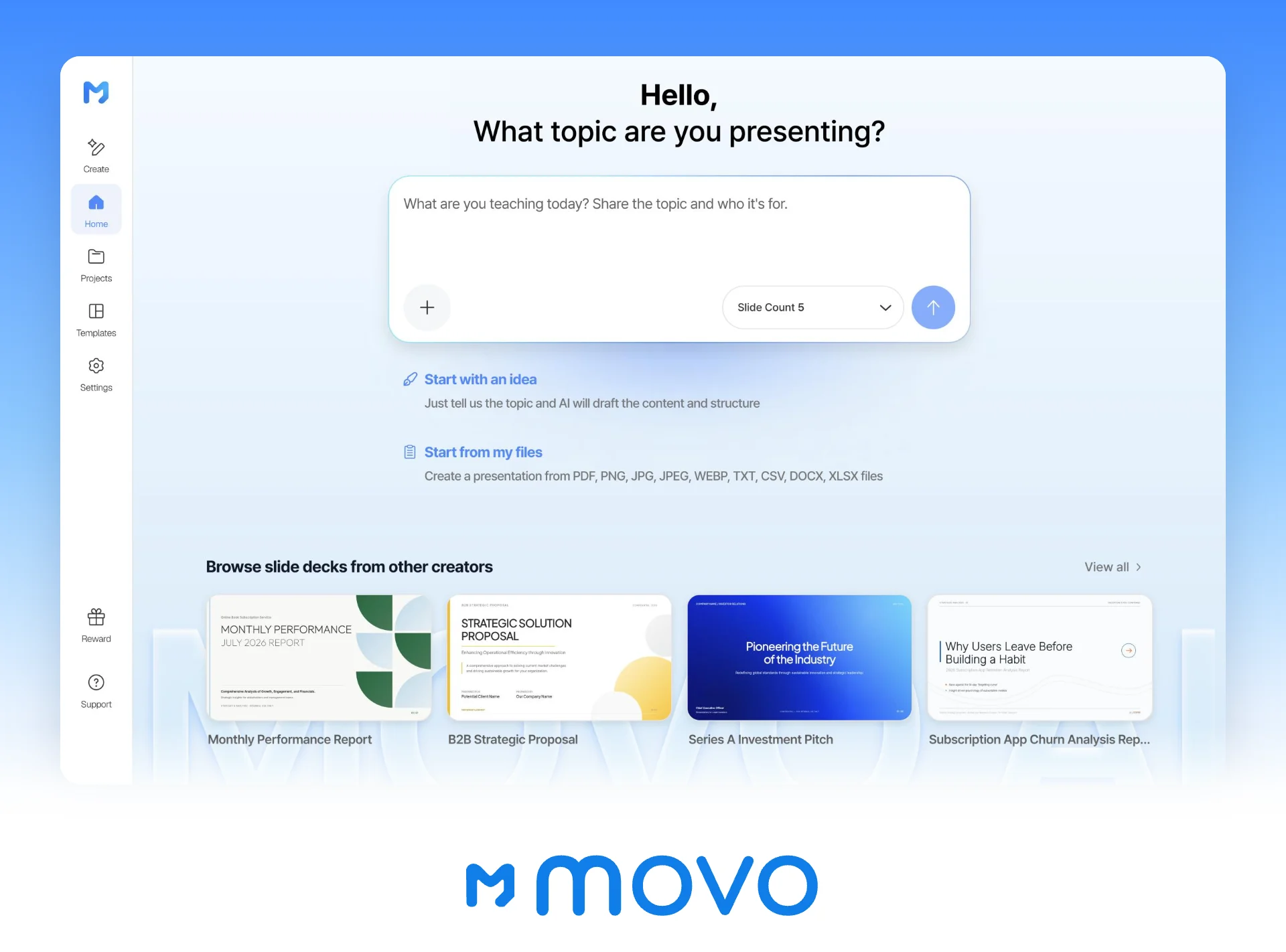
MOVO starts from your prompt and your files. Write the room, the audience, the slide count, and the rules, attach your company overview or metrics sheet, and MOVO shows a slide-by-slide outline before it builds anything. Check that the outline matches your prompt, pick a design, and the slides are built; if one slide comes out wrong, select it and fix only that slide. This guide covers the six things every startup deck prompt needs, five filled-in prompts with the slides to expect, what to replace, and a matching template, the follow-up requests that fix a draft, and the MOVO workflow.
What should a startup deck prompt include?
Six things: the room, the audience, the time and slide count, the decision you want, the source material, and the rules. Leave them out and the AI falls back on a generic investor arc and fills gaps with plausible numbers.
| Include | Why it matters | Example |
|---|---|---|
| The room | It sets the structure and length | First partner meeting, demo day, grant interview |
| The audience | It sets the depth and vocabulary | A seed partner in B2B software, a grant panel |
| Time and slides | It caps what each slide can hold | A one-minute pitch, six slides |
| The decision | It decides what the last slide asks | A second meeting, a pilot, a funding award |
| Source material | It is where every number comes from | Company overview PDF, metrics spreadsheet |
| Rules | They block invented numbers and hype | No figures or customer names that aren't in the files |
The more specific the request, the less you fix afterwards.
| Request | What you type | What it settles |
|---|---|---|
| Vague | Make me a pitch deck. | Nothing; you get a generic ten-slide order |
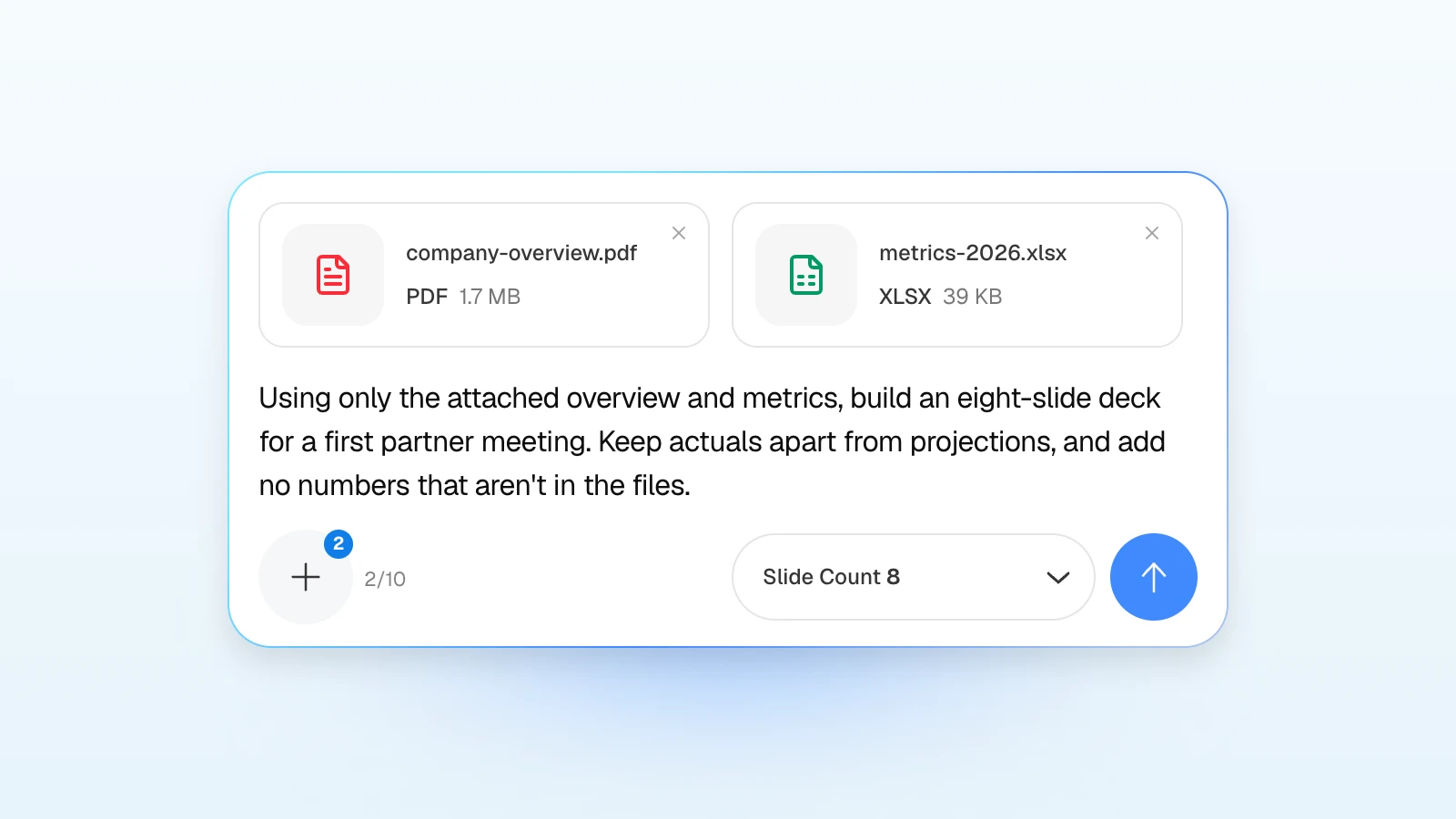
| Specific | Using only the attached overview and metrics, build an eight-slide deck for a first partner meeting. Keep actuals apart from projections. | The room, the length, the sources, the limits |
Prompt 1: a first partner meeting
A first-meeting deck gets passed around. NFX tells founders to bring about 15 clean slides plus an appendix to partner meetings and to assume the materials will circulate inside the firm (NFX). So ask for headlines that state each slide's point, enough explanation to read without you, and an appendix for the questions a partner will ask next.
Using only the attached company overview and metrics, build an eight-slide deck for a first meeting with a seed partner who invests in B2B software. We'll email it ahead, so every slide needs a headline that states its point and one or two lines of explanation. Order: cover, problem, solution, market size, business model, traction, team, the ask. Then add three appendix slides: unit economics, sales pipeline, and product roadmap. Define each metric with its period, keep actuals apart from projections, and don't add numbers or customer names that aren't in the files.
| Slide | What goes on it |
|---|---|
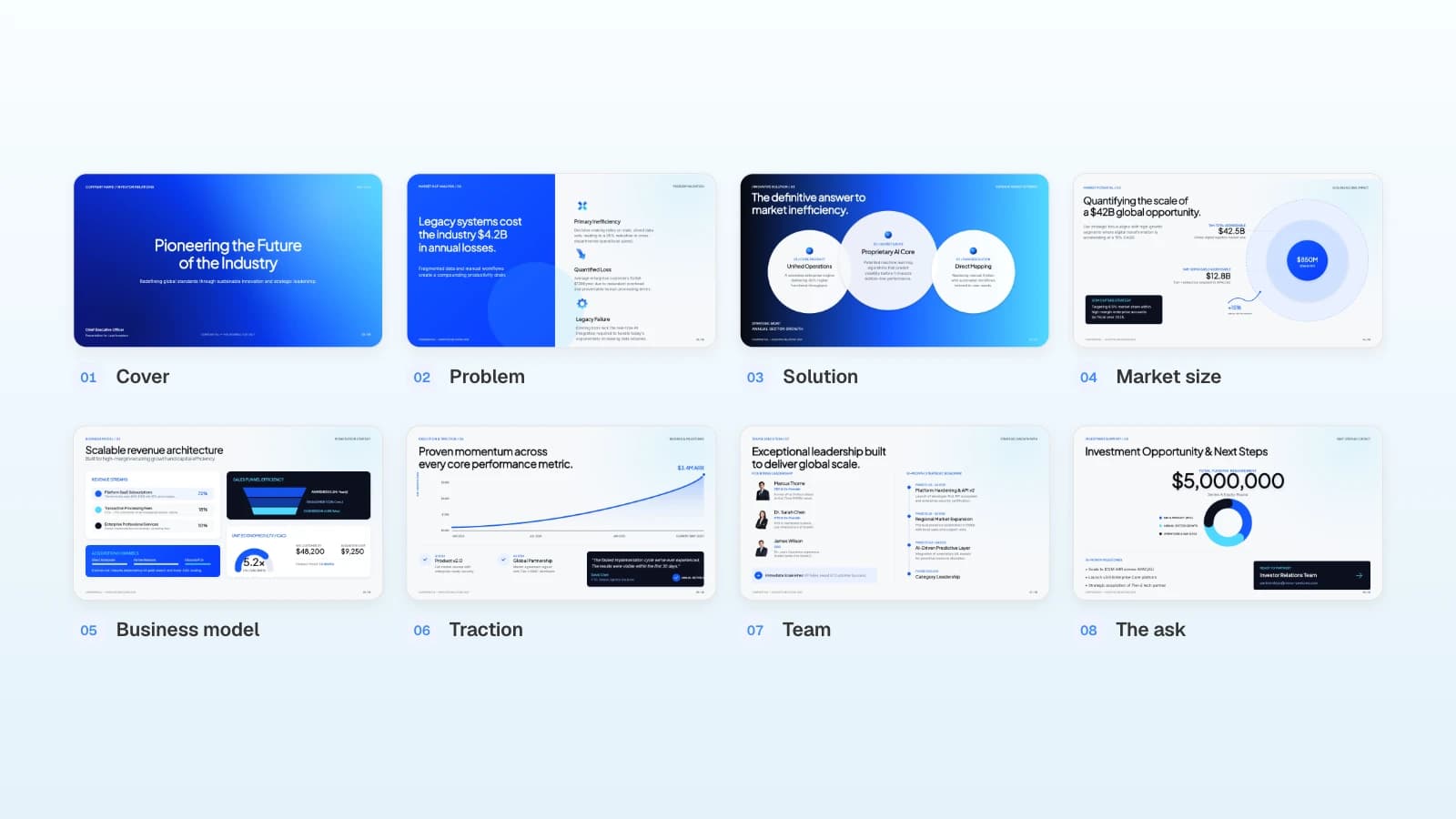
| 1. Cover | Company name and a one-line pitch |
| 2. Problem | Whose problem, and what it costs them |
| 3. Solution | How the product solves it |
| 4. Market size | Who can buy, with the source of each figure |
| 5. Business model | Pricing and how revenue comes in |
| 6. Traction | Defined metrics with periods |
| 7. Team | Why this team, in one line each |
| 8. The ask | Amount, use of funds, milestones |
| Appendix | Unit economics, pipeline, roadmap |
- Replace: the investor's focus, the file names, the slide order if your story needs "why now" or competition, and the appendix topics.
- Matching template: Series A Investment Pitch (8 slides), which already runs from problem to the ask.
Prompt 2: an accelerator demo day
Lead the prompt with the time limit, then ask for one point per slide. At YC's W22 Demo Day, every company presented for one minute (Y Combinator). Geoff Ralston's Demo Day guide for YC suggests an order of intro, problem, product and customer, opportunity, traction, team, and close, with one point per slide and very few words (Y Combinator).
Turn the attached deck (PDF) into a one-minute demo day pitch in six slides: what we do, the problem, traction, the customer, what's next, and the ask. One point per slide and as few words as possible. Put our single strongest number in large type on the traction slide, and keep every number exactly as it is in the deck.
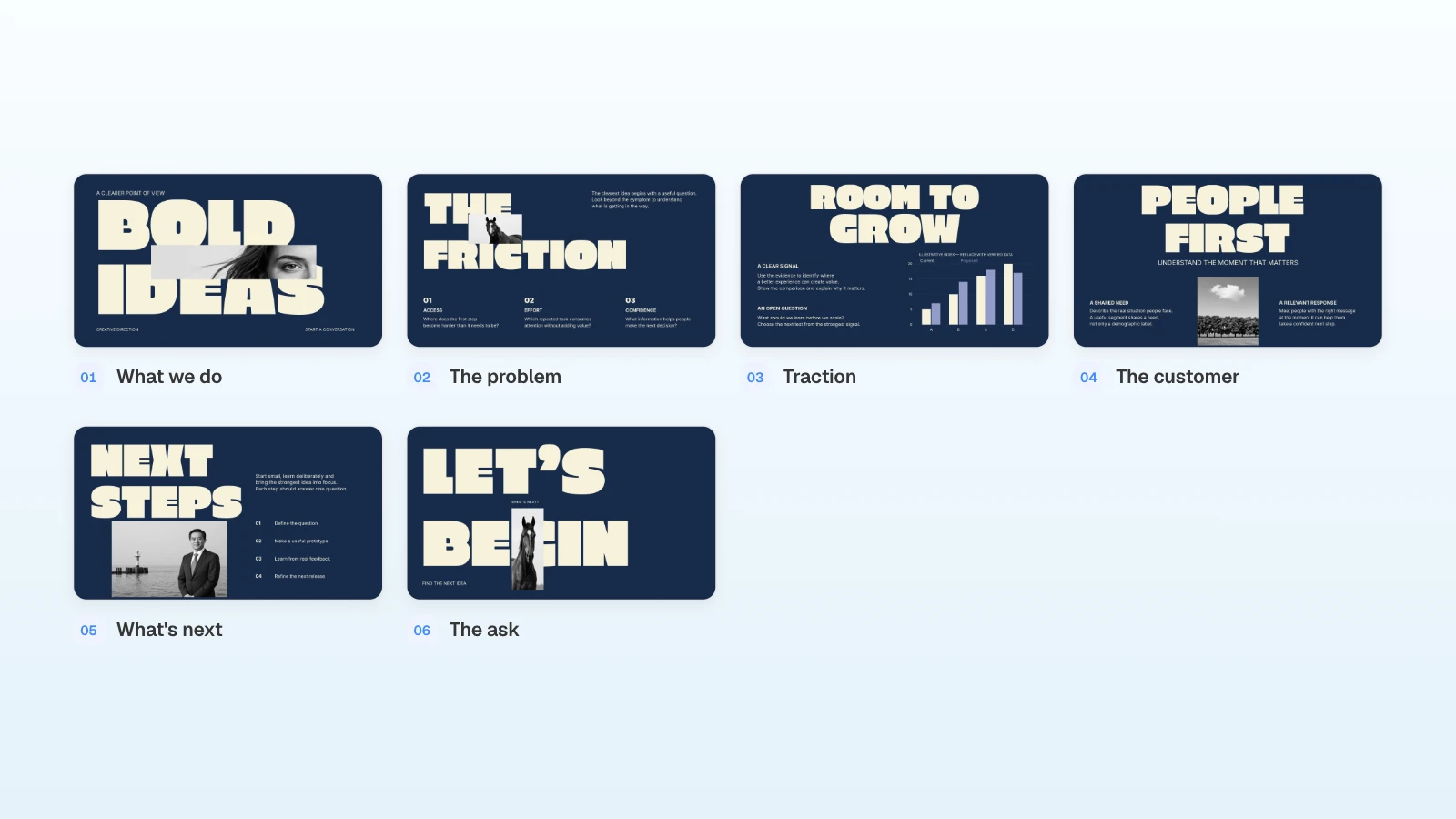
- Replace: your slot length, the deck you attach, and the one number you want remembered.
- Matching template: Navy Monolith Pitch (6 slides), with oversized type that stays readable from the back of a room.
Prompt 3: a grant or innovation program interview
Attach the application, name the program's criteria, and say that every figure must match what you submitted. The EIC Accelerator interview, for example, is a presentation of up to 10 minutes followed by up to 35 minutes of questions, using the pitch deck from the full proposal (EIC Accelerator guide for applicants, v6.0).
Using only the attached application and assessor feedback, build a 10-minute interview presentation in eight slides: the need, the innovation, validation results, market and business model, team, risks and mitigation, milestones, and what the funding pays for. Keep the technology readiness level, figures, and milestones exactly as written in the application, and label every projection as a projection.
| Slide | What goes on it |
|---|---|
| 1. The need | Who has the problem and the evidence for it |
| 2. The innovation | What is new and how it beats current options |
| 3. Validation results | Tests done so far, with dates and conditions |
| 4. Market and business model | Who pays, how much, and the route to market |
| 5. Team | Roles and the gaps you plan to fill |
| 6. Risks and mitigation | Technical, market, and delivery risks |
| 7. Milestones | What you will deliver, and when |
| 8. Funding | What the grant pays for and what it unlocks |
- Replace: the program's criteria and time limit, the files, and any slide the call asks for, such as a budget summary.
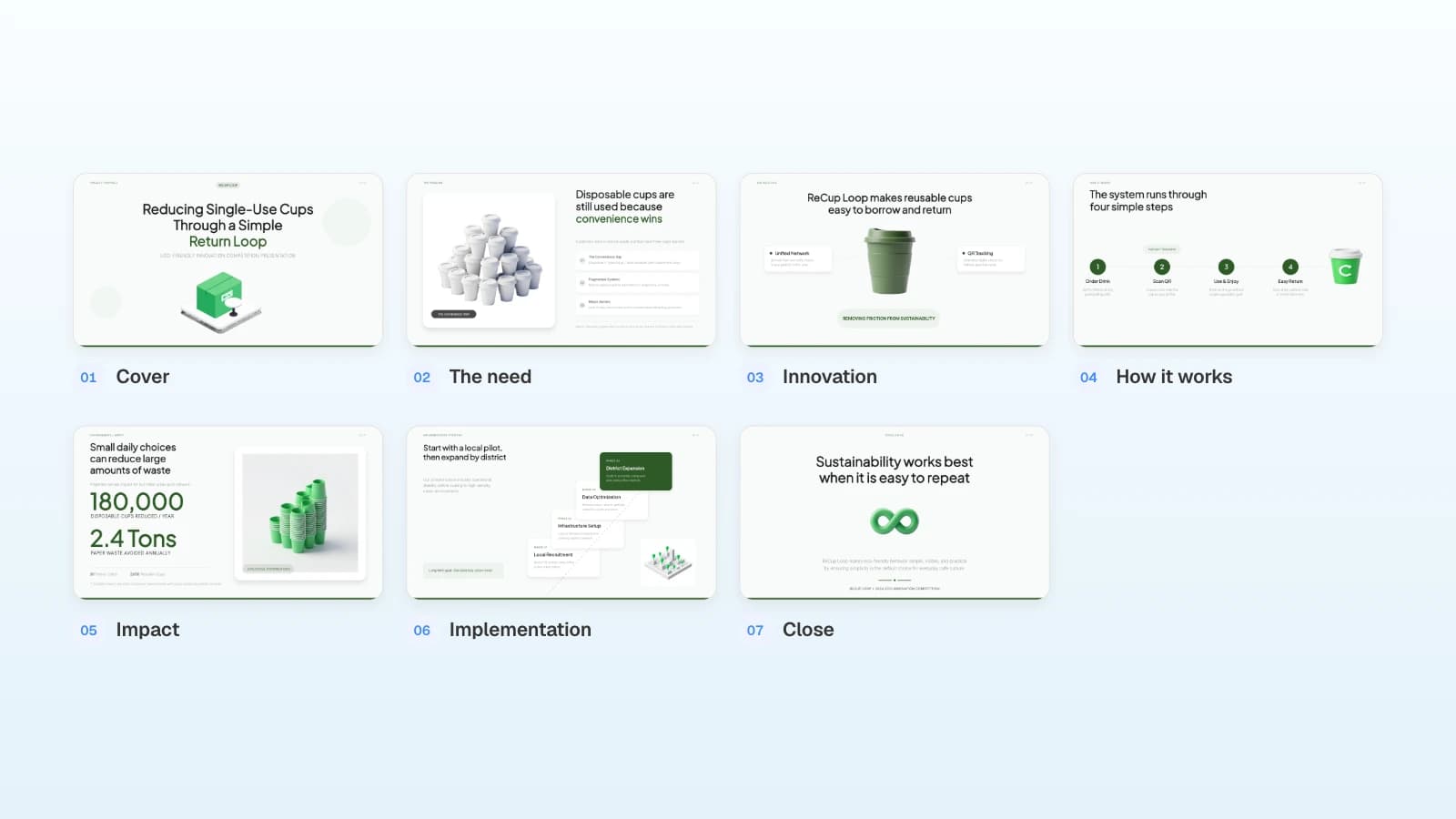
- Matching template: ReCup Loop - Eco-Friendly Cafe Cup Return Proposal (7 slides), built as an innovation competition presentation with impact and rollout slides.
Prompt 4: a pilot proposal to a large company
Put the other company's problem and the pilot plan before your company story. Name the team you are writing to, the pilot length, and the decision you want. You don't know their internal numbers, so tell the AI not to guess.
Using only the attached company overview and pilot results, build an eight-slide pilot proposal for the operations team at a national logistics company: their problem, our approach, three core features, a four-week pilot plan, security and integration, cost, and next steps. Don't guess at their internal figures; mark them "to confirm". End with the decision we need: approve the pilot and name an owner on their side.
| Slide | What goes on it |
|---|---|
| 1. Cover | Proposal title and who it is for |
| 2. Their problem | How the work is done today, figures to confirm |
| 3. Our approach | The change you propose |
| 4. Core features | Three features and what each changes |
| 5. Pilot plan | Week-by-week plan and who does what |
| 6. Security and integration | Data handling and systems it connects to |
| 7. Cost | Pilot terms |
| 8. Next steps | The decision you are asking for |
- Replace: the industry and team, the pilot length, and the results you attach.
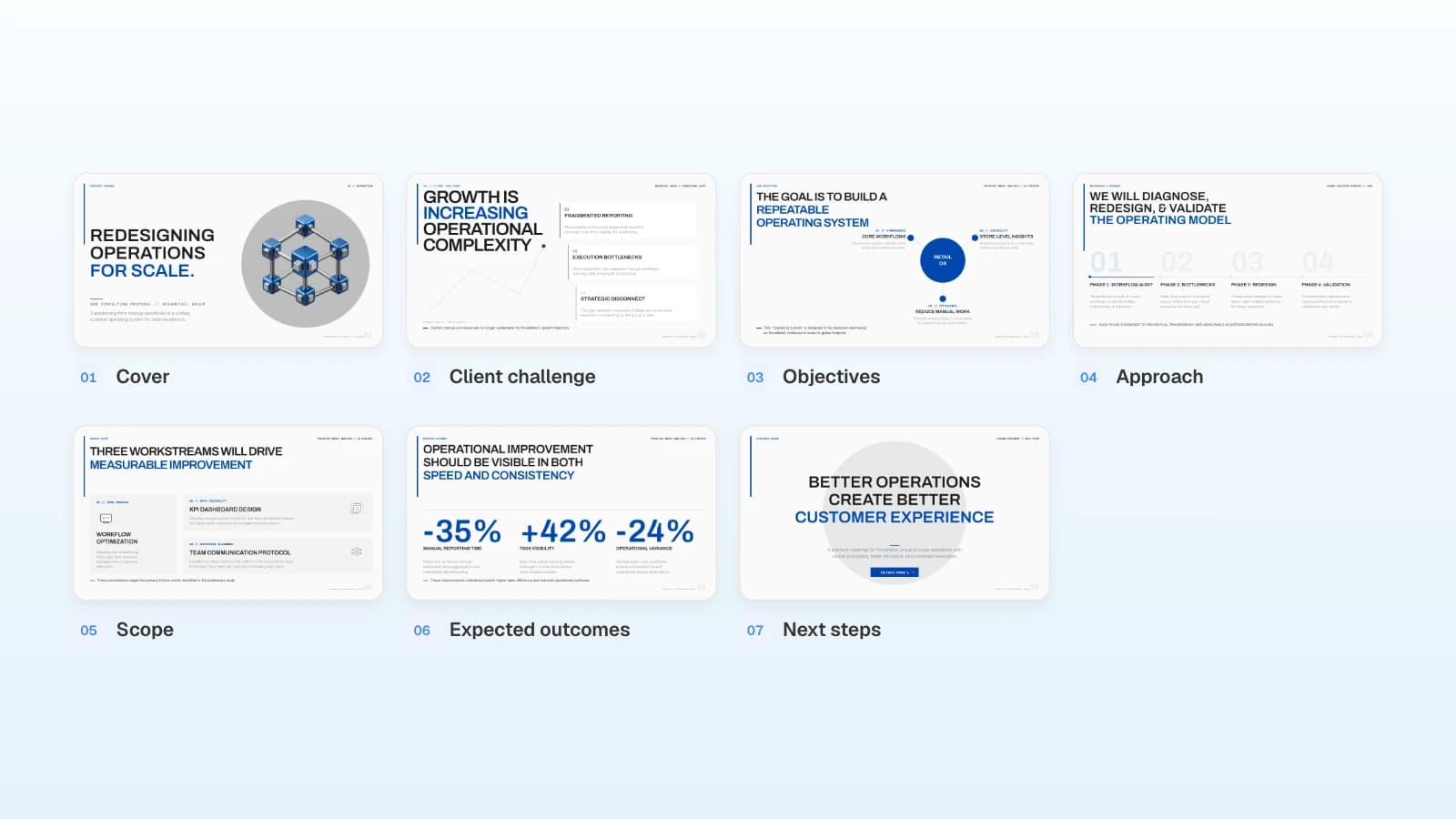
- Matching template: B2B Strategic Proposal (7 slides), which moves from the client's challenges to a phased implementation roadmap and next steps.
Prompt 5: a monthly investor update
Lead with the numbers, keep it short, and put your asks after the metrics. Aaron Harris, writing about the updates YC receives from its alumni, suggests reporting growth, cash and burn, what you need from investors, and how things are going, every month, and moving extra good news to an appendix (Aaron Harris).
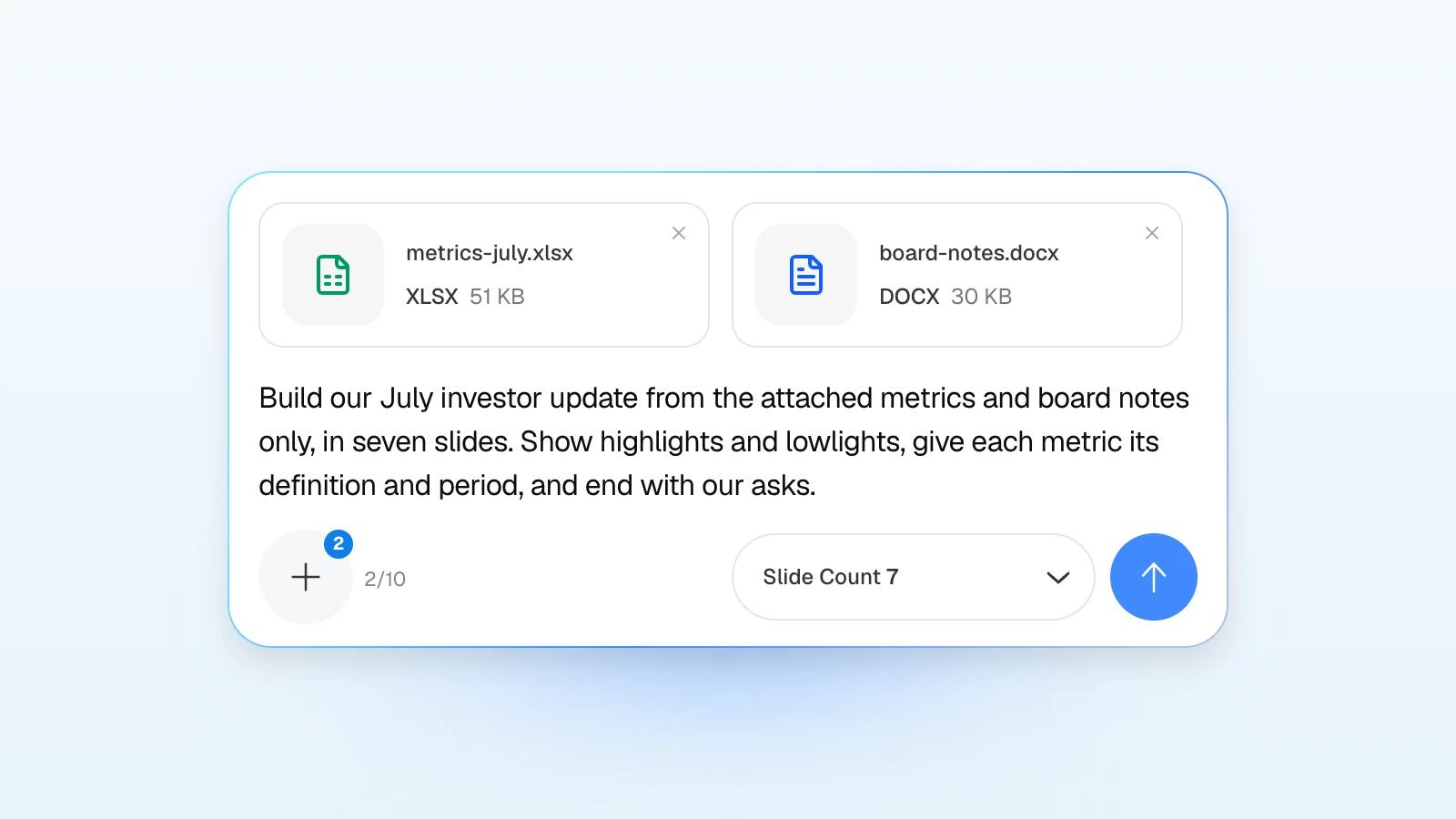
Using only the attached July metrics and board notes, build a seven-slide investor update: a one-line summary of the month, highlights, user growth, product, revenue and retention, and next month's plan with our asks. Compare every metric with June and give its definition. Include lowlights with their causes, put cash on hand and runway exactly as they appear in the sheet, and keep the asks on the last slide.
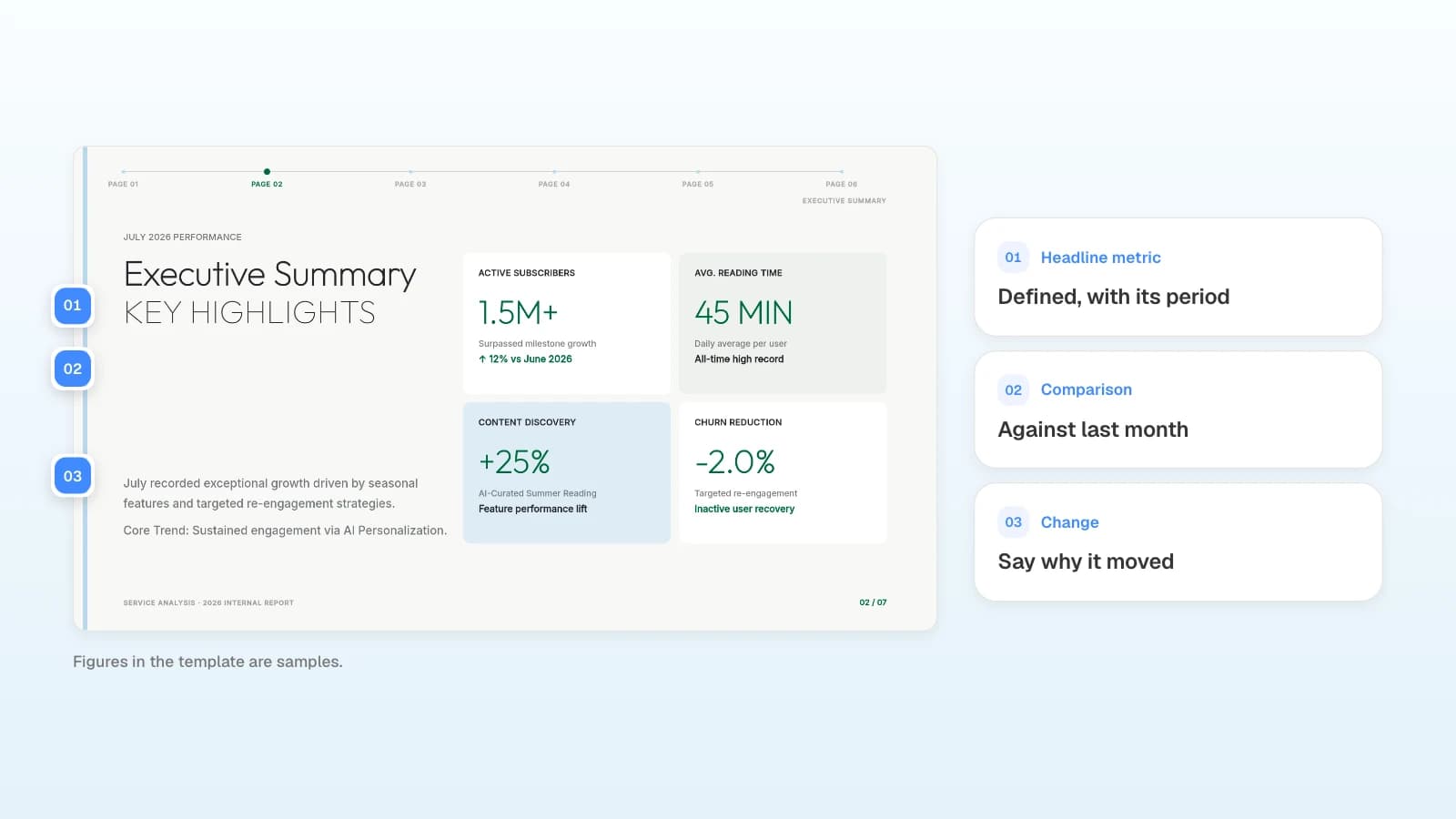
- Replace: the month, the files, and the one specific ask, such as an introduction or a hire.
- Matching template: Monthly Performance Report (7 slides), which already has an executive summary, growth, product, revenue, and outlook slides.
What should you ask for after the first draft?
Select a slide and ask; only that slide changes. Check facts and numbers first, then wording and layout.
| Check | Request |
|---|---|
| Numbers | "Compare the numbers on this slide with the spreadsheet I attached and list only the differences." |
| Headline | "Rewrite the title as the one-sentence point of this slide." |
| Length | "Cut the explanation to two lines and keep every number." |
| Emphasis | "Make the most important number large and shrink the rest." |
| Honesty | "Label anything that is a projection or a target." |
You can attach files in the editor's AI panel too, so upload the sheet you want the slide checked against. If you need the deck for a different room, export it as a PDF and start a new prompt from it, as in the demo day example. Whatever the AI reports, compare the raise, revenue, and user numbers with your source files yourself.
What does MOVO change when you prompt a startup deck?
- Attach, don't paste: attach a PDF (up to 100 pages), a Word document, a spreadsheet (up to 20 sheets), a CSV, or images. Save PPTX files as PDF first.
- Set the slide count in the input: match the "Slide Count" menu to the number in your prompt.
- Outline first: MOVO shows every slide's title and details before building, so you can fix titles, details, and order while it is still text.
- Or start from a template: on a template's page, "Start from this deck" copies it into your projects after you sign in and opens it in the editor, ready for your content.
- Export files: PDF and PNG on every plan; PPTX and Figma on paid plans.
How to build an investor update in MOVO
The pictures below show MOVO's screens filled with this article's example: a fictional book subscription service preparing its July investor update. They illustrate the steps; they are not a recording of a real session.
1. Attach the metrics and notes, then paste the prompt
In the dashboard input, attach the metrics sheet and the board notes, paste the investor update prompt from above, and set the slide count to seven.
For a quarterly update instead:
Using only the attached Q3 metrics and board notes, build an eight-slide quarterly investor update: the quarter in one sentence, key metrics by quarter, three wins and three misses, cash and runway, next quarter's goals, and our asks. Use the spreadsheet values exactly and compare each metric with Q2.
2. Check the outline against the prompt
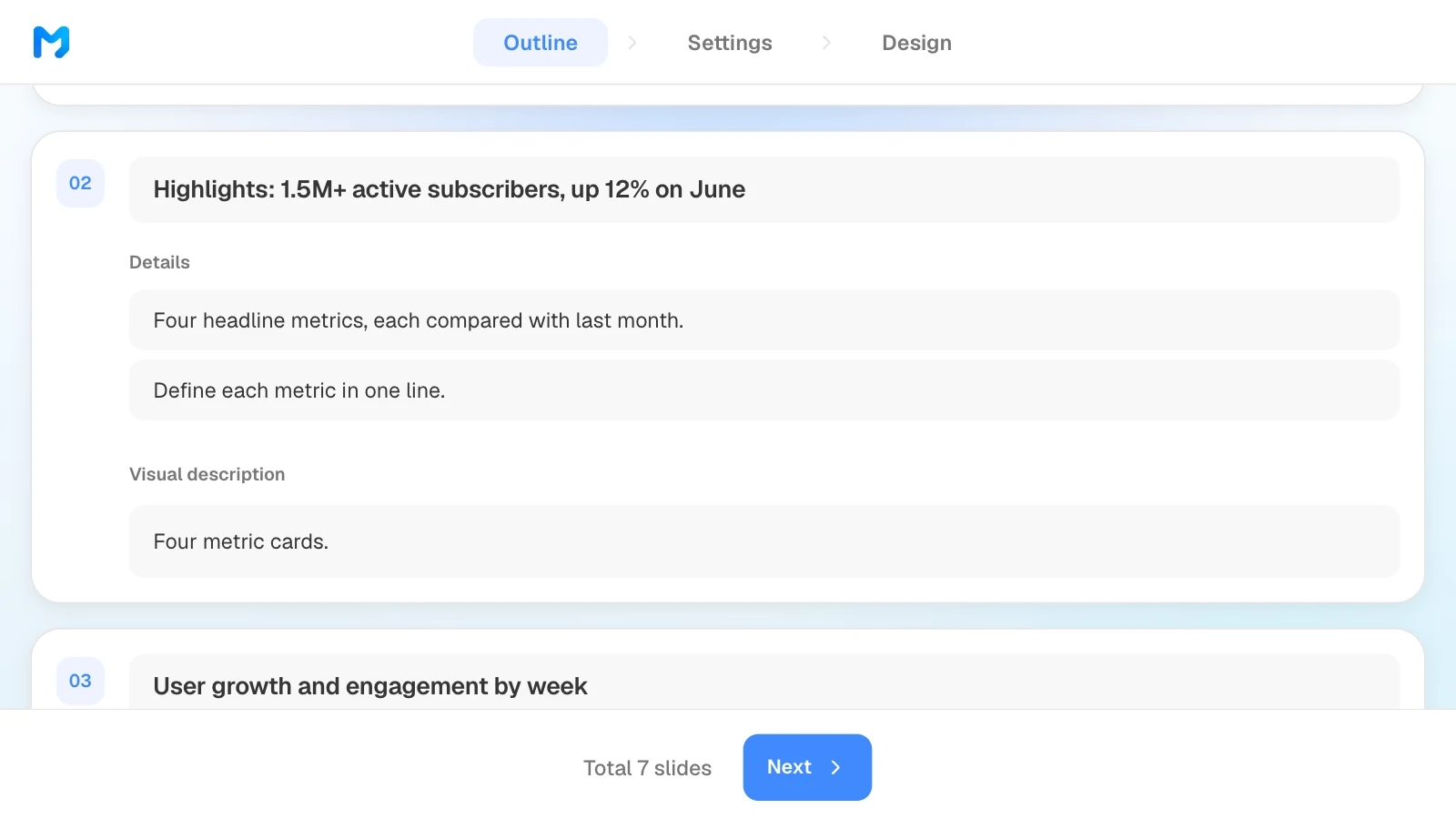
Review the titles and details MOVO suggests for each slide and confirm they follow the order you asked for. Rewrite any title that doesn't state its point; what you change here is what gets built.
3. Set the audience and density
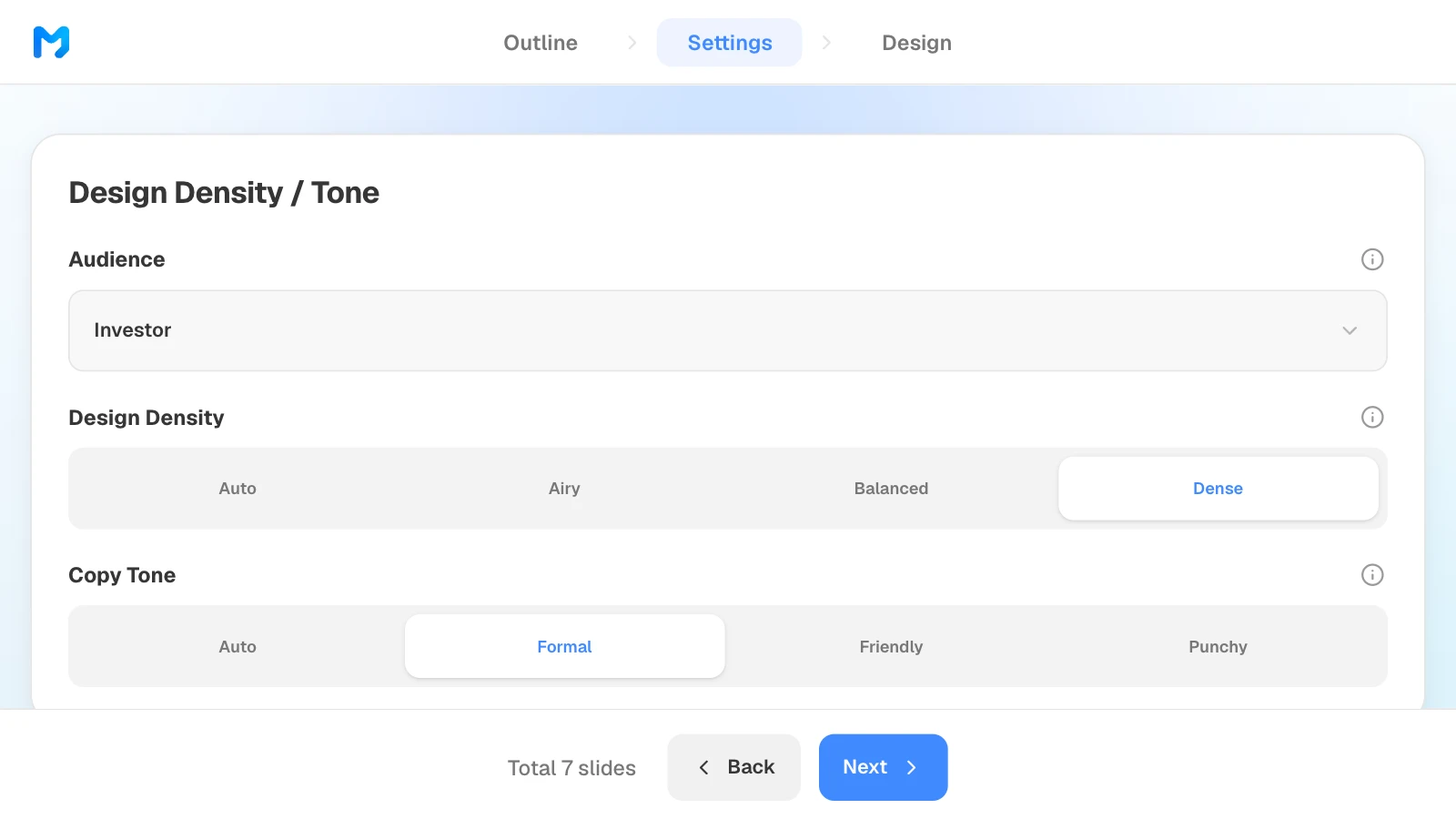
In settings, choose "Investor" as the audience. An update is read rather than presented, so a denser layout works; set copy tone to "Formal".
4. Pick a design
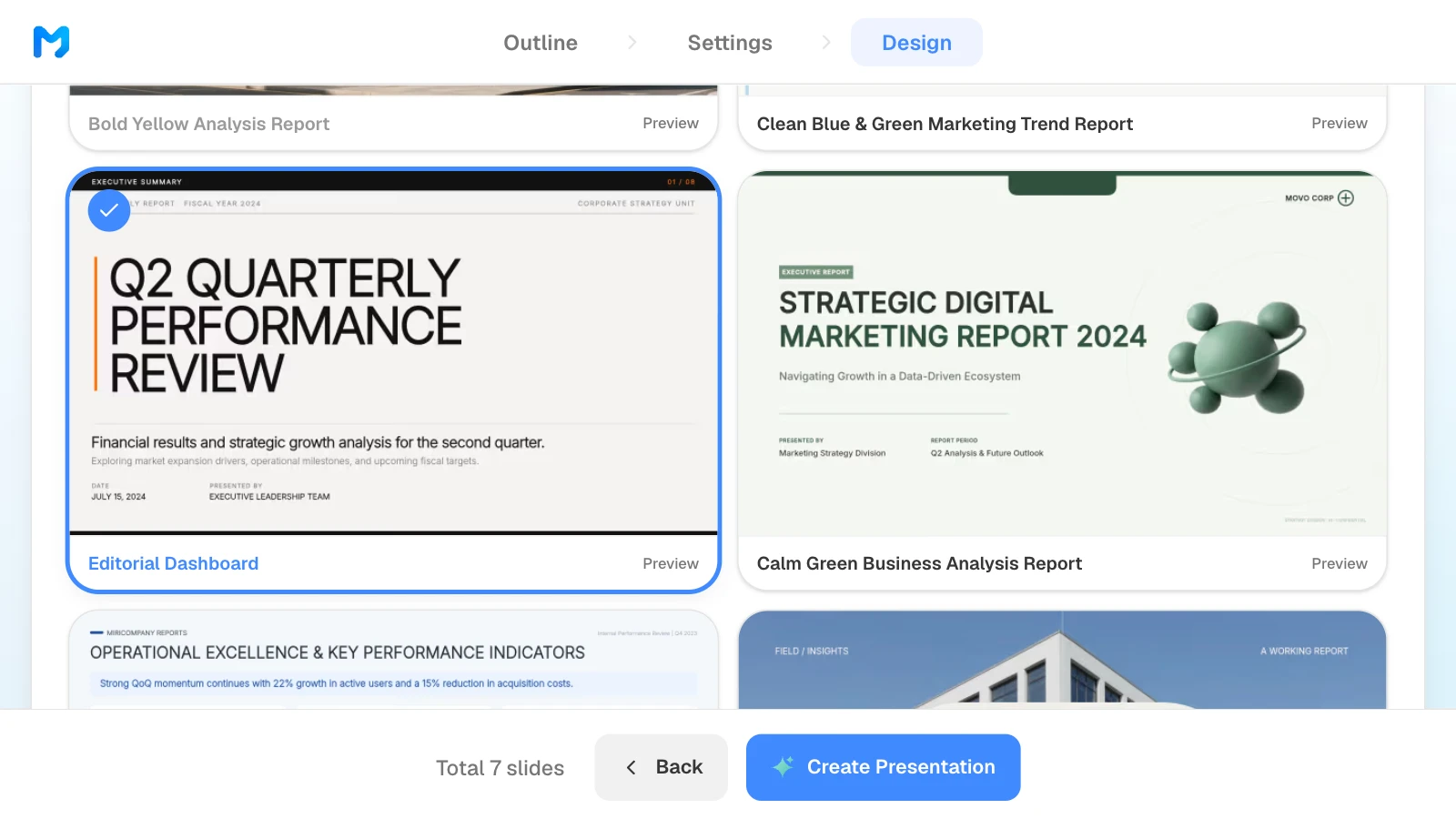
Under "Document type", choose the report type to see only report styles. Open "Preview" to see sample slides, then pick one. Styles marked "Pro" are available on paid plans.
5. Check the numbers and fix only what is wrong
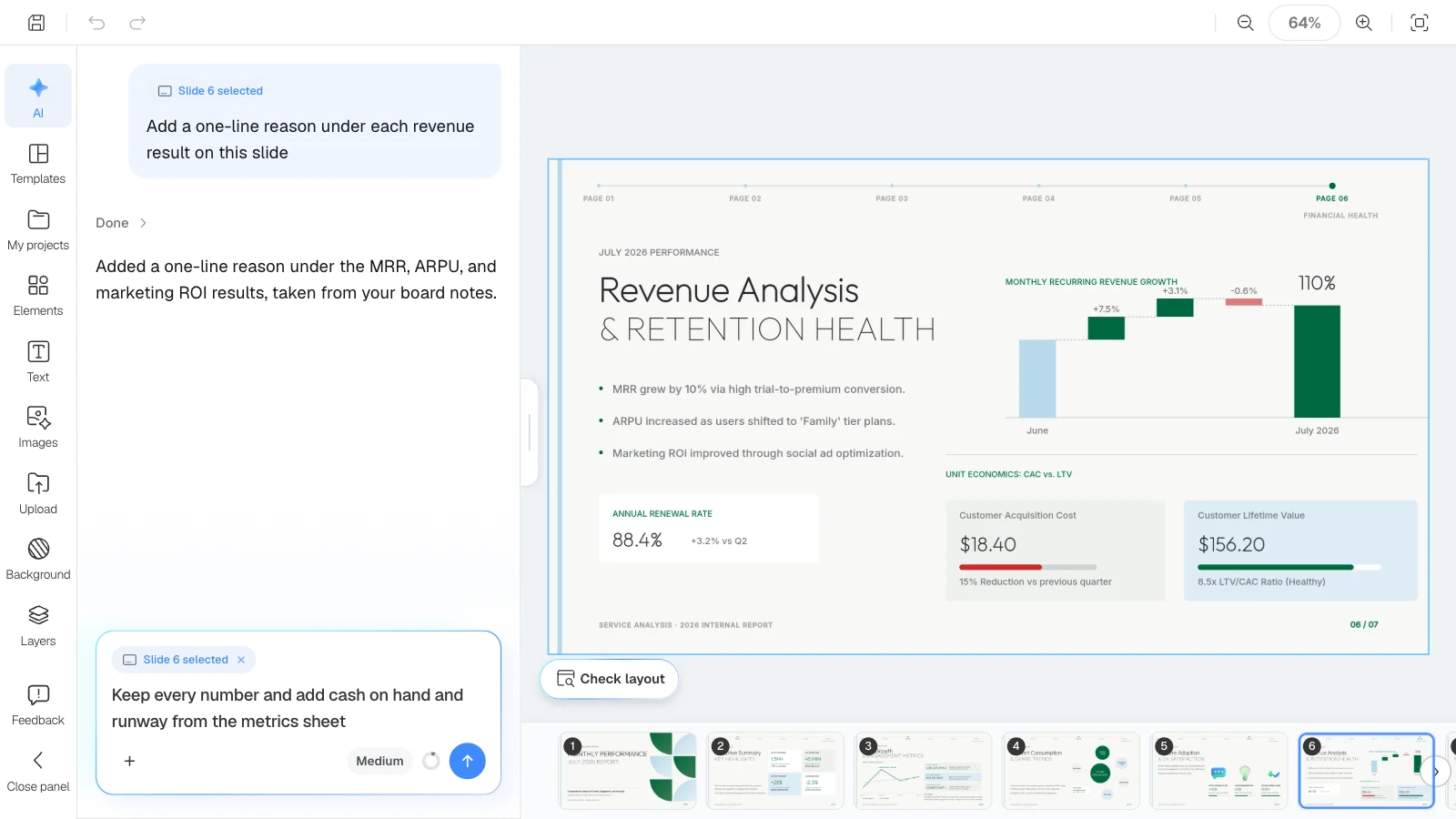
Compare every metric with the spreadsheet. To fix one, select the slide and ask in the AI panel on the left, or edit it on the canvas.
6. Export a PDF to email
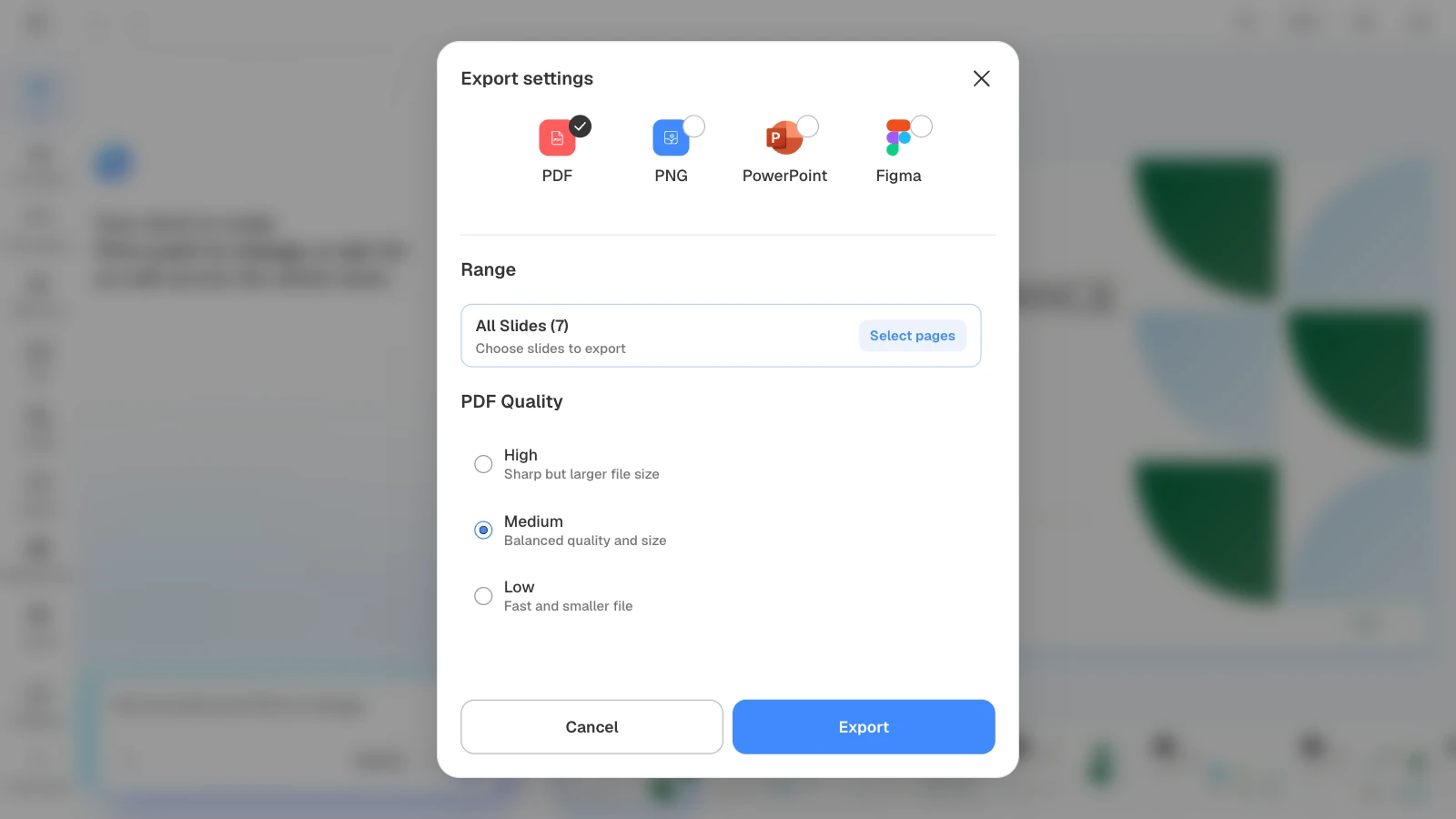
A PDF is the easy format for an emailed update. If the file is large, lower the PDF quality to Medium or Low.
Five templates to pair with these prompts
One MOVO template for each prompt above. They are written for an English-speaking audience, and the companies and numbers in them are fictional and show structure only. Starting from a template fills slides that already exist; starting from a prompt builds a new deck from your own files.
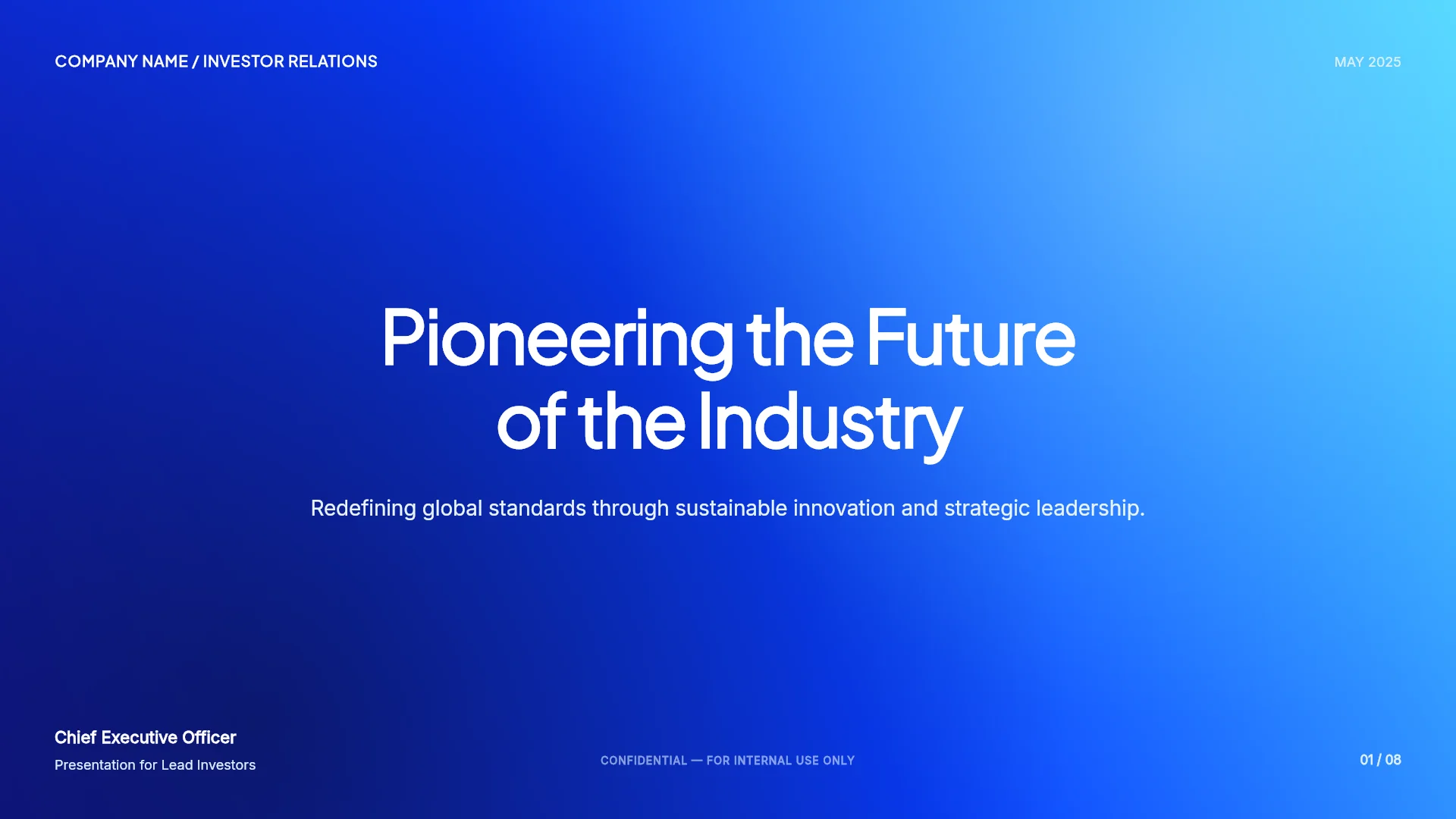
1. Series A Investment Pitch (8 slides)
A Series A pitch with a sized problem and market, a revenue model, ARR traction, a leadership team, and a raise with use of funds, all in US dollars. Pairs with the first partner meeting prompt.
View the Series A Investment Pitch template
2. Navy Monolith Pitch (6 slides)
A bold six-slide pitch with massive block capitals and one idea per slide. Its text is placeholder copy, so treat it as a layout for a short stage pitch and replace every line with your story. Pairs with the demo day prompt.

View the Navy Monolith Pitch template
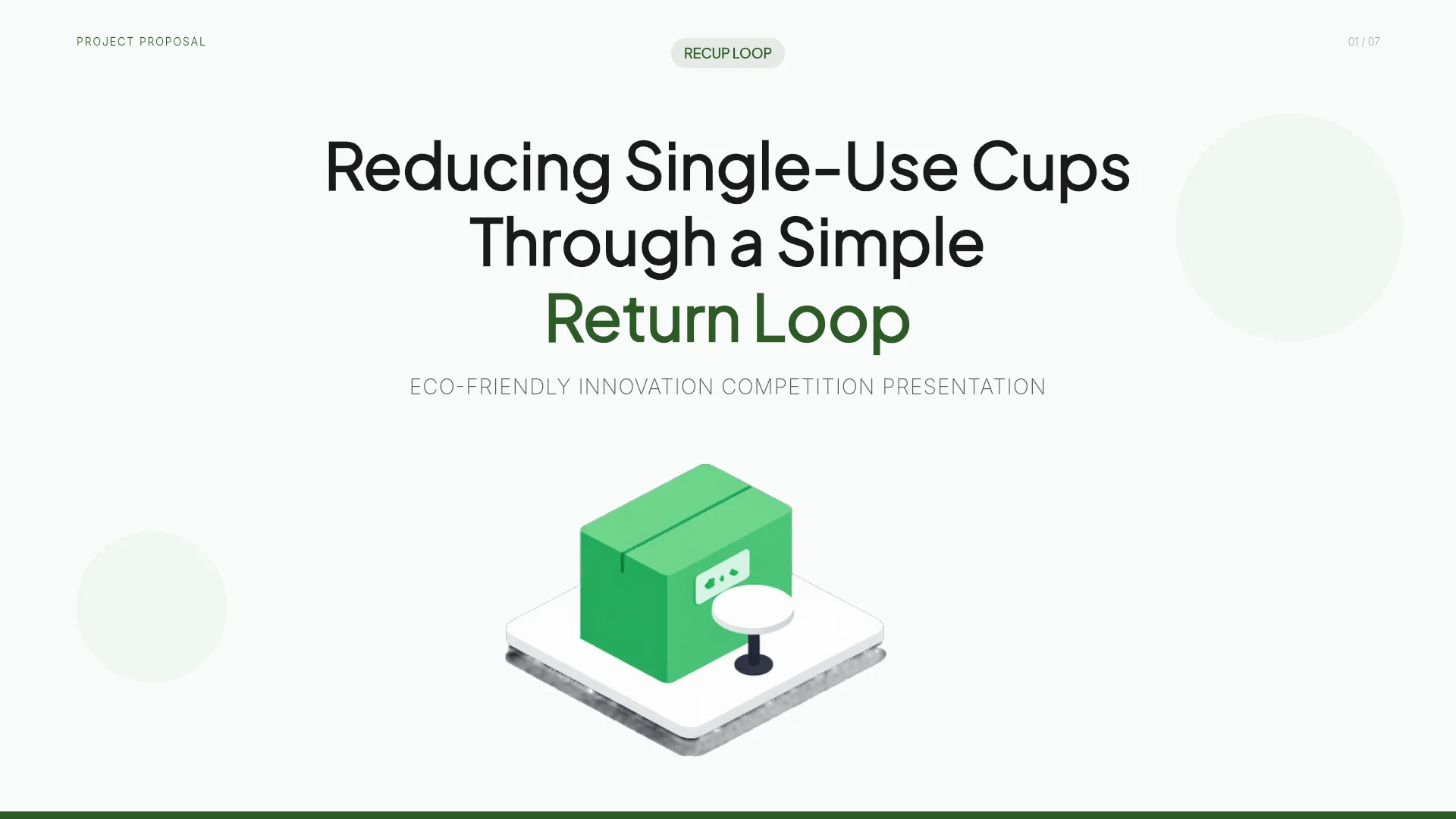
3. ReCup Loop - Eco-Friendly Cafe Cup Return Proposal (7 slides)
An innovation competition presentation for a reusable cup network: the problem, the solution, how it works, projected impact, and a phased rollout. Pairs with the grant interview prompt; add team and budget slides.
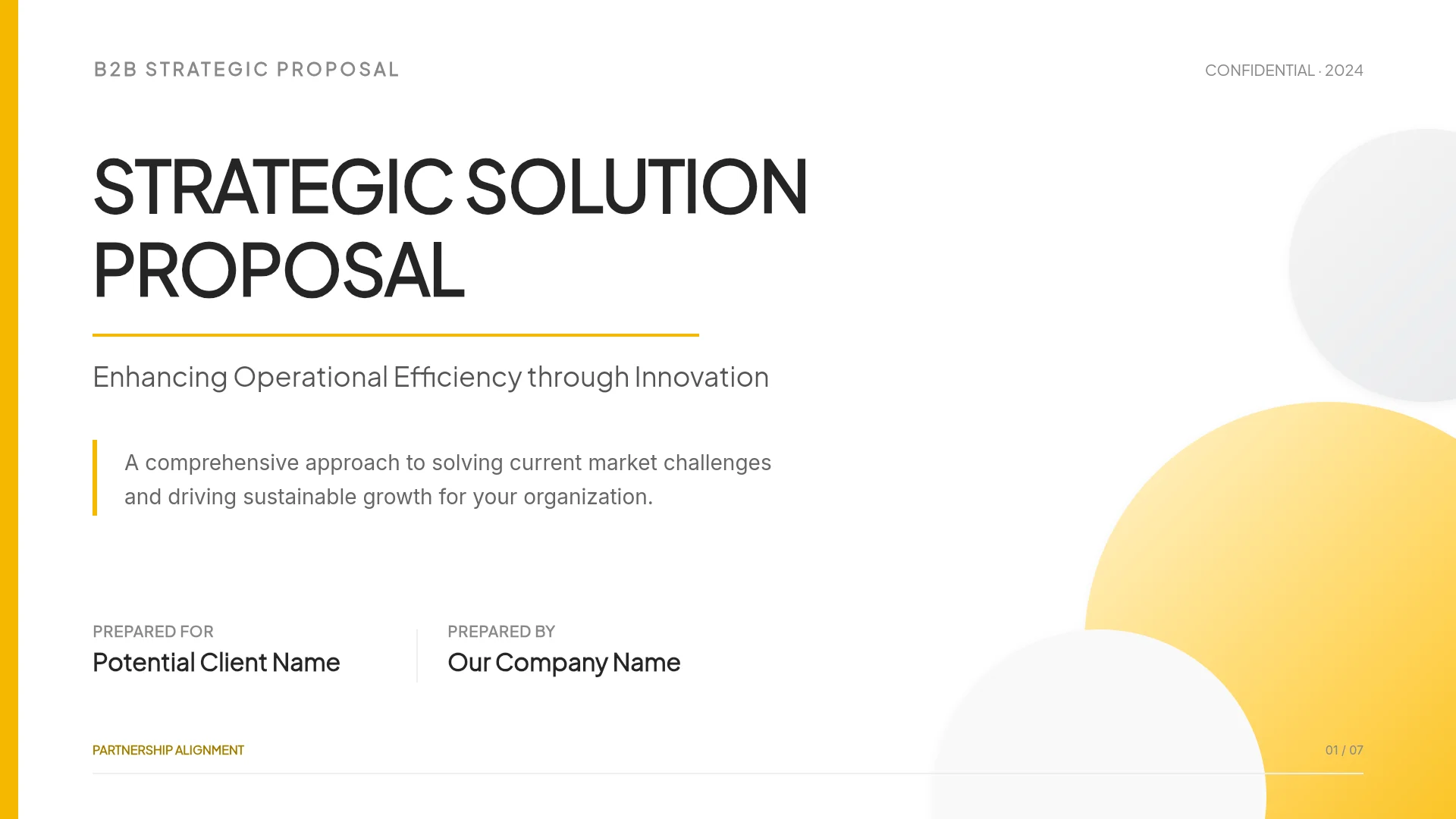
4. B2B Strategic Proposal (7 slides)
An enterprise proposal that moves from the client's challenges to a solution framework, value pillars, a phased implementation roadmap, proof, and next steps. Pairs with the pilot proposal prompt.
View the B2B Strategic Proposal template
5. Monthly Performance Report (7 slides)
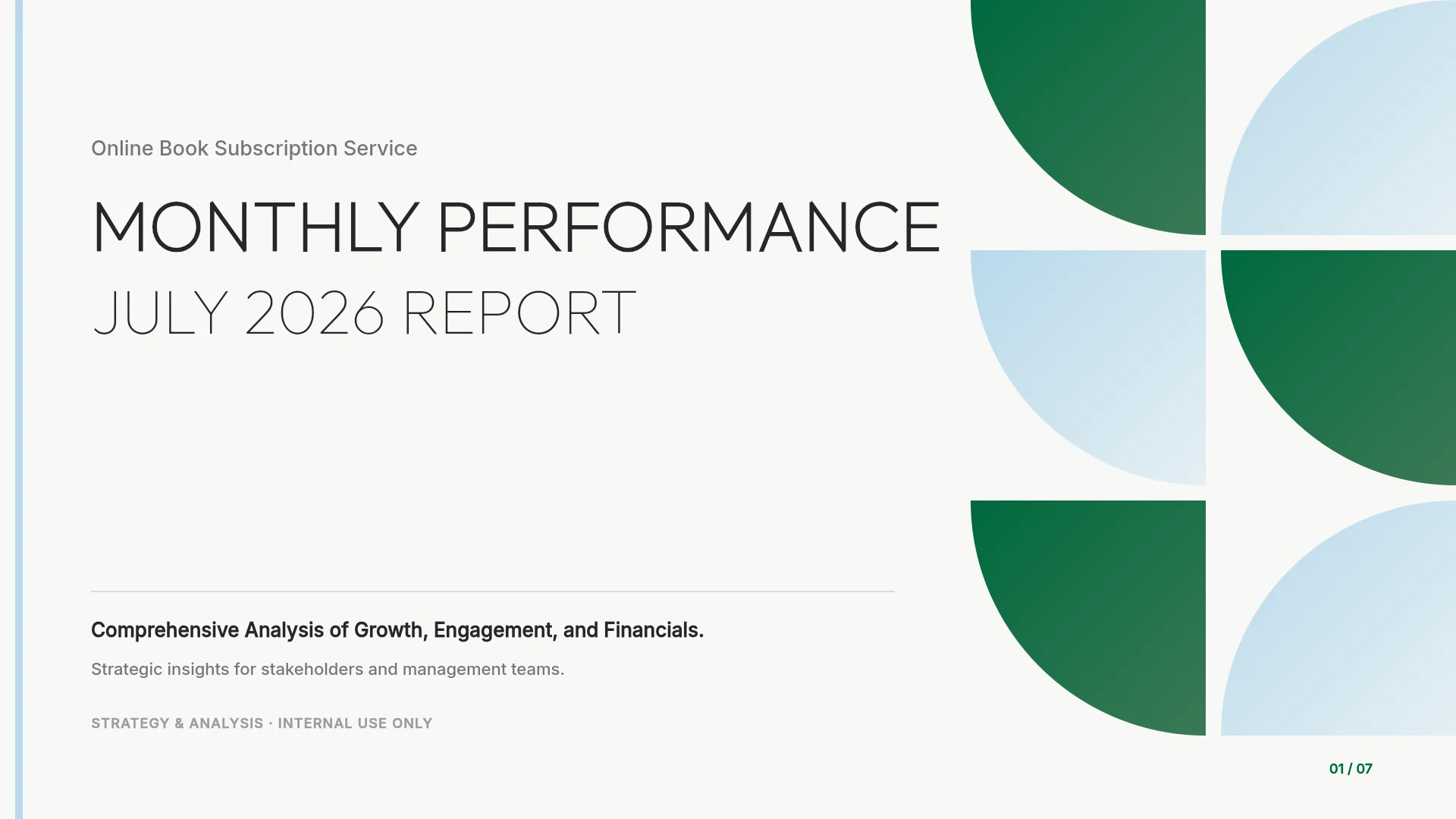
A monthly report for a subscription service: executive summary, user growth, content trends, feature adoption, revenue and retention, and next month's outlook. It is the deck used in this article's pictures. Pairs with the investor update prompt.
View the Monthly Performance Report template
Frequently asked questions
Does writing "Series A" in the prompt fill in the right content?
No. A round name tells the AI nothing about your product, customers, or results, and two companies raising the same round can look very different. Attach your real material, use the stage only as background, and tell the AI not to add results that aren't in your files.
Can I ask the AI to build a competitor comparison from names alone?
Don't rely on one. A comparison built from names alone can include features or figures nobody checked. Attach the sources you verified, with the date you checked them, set the comparison criteria yourself, and ask for "to confirm" wherever evidence is missing.
Should I start from a template or from a prompt?
Start from a template when a similar deck already exists: it copies finished slides into your project and you replace the content, but the structure is the template's. Start from a prompt when the room needs its own structure: MOVO builds the outline from your files and your request.
How long should a monthly investor update be?
Short enough to read in full. Aaron Harris's advice is to lead with your key metrics, keep the update brief so investors read all of it and remember how they can help, and move extra good news to an appendix. The example in this guide fits a monthly update into seven slides and a quarterly one into eight.
Can I use numbers the AI generated?
Not without checking them. Even with "no numbers that aren't in the files" in the prompt, compare the raise, revenue, and user figures in the finished deck with your source files, and label targets and projections apart from actual results.
Summary
A useful startup deck prompt names the room, the audience, the time and slide count, the decision you want, the source files, and the rules. A first partner meeting, a demo day, a grant interview, a pilot proposal, and an investor update tell the same story in different shapes, so give each its own prompt. After the draft, check the numbers against your files and fix only the slides that need it. If you have your material ready, attach it to MOVO and start from one of the prompts above.