Grant Pitch Deck for EIC and Innovate UK
How to turn a written grant application into an interview deck, with the formats used by the EIC Accelerator jury interview, Innovate UK interview panels, and NSF's SBIR Project Pitch.
You have been invited to interview for an innovation grant. The EIC Accelerator gives you ten minutes to present and up to 35 minutes of questions; an Innovate UK panel may ask for your slides two weeks before the call. Your investor deck tells a fundraising story, but a grant panel scores your written application against published criteria, and it notices when the slides and the application don't match.
MOVO starts from the application you already wrote. Attach the application PDF and the assessor feedback, say how long you have and which criteria to follow, and MOVO shows a slide-by-slide outline before it builds anything. Reorder the outline to match the scoring criteria, pick a design, and the slides are built; if one slide drifts from the application, select it and fix only that slide. This guide covers how a grant interview differs from an investor pitch, the formats the EIC Accelerator, Innovate UK, and US SBIR/STTR use, how to map scoring criteria to slides, how to answer assessor feedback, the MOVO workflow, and templates you can copy.
How is a grant interview different from an investor pitch?
A grant panel has already read and scored your written application; the interview checks and clarifies it. That changes what the deck is for:
- The panel reads your application first. Innovate UK gives the interview panel your original application and appendices, the written assessors' feedback, your response to that feedback, and your slides (UKRI). The EIC jury sees the remote evaluation results of your full proposal and can focus the interview on any part of it (EIC Accelerator guide for applicants, v6.0).
- The interview can decide the outcome. At Innovate UK, the interview score overrides the initial written score unless the competition brief says otherwise (UKRI). The EIC jury gives each proposal a GO or NO GO.
- The deck must match the paperwork. The EIC asks applicants to keep text, figures, and ideas consistent across all submitted documents (EIC tips for applicants).
| Question | Investor pitch | Grant interview |
|---|---|---|
| Who decides? | Partners at one firm | A jury or panel scoring against published criteria |
| What have they read? | Usually just your deck | Your full application and the assessors' scores or feedback |
| What must match? | Your story across meetings | Every figure, milestone, and cost in your application |
| What do you ask for? | A round size and terms | Funding for a defined project, work plan, and budget |
What formats do the EIC, Innovate UK, and SBIR use?
Each program sets its own format, so read the current call before you build anything. These are the formats stated in the documents we checked in September 2026.
| Program | What you present or submit | Time |
|---|---|---|
| EIC Accelerator, short application (Step 1) | A pitch deck of up to 10 slides (PDF) and a video of up to 3 minutes with up to three core team members | — |
| EIC Accelerator, full application (Step 2) | A new pitch deck in PDF with no template or slide limit; this is the deck you present if you reach the interview | — |
| EIC Accelerator jury interview (Step 3) | A presentation with your Step 2 deck to a panel of up to six jury members, in English, with no pre-set questions | Up to 10 min + up to 35 min of Q&A |
| Innovate UK interview panels | Your slides and a response to assessor feedback, sent two weeks before the interview | Set in each competition brief |
| Innovate UK Biomedical Catalyst 2025 (large projects) | No more than 21 slides in PowerPoint, no video or embedded links; interviews online | Up to 20 min + 30 min of questions |
| Farming Innovation Programme Round 5 (Defra, with Innovate UK) | No more than 20 slides in PowerPoint, no video or embedded links; online or at a designated location | Up to 20 min + 30 min of questions |
| US SBIR/STTR at NSF: Project Pitch | A short written form, not slides: Technology Innovation, Technical Objectives and Challenges, Market Opportunity, Company and Team | Response in about 1–2 months |
Sources: EIC Steps 1–3 from the EIC Accelerator guide for applicants, v6.0 (November 2025); Innovate UK panels from UKRI's guidance; the two competitions from their briefs on the Innovation Funding Service (Biomedical Catalyst 2025, Farming Innovation Programme Round 5); NSF from its Project Pitch page.
- EIC: the Step 2 deck is your interview deck. The guide says you present the deck submitted with your full proposal, and that it is your responsibility to fit it into the 10 minutes. It can be the Step 1 deck or an expanded version of it.
- Innovate UK: the brief sets the clock. Every applicant gets the same time, and if you overrun you may finish your sentence before you are asked to stop (UKRI).
- US SBIR/STTR: expect writing before slides. NSF requires the Project Pitch before a full Phase I proposal, with character limits of 3,500, 3,500, 1,750, and 1,750 for its four sections (NSF). Congress reauthorized SBIR and STTR through September 30, 2031, in a law signed April 13, 2026 (SBA). Other agencies set their own formats in each solicitation.
What do reviewers score, and how do you turn that into slides?
Build one slide, or one short run of slides, per scoring criterion, in the order the program lists them. The EIC Accelerator scores full proposals on three criteria, each from 0 to 5; a proposal needs at least 4 on each and 13 of 15 overall to be considered for interview (EIC guide).
| EIC criterion | What the guide asks | Slides that answer it |
|---|---|---|
| Excellence | Is it deep tech with a significant cost or performance gain? Has it completed TRL 5? Is IP protected? | The innovation, validation results, IP position |
| Impact | How big is the market and your realistic share? Are the business model and projections sound? Any broader impact? | Market, business and revenue model, broader impact |
| Level of risk, implementation, and need for Union support | Is the team able to scale, with gaps identified? Early traction with investors? Main risks and mitigations? A clear plan with milestones and deliverables? | Team, risks and mitigation, milestones, funding need |
NSF's four Project Pitch sections work the same way. Once you are invited to a full proposal or a meeting, reuse them as slide headings: the innovation, the technical objectives and challenges, the market opportunity, and the company and team (NSF).
Here is how a 10-minute EIC interview pitch might be timed. It is a planning example, not an EIC rule.
| Time | Slide | Criterion |
|---|---|---|
| 0:00–1:00 | The problem, who has it, and what it costs them | Impact |
| 1:00–3:30 | The innovation, validation results, and IP | Excellence |
| 3:30–5:30 | Market, business model, and growth | Impact |
| 5:30–7:00 | Team, and how you will close its gaps | Risk and implementation |
| 7:00–8:30 | Main risks, mitigations, and milestones | Risk and implementation |
| 8:30–10:00 | What the funding pays for and why the market alone won't | Need for Union support |
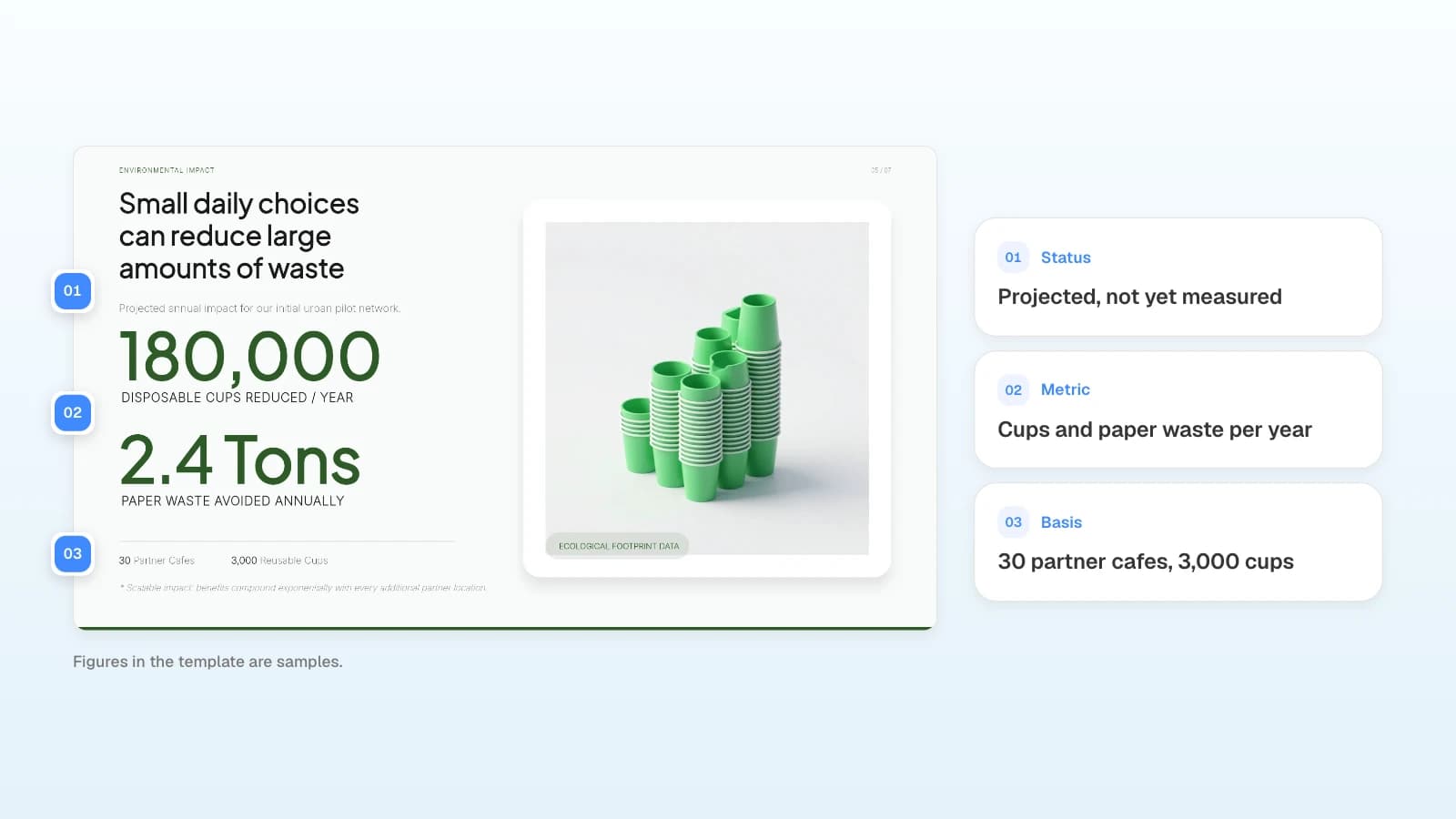
Label every forward-looking number as a projection and show its basis on the same slide. Panels compare these figures with your application, so keep the unit, period, and scope identical.
How do you answer assessor feedback in the slides?
Answer each feedback point where the panel will look for it, and say which point you are answering. Innovate UK tells applicants the presentation should explain anything further in support of the application or answer the assessor feedback, and that questions are answered from the application, the presentation, and the response to feedback (UKRI, Farming Innovation Programme brief).
This is an example for the article's fictional cup-return project; the feedback points are invented for illustration.
| Assessor feedback (example) | Where you answer it | What the slide shows |
|---|---|---|
| "Evidence of demand comes from one cafe only." | Slide 2, The need | Interview and sign-up results from the pilot area, with dates |
| "The return-rate assumption is not justified." | Slide 5, Impact | The assumption, its source, and what changes if it is lower |
| "Phase 2 logistics are a delivery risk." | Slide 6, Implementation | The named partner, the milestone, and the fallback plan |
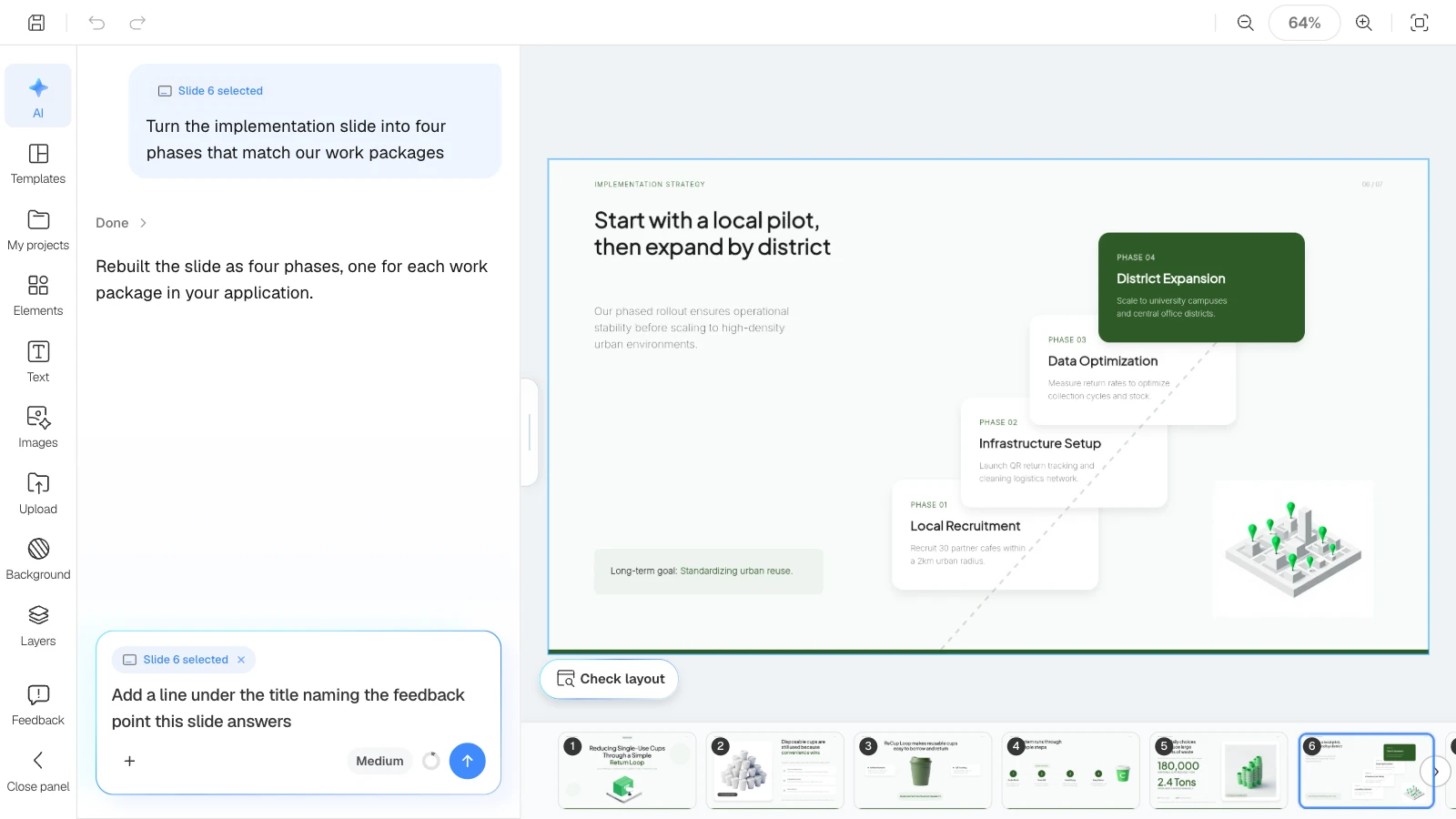
Put a short line under each answering slide's title, such as "Answers feedback point 2", so the panel can follow your response in order.
How do you prepare for the questions?
Rehearse to the exact time, then prepare for the Q&A as a separate exercise. At the EIC, the Q&A can run up to 35 minutes with no pre-set questions, and the jury works from the remote evaluation results of your full proposal (EIC guide).
- Start from the weaknesses reviewers already wrote down. List the weak points in the feedback you received and prepare an answer and a backup slide for each.
- Know who can be in the room. The EIC allows up to three company representatives (EIC guide) and says consultants or other third parties must not take part in the interview (EIC tips). Innovate UK states the number of attendees in the invitation.
- Keep backup slides after the close. Cost breakdowns, test data, and letters of support belong in an appendix you can jump to when asked.
- Check the file the panel will receive. Both Innovate UK briefs above ask for PowerPoint with no video or embedded links, so remove them before you send the deck.
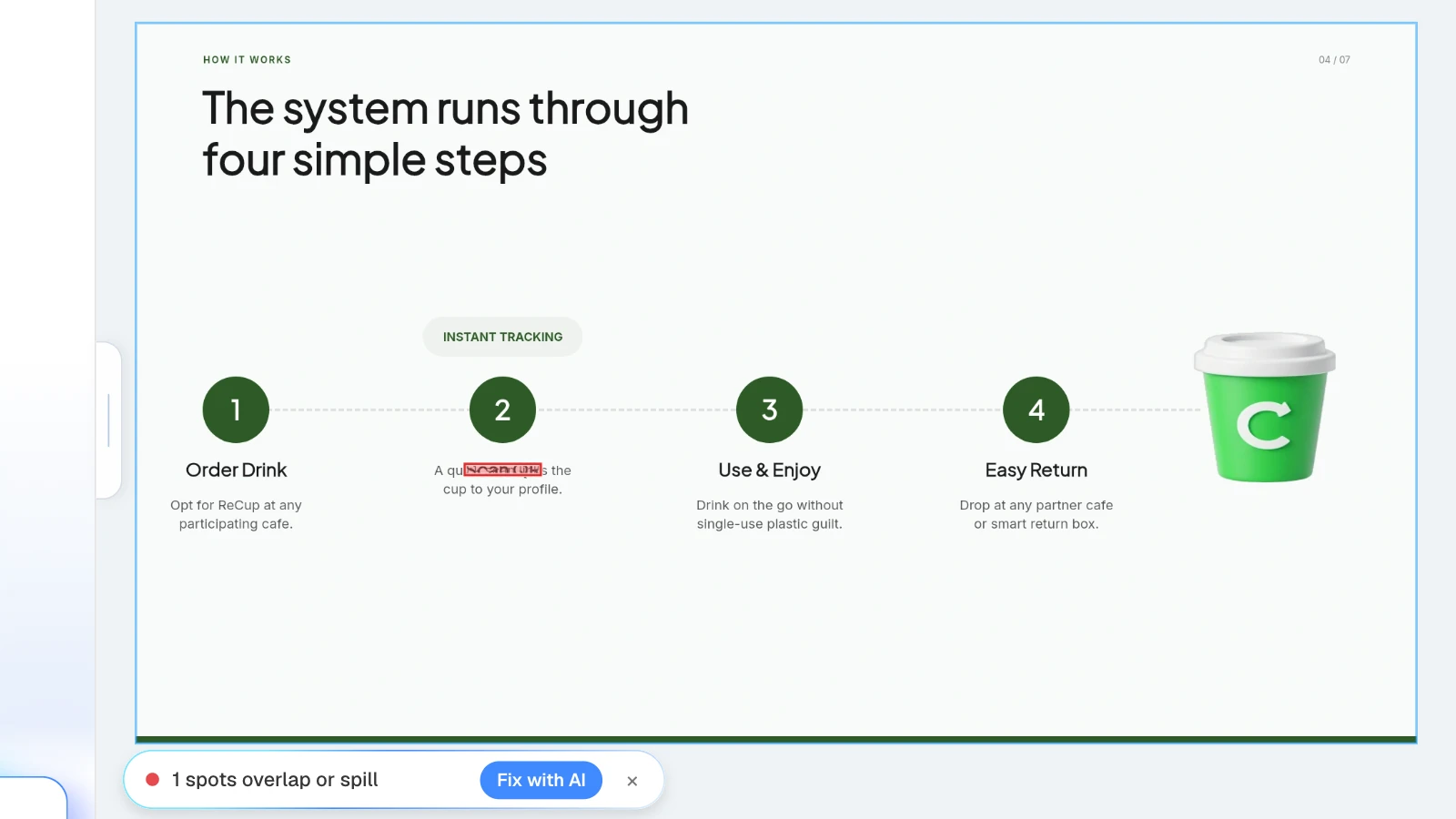
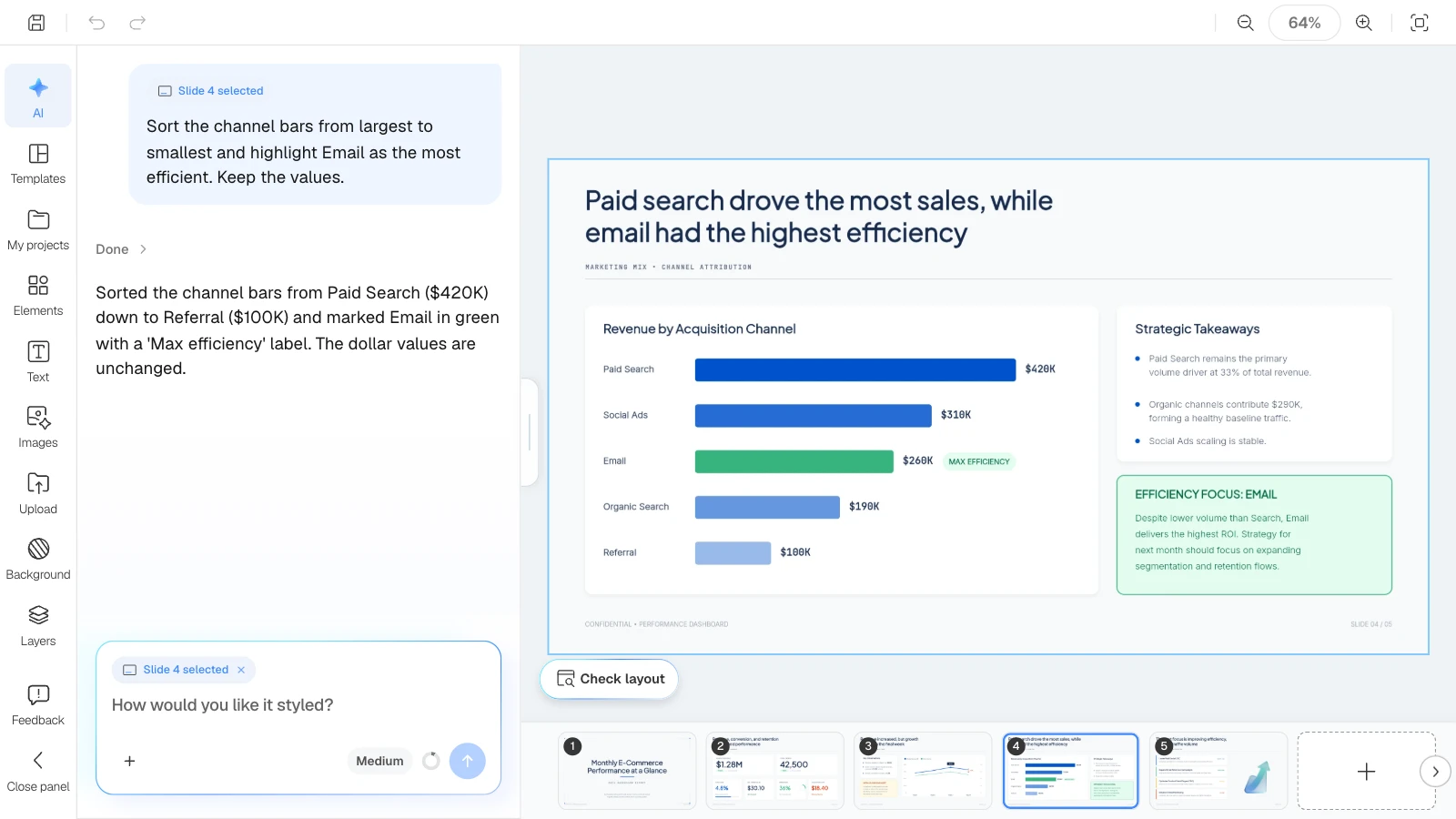
Editing figures to match the application is how text boxes start to overlap. In the MOVO editor, click "Check layout" below the canvas: MOVO marks overlapping or spilling spots on the current slide in red, and "Fix with AI" asks the AI to tidy that part.
What does MOVO change for a grant interview deck?
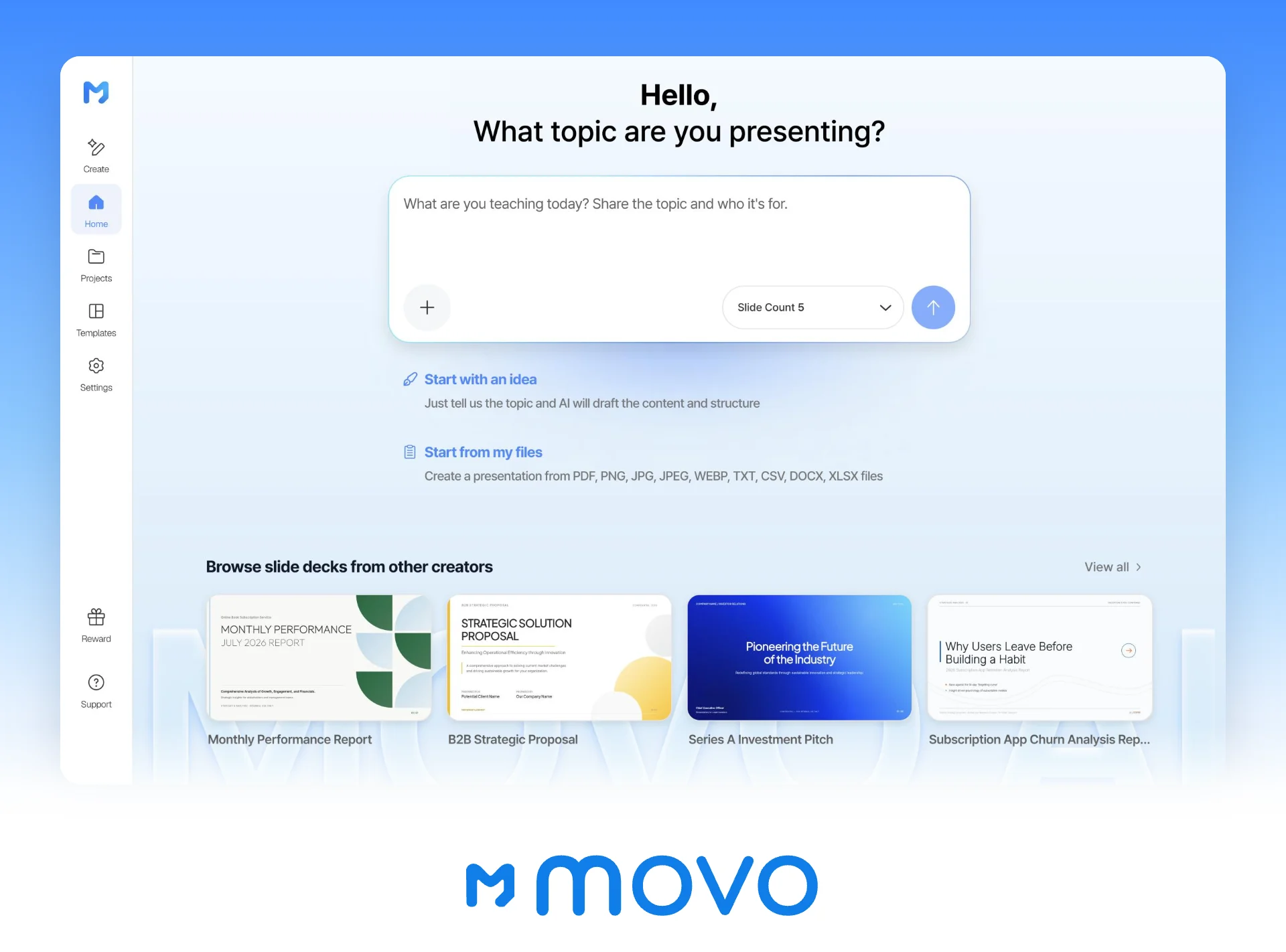
- Start from your application: attach the application as a PDF (up to 100 pages) or Word document, plus a budget spreadsheet (up to 20 sheets). Save PPTX files as PDF first.
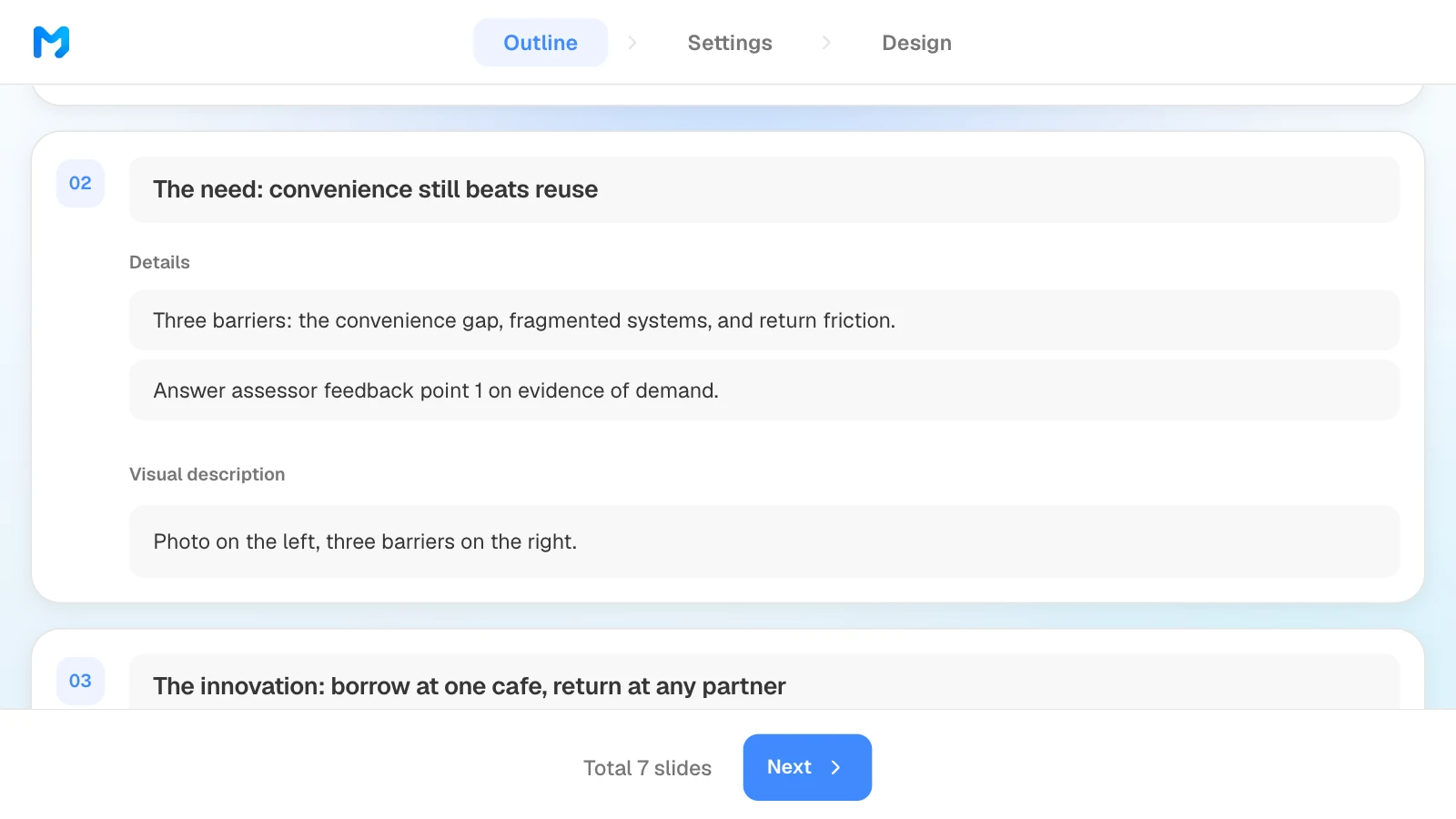
- Outline in the criteria order: MOVO shows every slide's title, details, and visual description before building, so you can match titles and order to the scoring criteria before any design work. The slide count is set in the input.
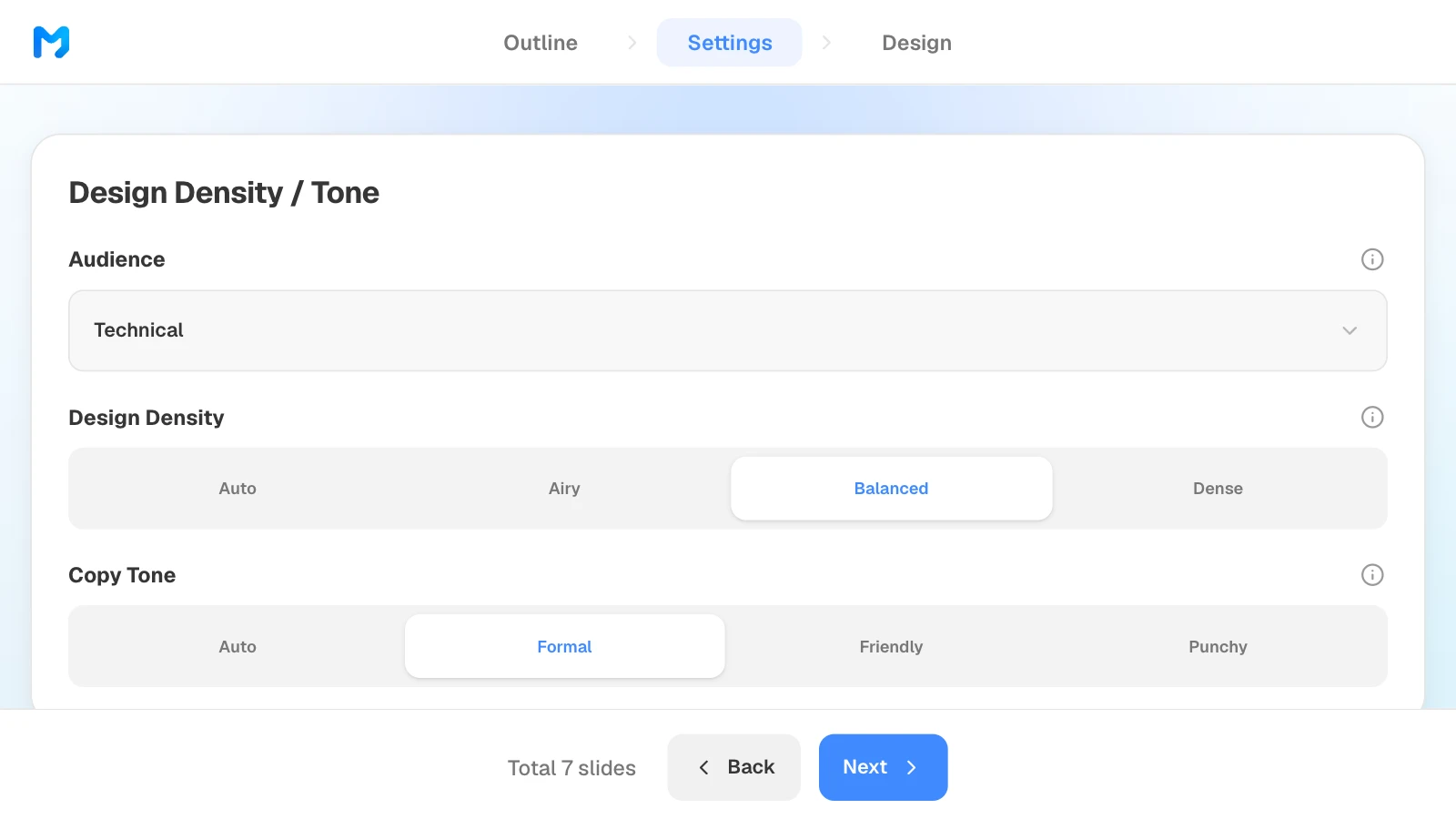
- Settings for a panel: choose an audience such as "Technical" or "Executive," set design density and copy tone, and narrow designs by document type.
- Fix one slide at a time: select a slide and ask for a change; only that slide changes. Check layout finds overlapping text boxes.
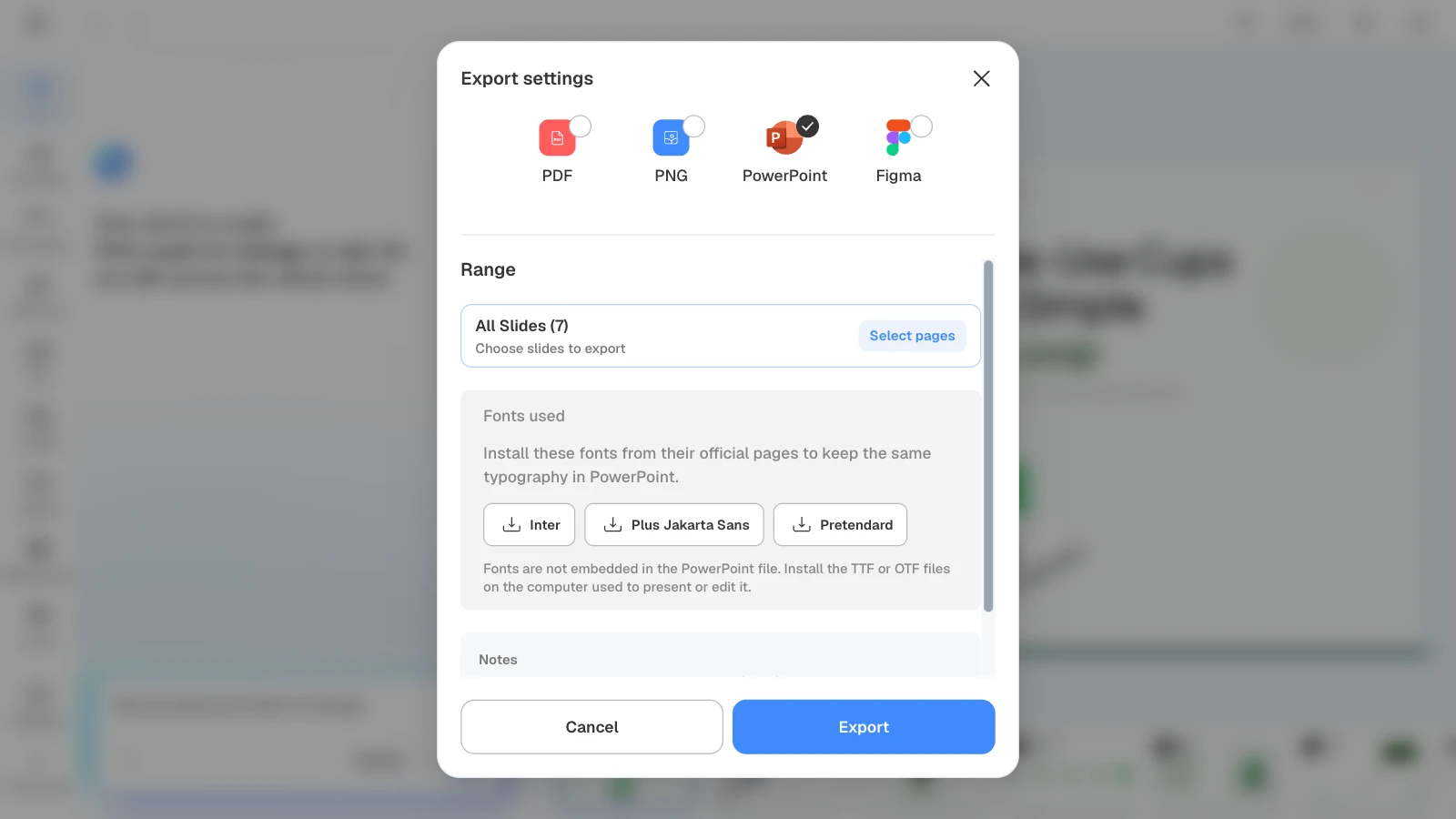
- Export the format they ask for: PDF and PNG on every plan; PPTX and Figma on paid plans. The EIC asks for a PDF deck, and some Innovate UK competitions ask for PowerPoint.
How to build a grant interview deck in MOVO
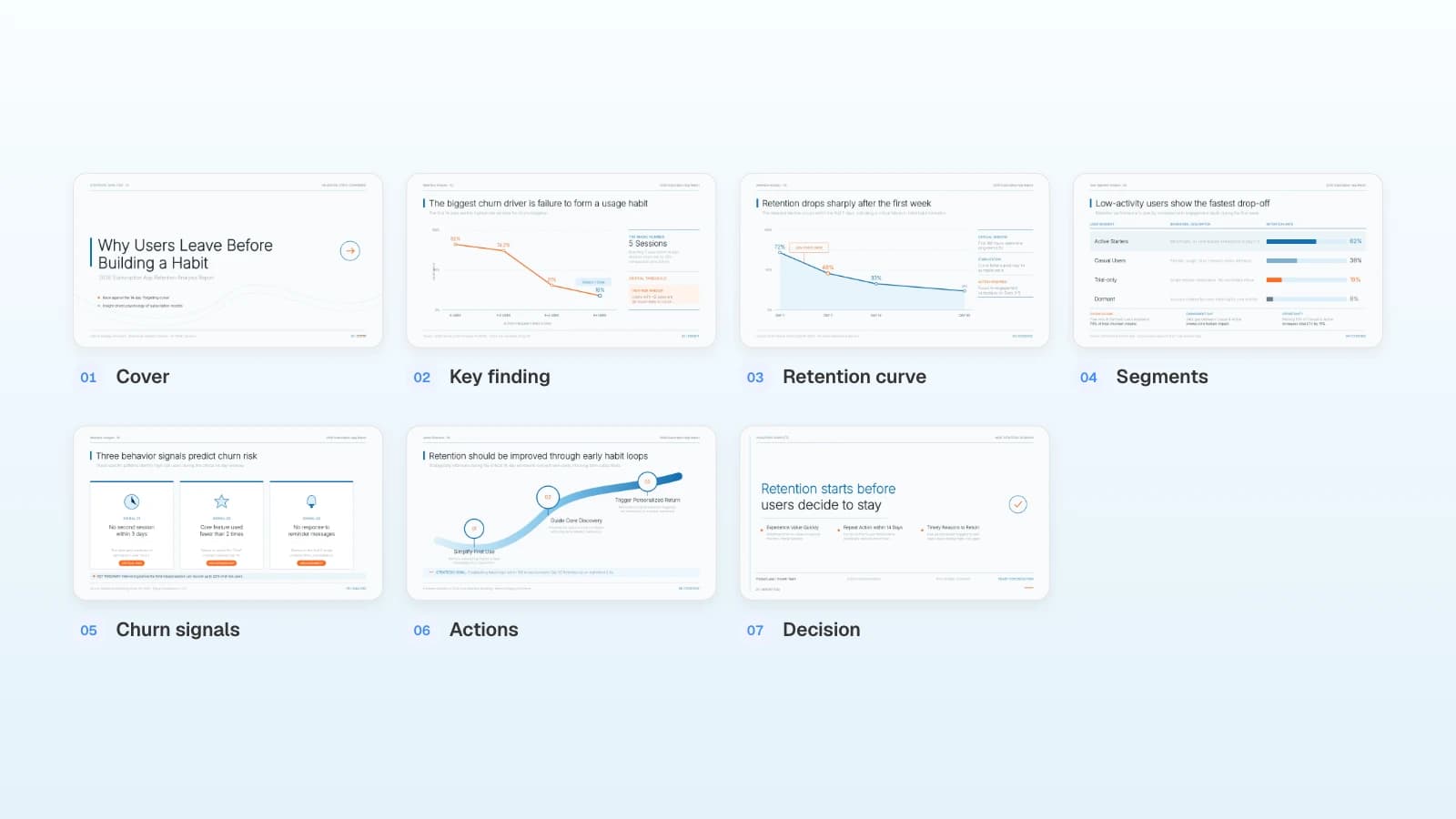
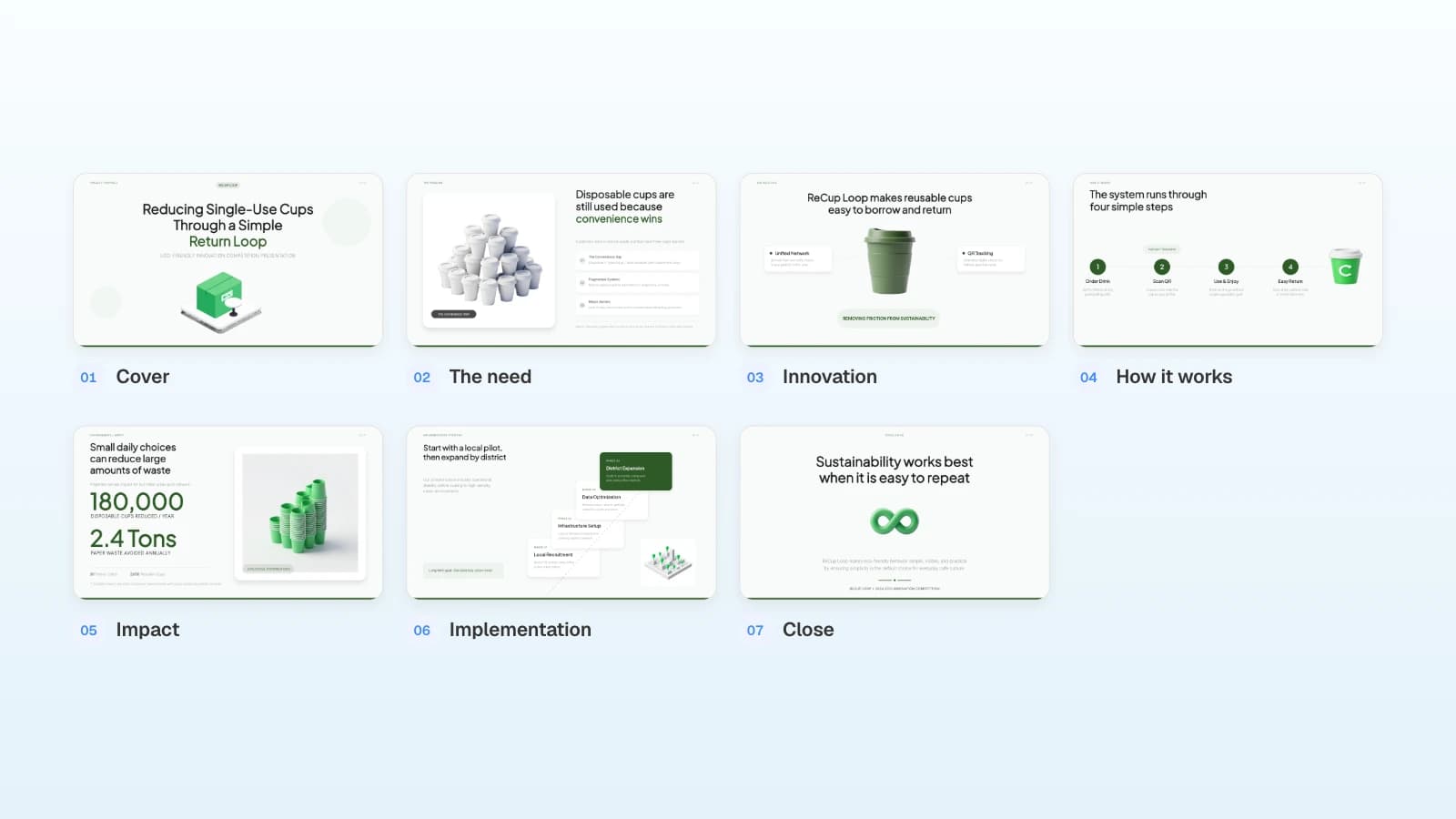
The pictures below show MOVO's screens filled with this article's example: a fictional reusable-cup project preparing an Innovate UK interview. They illustrate the steps; they are not a recording of a real session.
1. Attach the application and the feedback
In the dashboard input, attach the application and the assessor feedback, then state the time limit, slide count, and rules. Set "Slide Count" to the same number.
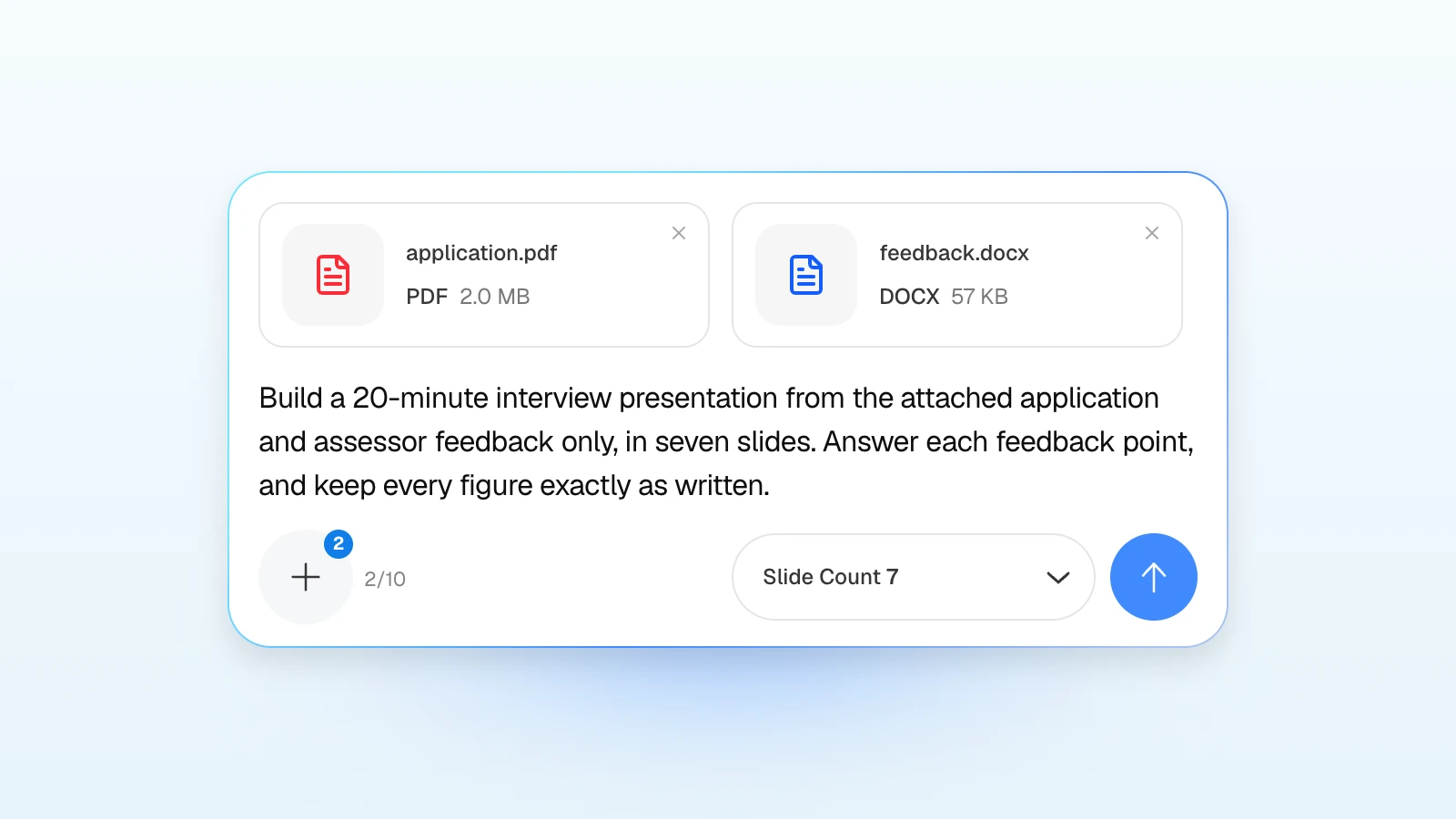
For an Innovate UK interview:
Build a 20-minute interview presentation from the attached application and assessor feedback only, in seven slides: cover, the need, the innovation, how it works, impact, implementation, and close. Answer each feedback point on the slide where it belongs and name the point under that slide's title. Keep every figure, milestone, and cost exactly as written in the application, and label projections as projections.
For an EIC Accelerator interview, attach your full proposal:
Using the attached full proposal only, make a 10-minute interview deck in the order excellence, impact, and risk and implementation, ending with the funding need. Keep TRL, market figures, and milestones exactly as written. Add three appendix slides for costs, test results, and risks.
2. Put the outline in the criteria order
Review the titles and details MOVO suggests for each slide, drag slides into the order of the scoring criteria, and edit each title, its details, and its visual description. The slide count comes from the input in step 1, so plan the time per criterion there. What you change here is what gets built.
3. Set the audience and tone
In settings, choose the audience that matches the panel, such as "Technical" for expert assessors, then set design density, copy tone, colors, and fonts.
4. Pick a design
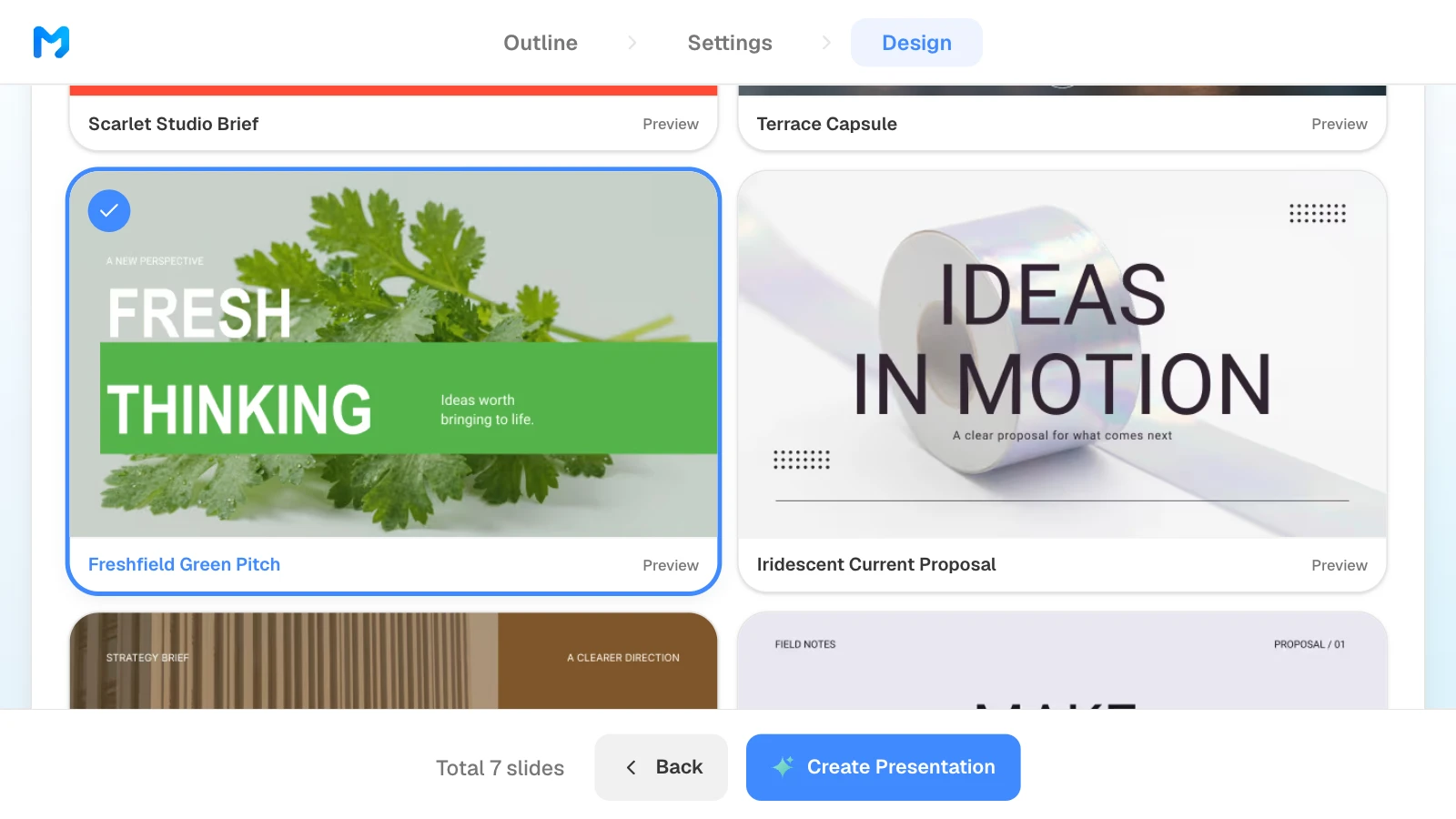
Choose a document type, such as "Proposal / Persuasion," to see only matching styles. Open "Preview" to see sample slides, then pick one. Styles marked "Pro" are available on paid plans.
5. Check every slide against the application
Compare each slide with the application, figure by figure. To fix one, select it and ask in the AI panel on the left, or edit it on the canvas.
6. Export the format the program asks for
Export a PDF for the EIC, and PowerPoint when a competition brief asks for it. When you choose PowerPoint, MOVO lists the fonts the deck uses and notes that they are not embedded in the file, so install them on the computer you will present from.
Grant pitch templates to start from
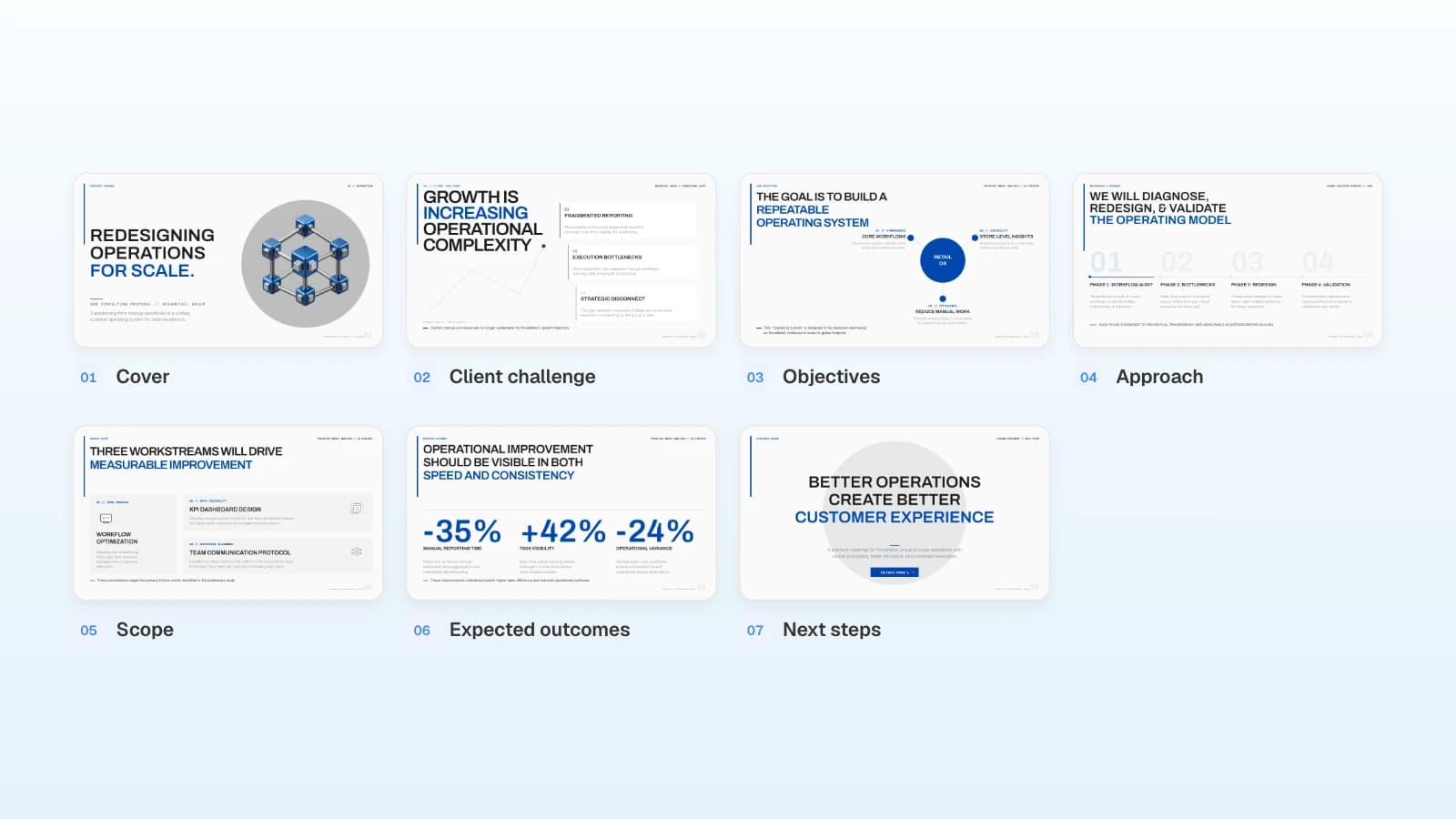
These MOVO templates are written for a general, English-speaking audience. None was built for a specific funder, so reorder the slides to the program's criteria and add the slides it asks for. The projects and numbers in them are fictional and show structure only.
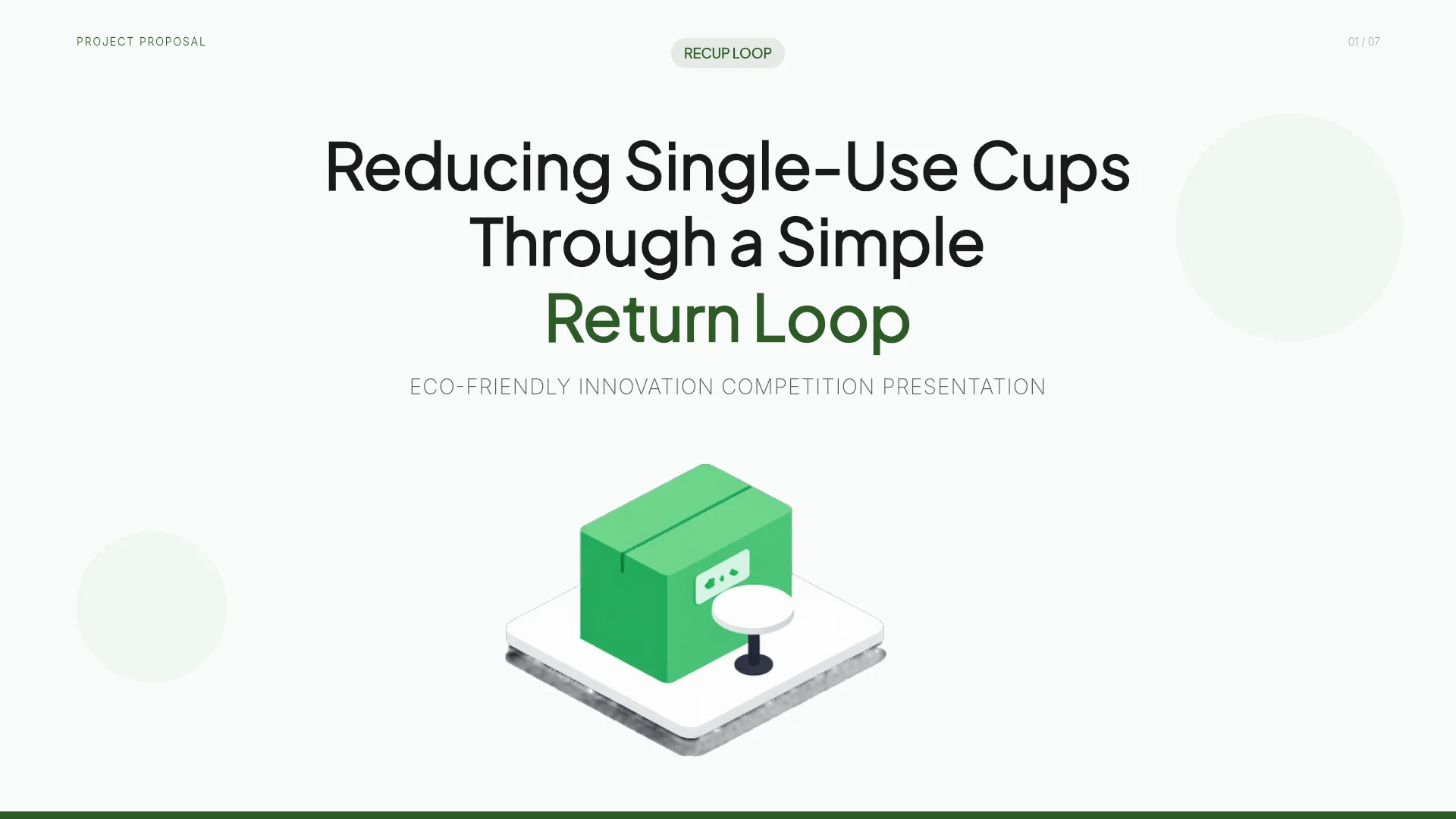
1. ReCup Loop - Eco-Friendly Cafe Cup Return Proposal (7 slides)
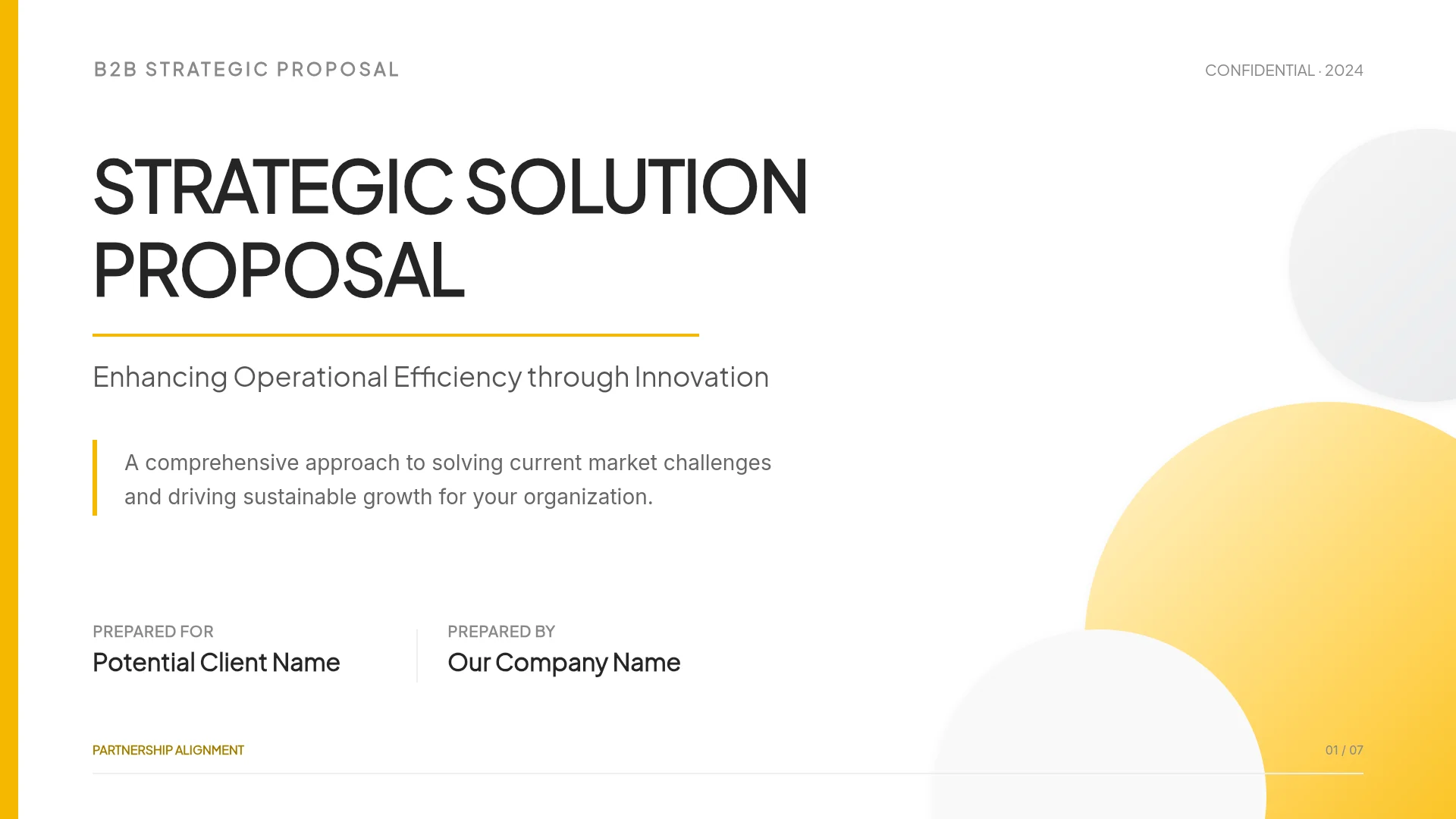
An innovation competition presentation for a reusable cup network: the problem, the solution, how it works, projected environmental impact, and a phased pilot-to-district rollout. It is the deck used in this article's pictures. Fits impact-led projects that need to show a pilot plan; add team and budget slides.
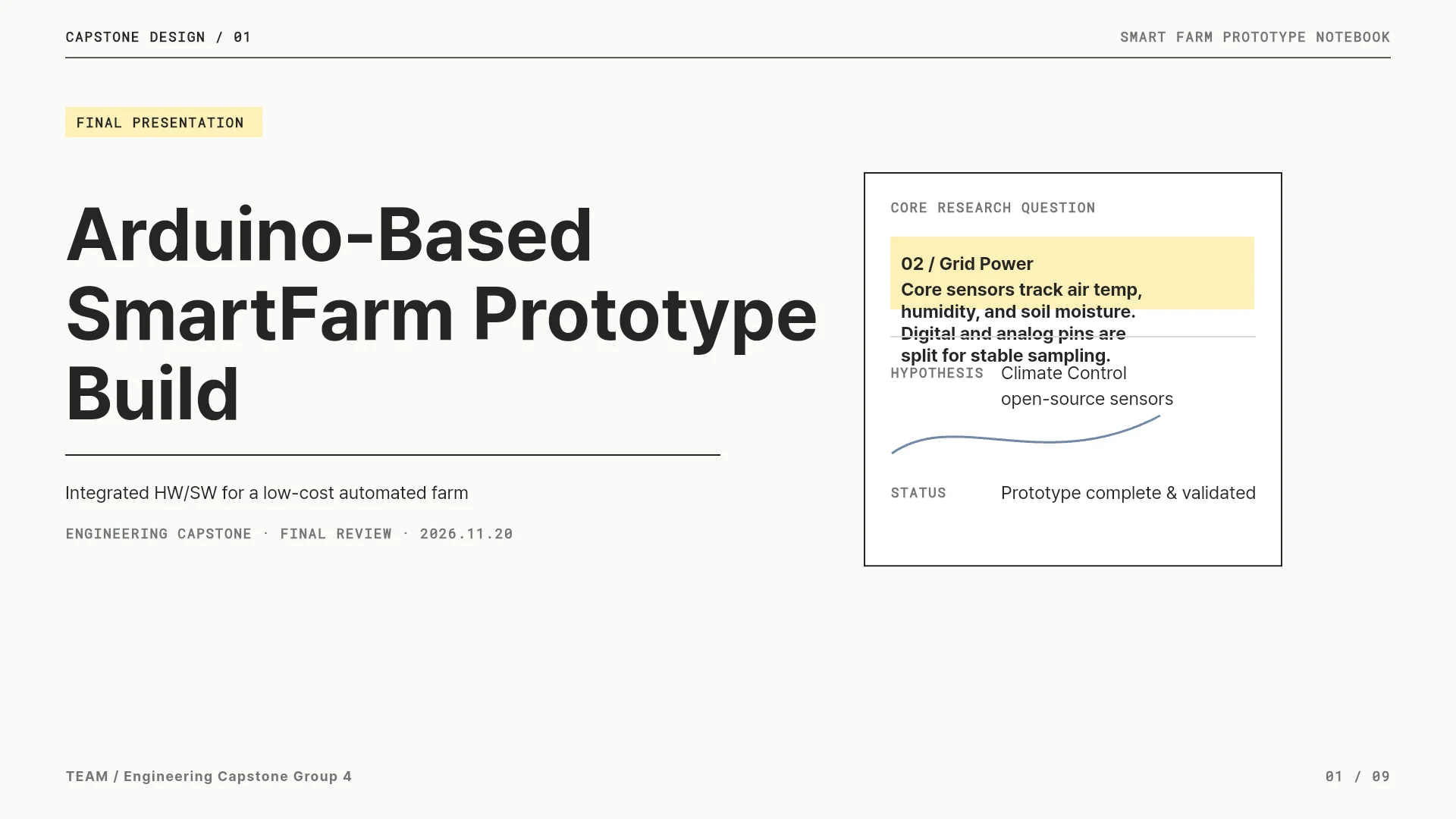
2. Engineering Capstone Final Presentation (9 slides)
A technical project deck built as an engineering capstone: problem definition, system requirements, architecture, hardware design, test plan, results, and limitations. Its layouts suit the technical-risk part of an R&D grant pitch, such as the objectives and challenges NSF asks about. Replace the capstone framing and add market and team slides.
View the Engineering Capstone Final Presentation template
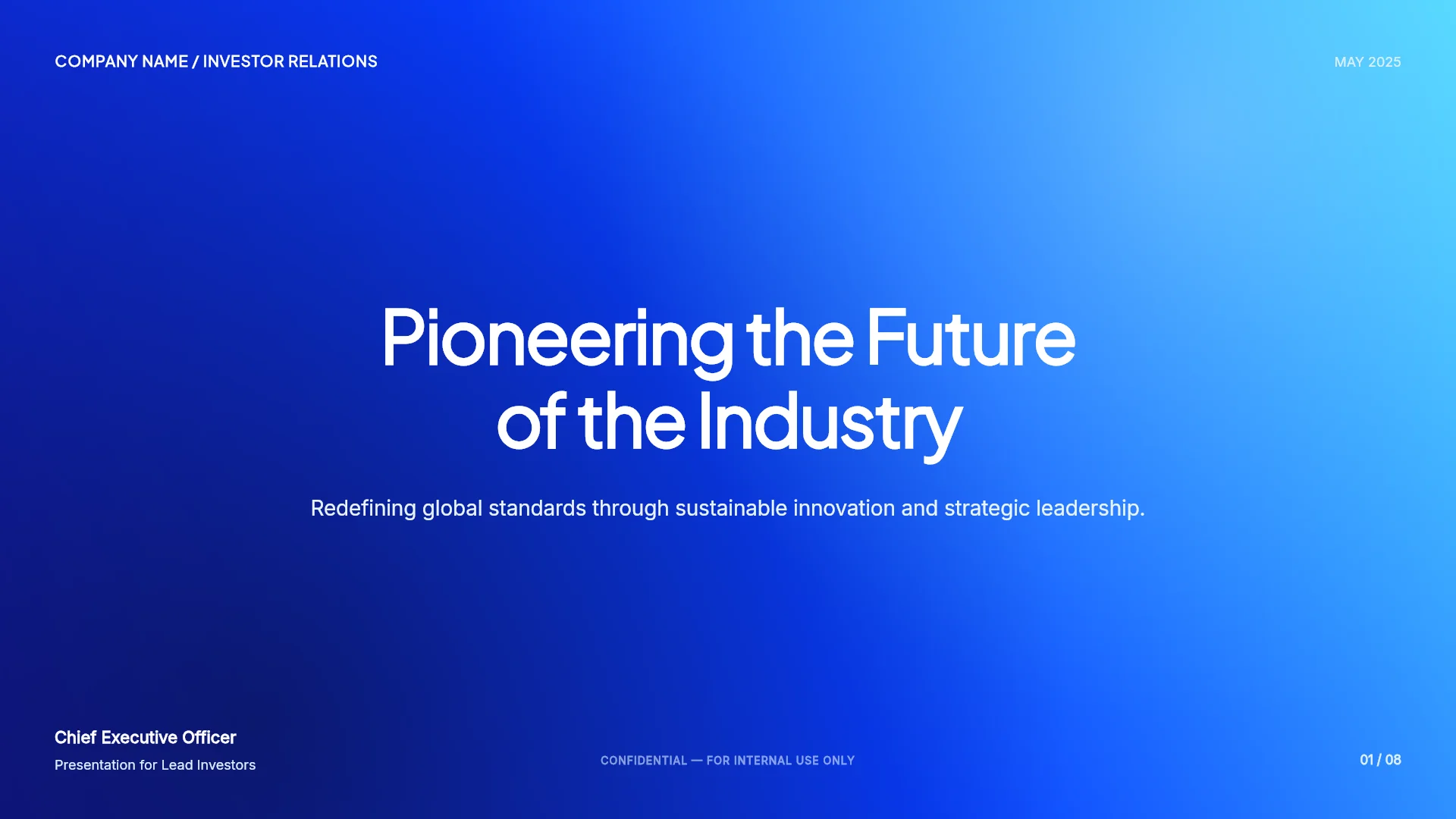
3. Series A Investment Pitch (8 slides)
A Series A pitch with market sizing, business model, traction, team, and use of funds in US dollars. The EIC Accelerator can combine a grant with an investment from the EIC Fund, whose representatives may join the interview and ask questions, so investor-grade business model and financing slides help there. Add innovation, risk, and milestone slides.
View the Series A Investment Pitch template
Frequently asked questions
How long is the EIC Accelerator interview?
Up to 45 minutes: a presentation of up to 10 minutes using the pitch deck from your full proposal, then up to 35 minutes of questions from a panel of up to six jury members. The EIC's guide for applicants (v6.0, November 2025) says interviews are held in English, and the jury decides GO or NO GO after you leave.
Can I reuse my investor pitch deck for a grant interview?
Use it as raw material, not as the final deck. Reorder it to the program's criteria, make every figure match your application, and add what investors rarely ask for in a first meeting: technical objectives, risks and mitigations, milestones, and what the grant pays for. At the EIC, the interview deck is the one you submitted with your full proposal.
How many slides should an Innovate UK interview presentation have?
The competition brief sets it. Two recent briefs allow up to 20 minutes of presentation with no more than 21 slides (Biomedical Catalyst 2025) and 20 slides (Farming Innovation Programme Round 5), in PowerPoint with no video or embedded links, followed by 30 minutes of questions. Check the brief for your competition.
Do SBIR or STTR applications need a pitch deck?
Not at NSF's first step. NSF requires a written Project Pitch of four sections before a full Phase I proposal, and responds in about one to two months. Other agencies set their own formats in each solicitation, so follow the one you are answering.
Can a consultant join the interview?
Not at the EIC: its tips for applicants say consultants or other third parties must not take part, and only employees, board members, or investors may attend. For Innovate UK, the invitation states how many attendees are allowed.
Summary
A grant interview deck is your written application, reordered to the program's criteria and cut to its time limit. Read the current call for the format, time, and file type; build one slide or a short run of slides per criterion; answer assessor feedback where the panel will look for it; and keep every figure identical to the application. If you already have the application, attach it to MOVO and start from the outline.