AI Presentation Prompts for Teachers
Four copy-ready prompts for lesson slides, a first-day syllabus deck, Back-to-School Night, and staff training, with the slide structure to expect, what to replace, and templates to start from.
Teachers and trainers explain the same material in very different rooms: a 50-minute lesson, the first day of class, Back-to-School Night, a new-hire training session. Each has a different audience and a different clock. Type "make a presentation about AI" and the AI has to guess who it is for and how long it should run. Name the learners, the time, the objective, and the materials, and you get a draft you can actually teach from.
MOVO starts from what you already have. Attach a lesson plan, a worksheet, a syllabus, a welcome letter, or a policy document, and MOVO shows a slide-by-slide outline before it builds anything. Edit each slide's title, details, and order in the outline, pick a design, and the slides are built; if an answer or a term is wrong, select that slide and fix only that part. This guide covers what to put in a teaching prompt, four filled-in prompts with the slide structure to expect and what to replace, how to check quizzes and slides before class, the MOVO workflow, and templates you can copy.
What should a prompt for lesson or training slides include?
Include five things: who the learners are, how much time you have, what they should be able to do afterward, which materials to use, and what to leave out. Write the objective as something learners can do, not "understand AI." OSHA's training guide builds objectives around what participants should be able to do differently after the training (OSHA 3824, 2021).
| Item | Vague request | Specific request |
|---|---|---|
| Learners | for students | 7th graders, first unit on AI |
| Time and slides | keep it short | 50 minutes: 27 teaching, 13 discussion, 10 exit ticket; 7 slides |
| Objective | understand AI | compare the tradeoffs of an AI tool they already use |
| Materials | (none) | attached lesson plan and exit ticket; use only these |
| Leave out | (none) | student names, grades, examples that aren't in my plan |
If you teach to standards, paste the standard into the prompt. For example, CSTA standard 2-IC-20, a Level 2 standard for the end of grade 8, asks students to compare tradeoffs of computing technologies that affect people's everyday activities and career options (CSTA K–12 Computer Science Standards).
Lesson slides: a prompt for a 50-minute class
Attach your lesson plan, give the class length and activity time, and name the slide order. Ask for the exit ticket from your own file so you can check every answer.
Using the attached lesson plan, build 7 slides for a 50-minute 7th-grade lesson on AI in everyday life, aligned to CSTA 2-IC-20. Order: title, lesson roadmap, what AI is, AI students already use, how AI changes jobs, tradeoffs (what AI can do vs. privacy, bias, and the human touch), and an exit ticket. Use only examples from my plan, and put the two exit-ticket questions from the attached PDF on the last slide.
Here is the structure and timing to expect from that prompt. The minutes are this guide's example, not a rule.
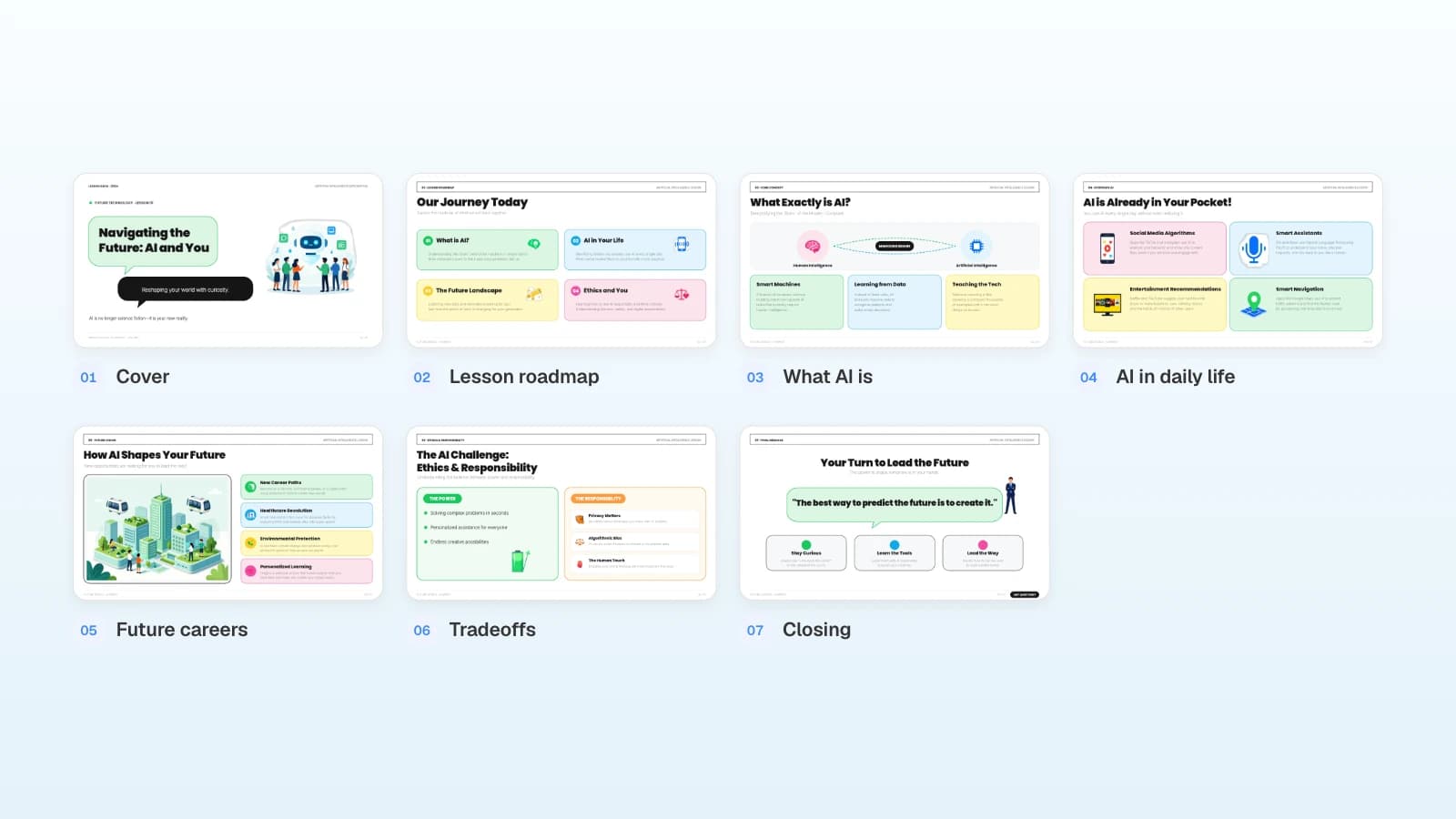
| Slide | Its job | Minutes (example) |
|---|---|---|
| 1. Title | Topic and an opening question | 2 |
| 2. Roadmap | The four parts of today's lesson | 3 |
| 3. What AI is | One plain-language definition | 8 |
| 4. AI in daily life | Recommendations, voice assistants, maps | 7 |
| 5. Future careers | Jobs that change and jobs that appear | 7 |
| 6. Tradeoffs | Power vs. privacy, bias, and the human touch | 13 |
| 7. Exit ticket | Two questions from your PDF | 10 |
- What to replace: grade, unit, standard code and text, discussion minutes, the exit-ticket file.
- Template that fits: AI Future Guide for Middle Schoolers (7 slides). Its roadmap, everyday-AI, and ethics slides map directly onto this lesson.
First day of class: a syllabus-day deck
The first class sets expectations. Carnegie Mellon's Eberly Center lists first-day goals such as introducing yourself, clarifying learning objectives and expectations, and informing students of course requirements (Eberly Center, Carnegie Mellon). Turn those goals into six slides, and keep dates and grading weights exactly as your syllabus states them.
Using the attached syllabus, build 6 slides for the first day of my 8th-grade "Computing and Society" course: about me, what you'll be able to do by the end of the term, the unit roadmap, grading and key dates, how class works, and how to get help. Keep grading weights and dates exactly as written, and mark anything the syllabus doesn't cover as [check].
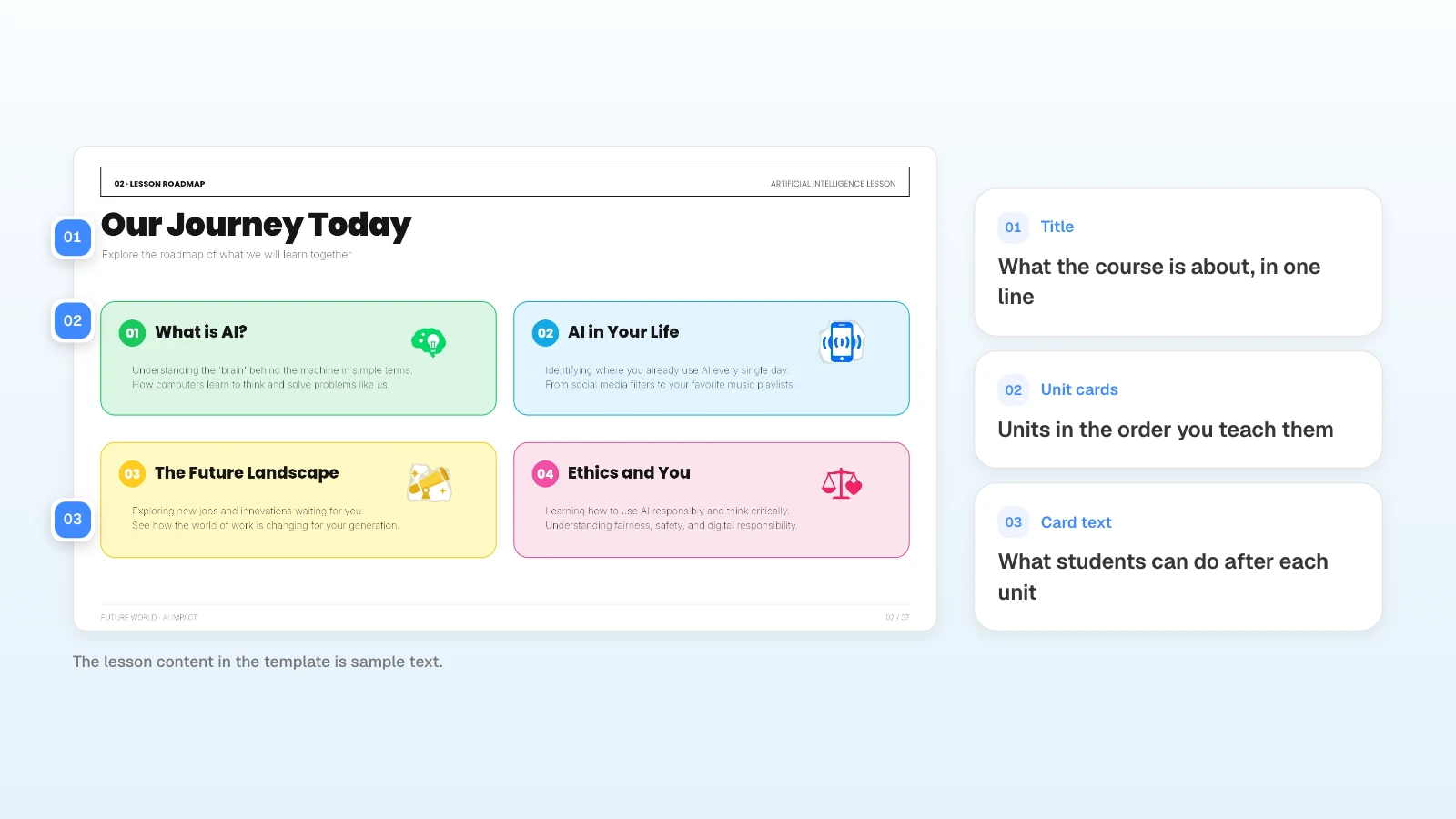
- Roadmap slide: one card per unit, each with the unit name and what students can do after it.
- Grading slide: weights and dates only; point to the syllabus for the details.
- What to replace: course name, units and their order, grading weights, office hours or how to reach you.
- Template that fits: start from the roadmap slide of AI Future Guide for Middle Schoolers and swap in your units.
Back-to-School Night and parent conferences: six slides for families
Families want to know who you are, how the class runs, what's coming up, how learning is graded, and how to reach you. Harvard Family Research Project's tip sheet for teachers suggests creating an agenda, starting with the positive, making an action plan together, and describing how you and families will communicate (Harvard Family Research Project, 2010).
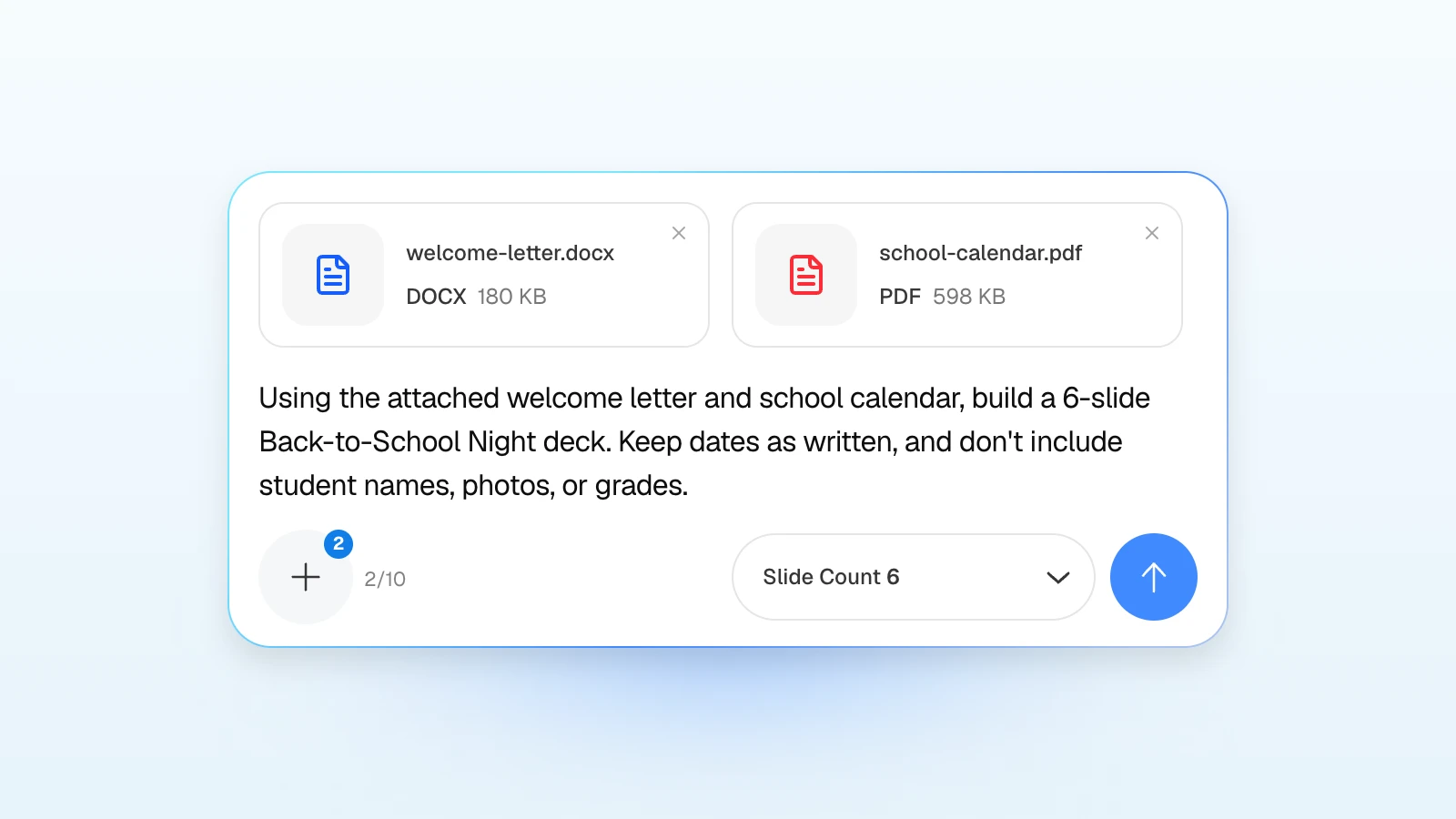
Using the attached welcome letter and school calendar, build a 6-slide Back-to-School Night deck: about me, how our class works, what we'll learn this semester, how grading works, key dates, and how to reach me. Keep dates as written, and don't include student names, photos, or grades.
- Link it to learning: on the "what we'll learn" slide, add one line on how families can support it at home.
- Leave student data out: don't paste names, photos, or grades into an AI tool unless your school or district policy allows it. Add anything student-specific to the finished slides yourself.
- What to replace: grade and subject, dates, grading categories, your contact channel and response hours.
- Template that fits: Healthy Smartphone Habits for Teens (7 slides), a student workshop deck you can adapt for a family information night on screen time.
Staff training: a 30-minute session from your policy
Attach the policy, state what employees should do differently afterward, and ask for a scenario after each concept. OSHA's guide notes that adults learn best when they are actively engaged, and it calls PowerPoint a visual aid, not a teaching technique (OSHA 3824, 2021).
Using the attached data-handling policy, build 7 slides for a 30-minute new-hire session. Objective: new hires can tell which customer information they may share, and with whom. After each concept, add one scenario question and cite the policy section that answers it. Don't add rules that aren't in the policy.
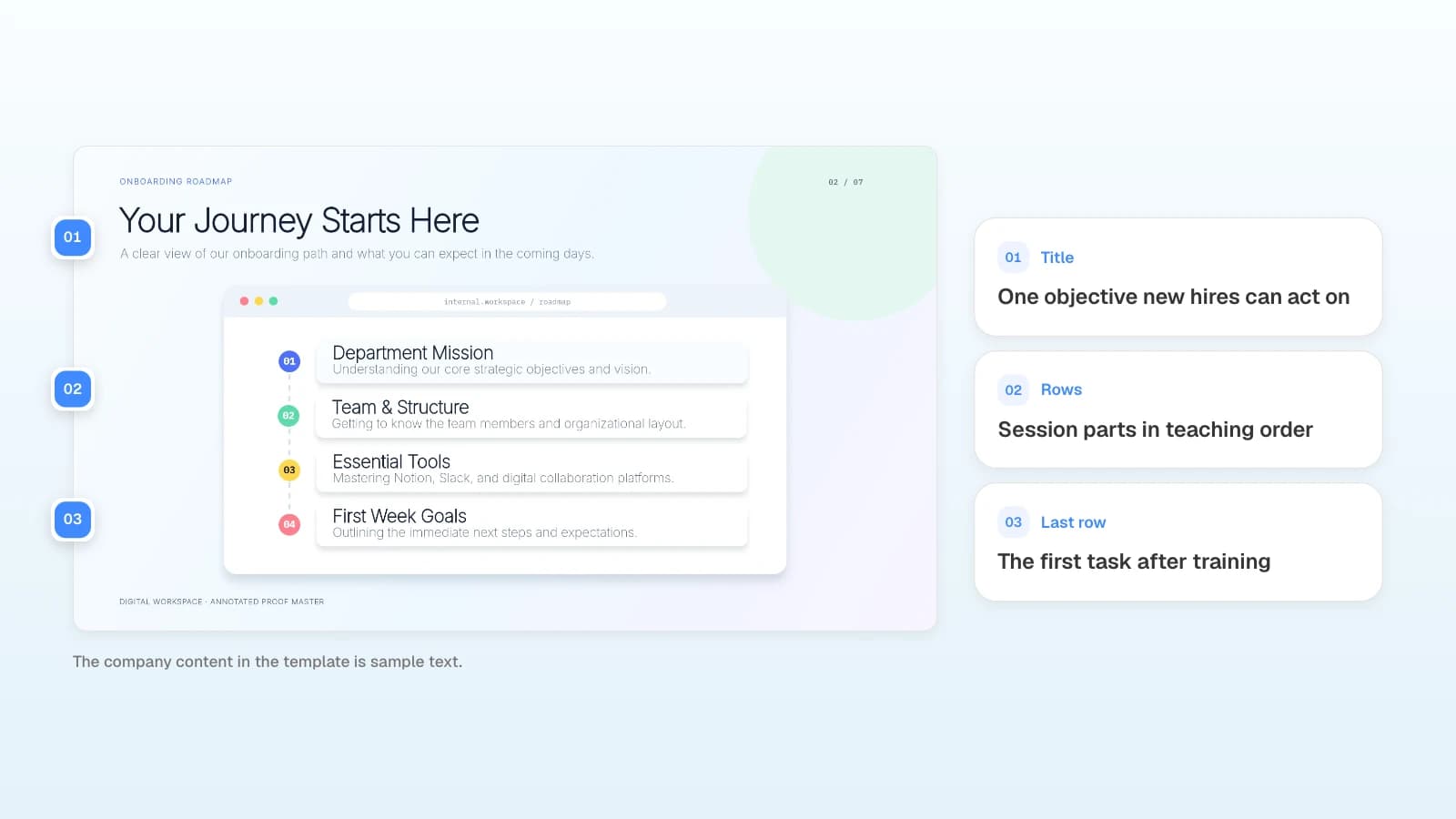
The same policy needs a different starting point for new hires and for experienced staff. Changing the audience label alone does not change the level.
| Planning question | New to the task | Already does the task |
|---|---|---|
| What do they already know | Define the key terms | State the assumed knowledge |
| What will they practice | Walk through one case | Resolve an exception |
| What will they explain | Why the answer applies | Which conditions change the answer |
| How does it end | Review the core rules | Plan one change to their own work |
- What to replace: the policy file, department examples, session length, number of scenarios.
- Template that fits: New Team Member Onboarding Guide (7 slides), with a roadmap, team structure, tools, and first-week goals.
How do you check quizzes and slides before class?
Ask for quiz questions that apply what you just taught, with the source sentence behind each answer. Then check every answer against your materials and make sure the slides read well from the back of the room.
Write two scenario questions that check the concept on the previous slide. Include the conditions needed to answer each one, and quote the sentence in my worksheet that supports the answer. Drop any question you can't support from my materials.
| Check | What to look for |
|---|---|
| Answers | Match the sentence in your attached material |
| Conditions | No missing detail that makes two answers possible |
| Slide titles | Every slide has its own title |
| Text size, contrast | Readable from the back of the room |
| Color | Answers aren't marked by color alone |
The last three come from Microsoft's PowerPoint accessibility guidance, which recommends a unique title on every slide, sufficient contrast, not using color as the only way to convey information, and a font size of 18 pt or larger (Microsoft Support).
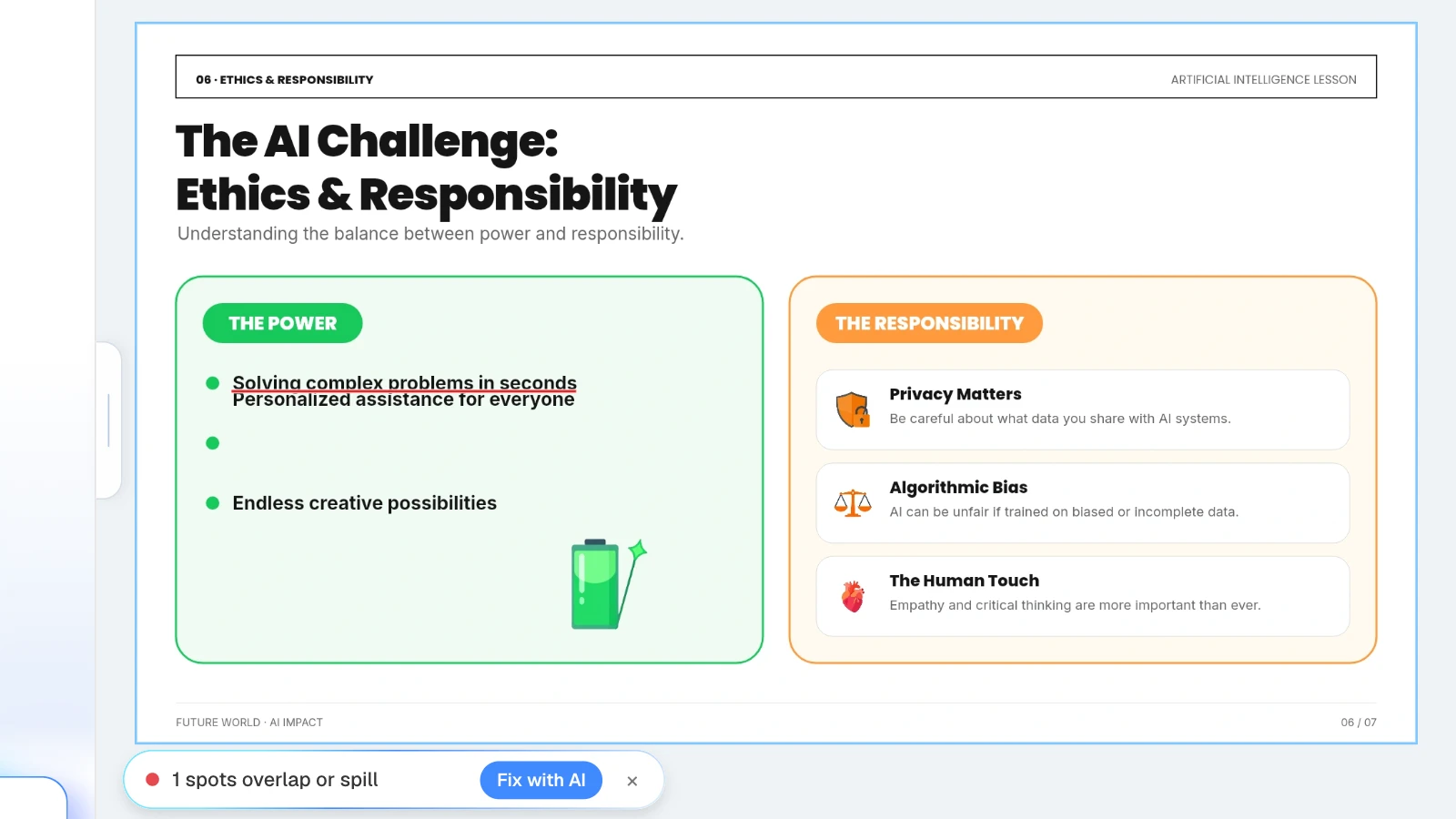
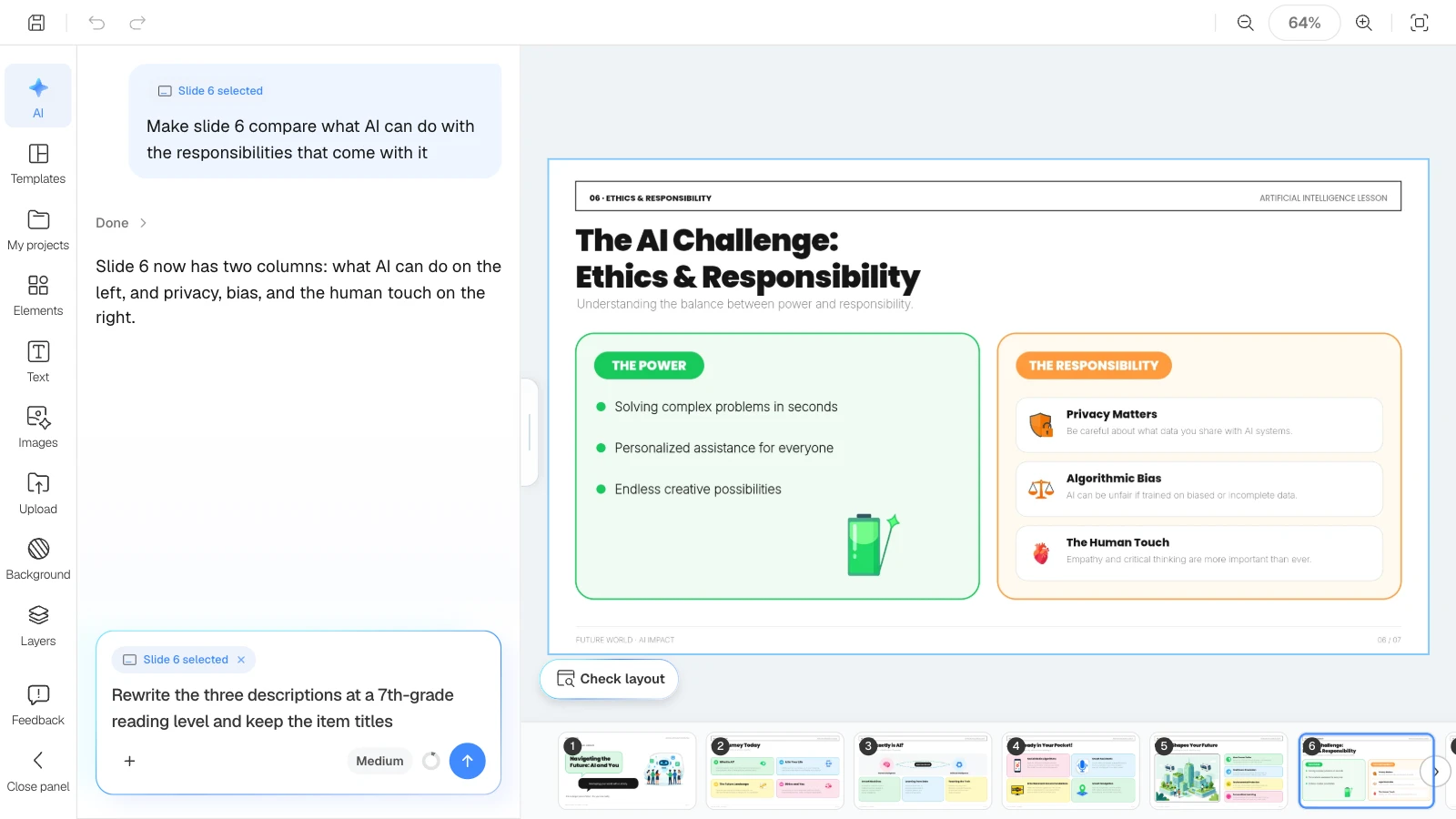
Rewriting questions is how text boxes end up overlapping. In the MOVO editor, click "Check layout" below the canvas: MOVO marks overlapping or spilling spots on the current slide in red, and "Fix with AI" asks the AI to tidy that part.
What does MOVO change for teaching materials?
- Start from your own materials: attach a lesson plan or syllabus as Word (DOCX), a worksheet as PDF (up to 100 pages), or an activity log as Excel (up to 20 sheets) with names removed. Save Pages, PPTX, or other formats as PDF first.
- Outline before slides: MOVO shows every slide's title and content before building, so you can fill in details such as exit-ticket questions and reorder slides before any design work. You set the slide count in the dashboard input.
- Settings for learners: choose "Student/Education" as the audience, then narrow designs with the "Education / Explanation" document type.
- Fix one slide at a time: select a slide and ask, for example, "keep the answers, simplify the wording"; only that slide changes. Check layout finds overlapping text boxes.
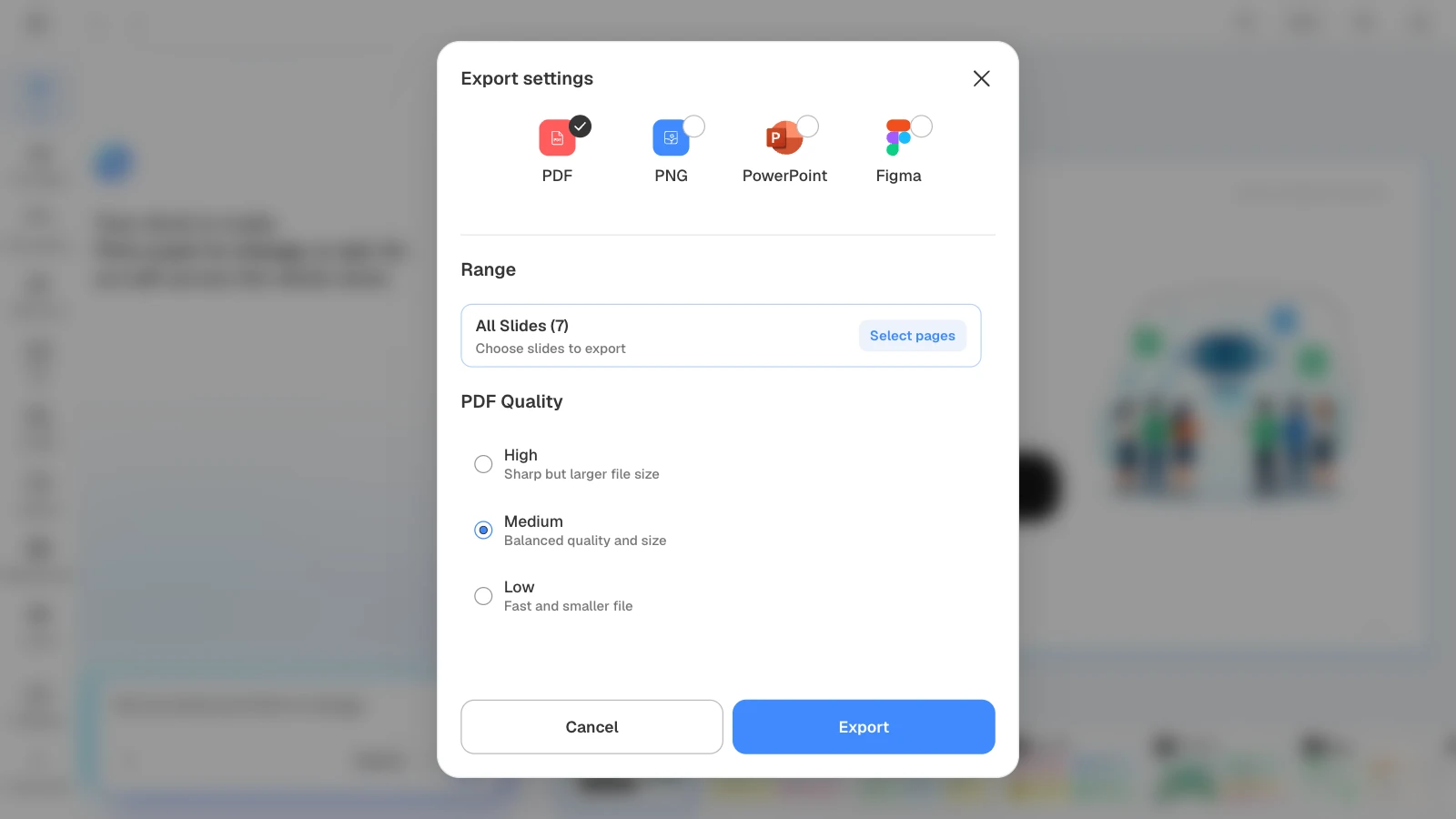
- Present or export: present full screen with "Slideshow" in the editor, or export PDF and PNG on every plan, PPTX and Figma on paid plans. The Free plan creates up to 5 slides per deck.
How to build lesson slides in MOVO
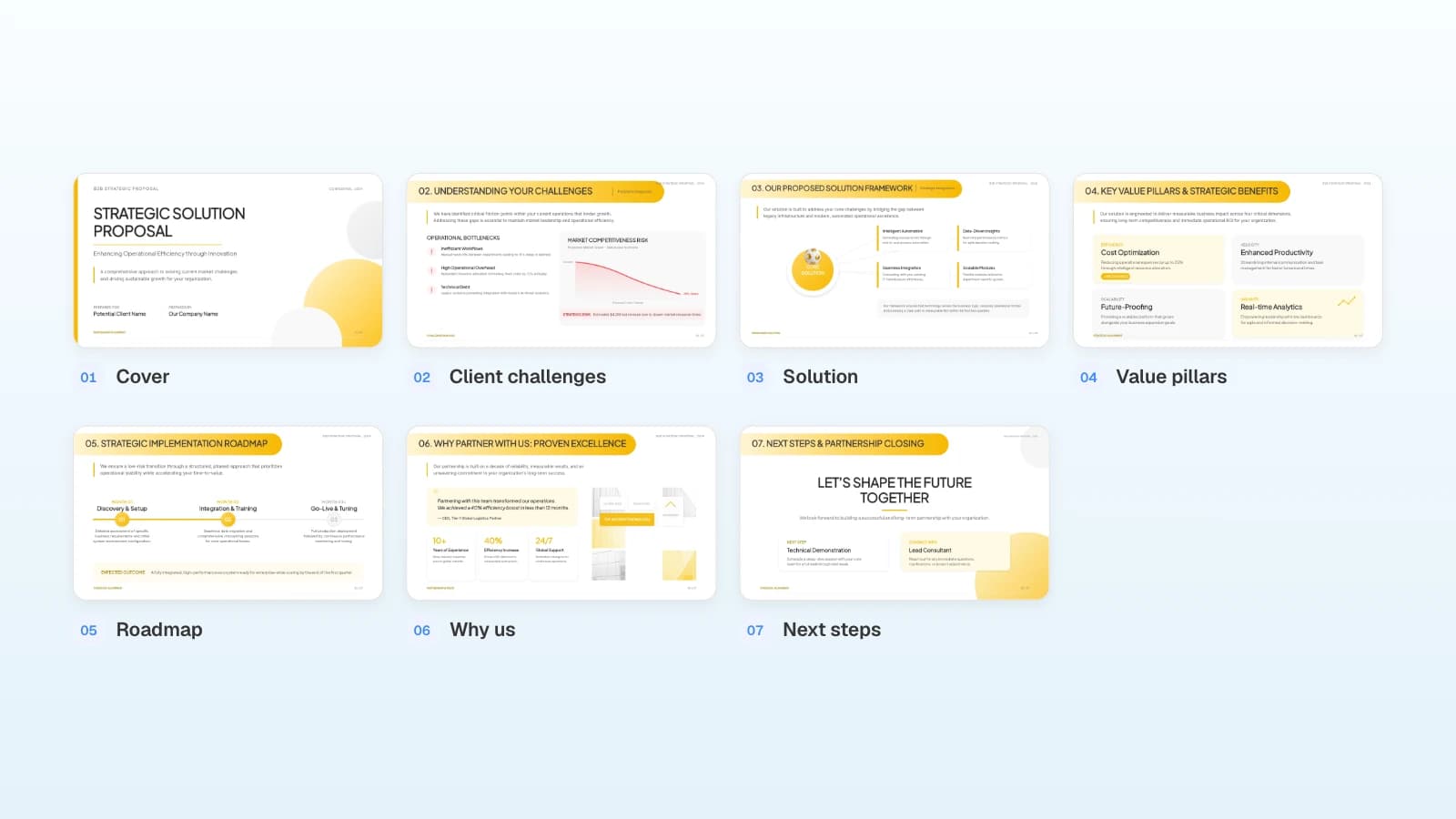
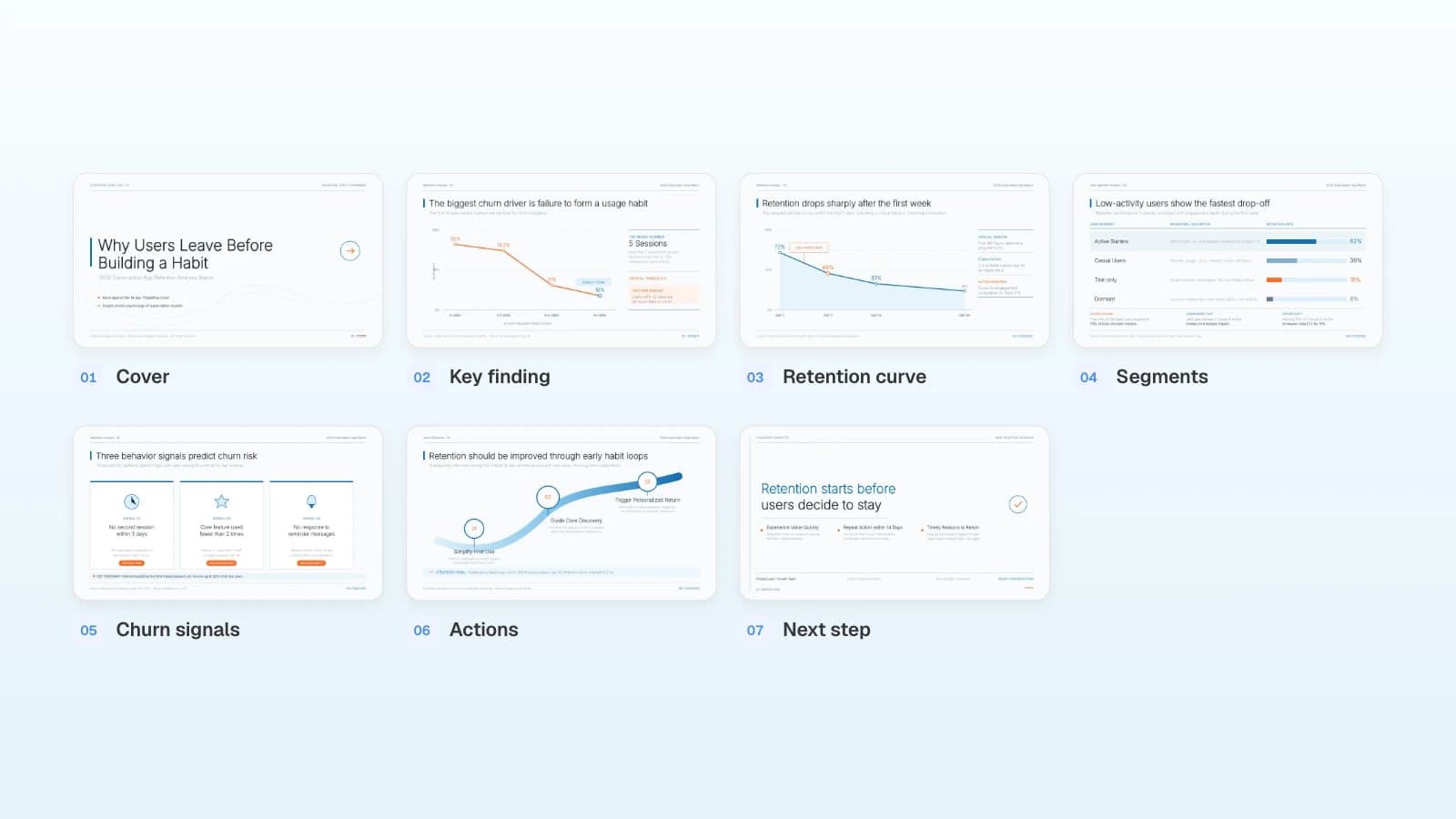
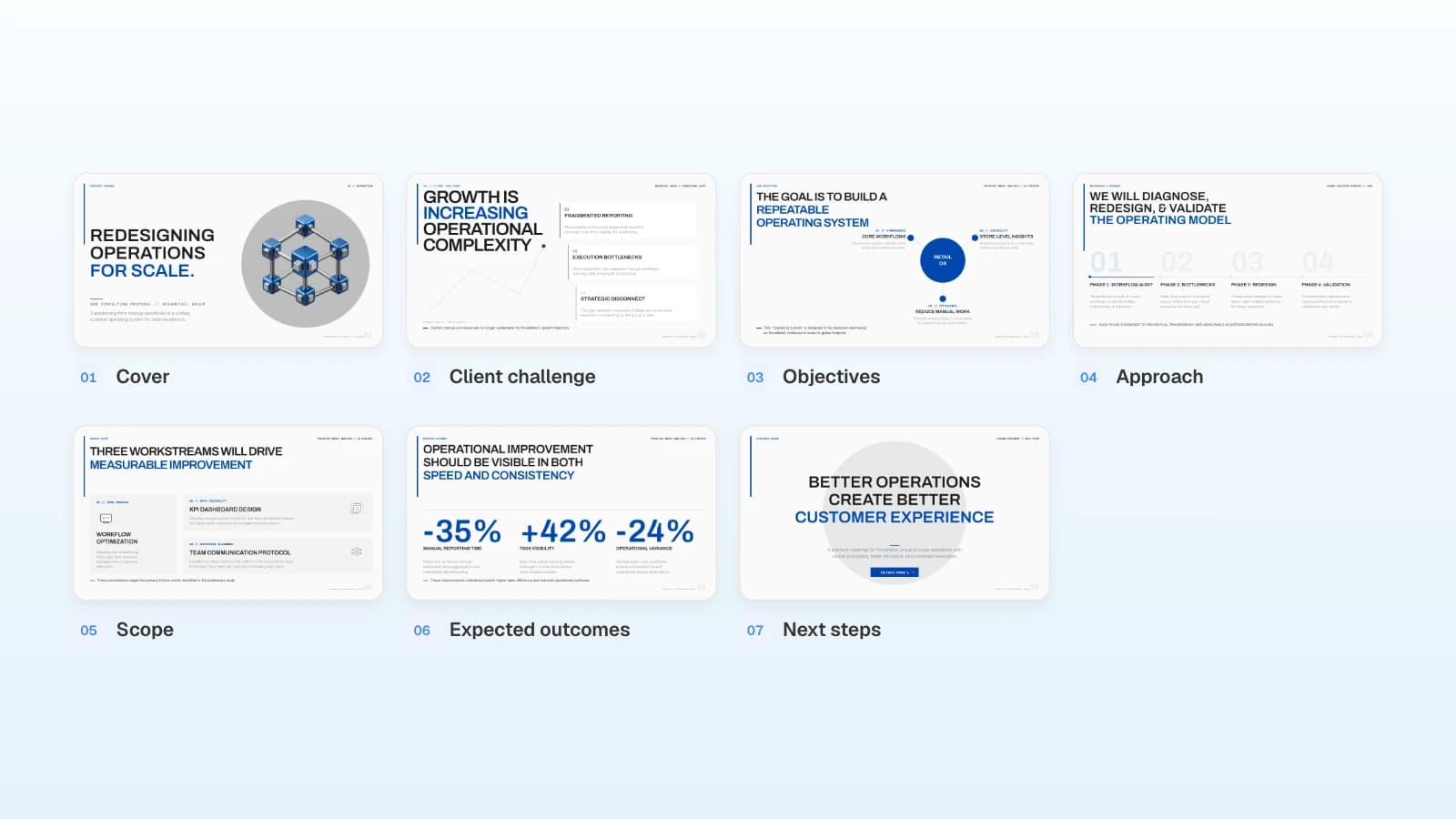
The pictures below show MOVO's screens filled with this article's example, a 7th-grade lesson on AI in everyday life. They illustrate the steps; they are not a recording of a real session.
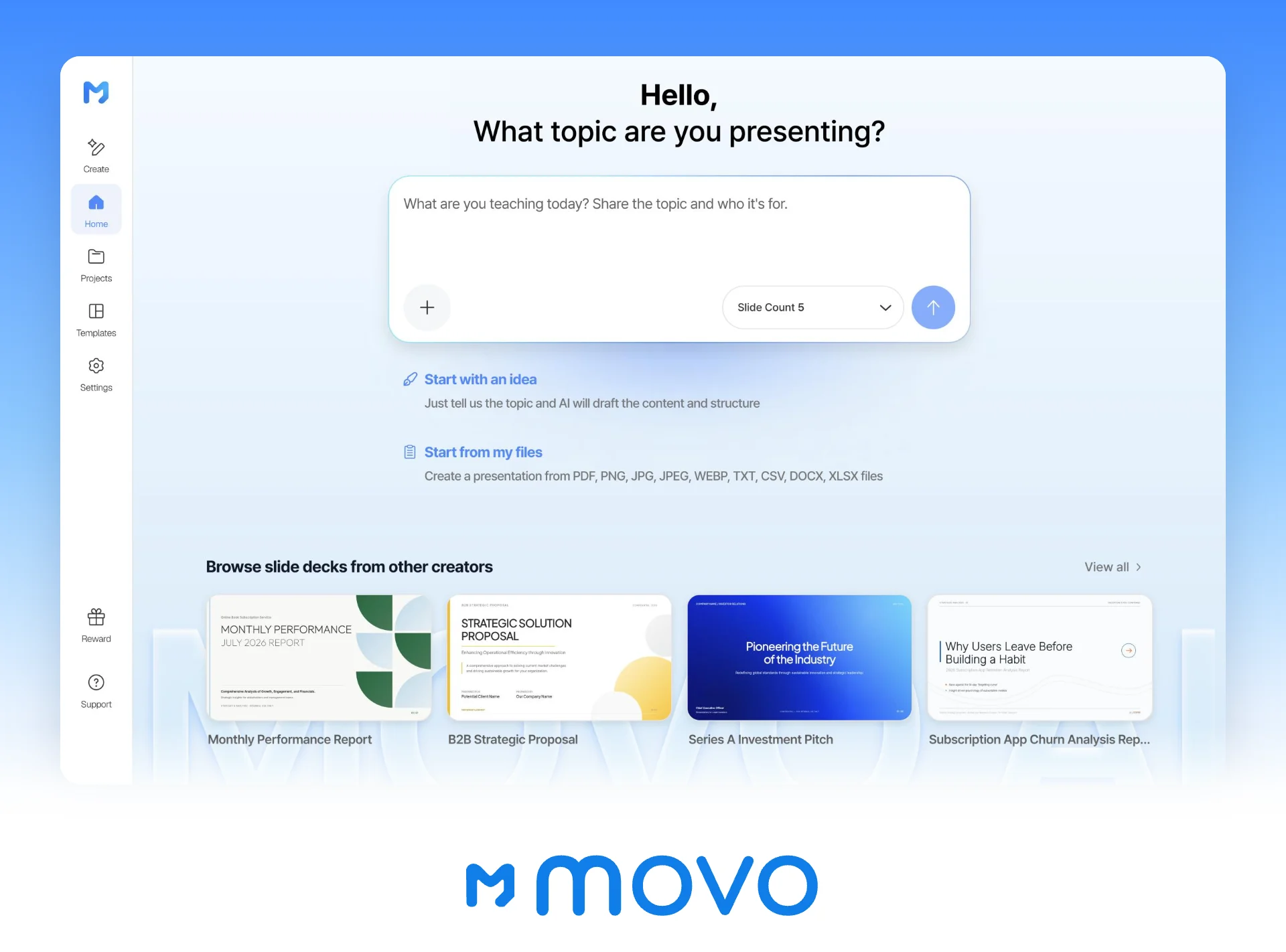
1. Attach your lesson plan and describe the lesson
In the dashboard input, name the learners, the class length, and the standard, then attach your plan and exit ticket. Set the slide count here too.
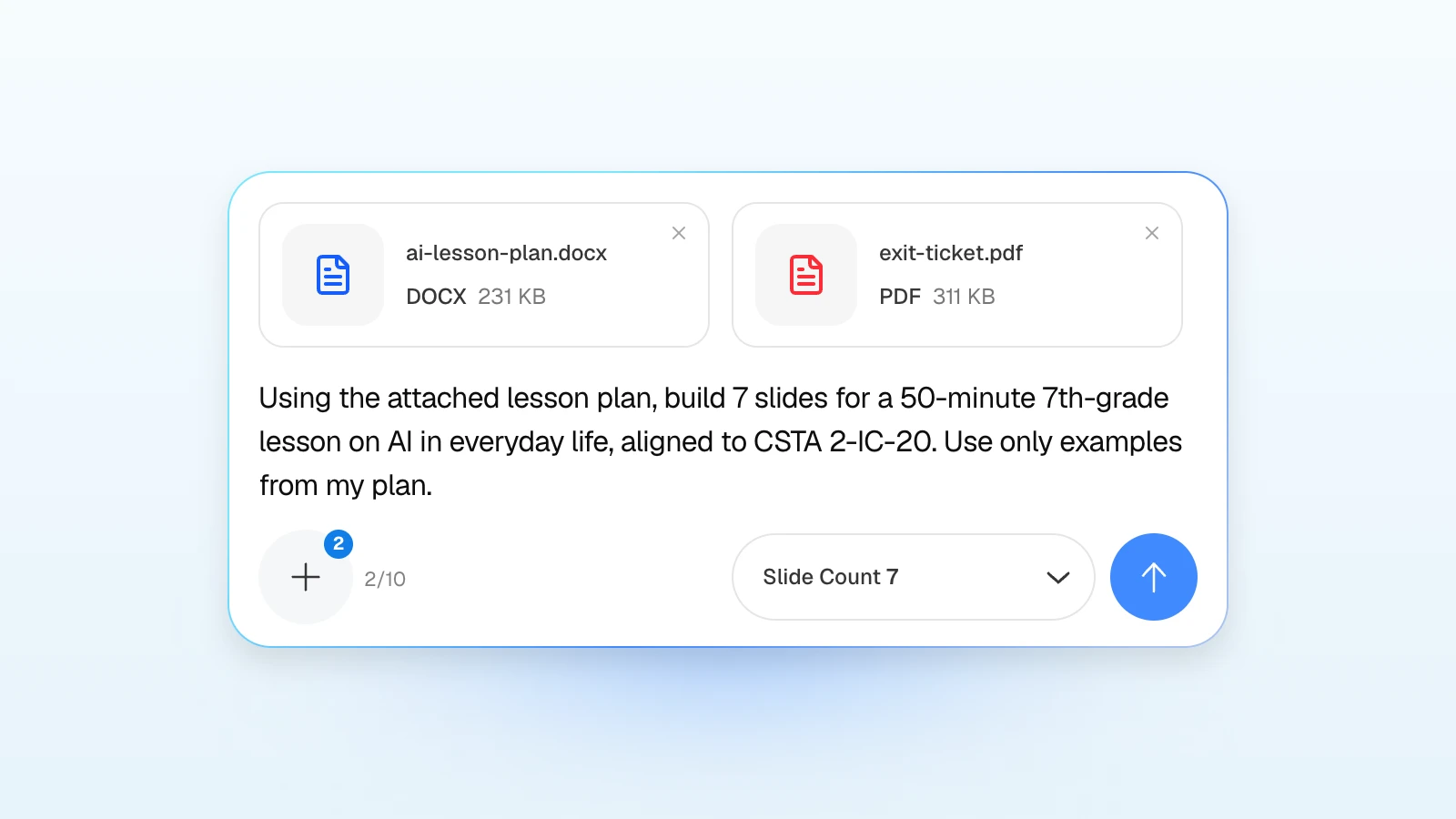
Using the attached lesson plan, build 7 slides for a 50-minute 7th-grade lesson on AI in everyday life, aligned to CSTA 2-IC-20. Use only examples from my plan.
For more control, add the slide order and the exit-ticket instruction from the lesson prompt above.
2. Check each slide's content and order in the outline
Review the titles and details MOVO suggests for each slide, fill in anything missing, such as activity minutes or exit-ticket questions, and drag slides to reorder them. The slide count is the one you chose in step 1, so pick a count that fits the period before you start.
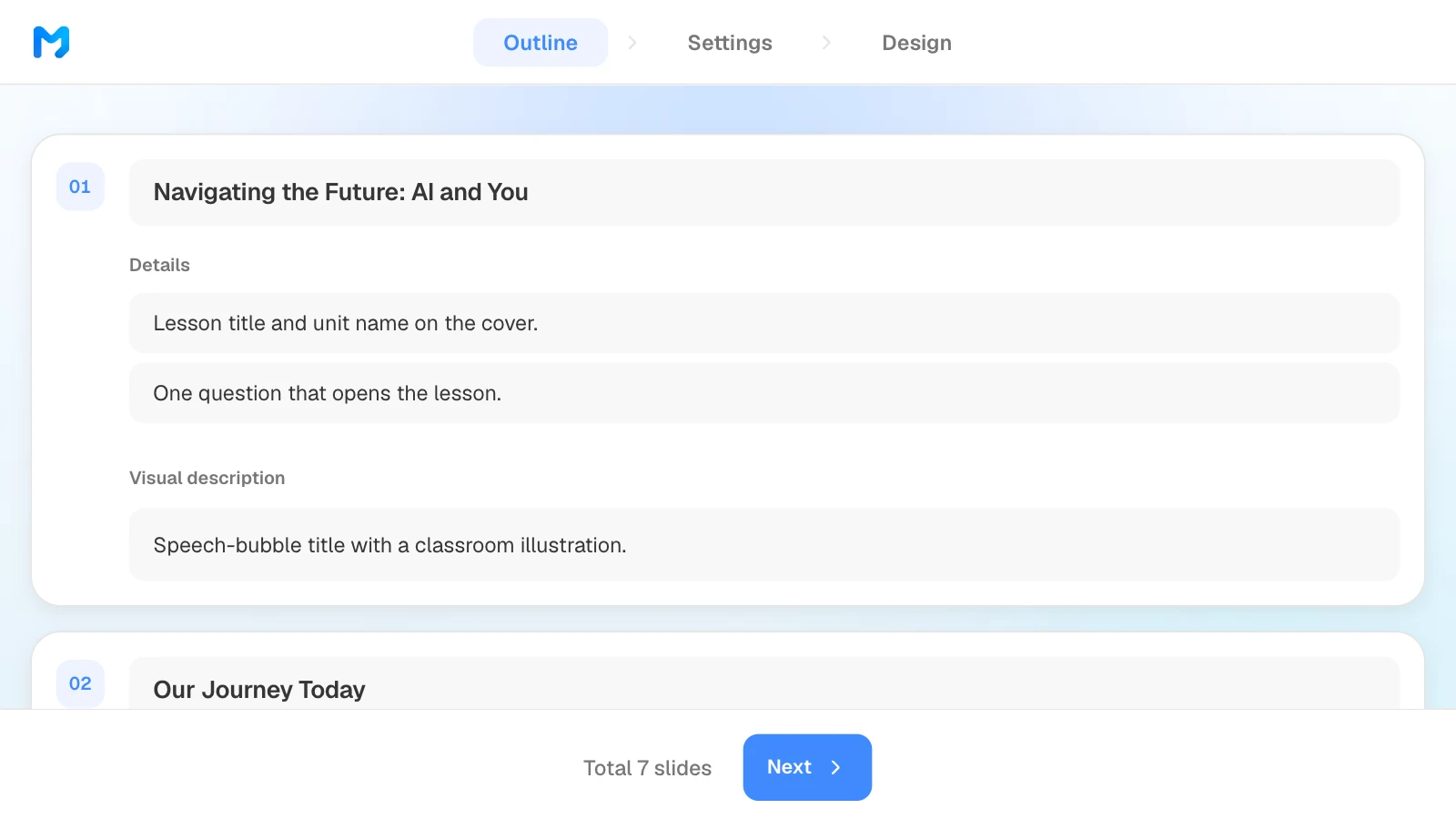
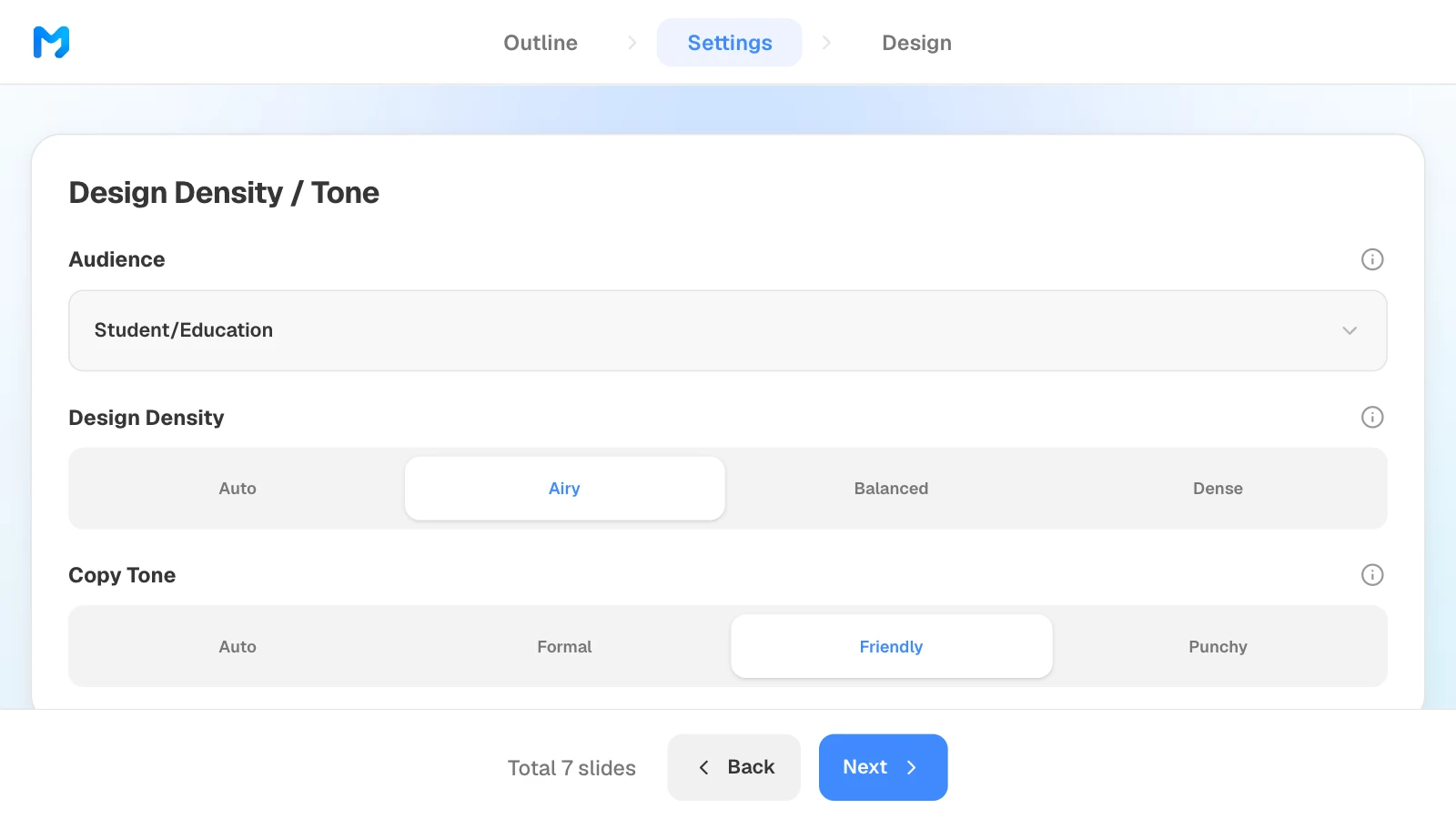
3. Set the audience and tone
In settings, choose "Student/Education" as the audience, then set design density and copy tone. Design density sets the spacing between elements; "Airy" leaves more room, which suits a classroom screen.
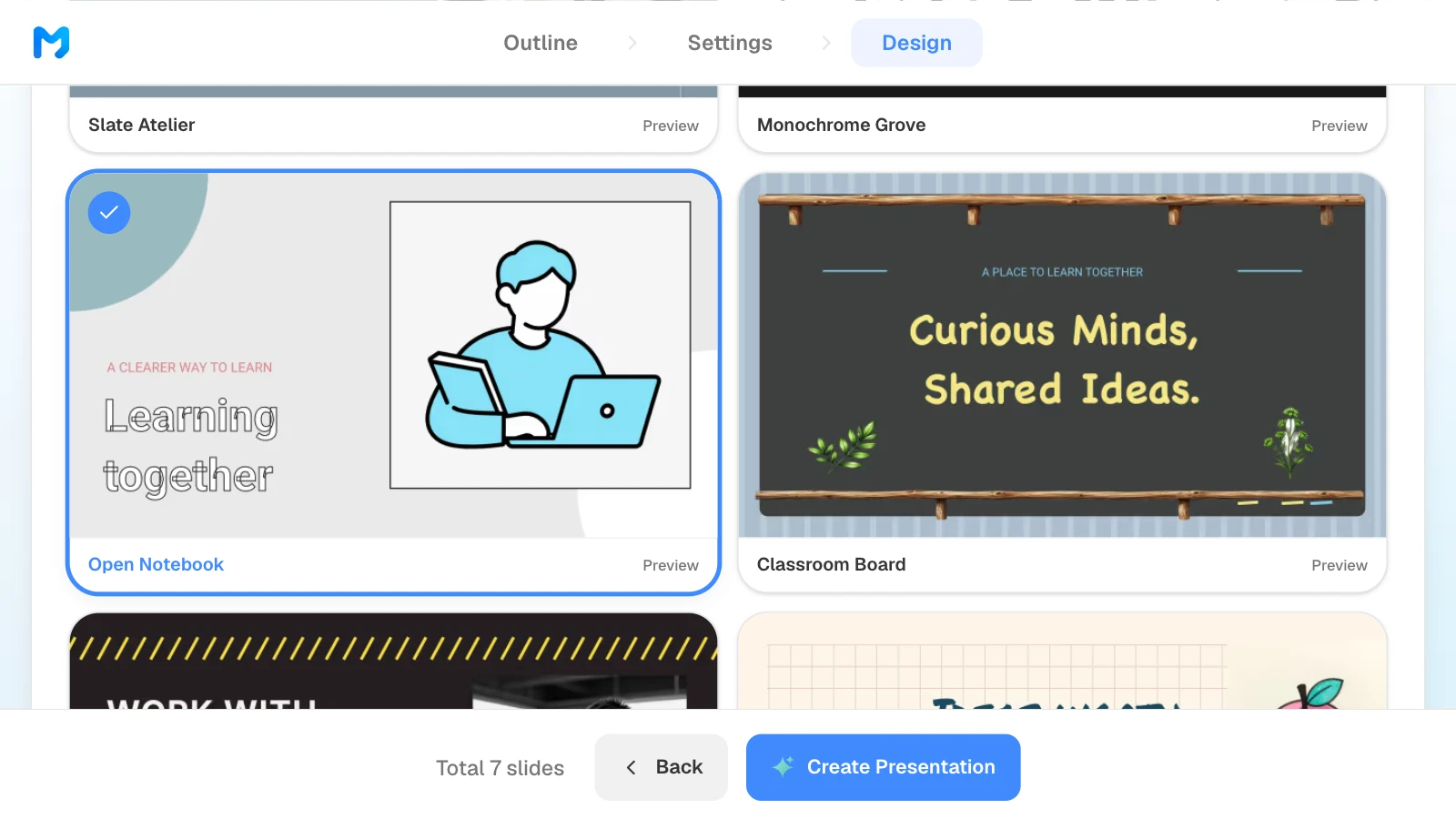
4. Pick a design for teaching
Choose "Education / Explanation" as the document type to see only teaching styles. Open "Preview" to see sample slides, then pick one. Styles marked "Pro" are available on paid plans.
5. Check answers and terms, and fix only what is wrong
Compare answers, terms, and examples in the finished slides with your plan. To fix one, select the slide and ask in the AI panel on the left, or edit it on the canvas.
6. Present or export
Teach straight from MOVO with "Slideshow," or export a PDF to share with students and a PPTX for a colleague who needs to edit it.
Four templates for teachers and trainers
These MOVO templates are written for classrooms and training rooms. The organizations, people, and figures in them are fictional and show structure only. On a template page, click "Start from this deck" to copy it into your projects after you sign in, then replace the content.
1. AI Future Guide for Middle Schoolers (7 slides)
A middle school AI literacy lesson: what AI is, where students already use it, how it changes jobs, and the ethics of using it. Fits a single class period built around a discussion.
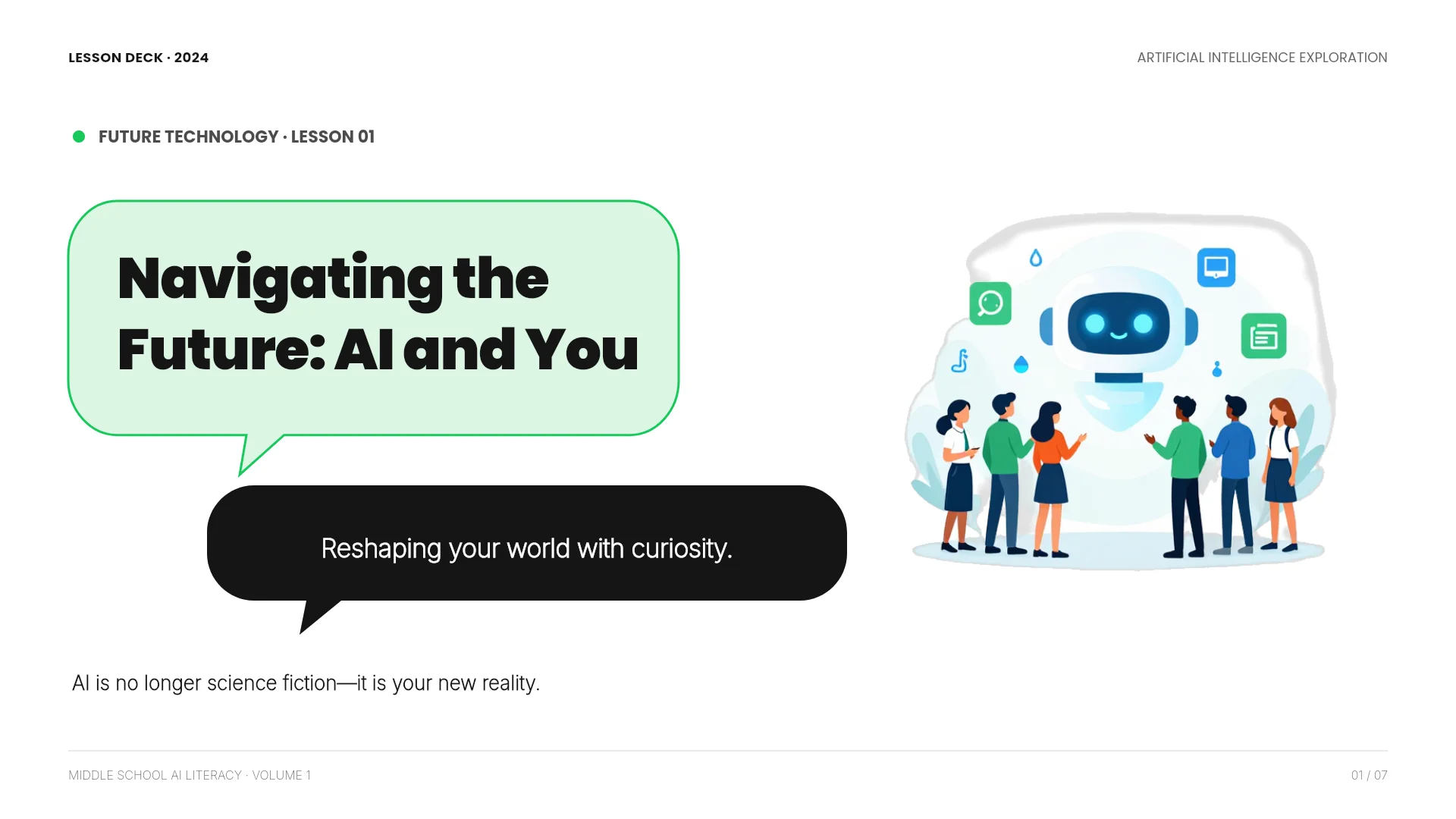
View the AI Future Guide for Middle Schoolers template
2. Healthy Smartphone Habits for Teens (7 slides)
A student workshop that moves from a reality check on screen time to digital wellbeing tools and five habits to try. Fits an advisory period, a health class, or a family information night.
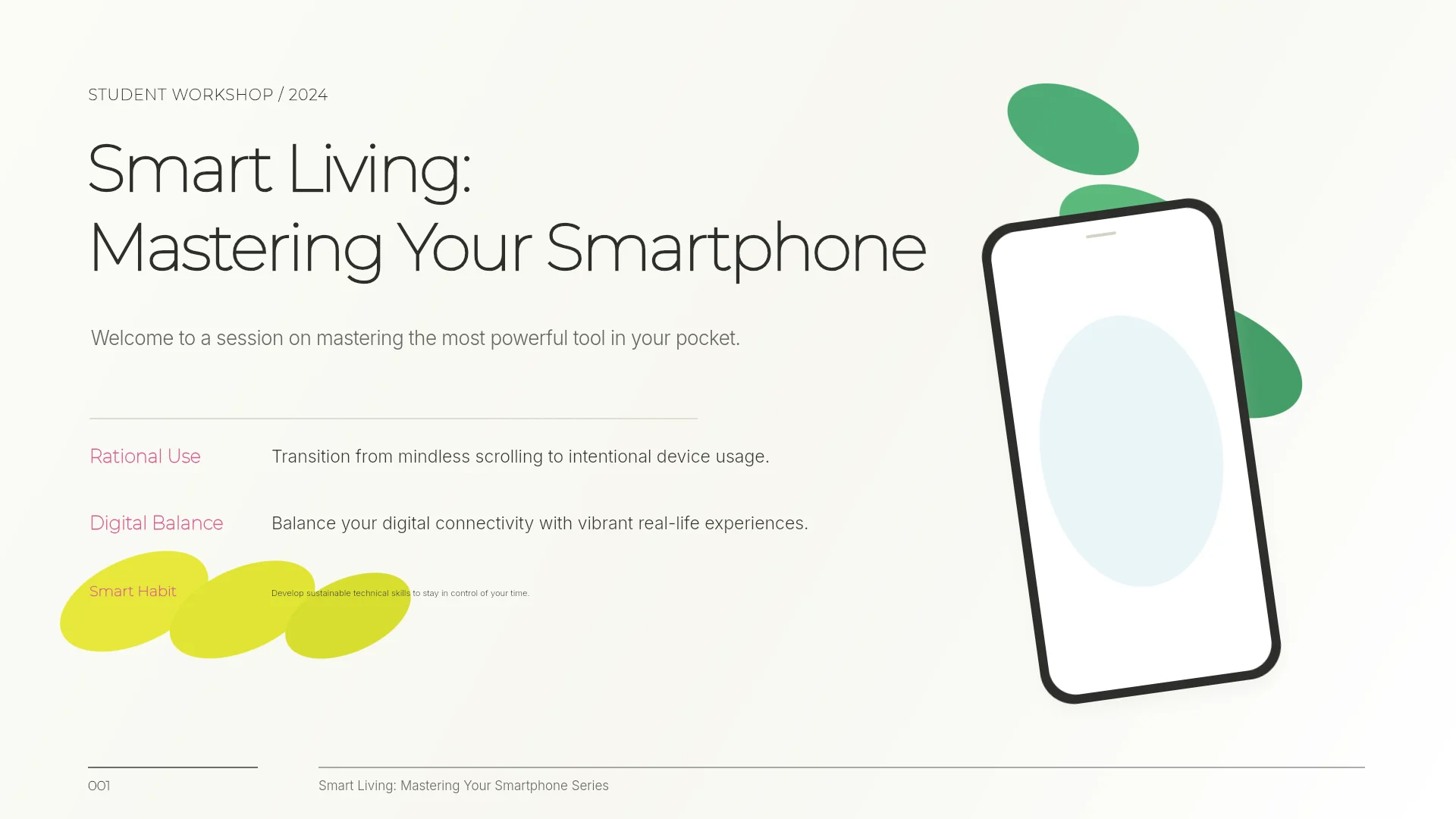
View the Healthy Smartphone Habits for Teens template
3. Smart Study Habits Guide (5 slides)
A short study-skills lesson on starting small, active recall, spaced review, and note-taking. Fits the first weeks of a term or a tutoring session.
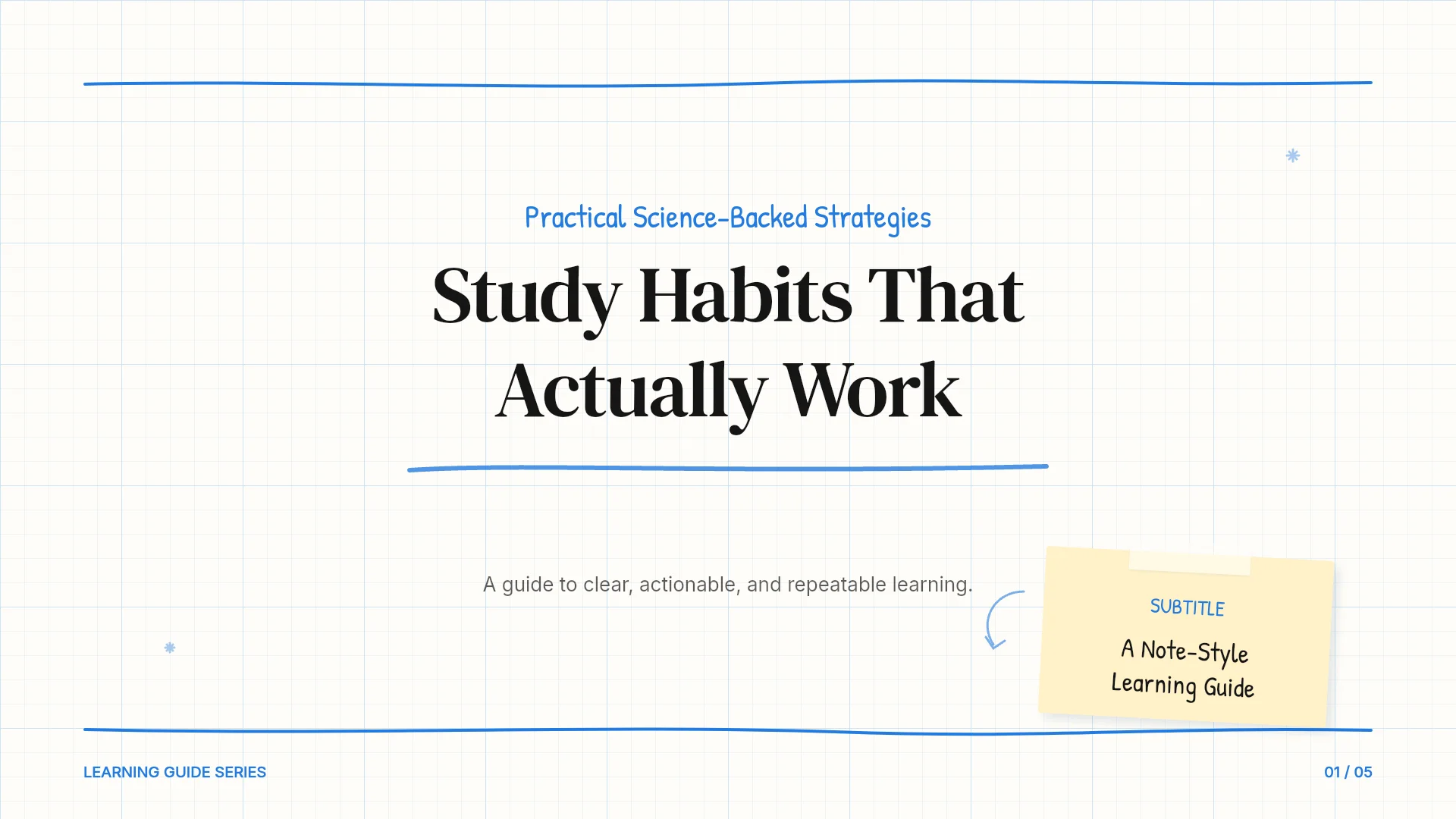
View the Smart Study Habits Guide template
4. New Team Member Onboarding Guide (7 slides)
A department onboarding session covering the roadmap, team structure, communication norms, and tools. Fits new-hire orientation and short staff training.
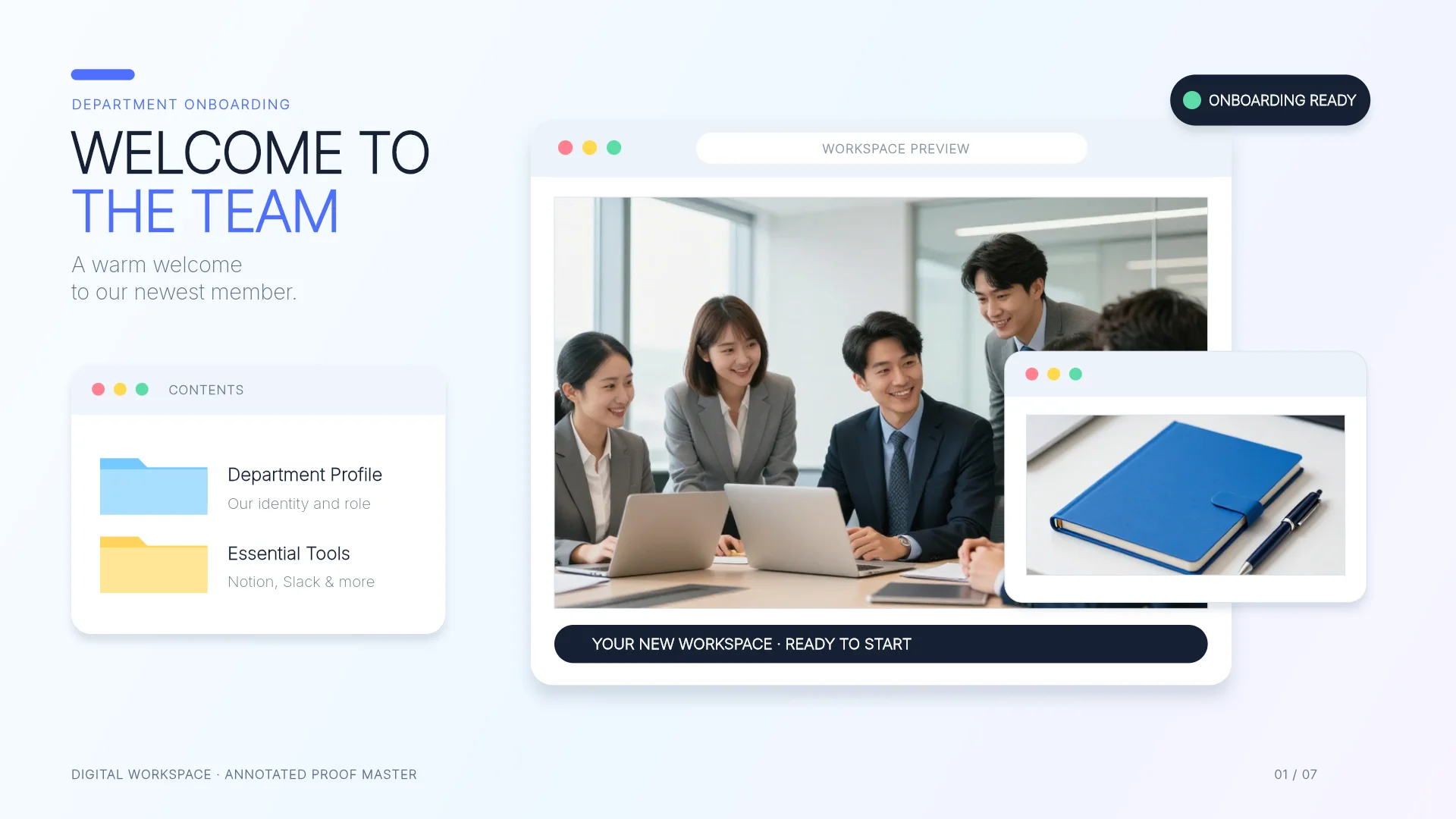
View the New Team Member Onboarding Guide template
Frequently asked questions
How many slides do I need for a 50-minute class?
There is no fixed number. Split the period into teaching, activity, and wrap-up time first. The example in this guide puts 27 minutes of teaching, 13 minutes of discussion, and a 10-minute exit ticket on 7 slides. A long activity needs fewer slides. Teach the draft out loud once and move overflow detail to a handout.
Can MOVO make slides from my lesson plan?
Yes. Attach the plan as Word (DOCX) or PDF, describe the class, and MOVO shows an outline built from it before creating slides. Check the outline and the finished slides against your plan, because the AI can still phrase a point differently than you would.
Can I include student names or grades?
Leave them out. Build the slides from materials with names and grades removed, and add anything student-specific to the finished deck yourself. Follow your school or district policy on AI tools and student data.
Can I use AI-generated quiz answers as they are?
Check each answer against your source first. Look for missing conditions that allow more than one answer and for rules your materials never state. Rewrite or drop any question you can't support.
Can I edit the slides in PowerPoint?
Yes, on paid plans: export PPTX and keep editing text and shapes in PowerPoint. PDF and PNG export are available on every plan, and you can present directly from MOVO with Slideshow.
Summary
A good teaching prompt names the learners, the time and slide count, the objective, the materials to use, and what to leave out. Build lessons around your standard and activity time, first-day decks around the syllabus, family nights around the calendar and grading policy, and staff training around the policy text. Check quiz answers against your sources and keep student data out. If you have a lesson plan, attach it to MOVO and start from the outline.