AI Proposal Decks for Agencies
How agencies and small teams draft proposal and pitch decks with AI from an RFP and a rate card, keep brand colors and fonts consistent, and check every number before a deck goes out.
Agencies answer RFPs and pitch new business on the client's deadline. In Loopio's 2026 RFP benchmark of more than 1,500 companies, teams submitted an average of 166 RFPs a year, advertising teams reported the least time spent on each proposal (about 22 hours), and bandwidth became RFP teams' top challenge for the first time (Loopio). Copying last month's deck is faster, until the old client's name shows up on slide 6.
MOVO starts from the files you already have. Attach the RFP, your rate card, or a past proposal, and MOVO shows a slide-by-slide outline before it builds anything. Match the outline to the RFP, set the audience, tone, brand colors, and font, pick a design, and the slides are built; select any slide to fix just that one. This guide covers what goes into an agency proposal deck, what to give the AI so it stays accurate, prompts for three common situations, how to keep the brand consistent, how to check numbers and client details, what changes for government RFPs, the MOVO workflow, and templates you can copy.
What goes into an agency proposal deck?
Mirror the client's RFP: their challenge → your solution → the value to them → the roadmap → proof → the next step. If the RFP lists sections or evaluation criteria, use its order and its words.
| Slide | Question it answers | What to bring |
|---|---|---|
| 1. Cover | Who is it for, and from whom? | The client's name exactly as the RFP writes it |
| 2. Client challenges | Do you understand their problem? | Pain points quoted from the RFP |
| 3. Solution | What exactly will you do? | Scope and approach |
| 4. Value | What does the client get? | Benefits tied to their requirements |
| 5. Roadmap | When does what happen? | Phases and dates from your SOW |
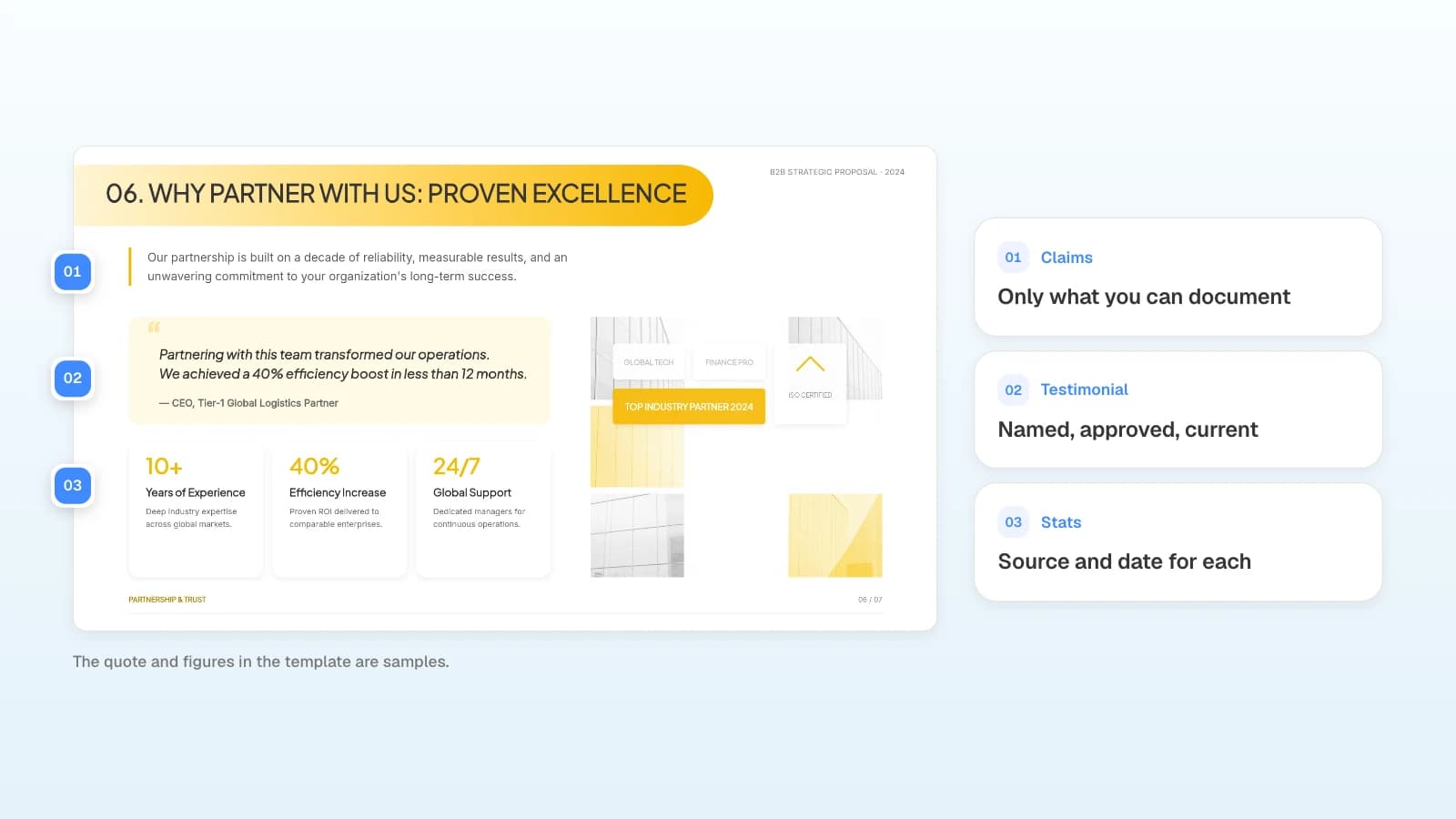
| 6. Why us | Why should they trust you? | Approved case studies, testimonials, figures |
| 7. Next steps | What should they decide, and by when? | Decision date, contact person |
Put fees where the RFP asks for them.
What should you give the AI so the proposal stays accurate?
Give it the RFP and your rate card as files, and state the rules the draft must follow. The less the AI has to guess, the fewer names and numbers you will fix later.
| Material | Format for MOVO | Rule to state in the request |
|---|---|---|
| RFP or client brief | PDF (up to 100 pages) or Word | "Use the client's name and criteria exactly as written" |
| Rate card or estimate | Excel (up to 20 sheets) or CSV | "Keep every amount as in the file" |
| Credentials deck, case studies | "Only case studies and figures we're allowed to share" | |
| Past proposal | PDF (save a PPTX as PDF first) | "Reuse the structure only; drop the old client's name and numbers" |
Prompts for three situations
Copy one and change the client, the slide count, and the rules.
1. Answering an RFP
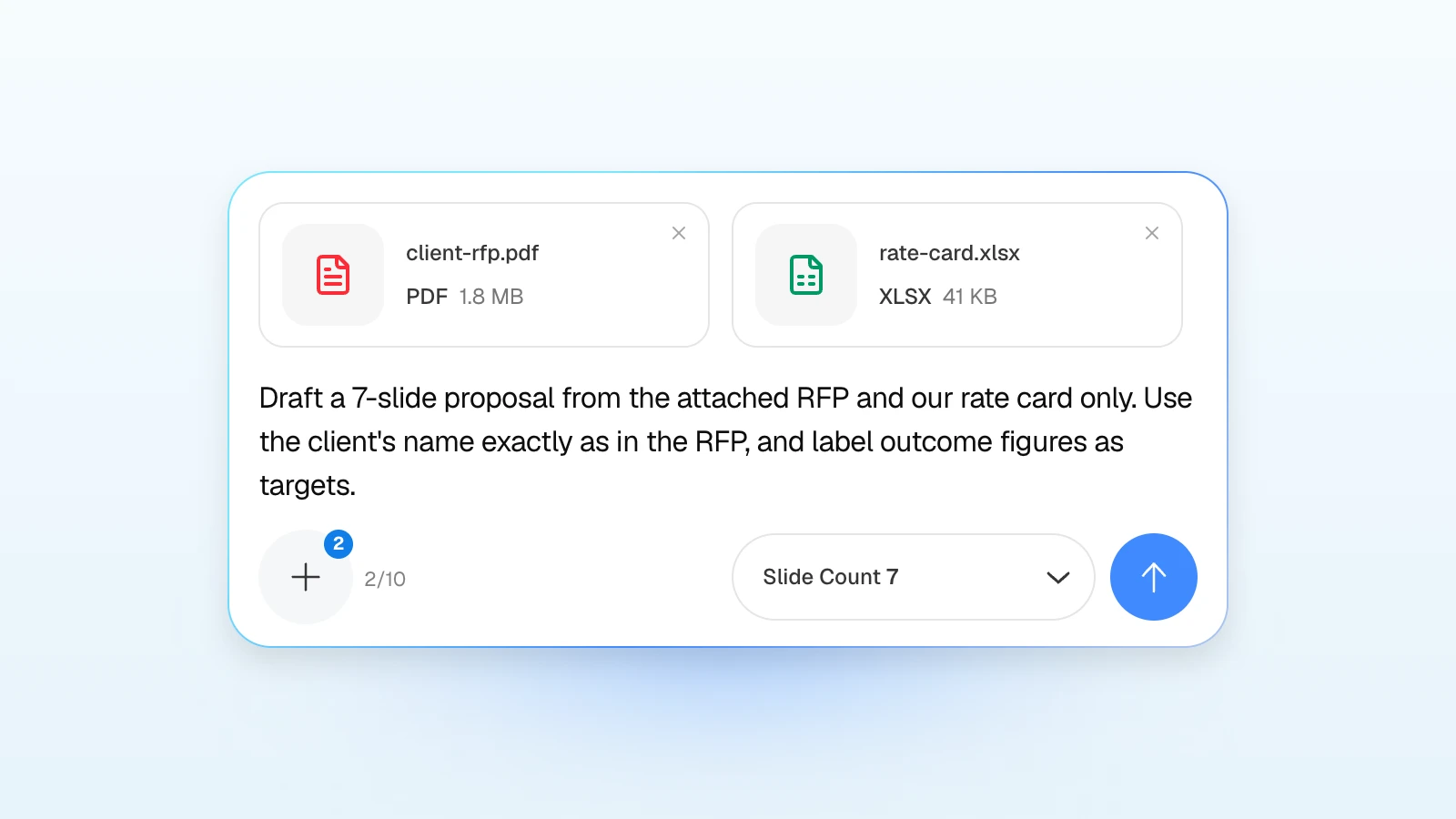
Draft a 7-slide proposal from the attached RFP and our rate card only. Cover, client challenges, solution, value, roadmap, why us, next steps. Use the client's name and evaluation criteria exactly as written in the RFP, keep every amount as in the rate card, and label outcome figures as targets. Don't add case studies or clients I haven't given you.
Replace: the slide count and order if the RFP sets them.
2. Adapting a past proposal for a new client
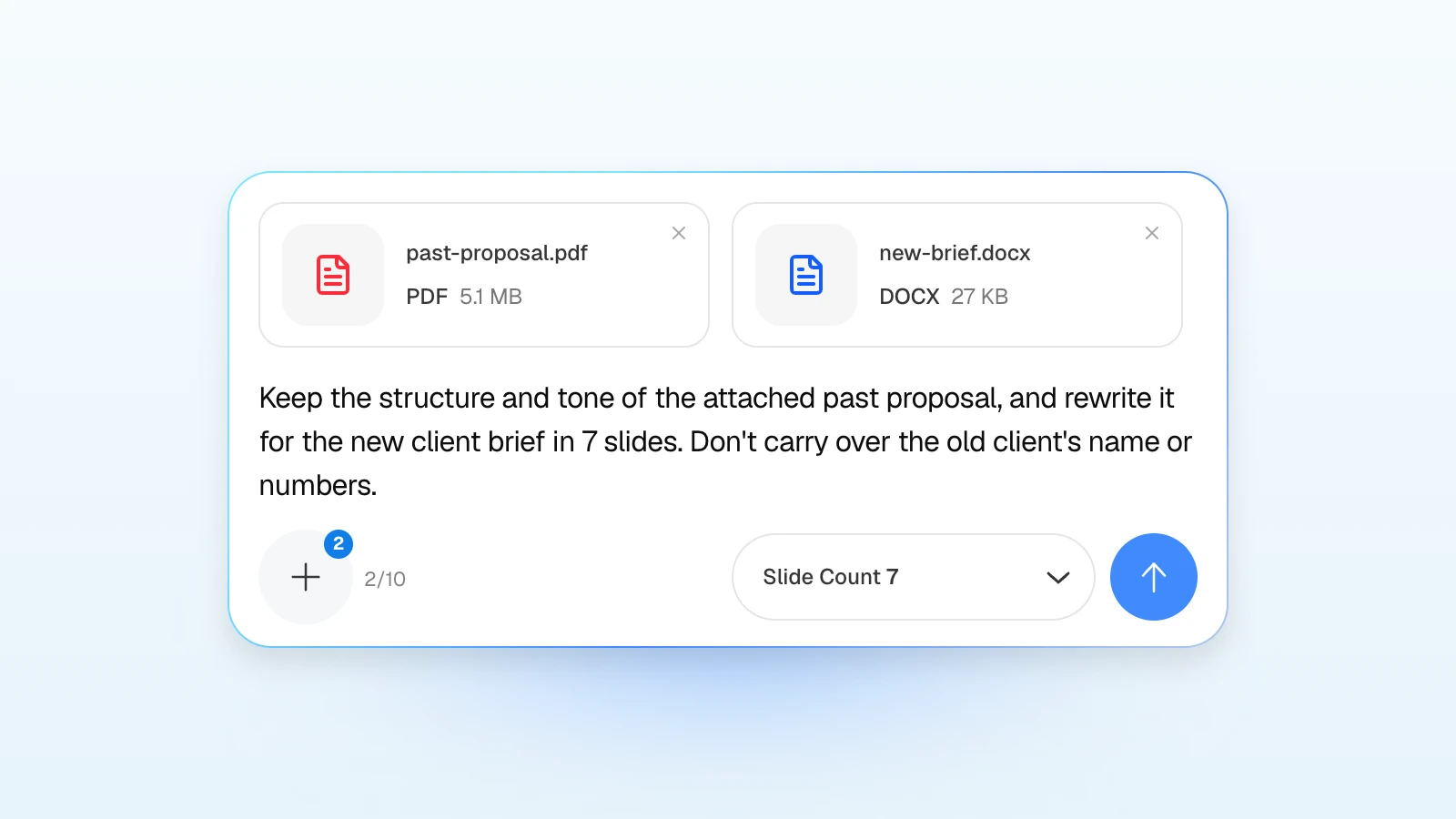
Keep the structure and tone of the attached past proposal, and rewrite it for the new client brief in 7 slides. Update the challenge, scope, timeline, and fees from the new brief, and don't carry over the old client's name or numbers.
Replace: the slide count and any slides to keep as they are, such as the team slide.
3. A credentials deck for a first meeting
Build a 6-slide credentials deck for a first meeting from the attached agency profile and our three approved case studies. Who we are, services, how we work, case studies, team, next step. Use only the results stated in the case studies.
Replace: the number of case studies and the services you want to lead with.
How do you keep the brand consistent?
Set the brand colors and font in MOVO's settings step, upload the logo in the editor, and start repeat work from a template or a deck you have already approved.
| Brand element | Where in MOVO | What to check |
|---|---|---|
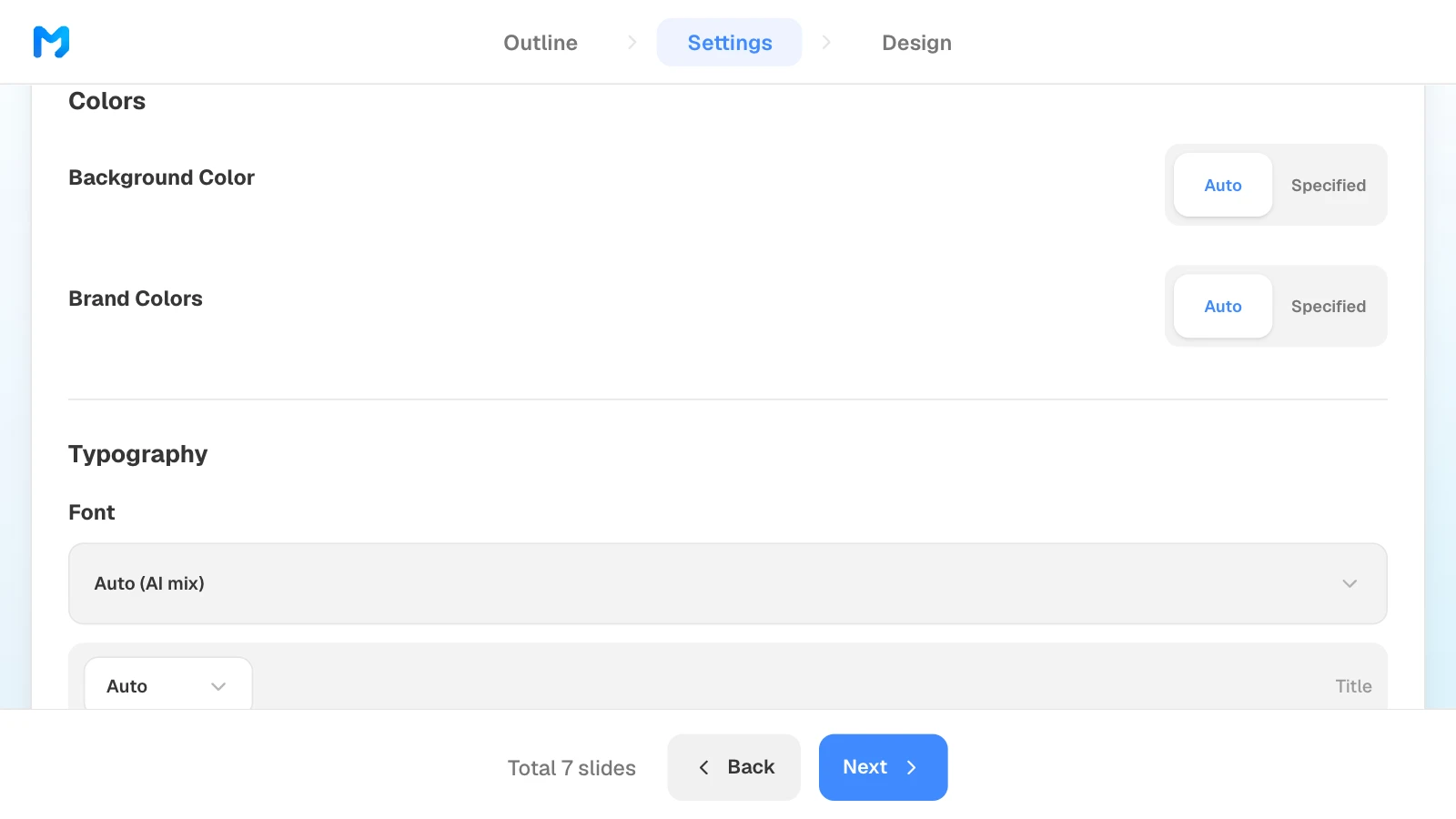
| Colors | Settings → Colors / Typography → Brand Colors | Hex values from the brand guide |
| Font | Settings → Typography → Font | Installed on the computer that opens the file |
| Logo | Upload, in the editor's left panel | A logo file that works on the background |
| Tone | Settings → Copy Tone (Formal, Friendly, Punchy) | The client's own voice |
| Repeat structure | "Start from this deck" on a template page | Remove the previous client's details |
Put colors and the font in settings rather than in the request text. If the client requires their own PowerPoint master, work in that file: MOVO doesn't accept PPTX uploads.
How do you check numbers and client details before sending?
Have a person check every slide against the source before it goes out: the client's name, fees and totals, dates, outcome figures, case studies, and anything left over from an older proposal.
| Check | Compare with |
|---|---|
| Client name and department | The RFP cover page and the brief |
| Fees, totals, and taxes | Your rate card or estimate |
| Dates and phases | The SOW or project plan |
| Outcome figures | The RFP's criteria and how you set each target |
| Case studies and testimonials | Your list of approved references |
| Leftovers from old proposals | A search of the file for the old client's name |
Label outcomes as targets until they are measured, and say in one line how you set each one. Edits like these are also when text boxes start to overlap.
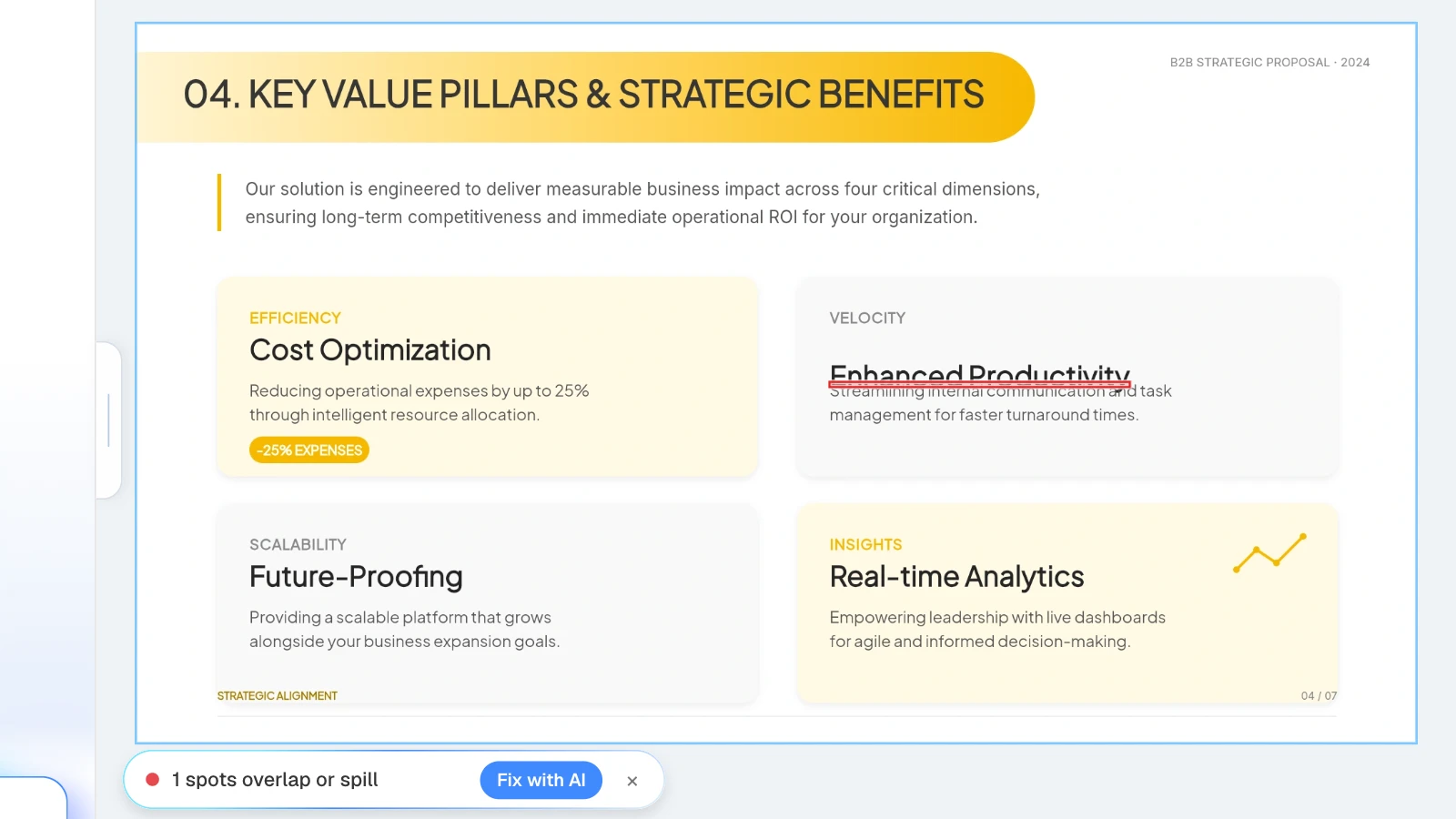
In the MOVO editor, click "Check layout" below the canvas: MOVO marks overlapping or spilling spots on the current slide, and "Fix with AI" asks the AI to tidy that part.
Before you upload a client's confidential files or personal data, check your contract with the client and your own security policy. MOVO lists its AI processors, Google Gemini (Vertex AI), OpenAI, and Replicate, in its privacy policy.
What changes when the RFP comes from a government agency?
Follow the solicitation to the letter. Under the Federal Acquisition Regulation's uniform contract format, Section L of a solicitation gives the instructions to offerors and Section M the evaluation factors for award (FAR 15.204-1). If the agency asks for an oral presentation, the solicitation must describe, among other things, the time allowed for each presentation and any limits on written material or other media (FAR 15.102).
- Use Section M's evaluation factors, in order, as your slide titles.
- Rehearse against the stated time limit.
- Check whether slides are allowed, and in what form, before you design them.
What does MOVO change for agency proposals?
- Start from the RFP and your rate card: attach an RFP PDF (up to 100 pages), a Word brief, an Excel estimate (up to 20 sheets), images, TXT, or CSV. Save PPTX or HWP files as PDF first.
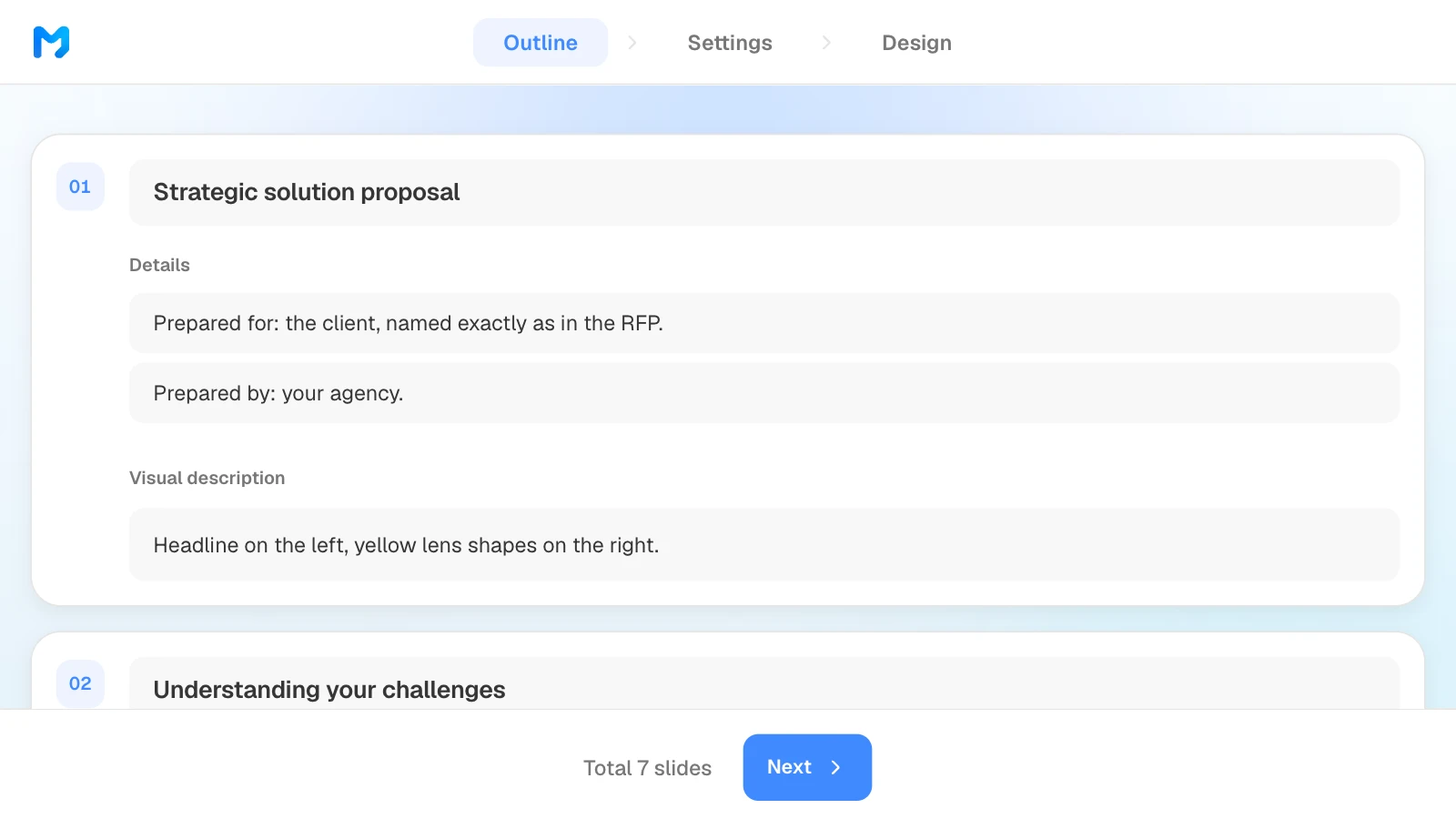
- Outline first: MOVO shows every slide's title and content before building, so you can match it to the RFP before any design work.
- Brand settings: choose "Client" as the audience, set the copy tone, brand colors, and font, then narrow designs with the "Proposal / Persuasion" document type.
- Fix one slide at a time: select a slide and ask for a change; only that slide changes. Check layout finds overlapping text boxes.
- Export files: PDF and PNG on every plan; PPTX and Figma on paid plans. PDF export lets you choose High, Medium, or Low quality. Fonts are not embedded in the PPTX, so install them on the computer that opens it.
How to build a proposal deck in MOVO
The pictures below show MOVO's screens filled with this article's example, a seven-slide B2B proposal. They illustrate the steps; they are not a recording of a real session.
1. Attach the RFP and describe the proposal
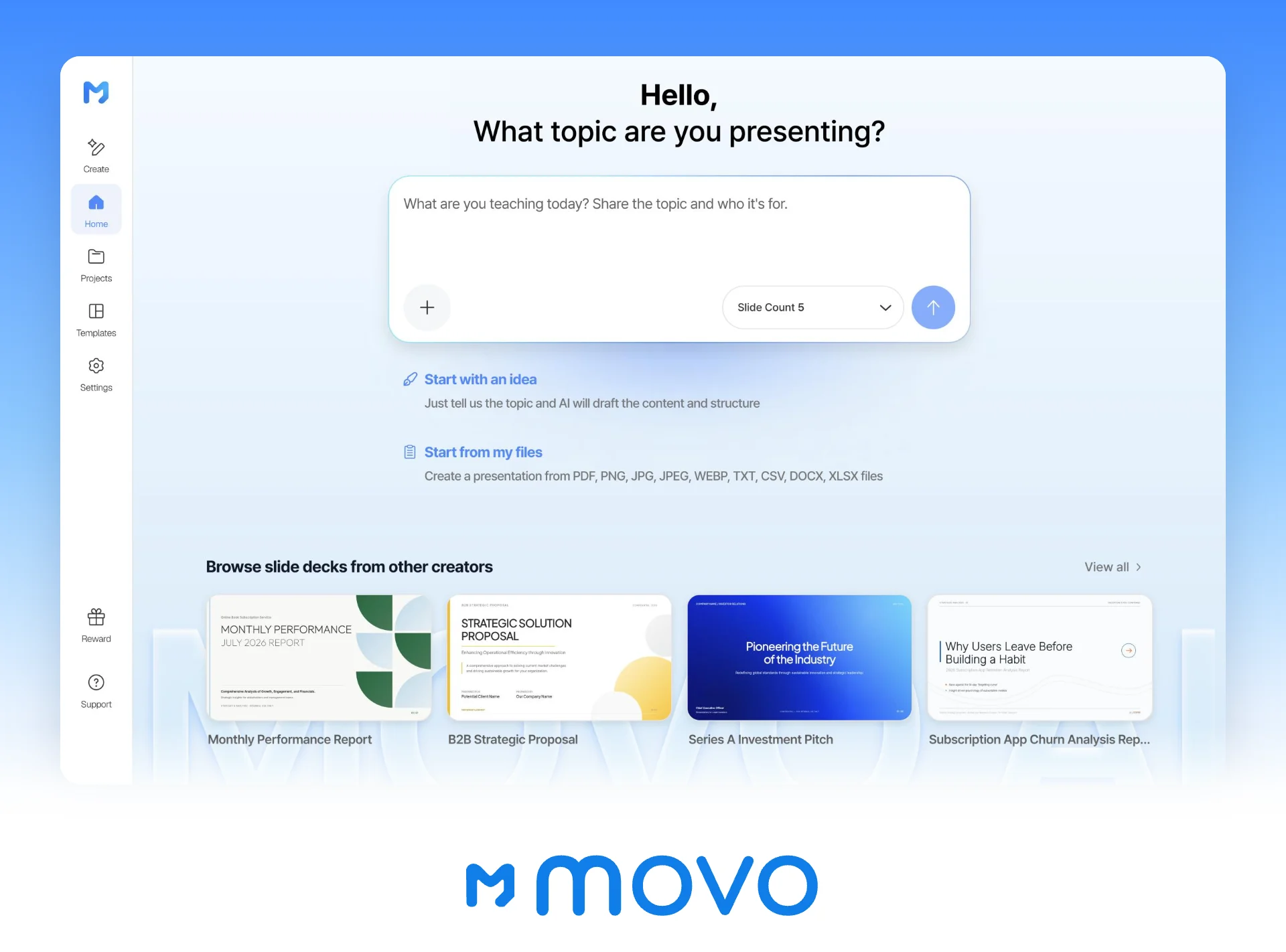
In the dashboard input, say what the proposal is for and what the AI must not change, and attach the RFP and your rate card. Set the slide count here too.
2. Match the outline to the RFP
Compare the title, details, and visual description MOVO suggests for each slide with the RFP, edit them, and drag slides to reorder. What you change here is what gets built.
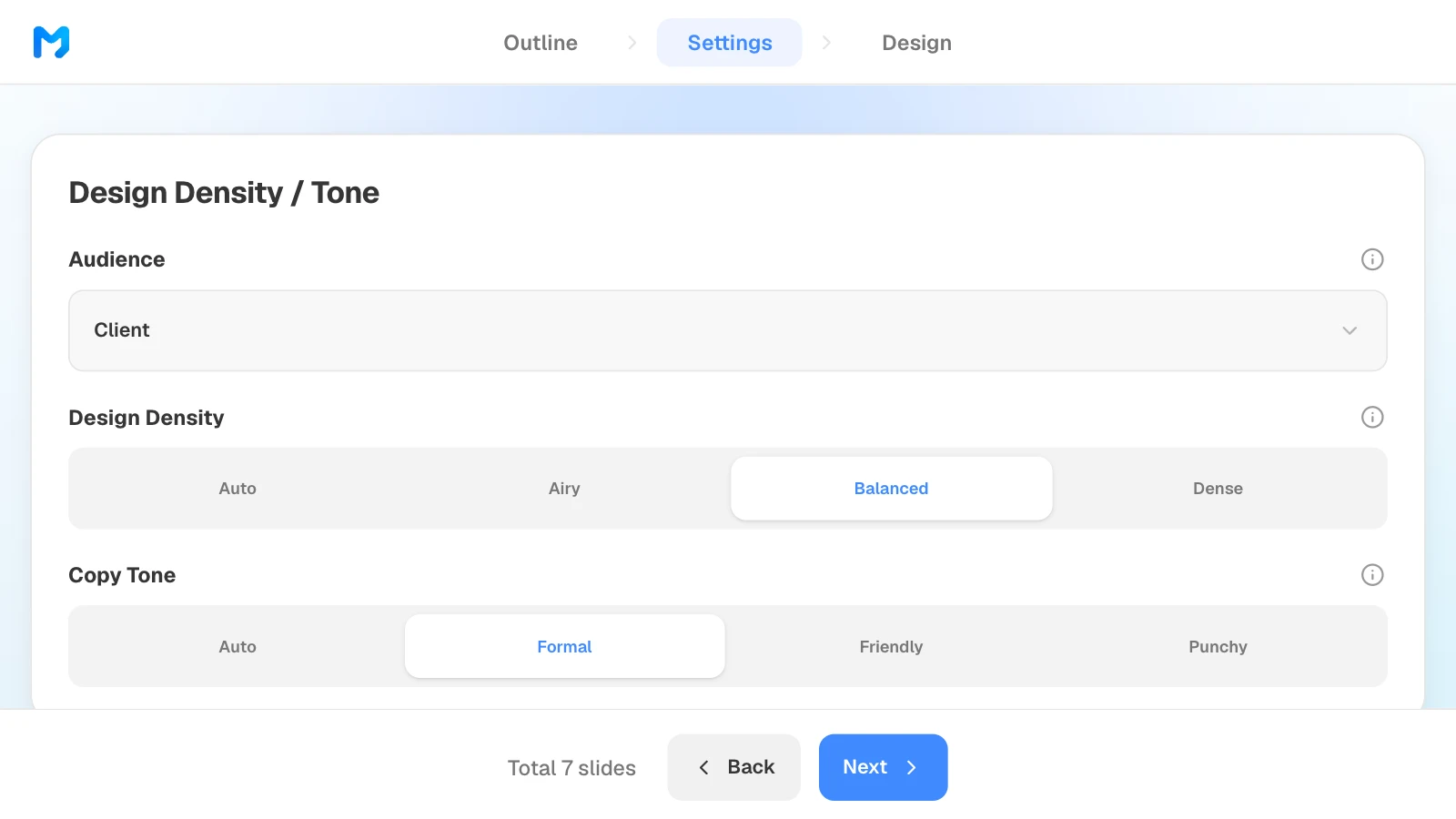
3. Set the audience and tone
In settings, choose "Client" as the audience, then set design density and copy tone. Further down the same step, set brand colors and a font.
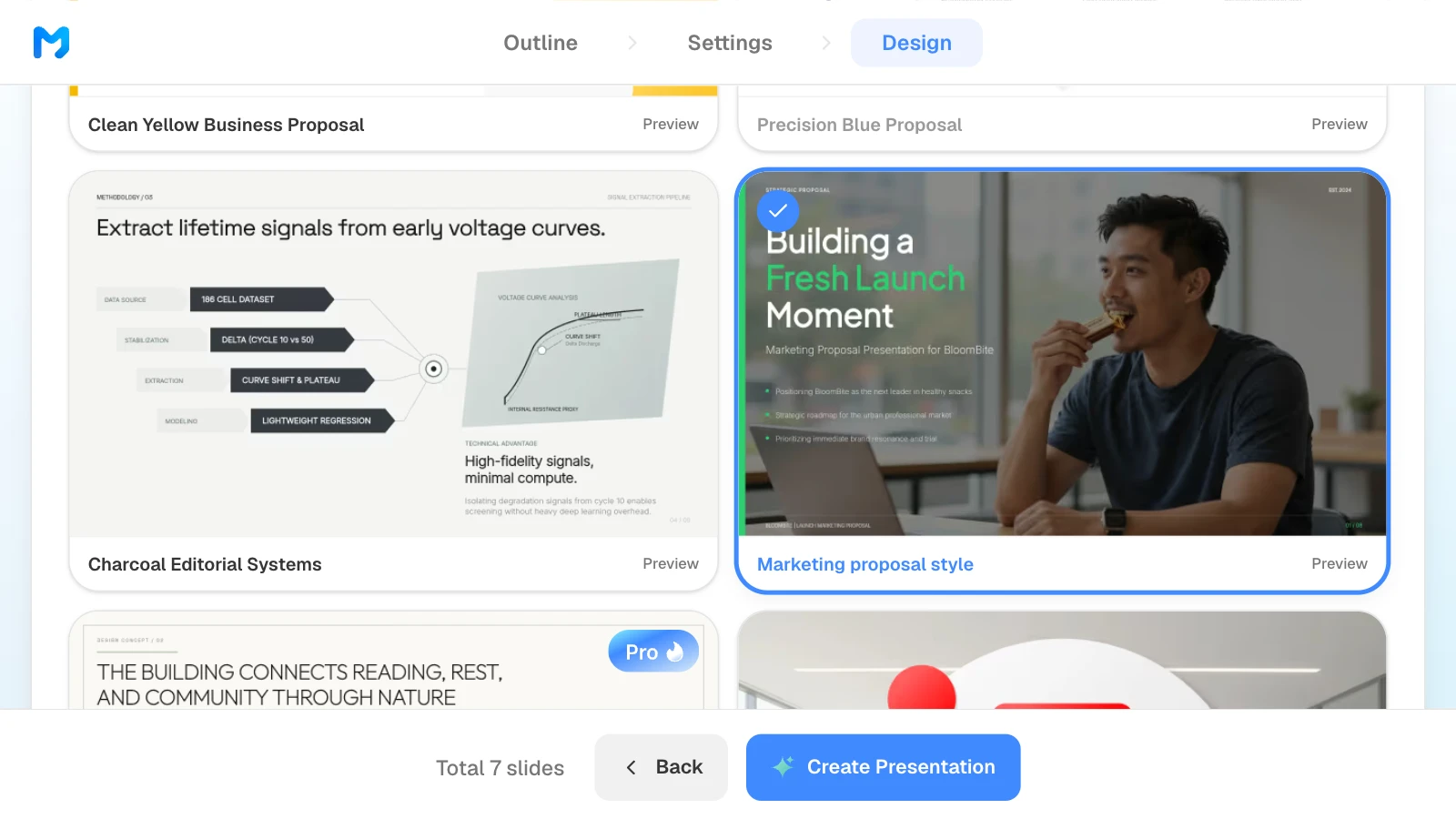
4. Pick a design
Choose "Proposal / Persuasion" as the document type to see only proposal styles. Open "Preview" to see sample slides, then pick one. Styles marked "Pro" are available on paid plans.
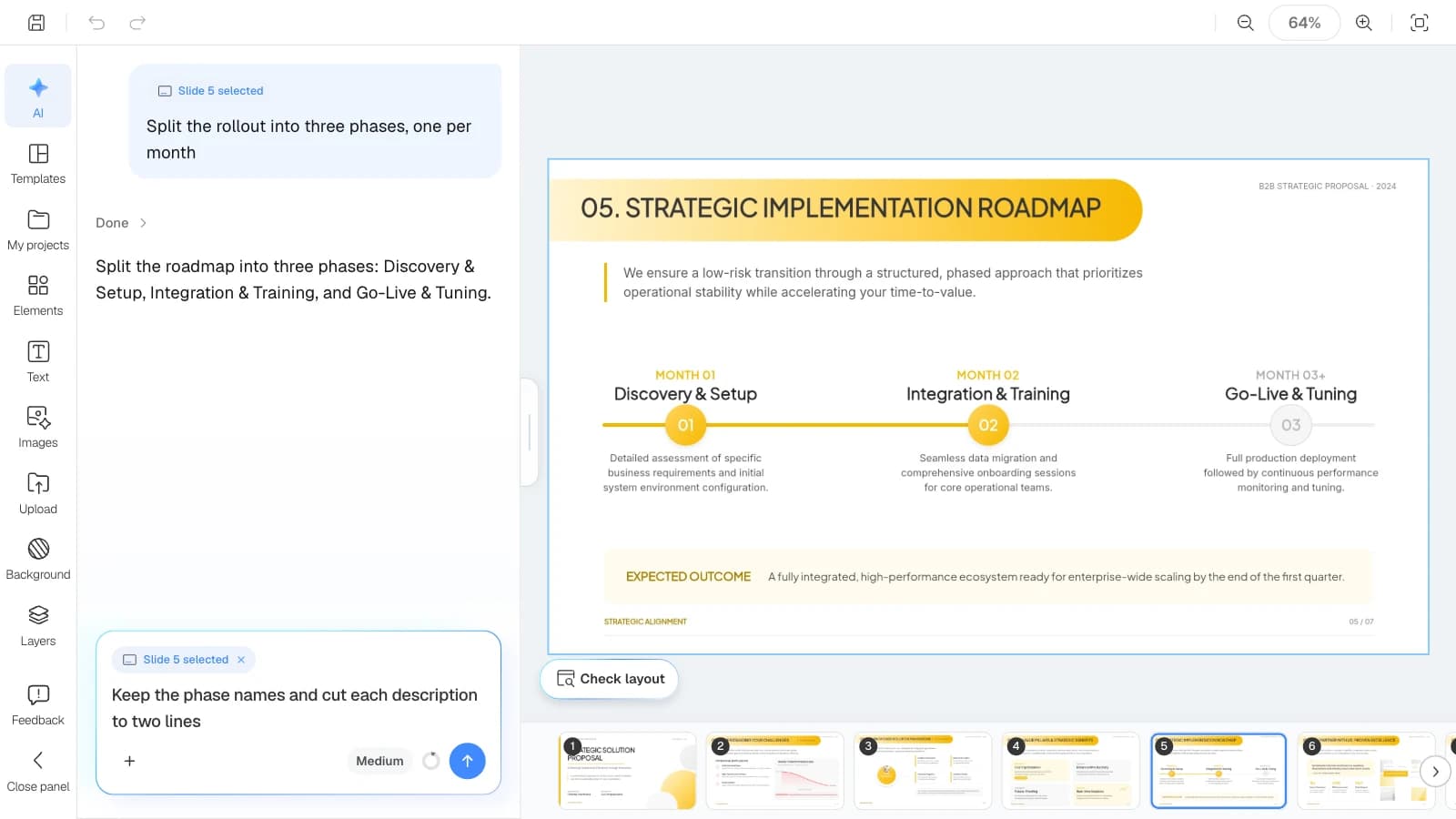
5. Check the draft against the RFP and fix only what is wrong
Compare the finished slides with the RFP and your rate card. To fix one, select the slide and ask in the AI panel on the left, or edit it on the canvas.
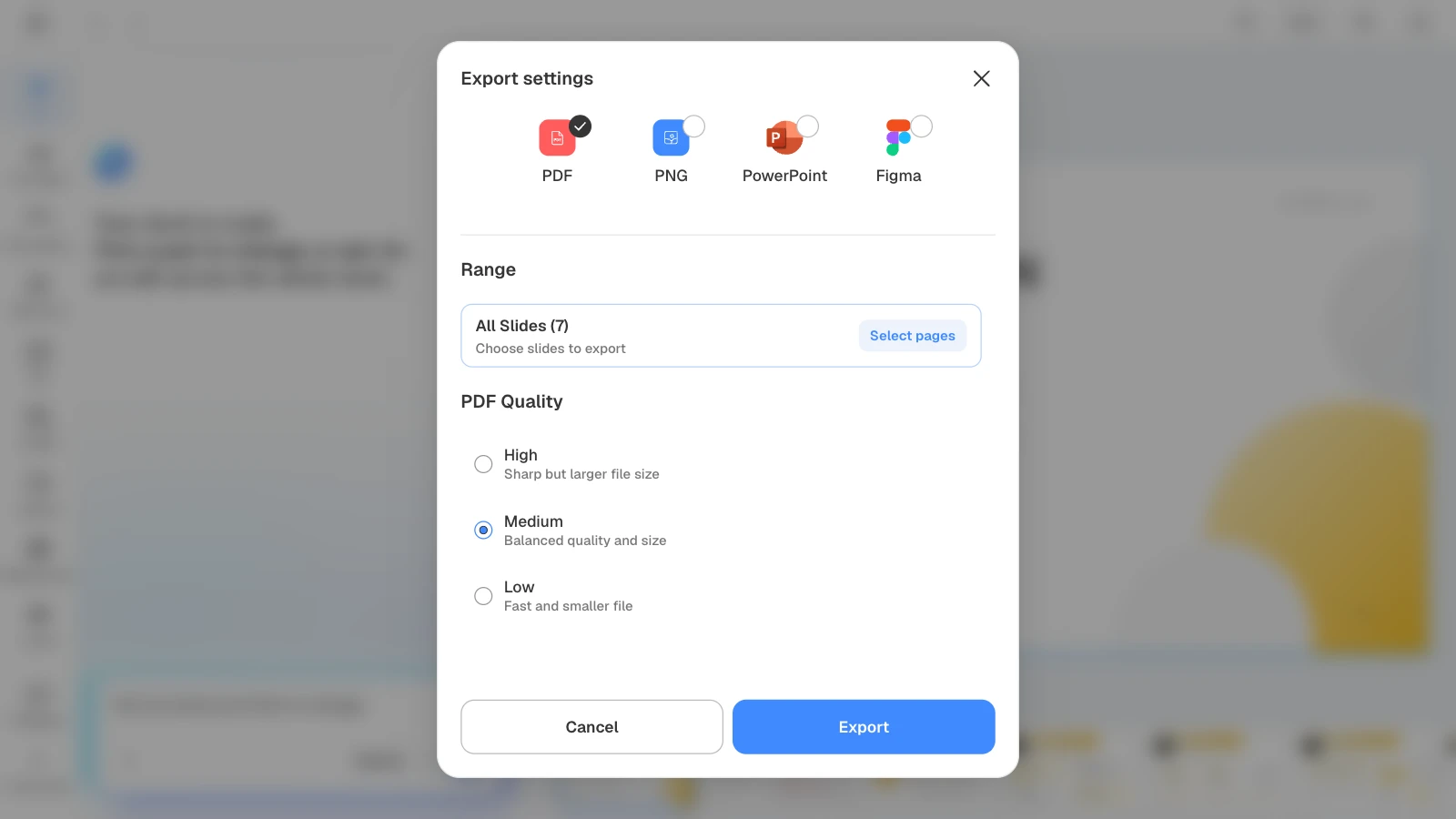
6. Export the file
Send a PDF when the client only needs to read it, and a PPTX when they need to edit it. For PDFs, pick the quality that fits any upload size limit.
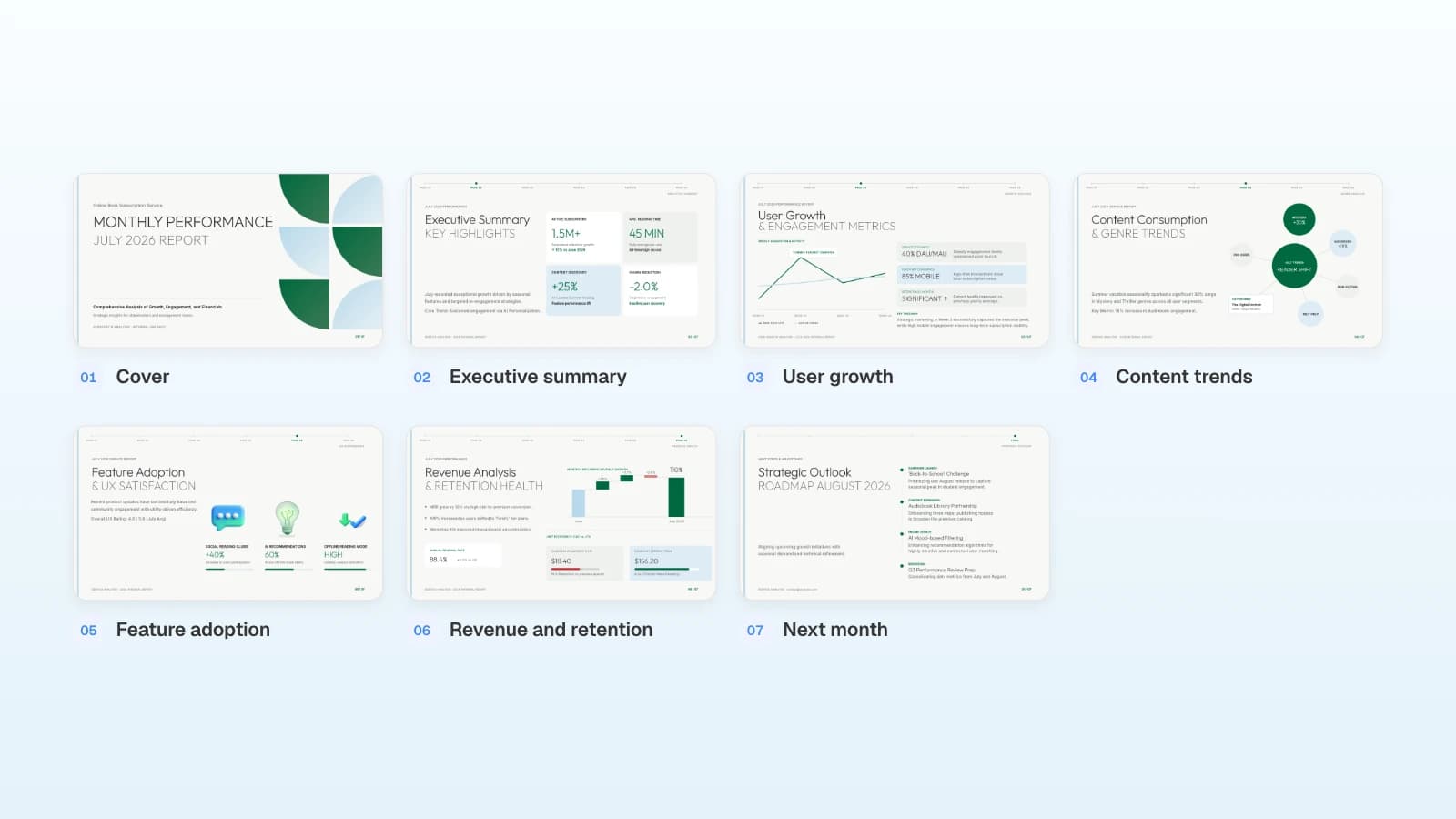
Three proposal and pitch templates
These MOVO templates are written for a global audience. The companies and numbers in them are fictional and show structure only. Copy one into your projects and replace the content with your client's.
1. B2B Strategic Proposal (7 slides)
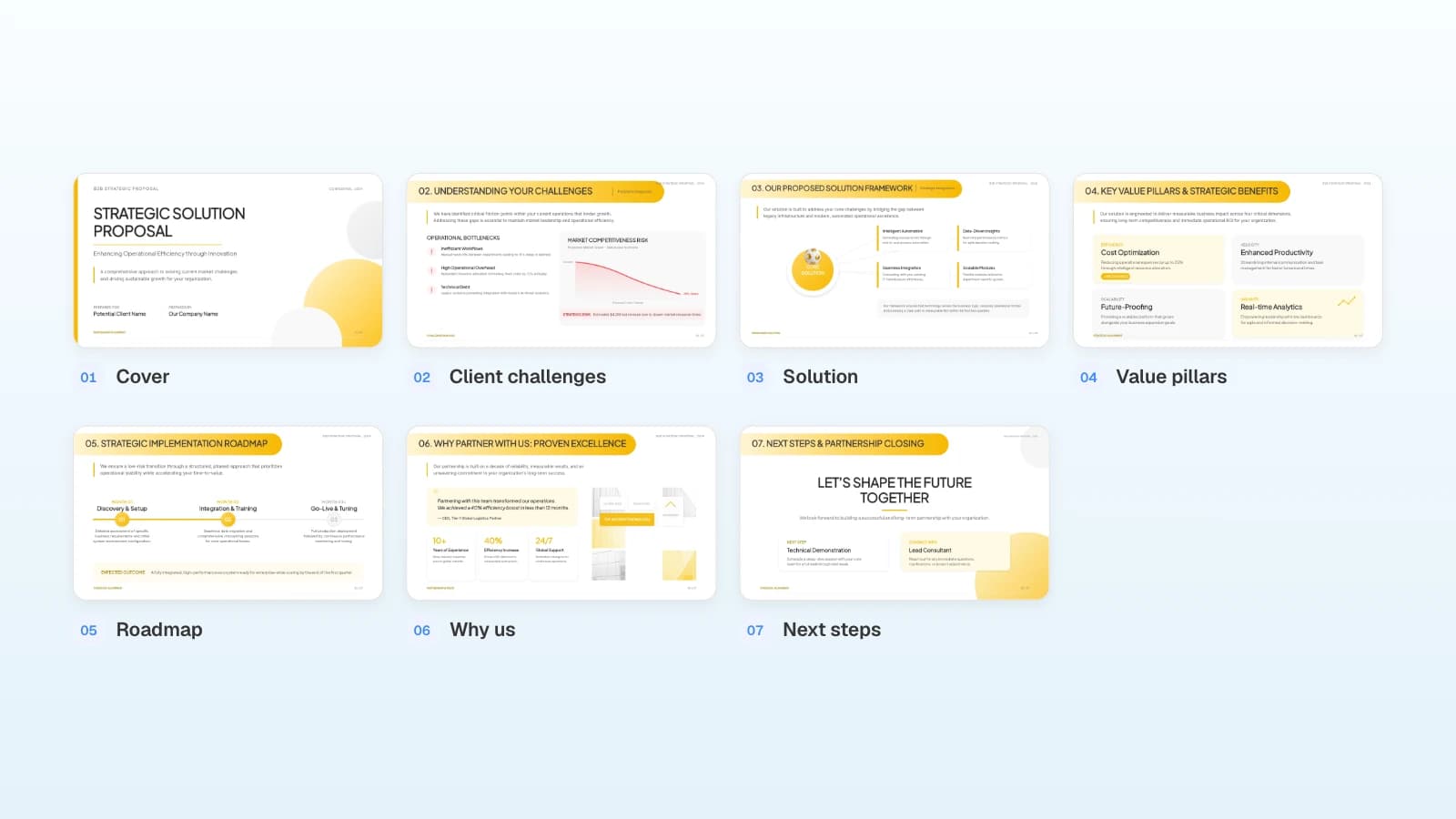
A client-facing proposal with a "prepared for / prepared by" cover, the client's challenges, a solution framework, value pillars, a three-phase roadmap, proof, and next steps. Fits agencies and consultancies answering a B2B brief.
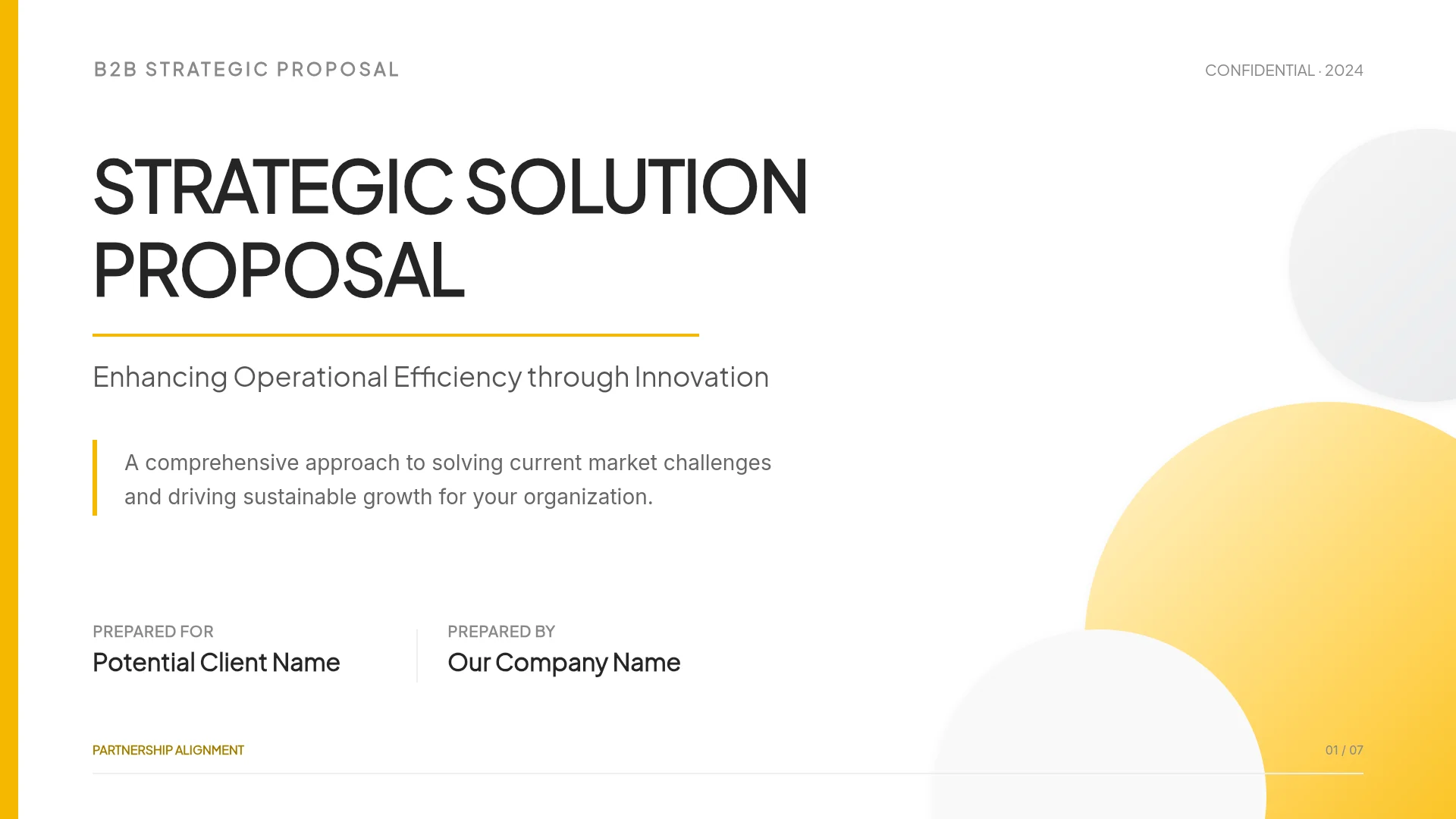
View the B2B Strategic Proposal template
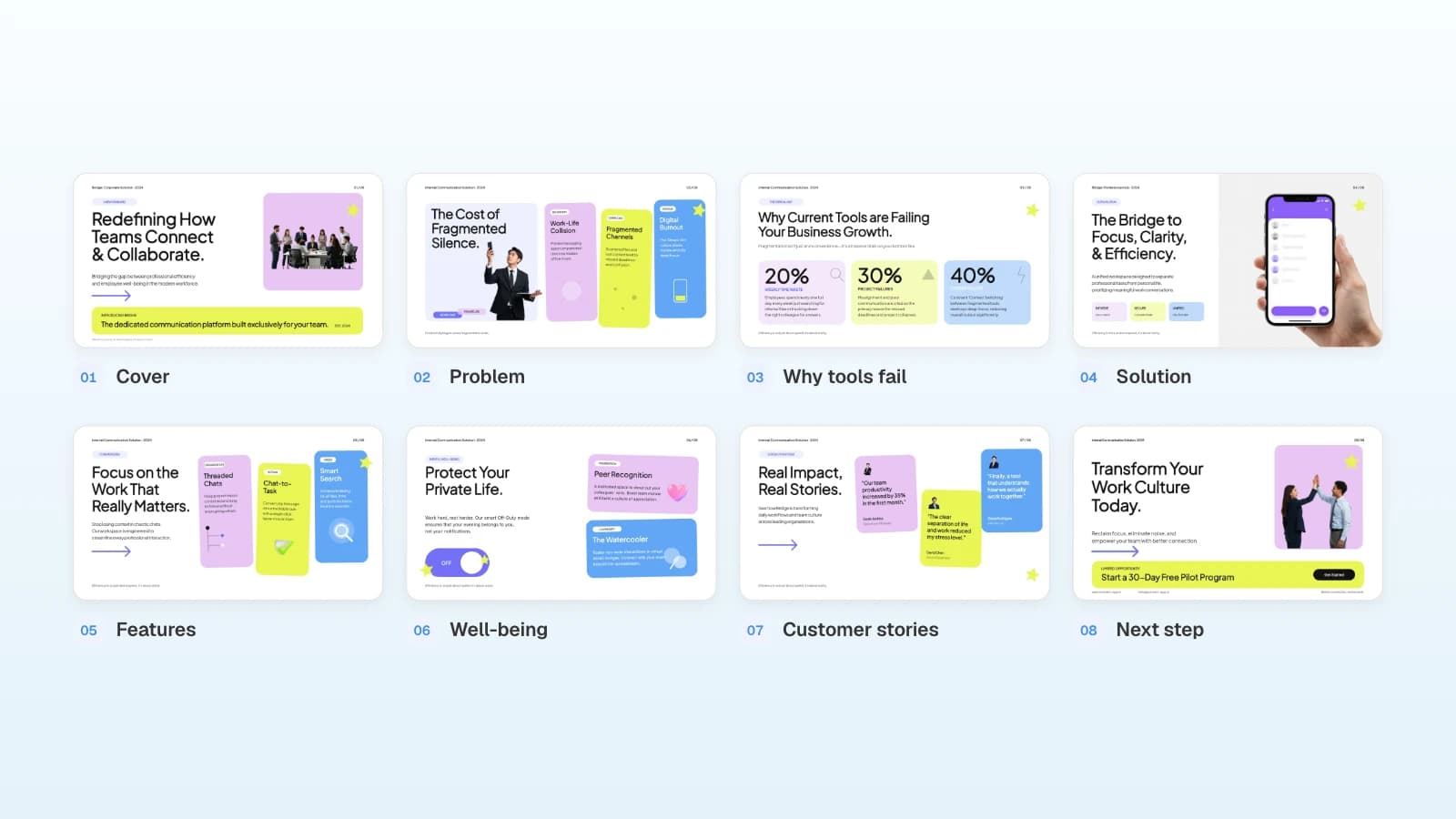
2. Digital Marketing Agency Pitch Deck (7 slides)
A credentials deck for new business: who we are, services, partner ecosystem, results, why partner with us, and contact. Fits a first meeting before any RFP.
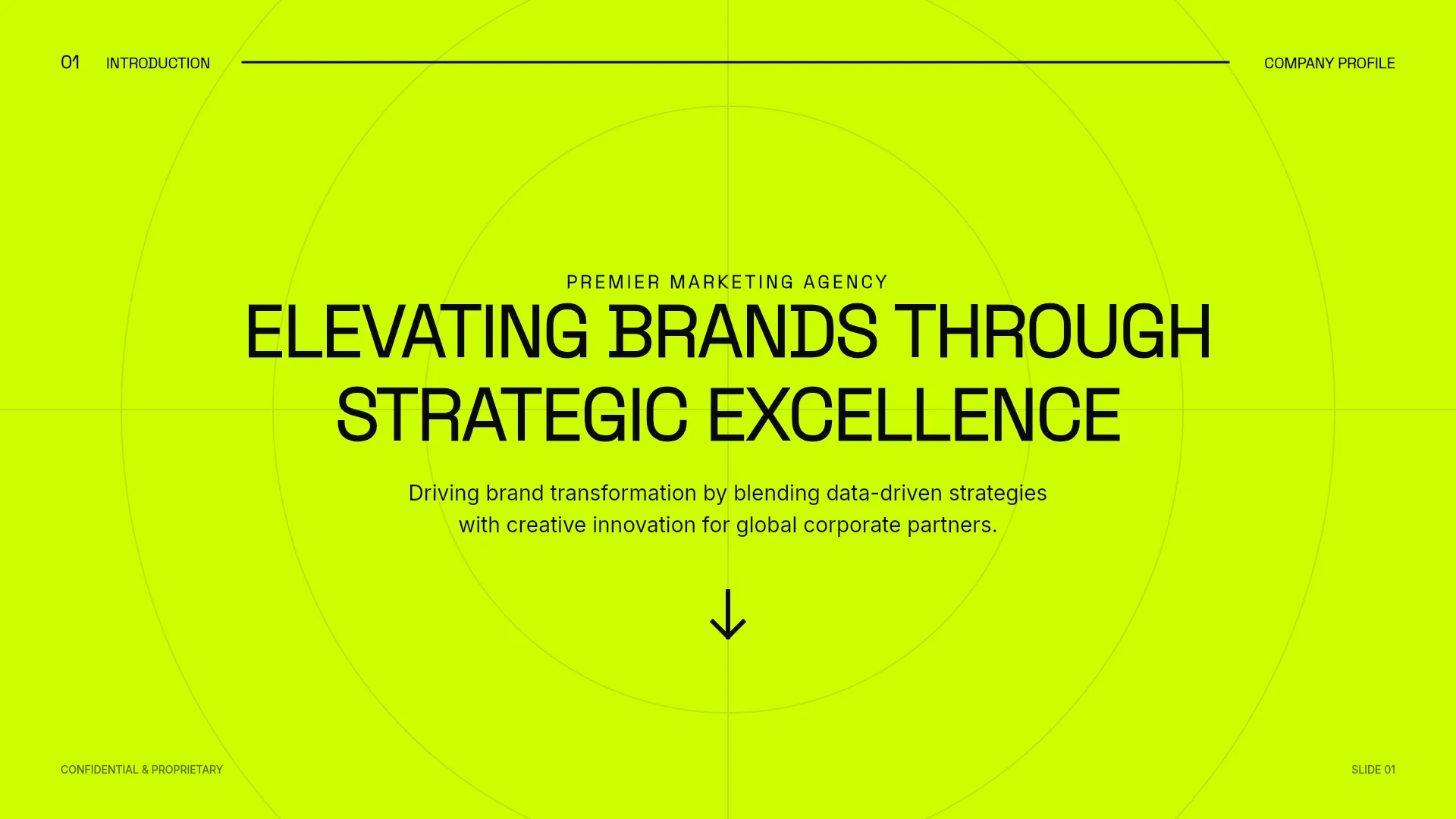
View the Digital Marketing Agency Pitch Deck template
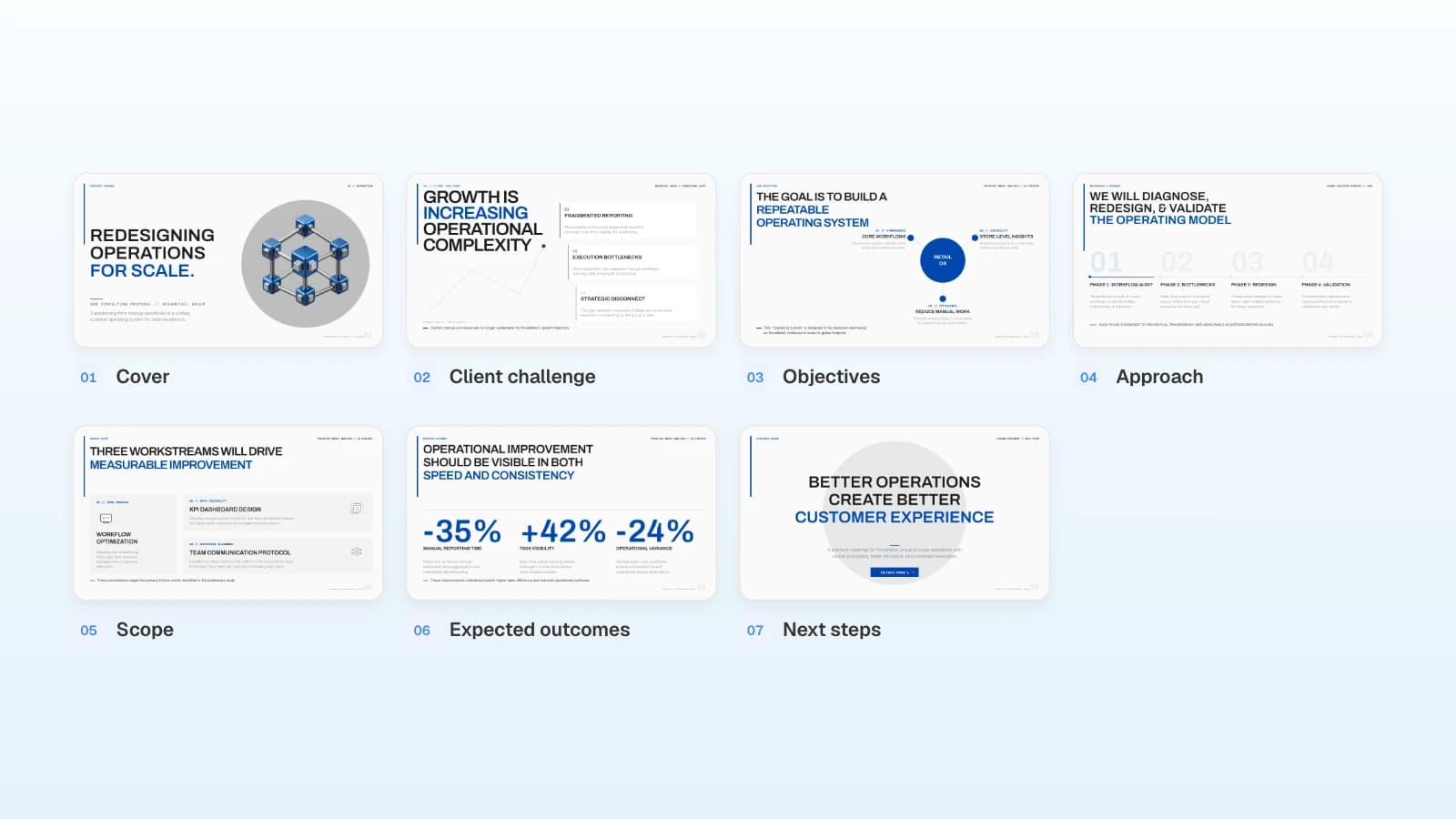
3. Retail Operations Consulting Proposal (7 slides)
A consulting proposal that moves from the client's challenge to objectives, a four-phase method, three workstreams, expected outcomes, and next steps. Fits operations and strategy consultancies.
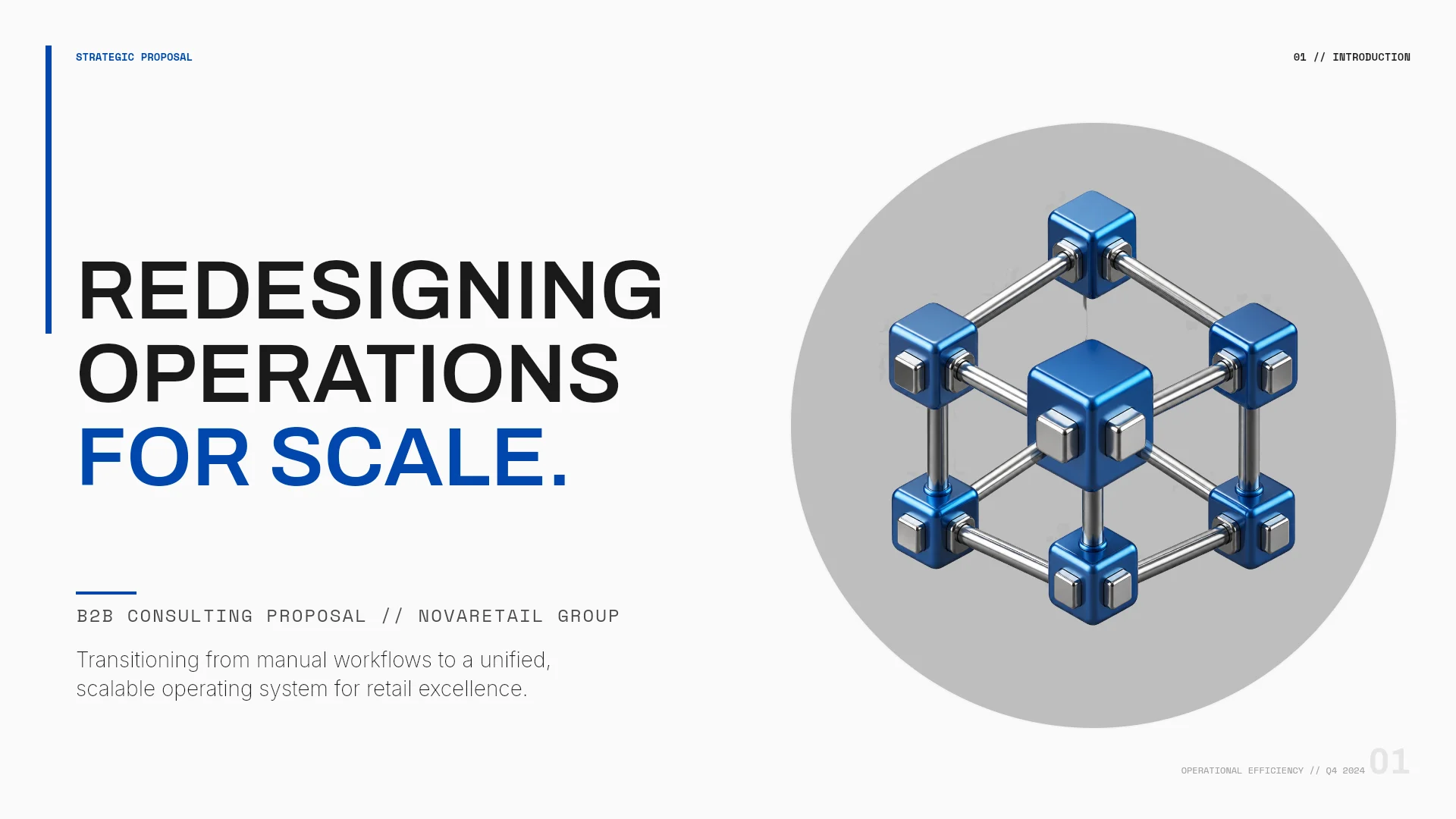
View the Retail Operations Consulting Proposal template
Frequently asked questions
Can I send an AI-drafted proposal to a client as is?
No. Check the client's name, fees, dates, outcome figures, and case studies against the RFP and your rate card, slide by slide. Delete any figure or case study that isn't in your sources, or find the source.
Can MOVO use our client's PowerPoint template?
MOVO doesn't accept PPTX uploads, so it can't build inside a client's master file. You can set the client's brand colors and font in settings; if the master file itself is mandatory, build the deck in that file.
How do I reuse a past proposal safely?
Attach it as a PDF, tell the AI to reuse the structure and tone only, and to drop the old client's name and numbers. Then search the finished deck for the old client's name before you send it.
What happens to client files I upload?
MOVO's privacy policy lists its AI processors: Google Gemini (Vertex AI), OpenAI, and Replicate. Its terms say you keep the copyright in content you create, and MOVO may use it only to operate and improve the service. Check your client contract before uploading confidential material.
How many slides should a proposal deck have?
Whatever the RFP or the meeting time allows. If nothing is set, keep what the client must decide (scope, timeline, fees) and move supporting detail to an appendix.
Summary
A proposal deck mirrors the client's RFP, from their challenge to the next step. Give the AI the RFP and your rate card as files, and tell it to keep names, amounts, and criteria exactly as written. Set brand colors and the font in settings, and have a person check every slide against the sources before it goes out. For government RFPs, follow the solicitation's instructions and evaluation factors first.