Outsourcing PowerPoint Creation Costs in 2026
What outsourcing PowerPoint slide creation costs in September 2026, from per-slide rates to packages, how to get quality from a designer, and how outsourcing compares with AI tools and doing it yourself.
Your sales deck is due next week, the in-house designer is booked, and you are wondering whether to send it out. Quotes for outsourcing PowerPoint slide creation range from about ten dollars a slide to thousands of dollars a deck, and it is hard to tell what the difference buys you.
MOVO starts from the material you already have. Attach a product brief, a price sheet, or notes, and MOVO shows a slide-by-slide outline before it builds anything. Fix the outline, pick a design, and the slides are built; select any slide to fix just that one, then export a PDF, or a PPTX a designer can keep working on. This guide covers what outsourcing costs as of September 2026, what drives the price, how to get quality from an outsourced deck, how outsourcing compares with AI tools and doing it yourself, and when outsourcing is the better call.
How much does it cost to outsource PowerPoint slide creation?
Published prices, checked on September 27, 2026, run from $11 per slide for polishing slides you already have to $66 per slide for rebuilding slides from a sketch or PDF on a 24-hour deadline. Package and subscription pricing sits alongside: $799 to redesign an existing deck of up to 20 slides, from $6,000 when the provider also writes the story, or $699 a month for a design subscription. Prices change, so check the vendor's page before you budget.
| Provider | What you get | Published price |
|---|---|---|
| 24Slides, pay as you go | Fix Up: polish your existing content and objects | $11 (72-hour) to $16 (24-hour) per slide |
| 24Slides, pay as you go | Redesign: a complete new design for your content | $28 to $43 per slide |
| 24Slides, pay as you go | Redraw: turn a sketch, picture, or PDF into an editable slide | $44 to $66 per slide |
| Slidebean | Redesign of an existing deck, up to 20 slides, 2 design revision rounds, 4 business days | $799 |
| Slidebean | Strategy sprint with writing and design, up to 30 slides, 3 to 4 weeks | From $6,000 |
| PitchWorx | Design subscription: unlimited requests, 2 active at a time, most within 72 hours | $699 per month |
For a baseline on doing it in-house, the median wage for graphic designers in the US was $30.27 an hour in May 2025 (BLS).
What would an 8-slide sales deck cost?
Here is the eight-slide deck below priced from the published rates above. A real quote depends on the files you send.
| Option | Math | Price |
|---|---|---|
| 24Slides Fix Up, 72-hour turnaround | 8 × $11 | $88 |
| 24Slides Redesign, 48-hour turnaround | 8 × $35 | $280 |
| 24Slides Redraw, 24-hour turnaround | 8 × $66 | $528 |
| Slidebean Pitch Deck Design (up to 20 slides) | Flat package | $799 |
The same eight slides cost $88 or $799 depending on what the designer starts from, how much they change, and how fast you need them back.
What changes the price of an outsourced deck?
Five things move the price: the file you start from, whether the provider writes the story, the deadline, the number of revision rounds, and how often you order. Compare quotes on the same terms before you compare totals.
| Factor | Price goes up when | Published example |
|---|---|---|
| Starting file | You send a sketch, picture, or PDF instead of editable slides | 24Slides at 24 hours: Fix Up $16 vs. Redraw $66 per slide |
| Writing and strategy | The provider writes the story as well as designing it | Slidebean: $799 design-only vs. from $6,000 with strategy and writing |
| Deadline | You need it faster | 24Slides Redesign: $28 at 72 hours vs. $43 at 24 hours |
| Revisions | You need more rounds than the package includes | Slidebean's $799 package includes 2 design revision rounds |
| Volume | You order every week | 24Slides Pro ($99 a month) lowers per-slide prices; PitchWorx is $699 a month flat |
If you only need formatting or editing, that is the cheapest kind of work: at 24Slides, Fix Up keeps your existing content and objects and polishes them, for a fraction of the price of a Redraw.
How do you get quality from an outsourced deck?
Quality depends mostly on your brief and your checks. Send editable slides and your brand rules, approve a few sample slides before the full deck, agree on revision rounds in writing, and open the delivered file on the computer you will present from.
| Step | What to do | Why |
|---|---|---|
| Brief | Send your current deck or draft, the audience, and the point of each slide | Design-only packages lay out your content; writing the story is a separate, pricier service (Slidebean) |
| Brand | Include your master template and brand guidelines | 24Slides asks for your master and brand guidelines when you upload |
| Sample slides | Approve 3 to 4 sample slides before the full deck | In Slidebean's process, designers first propose a concept of 3 to 4 sample slides |
| Revisions | Agree on the number of rounds | Slidebean's design-only package includes 2 rounds |
| Files | Ask for an editable PPTX, editable charts, and the list of fonts used | Some fonts can't be embedded because of licensing |
| Accuracy | Check every number against your source | A designer places your numbers but can't verify them |
Late edits are when text boxes start to overlap. Open the final file and look at every slide, not only the ones you changed.
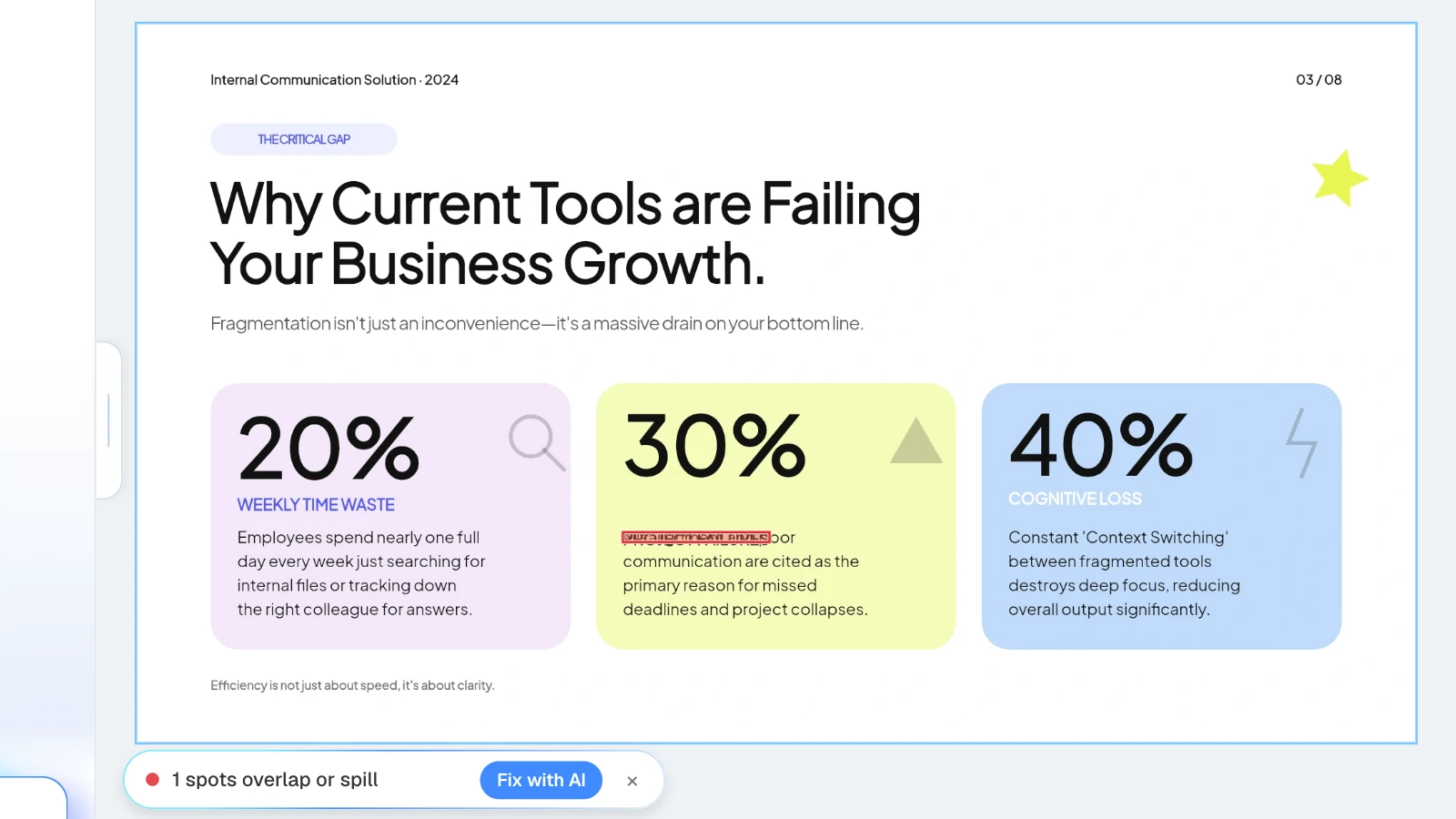
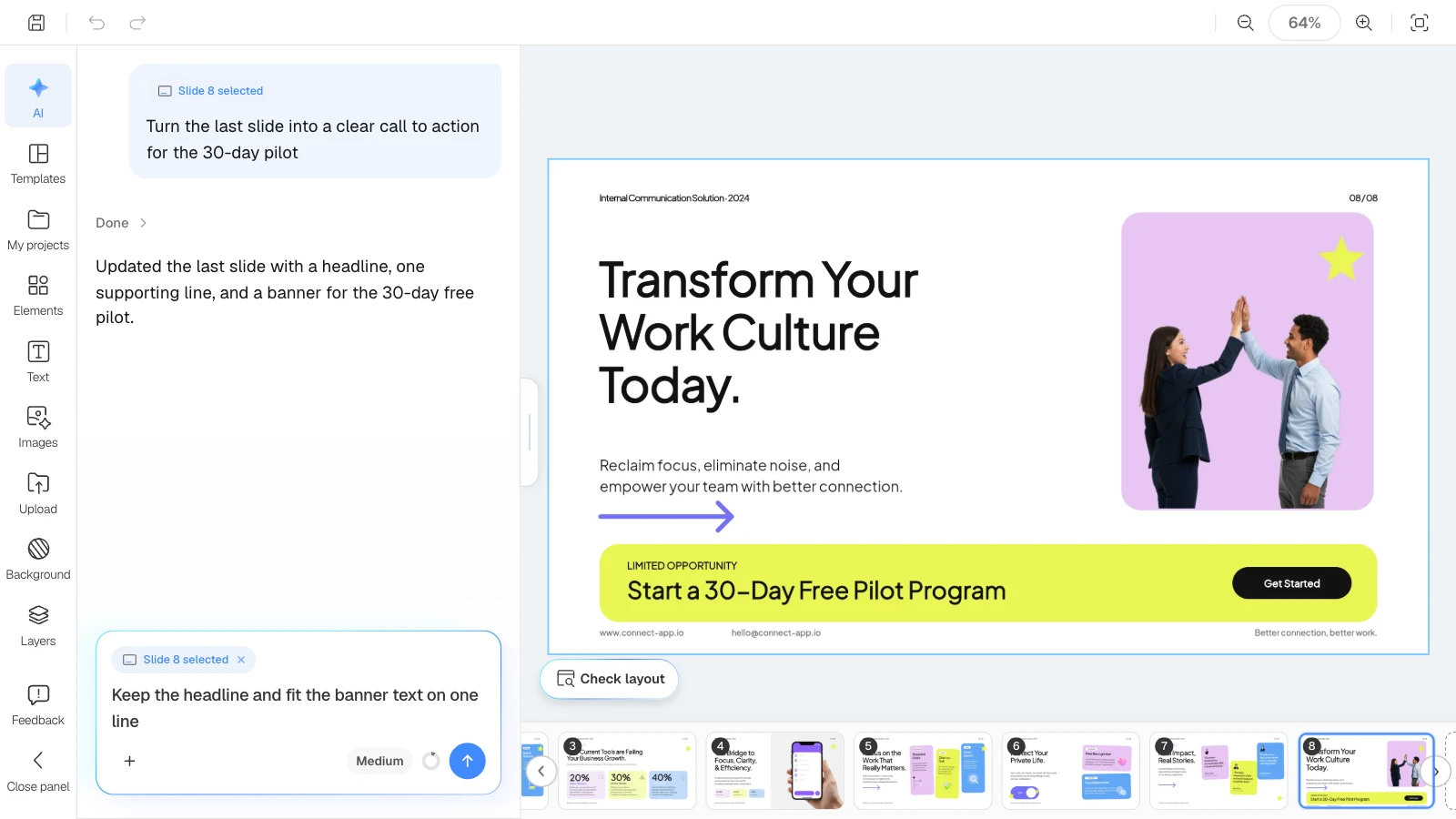
If the deck comes from MOVO, click "Check layout" below the canvas: MOVO marks overlapping or spilling spots on the current slide, and "Fix with AI" asks the AI to tidy that part.
Outsourcing vs. AI tools vs. doing it yourself
An outsourced designer sells you their time and skill. An AI tool gives you a draft right away, and you do the checking. Doing it yourself costs nothing but your hours.
| Outsourcing | AI tool | Doing it yourself | |
|---|---|---|---|
| Cost | Per-slide rate or package (see tables above) | Tool subscription plus your review time | Your time |
| Turnaround | 10 hours to 4 weeks, depending on provider and package | A draft right away; review on your schedule | Your schedule |
| Revisions | Included rounds; extra rounds can cost more | Ask for changes to one slide at a time | As many as you have time for |
| Quality control | Portfolio and sample slides first, your check at the end | You check facts, numbers, and layout | Depends on your skills |
| Confidentiality | A person outside the company works on your files | Files are processed by the vendor and its AI providers | Files stay in-house |
Turnaround and revisions
24Slides offers 24-, 48-, and 72-hour turnarounds, and 10-hour turnarounds on its Pro plan. Slidebean's design-only package takes 4 business days; its strategy sprint takes 3 to 4 weeks. An AI tool removes the wait for a first draft, but not the time you spend checking it.
Confidentiality
24Slides lists signing an NDA among its subscription benefits; ask any provider for one before you send unreleased numbers or client material.
With an AI tool, your files are processed by the vendor and the AI companies it works with. MOVO lists its AI processors, Google Gemini (Vertex AI), OpenAI, and Replicate, in its privacy policy. Its terms say you keep the copyright in content you create, and MOVO may use it only to operate and improve the service. If a file contains client secrets or personal data, check your company's policy first.
When is outsourcing the better choice?
Outsource when any of these is true:
- You must work in a specific PowerPoint master. If a client's .potx or .pptx template is mandatory, a designer working in that file is the right fit. MOVO doesn't accept PPTX uploads.
- You need original artwork. Custom illustration, diagrams, and icon sets are a designer's job.
- The stakes are high and nobody in-house can own the story. Slidebean's strategy sprint, for example, includes writing and consulting sessions with its analysts.
- Nobody has time to review a draft. An AI draft still needs someone to check it against the source. If no one can, outsourcing is safer.
An AI tool or doing it yourself fits better when content changes often, numbers get revised several times, or you need a first draft today.
Can you hand an AI draft to a designer?
Yes, and it can change what you pay for. At 24Slides, rebuilding slides from a sketch or PDF (Redraw) costs $44 to $66 per slide, while polishing editable slides (Fix Up) costs $11 to $16. Slidebean's $799 package is explicitly a redesign of an existing presentation. If you export your MOVO draft as a PPTX, ask the provider which tier it falls into. PPTX export is available on paid plans.
What does MOVO change for this job?
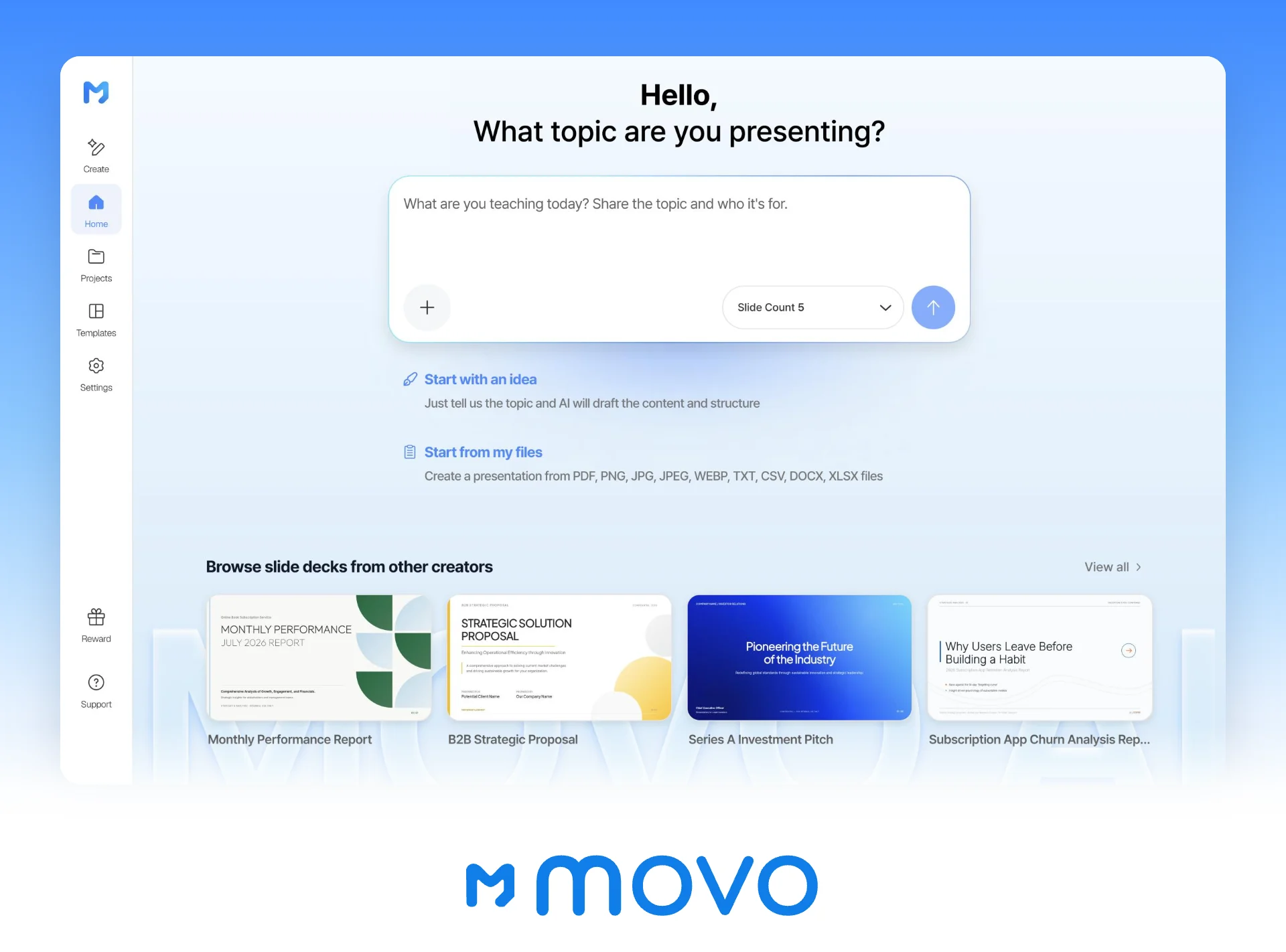
- Start from what you have: attach a product brief PDF (up to 100 pages), a Word document, a price sheet in Excel (up to 20 sheets), images, TXT, or CSV. Save PPTX or HWP files as PDF first.
- Outline first: MOVO shows every slide's title and content before building, so you can settle the structure before any design work, or before you brief a designer.
- Fix one slide at a time: select a slide and ask, for example, "keep the numbers, shorten the title to one line"; only that slide changes. Check layout finds overlapping text boxes.
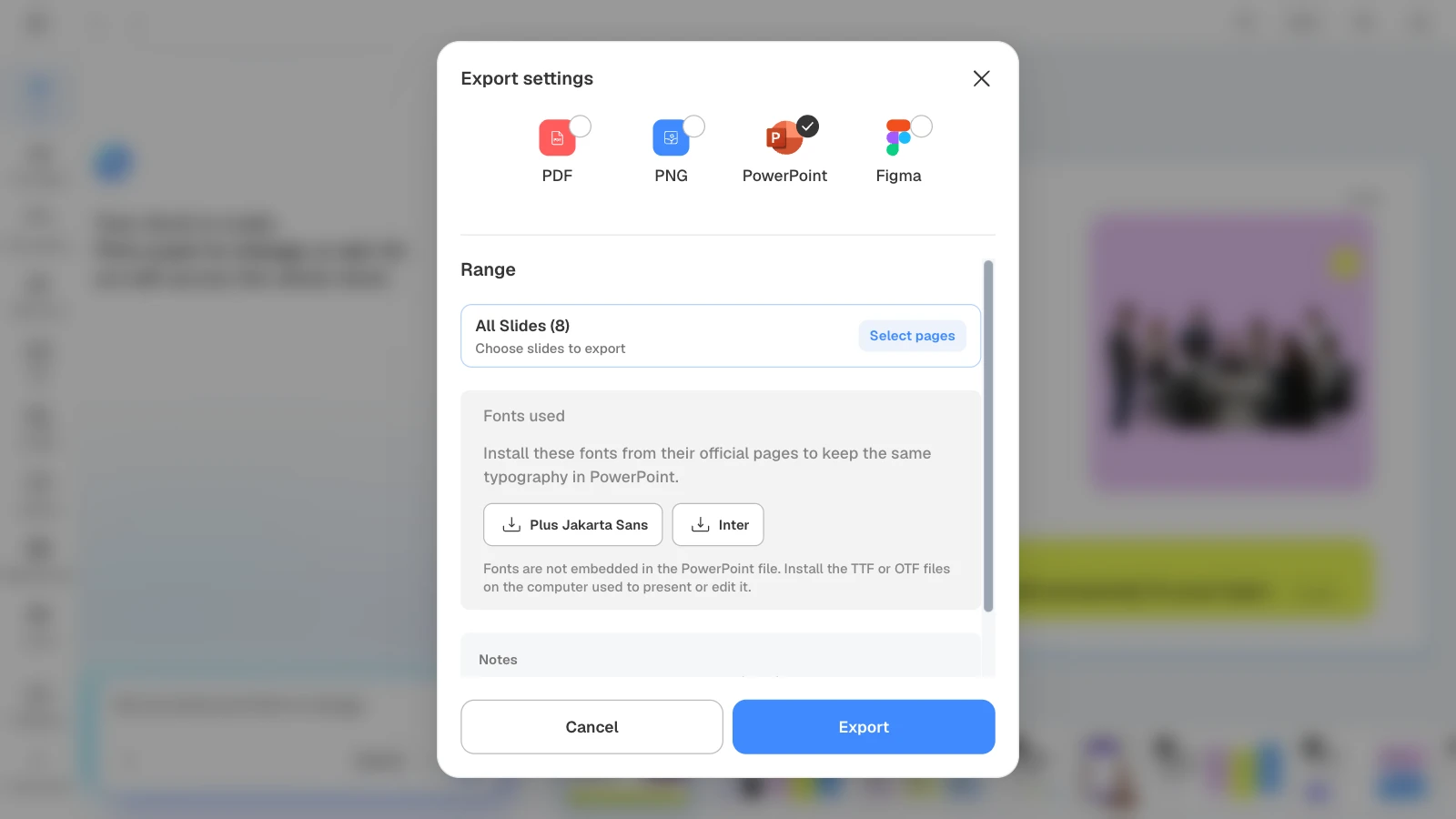
- Export files: PDF and PNG on every plan; PPTX and Figma on paid plans. Fonts are not embedded in the PPTX, so install them on the computer used to present or edit it.
- Start from a template: on a template's page, "Start from this deck" copies it into your projects (sign-in required).
How to build a sales deck draft in MOVO
The pictures below show MOVO's screens filled with this article's example, an eight-slide sales deck. They illustrate the steps; they are not a recording of a real session.
1. Attach your material and describe the deck
In the dashboard input, say who the deck is for and what the AI must not change, and attach your product brief and price sheet. Set the slide count here too.
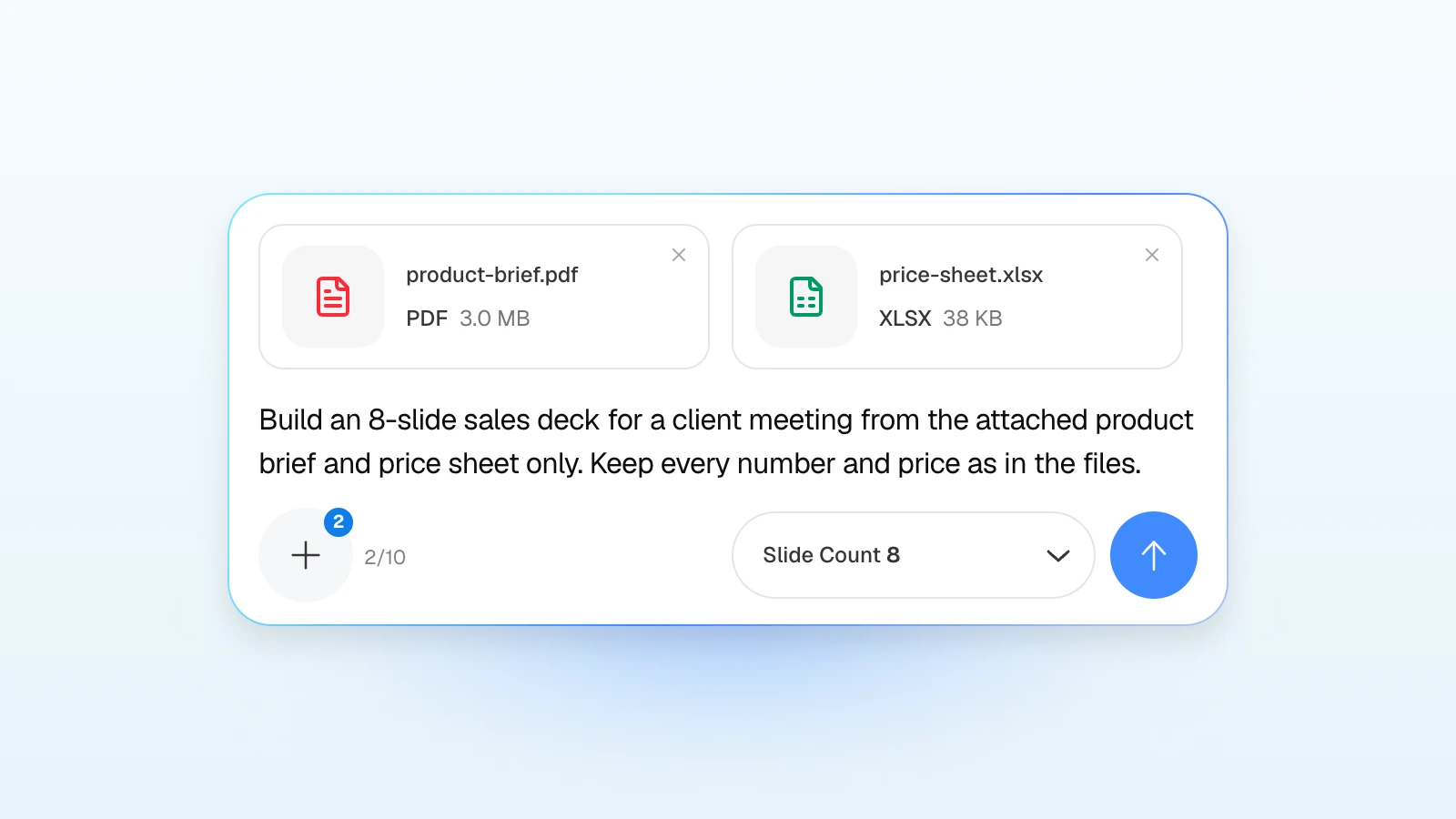
For a client meeting:
Build an 8-slide sales deck for a client meeting from the attached product brief and price sheet only. Cover, problem, why current tools fail, solution, features, well-being, customer stories, next step. Keep every number and price as in the files, and don't add customer names or results I haven't given you.
For a draft you will hand to a designer:
Turn the attached notes into a 10-slide draft for our designer. One headline and three short lines per slide. Don't add numbers that aren't in the notes.
2. Fix the outline
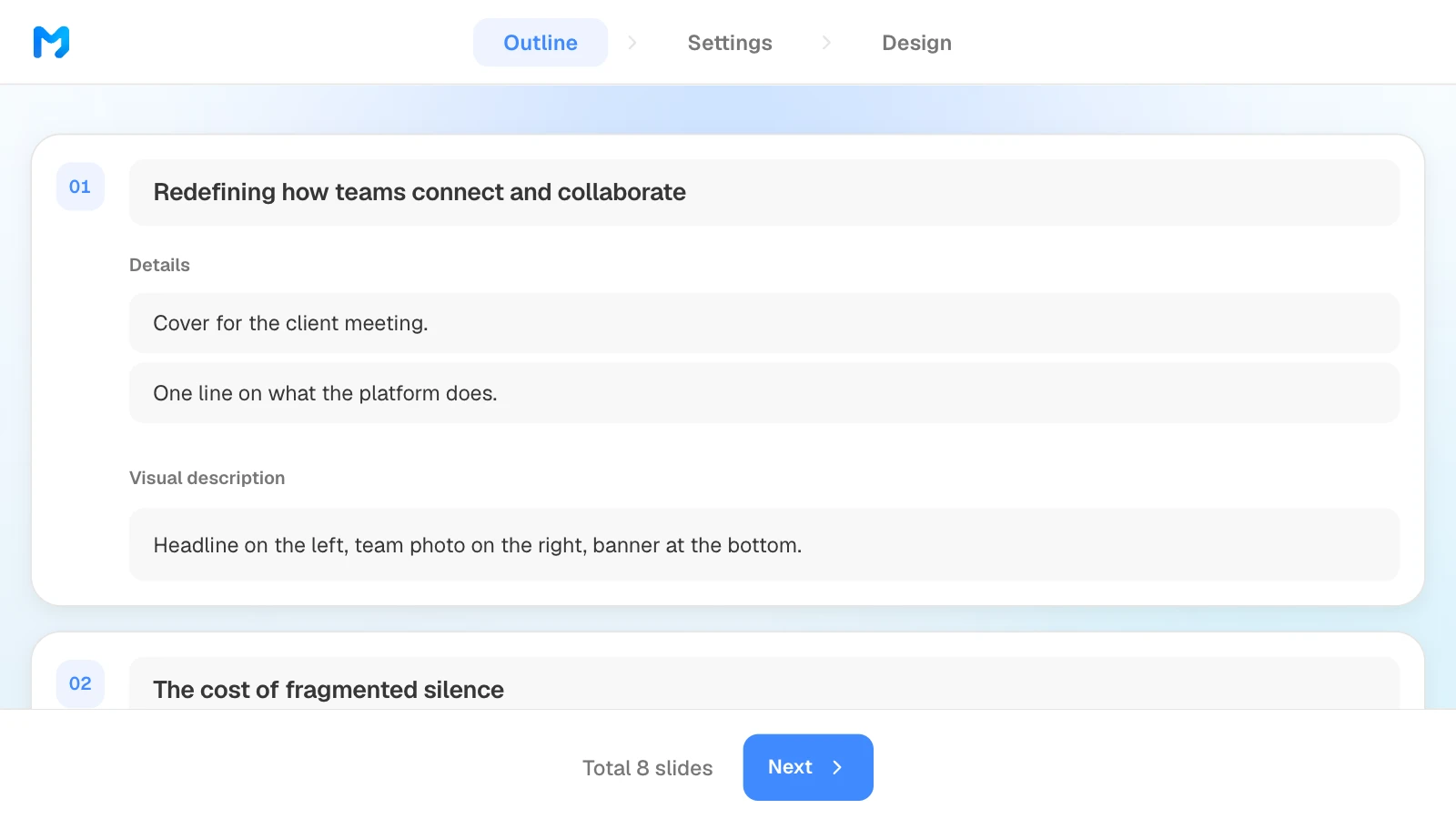
Review the title, details, and visual description MOVO suggests for each slide, edit them, and drag slides to reorder. What you change here is what gets built. The number of slides comes from the slide count you set in step 1.
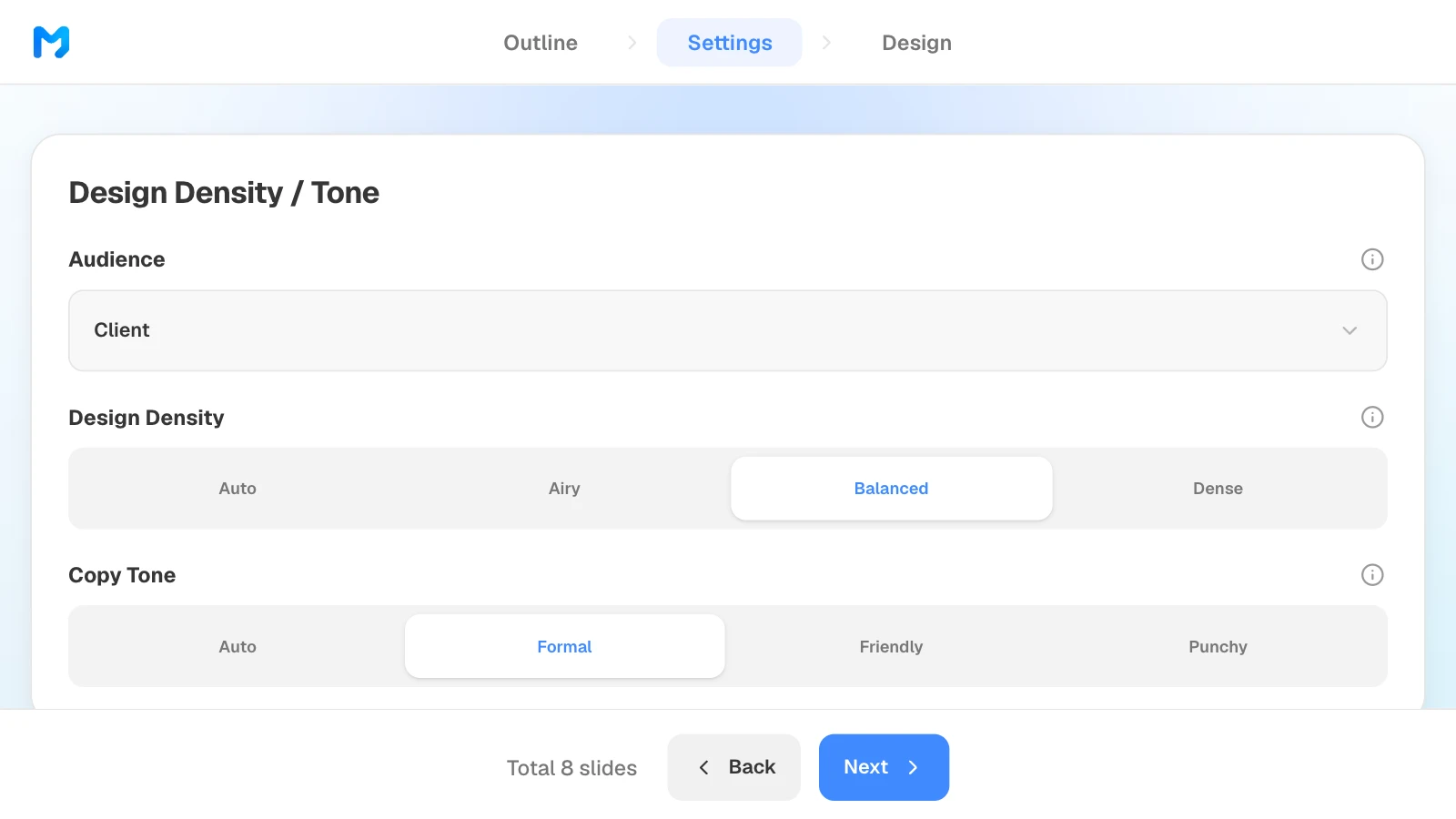
3. Set the audience and tone
In settings, choose "Client" as the audience, then set design density and copy tone. The same step has Colors / Typography, where you can set brand colors and a font.
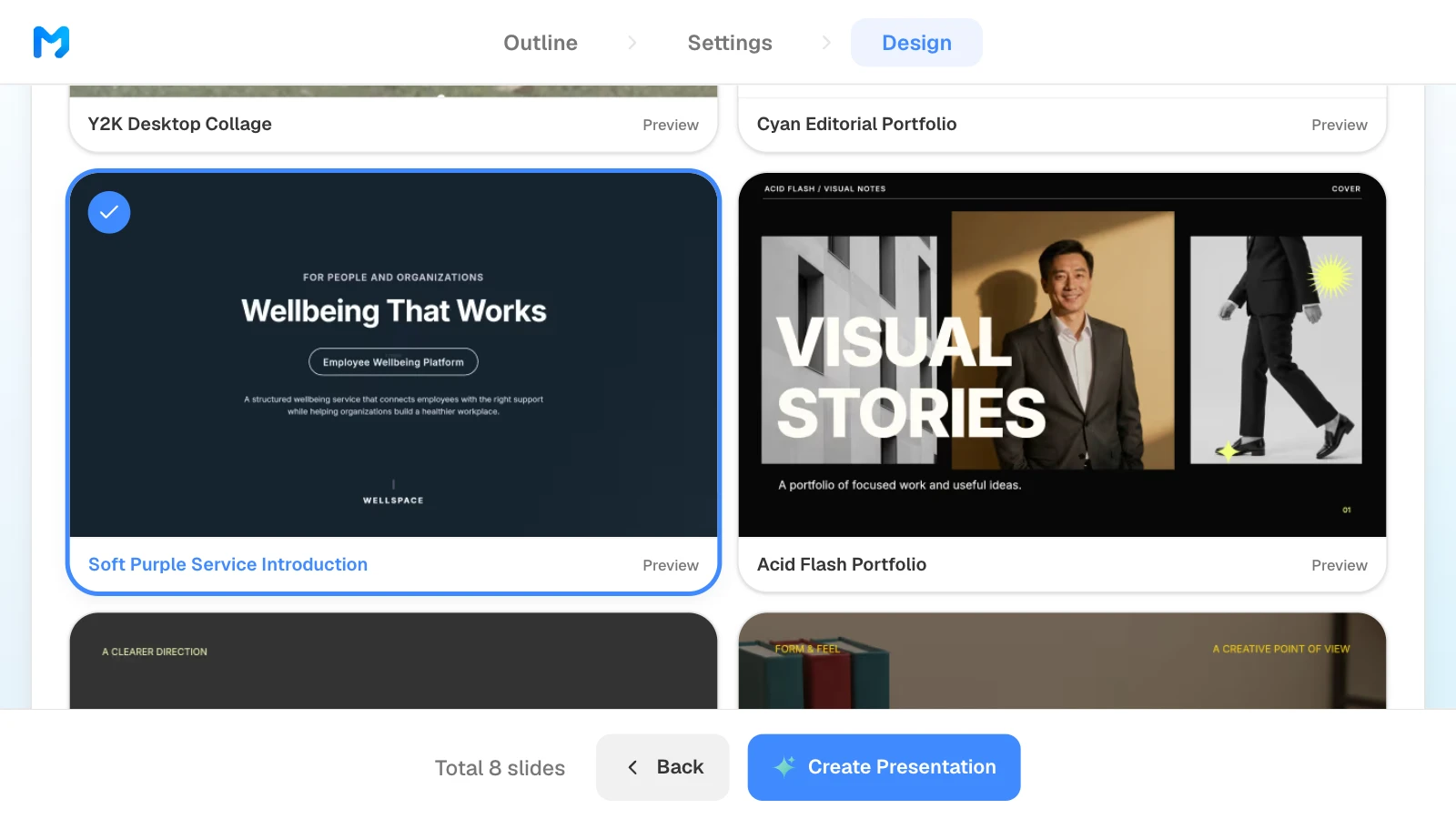
4. Pick a design
Choose "Brand / Introduction" as the document type to see only those styles. Open "Preview" to see sample slides, then pick one. Styles marked "Pro" are available on paid plans.
5. Check the numbers and fix only what is wrong
Compare prices, figures, and customer quotes in the finished slides with your sources. To fix one, select the slide and ask in the AI panel on the left, or edit it on the canvas.
6. Export the file
Send a PDF when the deck is ready to read, and a PPTX when a designer or the recipient needs to edit it. When you choose PowerPoint, MOVO lists the fonts the deck uses so you can install them.
Three sales and company deck templates
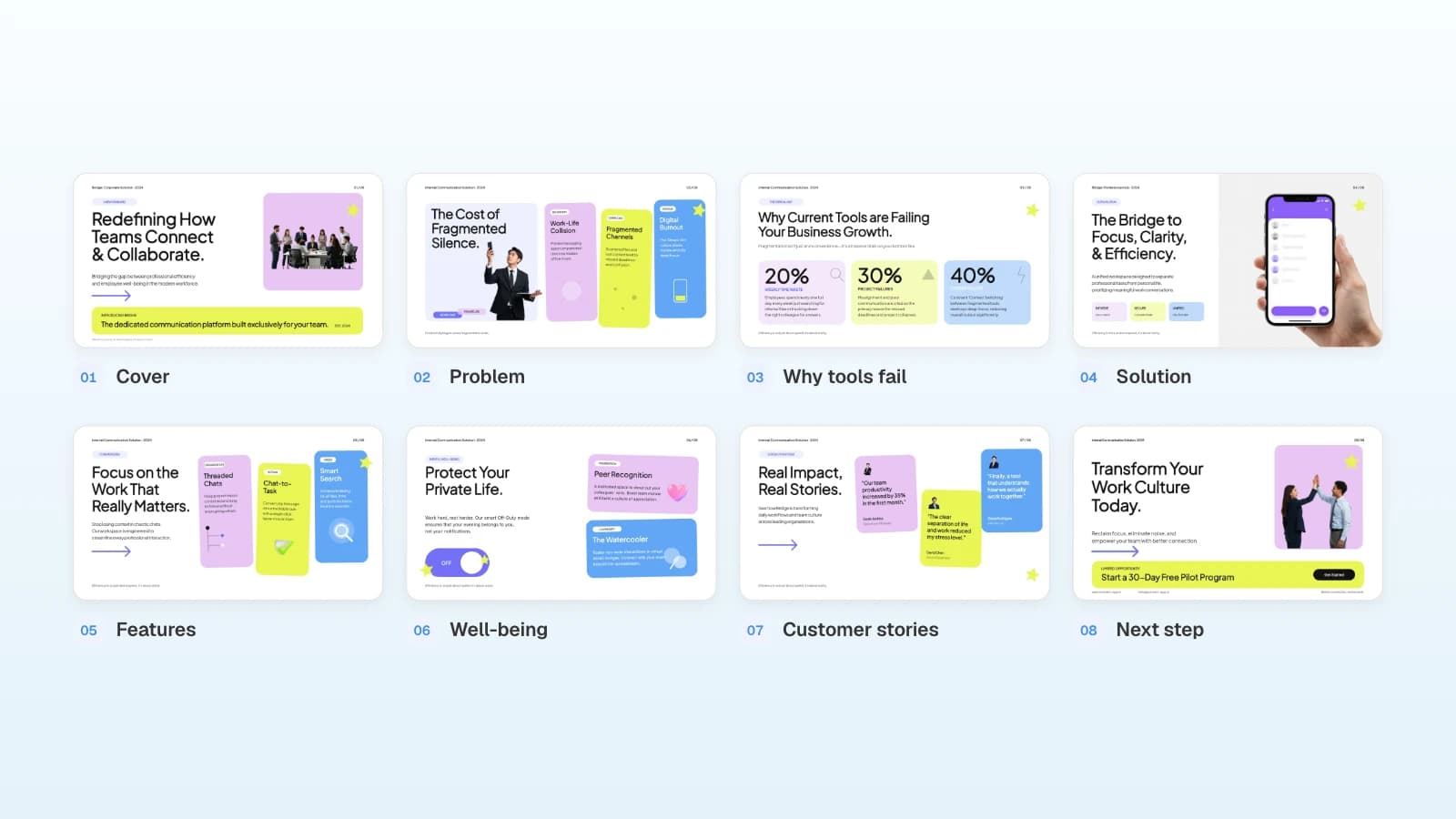
These MOVO templates cover three common business decks: a sales deck, a company introduction, and a report. The companies and numbers in them are fictional and show structure only. Copy one into your projects and replace the content.
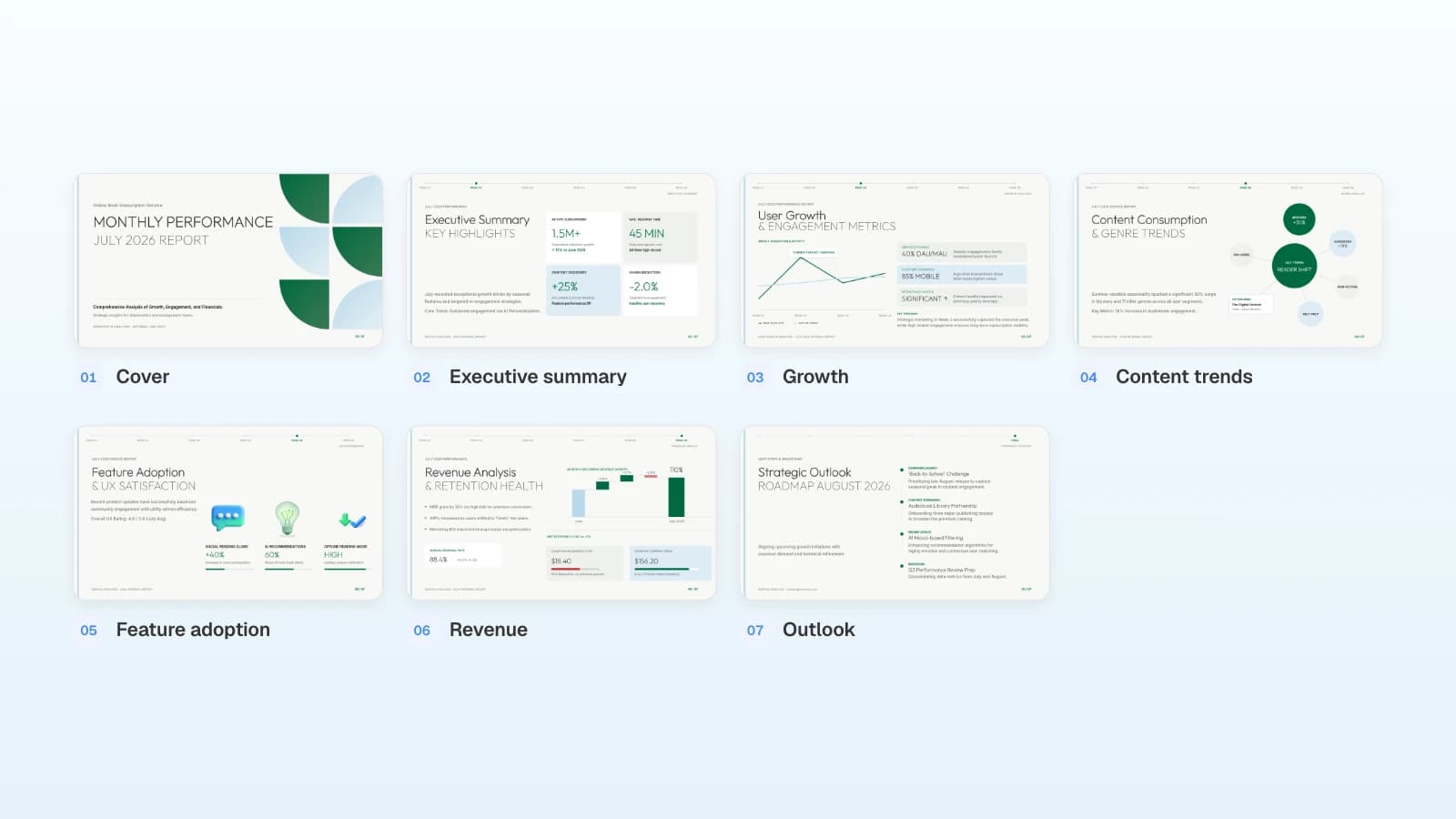
1. Team Collaboration Platform Proposal (8 slides)
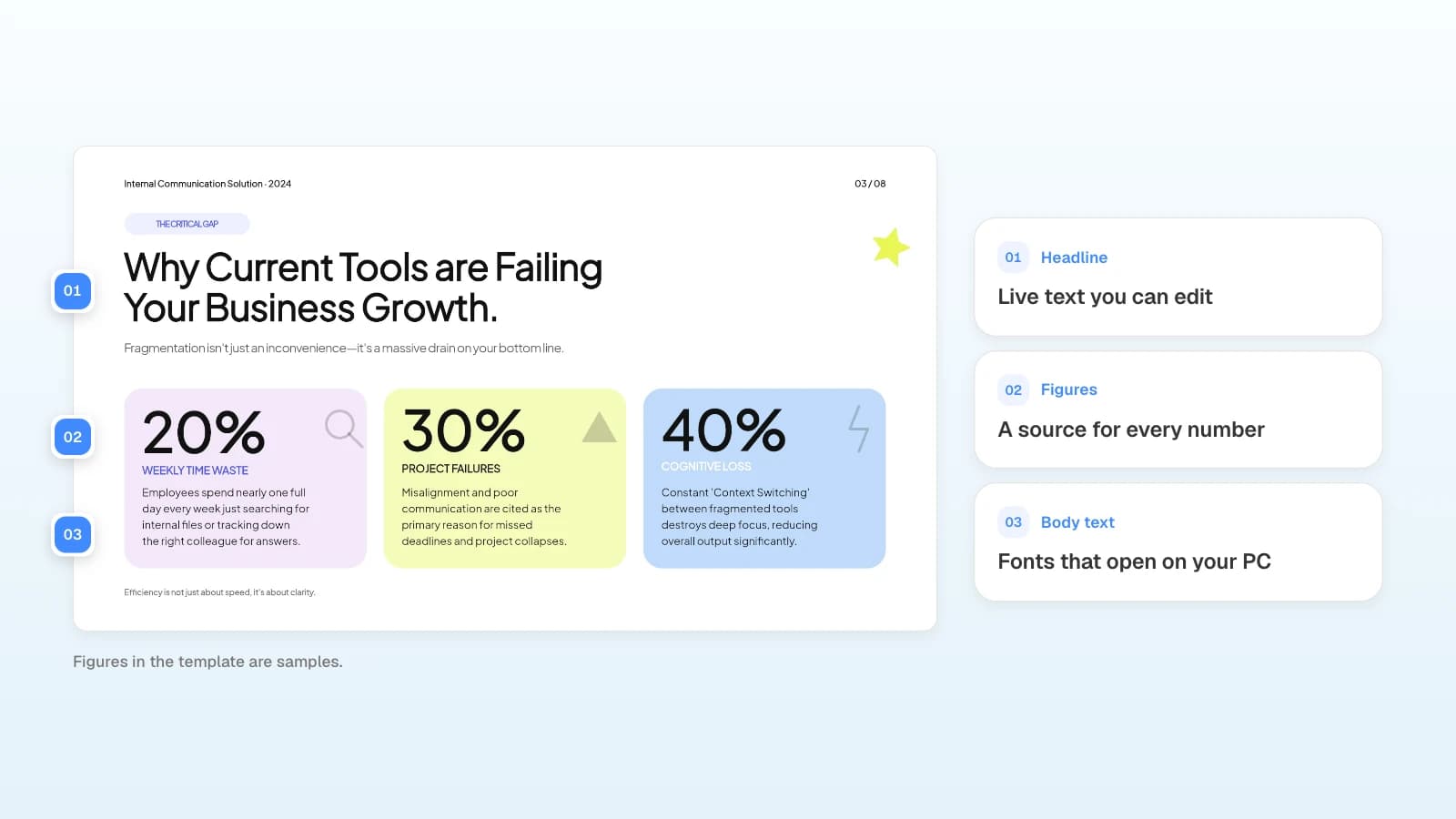
A sales deck for a software product: the cost of the problem, three stat cards, the solution, features, customer stories, and a call to action for a free pilot. Fits teams selling a product to business buyers.
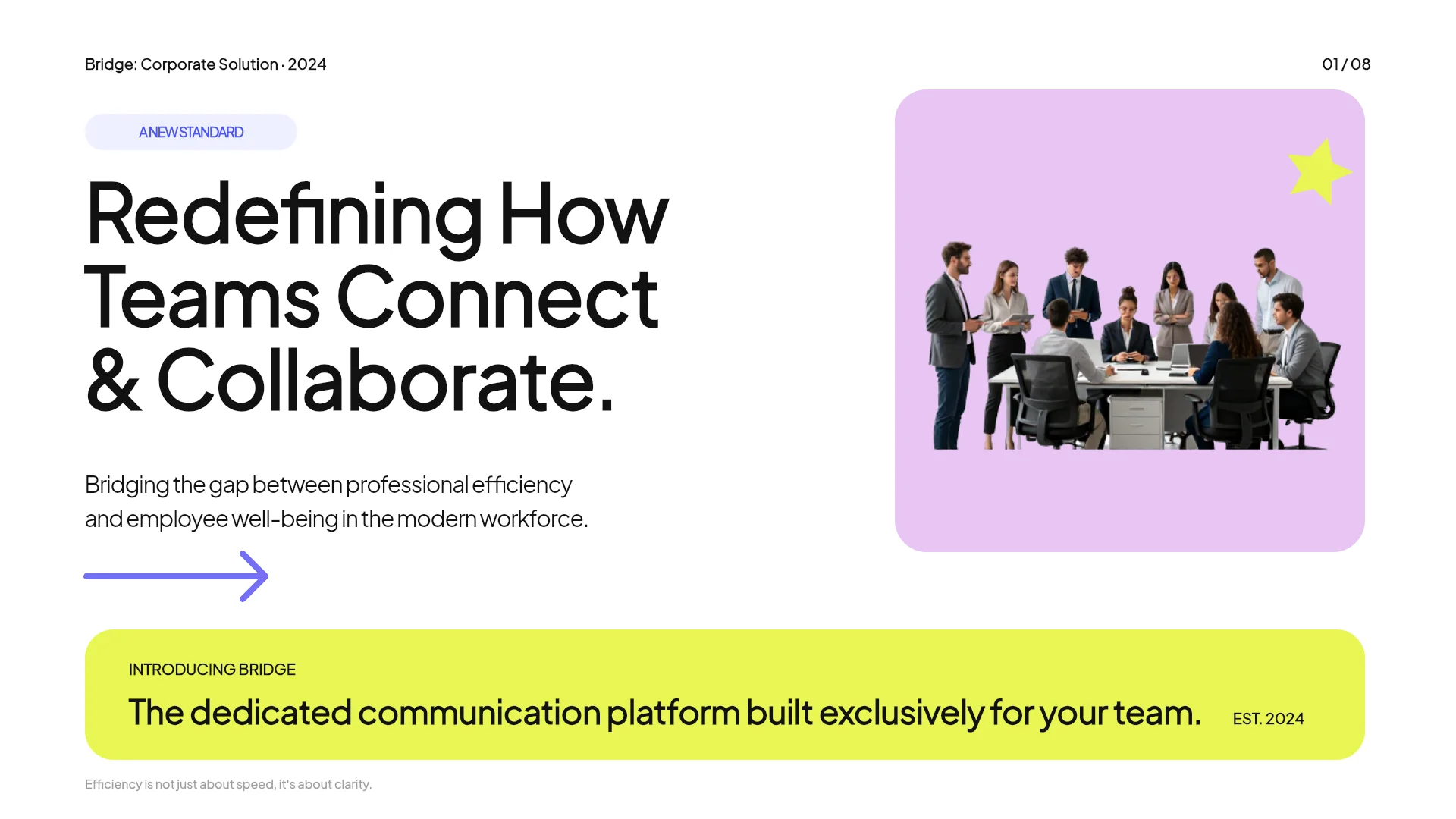
View the Team Collaboration Platform Proposal template
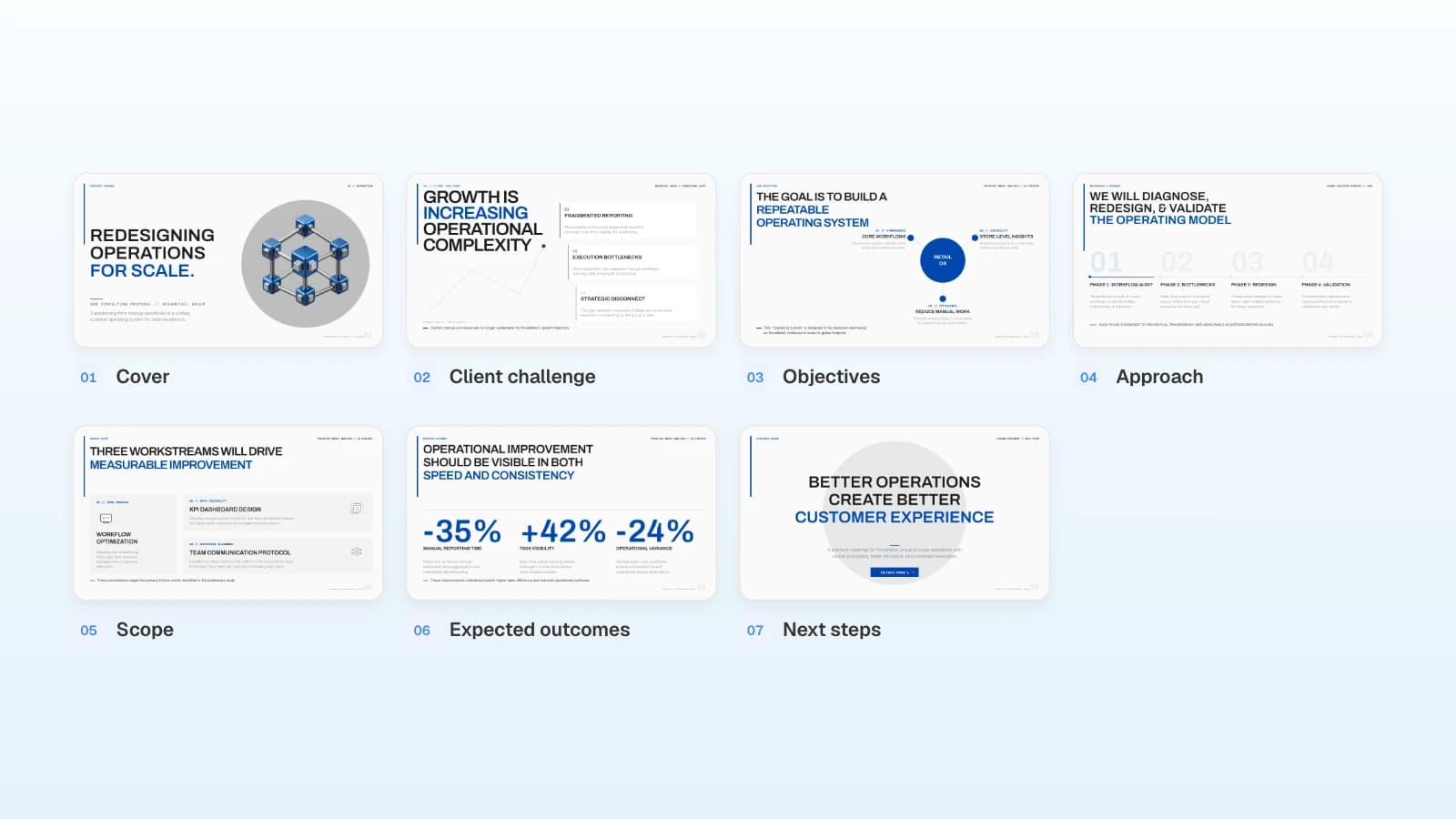
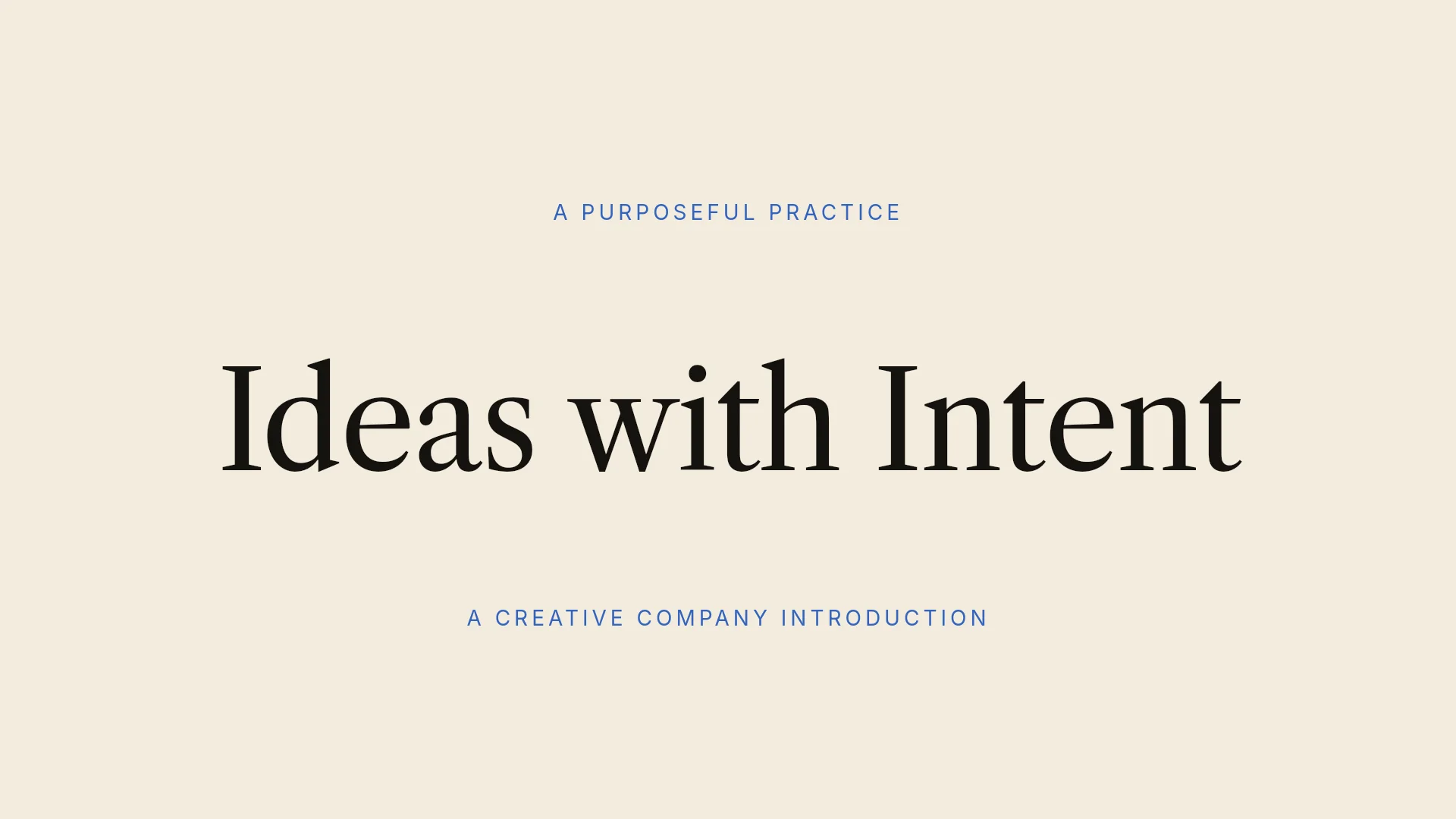
2. Cobalt Purpose — Company Pitch (6 slides)
A short company introduction with editorial serif headlines: purpose, approach, capabilities, how we work, and next step. Fits studios and service firms that need a calm first-meeting deck.
View the Cobalt Purpose — Company Pitch template
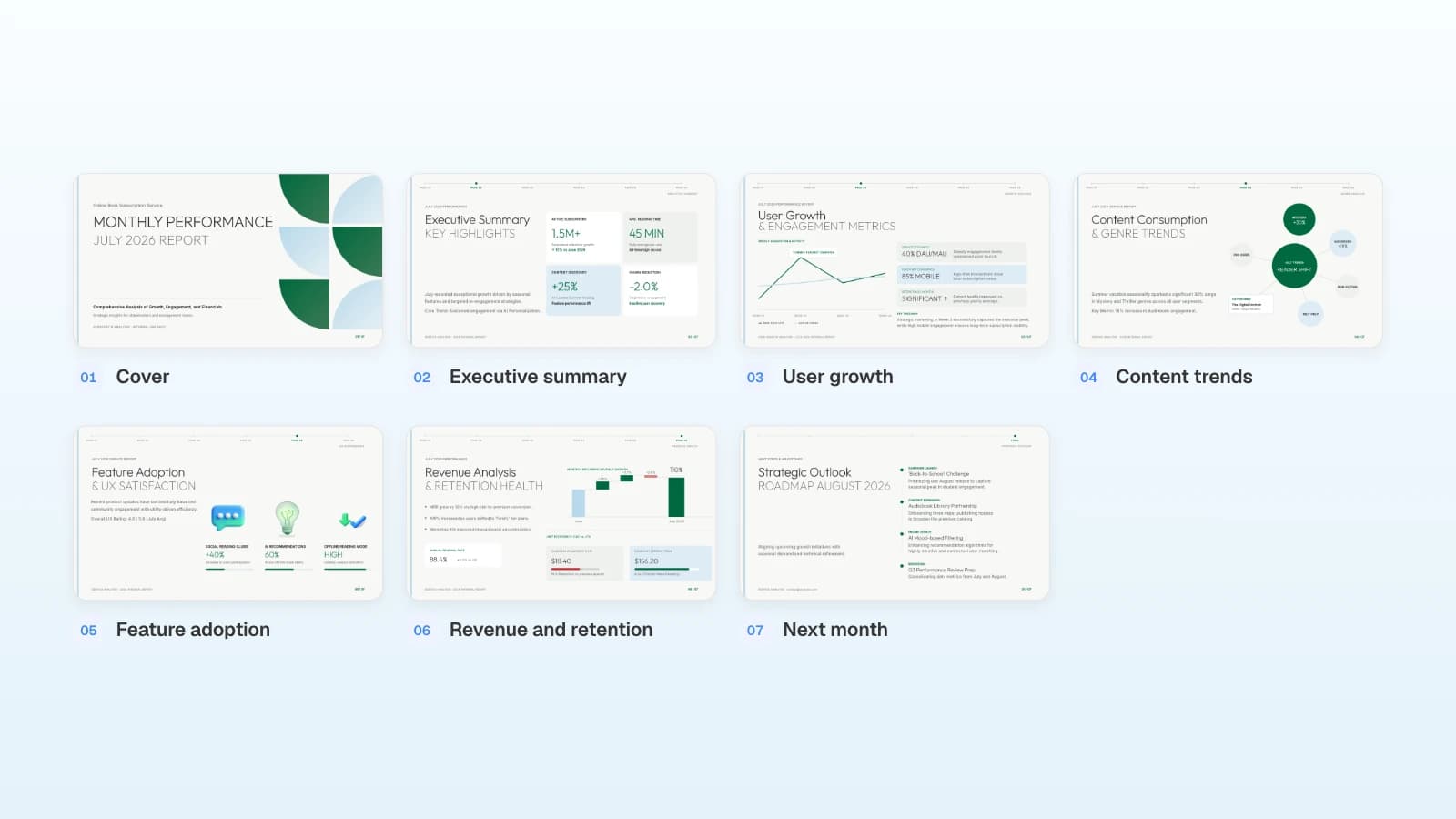
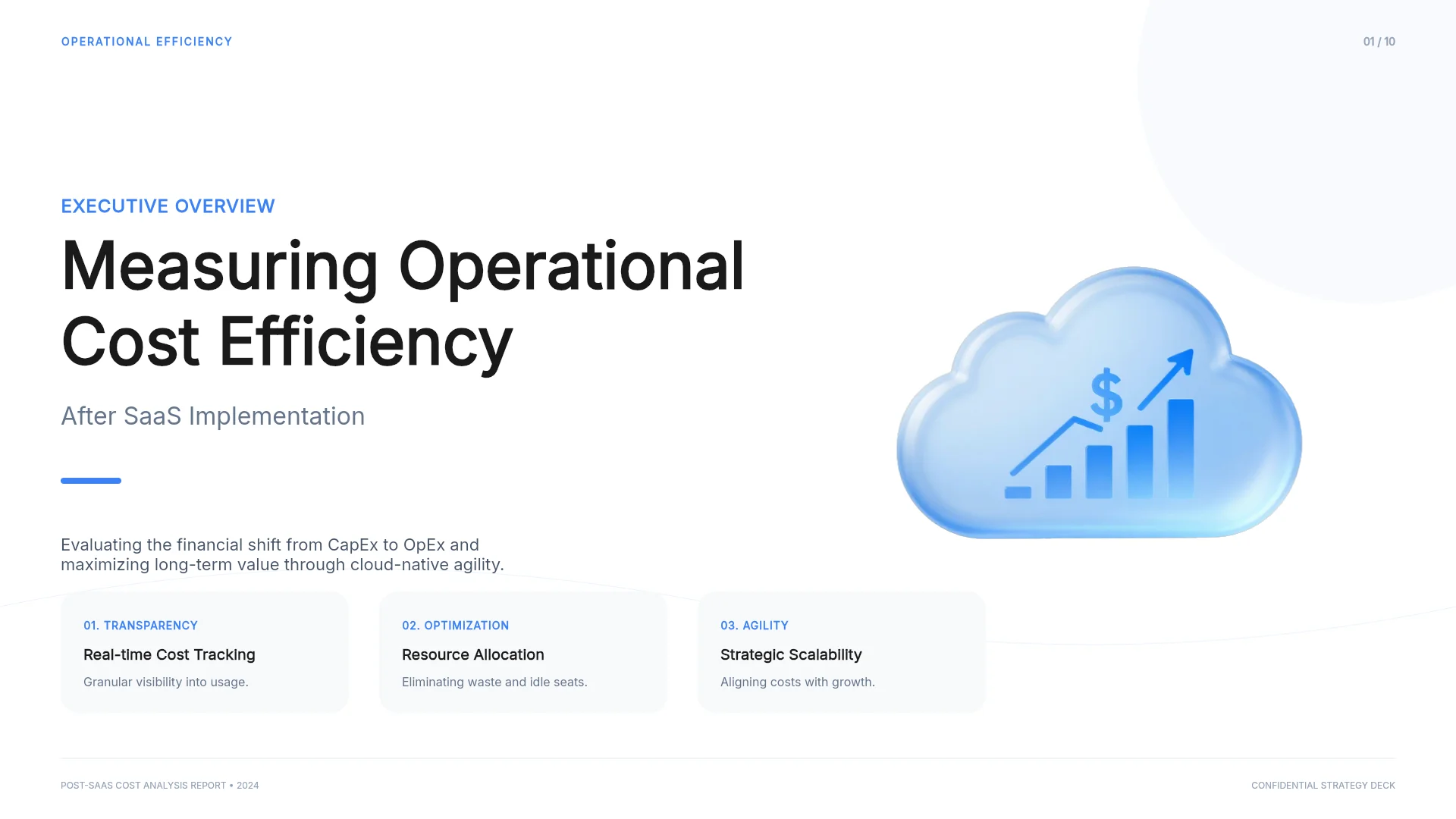
3. SaaS Operational Efficiency Report (10 slides)
A report that walks from an agenda through cost baselines, KPIs, a case study, and a strategic roadmap. Fits data-heavy updates for executives.
View the SaaS Operational Efficiency Report template
Frequently asked questions
How much does it cost to outsource a PowerPoint presentation?
As of September 27, 2026, 24Slides lists $11 to $66 per slide depending on the service and deadline, Slidebean charges $799 to redesign an existing deck of up to 20 slides, and strategy-plus-writing work starts at $6,000. Check the provider's current page, because listings change.
Is outsourced presentation quality worth the price?
It depends on the brief and the checks. Give the designer editable slides, your brand master, and final content, and approve sample slides before the full deck. A designer can't verify your numbers, so check them, and open the delivered file on the computer you will present from.
Can I outsource just the formatting or editing of my slides?
Yes. At 24Slides it is the cheapest tier: Fix Up polishes your existing content and objects for $11 to $16 per slide, depending on the deadline.
Will a presentation design company sign an NDA?
Ask before you send files. 24Slides, for example, lists NDA signing among its subscription benefits. Put confidentiality and who owns the final files in the agreement.
Who owns slides I make with MOVO?
MOVO's terms say you keep the copyright in content you create with the service, and you may use AI-generated content for any purpose, including commercial use. You are responsible for making sure it does not infringe anyone else's rights.
Summary
Outsourced PowerPoint design costs $11 to $66 per slide at 24Slides and $799 for a 20-slide redesign at Slidebean as of September 2026, and the starting file, the writing, and the deadline move the price. Get quality by sending editable slides and your brand master, approving sample slides, and checking the final file yourself. Outsource when you must work in a client's master, need original artwork, or have no one to review a draft; otherwise, start with an AI draft and hand a designer only what needs a designer.