Research Presentation Prompts for 4 Occasions
Copyable prompts for four academic presentations, a conference talk, a thesis defense, a lab meeting update, and a lecture, with the slides to expect, what to replace, matching templates, and follow-up edit requests.
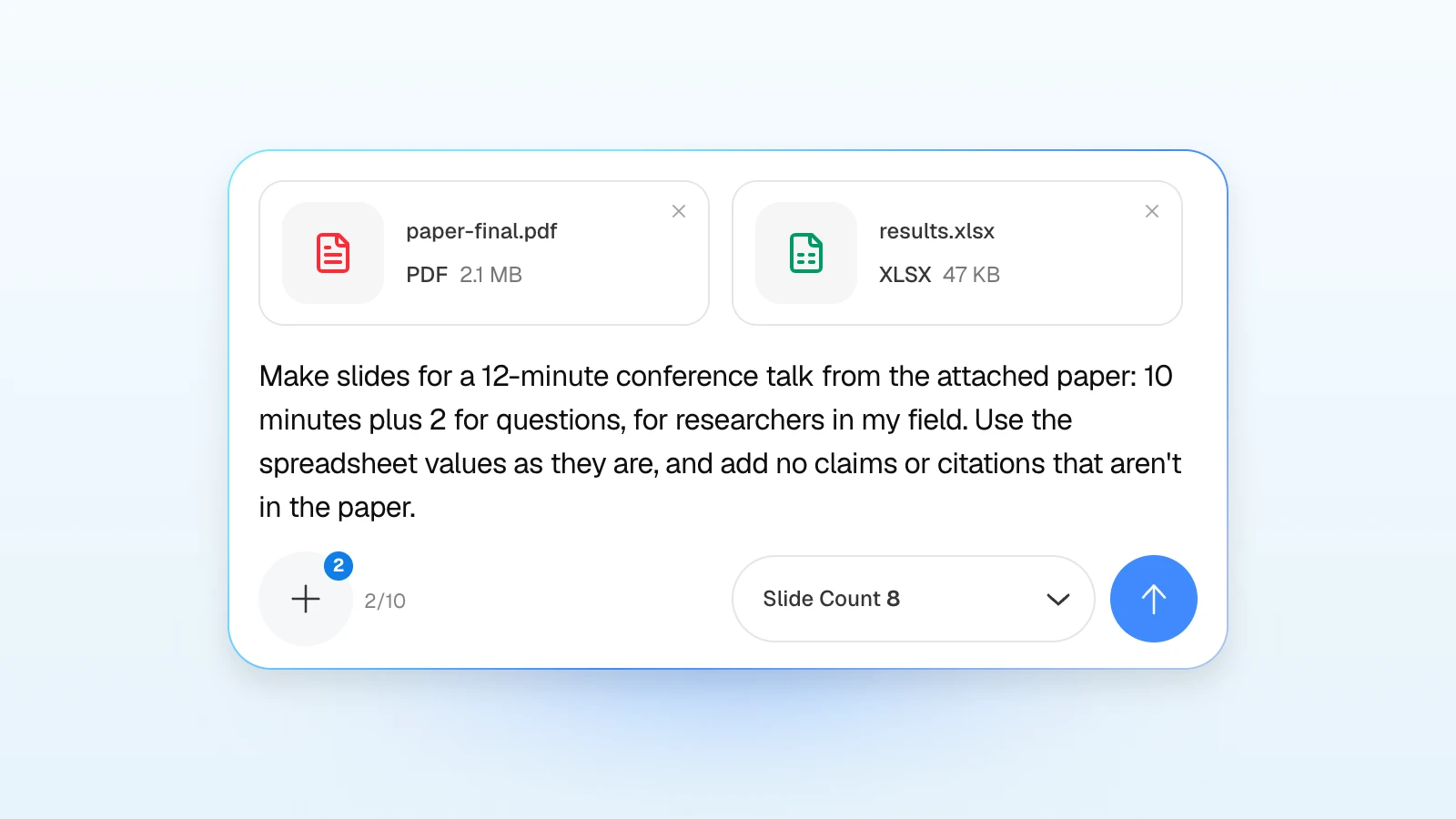
Attach a paper, type "make slides for my talk," and the AI has to guess the time limit, the audience, and which result matters. The same study needs different slides for a 12-minute conference talk, a thesis defense in front of a committee, a weekly lab meeting, and a lecture.
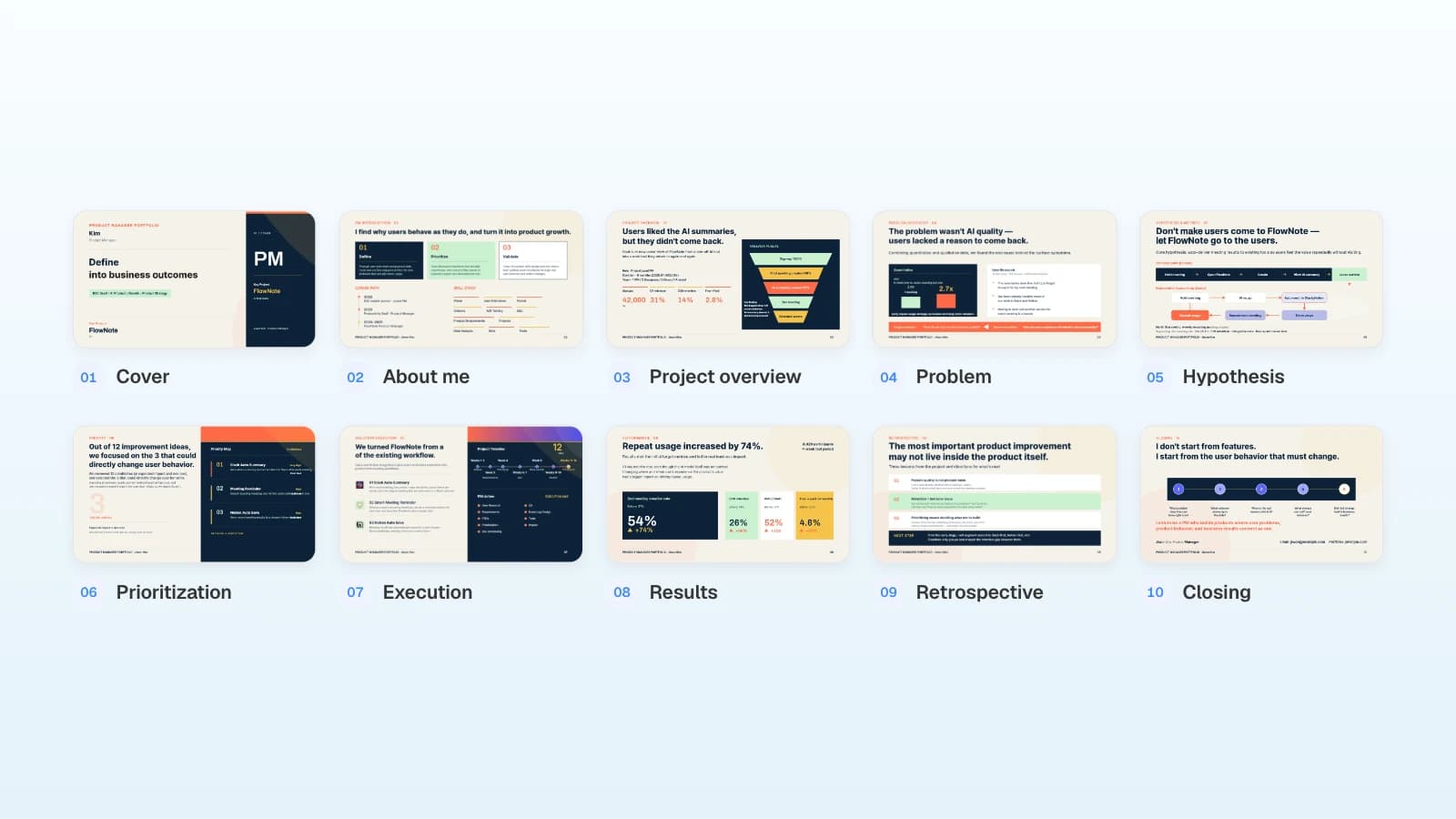
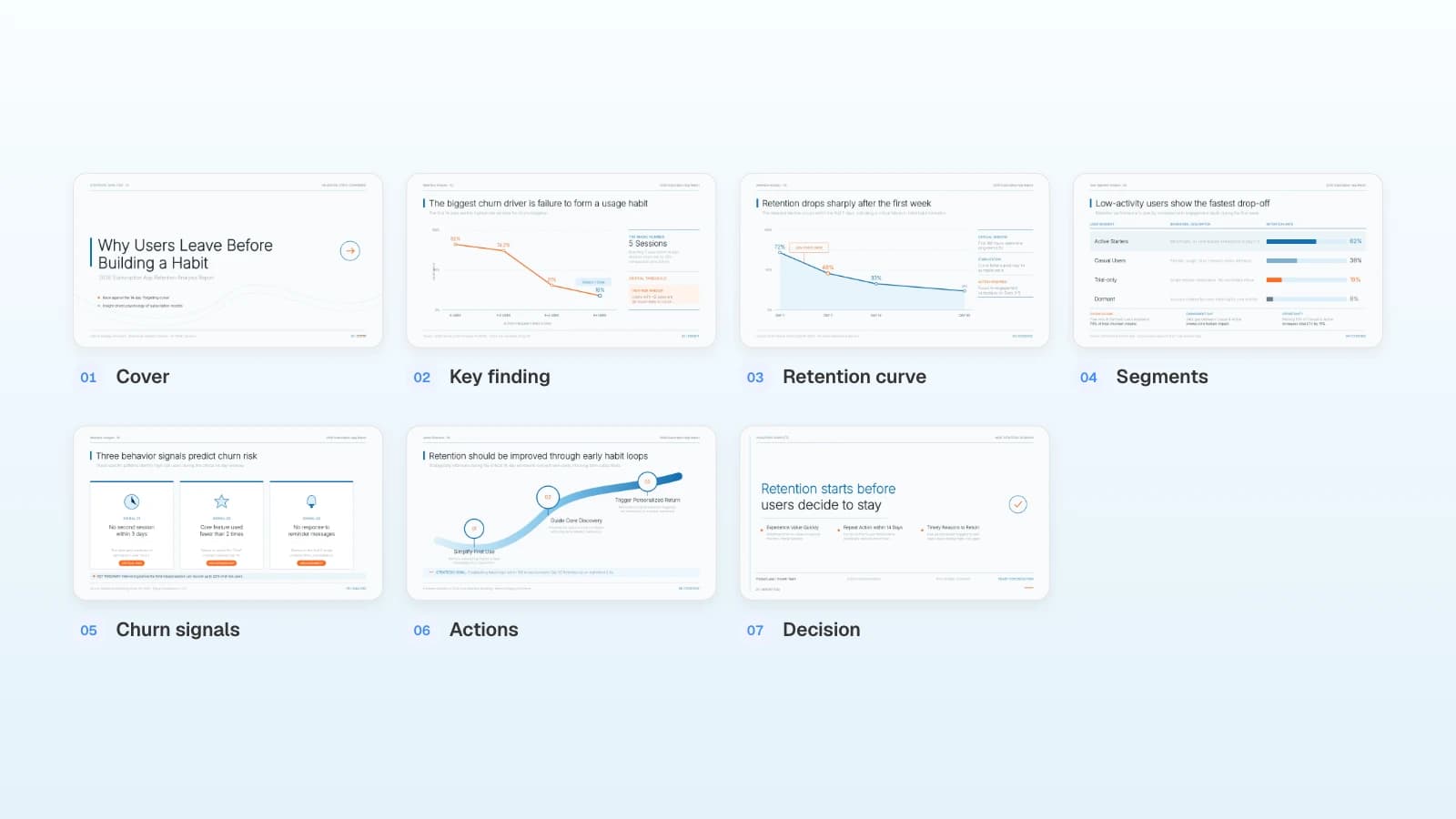
MOVO reads your request together with the paper PDF, results spreadsheet, or Word draft you attach, and shows a slide-by-slide outline before it builds anything. Put what the AI can't know into the prompt (the situation, the time, the audience, and the rules), then check the outline for them. Below are copyable prompts for four academic situations, each with the slides to expect, what to replace, and a matching template, followed by requests for editing the draft.
What should a research presentation prompt include?
Five things: the situation, the time, the audience, the result to emphasize, and the rules to keep. Attach the paper PDF and your results spreadsheet with it.
| Include | Example | Why it matters |
|---|---|---|
| Situation | Conference talk, thesis defense, lab meeting, lecture | It changes which slides you need and how deep to go |
| Time | 10 minutes of talk plus 2 of questions | It sets the slide count and length |
| Audience | Researchers in your field, a mixed committee, first-years | It decides how much background to give |
| Main result | "MAE of 3.2% from the first 50 cycles alone" | It becomes the title of your results slide |
| Rules | Plot values as in the spreadsheet; no claims beyond the paper | It tells the AI not to add what your sources lack |
Compare two requests. The first leaves the slide count, time, audience, and emphasis to guesswork; the second gives you everything to check in the outline.
Make slides for my talk.
Turn the attached paper into eight slides for a 12-minute conference talk: 10 minutes plus 2 for questions, for researchers in my field. The main result is "MAE of 3.2% from the first 50 cycles alone." Plot values exactly as in the spreadsheet, and add no claims or citations that aren't in the paper.
Prompt for a conference talk
Conference slots are short, and questions often come out of the same slot. EACL 2026 gives each oral paper an 18-minute slot, 14 minutes of talk plus 4 of Q&A (EACL 2026), and APS contributed talks run 10 minutes plus 2 for questions (APS). State the talk time, not the slot, and ask for the results to get the most room.
Turn the attached paper into eight slides for a 12-minute conference talk: 10 minutes of talk and 2 of questions, for researchers in my field. Order: title, question and background, data, method, result 1, result 2, limitations, conclusion. Write each results title as one sentence that states the finding, and plot values exactly as in the attached spreadsheet. Keep related work to two lines inside the background slide, and add no claims or citations that aren't in the paper. Put the full results table on one backup slide after the conclusion.
Slides to expect
| Slide | Content |
|---|---|
| 1 | Title, presenter and lab, one-line summary |
| 2 | The question and why current methods fall short |
| 3 | Data: source, sample size, split |
| 4 | Method as one diagram |
| 5 | Result 1: a finding as the title, one main figure |
| 6 | Result 2: the baseline comparison or a second analysis |
| 7 | Limitations and open questions |
| 8 | Conclusion: the contribution in one line |
| 9 | Backup: the full results table |
What to replace
- The talk and question times from your conference's author guidelines
- The audience: a single-field session or a mixed one
- The main result: one line with your key number
- The slide count, to fit your talk time
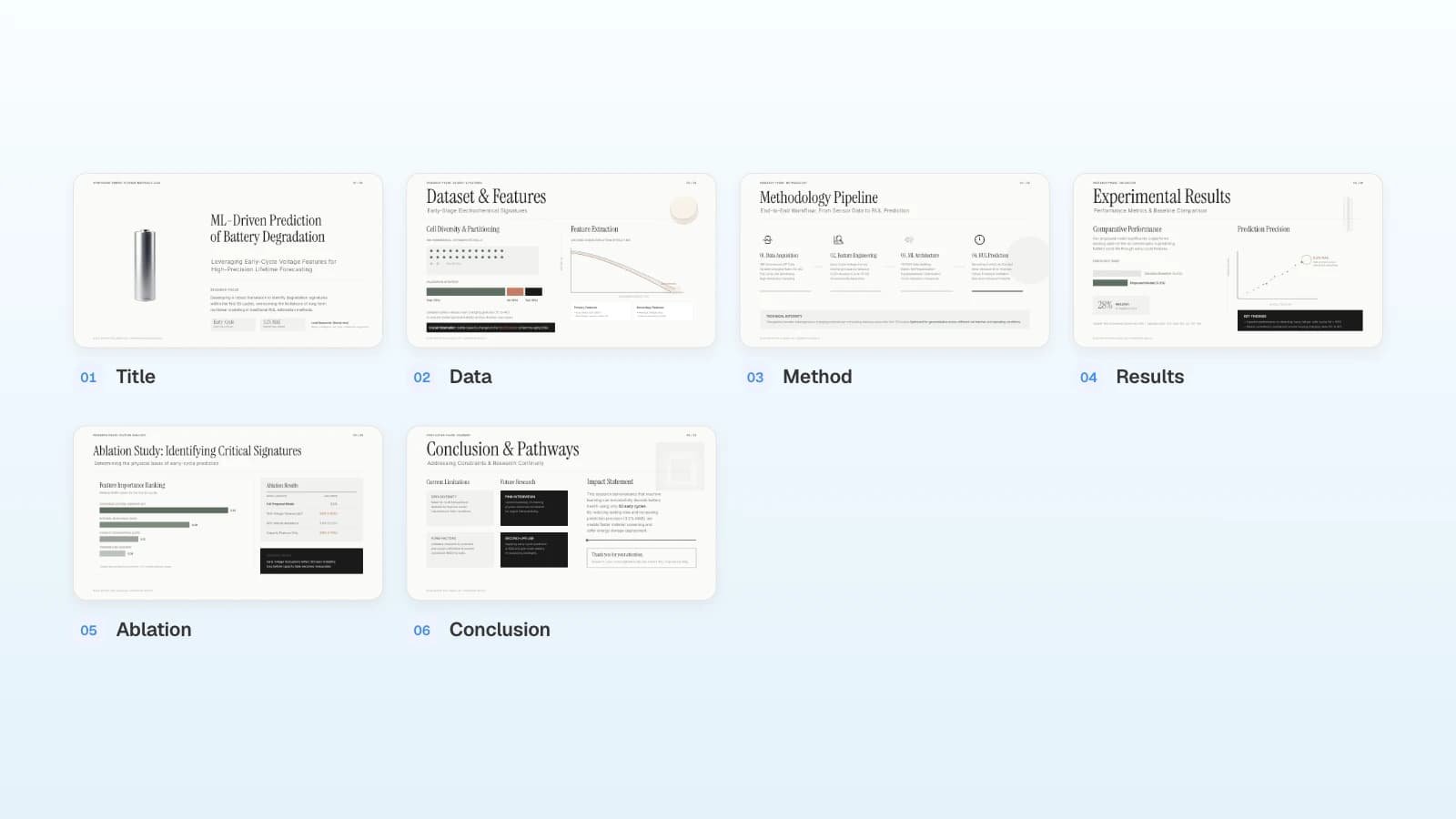
Matching template: Academic Symposium Presentation. Its six slides run from dataset to conclusions with limitations, the same order as this prompt.
Prompt for a thesis or dissertation defense
Defense formats differ by program, so check yours. At Boise State, a defense starts with a public presentation of roughly 30 to 60 minutes covering objectives, methodology, findings, and conclusions, followed by a brief Q&A and then a private examination by the committee (Boise State Graduate College). Penn's English department sets a one-hour public portion that opens with a 20-minute presentation of the main arguments and chapter summaries (Penn English). If your committee has read the thesis beforehand, spend the time on your answers to each research question, your contribution, and your limitations rather than on a summary.
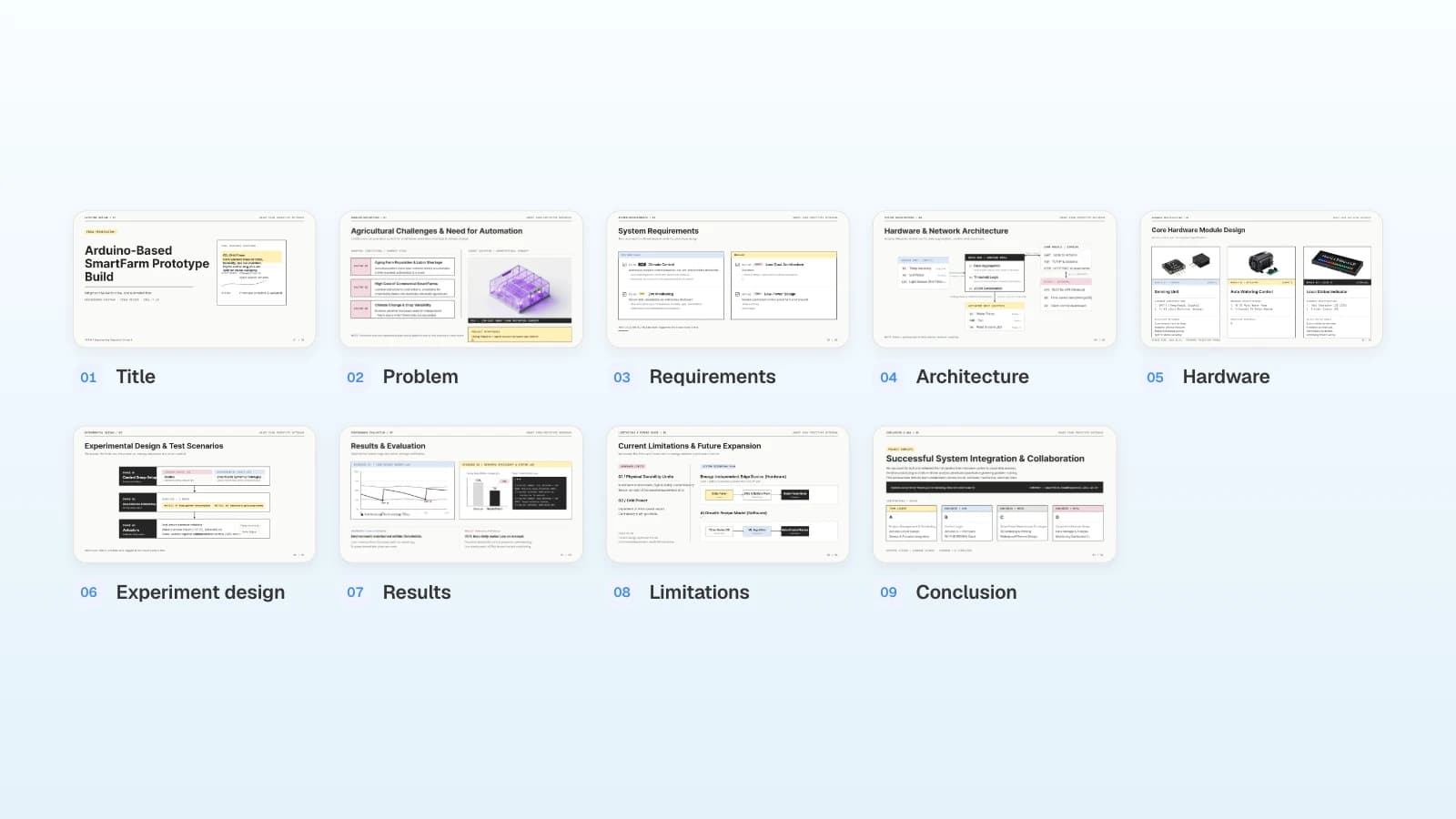
Using my attached thesis, make slides for a 40-minute public defense presentation. The committee has read the thesis. Order: title, problem and research questions, requirements, system architecture, experiment design, results (one slide per research question), limitations and future work, contribution and conclusion. On each results slide, note which chapter covers it. Add one slide after the conclusion listing the committee's earlier comments and how I addressed them. Don't include results that aren't in the thesis.
Slides to expect
| Slide | Content |
|---|---|
| 1 | Title |
| 2 | Problem and research questions |
| 3 | Requirements or hypotheses |
| 4 | Architecture or study design |
| 5 | Experiment design |
| 6–7 | Results, one slide per research question |
| 8 | Limitations and future work |
| 9 | Contribution and conclusion |
| 10 | Committee comments and how you addressed them |
What to replace
- The presentation length from your program's defense rules
- The research questions, which set the number of results slides
- The committee comments, in the committee's own words
Matching template: Engineering Capstone Final Presentation. It covers requirements, architecture, experiment design, results, and limitations, and ends with each team member's role.
Prompt for a lab meeting update
A lab meeting update answers three questions: what you did since the last meeting, what got stuck, and what comes next. Some runs won't be finished, so ask for finished and unfinished work to be marked, and collect the decisions you need from your advisor on one slide.
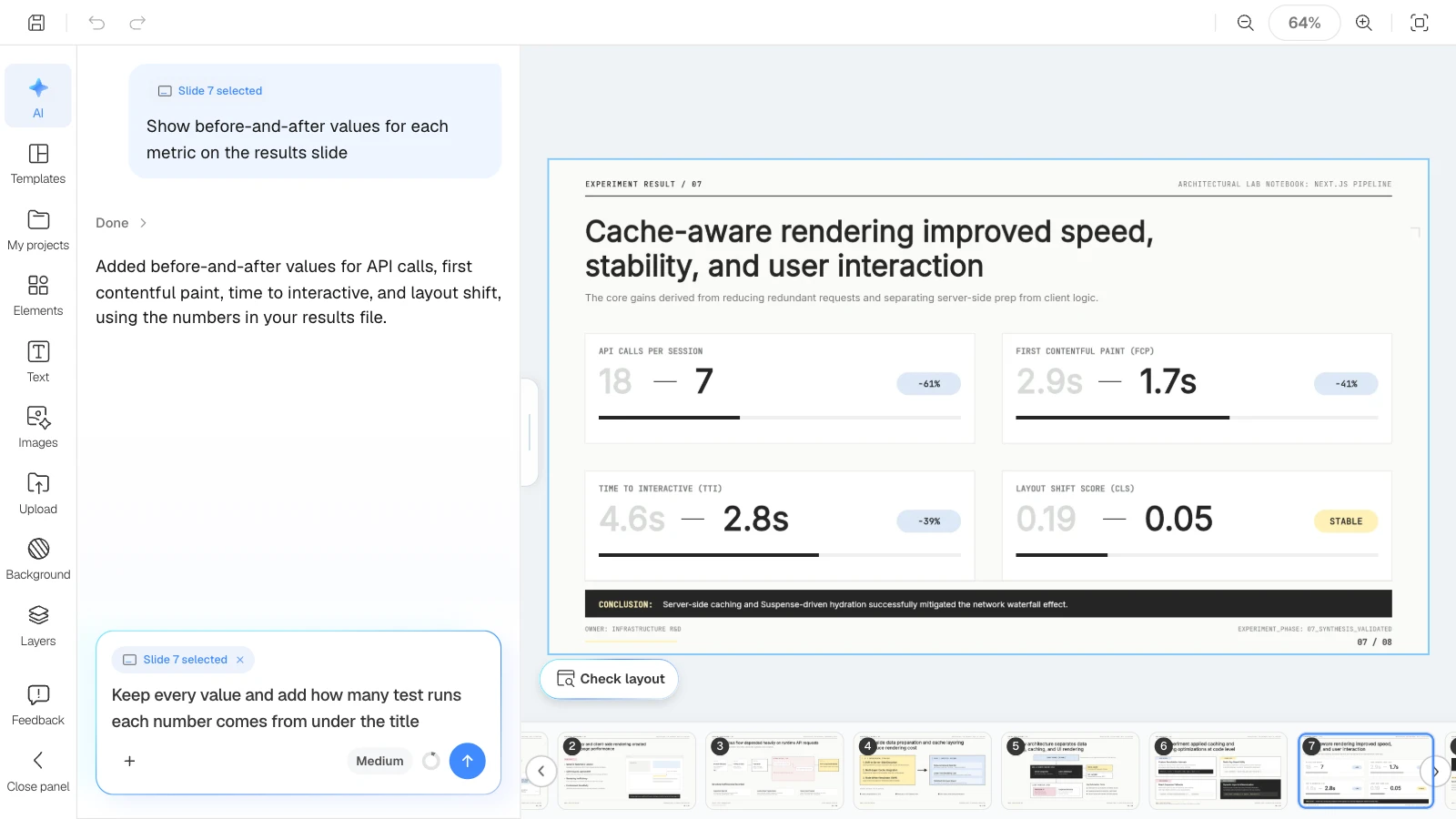
Build this week's lab meeting slides from the attached results and last week's notes, in eight slides: background, baseline, hypothesis and method, architecture, implementation, results, and next steps. Keep every number as in the spreadsheet and compare each metric with last week's notes. Mark unfinished runs as in progress, and put the decisions I need from my advisor on the last slide.
Slides to expect
| Slide | Content |
|---|---|
| 1 | Title: project, date range, current stage |
| 2 | Background: the problem you are measuring |
| 3 | Baseline: how things worked before |
| 4 | Hypothesis and method |
| 5–6 | Architecture and implementation changes |
| 7 | Results: before-and-after values |
| 8 | Next steps and decisions needed |
What to replace
- The date range and stage this update covers
- Metric names, exactly as your lab tracks them
- The decisions you need, such as changing a condition or collecting more data
Matching template: Web Performance Optimization Experiment Report. Most slide titles state a finding, and the lab-notebook layout carries over from week to week.
Prompt for a lecture
A lecture has a different job from a talk: the audience needs to understand concepts, not to be convinced of a result. Give learning goals, the order of concepts, examples, and check questions, and choose "Student/Education" as the audience in settings.
Using the attached lecture notes, make six slides for an introductory geography lecture on climate zones for first-year students. Start with today's learning goals, then the definition, the major zones, how climate shapes daily life, a map activity, and a review. Explain terms in plain words and put a check-for-understanding question on the activity slide.
Slides to expect
| Slide | Content |
|---|---|
| 1 | Title and learning goals |
| 2 | Definition and criteria |
| 3 | The major zones |
| 4 | How climate shapes daily life |
| 5 | Activity with a check question |
| 6 | Review |
What to replace
- The course, level, and prerequisites
- The concepts, in the order of your syllabus
- The class length, which sets the slide count
Matching template: World Climate Zones Learning Guide. It moves from definition to zones, daily life, a map activity, and a review.
Which follow-up requests fix a draft?
Select the slide, then say what to change and what to keep. Check each change against your source afterward.
| Fix | Request |
|---|---|
| Results title | "Rewrite the title of slide 5 as one sentence that states the finding. Keep the chart and values." |
| Talk time | "The talk is now 8 minutes. Merge the two background slides and leave the results as they are." |
| Charts | "Keep every value and add the y-axis label and unit." |
| Abbreviations | "Spell out each abbreviation the first time it appears." |
| Backup slides | "Move the full results table to a backup slide after the conclusion." |
| References | "List only the sources cited on the slides. Don't add sources that aren't in my list." |
What does MOVO change for research presentations?
- Attach what you have: the paper PDF (up to 100 pages), a Word draft, a results spreadsheet (up to 20 sheets), and figure images (PNG, JPEG, WebP). Save PPTX files as PDF first.
- Outline first: MOVO shows every slide's title, details, and visual description before building, so you can check that your order and rules made it in.
- Audience per situation: "Technical" for talks and lab meetings, "Student/Education" for lectures.
- Fix one slide at a time: select a slide and send a request like the ones above; it targets that slide. "Check layout" below the canvas finds overlapping text boxes.
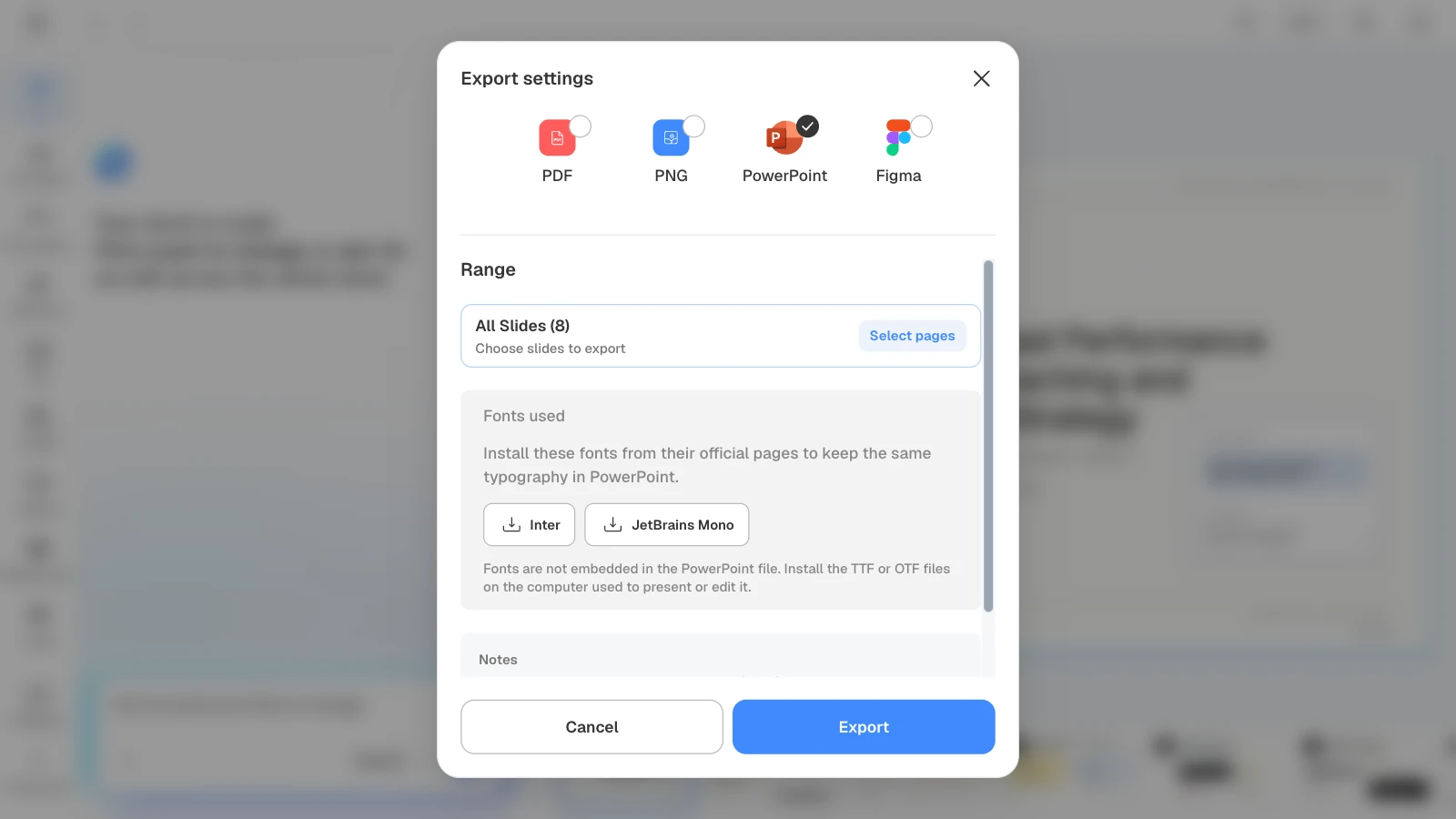
- Export files: PDF and PNG on every plan; PPTX and Figma on paid plans. A PPTX export stays editable in PowerPoint.
How to build a lab meeting deck in MOVO
The pictures below show MOVO's screens filled with this article's lab meeting example, an update on a caching experiment. They illustrate the steps; they are not a recording of a real session.
1. Attach your results and last week's notes
In the dashboard input, describe the meeting and the rules, and attach the results spreadsheet and last week's notes. Set the slide count here too.
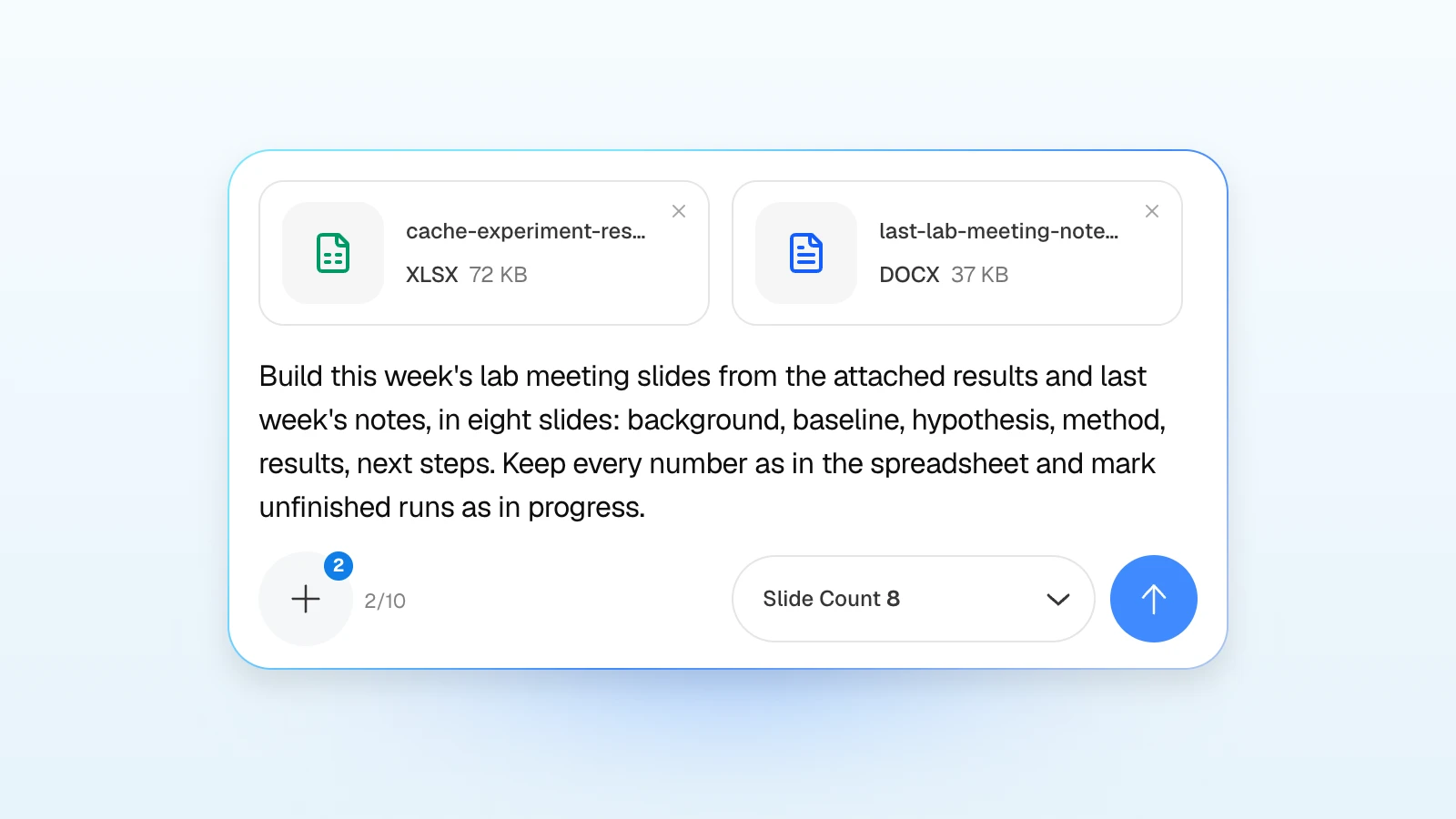
Build this week's lab meeting slides from the attached results and last week's notes, in eight slides: background, baseline, hypothesis, method, results, next steps. Keep every number as in the spreadsheet and mark unfinished runs as in progress.
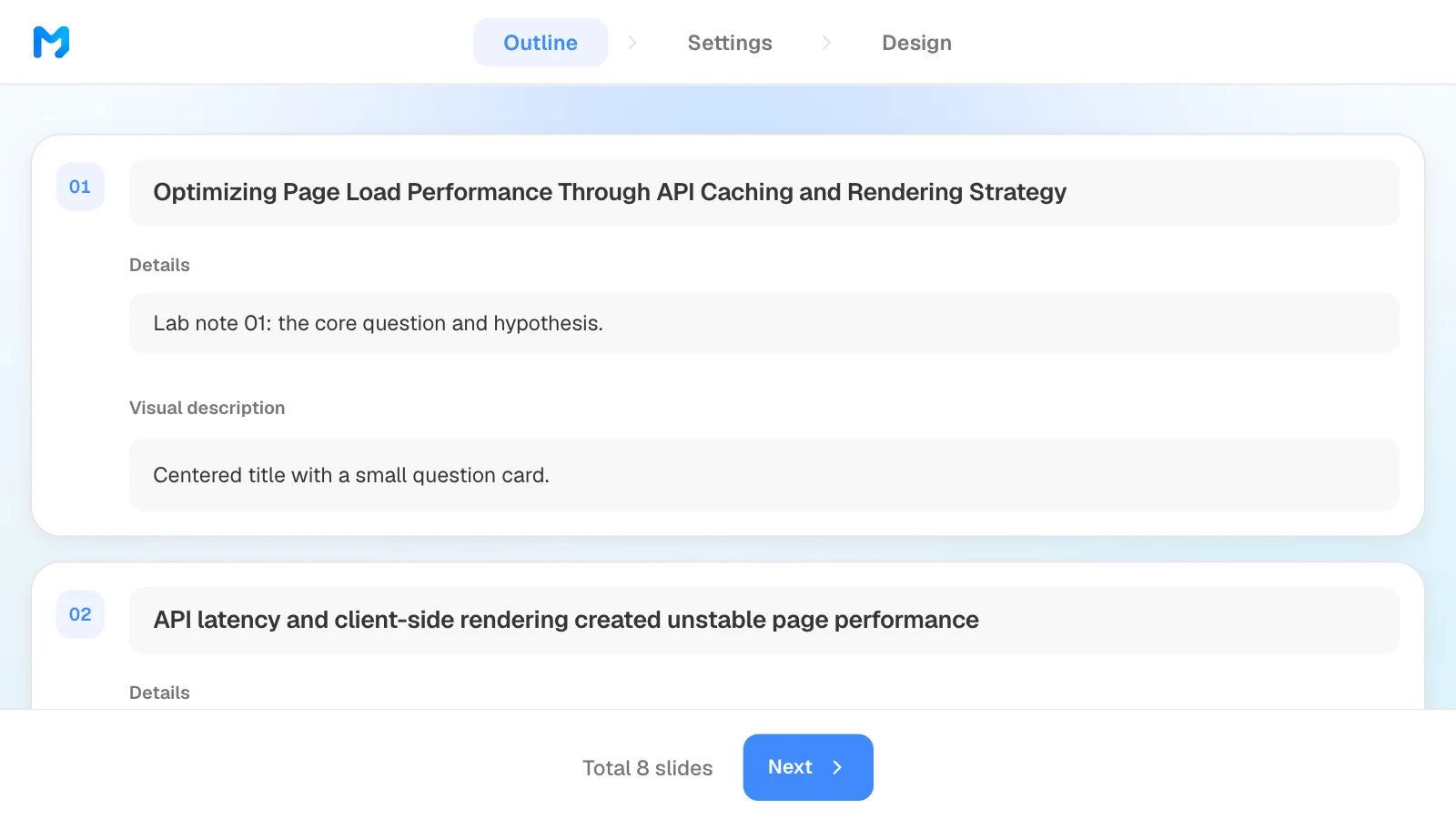
2. Check the outline
Confirm that the slides follow your order and that every metric from the spreadsheet made it into the results slide. Edit titles and key points, and drag slides to reorder them.
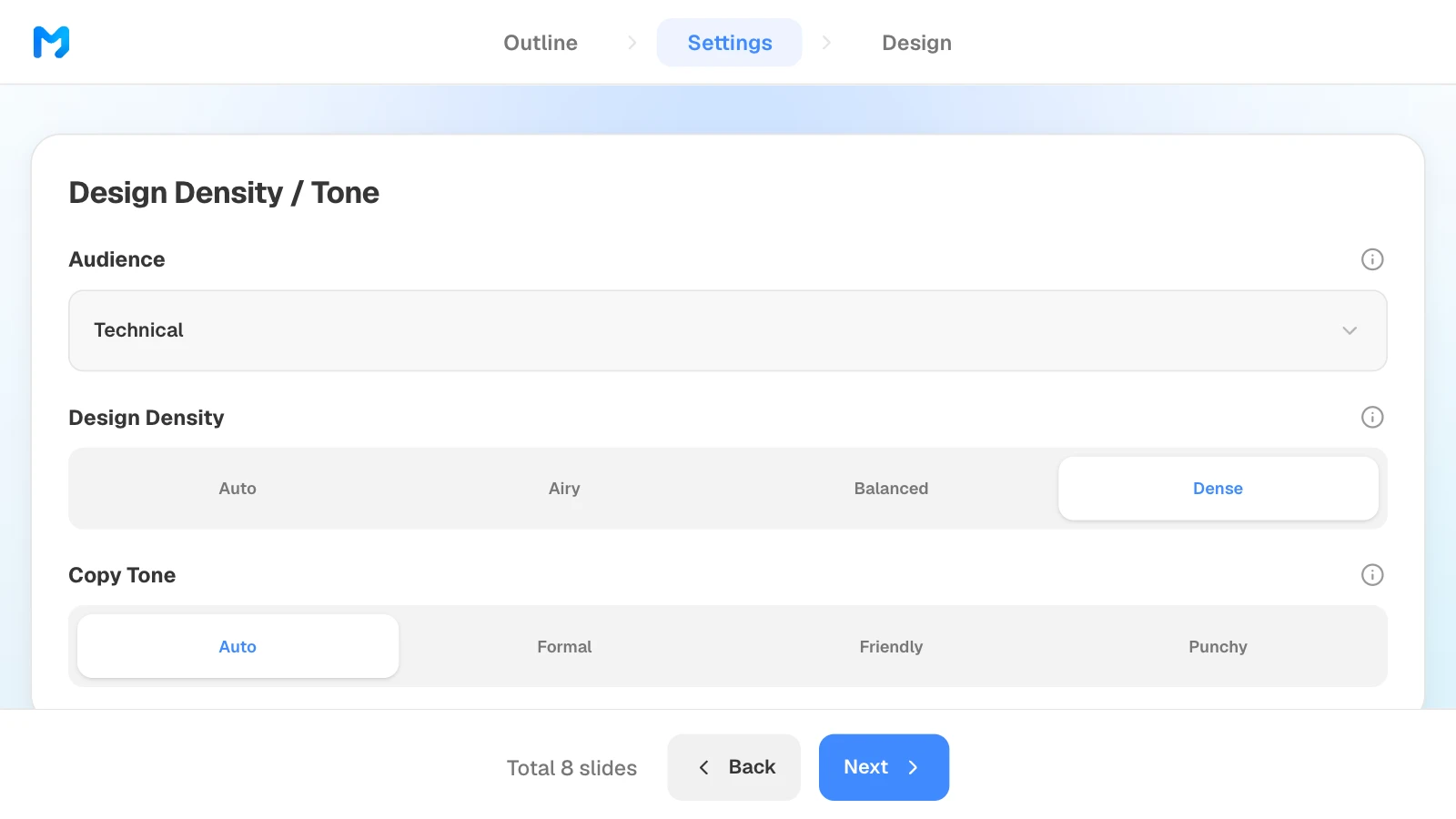
3. Set the audience and density
In settings, choose "Technical" as the audience. Design density sets the spacing between elements; for a lab update full of metrics and code, "Dense" is an option.
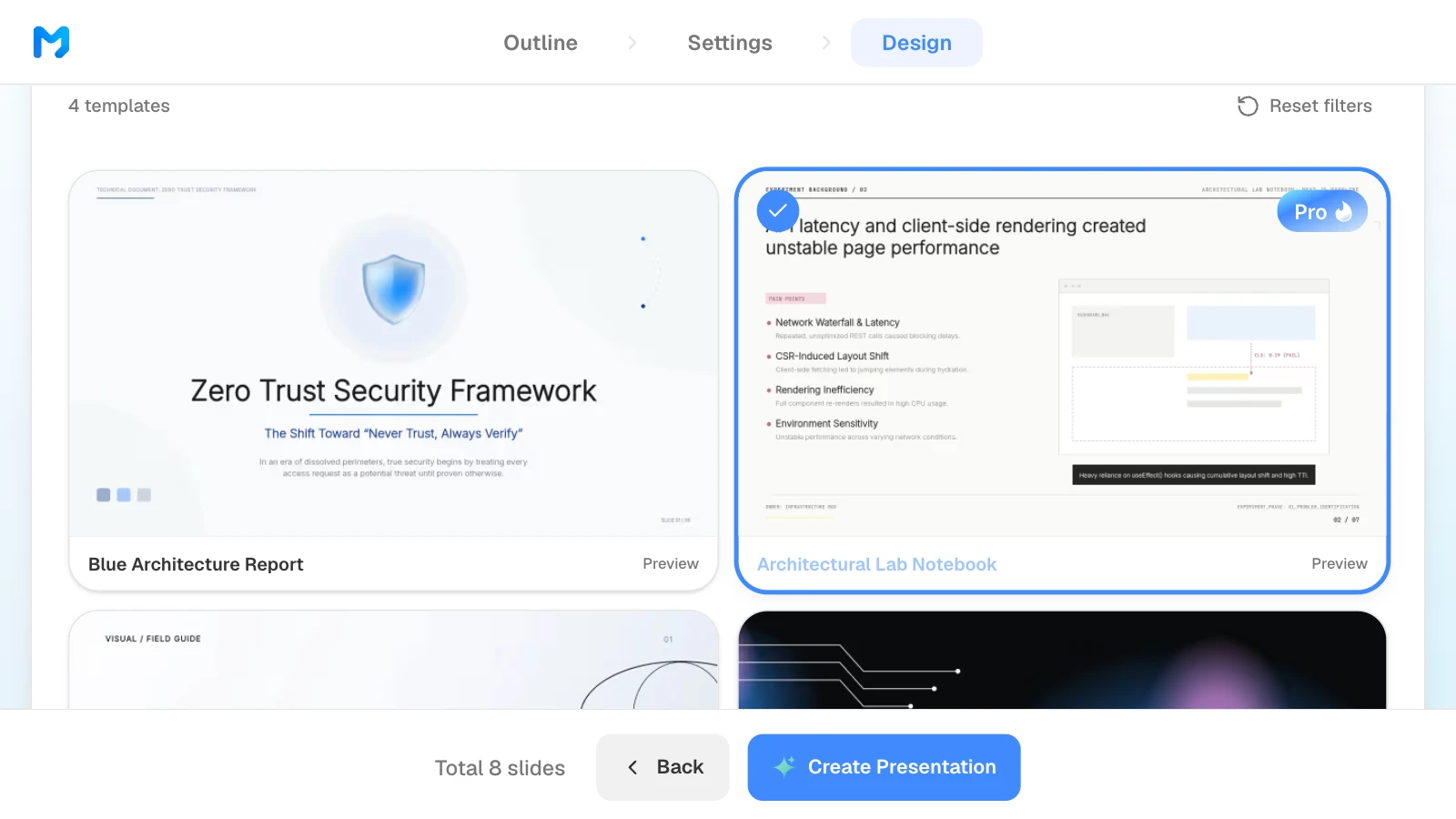
4. Pick a design
Choose "Technical / Systems" as the document type to see only those styles. Open "Preview" to see sample slides, then pick one. Styles marked "Pro" are available on paid plans.
5. Check the results against the spreadsheet and fix only what is wrong
Compare the values on the results slide with your spreadsheet. To fix one, select the slide and ask in the AI panel on the left, or edit it on the canvas.
6. Export a file you can keep editing
For a deck you update every week, export PPTX and keep editing in PowerPoint (paid plans). When you choose PowerPoint, MOVO lists the fonts the deck uses so you can install them on the presenting computer. Choose PDF if you only share it for reading.
4 research presentation templates, one per situation
These MOVO templates match the four prompts above. They are written in English, and the studies and figures in them are fictional and show structure only. Copy one into your projects and replace the content.
1. Academic Symposium Presentation (6 slides)
For a conference talk. A machine learning study presented as dataset and features, method pipeline, results against a baseline, an ablation, and conclusions with limitations.
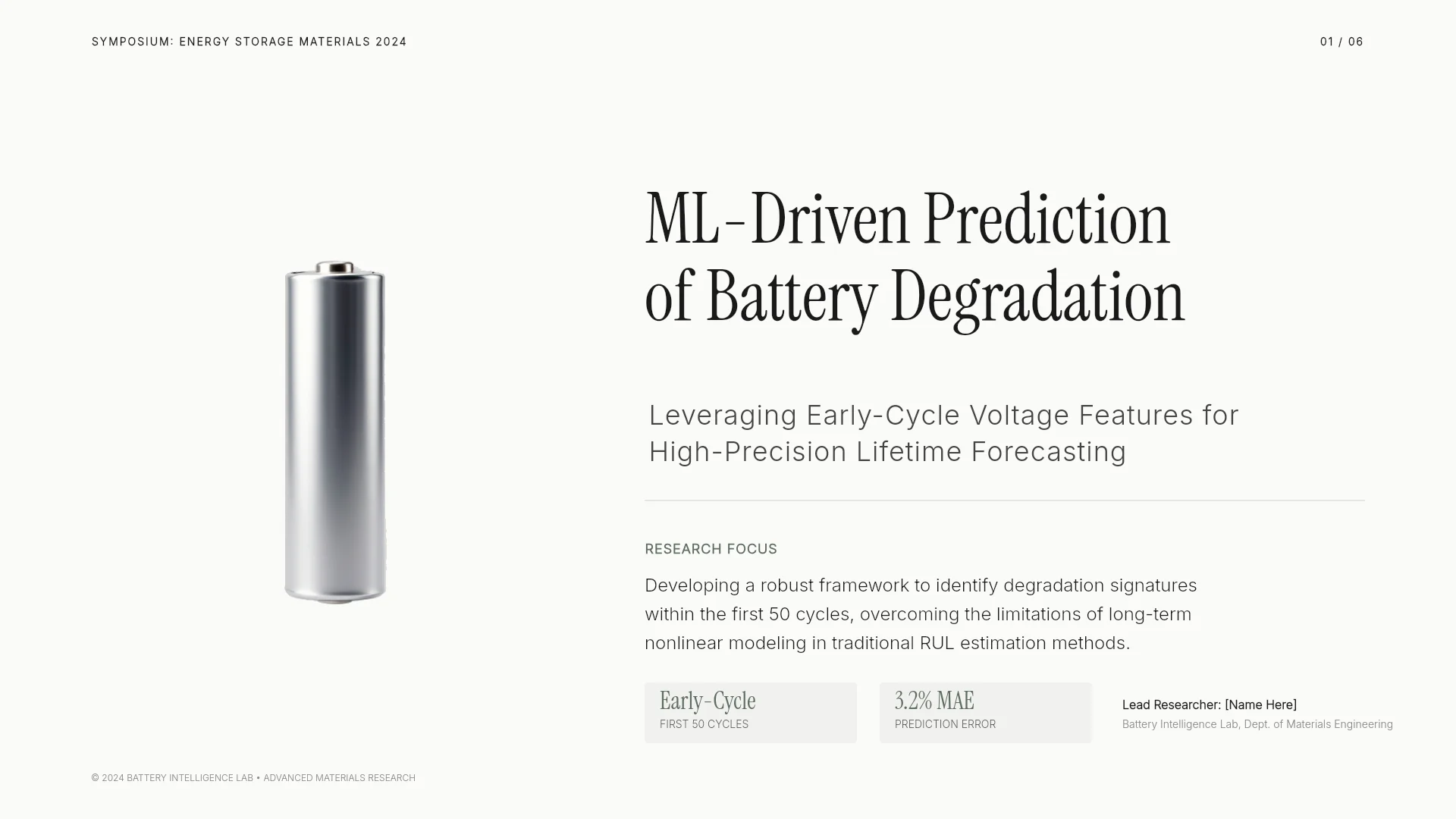
View the Academic Symposium Presentation template
2. Engineering Capstone Final Presentation (9 slides)
For a project or thesis defense. It runs from problem and requirements through architecture, experiment design, and results to limitations, and closes with each team member's role.
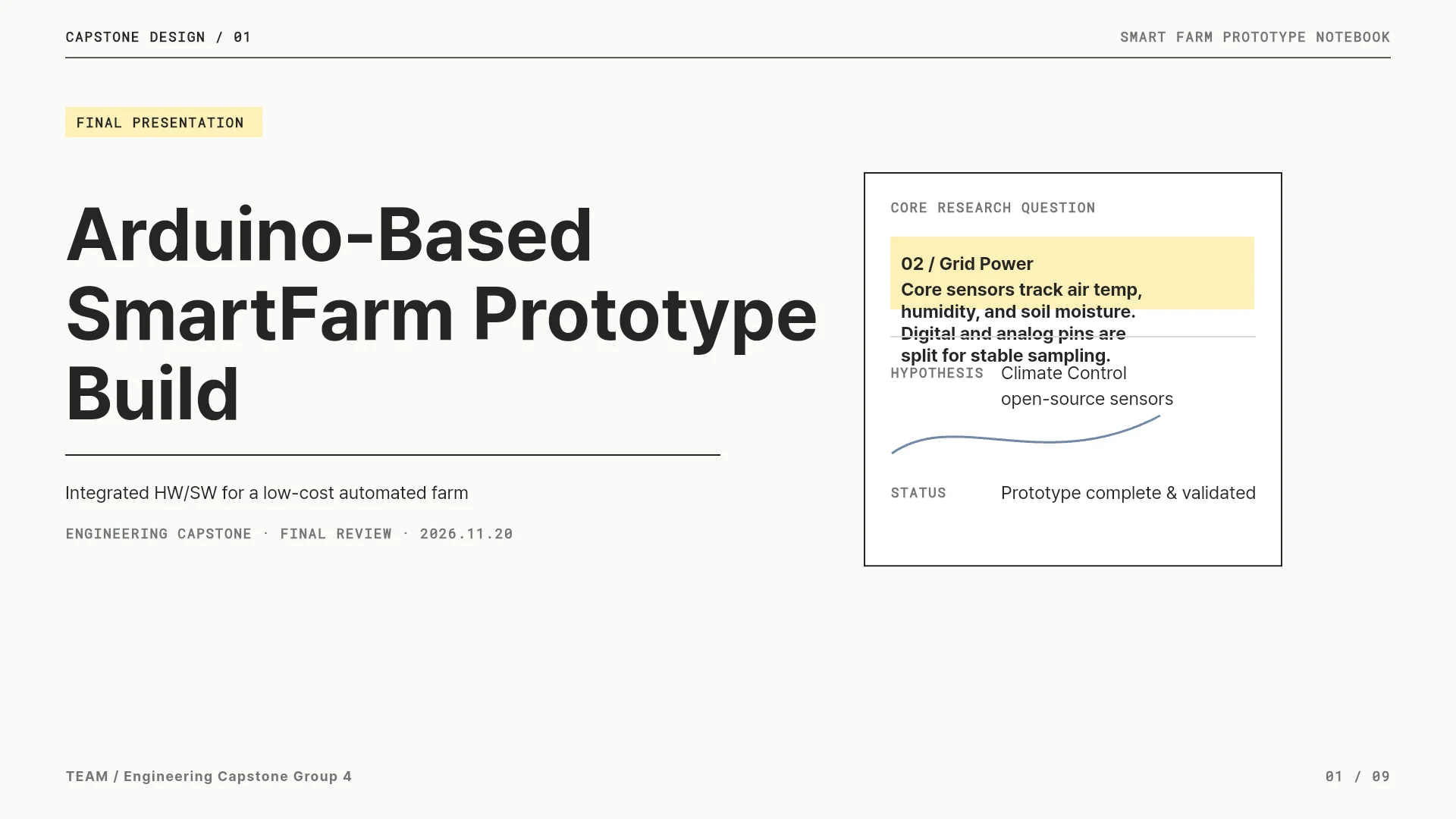
View the Engineering Capstone Final Presentation template
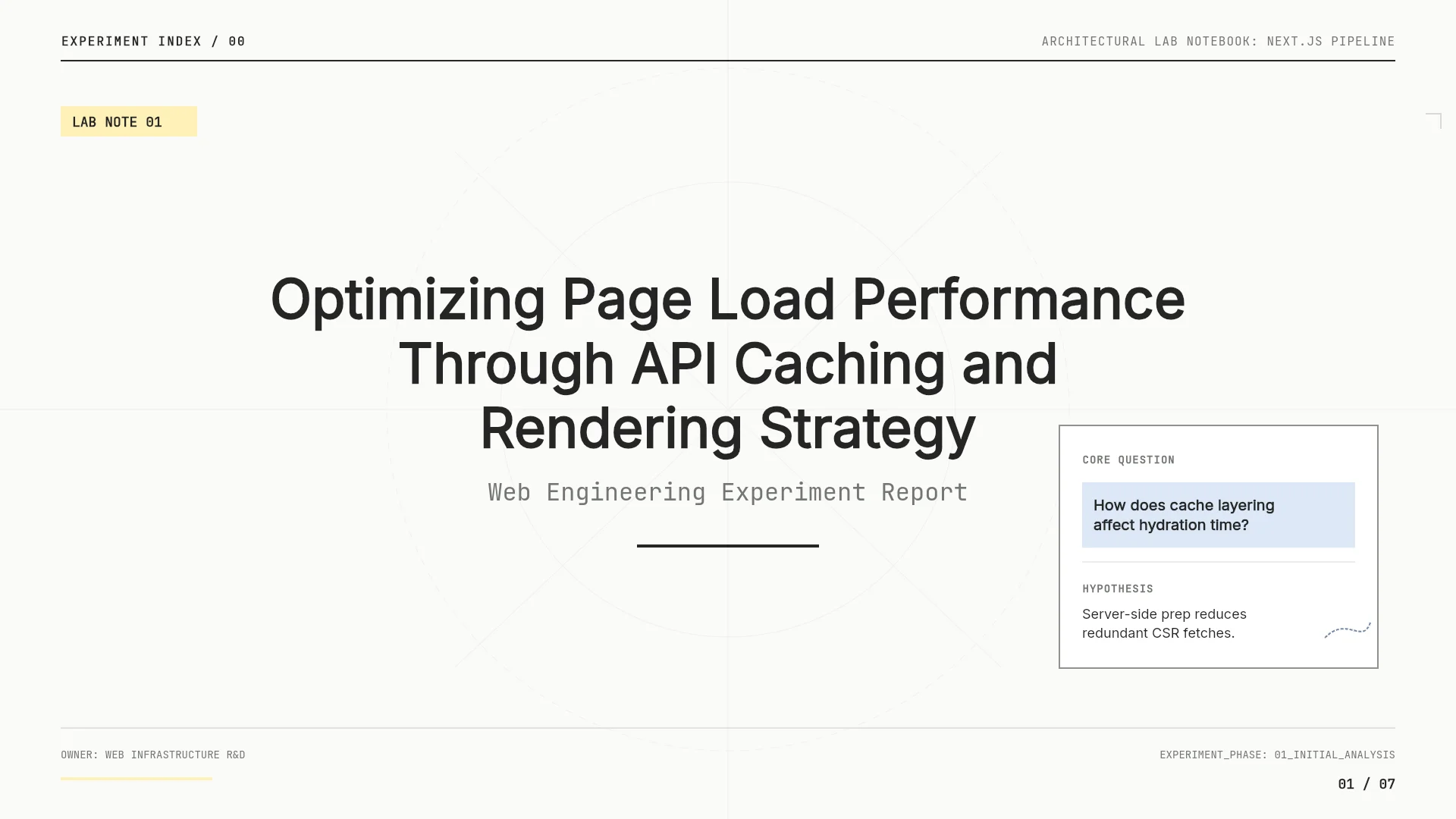
3. Web Performance Optimization Experiment Report (8 slides)
For a lab meeting update. Background, baseline, hypothesis and method, architecture, implementation, before-and-after results, and a roadmap, in a lab-notebook layout.
View the Web Performance Optimization Experiment Report template
4. World Climate Zones Learning Guide (6 slides)
For a lecture. It moves from a definition to the major zones, how climate shapes daily life, a map activity, and a review.

View the World Climate Zones Learning Guide template
Frequently asked questions
Can I attach my whole paper?
Yes. MOVO accepts PDFs of up to 100 pages. If you write in LaTeX, attach the compiled PDF. Attaching your results as a spreadsheet too makes it easier to check the plotted values against the source.
What's the difference between prompting and starting from a template?
A prompt makes MOVO read your files and build a new outline. A template copies a finished example deck into your projects so you can replace the text and numbers. Start from a template to keep its structure, and from a prompt when the order should follow your own paper.
How do I shorten a talk after the slides are built?
Say what to cut and what to keep, for example: "The talk is now 8 minutes. Merge the two background slides and leave the results as they are." Ask it to keep the conditions and limitations needed to interpret the conclusion.
Can I attach last week's PowerPoint?
Not as a PPTX file. Save it as PDF in PowerPoint, then attach the PDF.
Can I use the references an AI suggests?
Only after you find each source, confirm its title, authors, and year, and read the part that supports your slide. Drop anything you can't verify, and tell the AI not to add sources that aren't in your list.
Summary
A research presentation prompt names the situation, the time, the audience, the result to emphasize, and the rules to keep. Give a conference talk's time to the results, a defense's time to your answers and limitations, a lab meeting's to progress and decisions, and a lecture's to goals and examples. After the draft is built, select a slide, say what to change and what to keep, and check every number and citation against your sources.