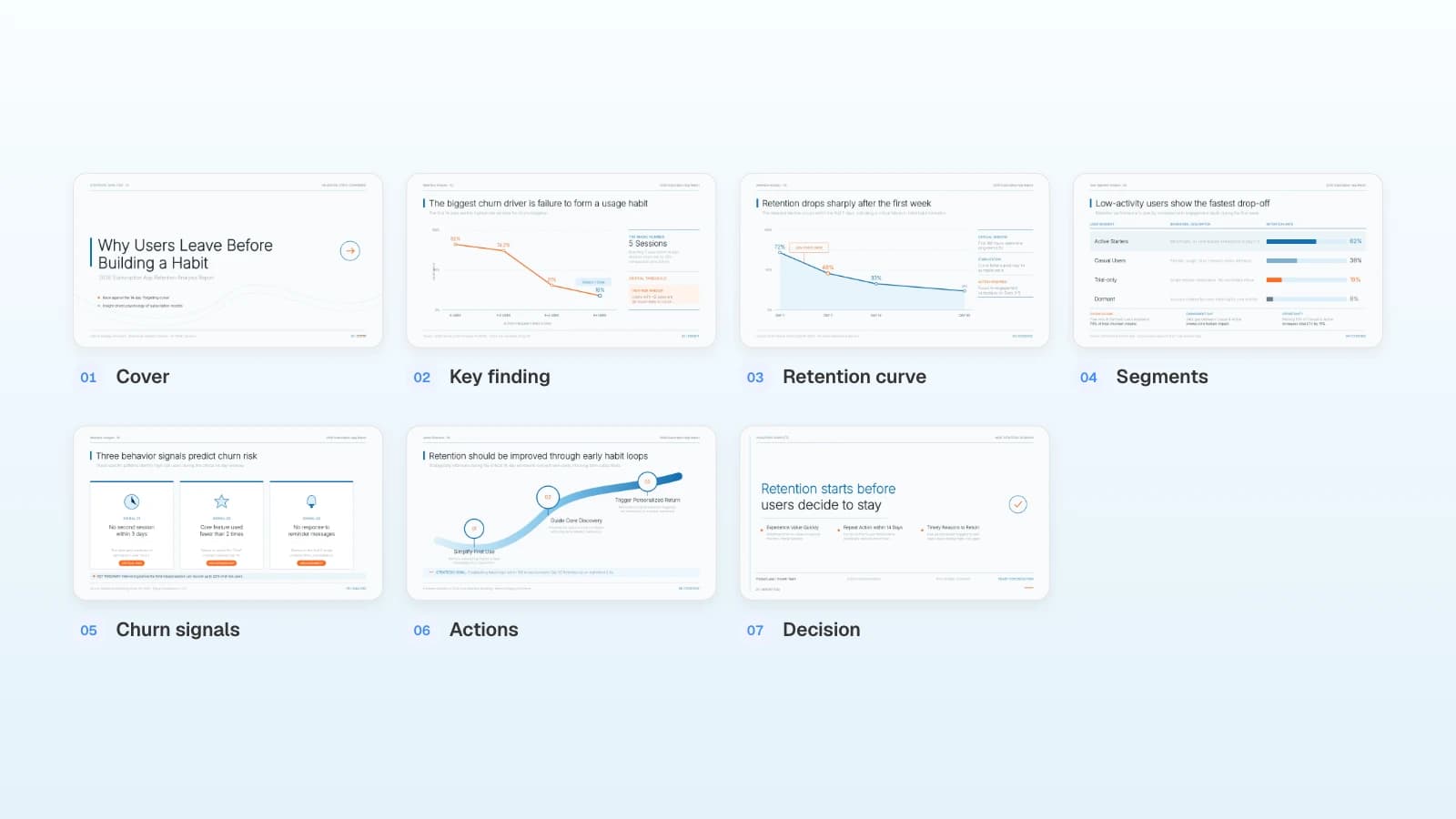
Product Launch Presentation in 10 Slides
The 10 slides of an internal product launch plan, from the ask to go/no-go criteria, worked through a fictional B2B SaaS add-on launch.
An internal product launch presentation is the launch plan: about ten slides that tell leadership and the go-to-market team what is launching, who it is for, what it costs, when it ships, and how you will judge it at 30, 60, and 90 days. It ends with go/no-go criteria that someone signs off on. Product has a PRD, marketing has a channel list, sales wants pricing answers, and finance wants a revenue number. The review goes sideways when the deck mixes a customer pitch with internal targets, or saves the decision for a last slide that says "Questions?"
MOVO starts from the material your launch team already has. Attach the launch brief as a Word file or PDF and the beta usage export as an Excel or CSV file, and MOVO writes a slide-by-slide outline before it designs anything. You check that the pricing and go/no-go slides are there, fix their order, and then pick a design. After the deck is built, select the slide with a wrong number and ask the AI to fix it. This guide follows one fictional launch, Quillstack Notes, through the ten slides, positioning and pricing, launch tiers and timelines, launch metrics and go/no-go criteria, the MOVO workflow, and three templates.
What should a product launch presentation include?
Ten slides that move from the decision you need to the criteria for making it. Put the ask on slide 1, not at the end: the people in the room are there to approve a price, a date, and the work it takes.
The worked example: Quillstack, a project management tool for agencies and consulting firms, is launching Quillstack Notes, with general availability (GA) on February 2, 2027. The add-on joins Zoom, Google Meet, and Microsoft Teams calls, writes a summary, and turns action items into project tasks. Its account executives (AEs) and customer success managers (CSMs) will sell it to existing customers. Quillstack and every number below are fictional.
| Slide | Question it answers | Quillstack Notes example |
|---|---|---|
| 1. Summary and the ask | What, for whom, when, and what must be approved today? | Paid add-on for 900 eligible accounts, GA on February 2, 2027; approve price and tier |
| 2. Customer problem and evidence | Why build it, and what proves demand? | 41 of 62 beta accounts were still weekly users in week 8 |
| 3. Target customer | Who buys first, and who uses it? | Team and Business accounts with 10+ client calls a week; the workspace admin buys |
| 4. Positioning | What is it in one sentence, and against what alternative? | Meeting notes that land in the project as tasks |
| 5. Pricing and packaging | What does it cost, and which plans get it? | $8 per user per month on Team and Business, included in Enterprise |
| 6. Launch tier and timeline | How big is the launch, and what happens when? | Tier 2; price approval Dec 8, go/no-go Jan 26, GA Feb 2 |
| 7. Channel plan | How will customers hear about it? | In-app banner, three admin emails, CSM calls to the top 150 accounts, a launch webinar |
| 8. Enablement | Can sales, CS, and support sell and support it on day 1? | Demo script, pricing FAQ, answers on recording consent, support macros |
| 9. Success metrics | What counts as working at 30, 60, and 90 days? | 180 trials, then 90 paying accounts, then 4,200 paid seats |
| 10. Risks and go/no-go | What would stop or delay the launch? | Five criteria, each with an owner and a pass/fail result |
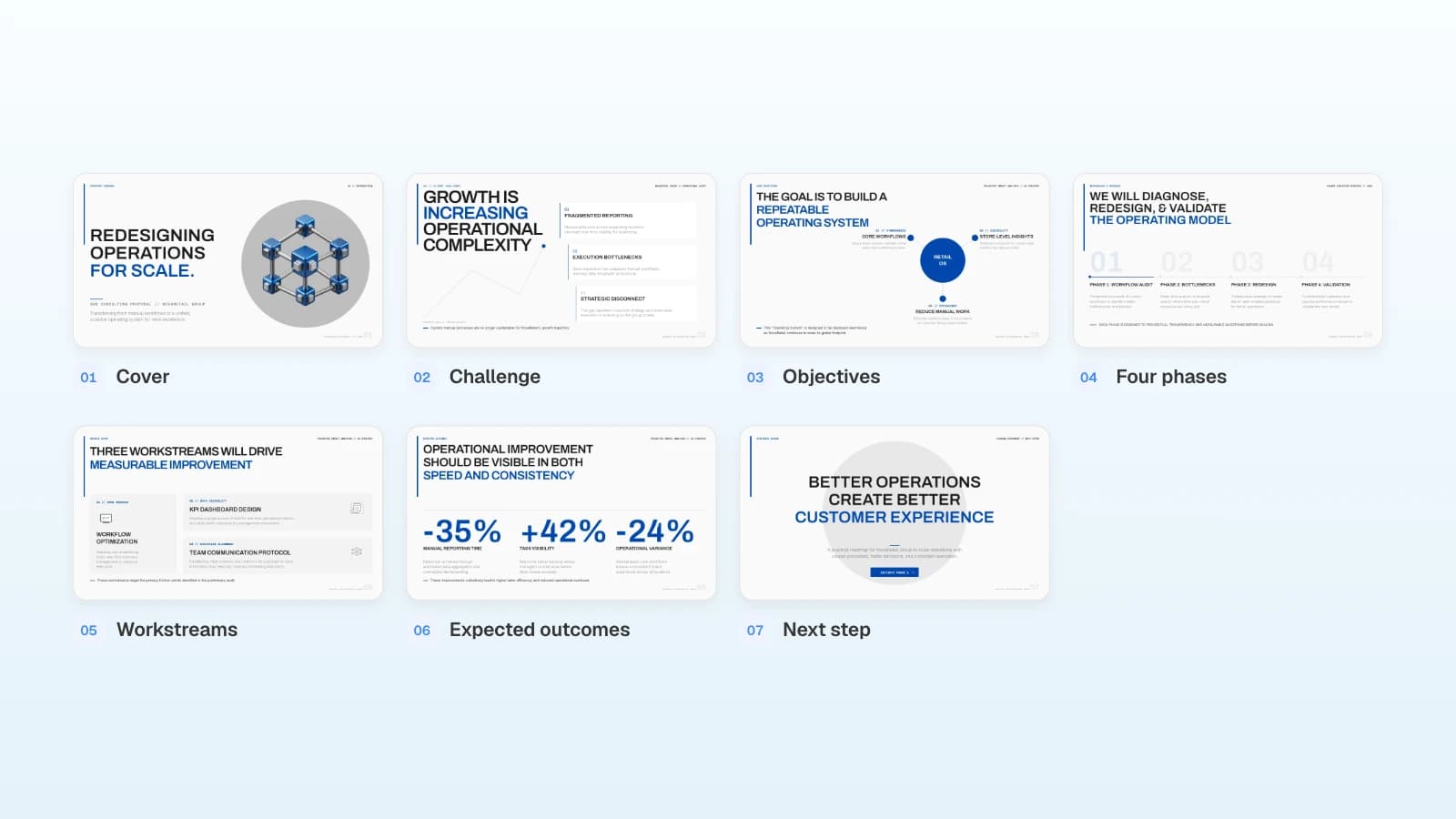
MOVO's 'Retail Operations Consulting Proposal' template already covers five of the ten. Its cover and closing next-step slide carry the summary and the ask (slide 1), its challenge slide carries the customer problem (slide 2), and its four phases, three workstreams, and expected outcomes carry slides 6, 7, and 9. Its objectives slide can be rewritten as the positioning (slide 4). If you copy this template, add the other four slides (target customer, pricing and packaging, enablement, and go/no-go) in the editor. If you build from your own files, list all ten in your request so the outline already has them.
Build the customer-facing deck separately, after this plan is approved.
How do you show positioning and the pricing decision?
Write positioning as one sentence a sales rep could say on a call. Then show the pricing options you considered, the one you recommend, and the evidence behind it. Leadership approves the price on this slide, so it has to show what you gave up.
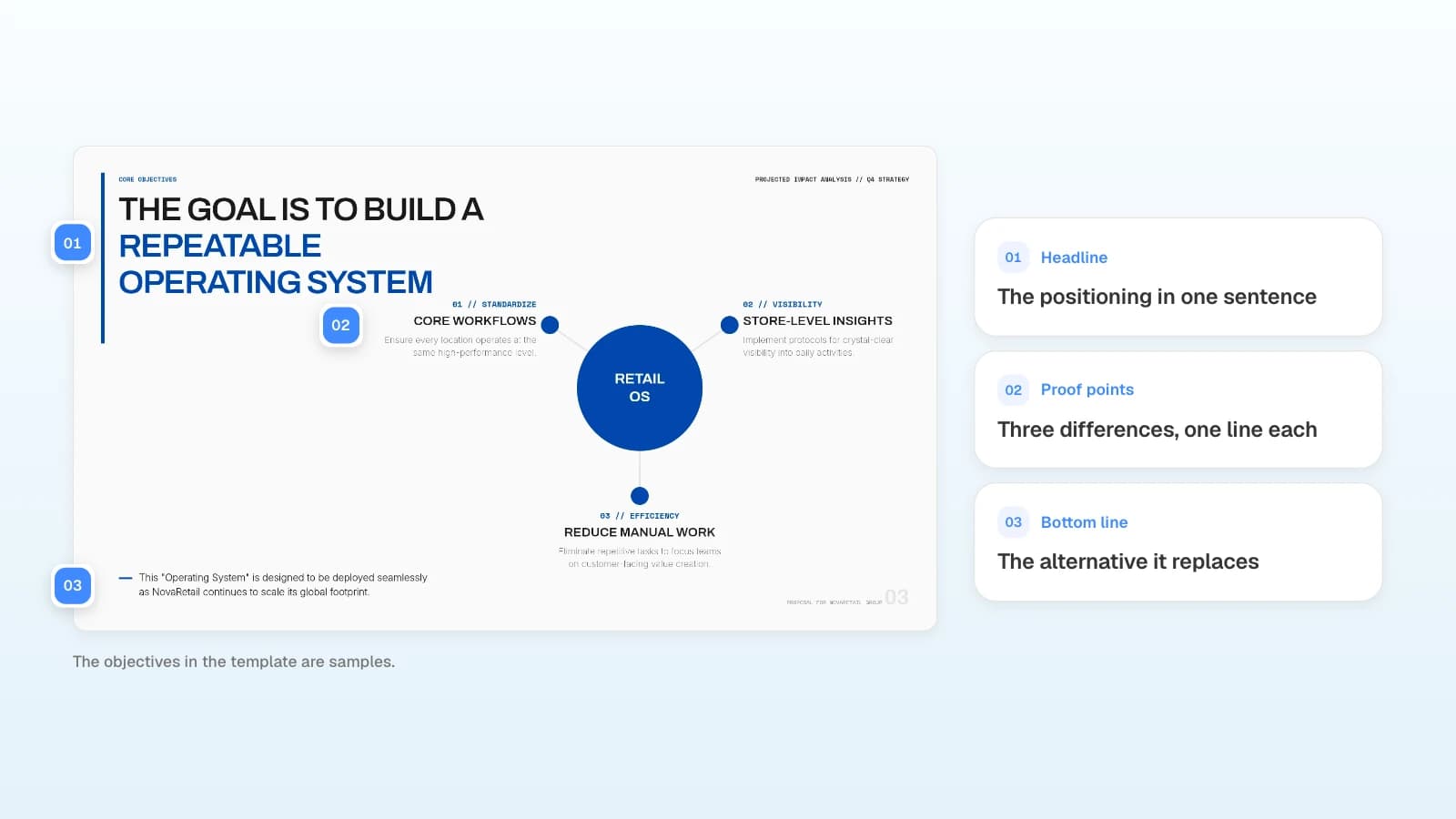
A positioning slide fits this layout: the statement as the headline, three proof points under it, and the alternative it replaces on the bottom line.
Fill in this positioning statement, adapted from Geoffrey Moore's Crossing the Chasm, with your own words:
For [target customer] who [problem], [product] is a [category] that [main benefit]. Unlike [alternative], it [difference].
Quillstack's version: "For client-services teams who run ten or more client calls a week, Quillstack Notes is a meeting-notes add-on that turns each call into a summary and assigned tasks inside the project. Unlike a separate note-taking app, every action item becomes a Quillstack task with an owner and a due date."
For pricing, compare the options in the same four columns:
| Option | What it means | For | Against |
|---|---|---|---|
| A. Include in Business | No extra price; Team accounts upgrade to get it | Fast adoption and a reason to upgrade | No new revenue; transcription costs about $1.10 per user per month |
| B. Paid add-on | $8 per user per month on Team and Business; included in Enterprise | New revenue; admins pick which users get seats | One more line on the invoice; needs a trial |
| C. Usage-based | $0.25 per recorded hour | Light users pay little | Hard for buyers to budget; procurement teams push back on variable bills |
The recommendation goes into the slide title: "$8 per user per month on Team and Business." Under the table, write the evidence in one line. Quillstack's: 17 of 25 admins in pricing interviews said they would pay $6 to $10 per user per month, and per-seat billing lets them pay only for people who run client calls. Name who approves the price, here the CFO and the VP Product, and the date they approve it.
How do you set the launch tier, timeline, and channel plan?
Pick the tier first, because it decides how much of the company works on the launch. Then date the plan backward from GA, and give every channel and enablement item an owner.
| Tier | Use it for | What it gets |
|---|---|---|
| Tier 1 | A new product, a new market, or a pricing change for all accounts | Press and analyst briefings, a launch event, paid campaigns, full sales and partner training |
| Tier 2 | A paid add-on or major feature for existing customers | In-app and email to the eligible accounts, a webinar, CSM outreach, sales and support enablement |
| Tier 3 | An improvement to an existing feature | Release notes, an in-app tooltip, a help center update |
Quillstack Notes is Tier 2: new revenue from existing customers, no new market, and no press event.
Each milestone gets a date and one owner:
| When | Milestone | Owner |
|---|---|---|
| Dec 8, 2026 (8 weeks before GA) | Price and packaging approved | CFO, VP Product |
| Dec 22 (6 weeks before) | Beta grows from 62 to 120 accounts; add-on billing set up | Product, billing |
| Jan 5, 2027 (4 weeks before) | Launch readiness review; help center drafts done | Product marketing |
| Jan 19 (2 weeks before) | Every AE and CSM certified; webinar registration page ready | Sales enablement, CS |
| Jan 26 (1 week before) | Go/no-go meeting | VP Product |
| Feb 2 | GA: in-app banner, first admin email, release notes | Product marketing |
| Day 30, 60, and 90 | Metric reviews against the targets on slide 9 | Product marketing, finance |
The channel slide lists who hears about the launch, when, and from whom:
- In-app banner for admins of the 900 eligible accounts on GA day.
- Three admin emails: on GA day with the webinar invitation, on February 11 with the webinar recording, and three weeks after GA for admins who have not started a trial.
- CSM calls to the top 150 accounts by seat count in the first two weeks.
- Launch webinar on February 9, with a live demo and questions.
- Renewal conversations: AEs bring up Notes with accounts renewing in the next 120 days.
The enablement slide is a checklist due two weeks before GA: a 20-minute demo script with a sandbox workspace, a pricing FAQ that answers "Why isn't it in Business?", answers on recording consent and data retention, 10 support macros, and a certification every AE and CSM passes.
Which launch metrics and go/no-go criteria belong in the deck?
Commit to a few numbers for each checkpoint, each with a definition and an owner. Write go/no-go criteria as pass/fail checks the decision owner can read in the meeting. Each criterion needs a result that can fail, such as a number or a yes/no check.
| Checkpoint | Metric and definition | Target | Owner |
|---|---|---|---|
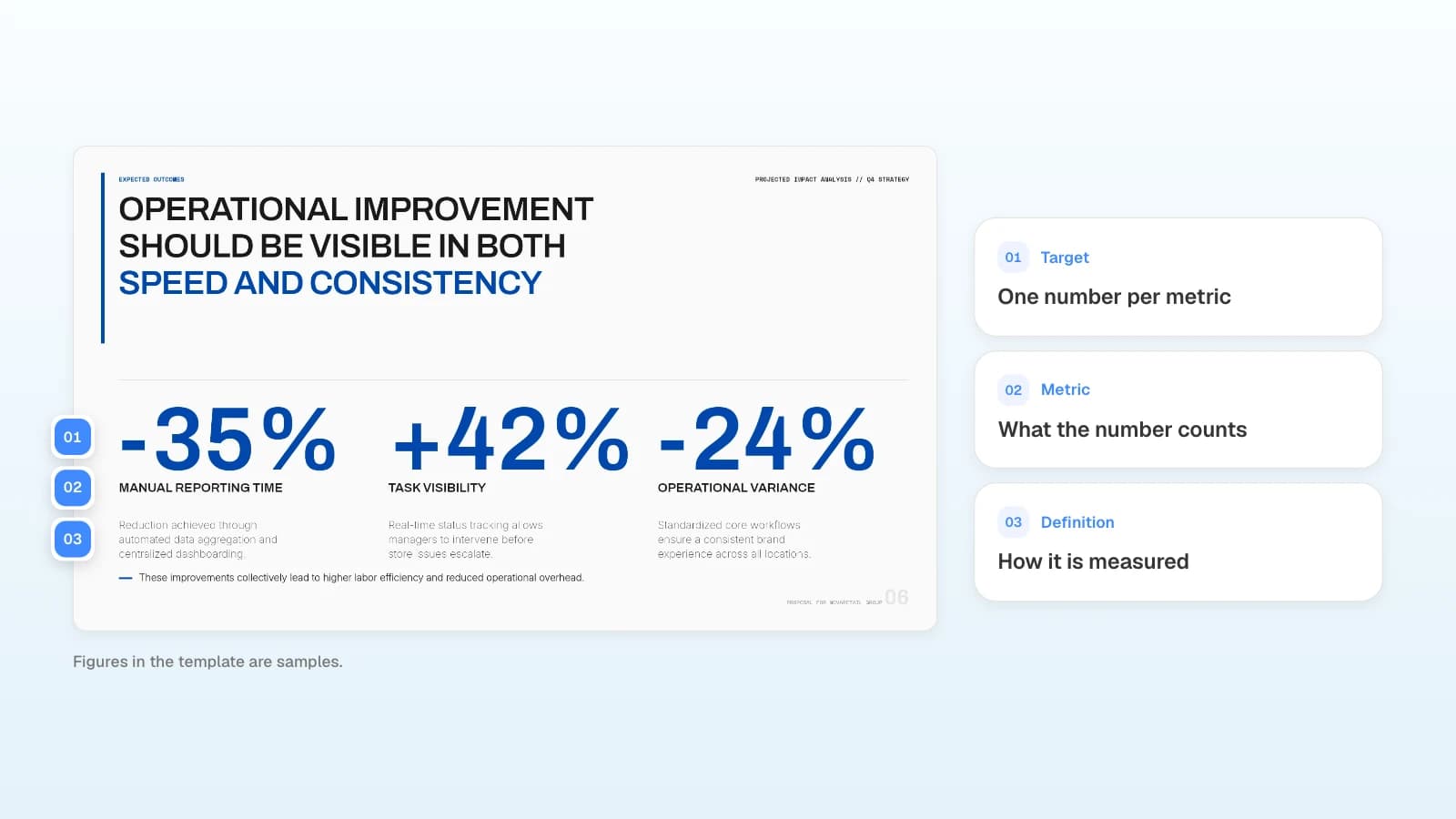
| Day 30 | Trials started: eligible accounts that turned on the 30-day trial | 180 of 900 accounts (20%) | Product marketing |
| Day 30 | Action-item accuracy: right owner and due date in a weekly sample of 200 | 90% or higher | Product |
| Day 60 | Paying accounts: trials that converted to paid | 90, half of the first 180 trials | Sales, CS |
| Day 60 | Support load: tickets per 100 trial accounts | 8 or fewer | Support |
| Day 90 | Paid seats and ARR: add-on seats × $8 × 12 | 4,200 seats from 120 accounts (35 per account on average), $403,200 ARR | Finance |
The go/no-go slide for the January 26 meeting:
| Criterion | Pass when | Owner |
|---|---|---|
| Quality | No open P0 or P1 bugs; notes arrive within 10 minutes of the call ending for 95% of beta meetings | Engineering |
| Accuracy | Action-item accuracy is 90% or higher in the last two weekly samples | Product |
| Legal and security | The recording notice and the data processing addendum (DPA) update are approved | Legal, security |
| Billing | Add-on SKU, proration, and trial-to-paid tested end to end on five test accounts | Billing |
| Readiness | Every AE and CSM certified; help center articles and support macros live | Enablement, support |
- Decide what a miss means before the meeting. For Quillstack, a miss on quality, accuracy, or legal moves GA by two weeks. A miss on billing or readiness means launching in the app only and holding the emails and CSM calls until it passes.
- Keep one pause rule for after GA. If accuracy falls below 85% in two weekly samples in a row, stop new trials and report back.
- Write each risk with its answer. Some call participants will object to being recorded, so the bot joins as "Quillstack Notes" and every invite carries a notice. Heavy users could cost more to transcribe than the pricing model assumes, so each user gets a 60-hour monthly recording cap.
What does MOVO change for a product launch presentation?
- Start from the launch brief and beta data: attach a PRD or launch brief as a PDF (up to 100 pages) or Word file (DOCX), and beta usage as Excel (XLSX, up to 20 sheets and 100,000 cells) or CSV. The Free plan takes 3 files of up to 5 MB each; Pro and Max take 10 files of up to 20 MB each, 50 MB in total. Save .doc and .xls files as .docx and .xlsx, and save a PowerPoint or Keynote deck as a PDF first.
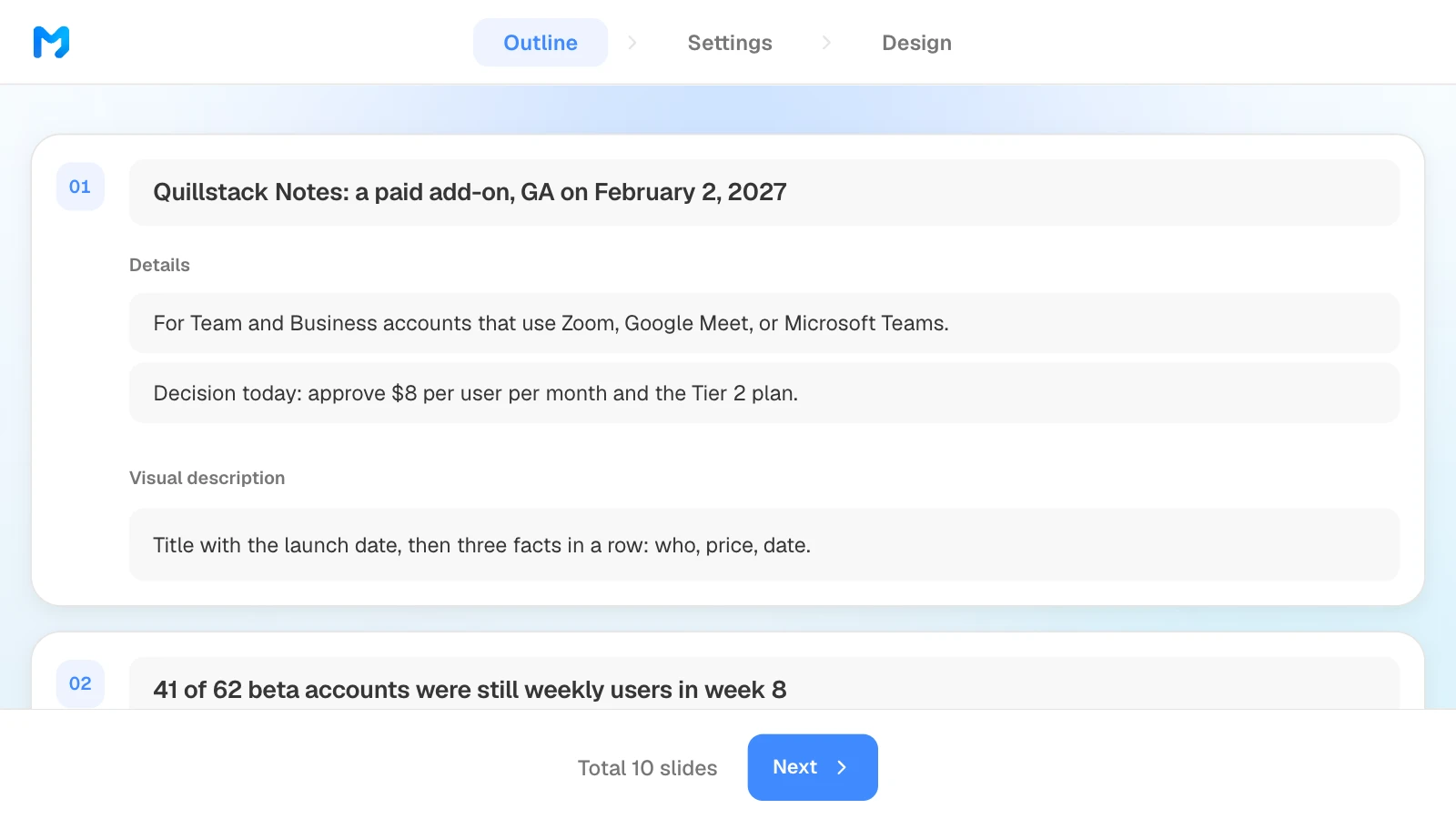
- Check the decision slides in the outline: the Outline step shows each slide's title, details, and visual description before anything is designed. It has no button to add a slide, since the count comes from Slide Count in your request, so if the pricing or go/no-go slide is missing, rewrite a weaker slide into it, then drag slides into order.
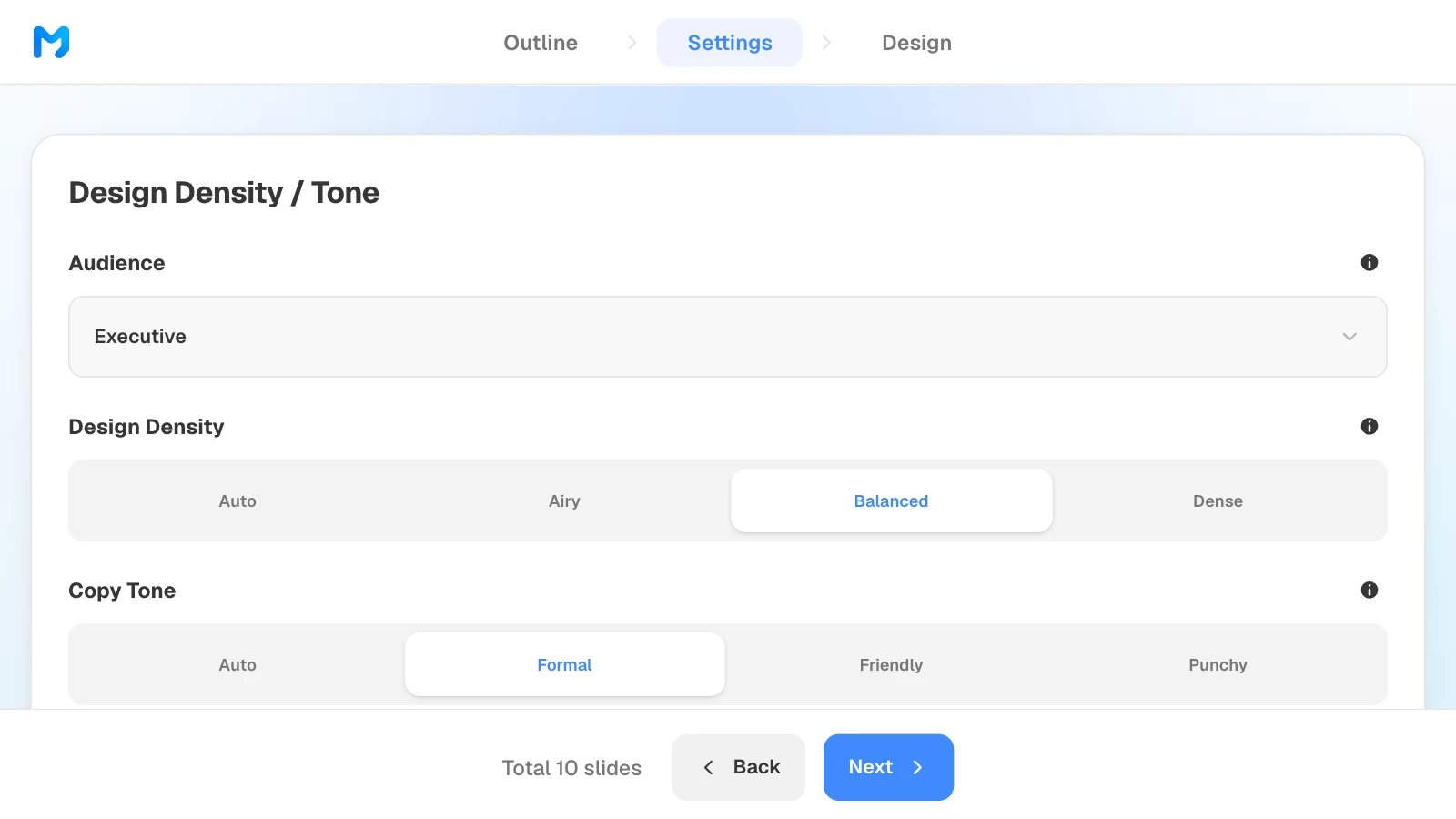
- Settings for the review room: pick "Executive" from six audiences and a "Formal" copy tone, then narrow the design list to "Proposal / Persuasion" styles; styles marked "Pro" need a paid plan.
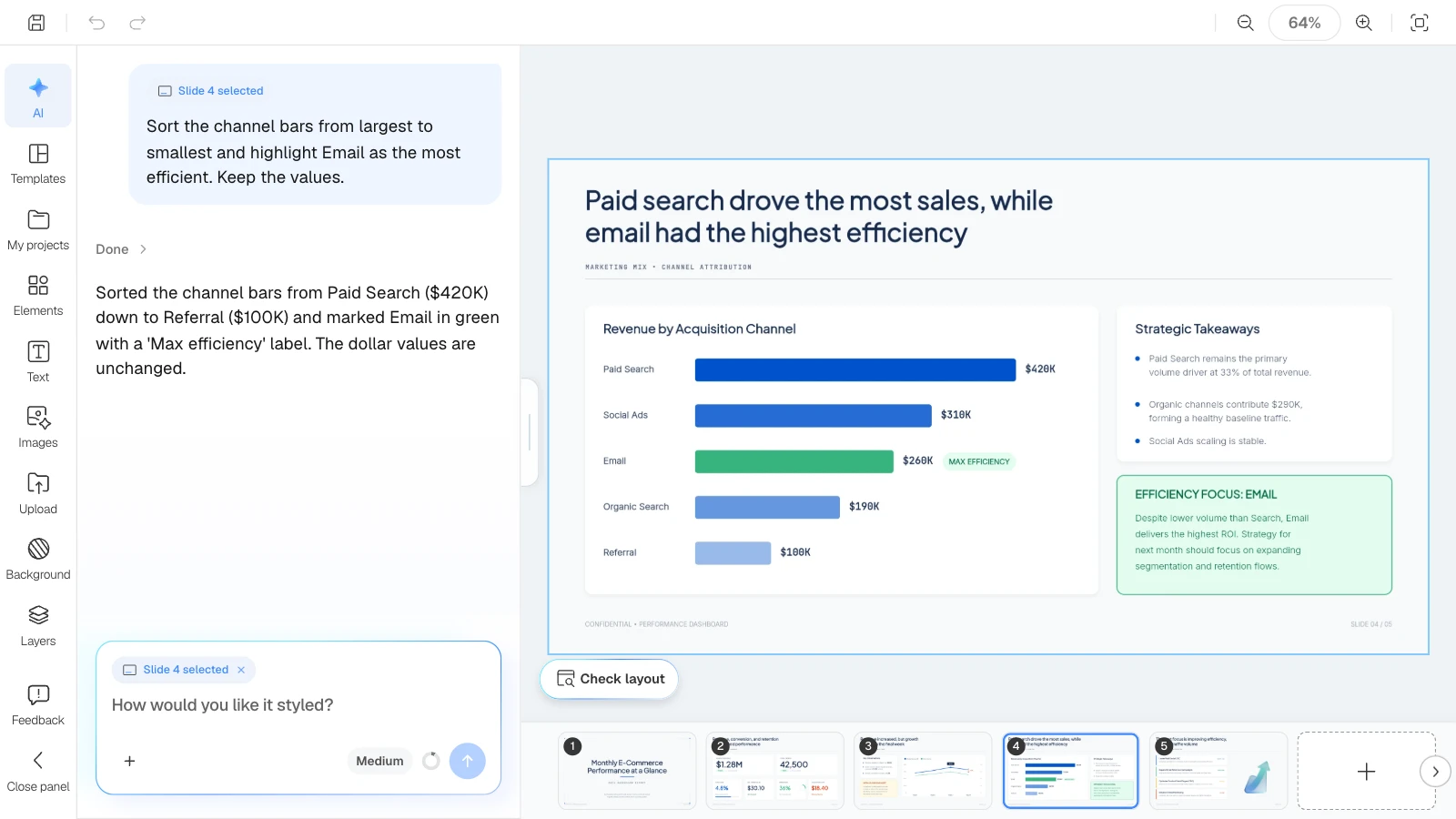
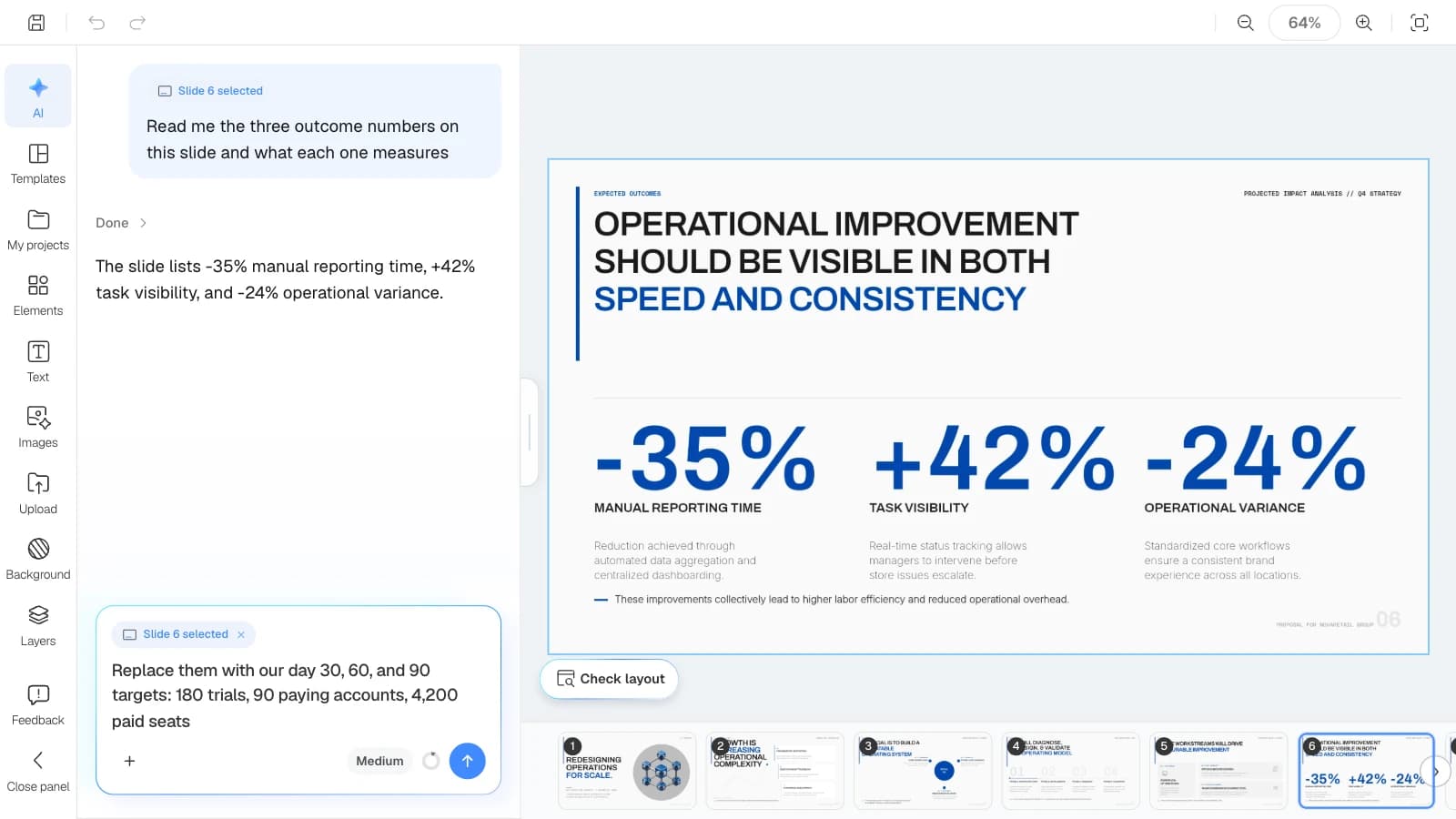
- Fix one slide at a time: select a slide and the AI request carries it as context ("Slide 4 selected"), so the AI works from that slide. "Check layout" below the canvas finds overlapping or clipped text on the slide you are viewing.
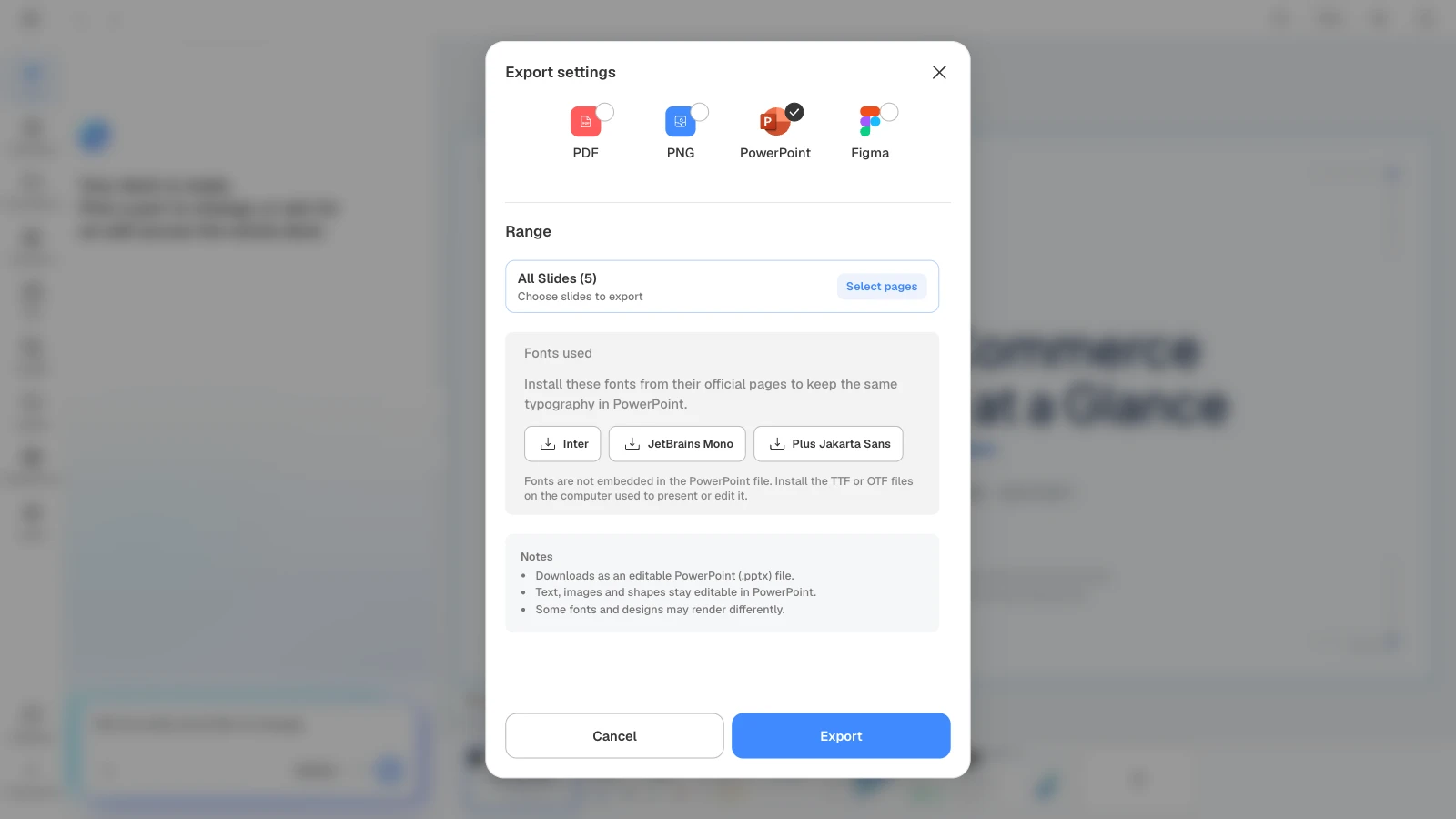
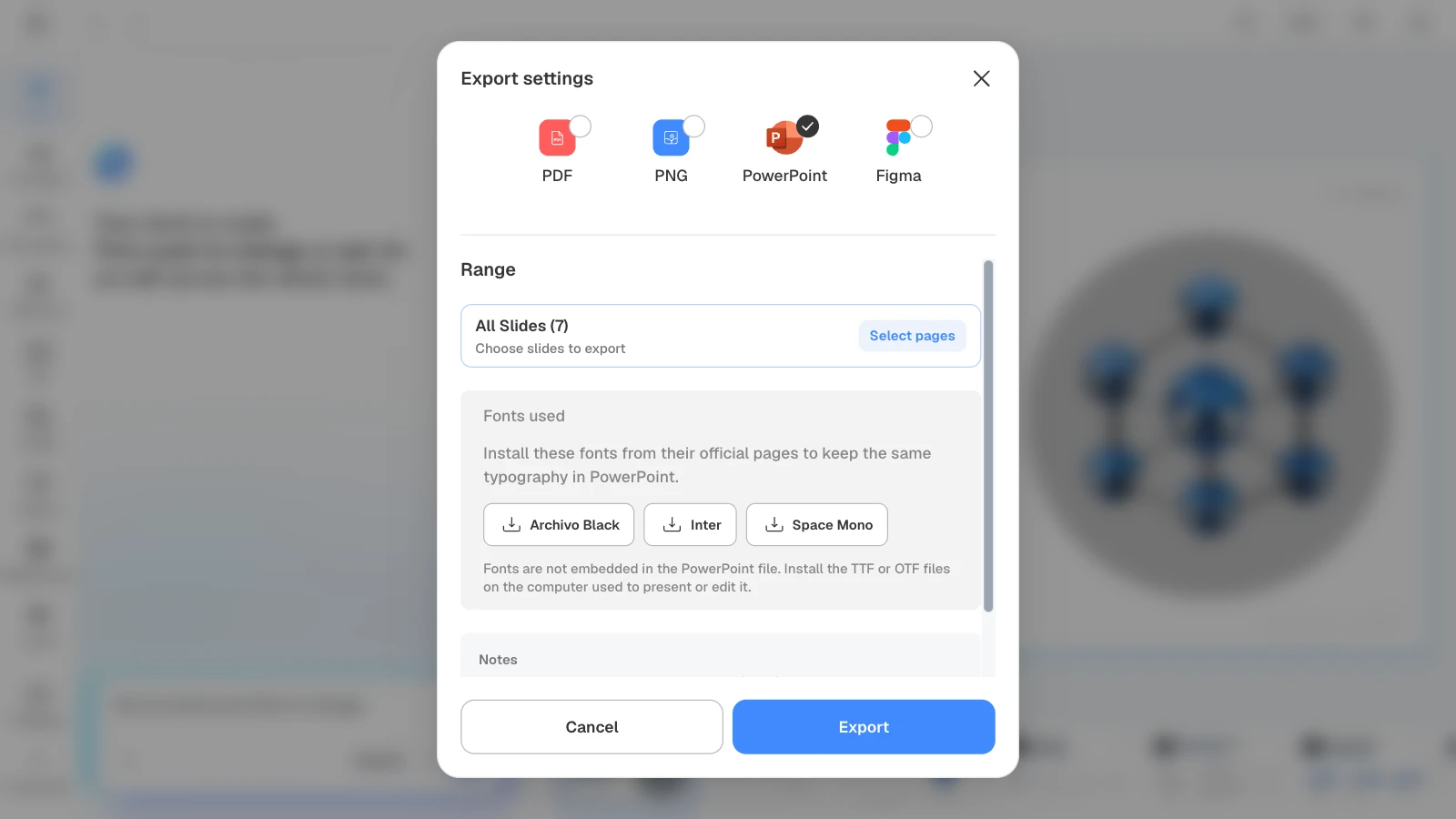
- Files for the meeting: PDF and PNG export on every plan (Free adds a MOVO watermark); PowerPoint (PPTX) and Figma on paid plans. PowerPoint files do not include fonts, so the export dialog lists the fonts the deck uses.
How to build a product launch presentation in MOVO
1. Attach the launch brief and beta data, then describe the deck
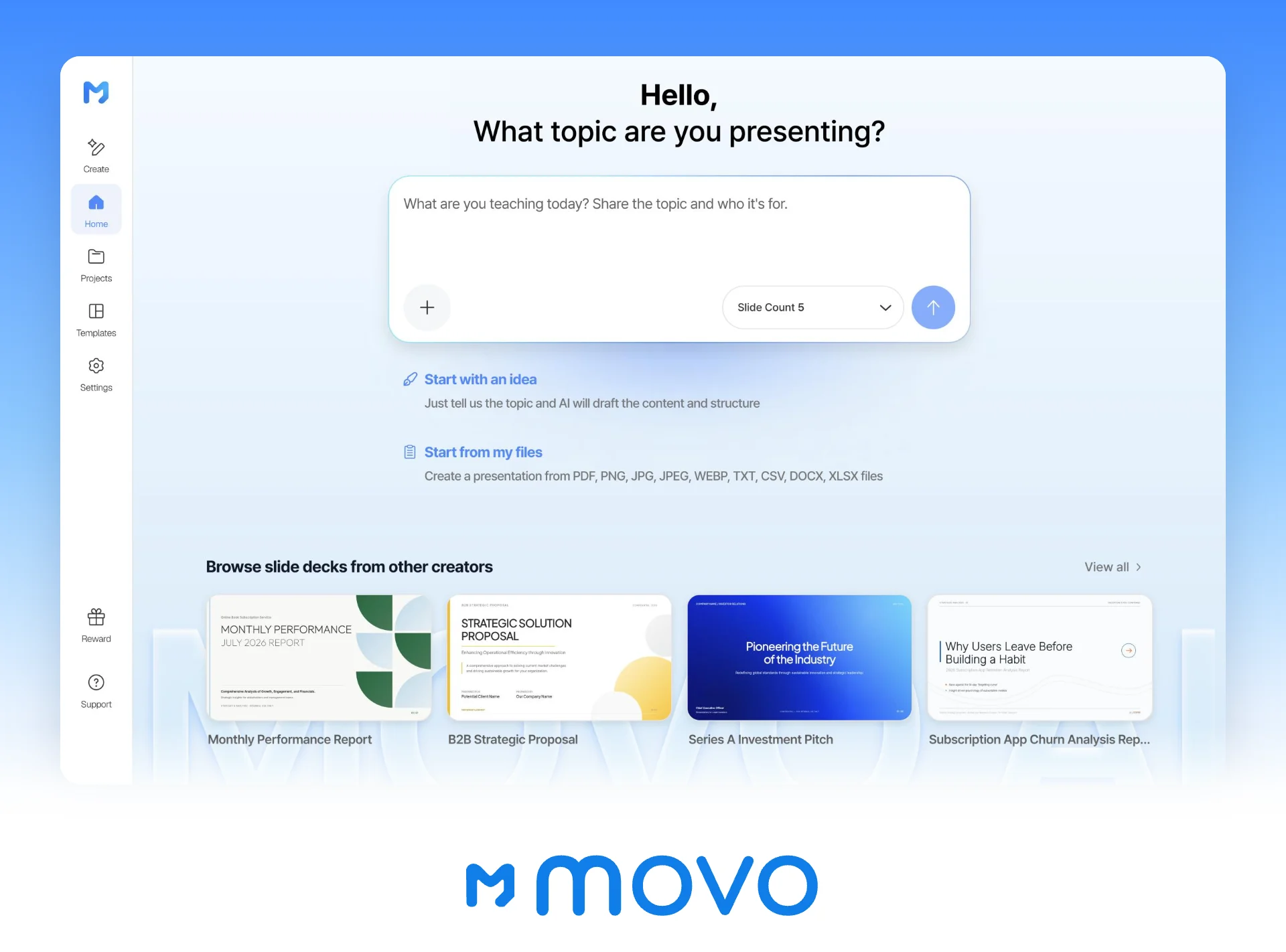
In the dashboard input, attach the launch brief, the beta usage export, and the pricing interview notes. Say who the deck is for and what the AI must not invent, and set Slide Count to 10. The menu marks 10 as PRO; the Free plan stops at 5 slides.
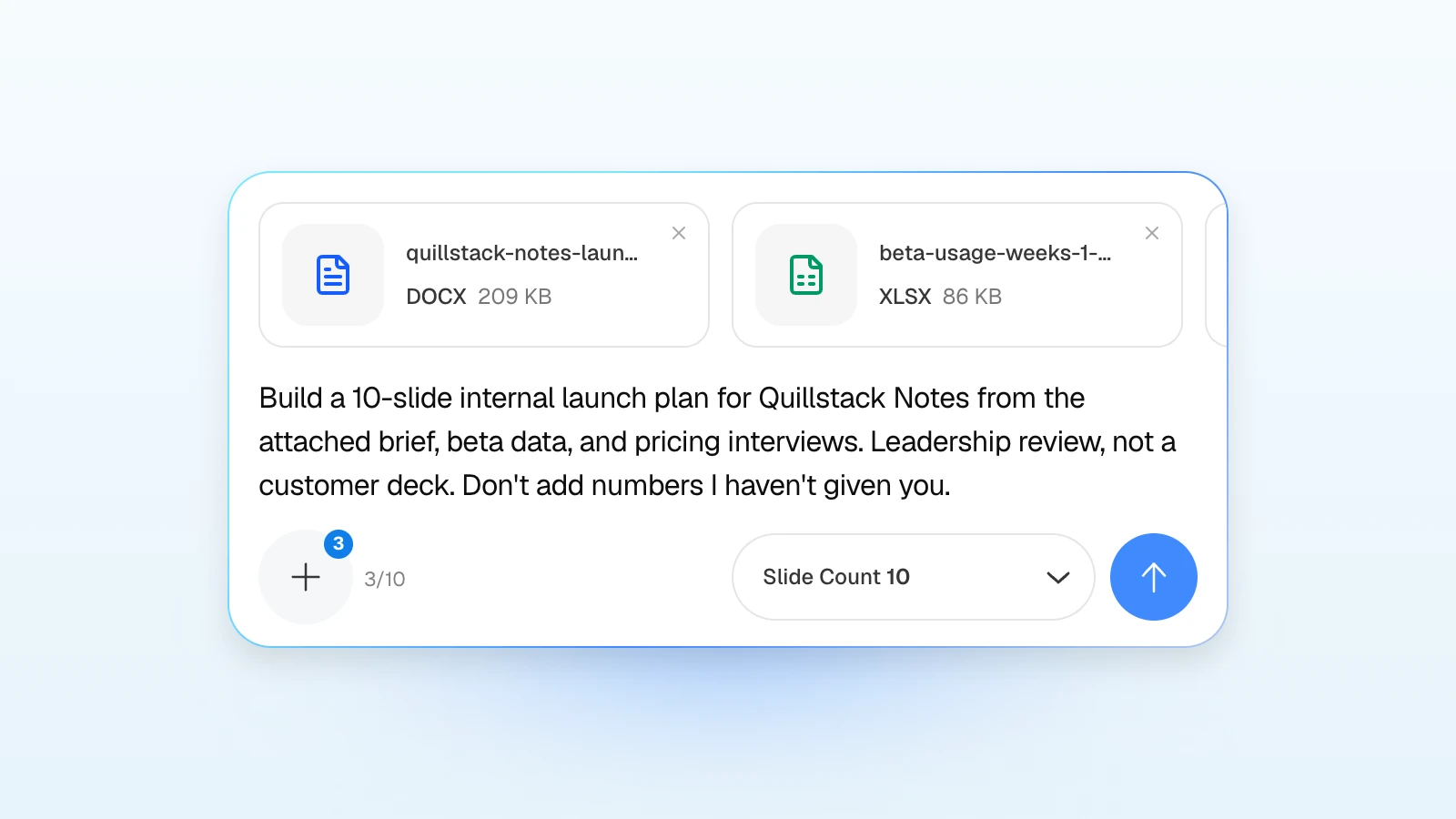
The picture shows a short version. The full request:
Build a 10-slide internal launch plan for Quillstack Notes, a paid meeting-notes add-on, from the attached launch brief, beta usage data, and pricing interview notes. Audience: the leadership team and go-to-market leads at the launch review. Slides: summary and the ask, customer problem and beta evidence, target customer, positioning, pricing and packaging, launch tier and timeline, channel plan, enablement, 30/60/90-day metrics, risks and go/no-go criteria. Put the go/no-go criteria in a table with an owner and a pass/fail column. Use only numbers from the files, and label targets as targets.
Replace the product, the files, and the slide list with your own.
2. Check the outline for the pricing and go/no-go slides
Read each slide's title and details against the launch brief. Check that slide 5 states the price you want approved, that slide 9 has day 30, 60, and 90 targets, and that slide 10 lists criteria with owners. Drag slides to reorder them. MOVO builds the slides from this outline.
3. Set the audience to Executive
In Settings, choose "Executive" as the audience, "Balanced" design density, and "Formal" copy tone. Add brand colors if the deck goes beyond the launch team.
4. Pick a design
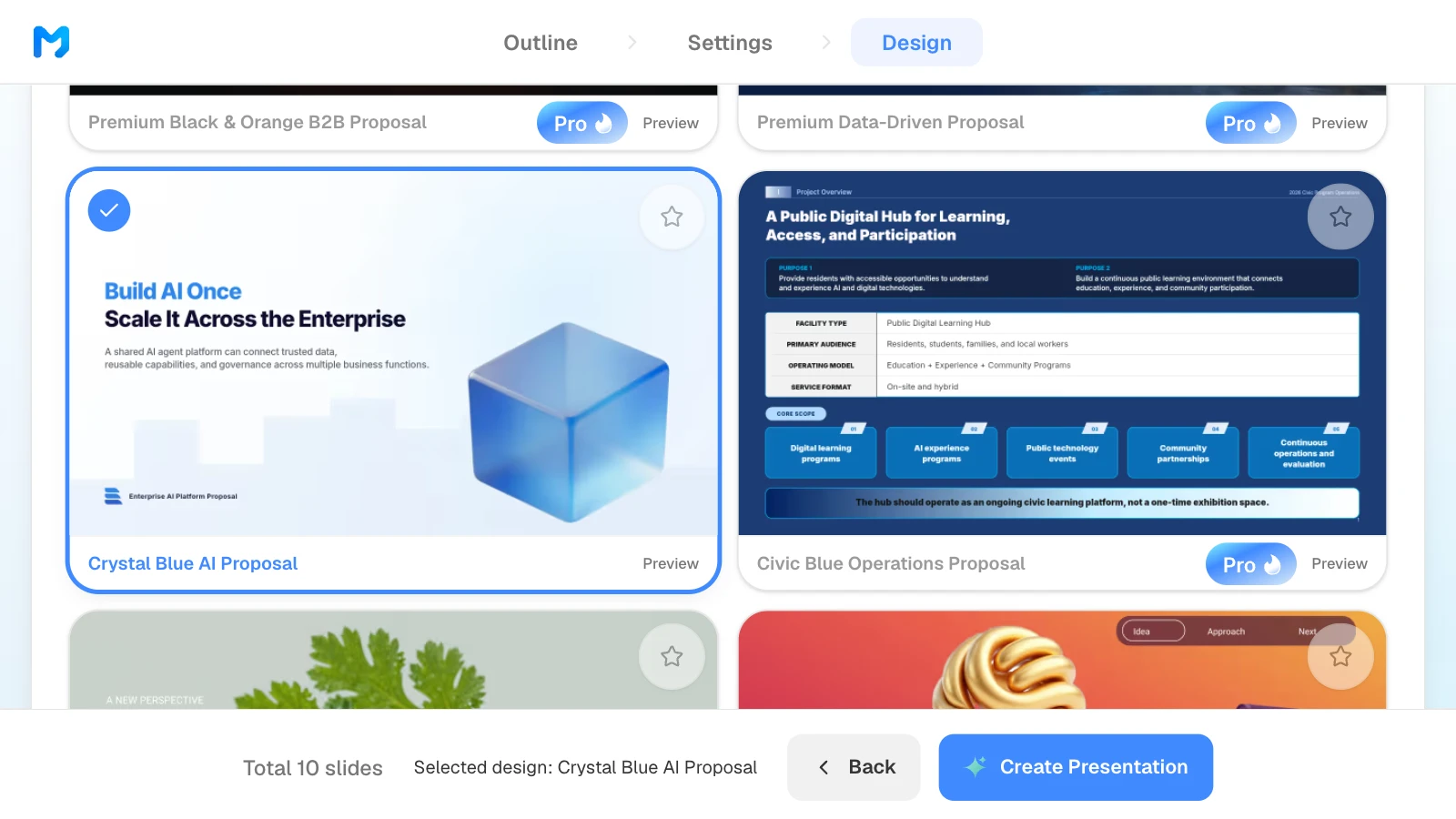
Open the filter that reads "All", next to "Favorites only", and choose "Proposal / Persuasion" to see styles made for decks that ask for a decision. Open "Preview" to see sample slides, pick one, and click "Create Presentation". Styles marked "Pro" are for paid plans.
5. Check the numbers and fix one slide at a time
Compare every number with the beta export and the pricing notes. To fix a slide, select it and ask in the AI panel, for example "Replace the three outcomes with our day 30, 60, and 90 targets." Then click "Check layout" below the canvas to find text that overlaps or gets clipped on that slide.
6. Export the file for the review
Send a PDF as the pre-read, and export to PowerPoint if finance or sales will edit the deck. Install the fonts the export dialog lists on the computer you present from.
3 templates for each stage of a product launch
These MOVO templates are in English. The companies and numbers in them are fictional and show structure only. Open one and click "Start from this deck" to copy it into your projects; copying works on every plan.
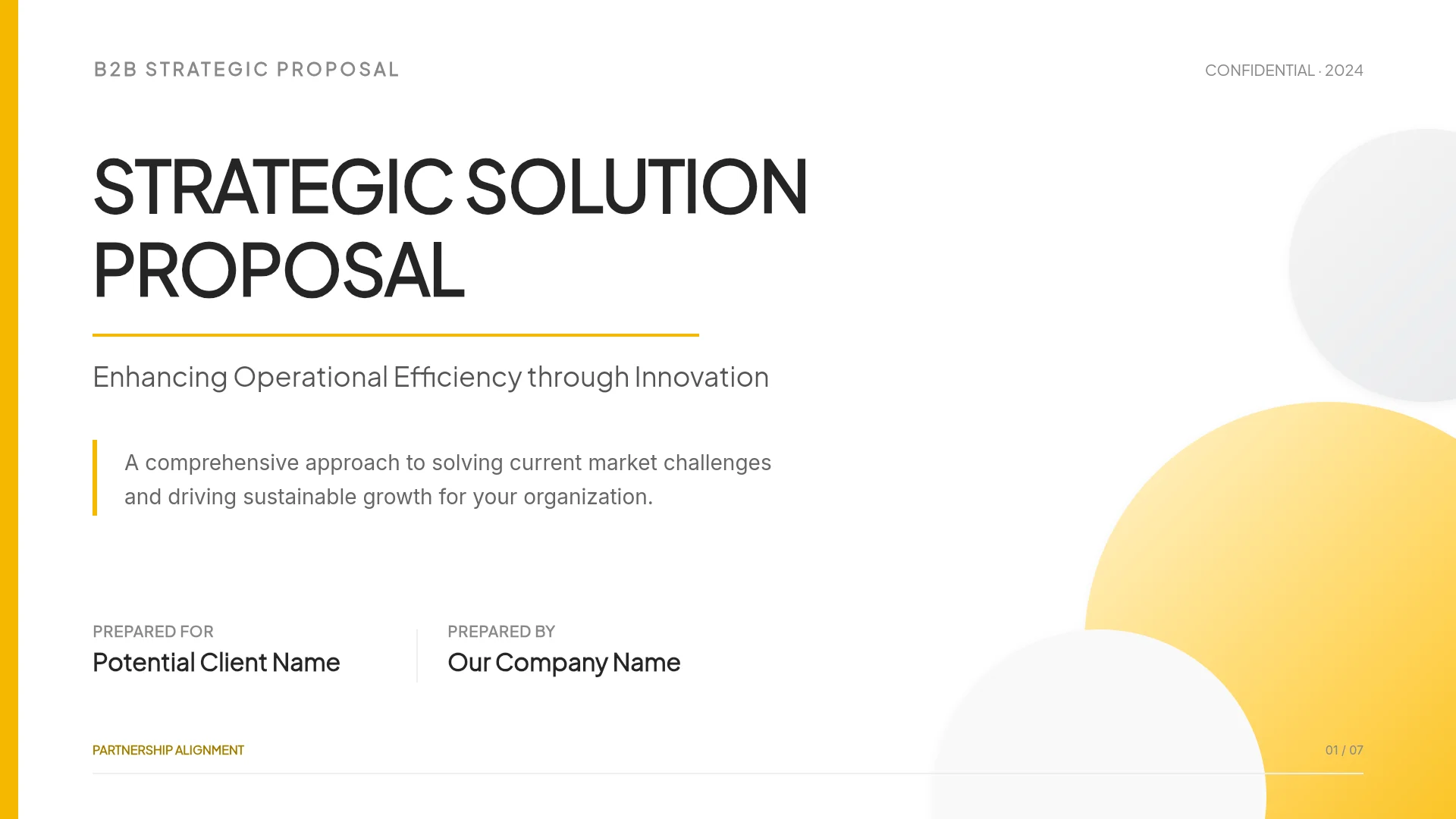
1. Retail Operations Consulting Proposal (7 slides)
A proposal to redesign store operations for a retail group: three problems, three objectives, four phases from a workflow audit to a pilot, three workstreams, three outcome targets, and a closing slide that asks to start phase 1. Fits the internal launch plan for a leadership review. Rewrite its objectives slide as the positioning, and add target customer, pricing, enablement, and go/no-go slides.
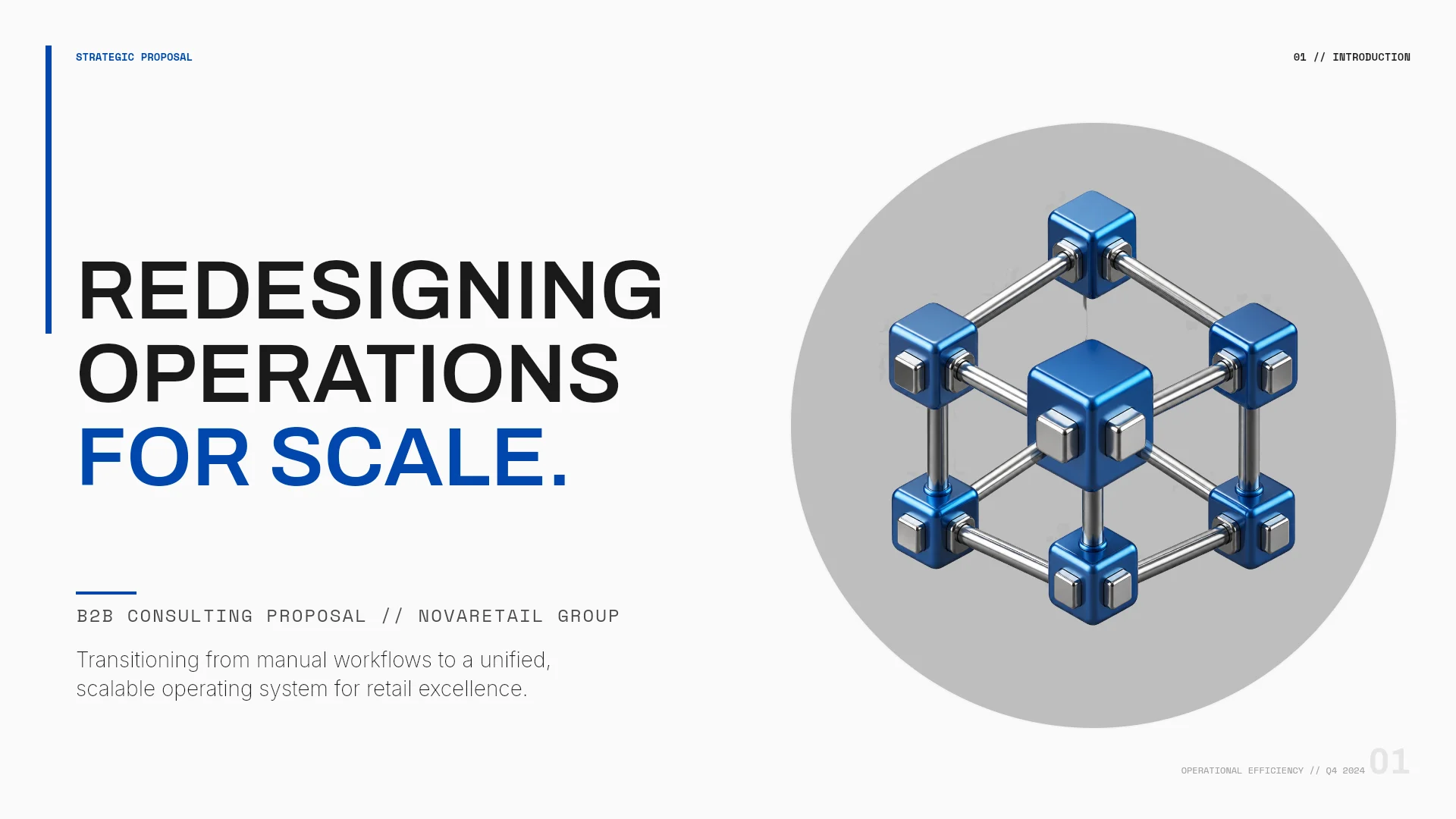
View the Retail Operations Consulting Proposal template
2. Teal Trajectory (4 slides)
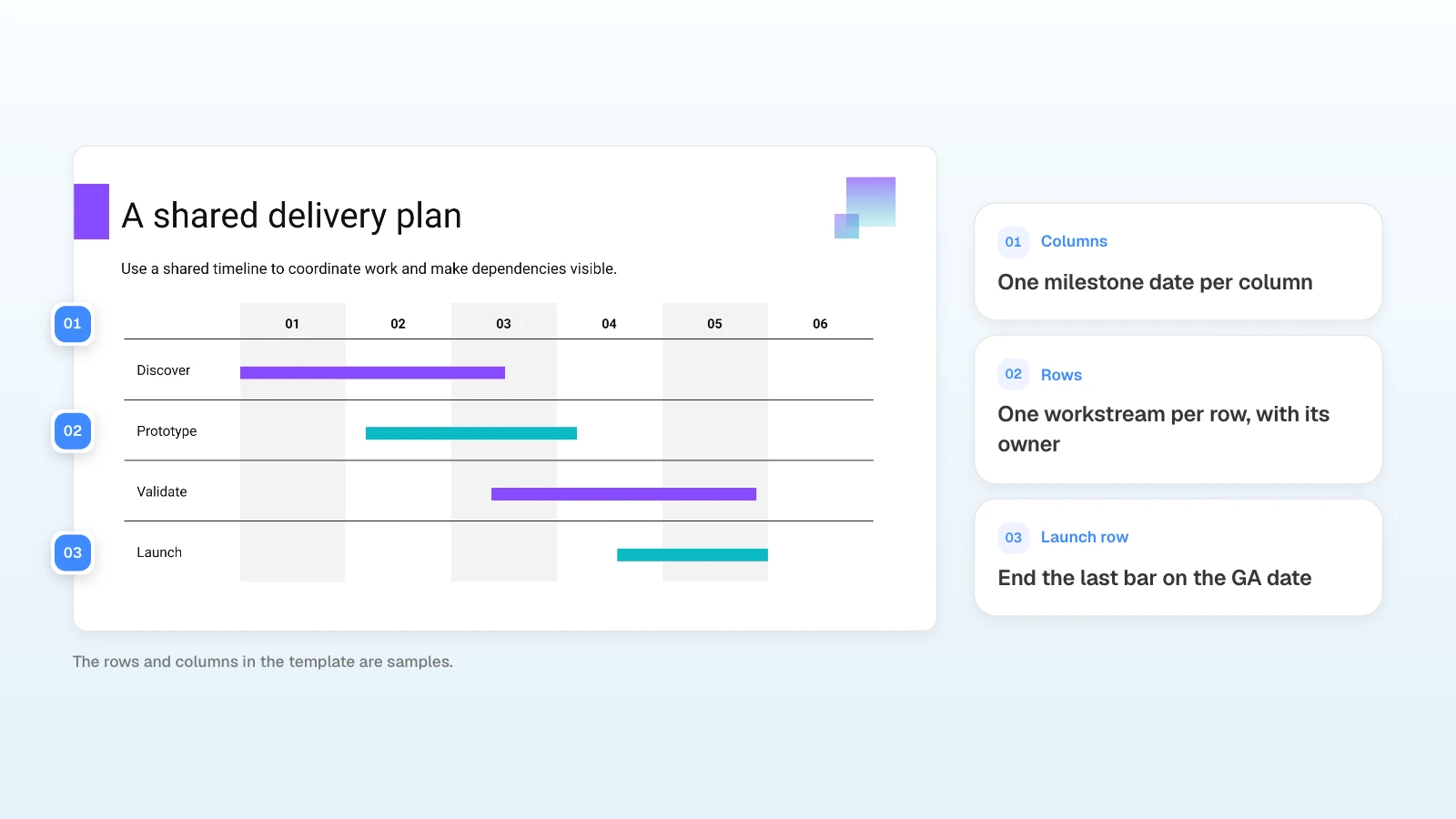
A short planning deck: a delivery plan with Discover, Prototype, Validate, and Launch rows across six numbered columns, four steps from Define to Deliver, and a closing slide that reads "Choose an owner, agree a milestone, and begin." Fits the timeline you send the go-to-market team after the plan is approved. Number its columns as your milestone dates and rename the rows as your workstreams.

View the Teal Trajectory template
3. Monthly Performance Report (7 slides)
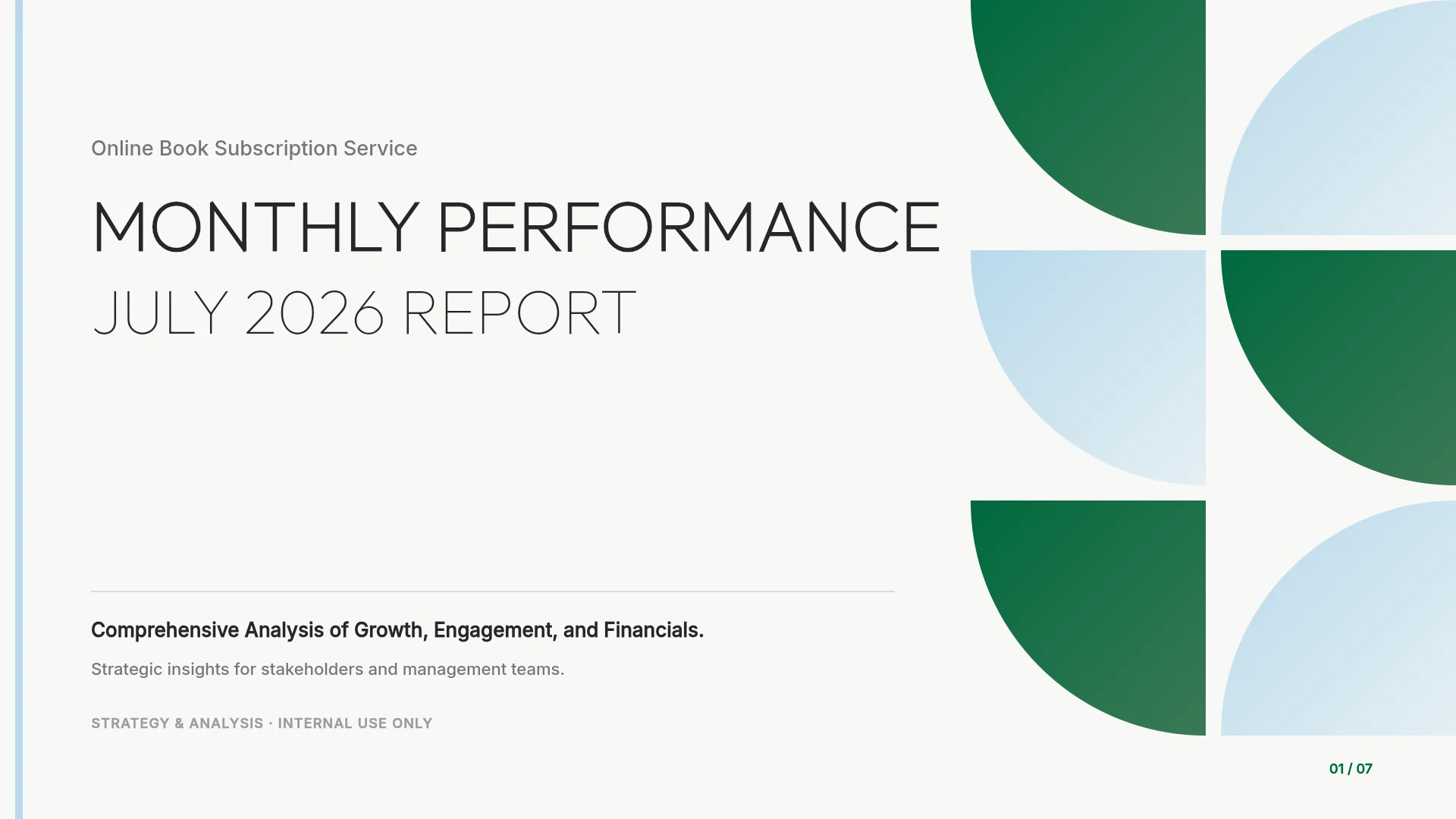
A month of results for an online book subscription service: four headline numbers, weekly sign-ups and engagement, genre trends, feature adoption, revenue and renewals with acquisition cost against lifetime value, and next month's roadmap. Fits the day 30, 60, and 90 reviews, when you compare results with the targets in the launch plan.
View the Monthly Performance Report template
Frequently asked questions
How many slides should a product launch presentation have?
Ten slides fit a 30-minute leadership review with time left for questions. Move beta details, interview notes, and the full channel calendar to an appendix. A Tier 3 launch rarely needs a deck; release notes and a one-page brief cover it.
Should the sales team get the same deck?
No. Build a separate customer-facing deck from the positioning, pricing, and demo, and remove trial targets, costs, and the go/no-go list. Start it as a new request with the problem, the features, the rollout steps, and the plans.
Who should be in the go/no-go meeting?
Invite the person who owns the decision, here the VP Product, and one owner for each criterion: engineering, product, legal or security, billing, enablement, and support. Finance and sales leaders join when the price or revenue targets are still open. Each owner reports pass or fail for their criterion.
What if the launch date moves?
Change the summary and timeline slides together, and keep the go/no-go meeting one week before the new GA date. Write down why the date moved and which criterion has to pass, so the next meeting checks the same list.
Can I build a 10-slide launch deck on MOVO's Free plan?
AI generation on the Free plan makes up to 5 slides per deck, so a 10-slide plan needs Pro, which makes up to 30, or Max. You can still copy any template above on the Free plan and edit it there. Free exports PDF and PNG with a MOVO watermark; PowerPoint export is on paid plans.
Summary
A product launch presentation for leadership is a decision document: ten slides from the ask to the go/no-go criteria. Put the price and launch date you need approved on the first slide, back the pricing choice with evidence, size the launch with a tier and a dated timeline, commit to a few 30, 60, and 90-day metrics with owners, and write go/no-go criteria that can fail. If you have a launch brief and beta data, attach them to MOVO and start from the outline.